



- Industry: Government / Environmental Science
- Products: Custom Water Date Interface, Zamok Kiosk Management Software, Zamok AI Assistant
- Kiosk Model: Indoor 55′ Monolith Kiosk
Background
The U.S. Geological Survey, working with Suffolk County, New York, runs a water monitoring program that tracks water quality in real time and builds public awareness of local water resources. Suffolk County’s sole-source aquifer supplies drinking water to 1.5 million residents, and its waterways support tourism, aquaculture, and recreation.
USGS wanted to bring that science out of the field and into a busy public space, giving visitors an easy way to explore live water conditions, understand scientific measurements, and find reliable information about their environment.
With the addition of Zamok AI, visitors can also ask questions in everyday language and receive guidance to relevant information across the extensive USGS website.
Business Challenge
-
Technical measurements like pH, dissolved oxygen, specific conductance, and turbidity needed plain-language explanations.
-
The extensive USGS website contained valuable educational resources, but visitors needed a simpler way to find information relevant to their questions.
-
Content had to follow USGS visual-identity standards and undergo an internal publications review.
-
Accessibility was a key consideration, including ongoing work toward Section 508 and WCAG requirements.
-
USGS needed a reusable solution that other Water Science Centers could deploy in their own regions without new development.
Solutions Delivered
Advanced Kiosks designed, built, and installed a custom interactive water data experience on a 55″ Indoor Monolith Kiosk at the H. Lee Dennison Building. The kiosk connects directly to USGS Water Data for the Nation, providing access to current environmental measurements and educational information.
Visitors can:
-
Explore an interactive map of five USGS Super Gage monitoring stations across Suffolk County.
-
Swipe between stations, with the active site highlighted on the map.
-
View current water-quality readings on easy-to-read 7-day and 30-day graphs.
-
Watch a rotating sequence of recent camera images from monitoring stations.
-
Learn what measurements mean through graph-reading guides and definitions from the USGS Water Science Glossary.
-
Ask Zamok AI questions about water science and locate relevant USGS information using natural language.
-
Use voice interaction and audio assistance to make information easier to access
For USGS staff, the system includes:
-
A browser-based backend for managing content, videos, imagery, and cooperator logos.
-
Controls to hide parameters that should not be displayed publicly.
-
Automatic station setup using a USGS station ID.
-
Zamok kiosk management software for secure application operation and automatic recovery after power interruptions.
-
4G cellular connectivity independent of the building network.
-
Usage statistics and reporting.
-
AI configuration designed to keep answers and information links focused on approved USGS website content.
Zamok AI Makes USGS Information Easier to Find
The USGS website contains an enormous collection of scientific research, environmental data, educational materials, and monitoring resources. Finding the right information can be challenging, especially for visitors unfamiliar with scientific terminology or the structure of the website.
Zamok AI provides a simpler starting point.
Instead of searching through menus and multiple pages, visitors can ask questions in everyday language. The AI helps explain scientific topics in understandable terms and guides visitors toward relevant USGS information.
For example, a visitor might ask:
“Why is water important?”
Zamok AI can help explain the role water plays in drinking-water supplies, ecosystems, and everyday life, while directing visitors to related educational resources from USGS.
A visitor looking for something more specific might ask:
“Can you show me river levels near Concord, New Hampshire?”
The AI is designed to help locate relevant USGS monitoring information, connecting visitors with available data and resources for their area.
This approach makes a large scientific website more approachable, helping visitors move from a simple question to useful information without needing to know exactly where to look.
AI Answers Focused on Trusted USGS Resources
For this installation, Zamok AI is configured to use approved USGS website content and direct visitors only to approved USGS pages.
Rather than searching the unrestricted internet, the assistant focuses on the organization’s own information resources, providing a more controlled experience appropriate for a public-facing government kiosk.
Zamok AI can also be configured for different organizational needs. Options include using approved website content, planned support for selected documents, or broader web access when appropriate. For government and other public-facing environments, limiting the assistant to approved organizational resources is generally the preferred approach.
Voice Assistance and Accessibility
Accessibility is an important part of the USGS kiosk experience.
Zamok AI adds conversational features designed to help visitors interact with information in different ways. Visitors can ask questions using their voice, listen to spoken responses, and have page content read aloud.
These capabilities can be especially helpful for individuals with low vision, visitors who find touchscreen navigation difficult, or anyone who prefers listening to information rather than reading it on a screen.
Advanced Kiosks is working with USGS to evaluate and improve the experience with Section 508 accessibility requirements in mind. This ongoing effort focuses on making scientific information easier for more people to discover, understand, and use independently.
Built to Scale Across the Country
Transferability was a core design priority from day one. The water-monitoring interface uses deployment profiles that bundle monitoring stations, coordinates, branding, educational content, imagery, and cooperator logos into a reusable configuration.
Any USGS Water Science Center can adapt a deployment profile to create its own regional water-monitoring kiosk without changing the underlying interface code.
Zamok AI provides an additional opportunity to make local scientific resources more accessible, with its approved information sources configured for each deployment.
Suffolk County was the first deployment, providing a foundation for additional installations across counties, states, and USGS partner organizations.
Outcome
USGS now has a public-facing educational kiosk that turns complex water science into an engaging, hands-on experience.
Visitors at the H. Lee Dennison Building can explore real-time water conditions, review monitoring data, and learn how USGS research helps protect Long Island’s water resources.
With the addition of Zamok AI, the experience extends beyond charts and maps. Visitors can ask questions in everyday language, receive understandable guidance, and navigate relevant USGS information without searching through a large scientific website on their own.
Combined with voice interaction and accessibility-focused improvements, the kiosk demonstrates how self-service technology can help government agencies make valuable public information easier to find and understand.
The reusable platform also gives USGS a foundation for expanding interactive educational kiosks to other regions without starting over with each deployment.
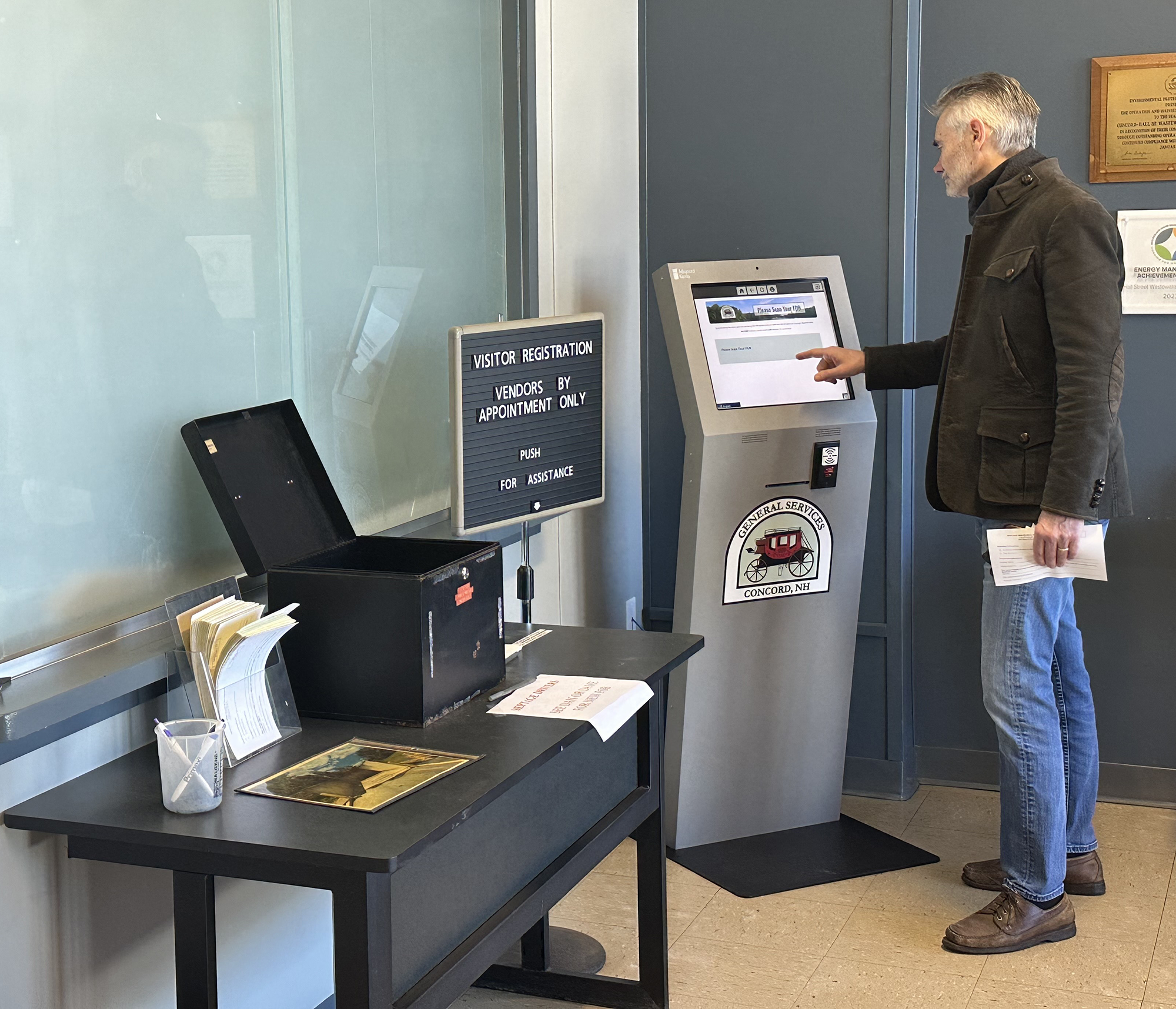
Self-Service Solutions for Government
From lobby automation to document processing, our Government solutions enhance efficiency and improve public service delivery.
Explore solutions >

Customer Projects
Check out some of the many great customer projects we've completed over the past 20+ years as an industry leader and innovator.
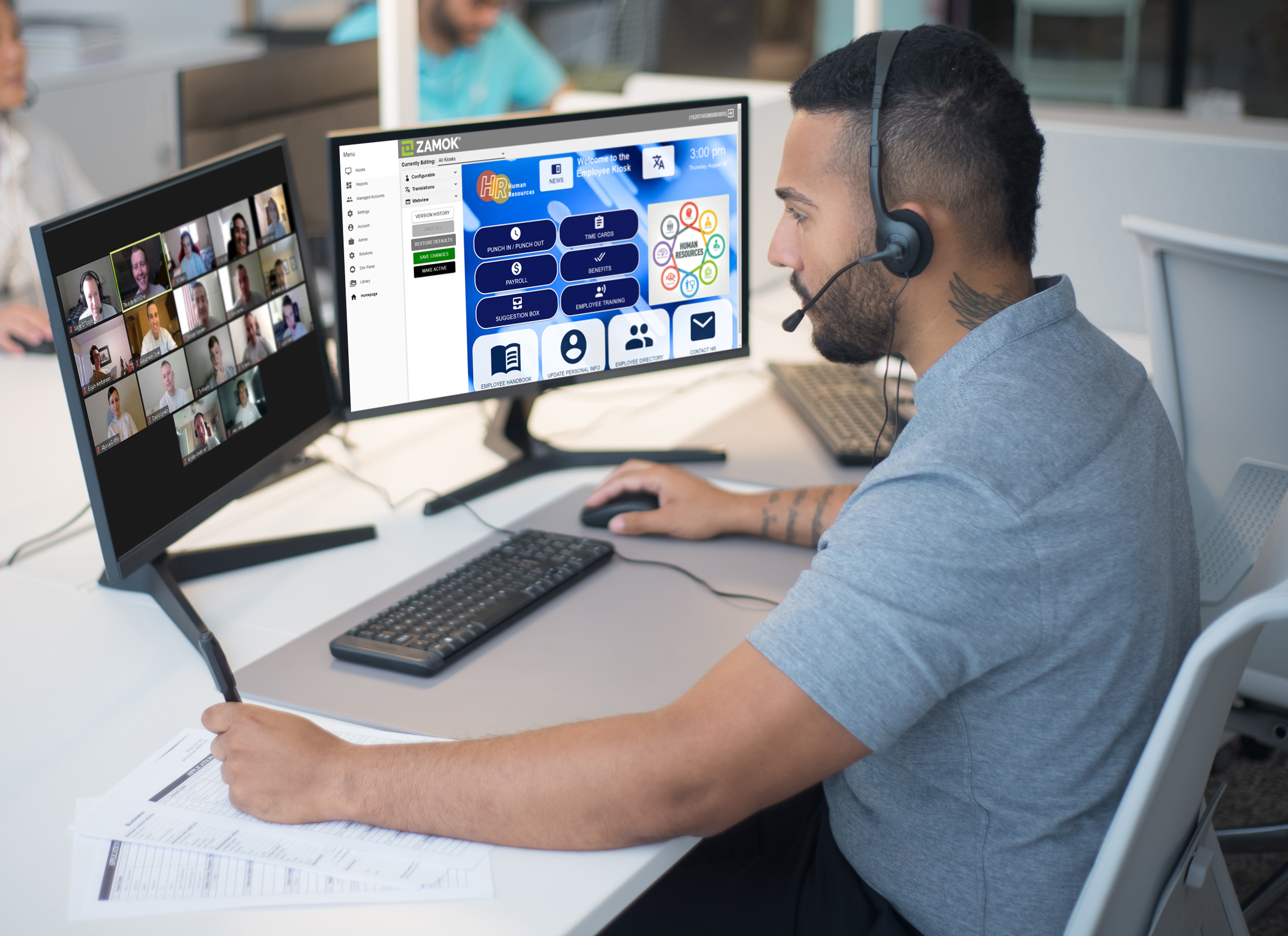
Onboarding & Customization
Did you know that our Onboarding department handles all the heavy lifting for you? Our experts will configure your workflows, design your user interface and train your team for long-term success, so all you have to do is plug the kiosk in and it works!
Additional Resources
Case Studies
Read practical examples and industry insights that show how self-service kiosks support real public-service workflows.
100’s of Videos
Watch product walkthroughs, demos, tutorials, and customer examples to see kiosk solutions in action.
Complete Knowledgebase
Find answers, setup guidance, support articles, and technical resources for kiosk hardware and software.
Newsletter Archives
Explore past updates, product news, customer stories, and self-service technology insights from Advanced Kiosks.
Kiosk Gallery
Browse photos of kiosk models, installations, configurations, and real-world deployment environments.
Start a Conversation
If you are feeling inspired by this customer story, please give us a call to discuss your own kiosk project.
FROM OUR BLOG
What Every Organization Should Know Before Implementing AI
Artificial intelligence is rapidly moving from experimentation to implementation across…

Read Our Latest 2026 Newsletter!
Our latest newsletter is packed with updates from the field,…
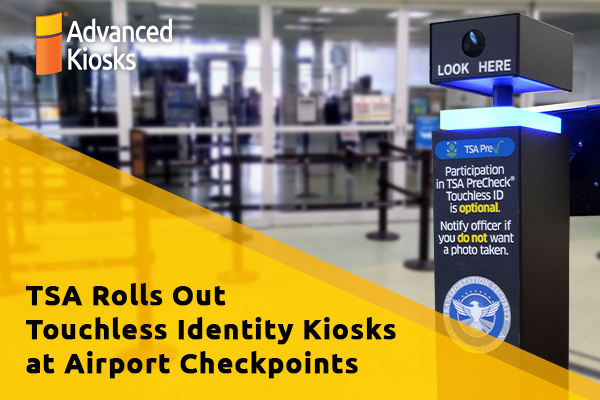
TSA Rolls Out Touchless Identity Kiosks at Airport Checkpoints
Moving millions of passengers safely through airport security requires more…
Outdoor Kiosks: Answers to the 10 Most Common Questions
As organizations look to bring services outside the traditional lobby,…
What to Know About Kiosk Check-In/Check-Out Systems
If you\'ve visited a modern government building, healthcare facility or…