Wayfinding Kiosks – Digital Building Directory
What is a wayfinding kiosk?
A wayfinding kiosk is a touchscreen, self-service system that helps visitors navigate large buildings or campuses using digital maps, directories, and search tools. These kiosks allow users to locate offices, departments, people, or destinations and receive step-by-step directions. Wayfinding kiosks are commonly used in hospitals, universities, government buildings, airports, corporate campuses, and public spaces to reduce confusion, improve visitor flow, and minimize reliance on staffed information desks.
Provide your customers with a self-service digital wayfinding kiosk. With our interactive wayfinder kiosk solution, deployers can:
- Provide visitors with turn-by-turn interactive directions to their destination
- Notify guests of activity schedules, upcoming events or other information
- Communicate information about local businesses or attractions
- Wayfinding kiosks deliver emergency alerts and directions to safe spaces
- Display digital advertising when kiosks are not in use
- Great for hospital, airport, campus, downtown office building locations
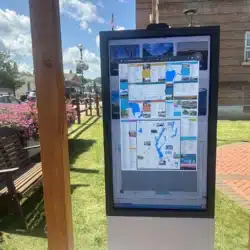
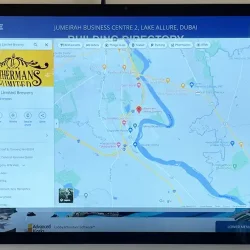
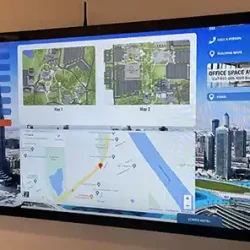
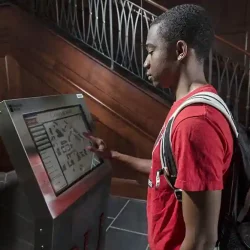
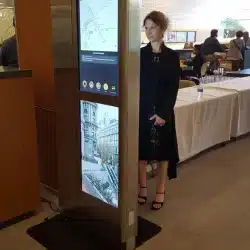

Wayfinding Kiosks Can Show the Way
Asking a stranger for directions can be awkward, but asking a self-service kiosk to help you find your way is easy. Interactive digital kiosks are the perfect way to provide engaging and intuitive directions.
Interactive maps on wayfinding kiosks can provide visitors with step-by-step directions to their destination. Wayfinding solutions are quickly becoming an expected feature in modern facilities such as hospitals, schools, office buildings, downtown areas and more.
Our Vistor Management System provides unlimited maps and directories, customized to serve your specific needs.
How Our Wayfinding Kiosks Work
-
Secure kiosk platform (Zamok):
Zamok provides the core kiosk operating environment, handling device lockdown, uptime, remote management, and security for all wayfinding kiosks. -
Flexible mapping and directory options:
Wayfinding kiosks support static floor maps, interactive digital maps, searchable building directories, person or department search tools, QR-based navigation, and custom search-and-find forms. -
Third-party mapping integrations:
Outdoor navigation and general location reference can use Google Maps. Indoor navigation is provided through integrated third-party mapping platforms rather than native Google indoor mapping. -
Modular, use-case driven configuration:
Each wayfinding kiosk is configured based on the building layout, visitor volume, and functional requirements, without locking customers into a single mapping technology.
Benefits of Visitor Management System
How the Visitor Benefits:
- Touchscreen maps and wayfinding
- Person/department search with one-touch calling
- Onscreen translation
- 24/7 access to services
How the Building Benefits
- Offer multi-lingual reception service
- Better security in your lobby
- Easy to update from a remote location
- Advertising space
- Personal information security
- 3-Year Hardware Warranty
Wayfinding Kiosk Solution Options
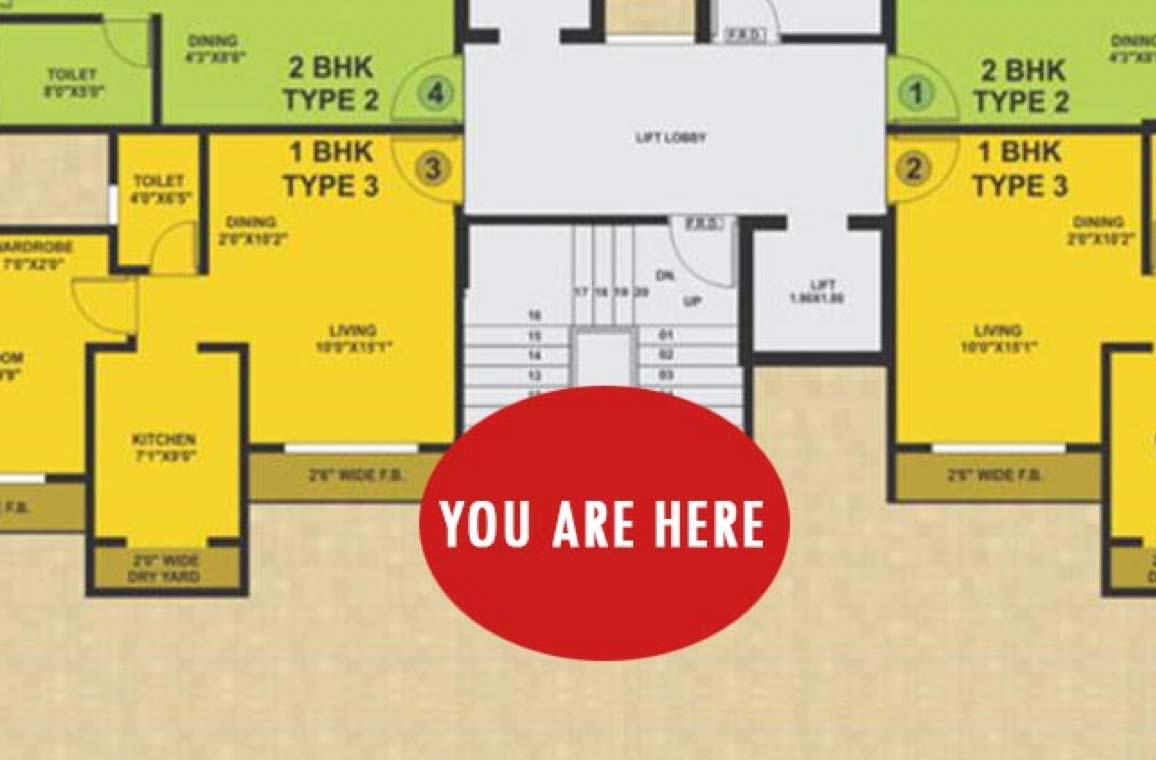
Basic Directories & Maps
This is a great solution for small office buildings or community centers. Users are presented with a two-dimensional map of the floor plan, the starting point and a list of building occupants. Visitors using the wayfinding kiosks simply select their desired destination and are presented with step-by-step directions.
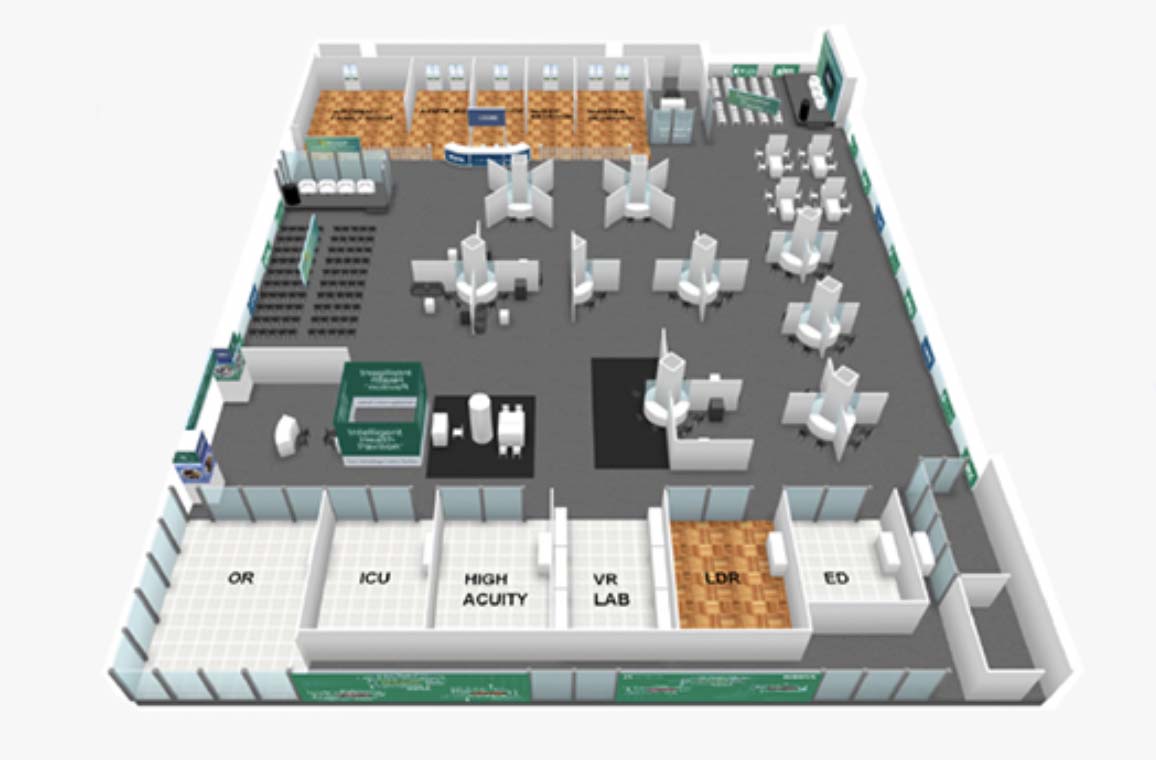
Interactive 3d Maps
Created via a partnership with 22Miles, this solution is perfect for large commercial facilities or campuses with multiple floors and/or buildings. Users of the wayfinding kiosks can scroll through 3-dimensional maps for an interactive wayfinding experience.
Custom Wayfinding Kiosks
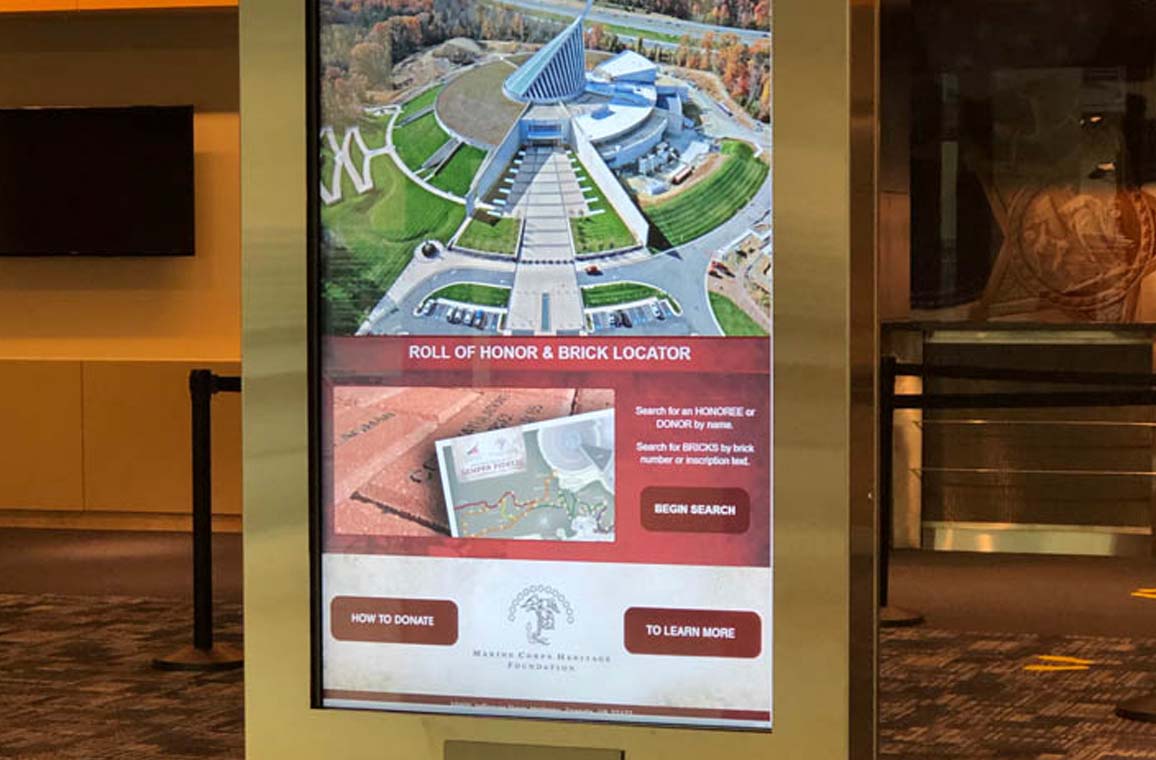
For more complicated situations, Advanced Kiosks can develop a custom solution to meet nearly any need. A perfect example is a project with the Marine Corps Heritage Foundation for its sponsored brick program. A wayfinding kiosk assists visitors to Semper Fidelis Memorial Park in Triangle, Va., to locate specific bricks among the more than 3,000 honoring individual Marines.
Frequently Asked Questions
What are wayfinding kiosks?
Wayfinding kiosks are touchscreen self-service systems that help visitors navigate buildings or campuses using digital maps, directories, and search tools. They allow users to find offices, departments, people, or destinations and receive clear directions without assistance from staff. Wayfinding kiosks are commonly used in hospitals, universities, government buildings, airports, and corporate campuses.
What software do wayfinding kiosks use?
Wayfinding kiosks typically use a secure kiosk operating platform combined with mapping or directory software. The platform manages device lockdown, uptime, and remote updates, while mapping software provides navigation features such as searchable directories, interactive maps, or custom locators. Many systems support third-party mapping tools rather than a single fixed software solution.
Can wayfinding kiosks use Google Maps?
Wayfinding kiosks can display Google Maps for outdoor navigation or general location reference. Indoor navigation using Google Maps is typically provided through third-party mapping platforms rather than native Google indoor mapping. Many kiosks also support static maps, custom interactive maps, search-and-find tools, QR codes, and specialty locators depending on the facility’s needs.
Where can I buy wayfinding kiosks with mapping software?
Wayfinding kiosks with mapping software are available from kiosk manufacturers and integrators that provide both hardware and software configuration. Buyers typically choose a kiosk supplier that can customize screen size, mounting style, security features, and integrate the desired mapping or directory software. Most solutions are configured based on the building type and visitor volume.
How much does a wayfinding kiosk cost?
The cost of a wayfinding kiosk depends on hardware size, indoor or outdoor use, software requirements, and customization. Basic directory kiosks may cost several thousand dollars, while large-format or outdoor kiosks with advanced mapping and management features cost more. Ongoing costs may include software licensing, content updates, or remote management services.
What is the difference between wayfinding kiosks and static maps?
Wayfinding kiosks provide interactive, searchable navigation that adapts to user input, while static maps display fixed information. Kiosks allow visitors to search for specific destinations, receive step-by-step directions, change languages, and view accessibility routes. Static maps require users to interpret directions on their own and cannot be updated dynamically.
Are wayfinding kiosks used in public buildings?
Yes. Wayfinding kiosks are widely used in public buildings such as hospitals, government facilities, libraries, transportation hubs, and university campuses. They help manage visitor flow, reduce confusion, support multilingual access, and improve accessibility without increasing staffing requirements.
Do wayfinding kiosks support multiple floors or buildings?
Wayfinding kiosks can support multi-floor and multi-building navigation when paired with appropriate mapping software. Users can select floors, buildings, or destinations and view routes accordingly. This is especially common in hospitals, corporate campuses, and university environments.
Why would I need a wayfinding kiosk?
If you manage a medical complex, college campus, memorial garden or other large facility where visitors may be unsure of their destination, a wayfinding kiosk is a must.
What are the benefits of a wayfinding kiosk?
The main benefits of a wayfinding kiosk include helping visitors find their destination quickly and easily. Facilities can provide an outstanding experience for their guests without the need for additional staff.
Can wayfinding services be provided in multiple languages?
Yes! Our kiosks can be programmed to deliver services in a variety of languages.
I want to place a wayfinding kiosk outside, but I don’t have access to power. What are my options?
Any of our outdoor kiosks can be outfitted with solar panels. All you need is a location that receives direct sunlight for most of the day.
What happens when the kiosk is not being used?
Kiosks can be programmed with GreenTimer, an energy-saving feature that puts the kiosk in sleep mode when not in use. Users simply tap the screen for manual wakeup.
Can a wayfinding kiosk perform any other function?
Yes! When not providing directions, a wayfinding kiosk can display information about products, promotions, nearby attractions and more.
Can my kiosk be customized?
Absolutely! The kiosk display and wayfinding software can be adapted to meet your specific needs.
FROM OUR BLOG

Outdoor Kiosks: Answers to the 10 Most Common Questions
As organizations look to bring services outside the traditional lobby,…
What to Know About Kiosk Check-In/Check-Out Systems
If you\'ve visited a modern government building, healthcare facility or…
Revolutionizing Kiosk Support with Show & Tell EZ Support
At Advanced Kiosks, innovation is at the heart of everything…

Nine Must-Have Features of a Great Visitor Management System
Your lobby is often the first point of contact for…
Advanced Kiosks Puts AI at the Forefront of Innovation
Advanced Kiosks, a leading provider of self-service solutions, is redefining…