


We Create Electronic Kiosk Interactive Experiences that Engage and Excite
One size definitely does not fit all. That’s why our design services team takes a holistic approach to your project.
We blend user experience with software functionality and electronic kiosk hardware capability to create the custom kiosk experience your customers want and your business needs.








Download Brochure
Download Brochure
Download Brochure

Download Brochure
Download Brochure
Download Brochure
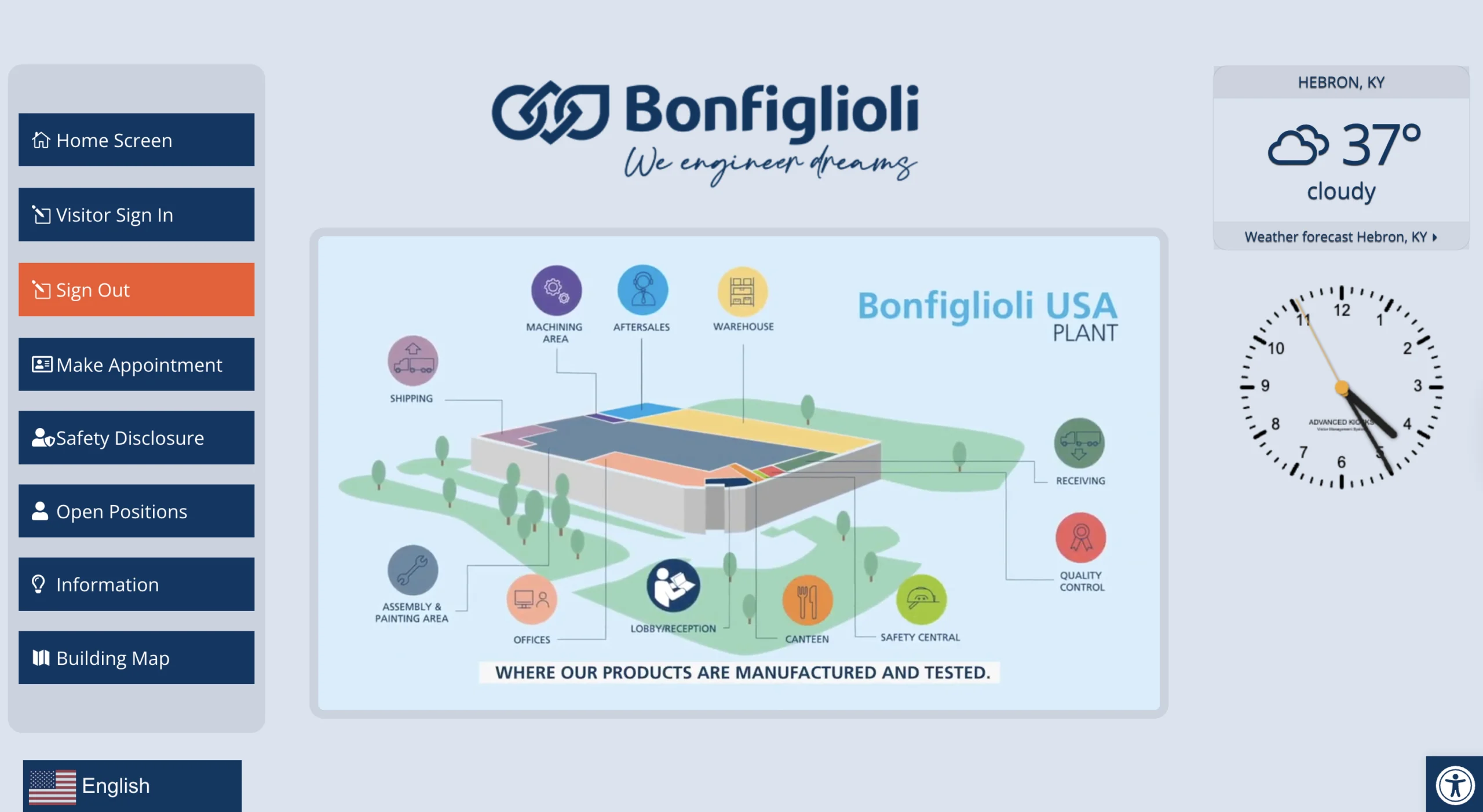
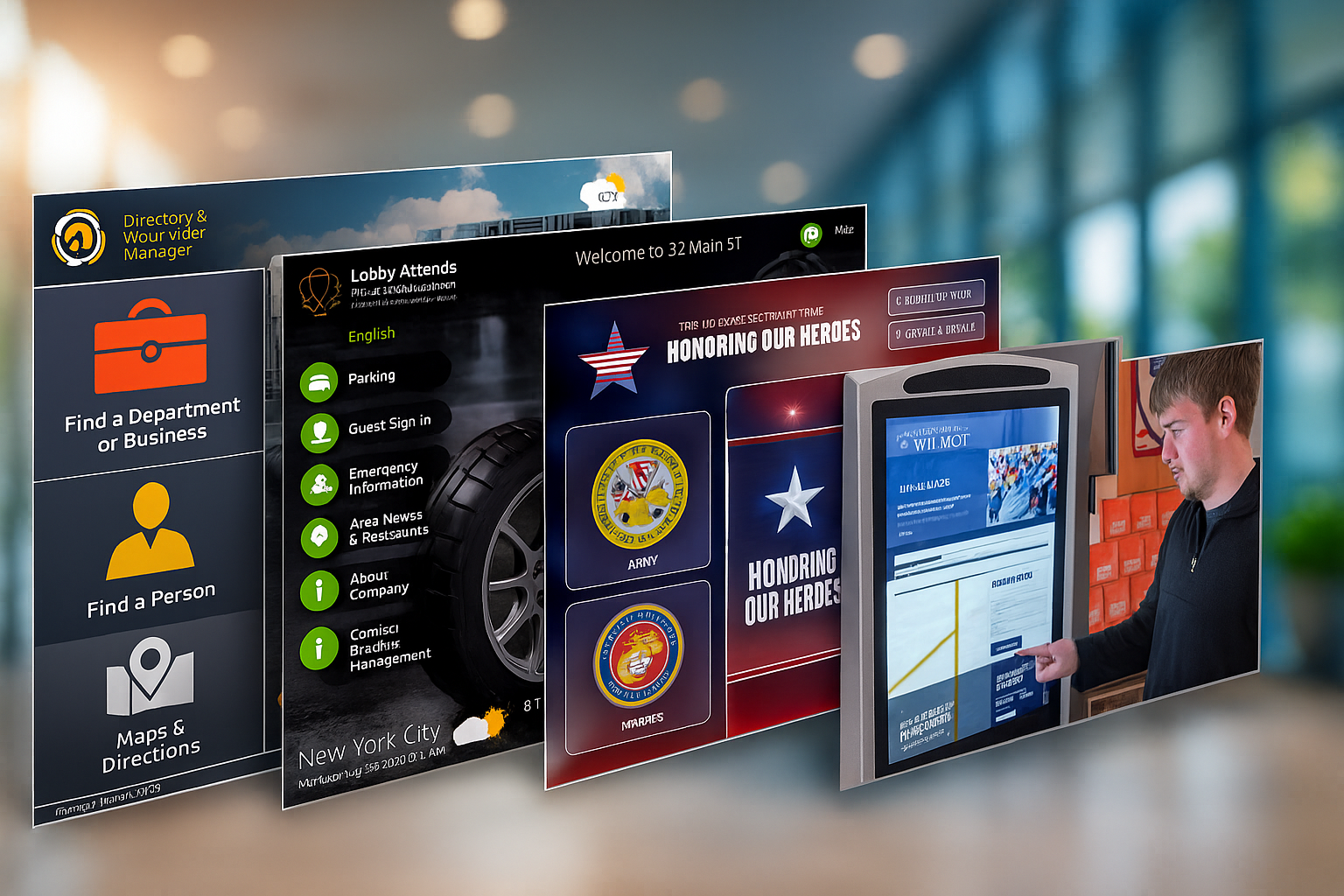
Visitor Management & Check-In
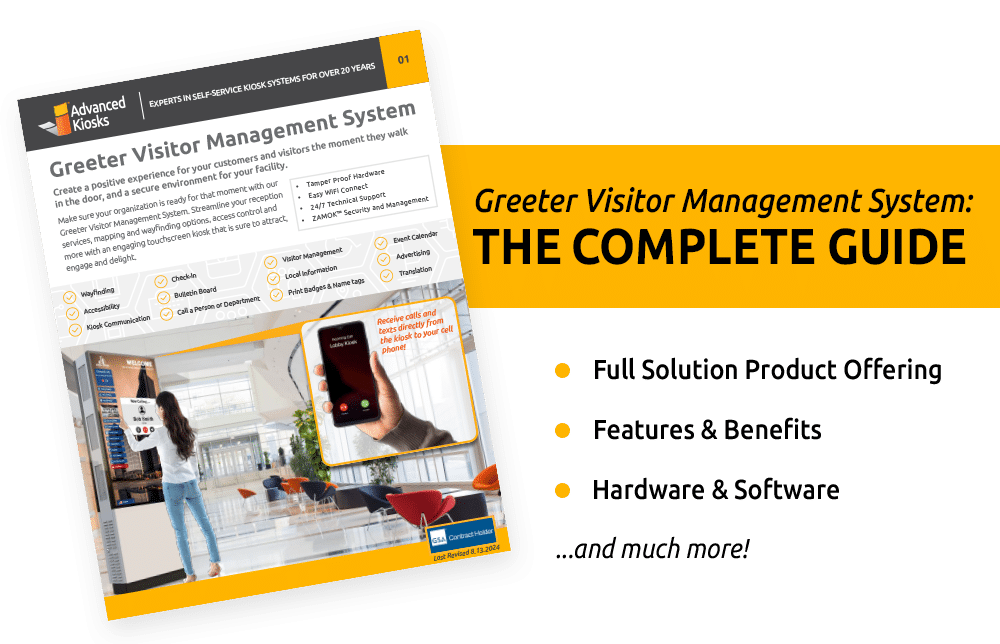
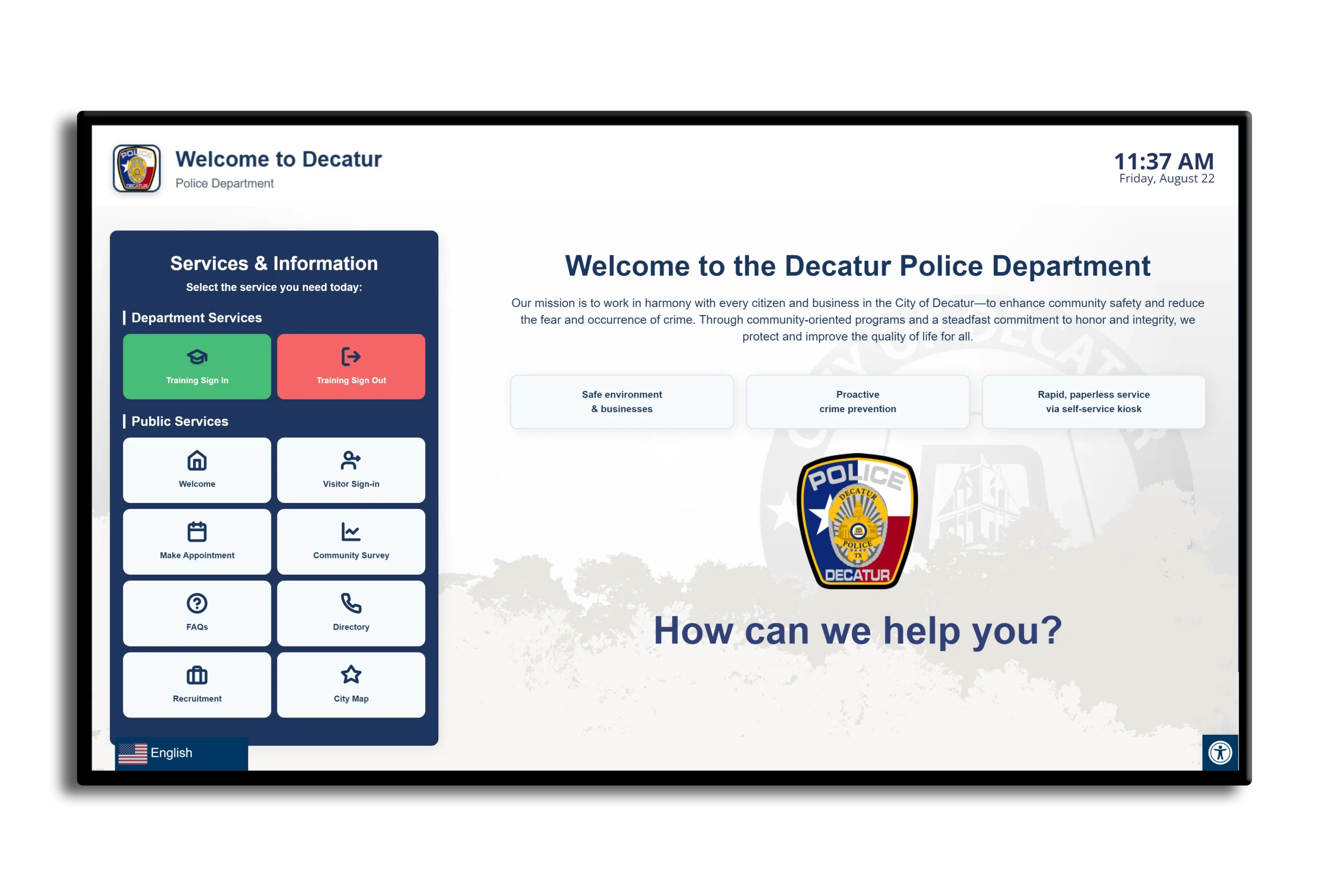
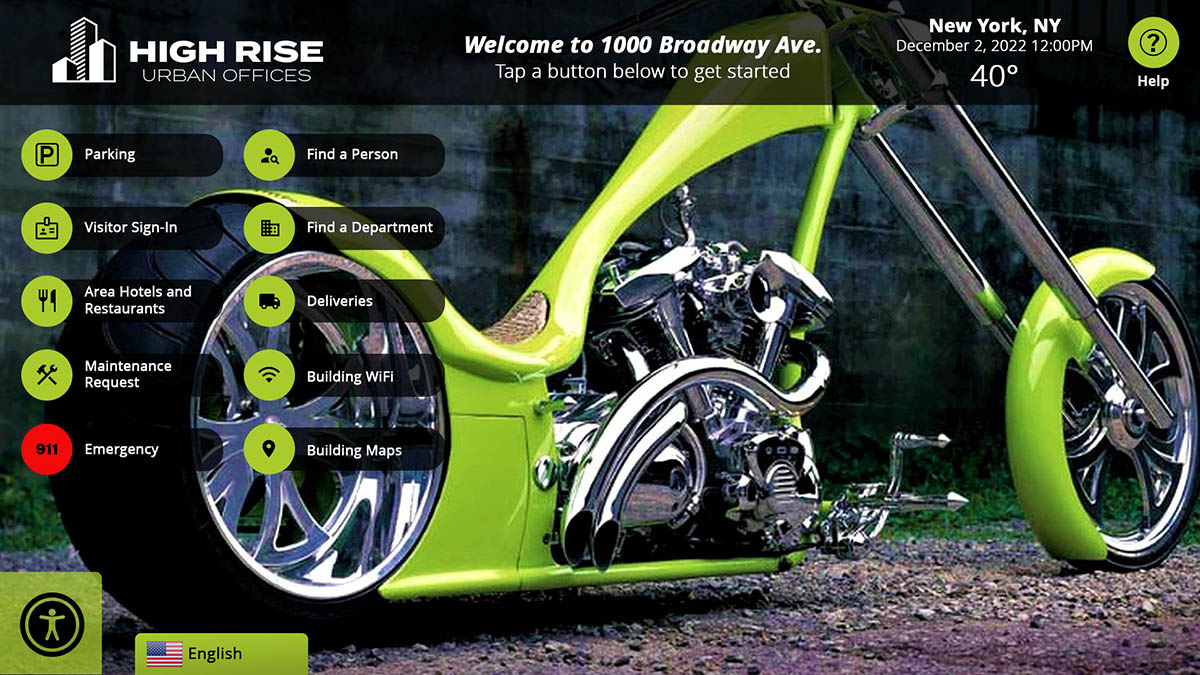
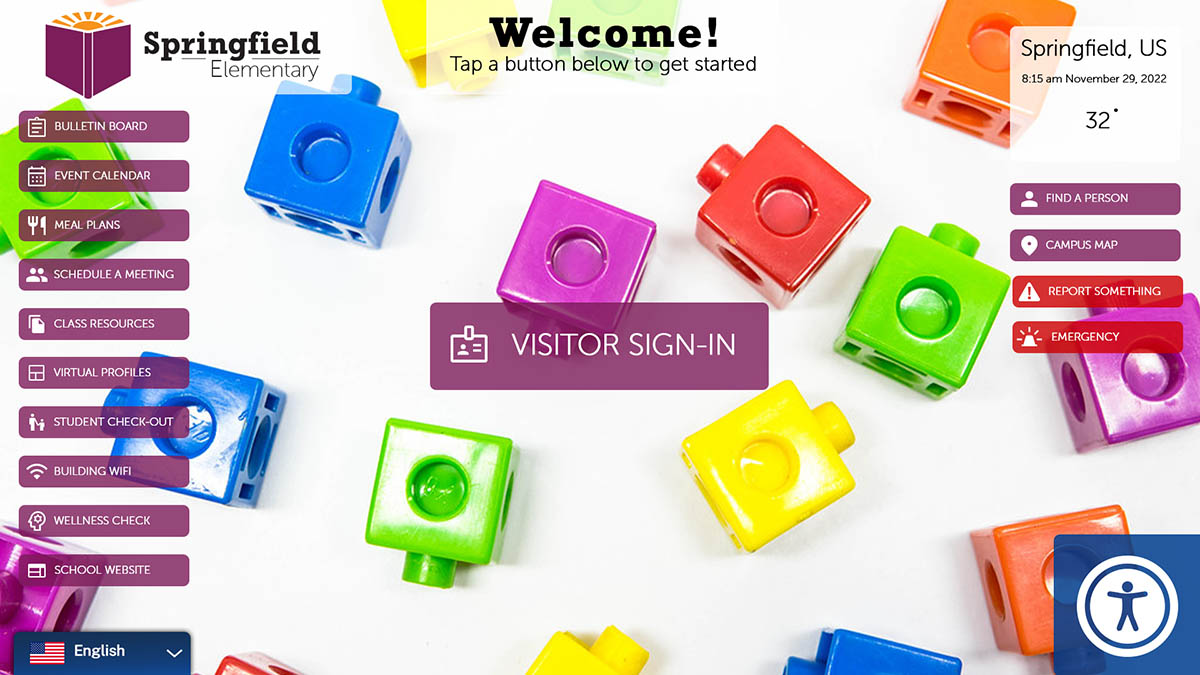
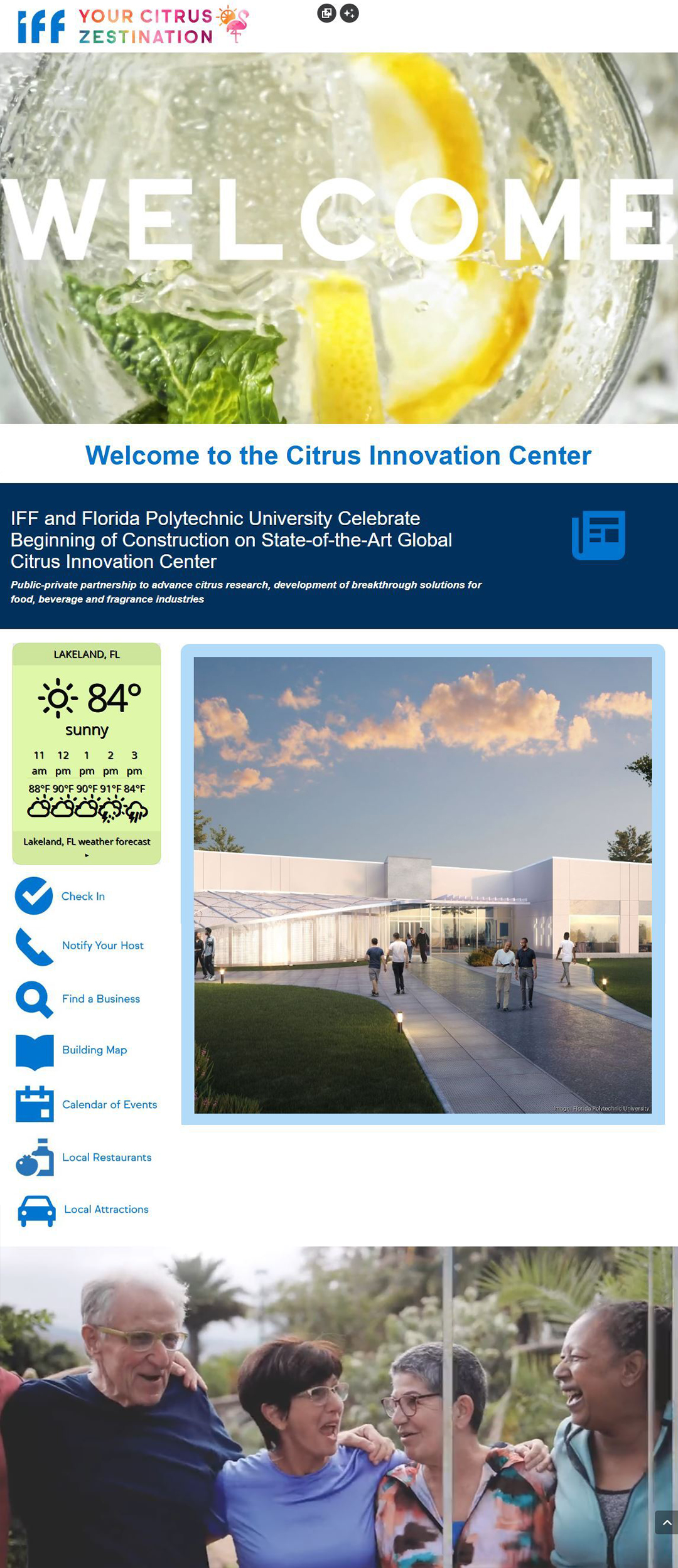
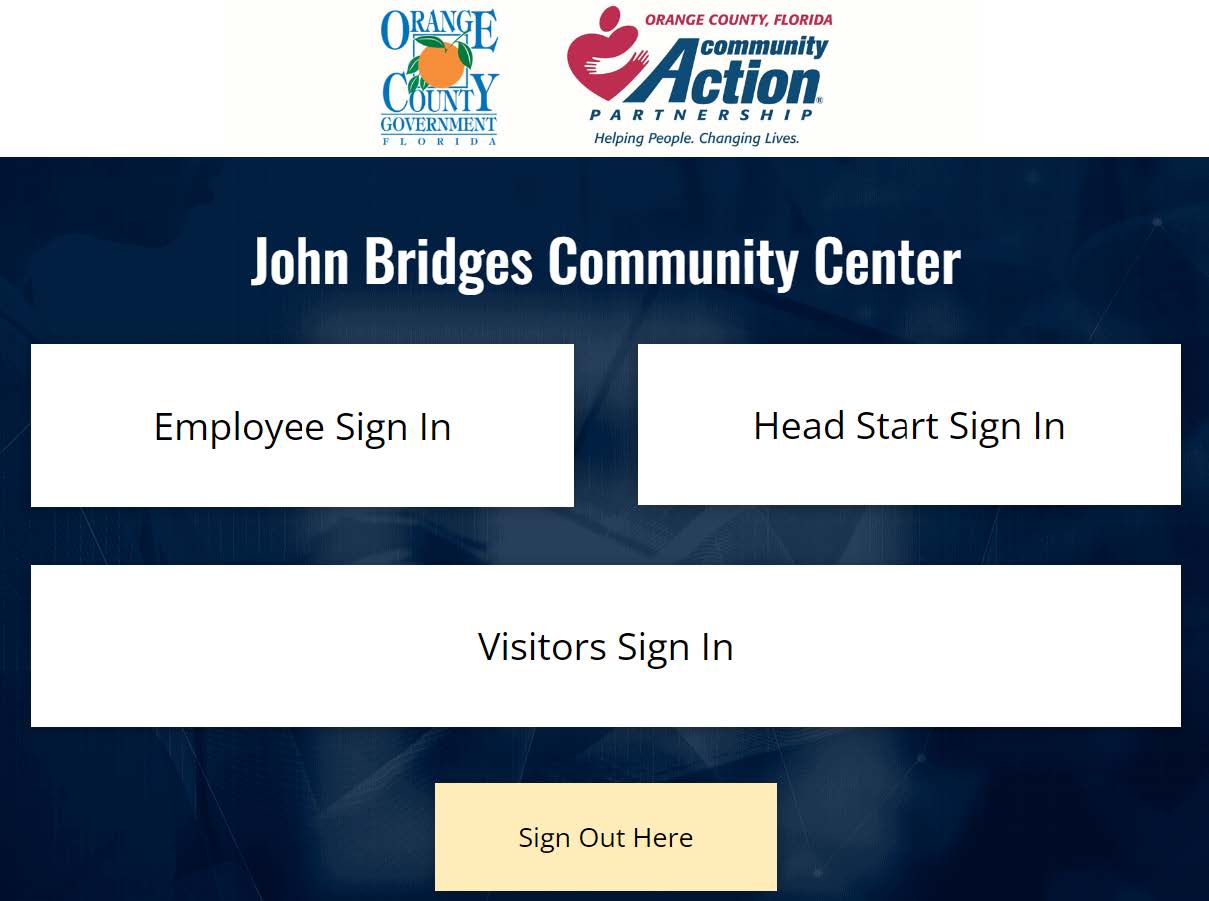
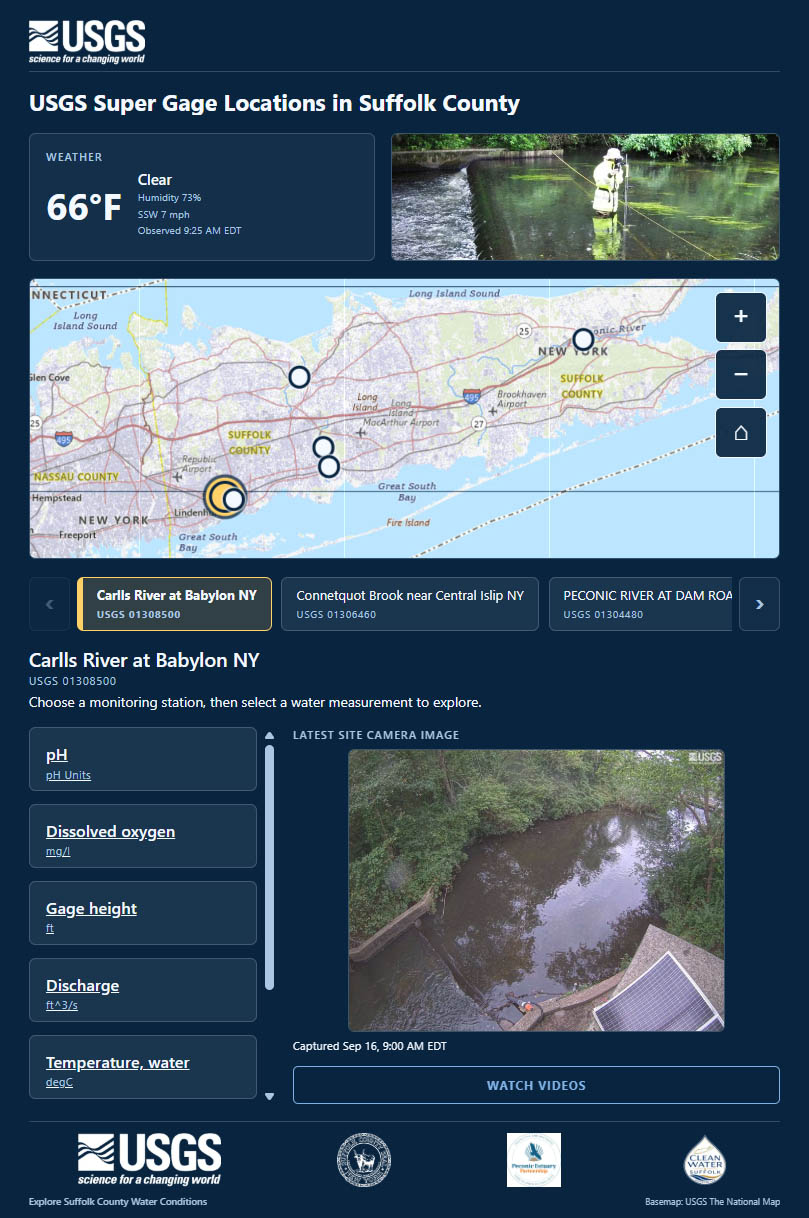
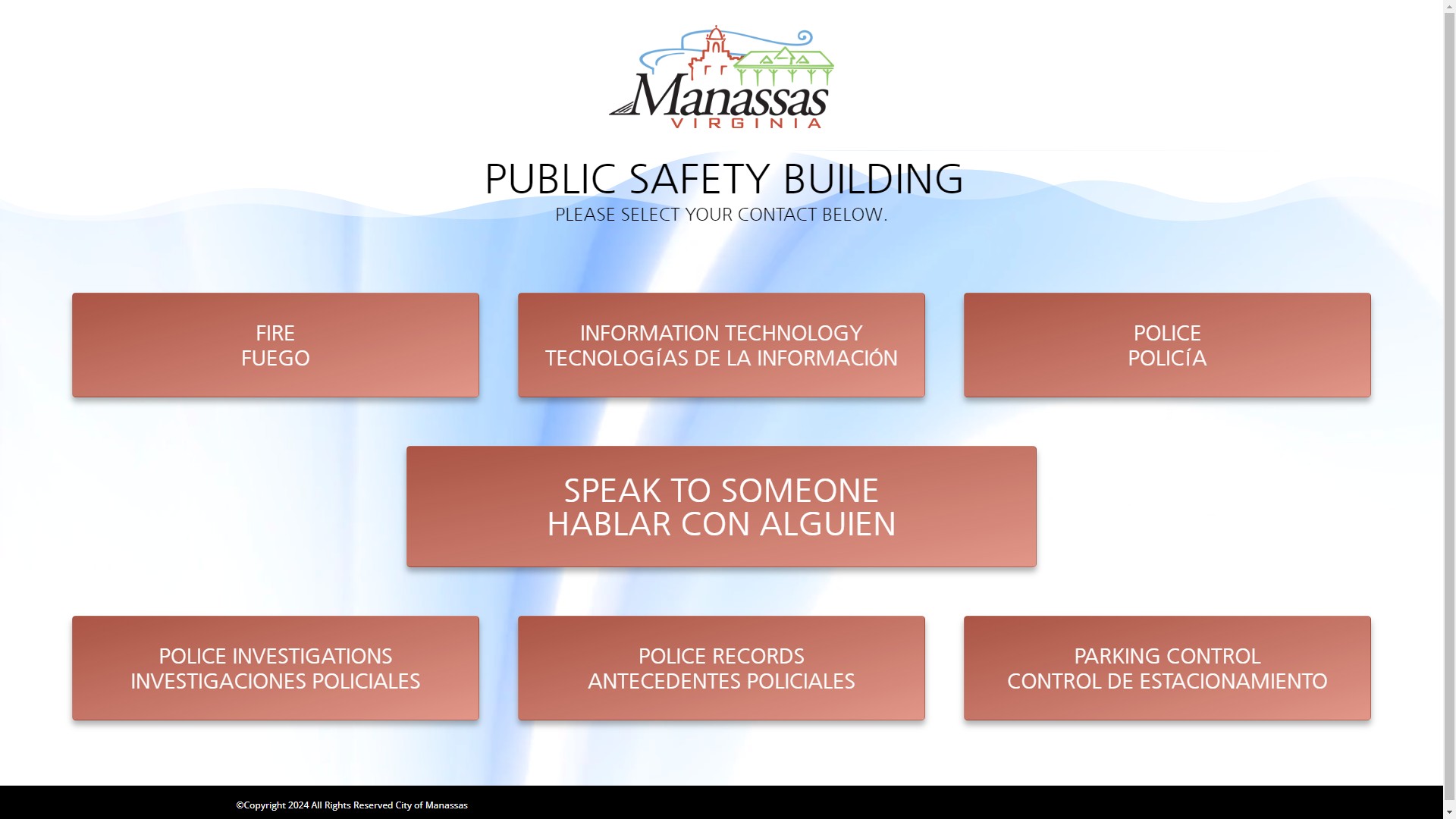
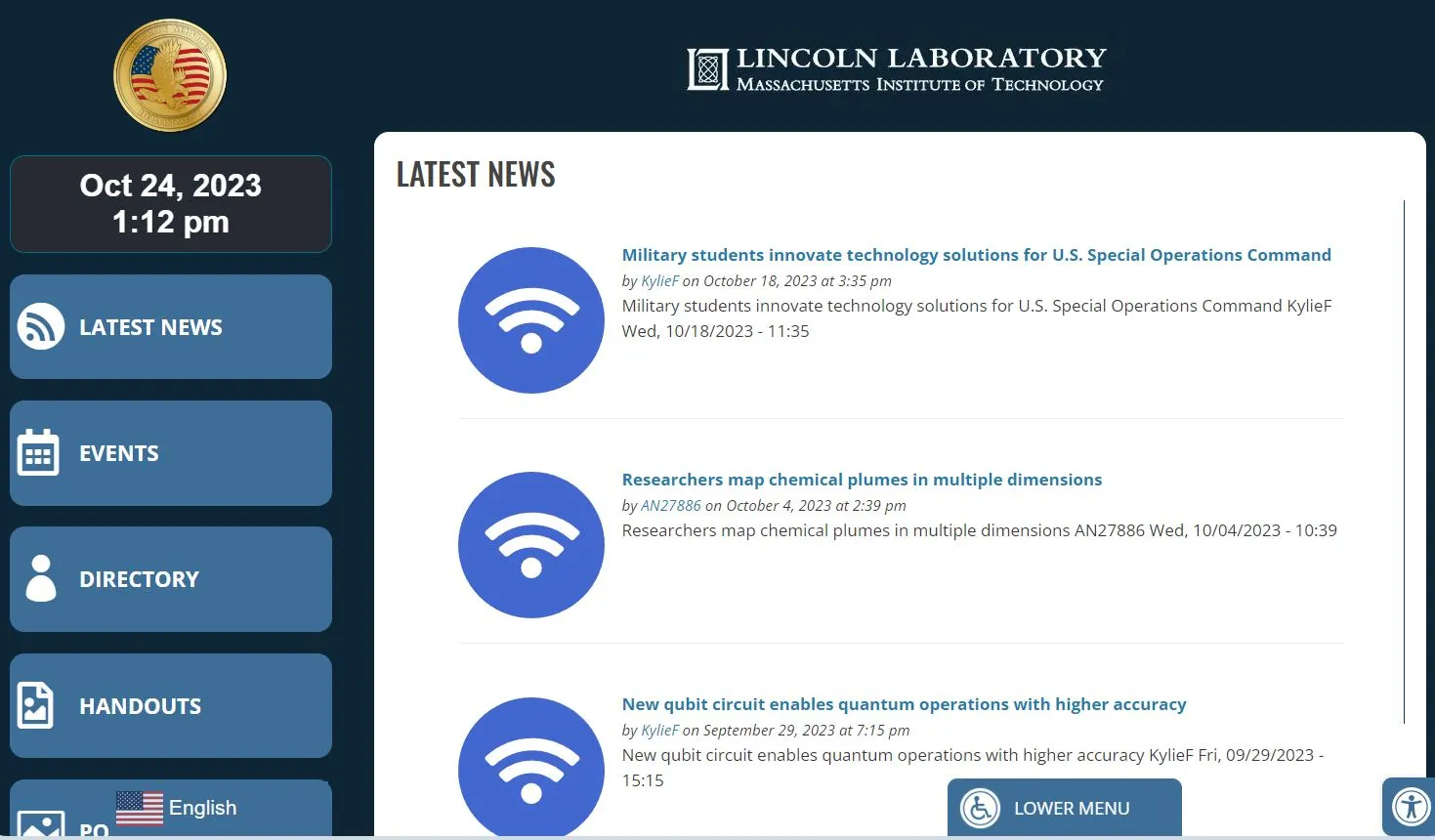
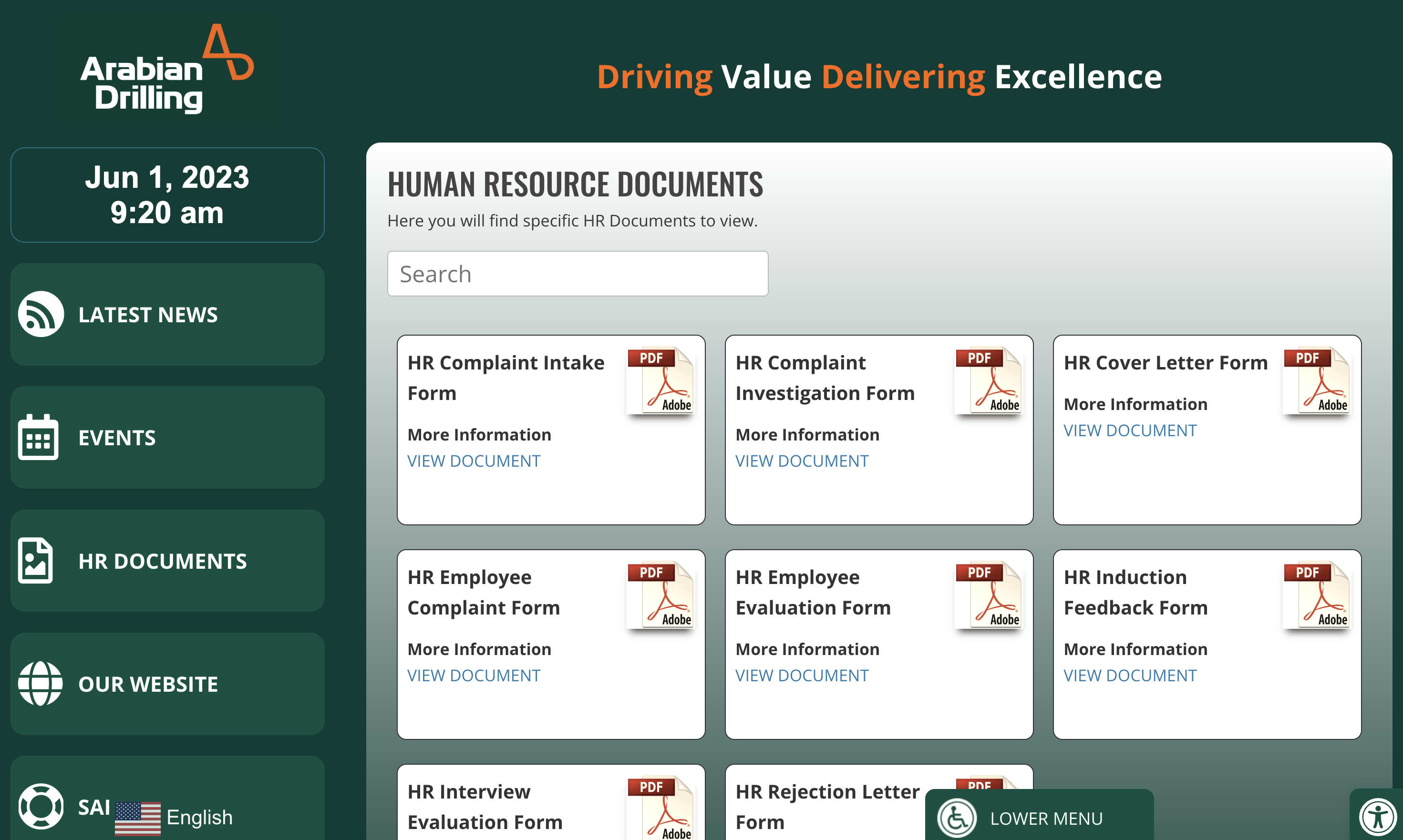
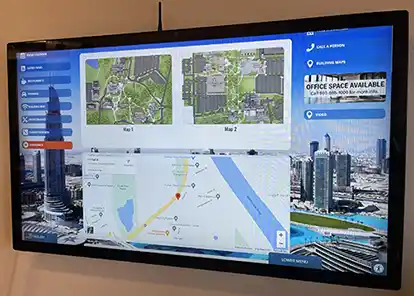
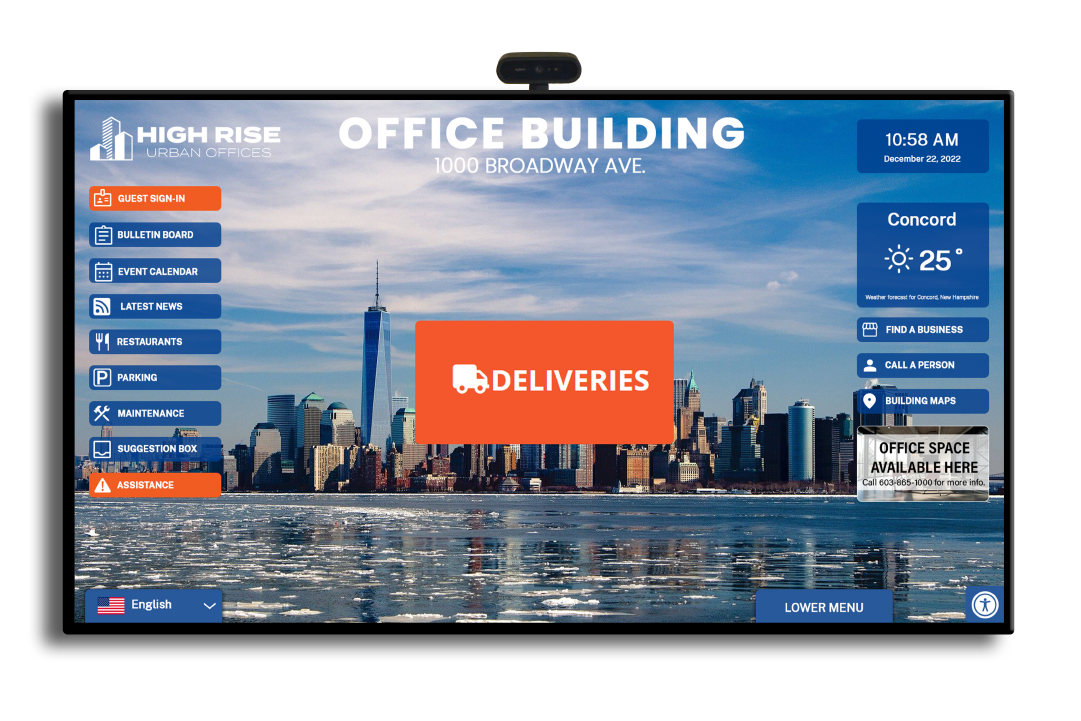
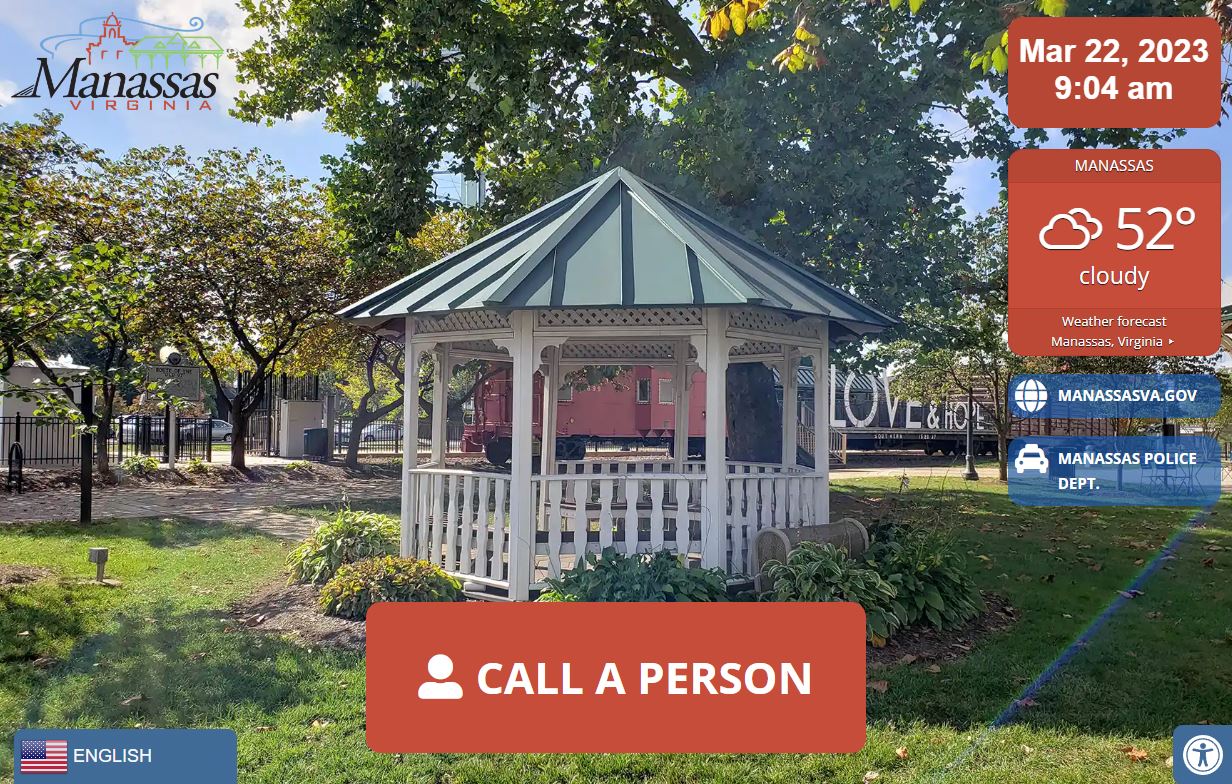
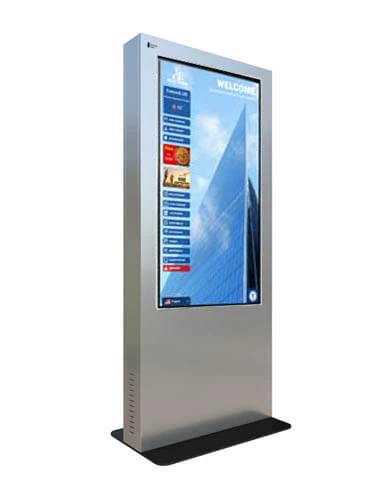
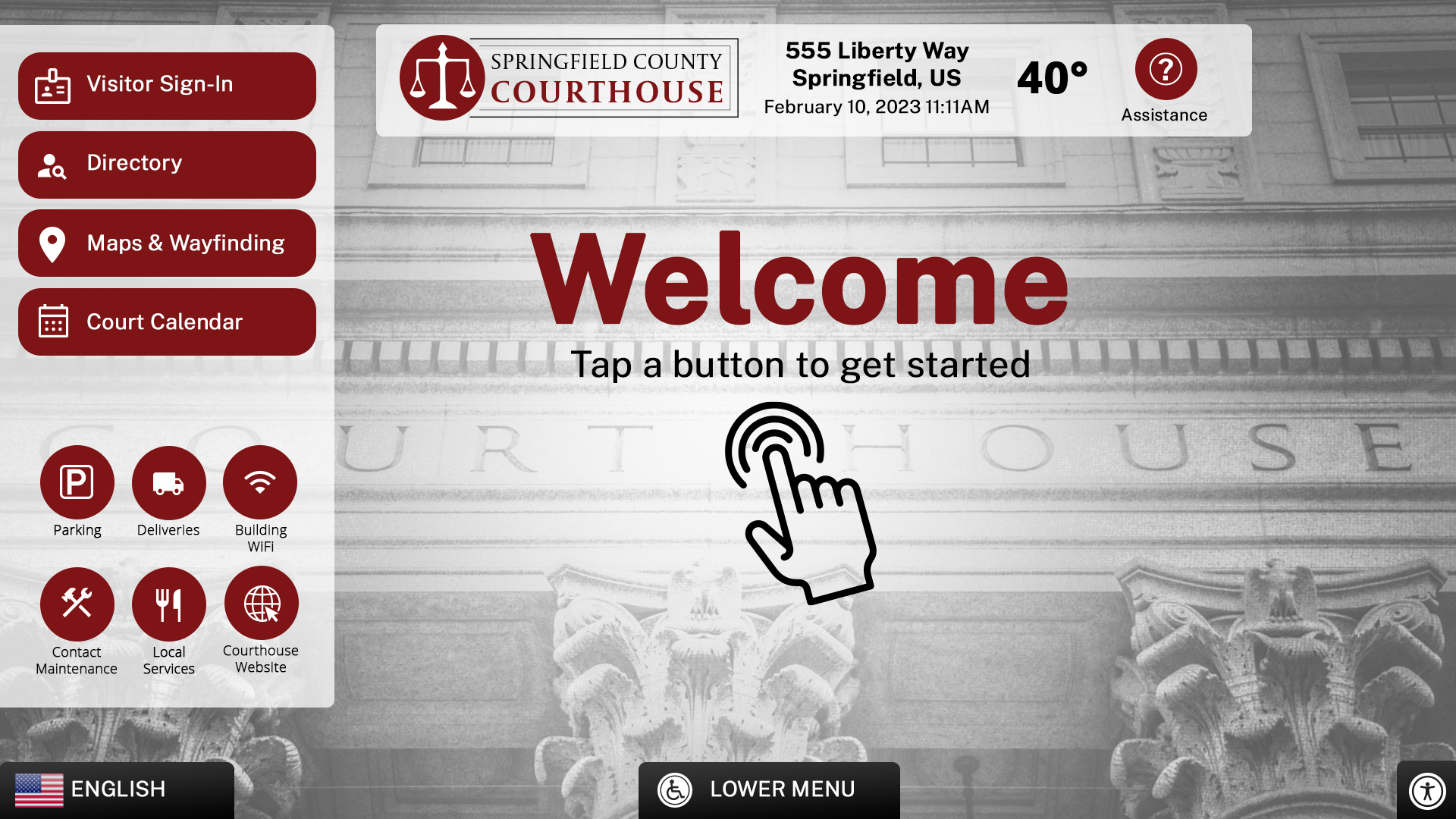
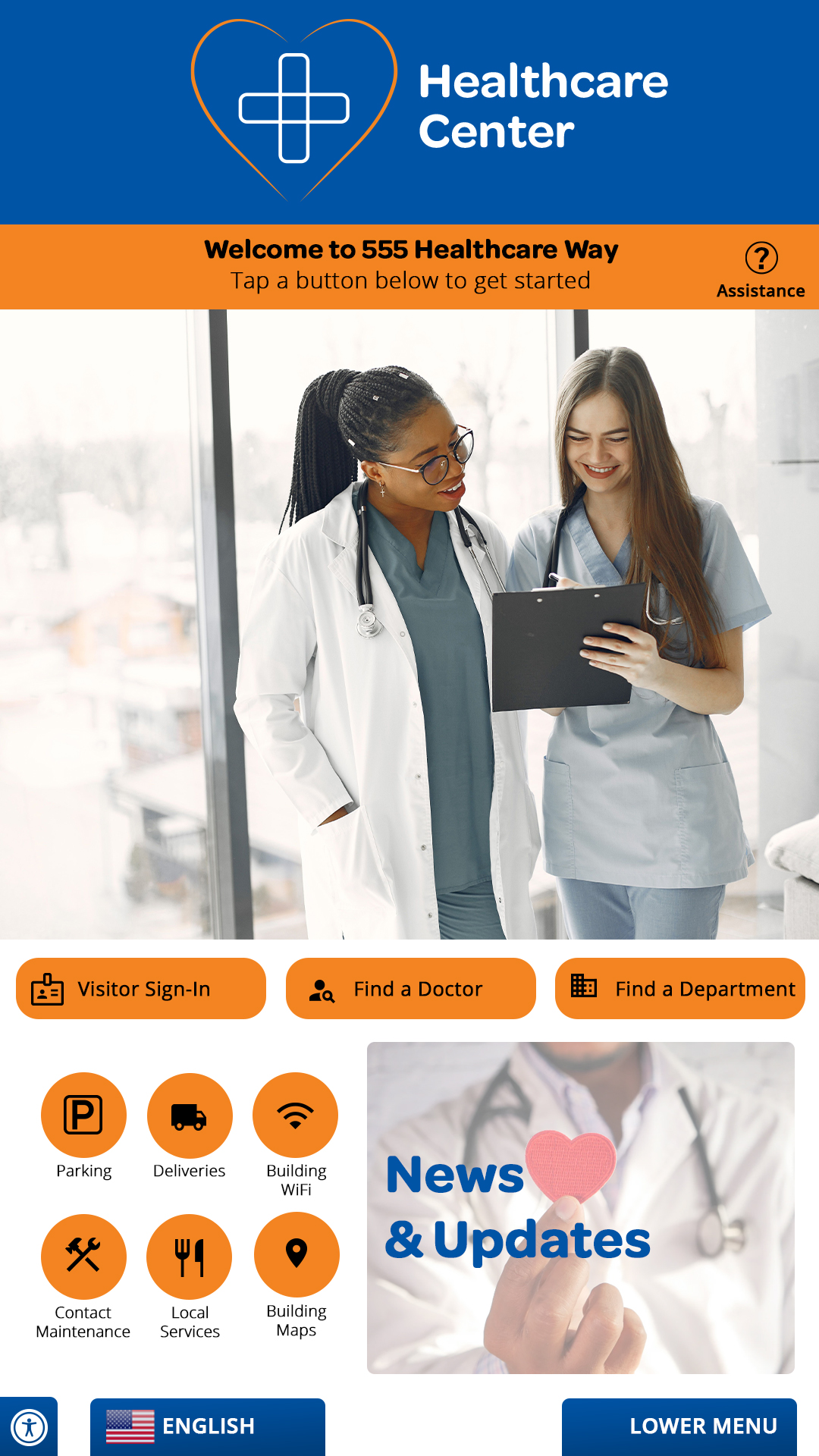
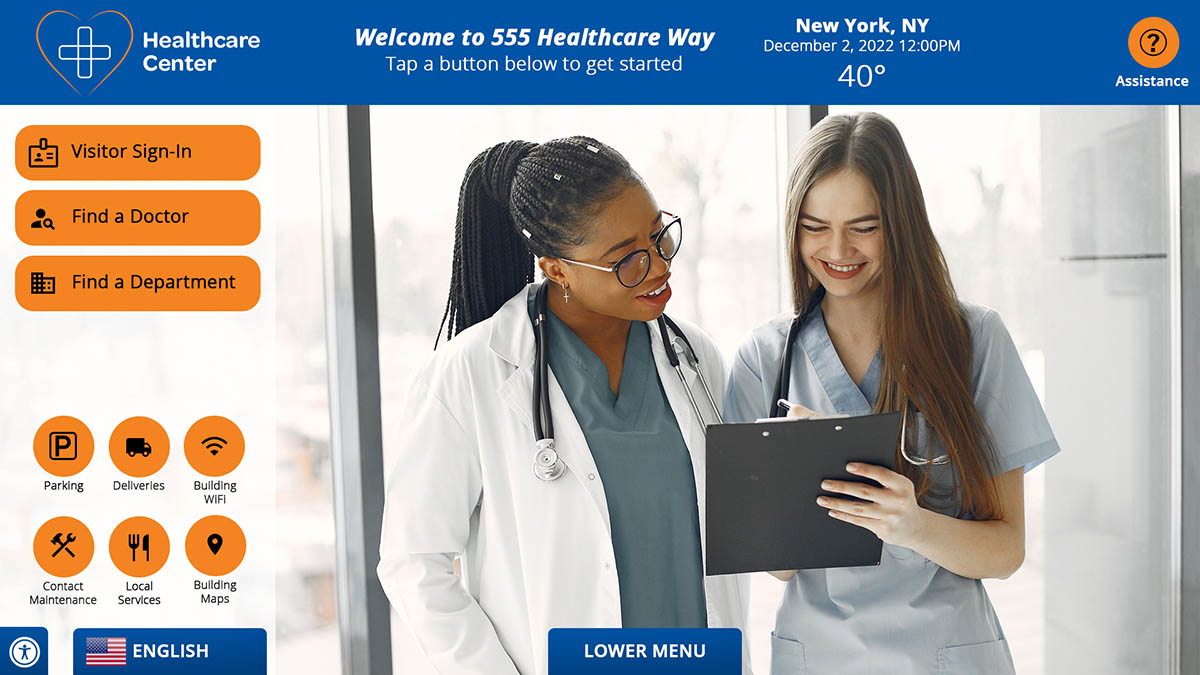
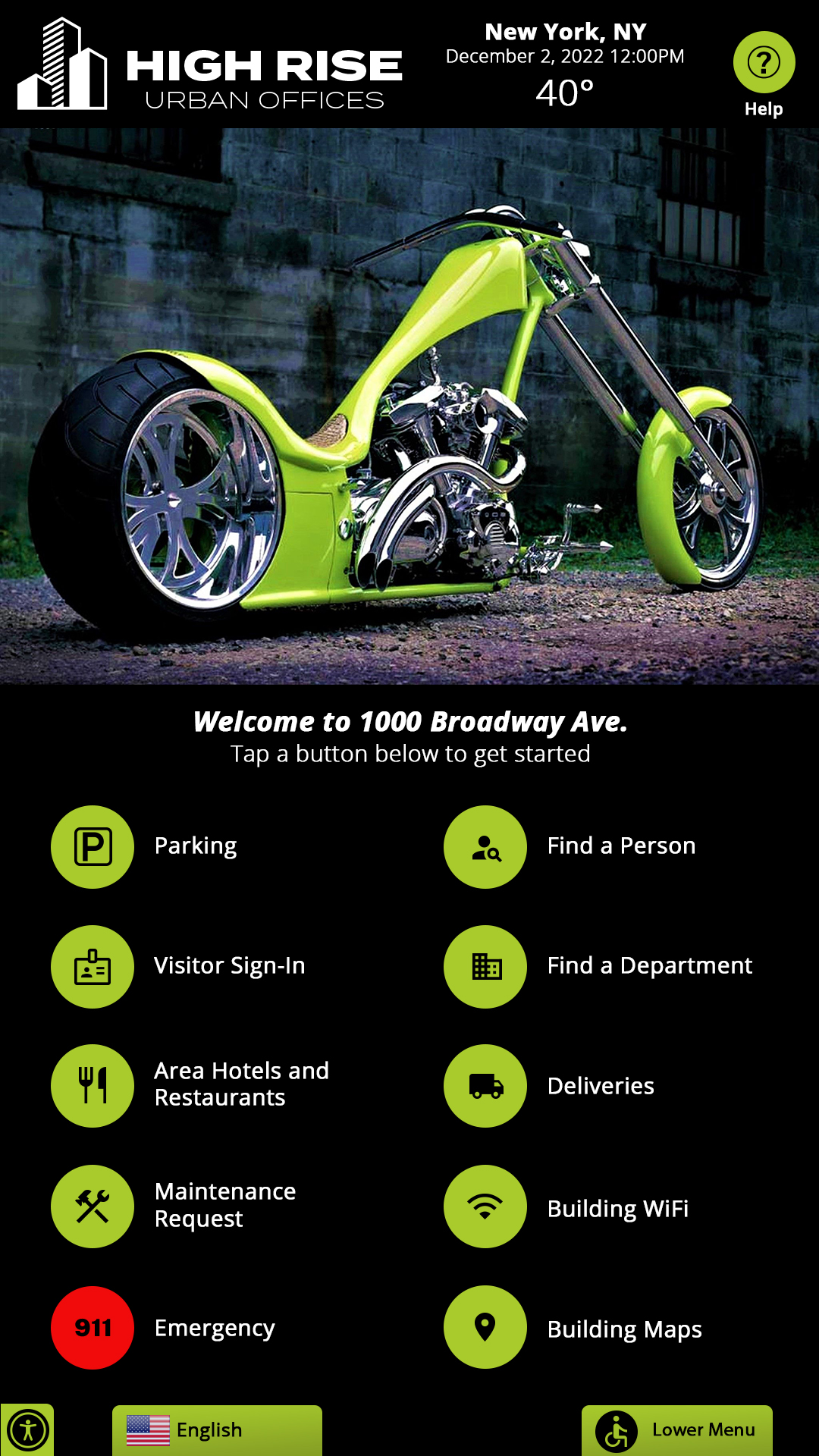
Self-service visitor management kiosks provide a convenient way for guests, employees, contractors, and vendors to check in when they arrive. Visitors can identify who they are meeting, enter required information, review policies, receive directions, and complete other arrival steps without requiring constant assistance from front-desk staff.
These examples show the variety of visitor experiences that can be created for corporate offices, government buildings, healthcare facilities, schools, and other organizations. Interfaces can be customized to match the organization’s branding, workflow, and visitor requirements.
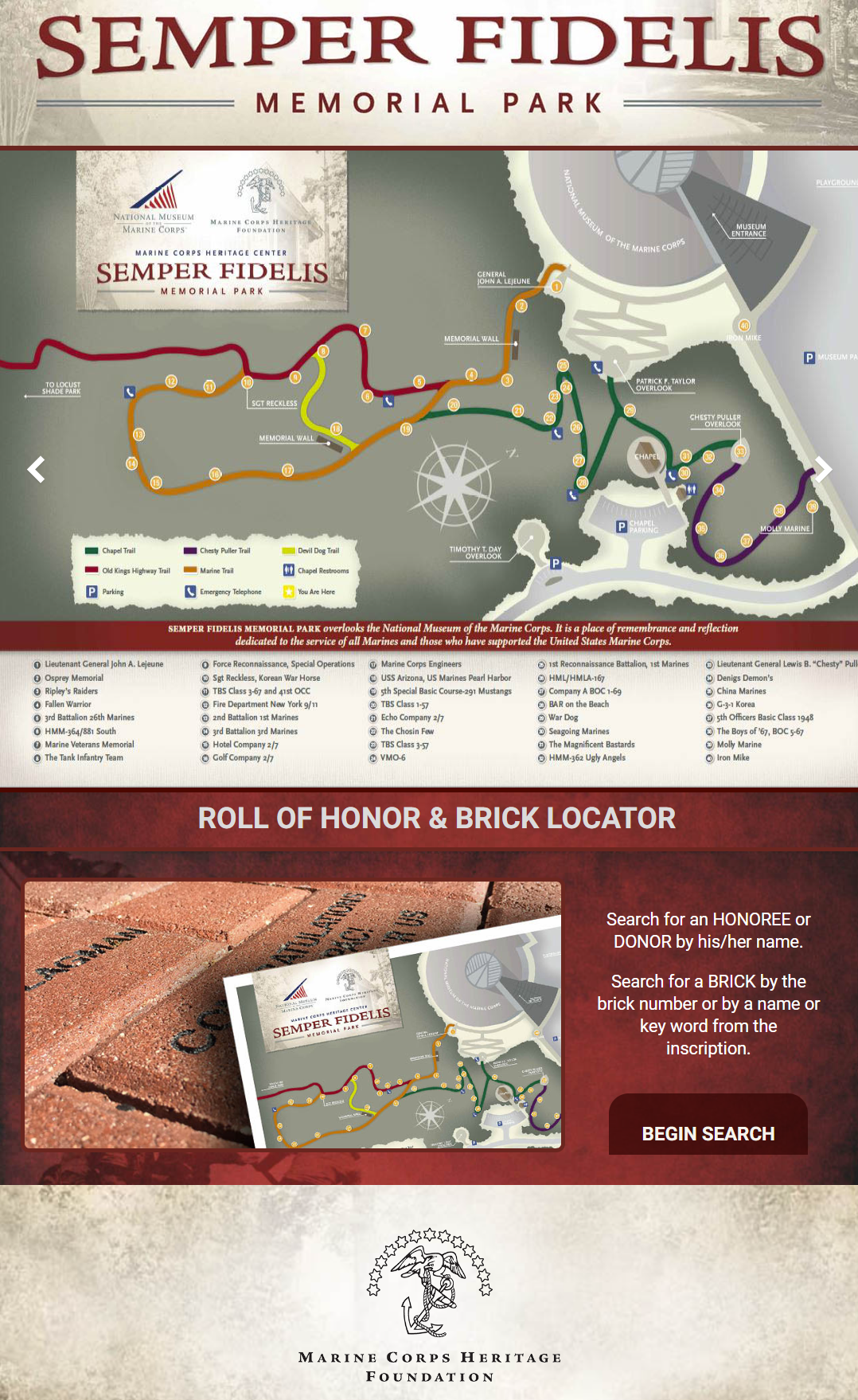
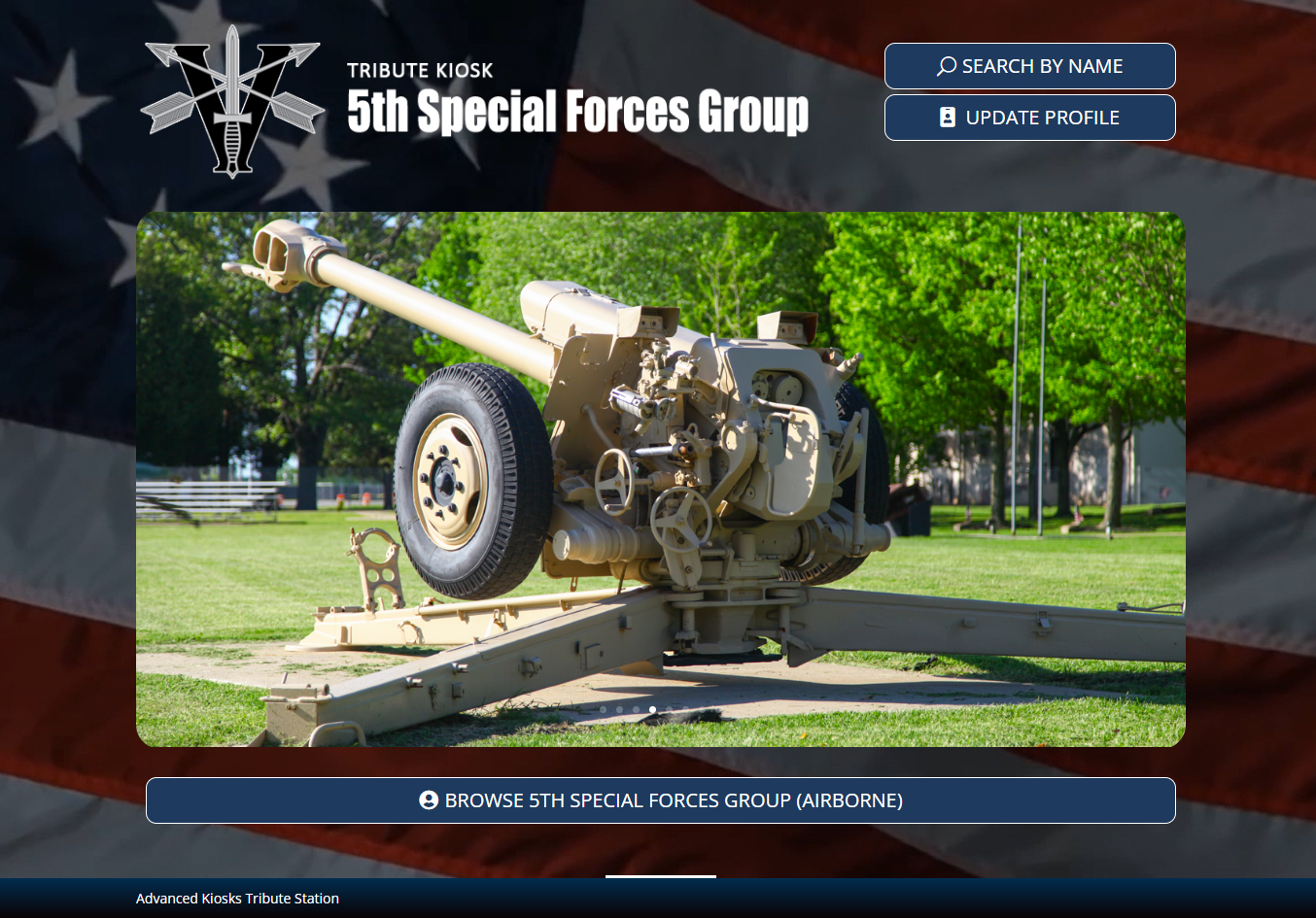
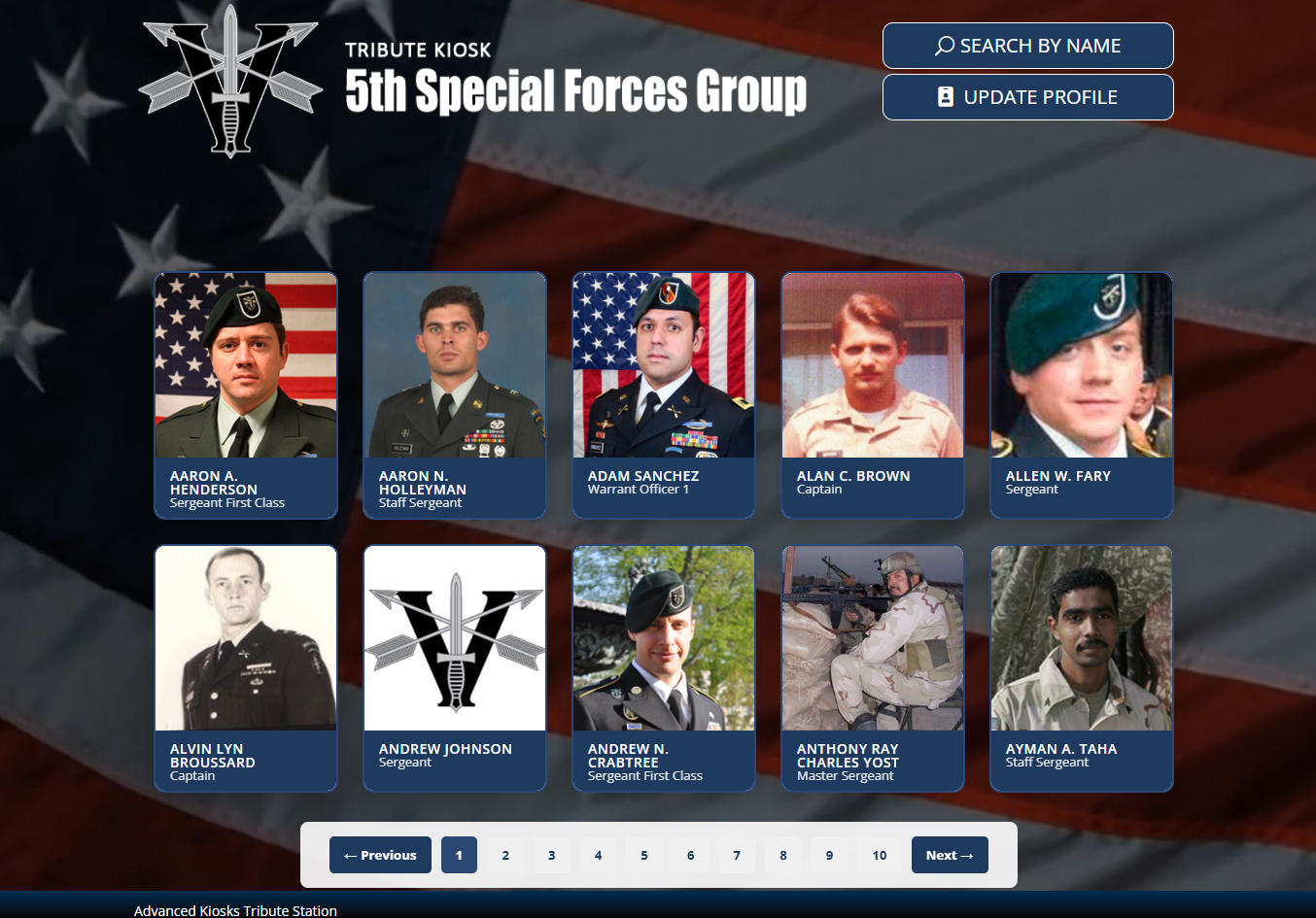


Memorial & Tribute Kiosks
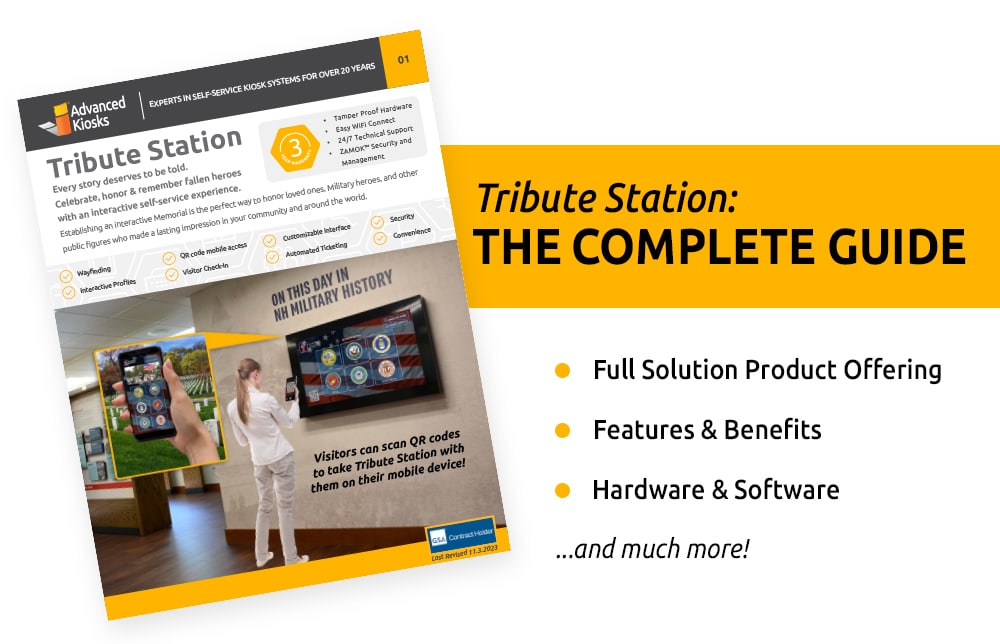
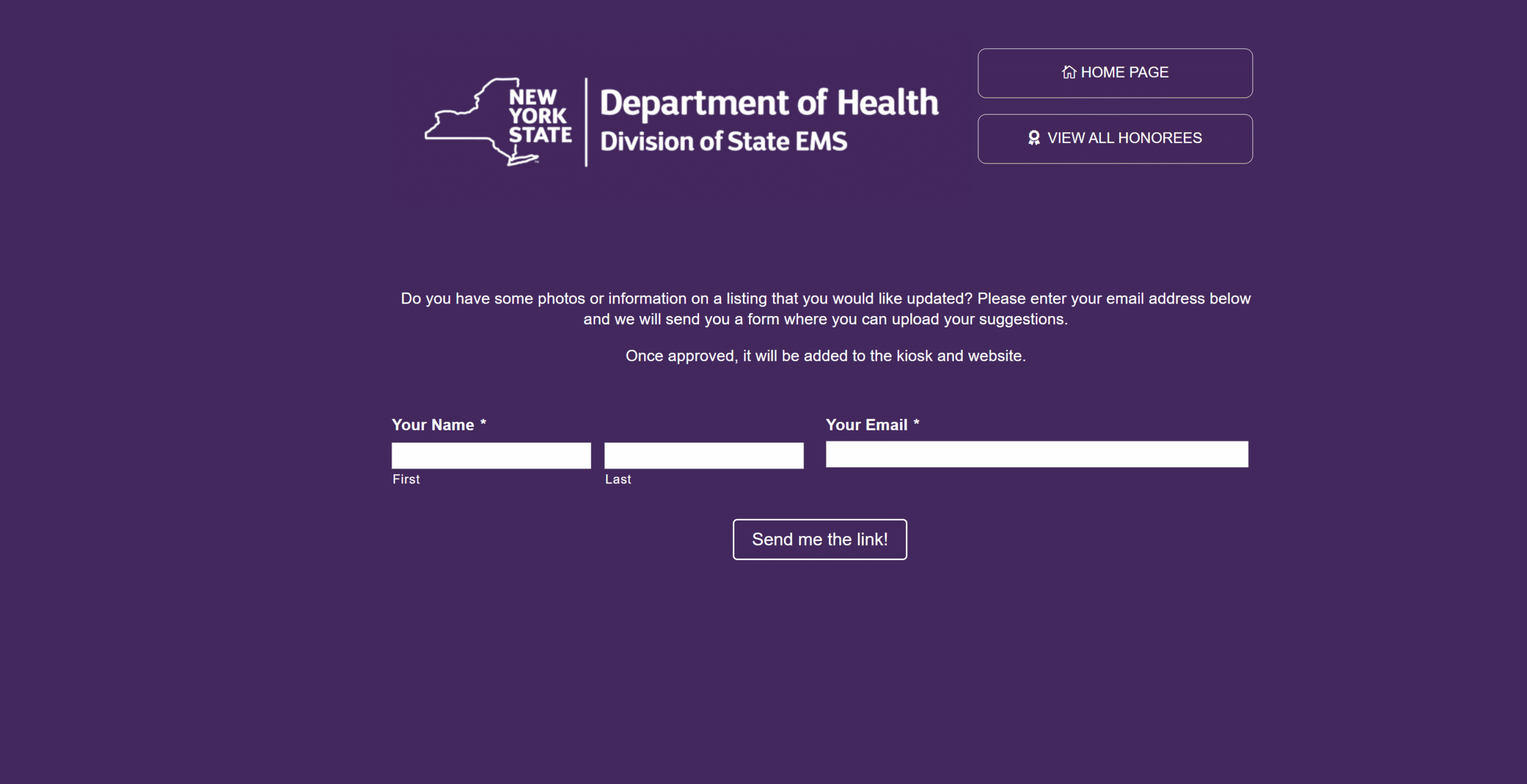
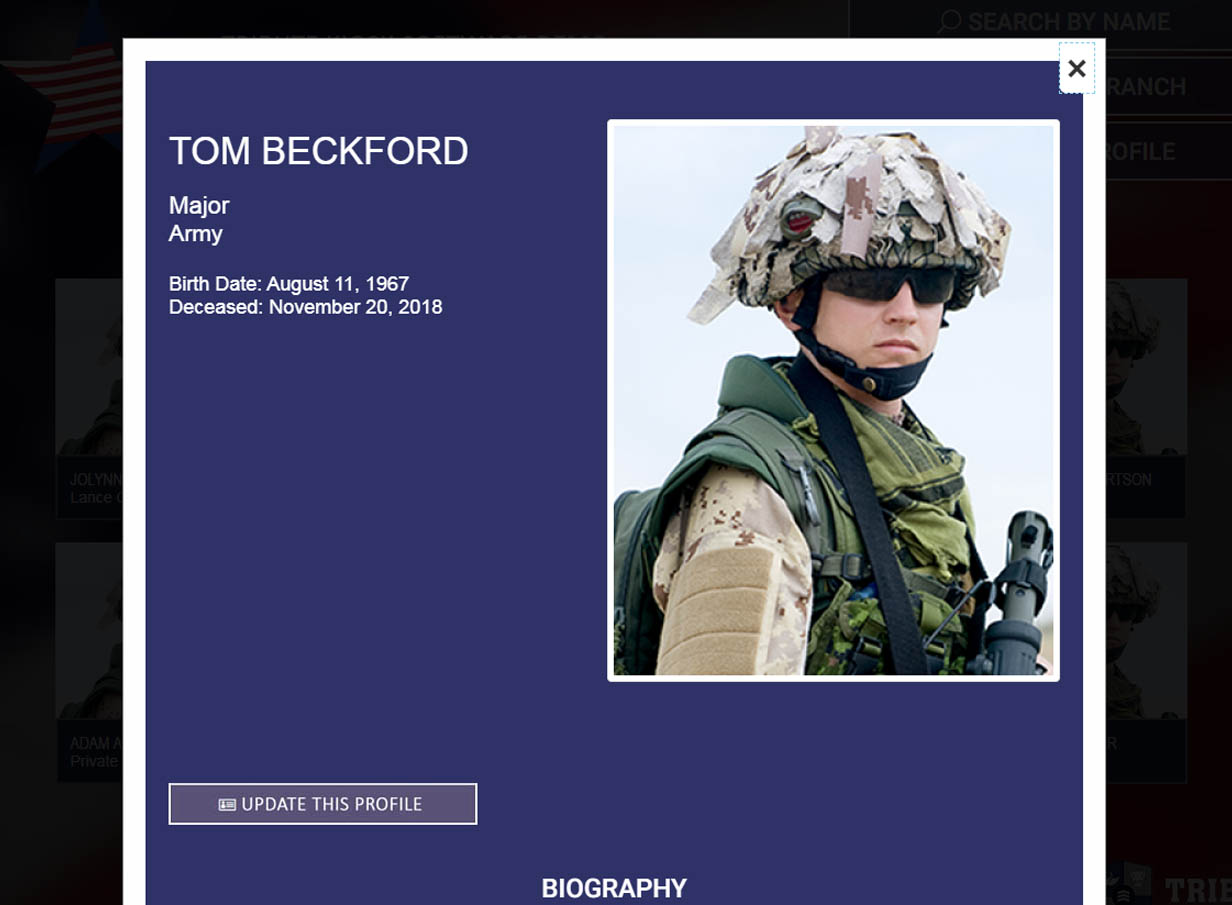
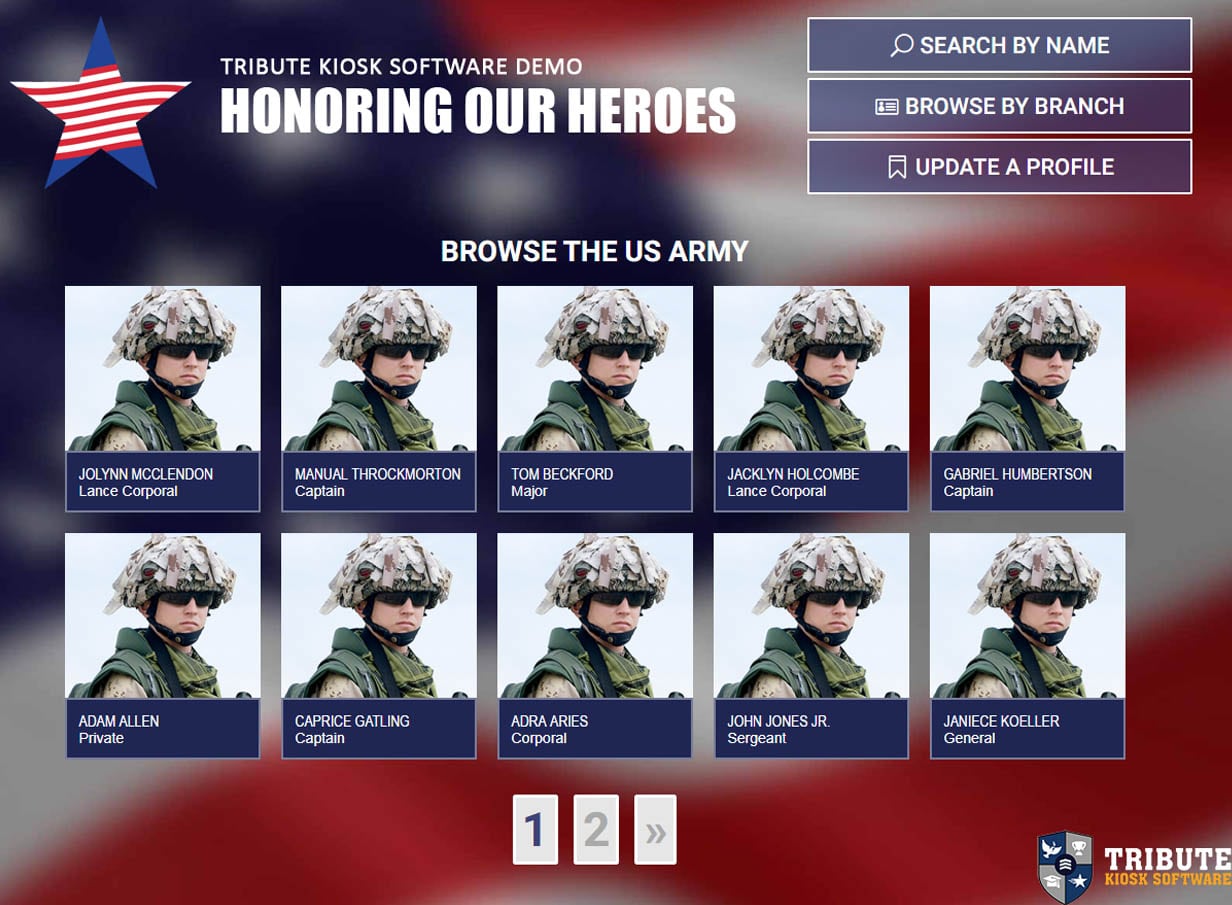
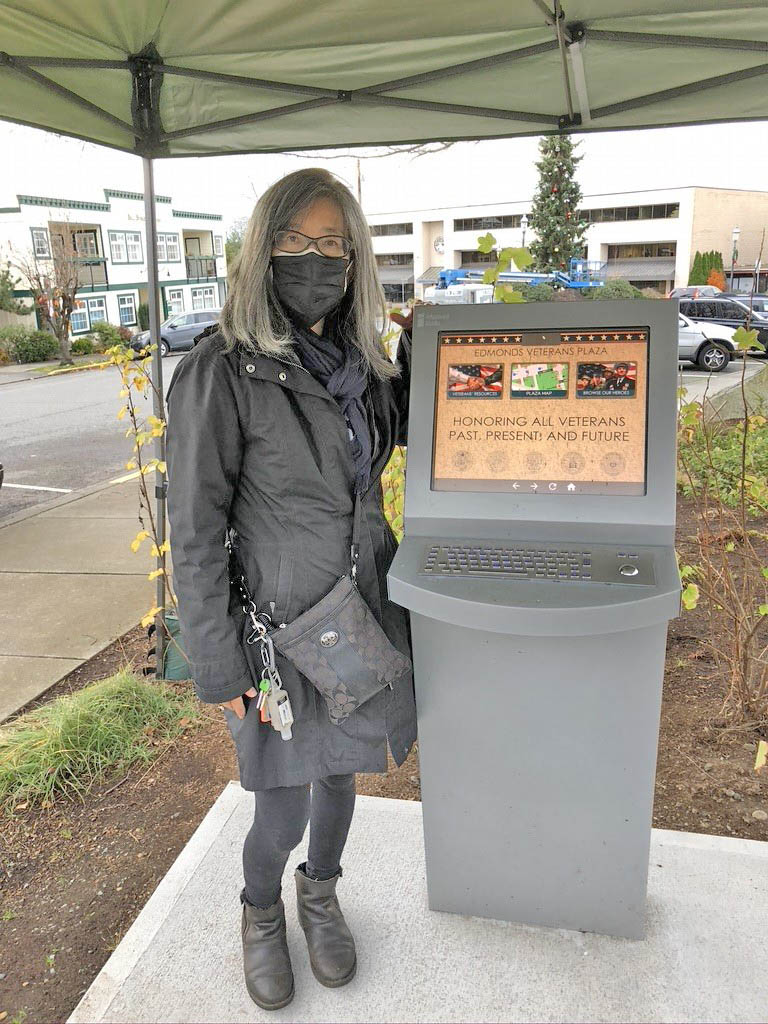
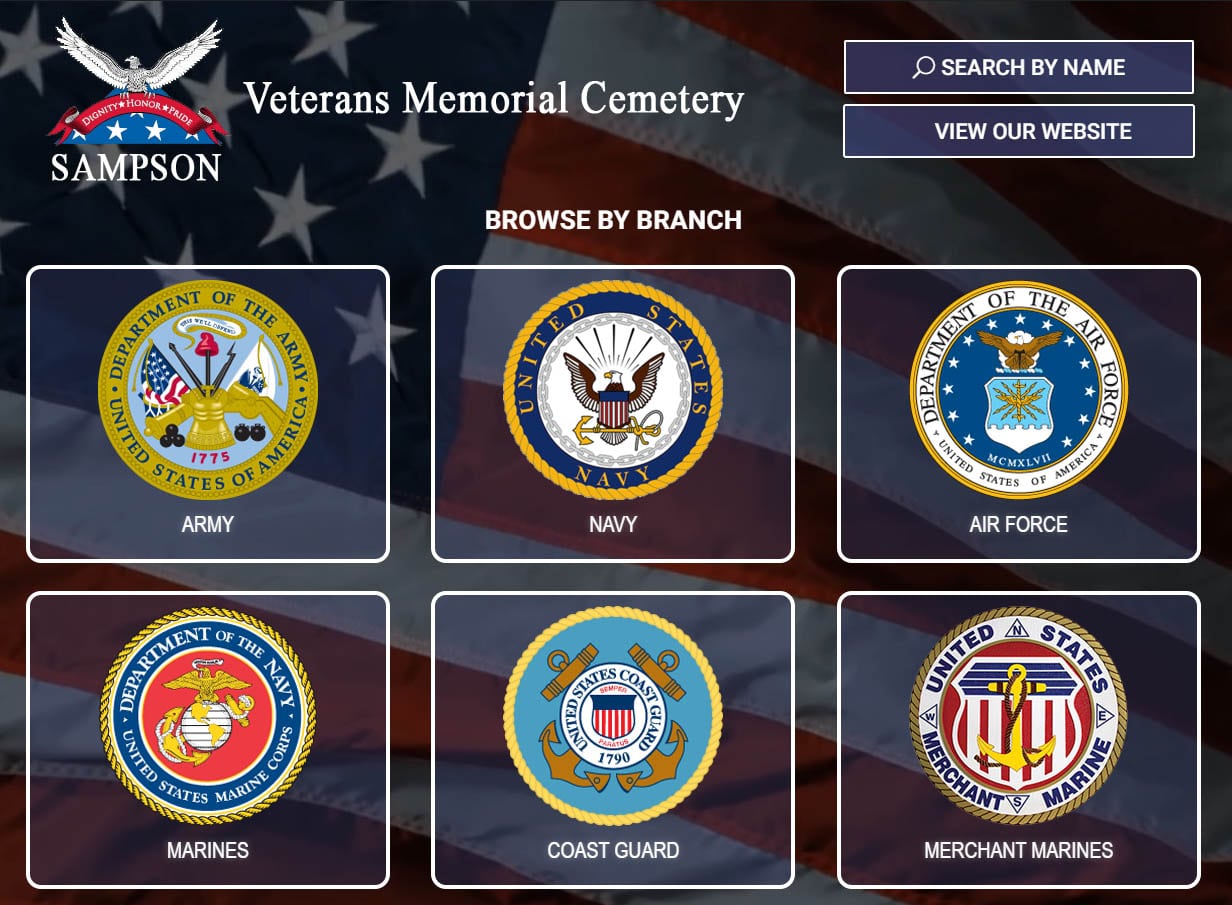
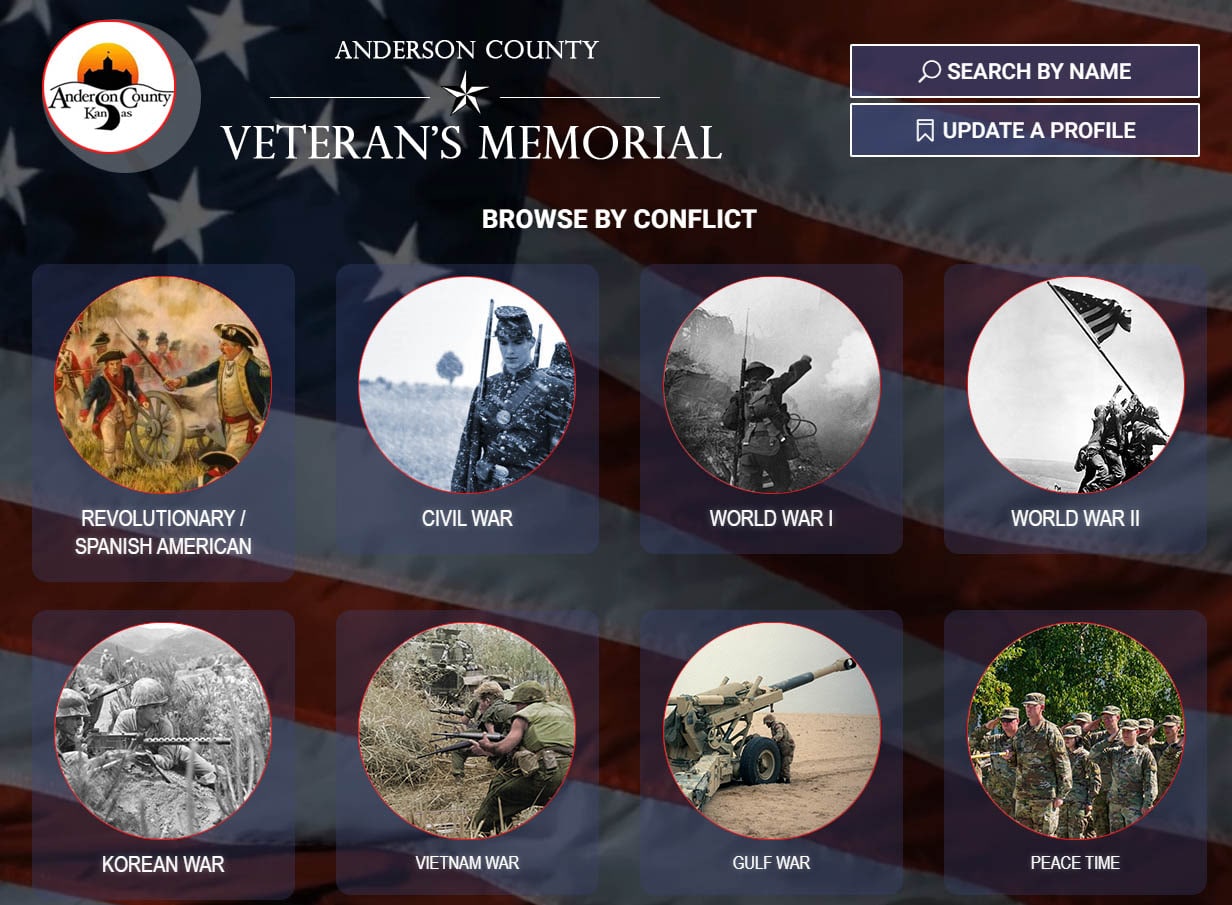
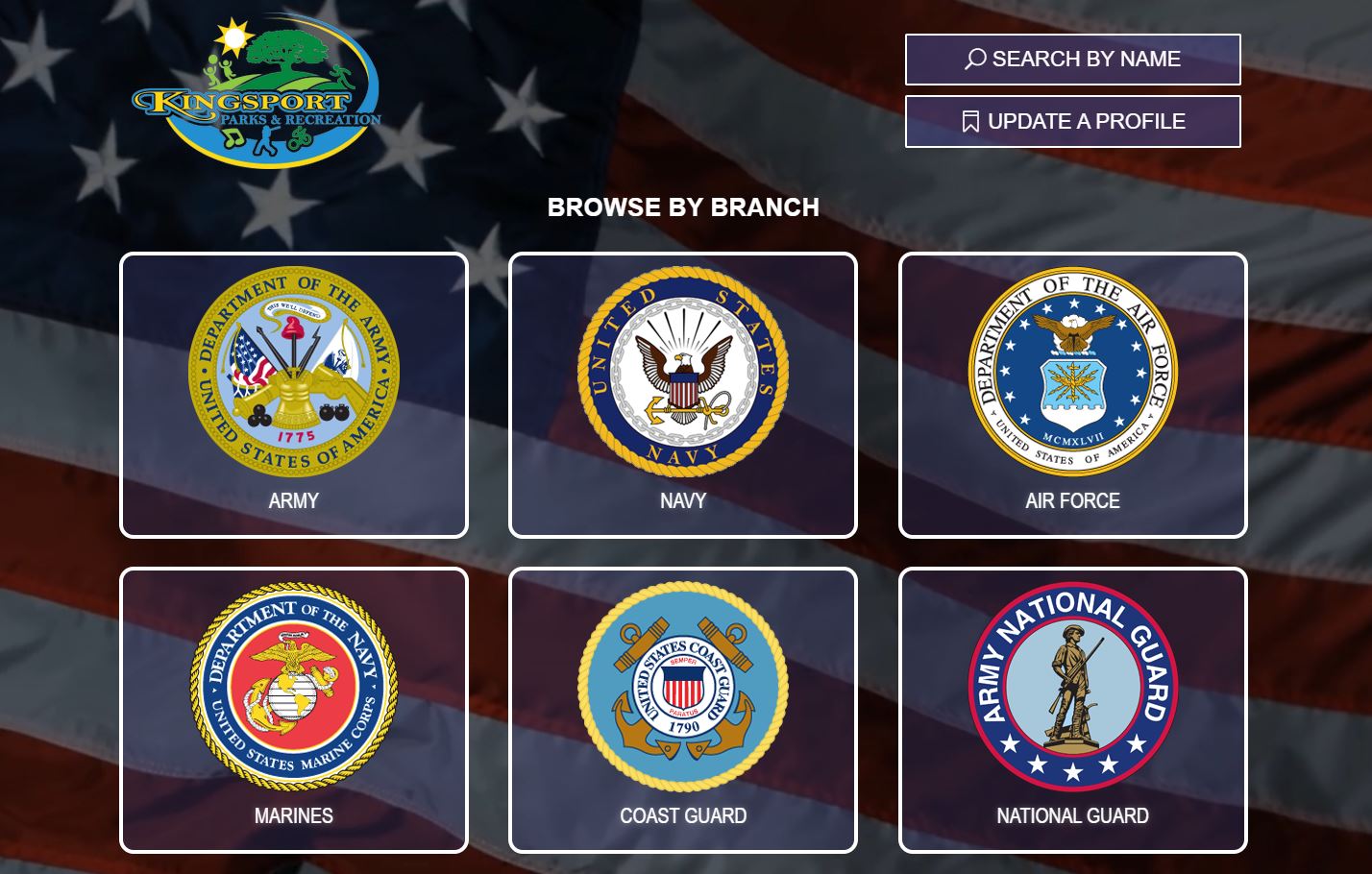
Interactive memorial and tribute kiosks create an engaging way to preserve stories, recognize service, and explore historical information. Visitors can browse photographs, biographies, timelines, videos, documents, and other multimedia content through an easy-to-use touchscreen experience.
These systems are well suited for veterans organizations, museums, memorials, historical societies, schools, and public facilities. Each experience can be customized around the people, history, or achievements an organization wants to showcase.


Document & Office Services
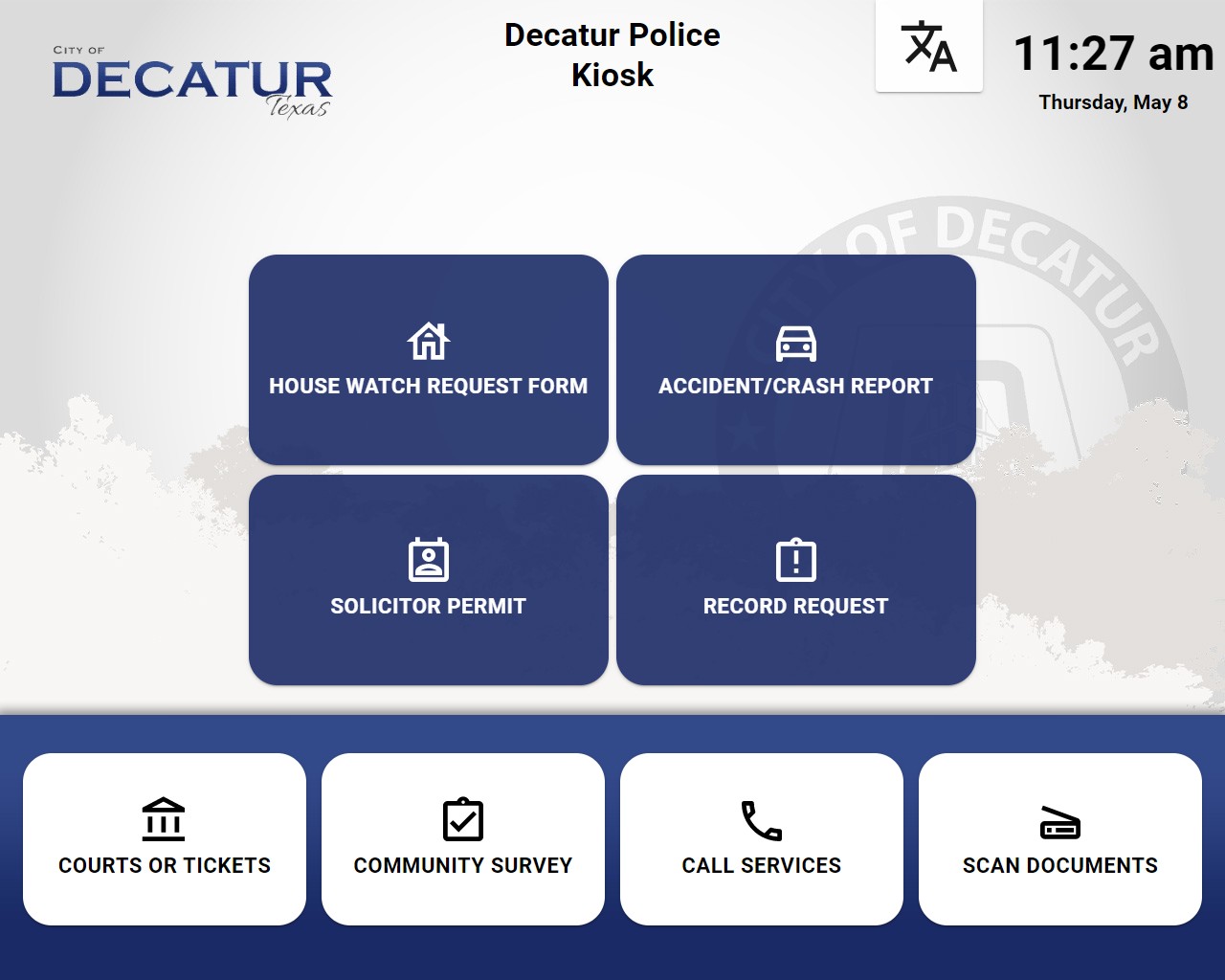
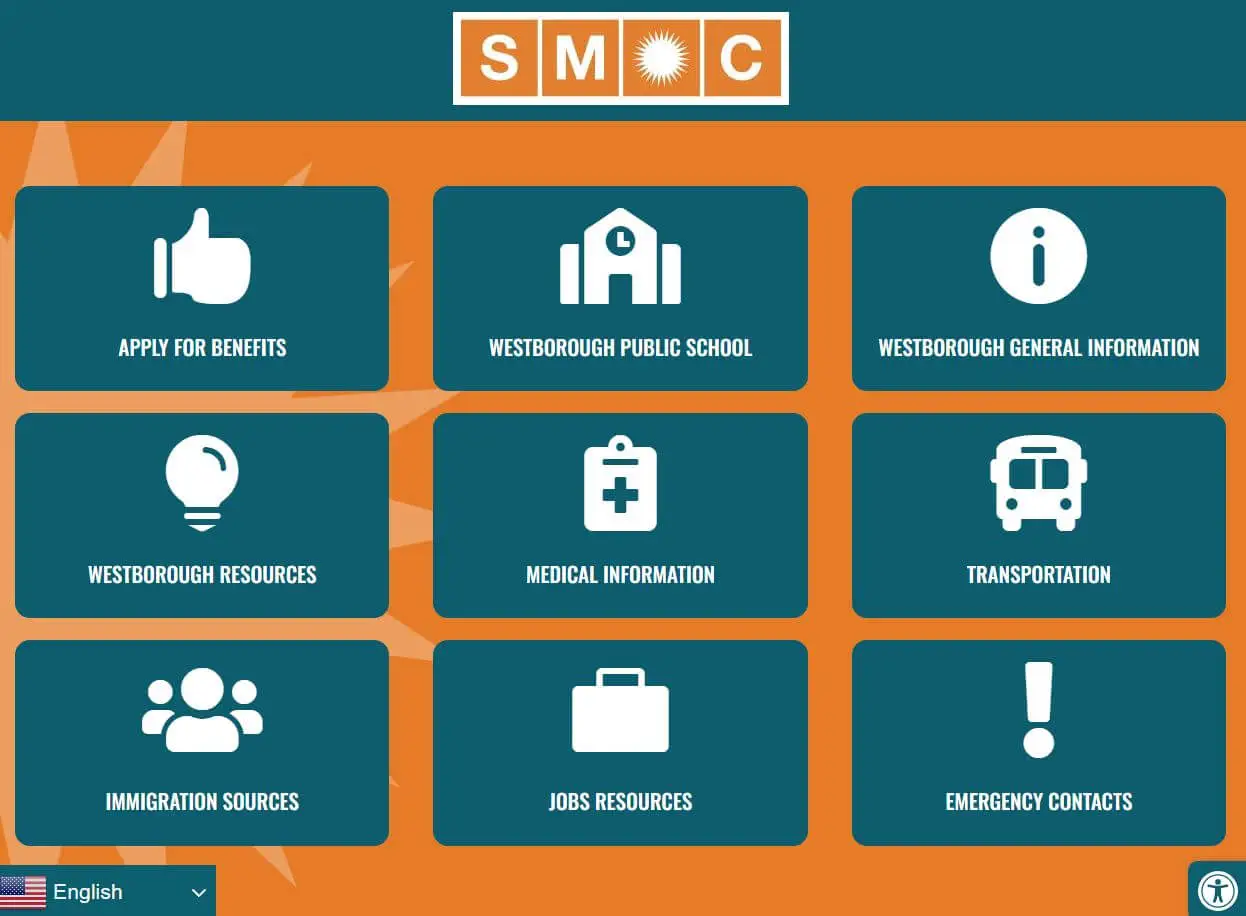
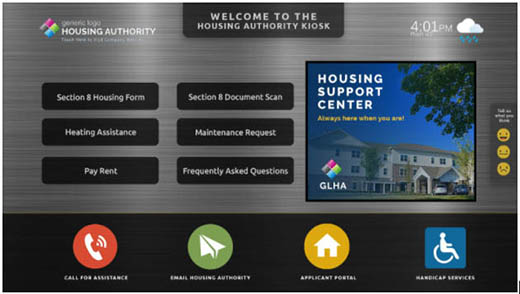
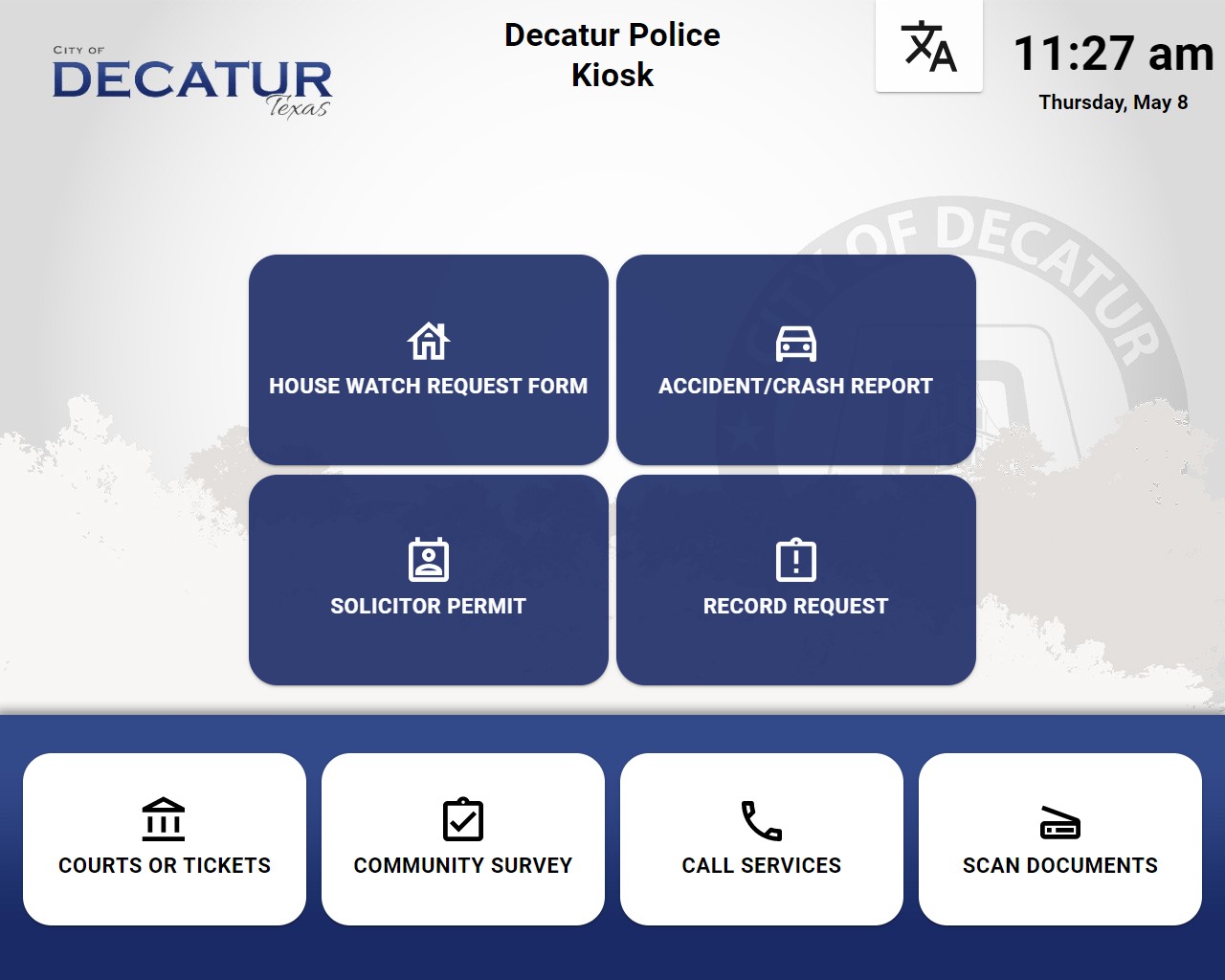
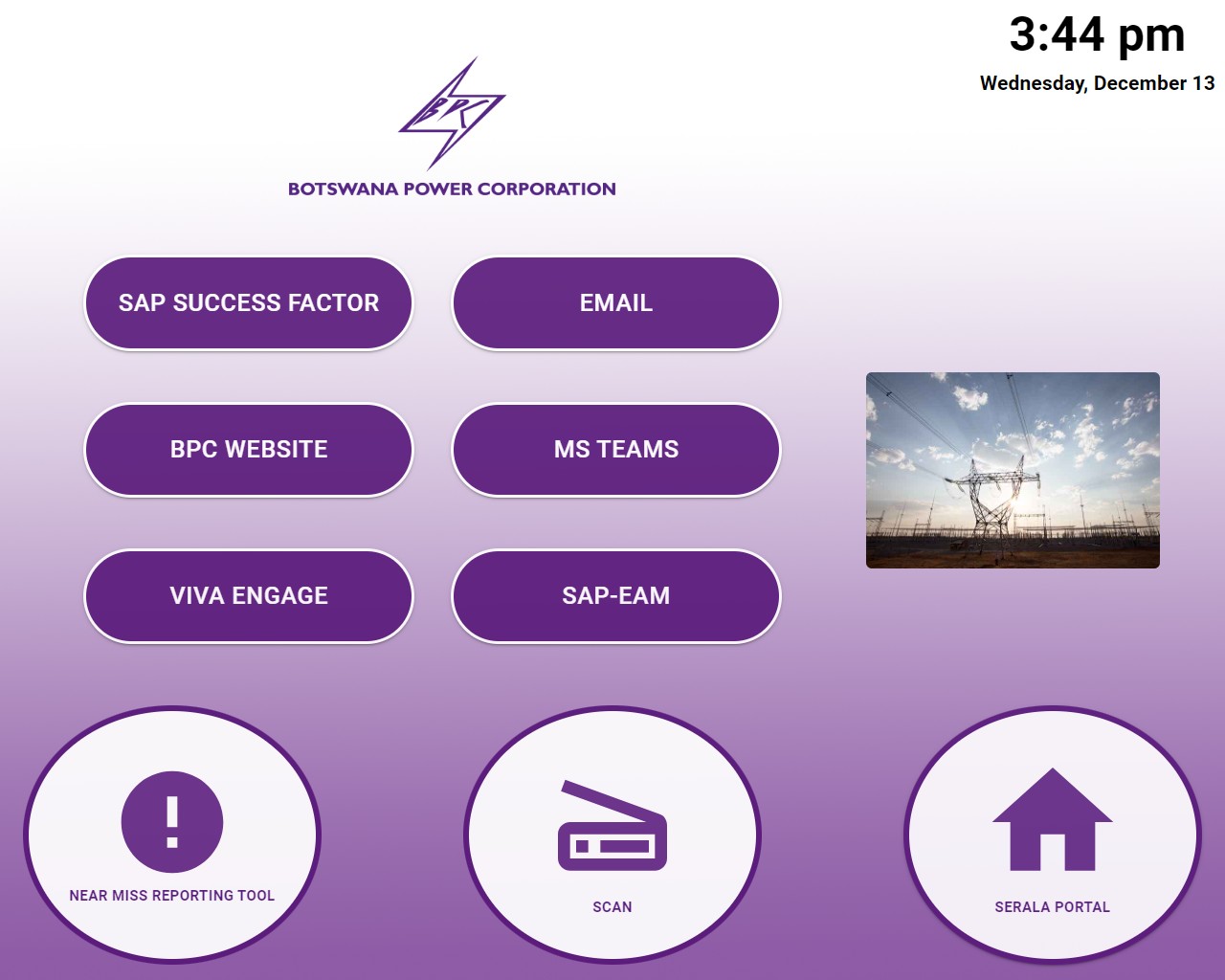
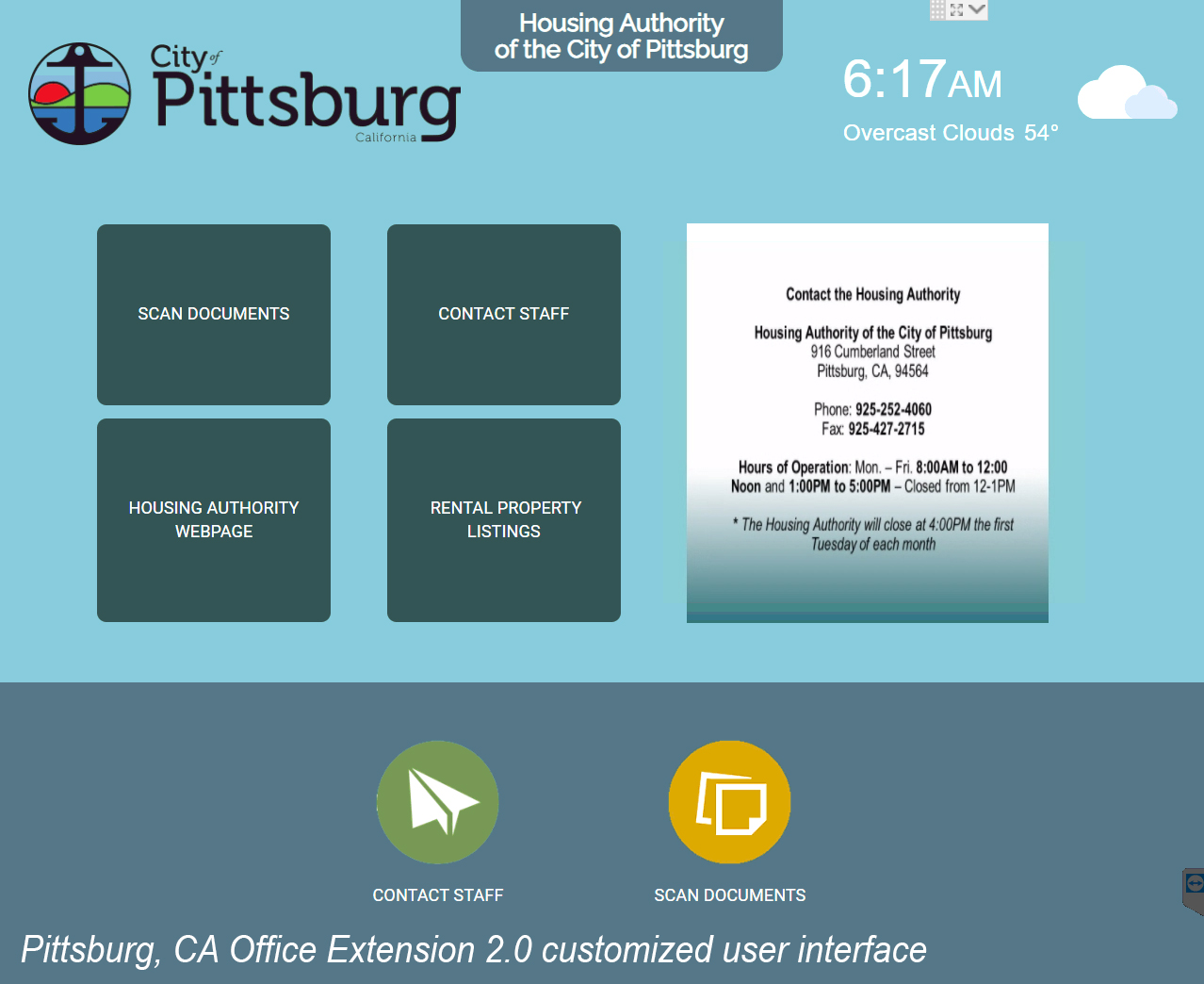
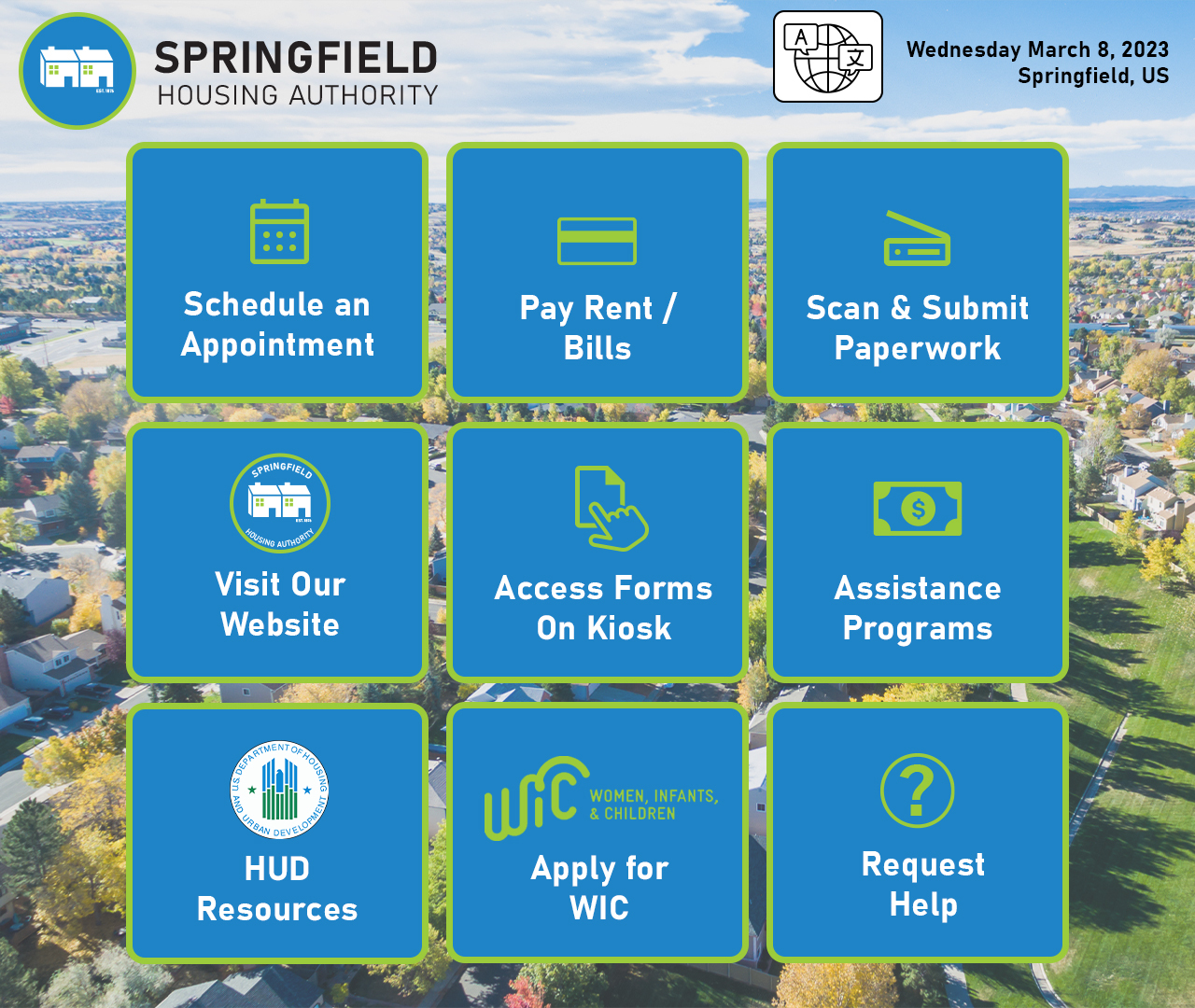
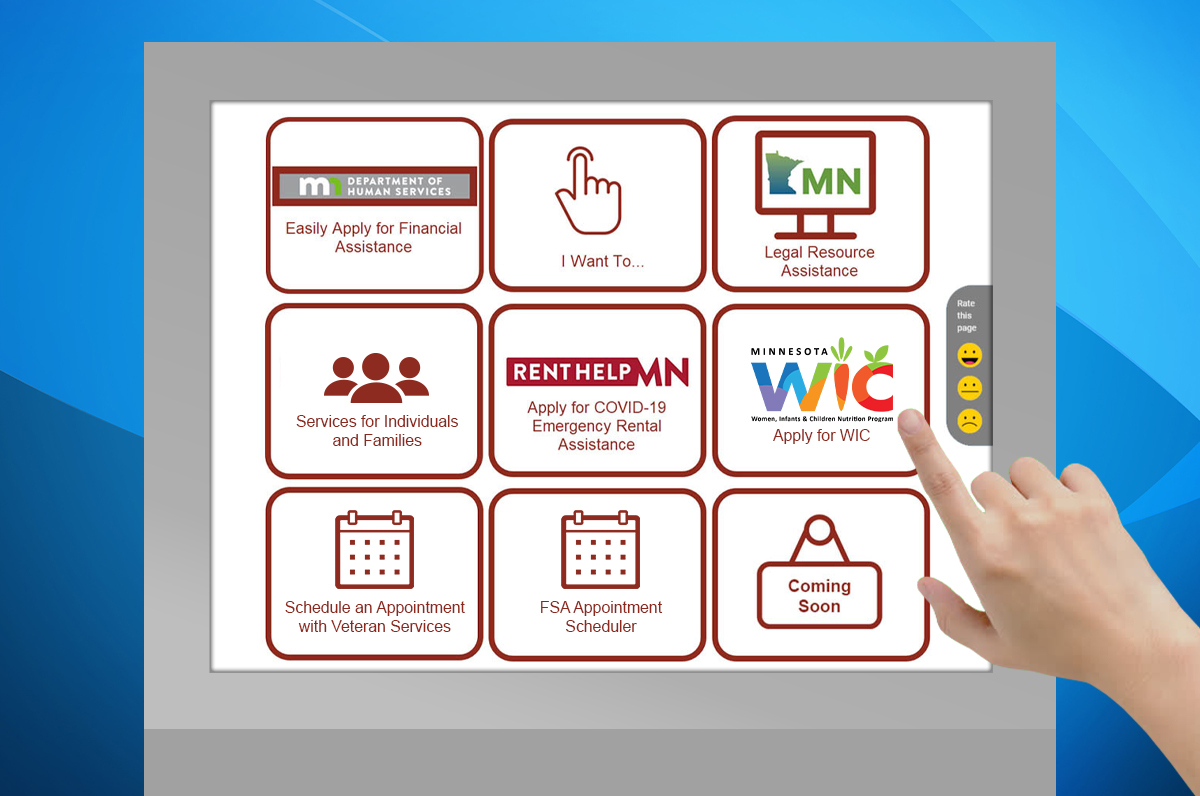
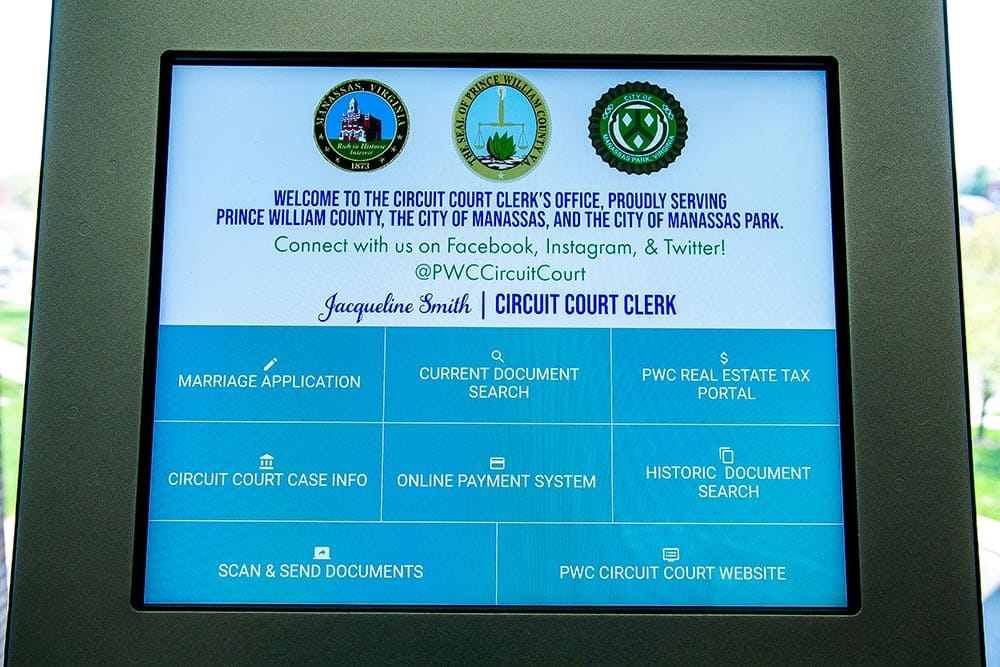
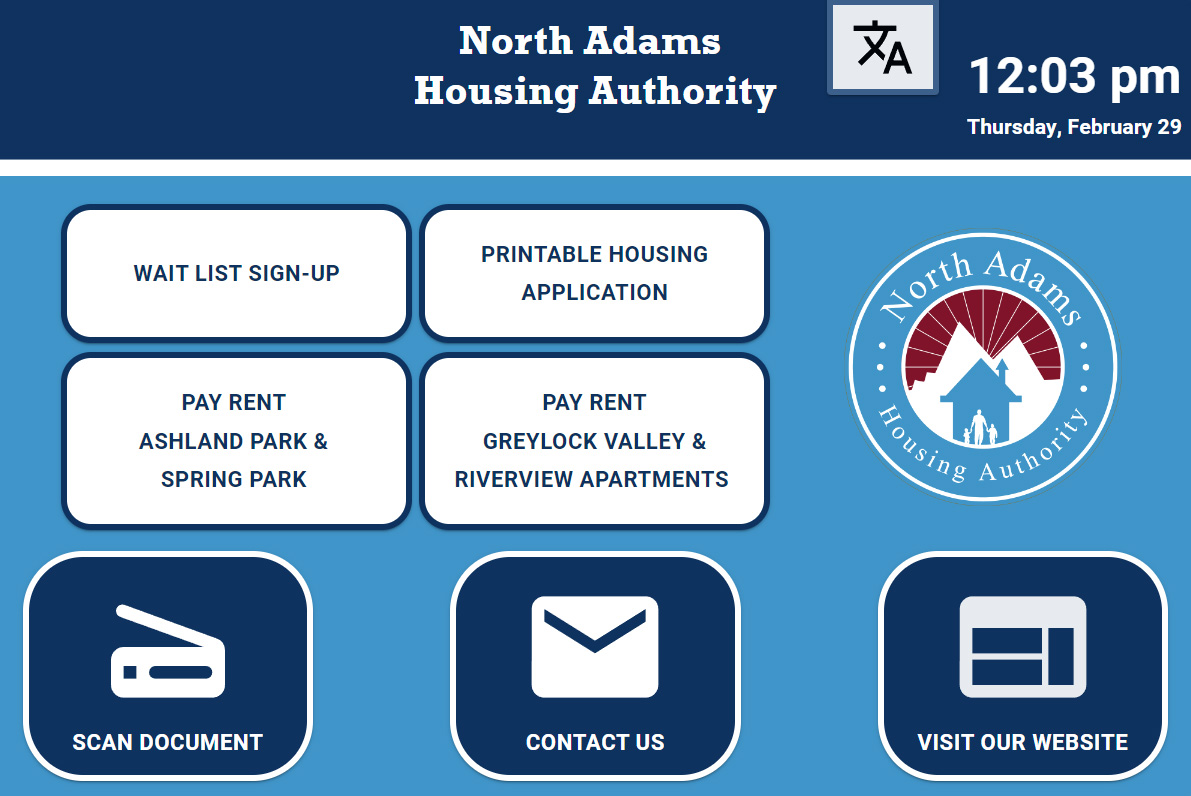
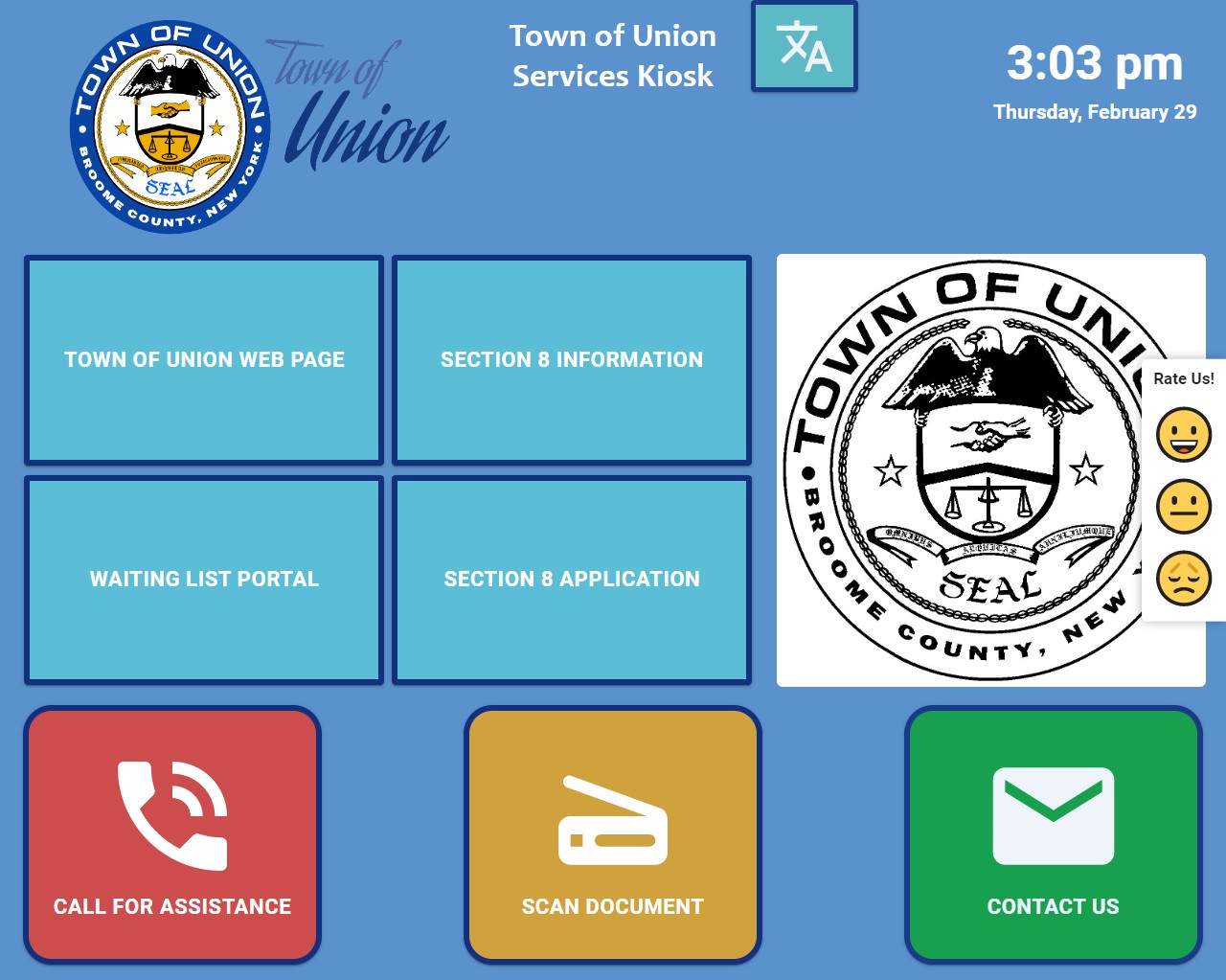
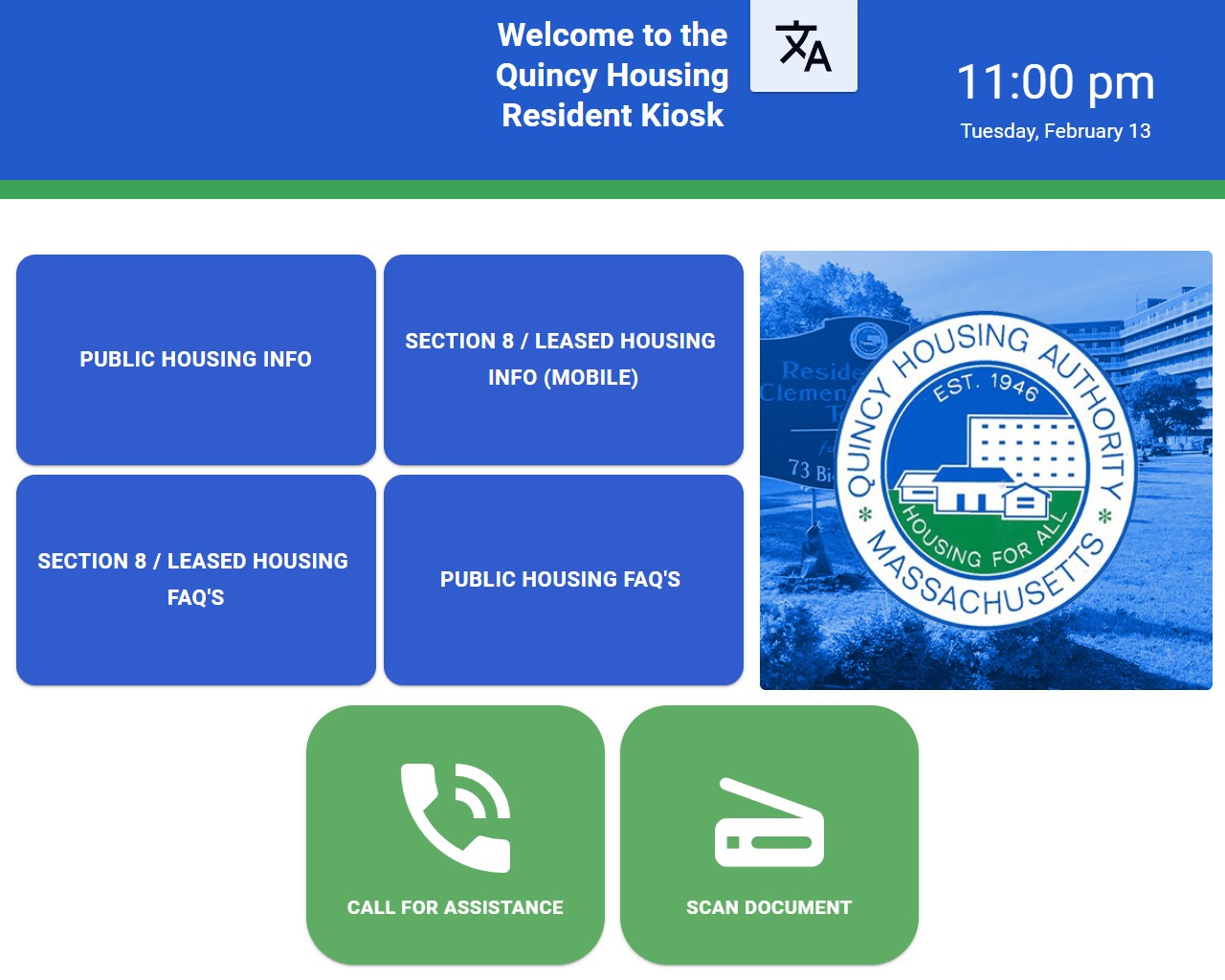
The applications shown here are powered by Kiosk Office Suite, which transforms a self-service kiosk into a secure public workstation for everyday office tasks. Users can access forms, scan documents, print paperwork, electronically sign documents, upload files, and securely send information to the appropriate department.
These examples show how Kiosk Office Suite adapts for government agencies, housing authorities, courts, healthcare organizations, and other environments where people need convenient access to documents and online services without relying on a staffed computer station.

Schools & Campus Experiences
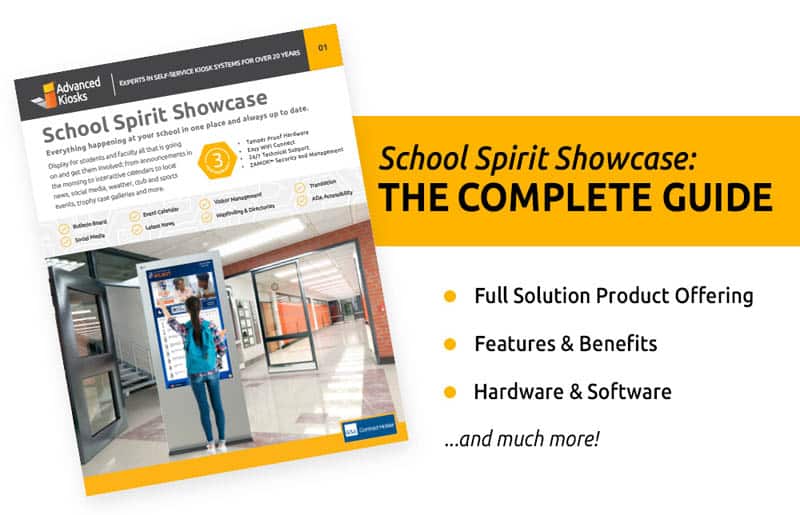
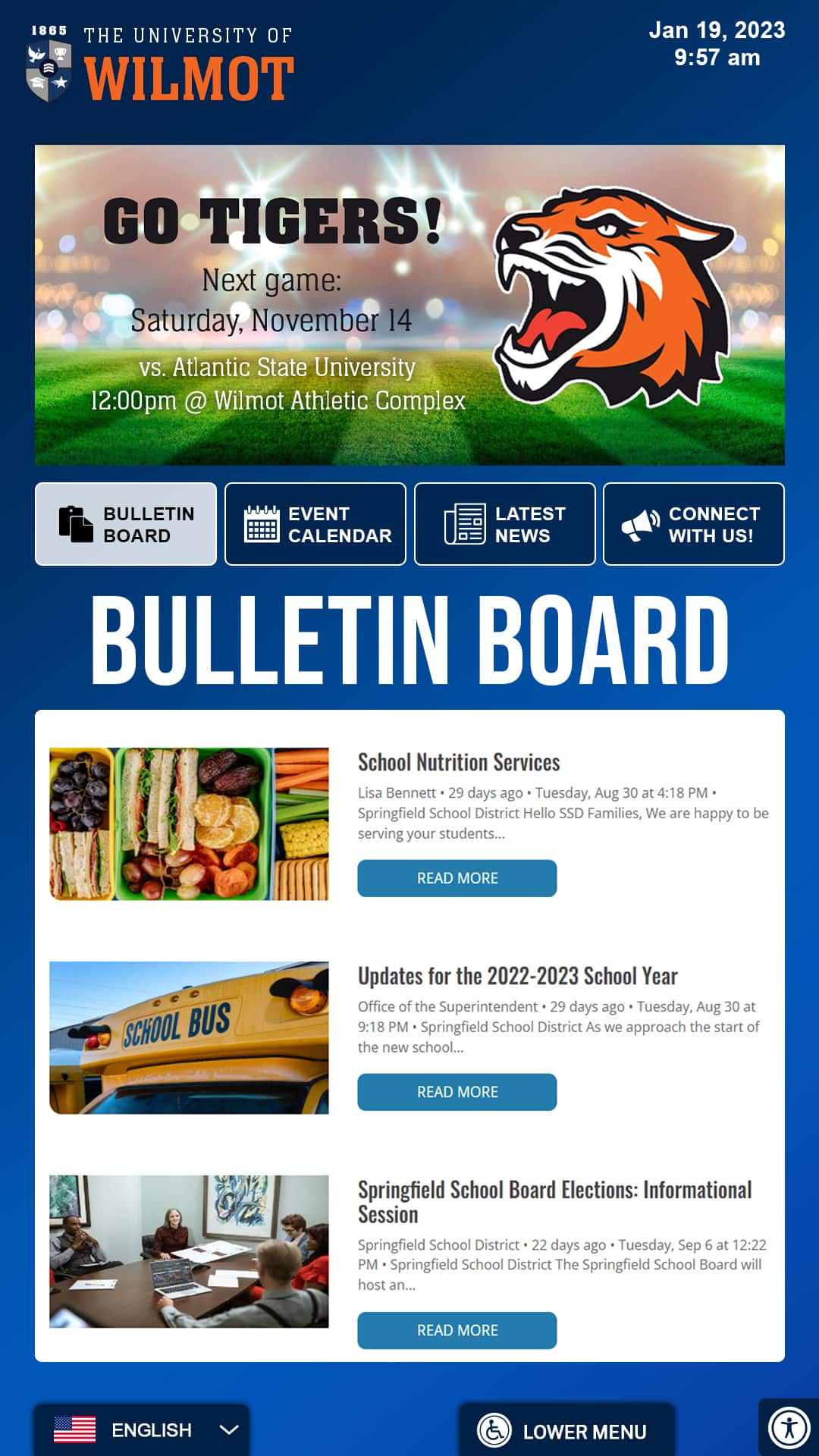
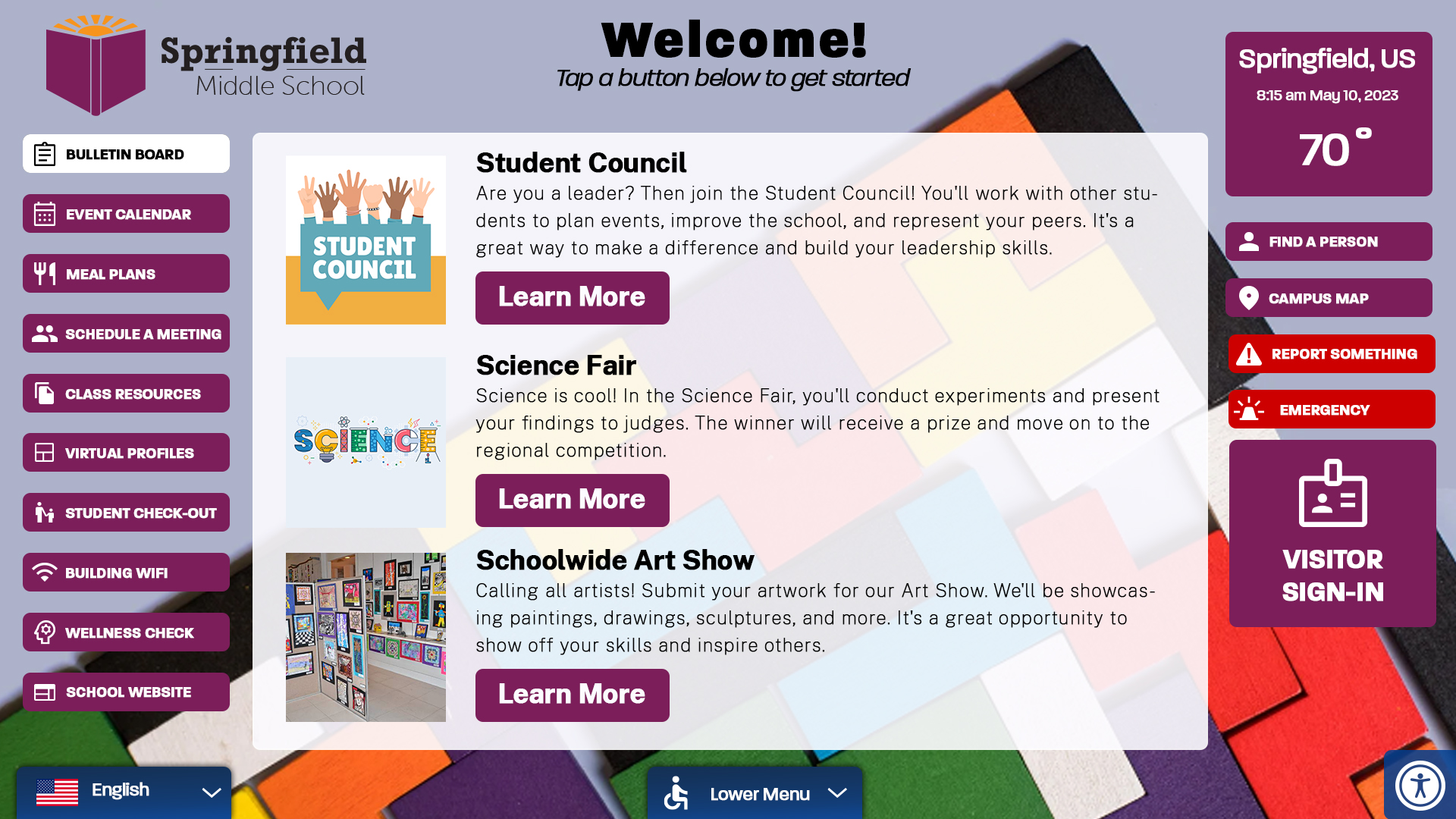
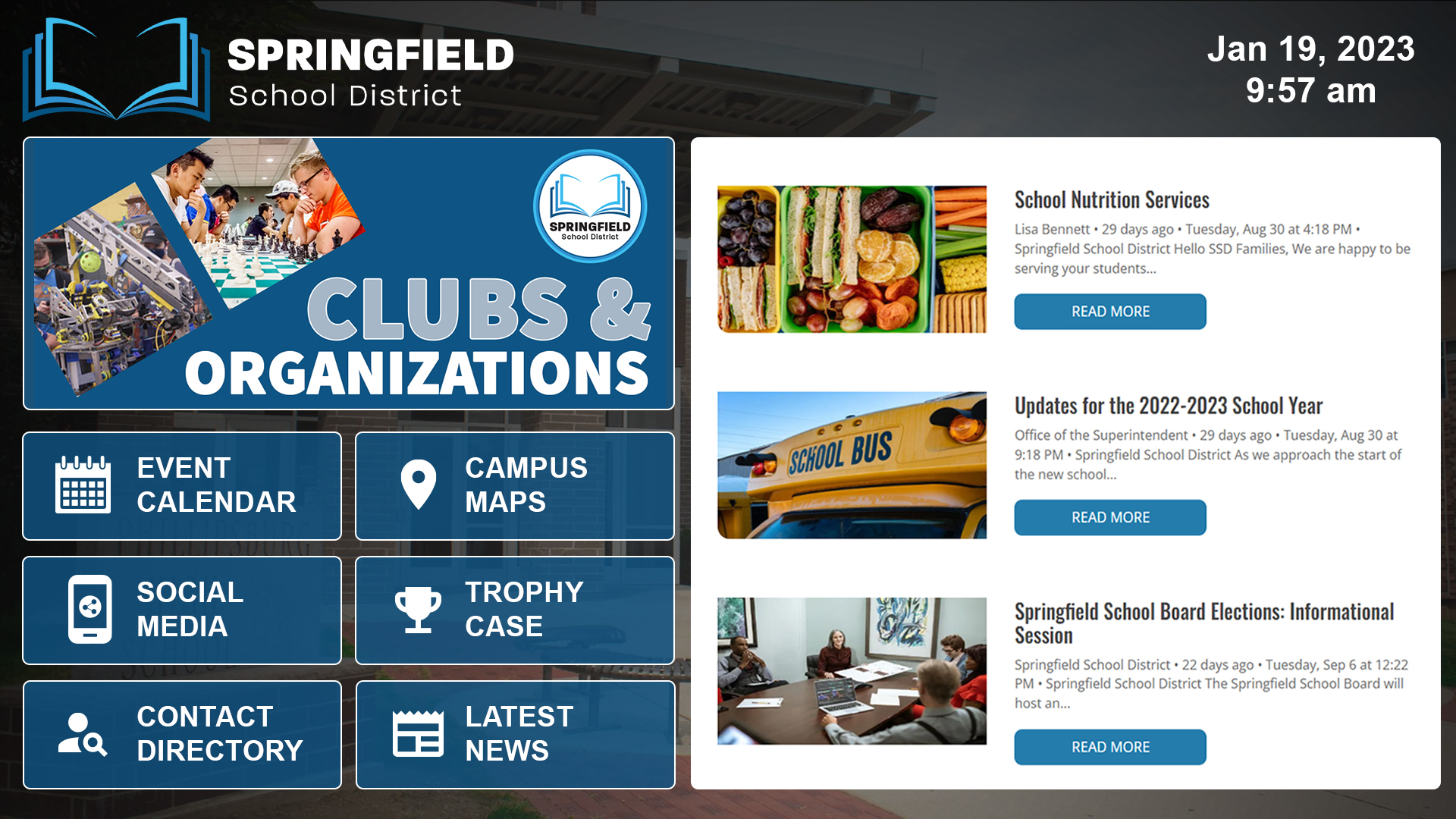
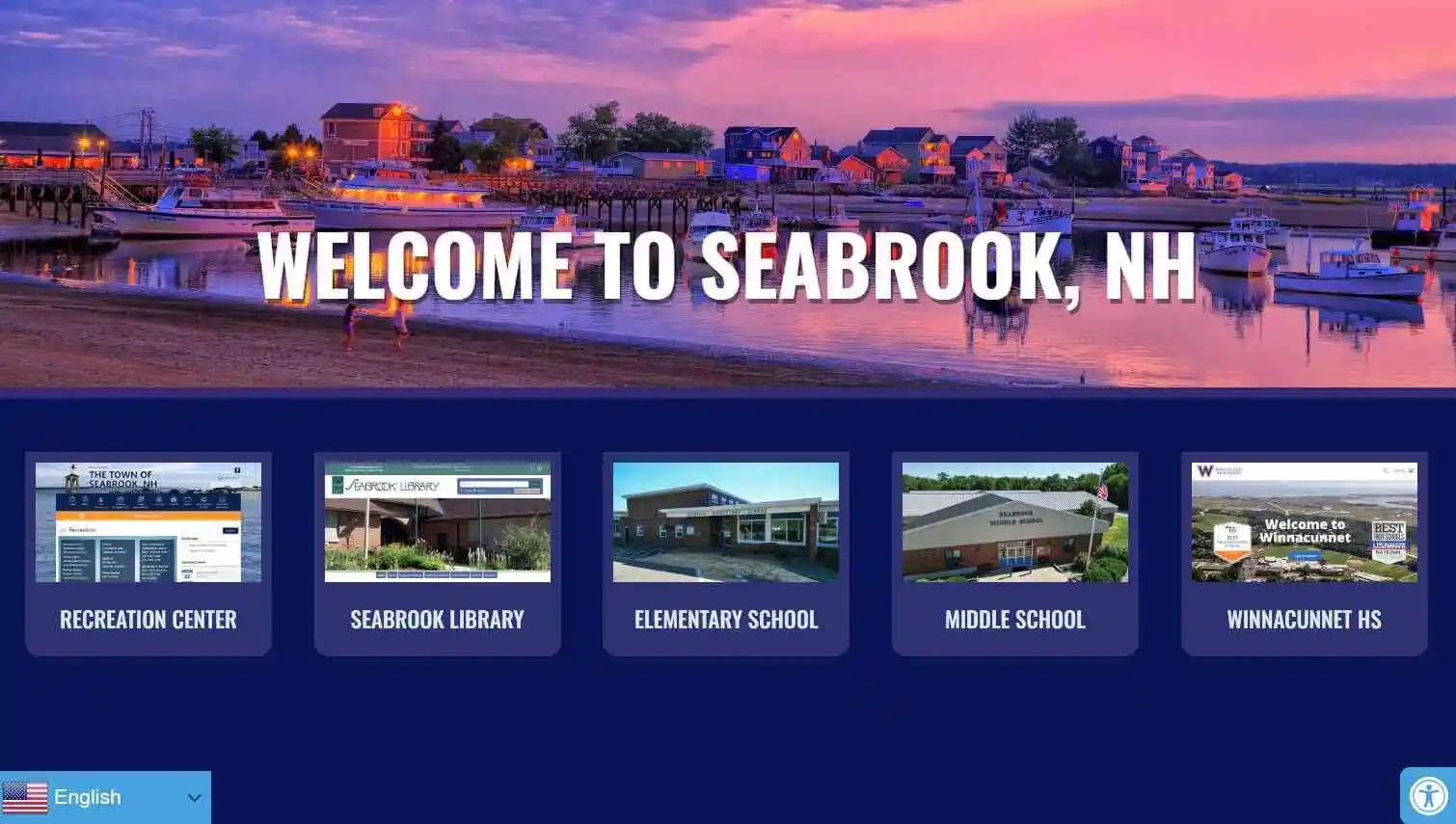
Interactive kiosks can help schools and universities showcase their communities while giving students, families, alumni, and visitors easy access to information. Displays can feature school history, athletics, alumni achievements, campus maps, calendars, directories, social media, events, and other frequently requested resources.
These examples demonstrate how schools can create engaging touchscreen experiences that strengthen school spirit while also providing practical information for students and campus visitors.

Courts & Judicial Services
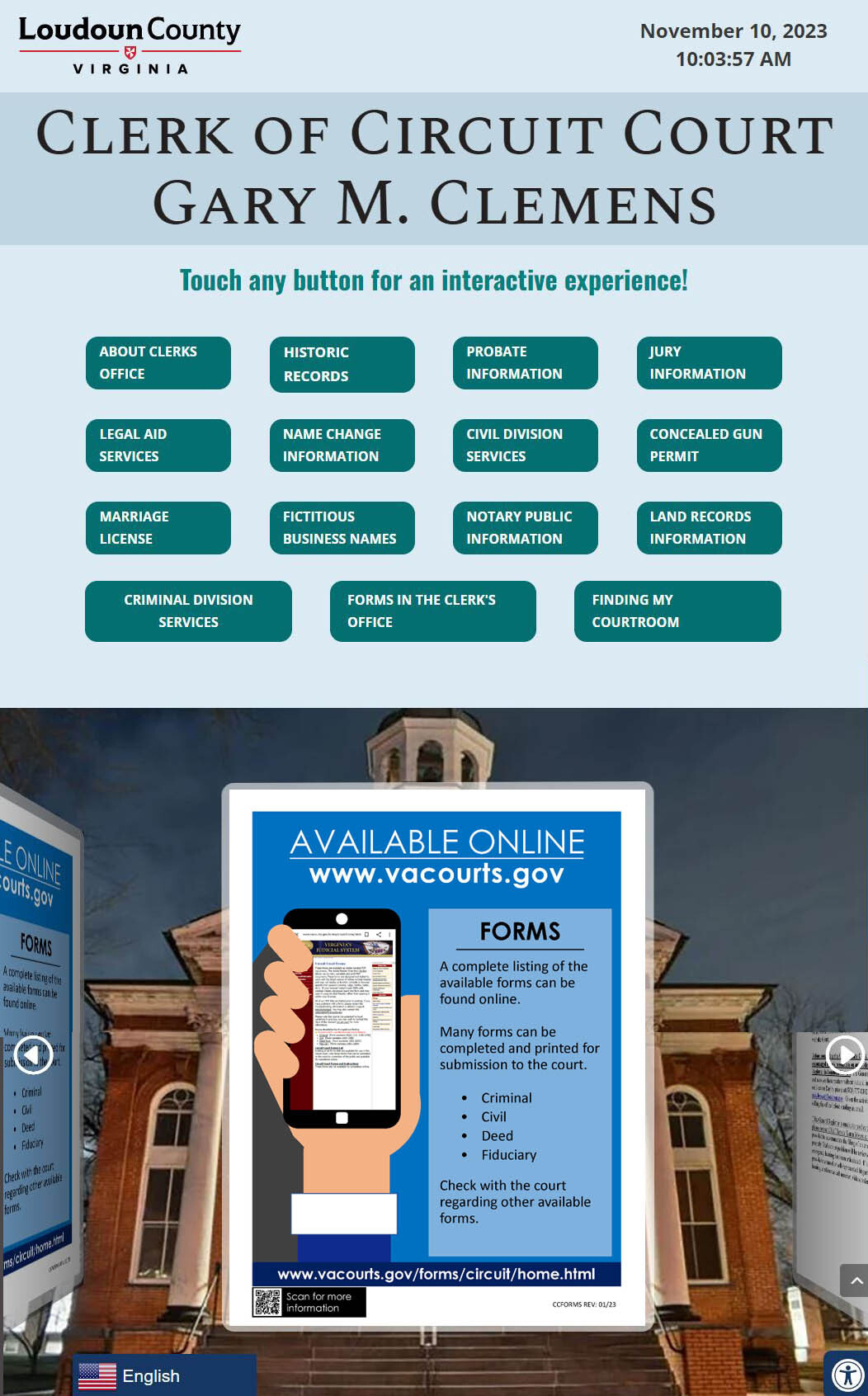
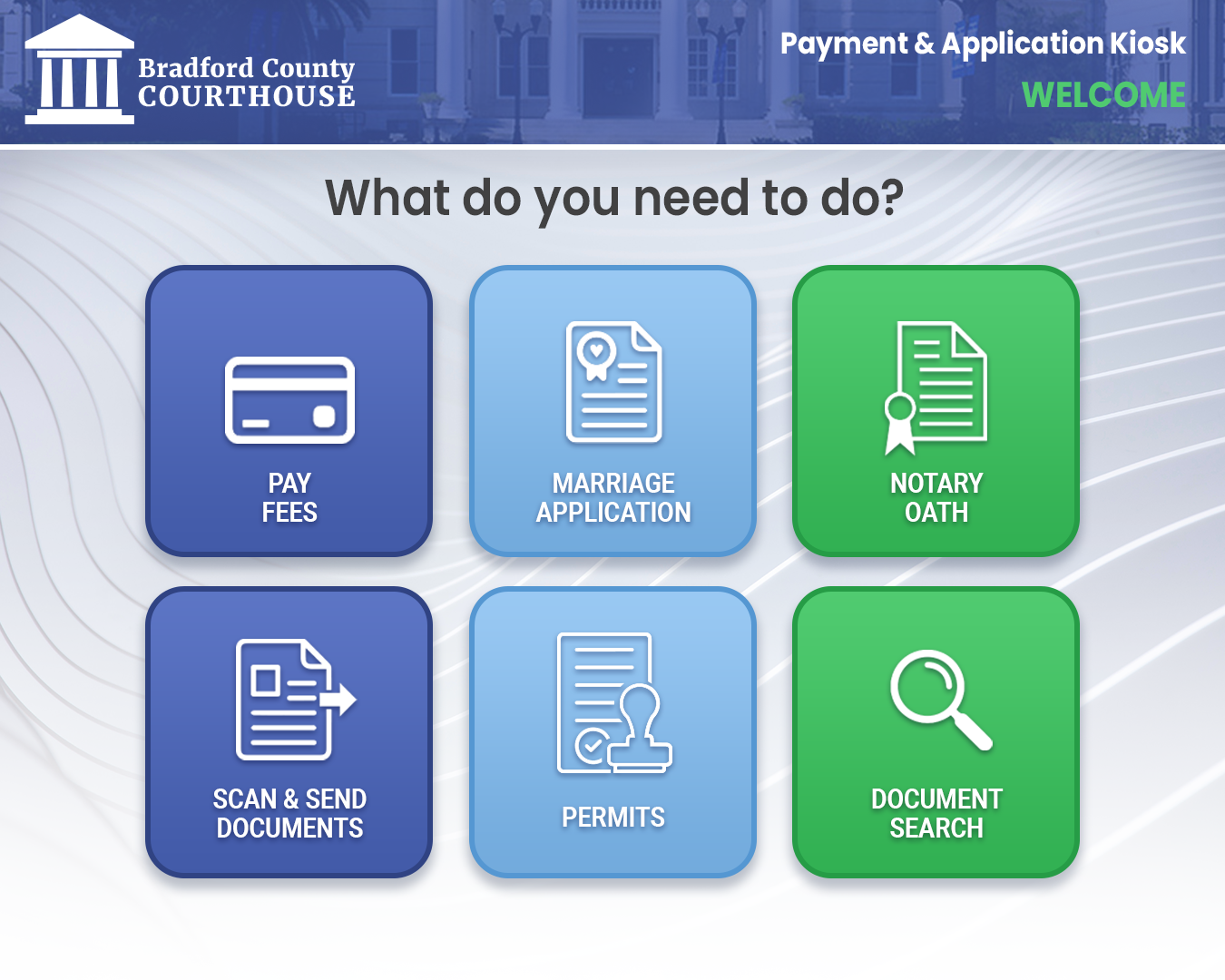
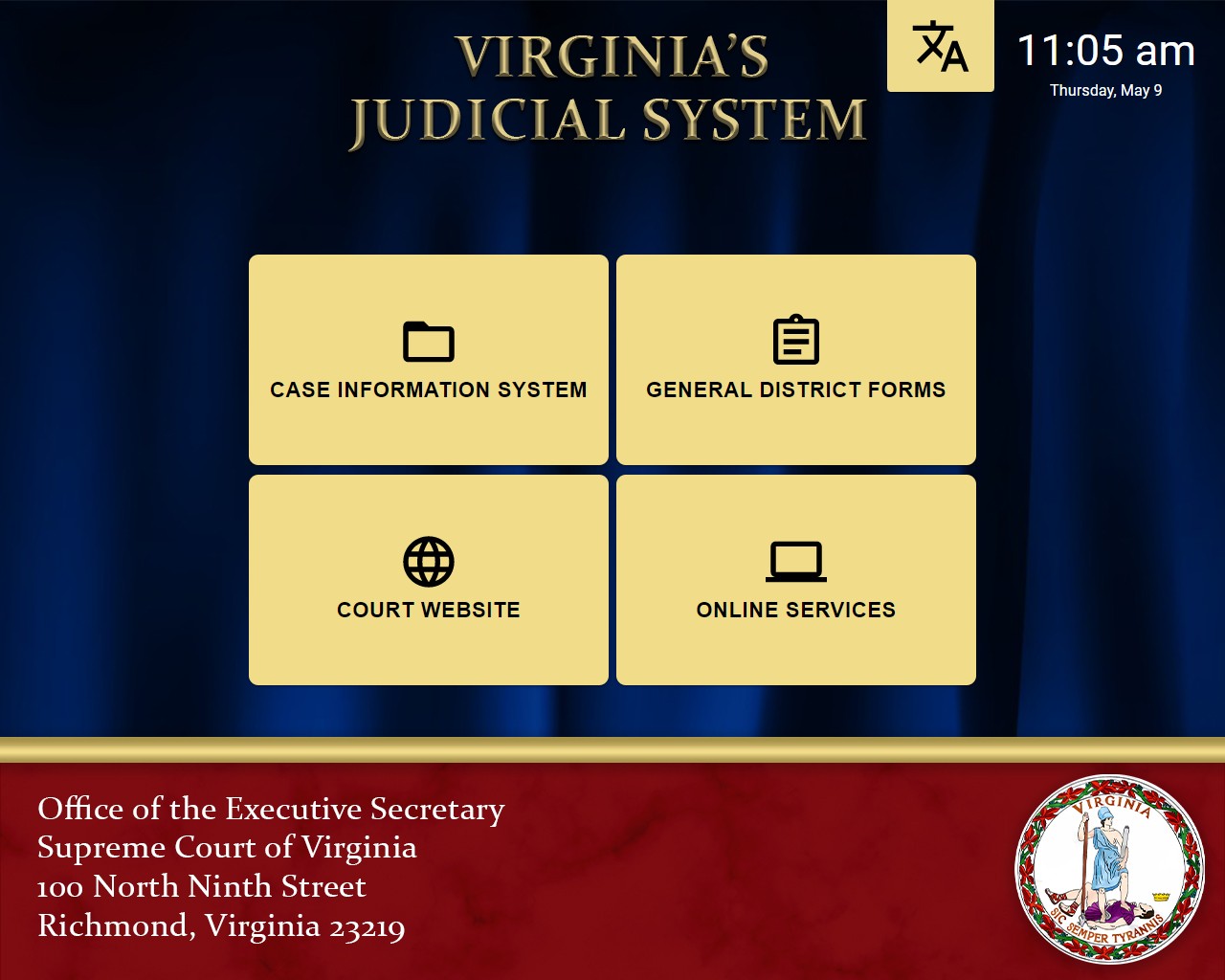
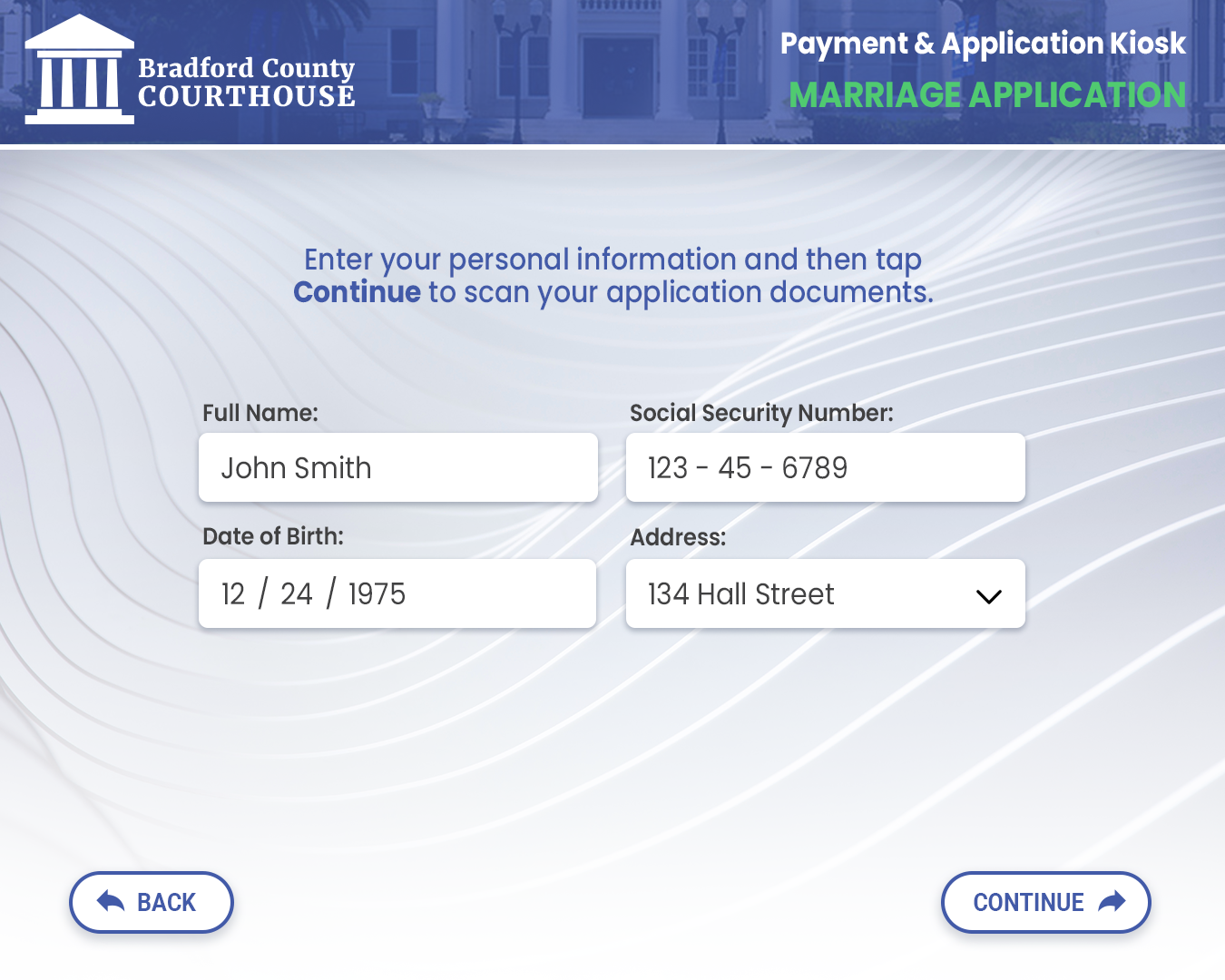
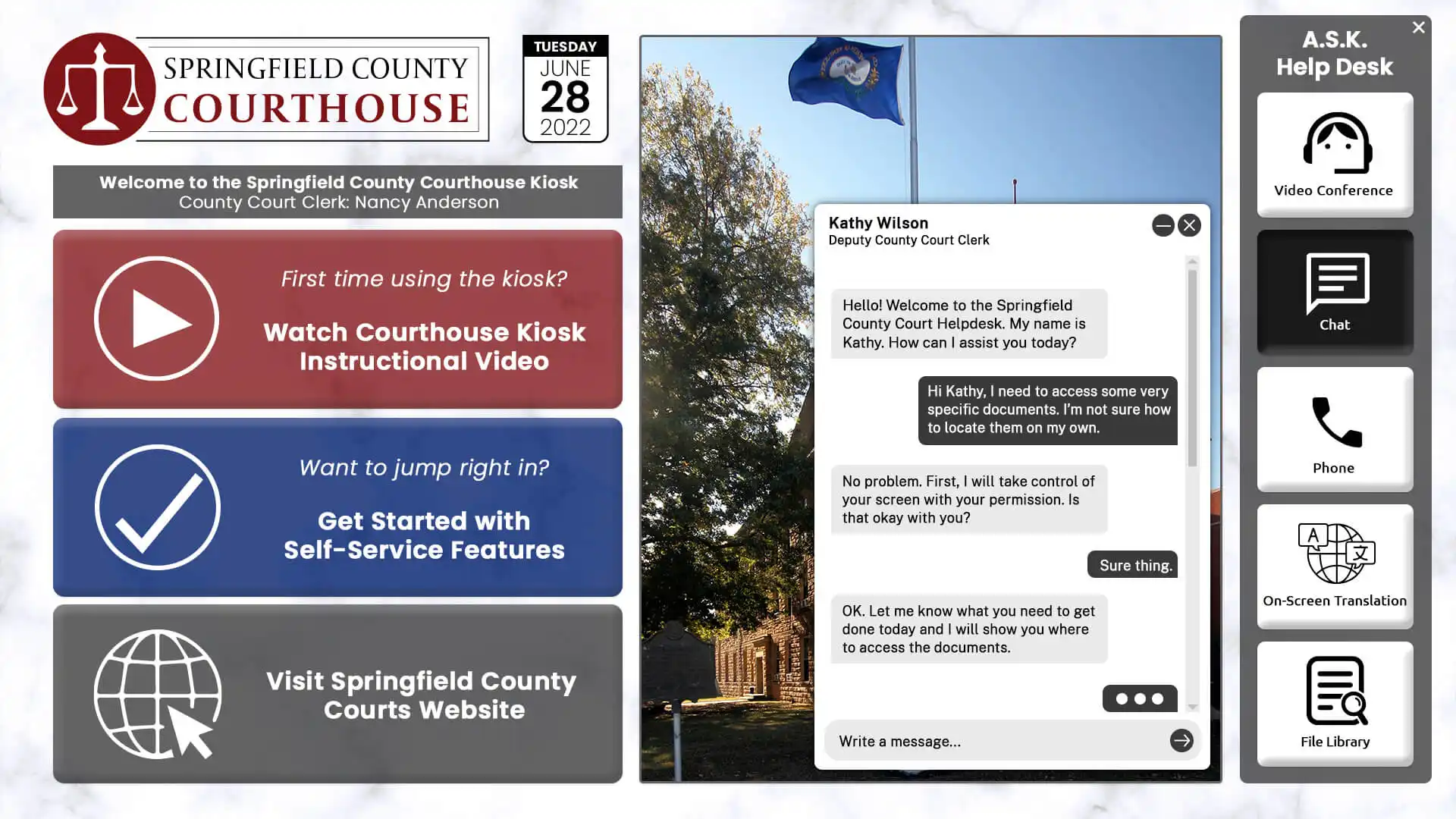
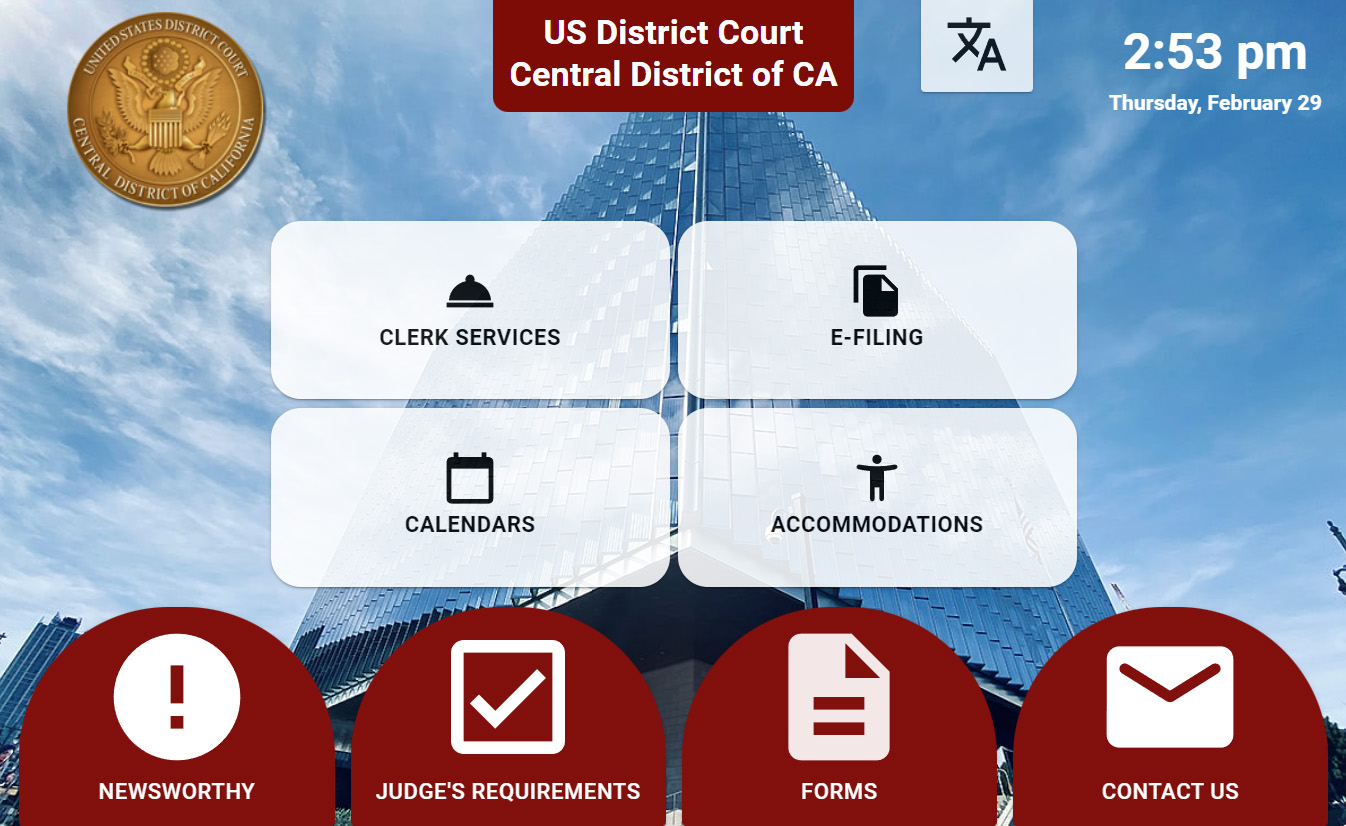
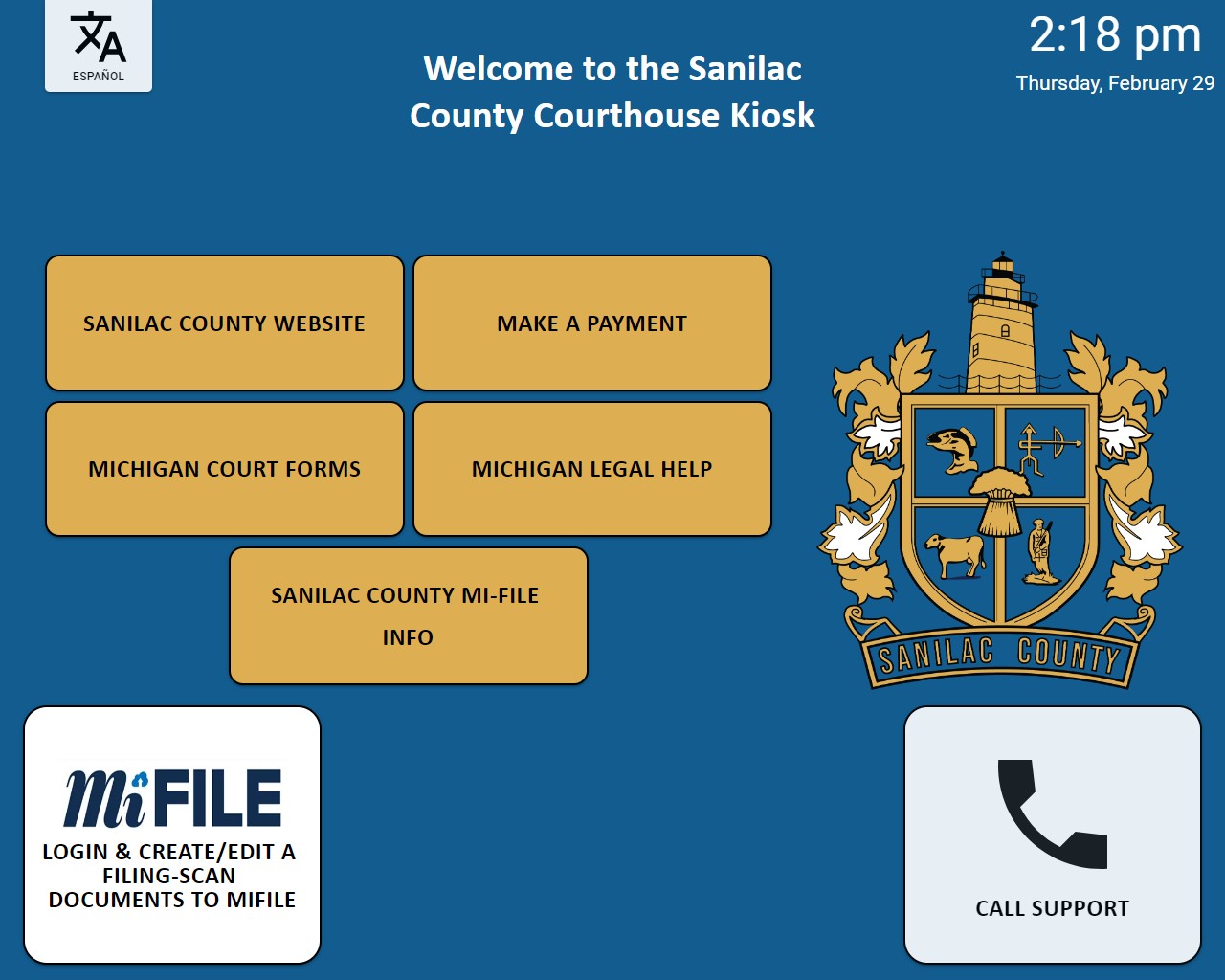
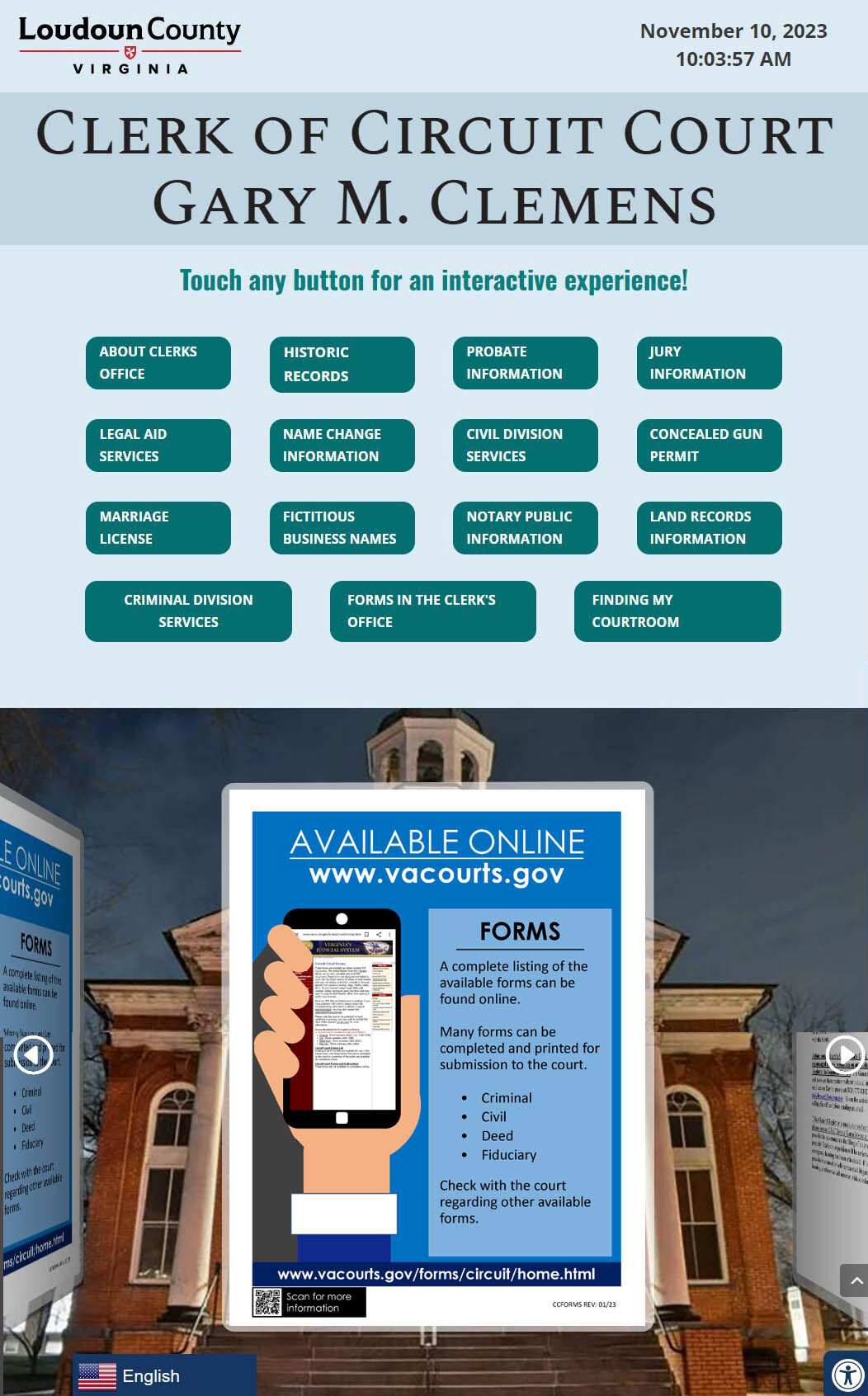
Self-service court kiosks can make routine information and services easier for the public to access while reducing demands on courthouse staff. Visitors can look up case information, complete forms, make payments, find courtroom locations, review schedules, access public records, and receive guidance about common court processes.
The interfaces shown here illustrate how kiosks can combine multiple courthouse services into one accessible touchscreen experience, helping visitors find what they need while allowing staff to focus on cases and requests that require personal assistance.

Retail, Ordering & Payments
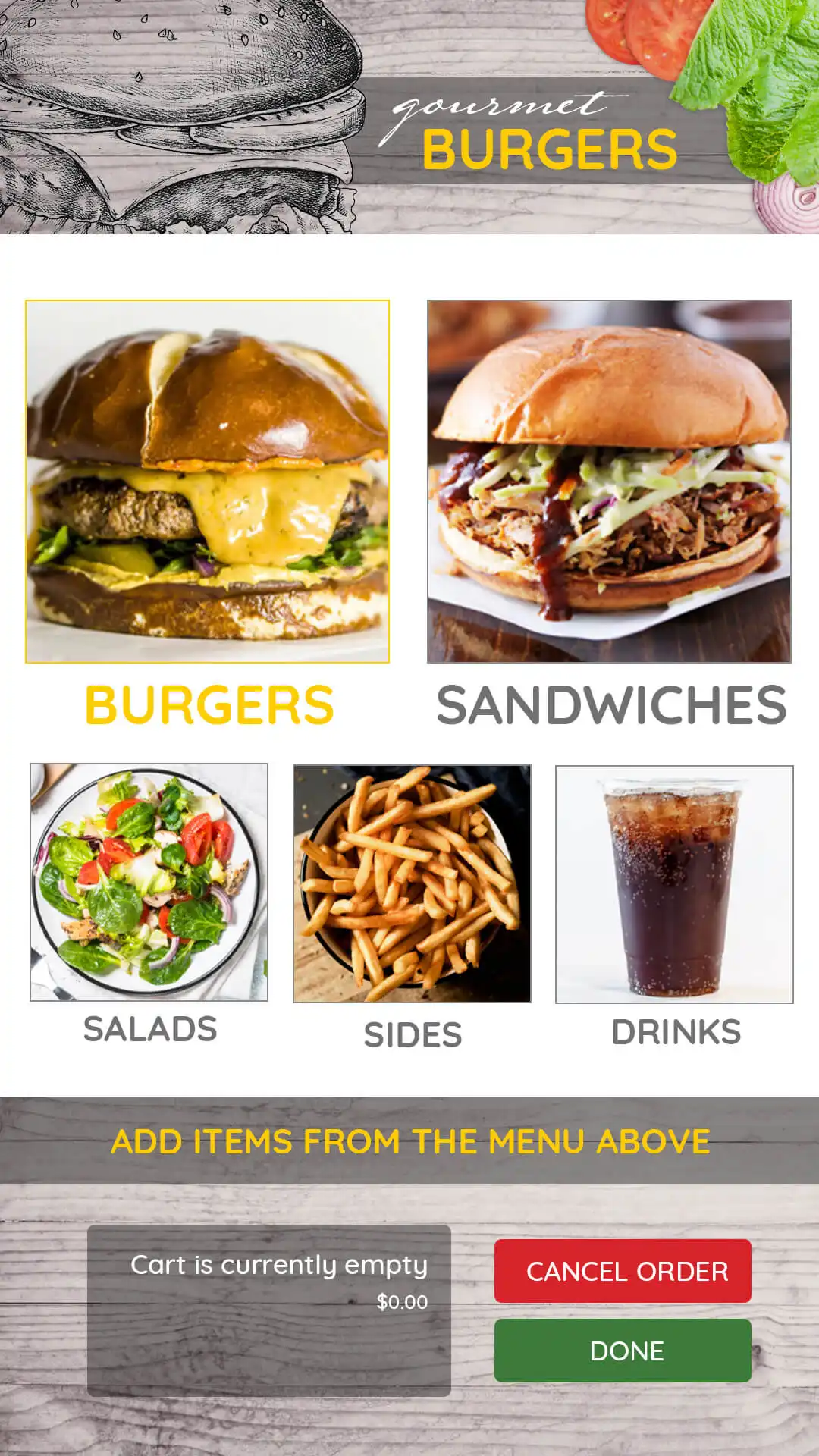
Self-service kiosks give customers a fast and convenient way to browse products, place orders, make selections, and complete transactions. Touchscreen interfaces can guide customers through menus, product options, upgrades, payment steps, and other parts of the purchasing process.
These examples demonstrate how self-service technology can be adapted for retail stores, restaurants, service counters, and other customer-facing environments while providing a consistent digital experience.
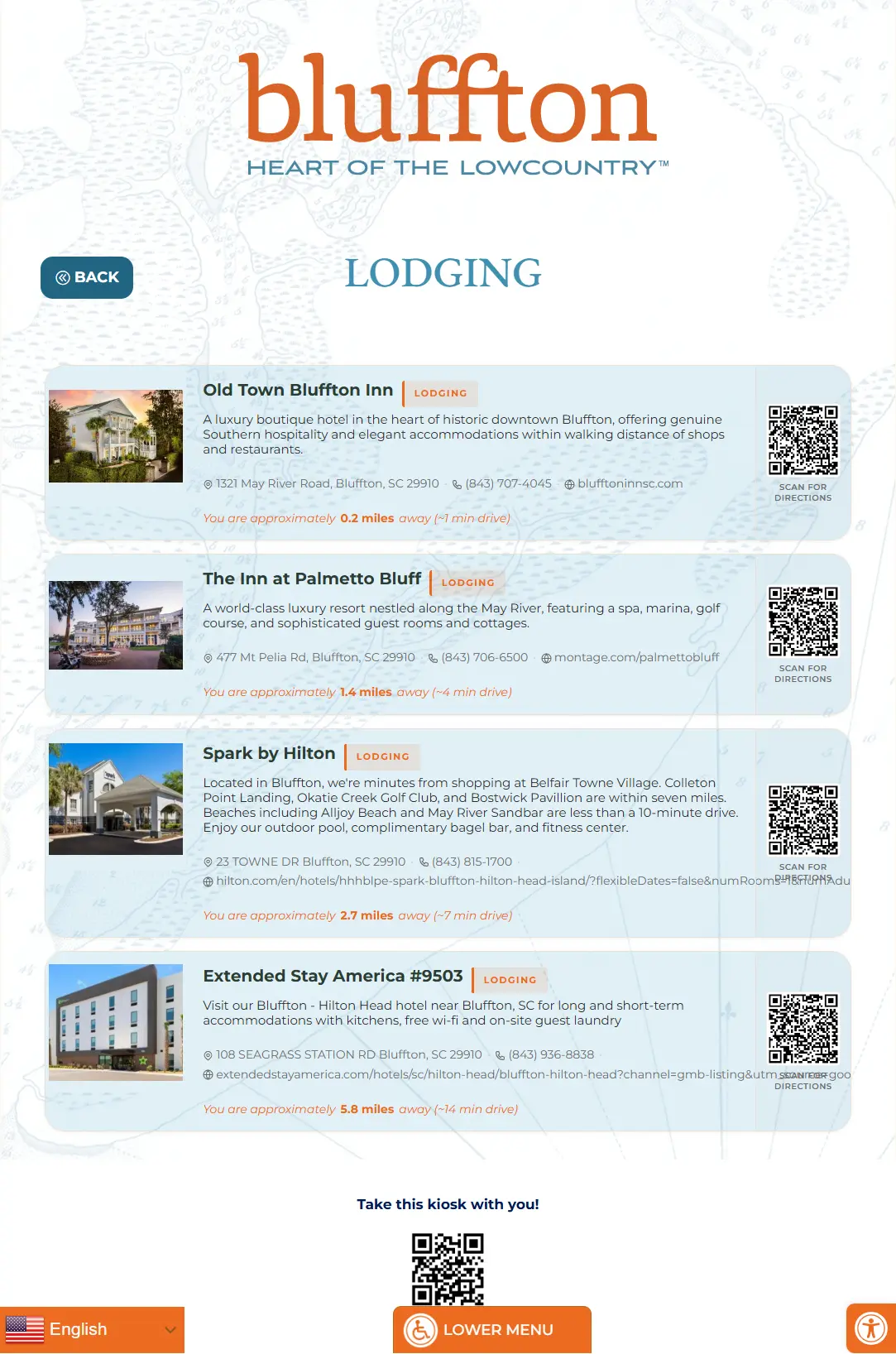
City Guides & Public Information
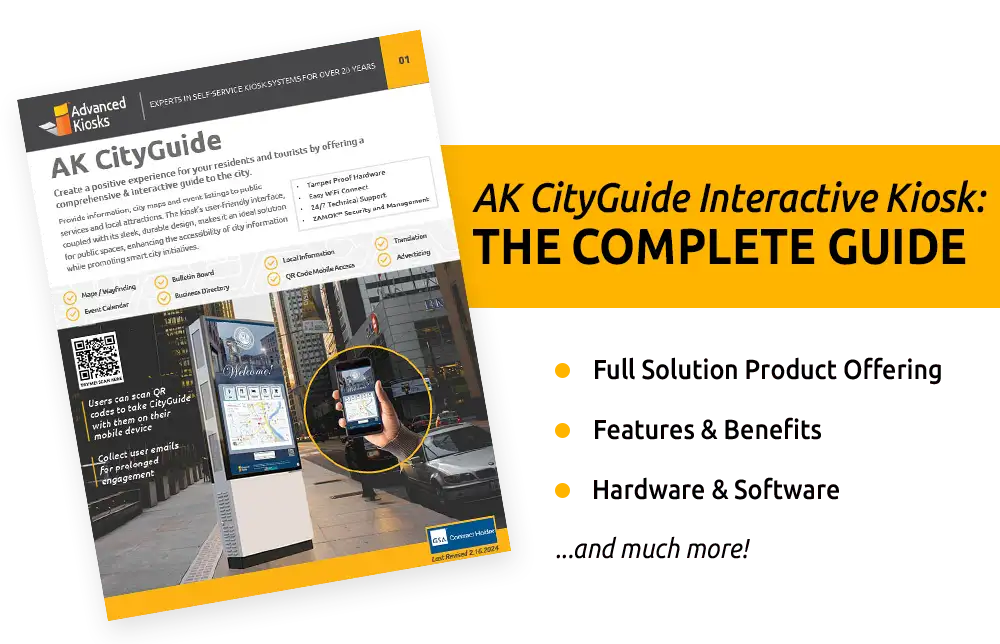
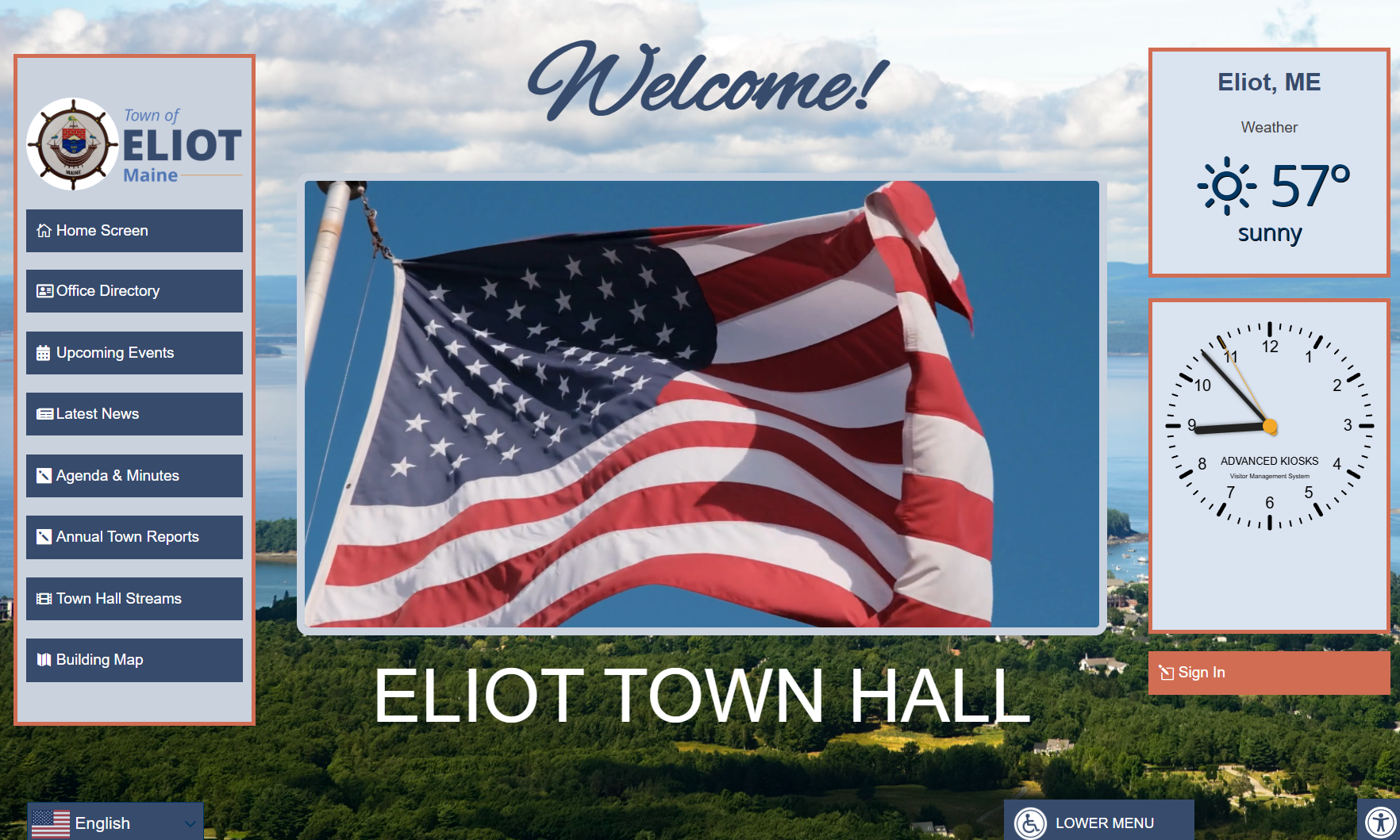
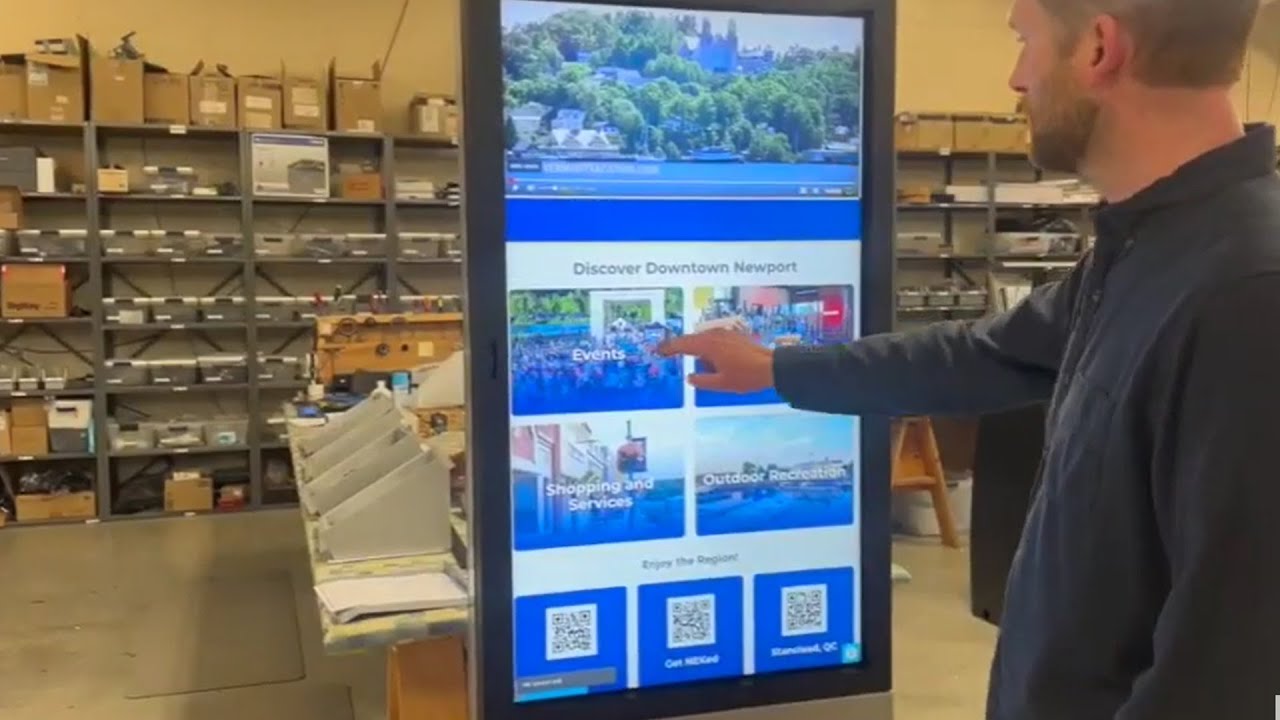
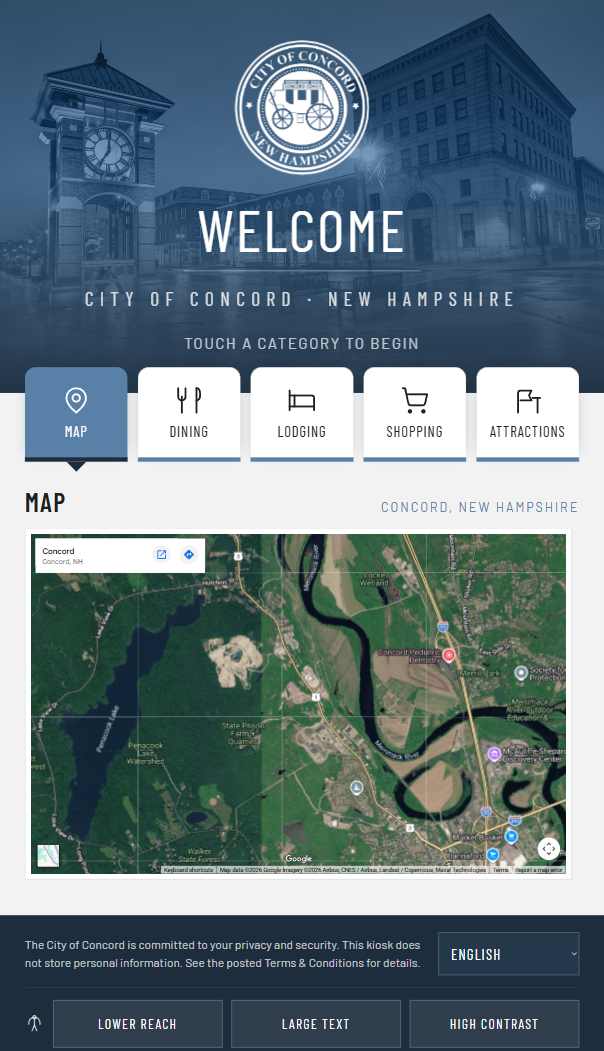
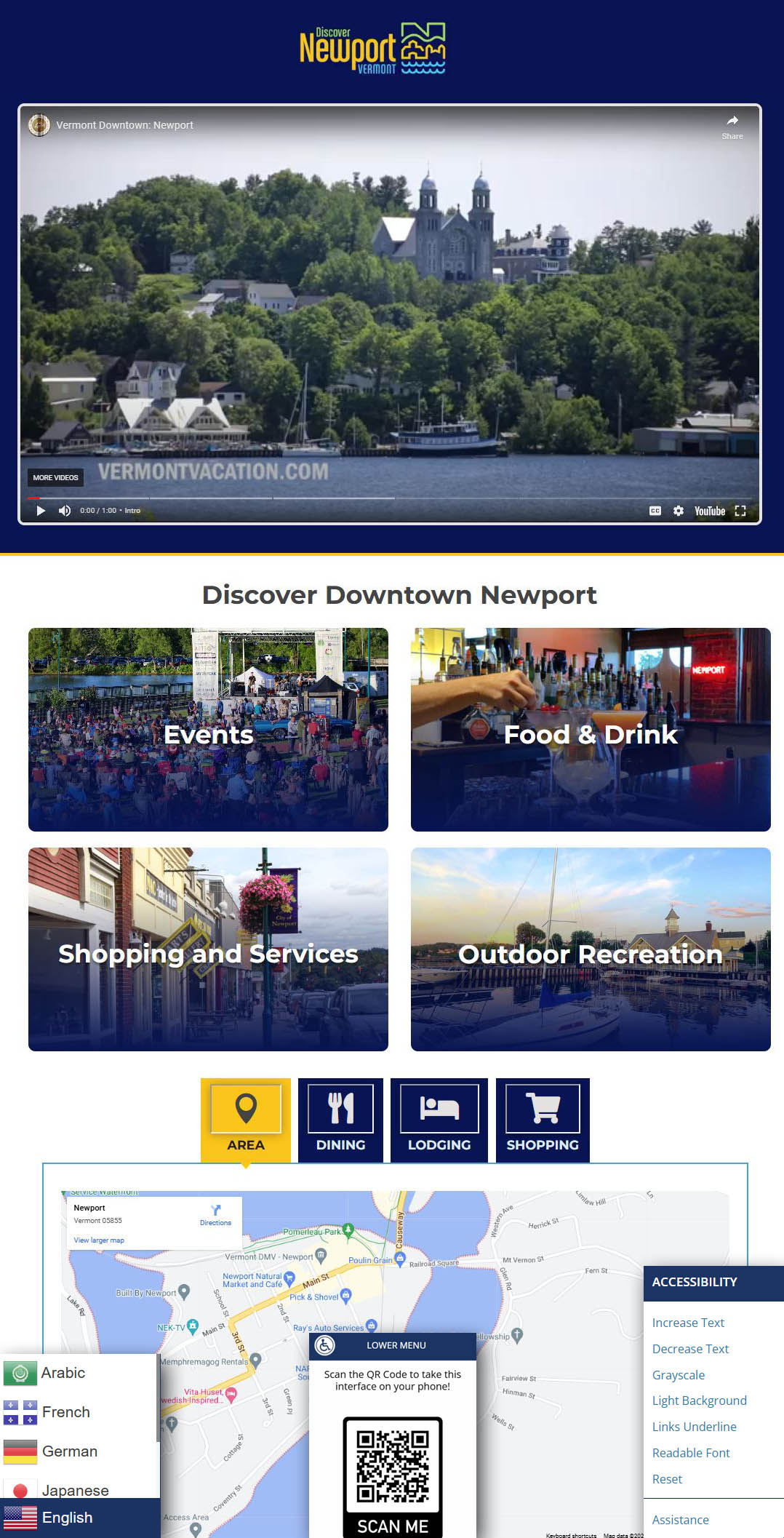
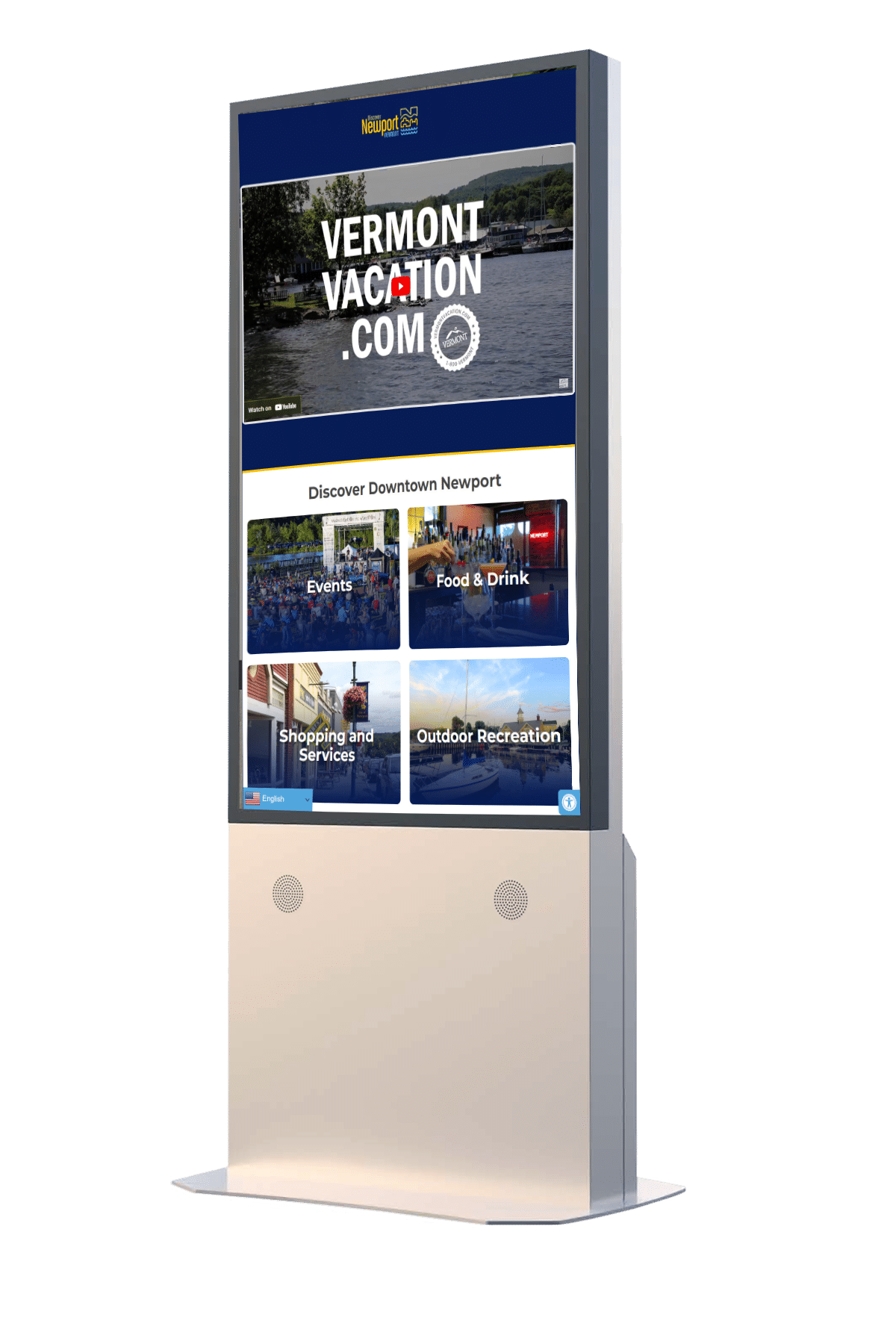
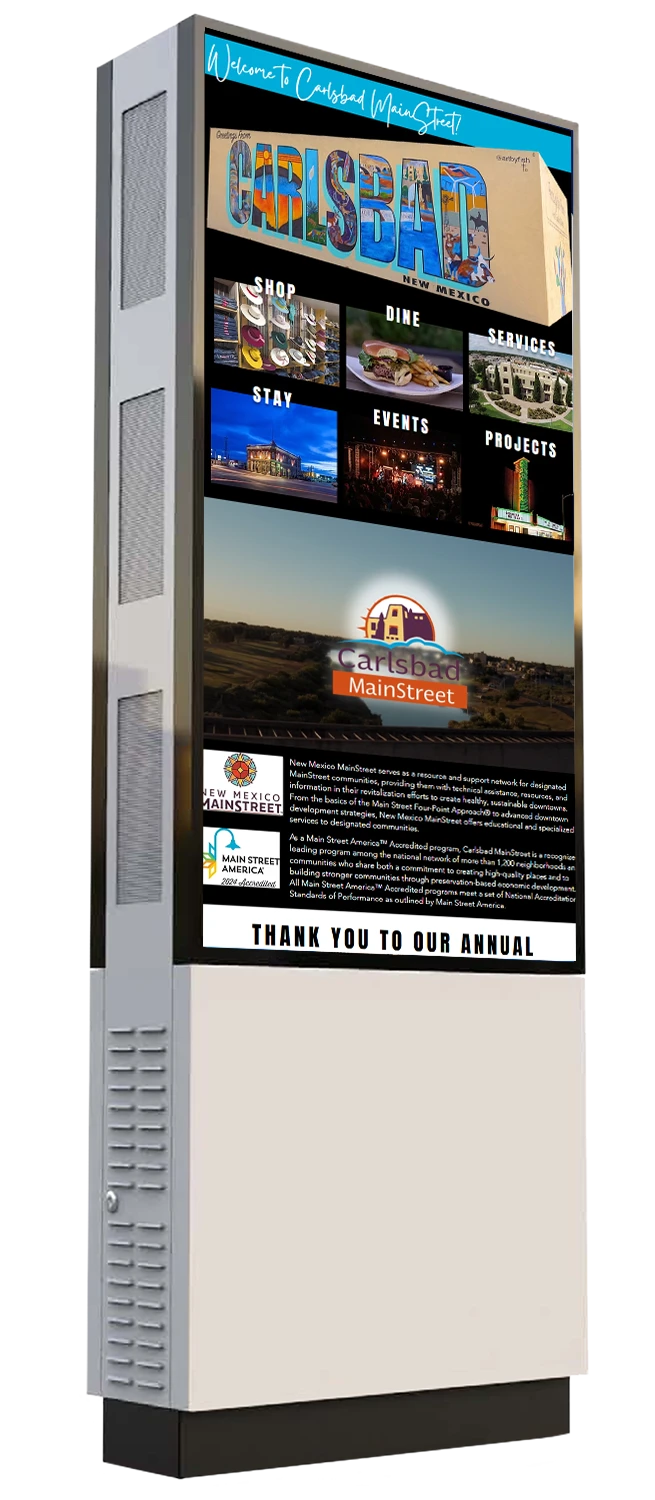
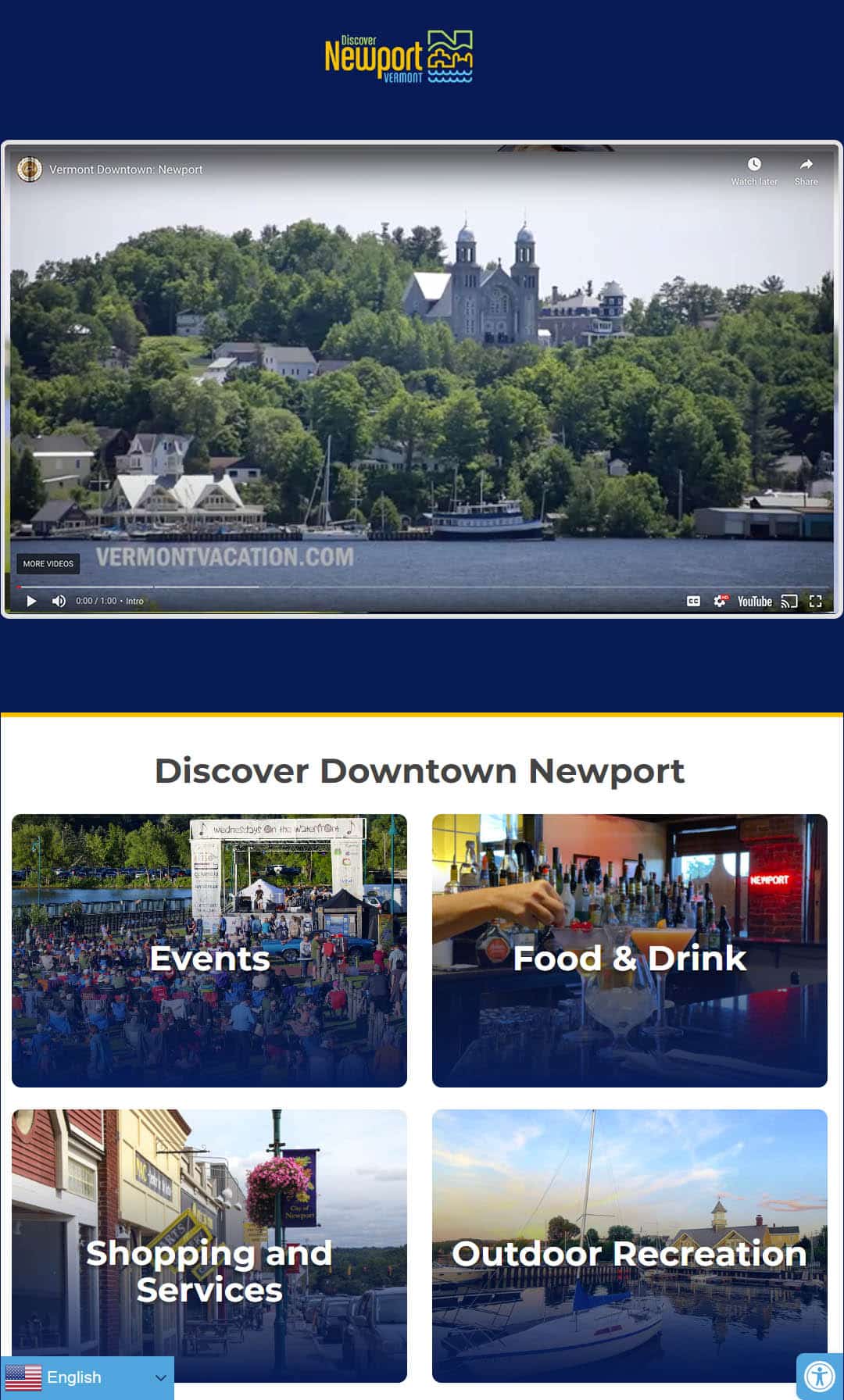
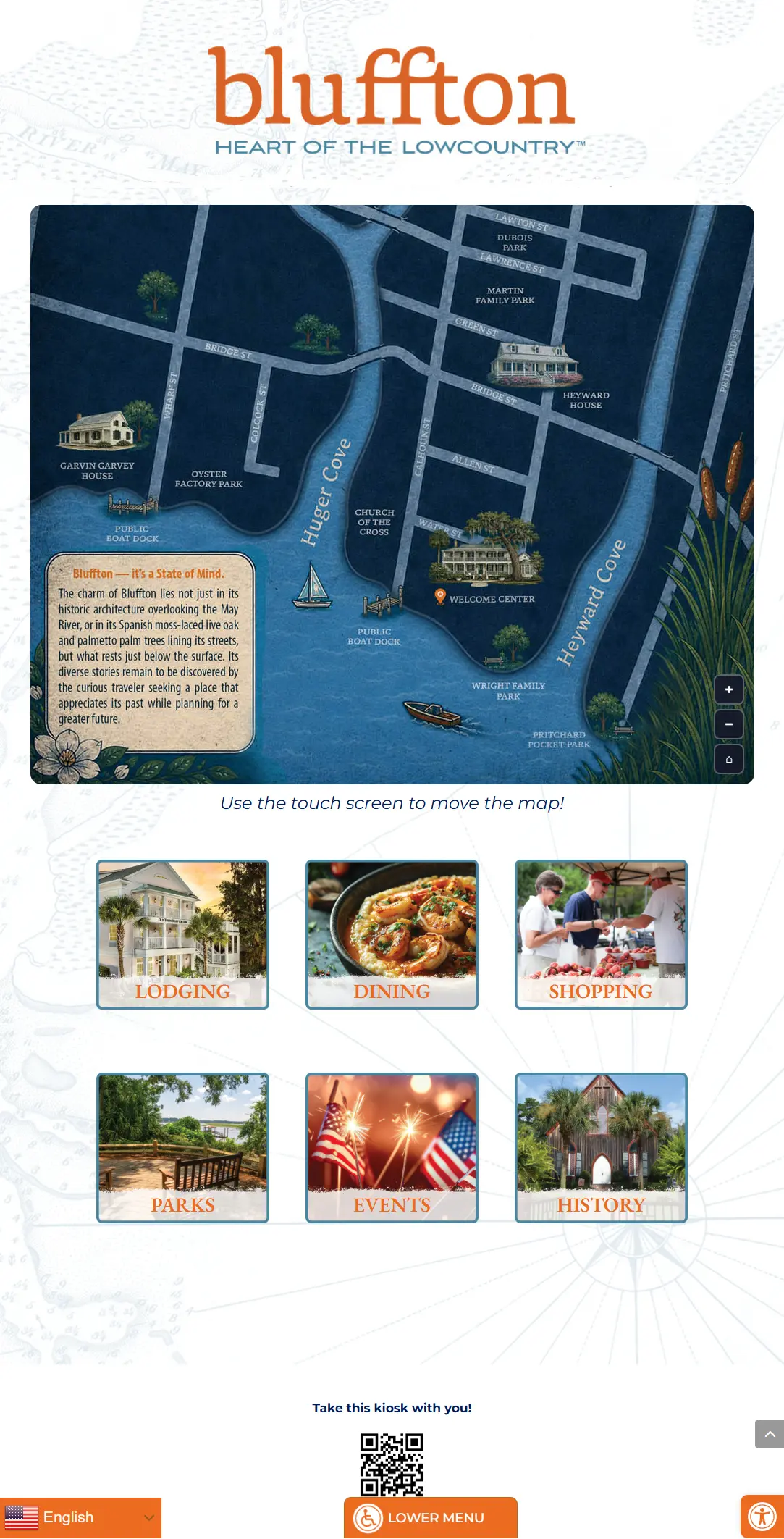
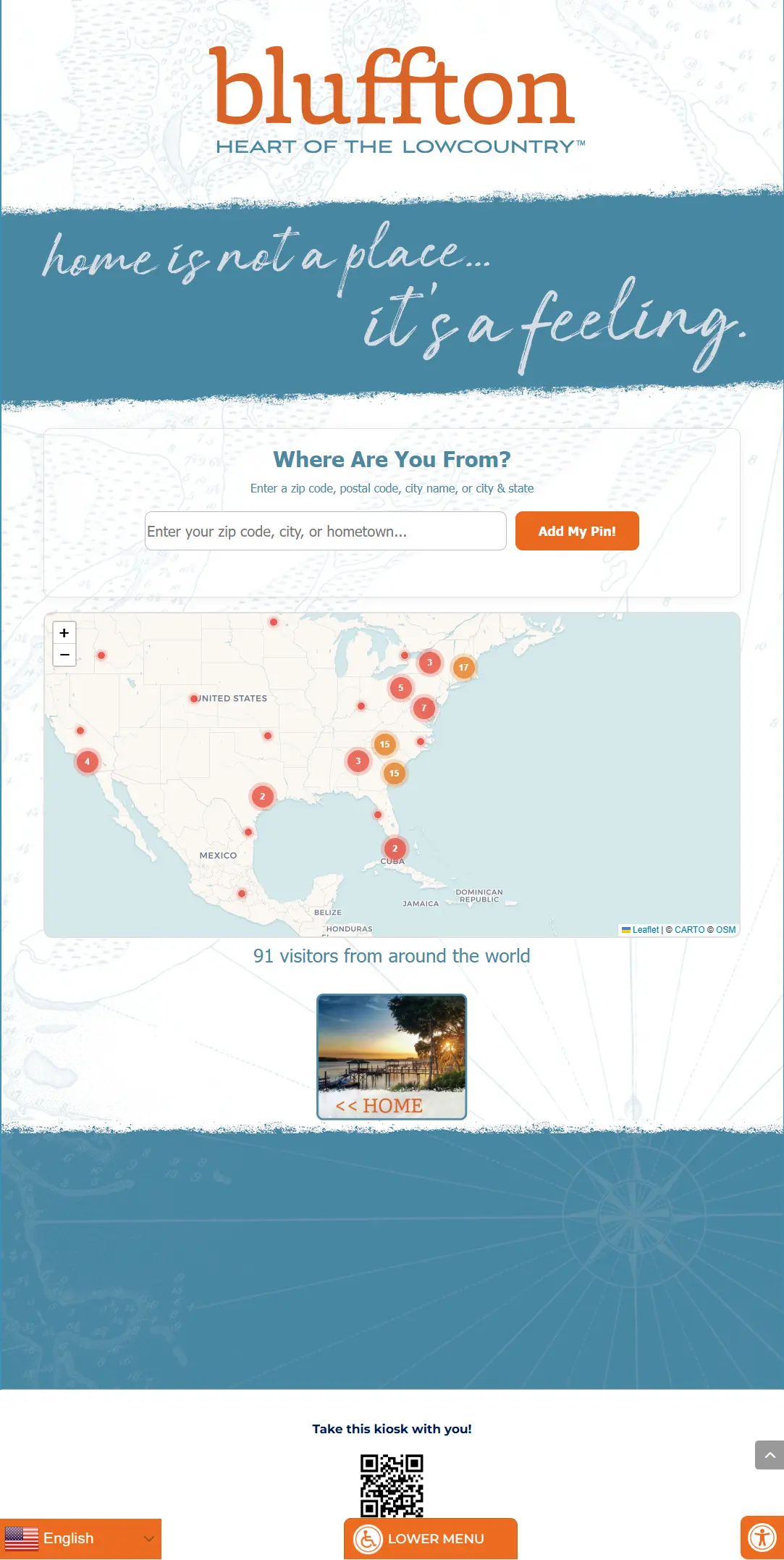
Interactive city guide kiosks help residents and visitors discover local businesses, attractions, events, transportation, recreation, and community resources. Instead of relying on printed directories and brochures, users can explore information through an intuitive touchscreen interface.
Cities, towns, tourism organizations, downtown districts, and chambers of commerce can customize these systems with maps, directories, event calendars, wayfinding, emergency information, and other community content.

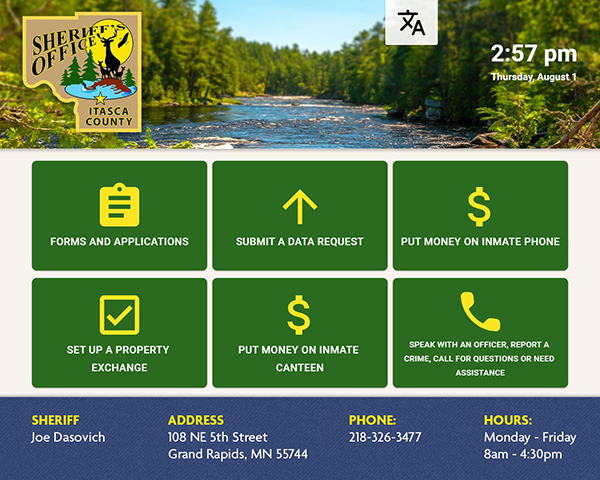

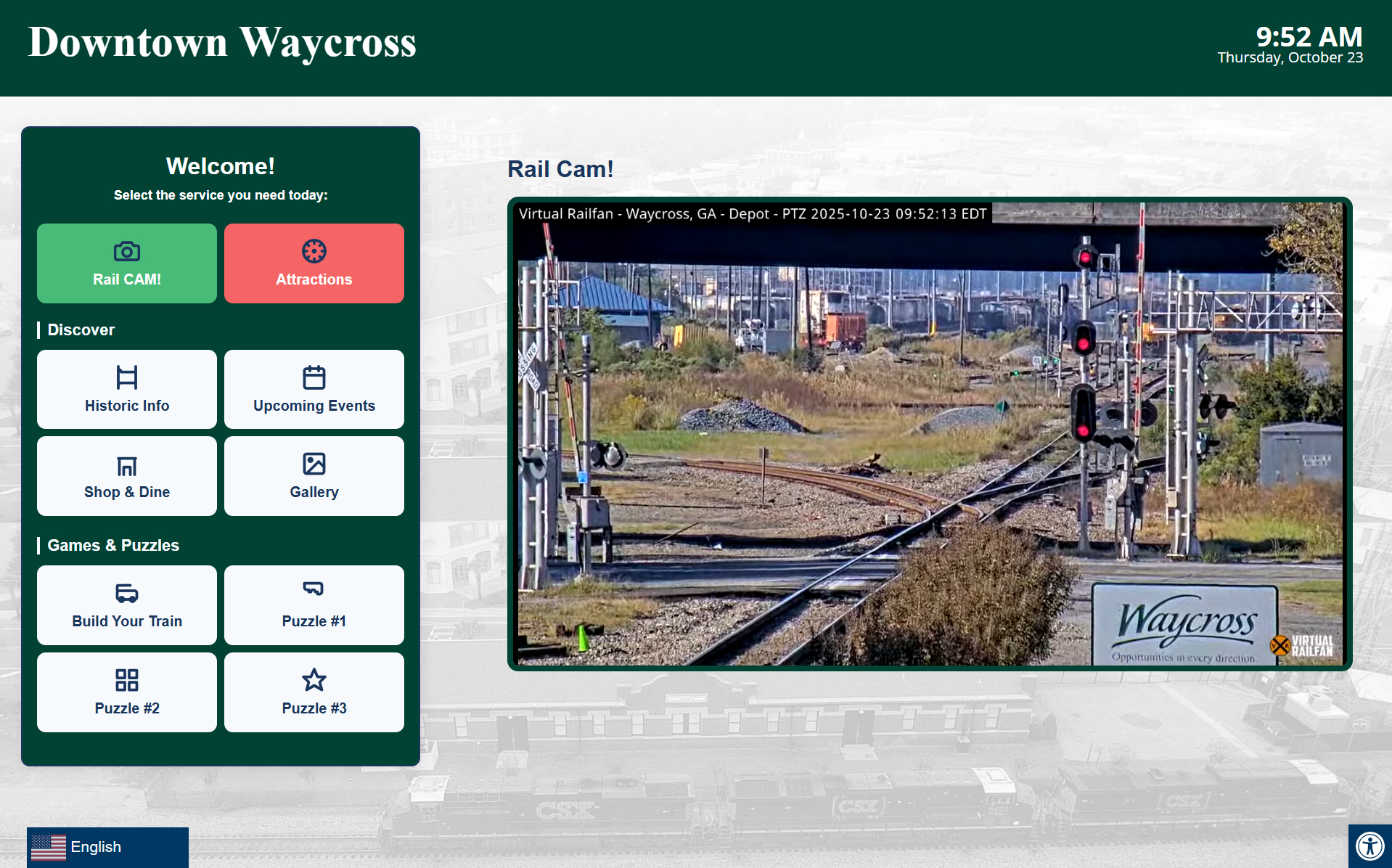

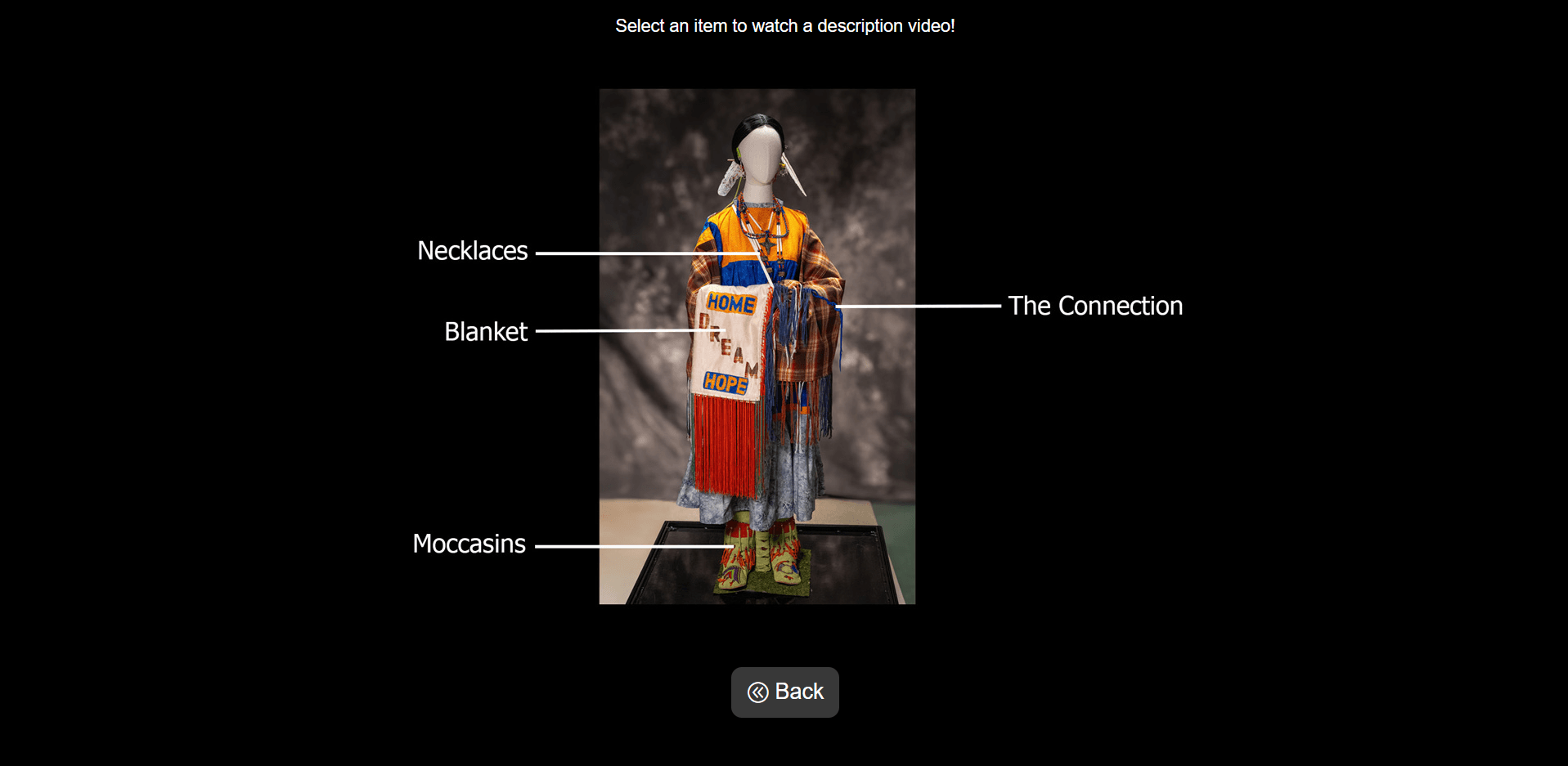


Custom & Specialty Applications
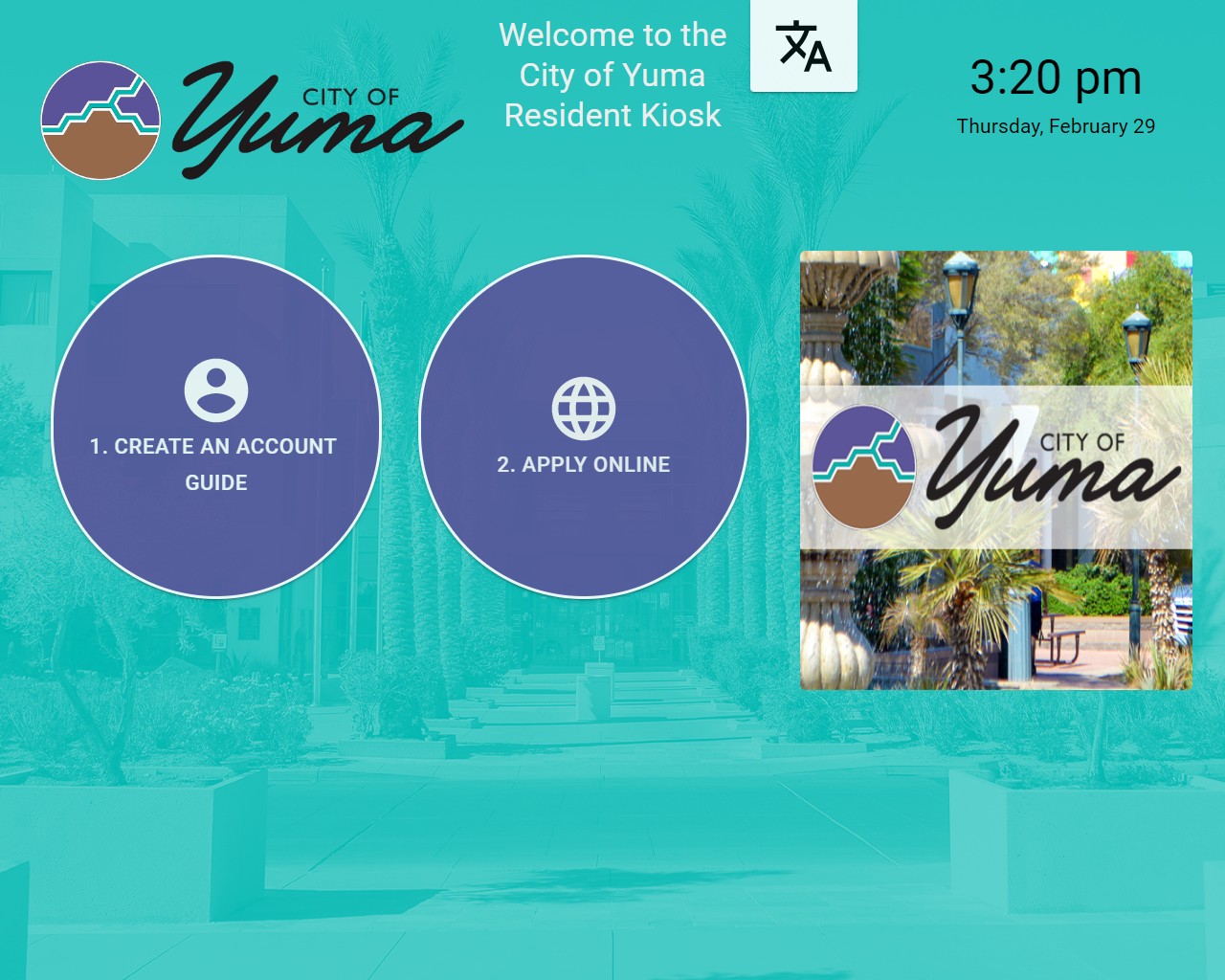
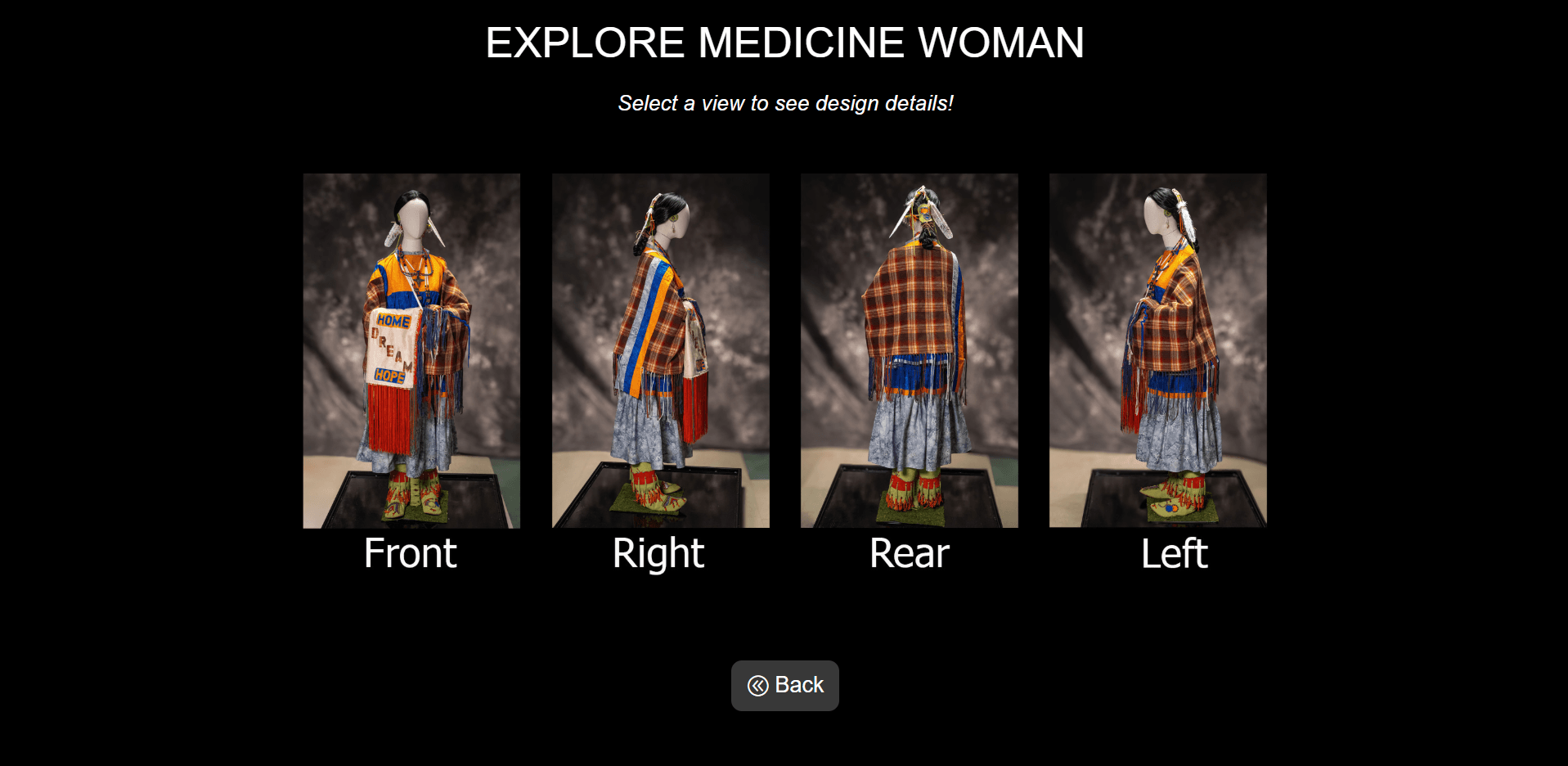
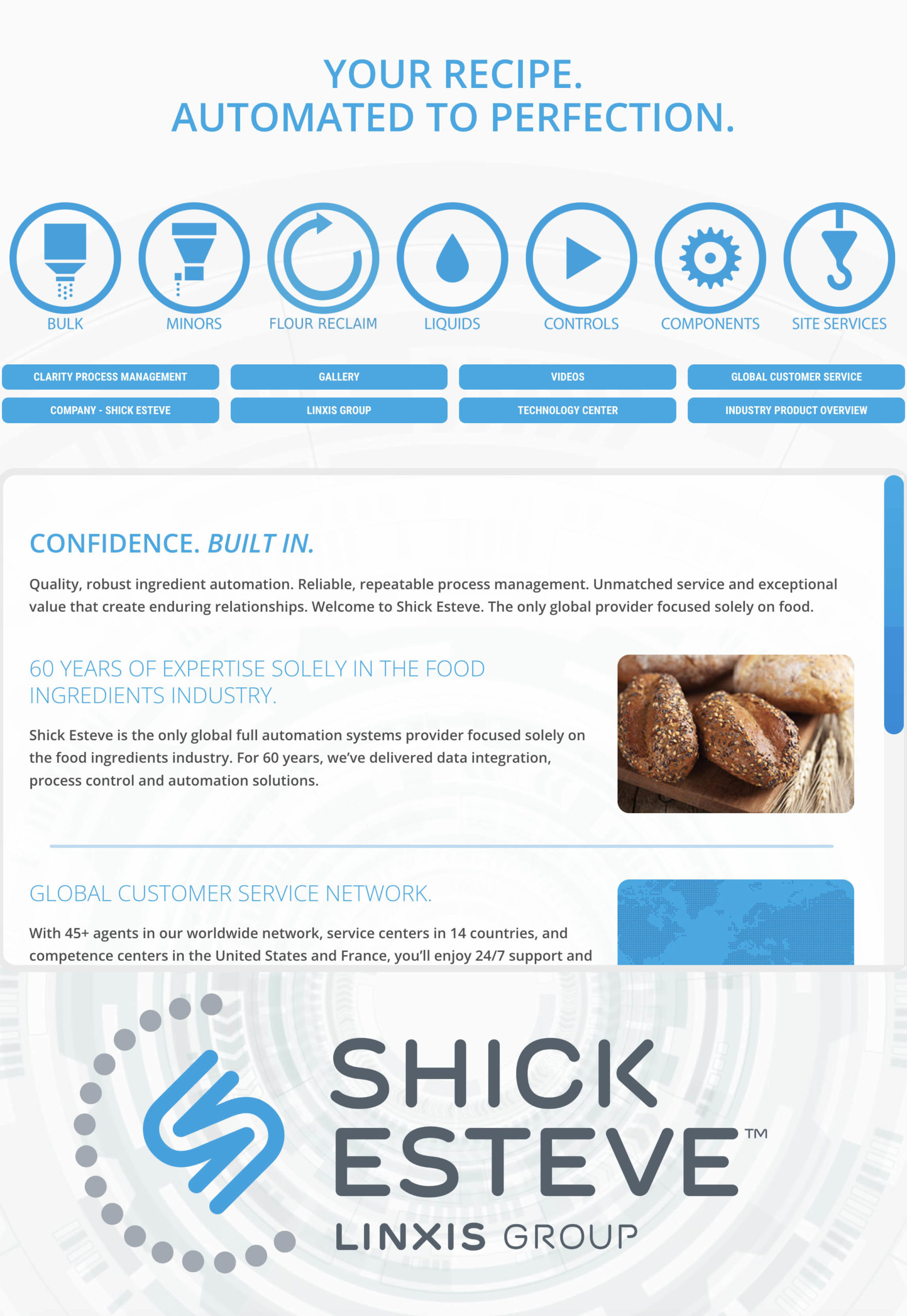
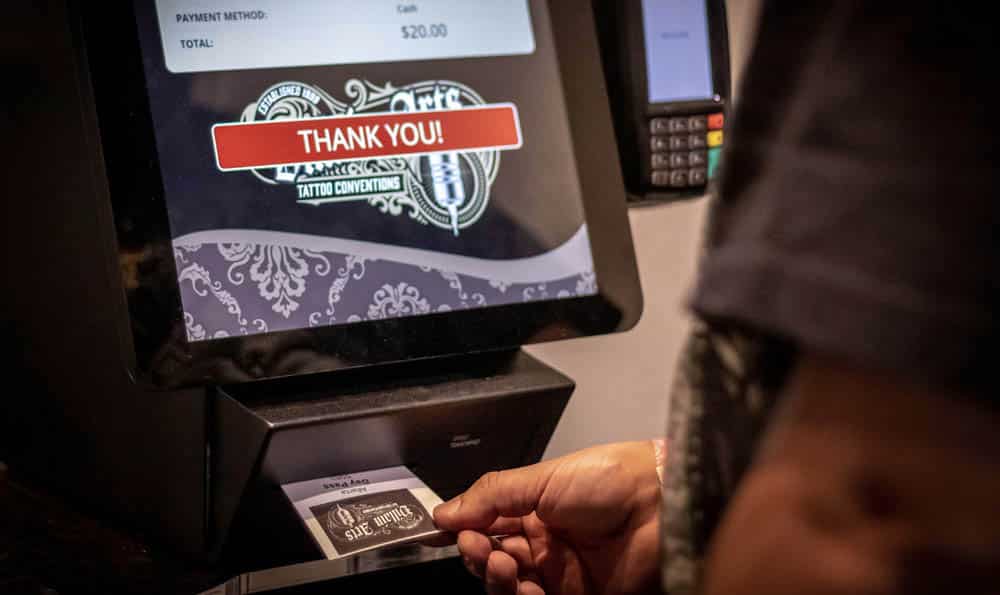
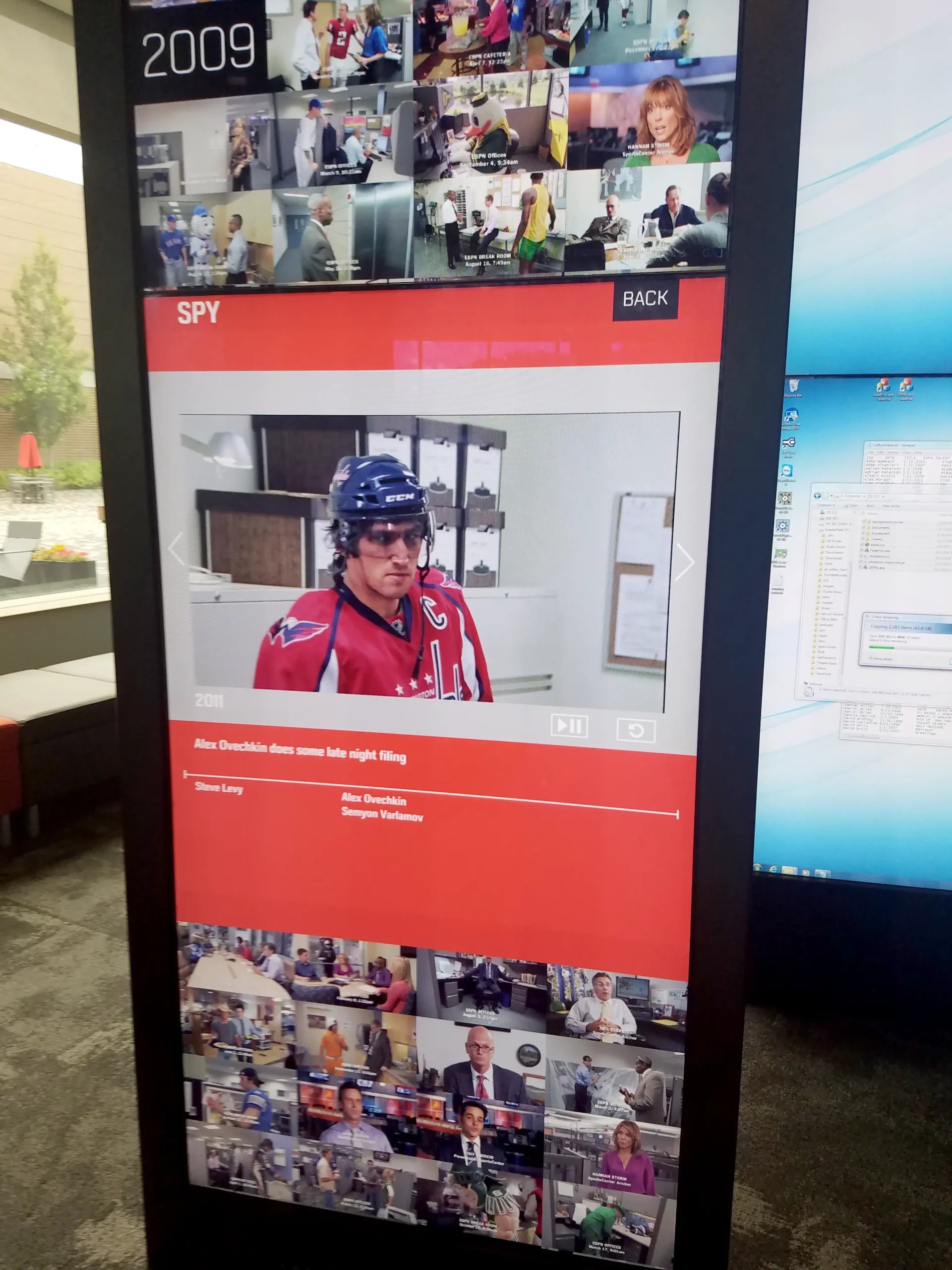
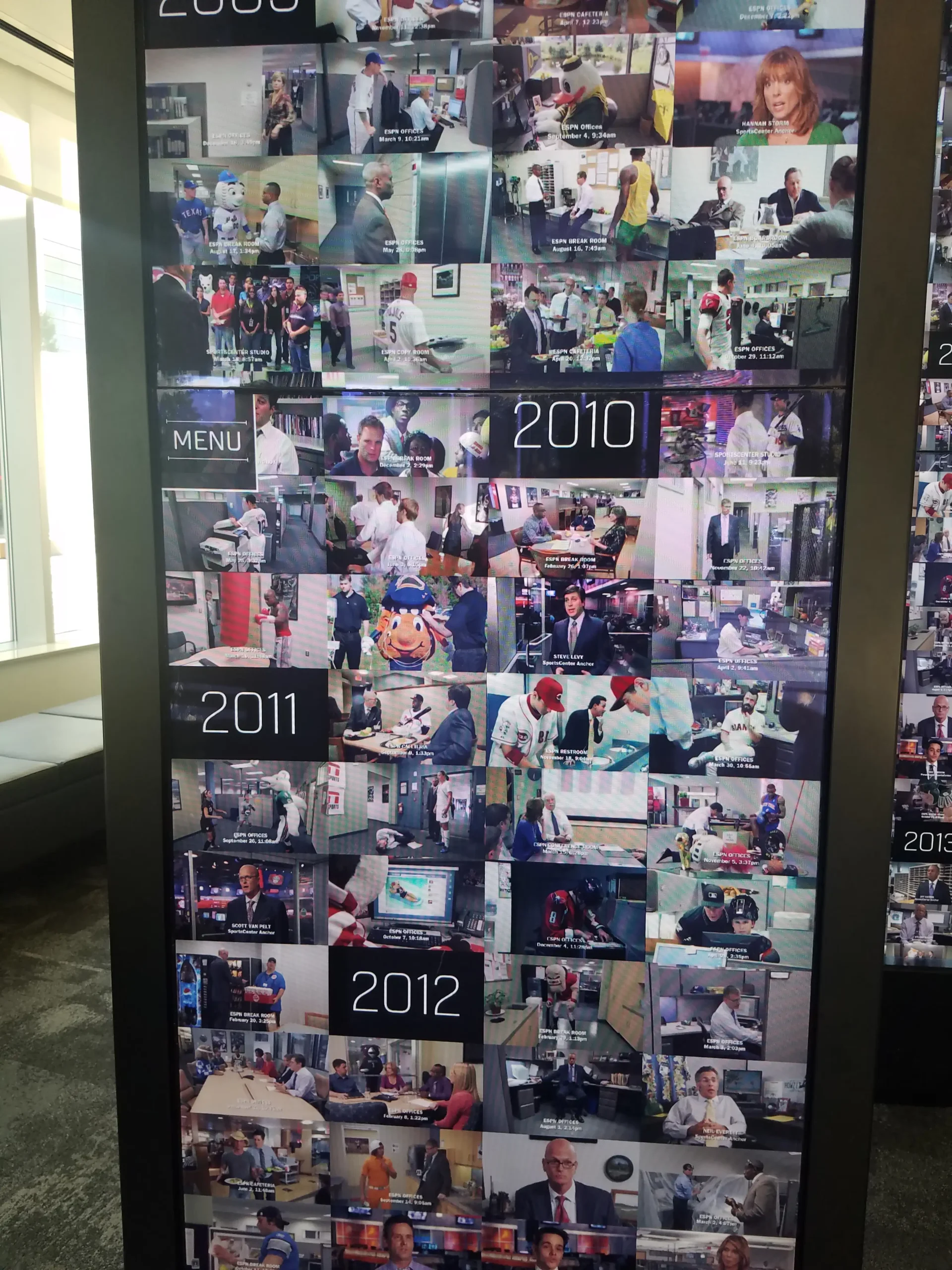
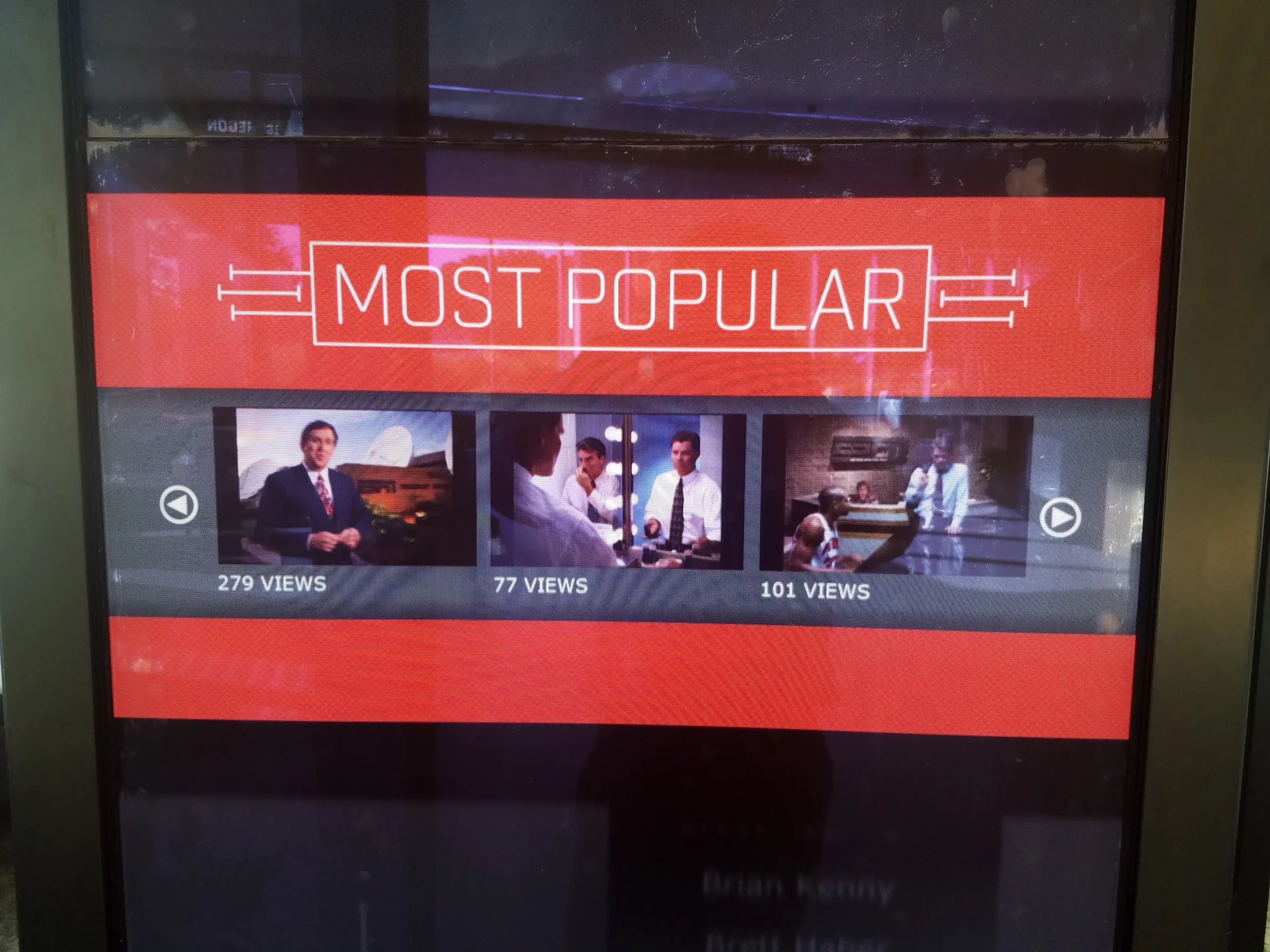
Not every kiosk project fits neatly into a single category. Advanced Kiosks builds specialized self-service experiences around the specific needs of an organization, from public information and voter resources to interactive exhibits, internal tools, and one-off service workflows that don't exist anywhere else.
These examples show some of the more specialized interfaces we've designed, connecting people with information, services, and digital resources in settings a standard template wouldn't cover. They also demonstrate how far a kiosk interface can be customized to match an organization's branding, content, and operational goals.

It Starts with the User Experience
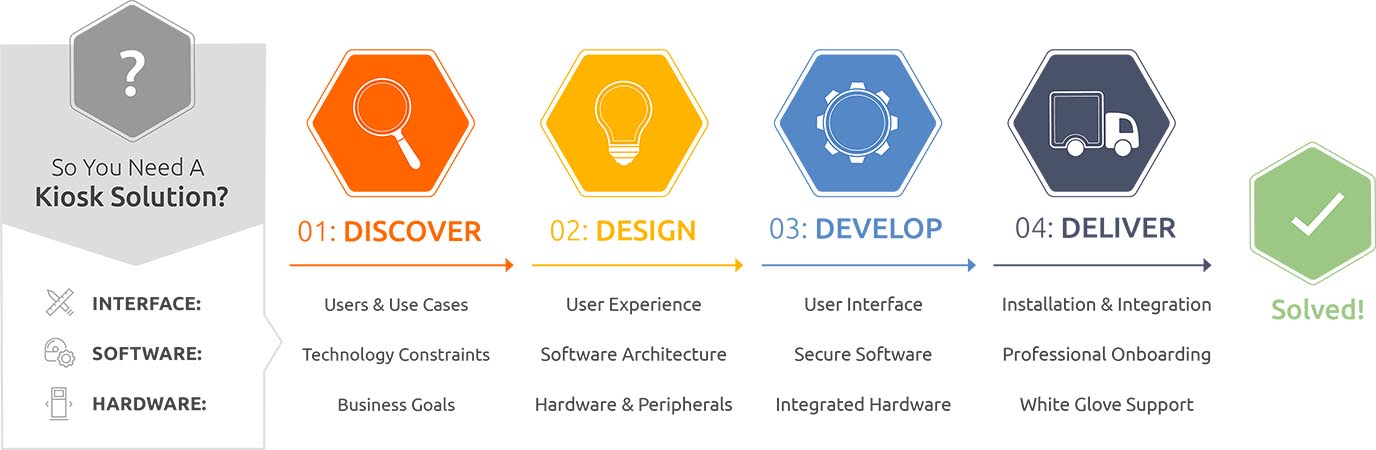
Every project must begin with user experience (UX) design. In the discovery phase, we help you ask the right questions. For example, who are your customers? What kind of experience do you want them to have? To answer these questions, we apply design thinking and years of problem-solving experience to bring your vision to life.

Supported By Software
Advanced Kiosks’ designers and developers work closely to deliver the experience you are expecting. Our highly configurable software solutions enable us to deploy a vast number of custom experiences quickly and easily. If you require a custom solution, our engineering team and network of software partners will make it happen.

Merging the Digital with the Physical
This is where Advanced Kiosks stands apart. We can create a custom digital experience, with the right hardware to support it. An integrated system to deliver the intuitive user experience your customers demand. Whether this means selecting from our standard kiosk line, integrating a particular peripheral device, or working with our engineering team to bring something new into the world, we help you assemble the complete interactive digital experience.

Bringing Your Vision to Life
You have a vision for your customer experience. We are here to help you achieve it. Our creative process seamlessly melds user experience, software development, and hardware specification to create the interactive digital experience you want to present.
FROM OUR BLOG
What Every Organization Should Know Before Implementing AI
Artificial intelligence is rapidly moving from experimentation to implementation across…
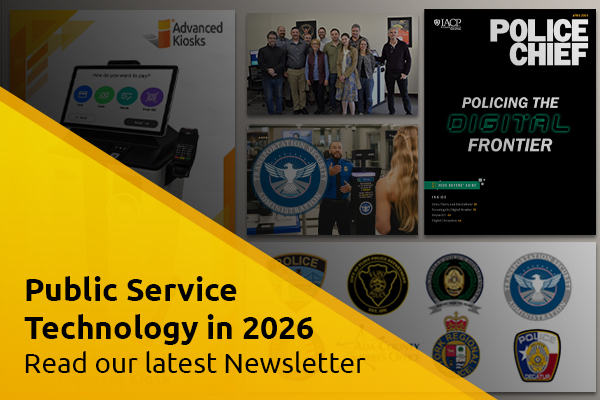
Read Our Latest 2026 Newsletter!
Our latest newsletter is packed with updates from the field,…
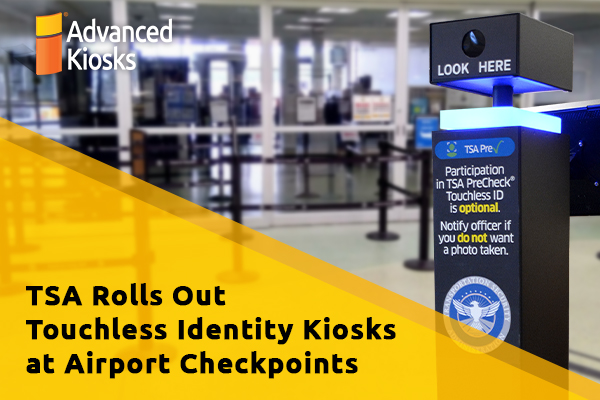
TSA Rolls Out Touchless Identity Kiosks at Airport Checkpoints
Moving millions of passengers safely through airport security requires more…
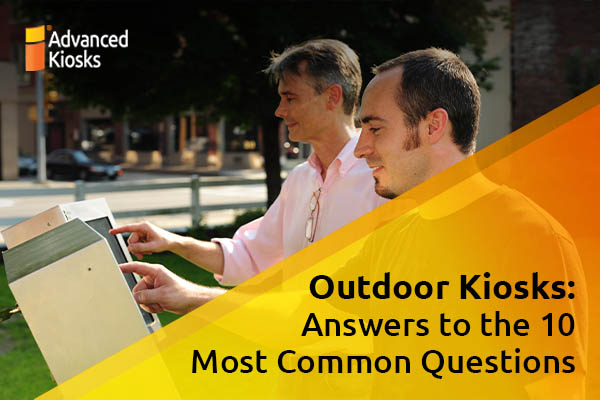
Outdoor Kiosks: Answers to the 10 Most Common Questions
As organizations look to bring services outside the traditional lobby,…
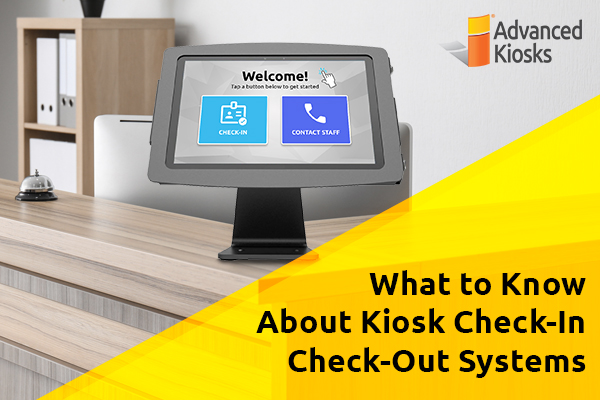
What to Know About Kiosk Check-In/Check-Out Systems
If you\'ve visited a modern government building, healthcare facility or…