

Automate Frontline Services
With Kiosk Office Suite
Give your visitors a secure, guided way to complete routine services without routing every interaction through the front desk.
Kiosk Office Suite brings kiosk hardware, guided workflows, document processing, payments, staff notifications, video assistance, reporting, and AI support together in one configurable platform.
- Guide visitors through forms, documents, payments, and service requests
- Keep staff in control without handling every repetitive step
- Support visitors with AI guidance, video help, notifications, and reporting

What Kiosk Office Suite Helps You Complete
Kiosk Office Suite helps public-facing organizations move routine lobby and front-counter tasks into guided self-service workflows while keeping staff available for oversight, exceptions, and support.

Forms & Applications
Guide visitors through intake forms, applications, requests, and service-specific workflows with clear step-by-step instructions.

Document Scanning & Submission
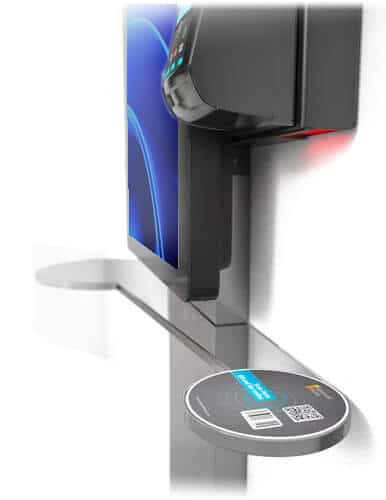
Let visitors scan, review, print, and submit documents with fewer incomplete files, poor scans, or missing materials.

Payments & Receipts
Accept fees, fines, rent, permits, taxes, and other payments while giving visitors a clear receipt and staff a cleaner record.

Check-In & Service Lookup
Help visitors find the right service, check in, request assistance, or route themselves to the next step without waiting at the counter.

Staff Notifications & Escalation
Notify staff when a workflow needs review, approval, follow-up, live assistance, or special handling.

AI & Video Assistance
Support visitors with guided help, routine answers, video or VoIP assistance, and escalation when a staff member is needed.
How Kiosk Office Suite Moves Services Forward
Kiosk Office Suite guides visitors through each step of the service experience, from choosing what they need to completing the workflow and routing the result to staff.


Built Around the Workflows Your Office Actually Handles
Every public-facing office has a different mix of forms, payments, document requests, check-ins, and support needs. Kiosk Office Suite can be configured around the services your visitors need most, so the kiosk becomes part of your actual front-counter workflow instead of a one-size-fits-all tool.
Download Brochure

Download Brochure
Download Brochure
Download Brochure
Download Brochure
Download Brochure
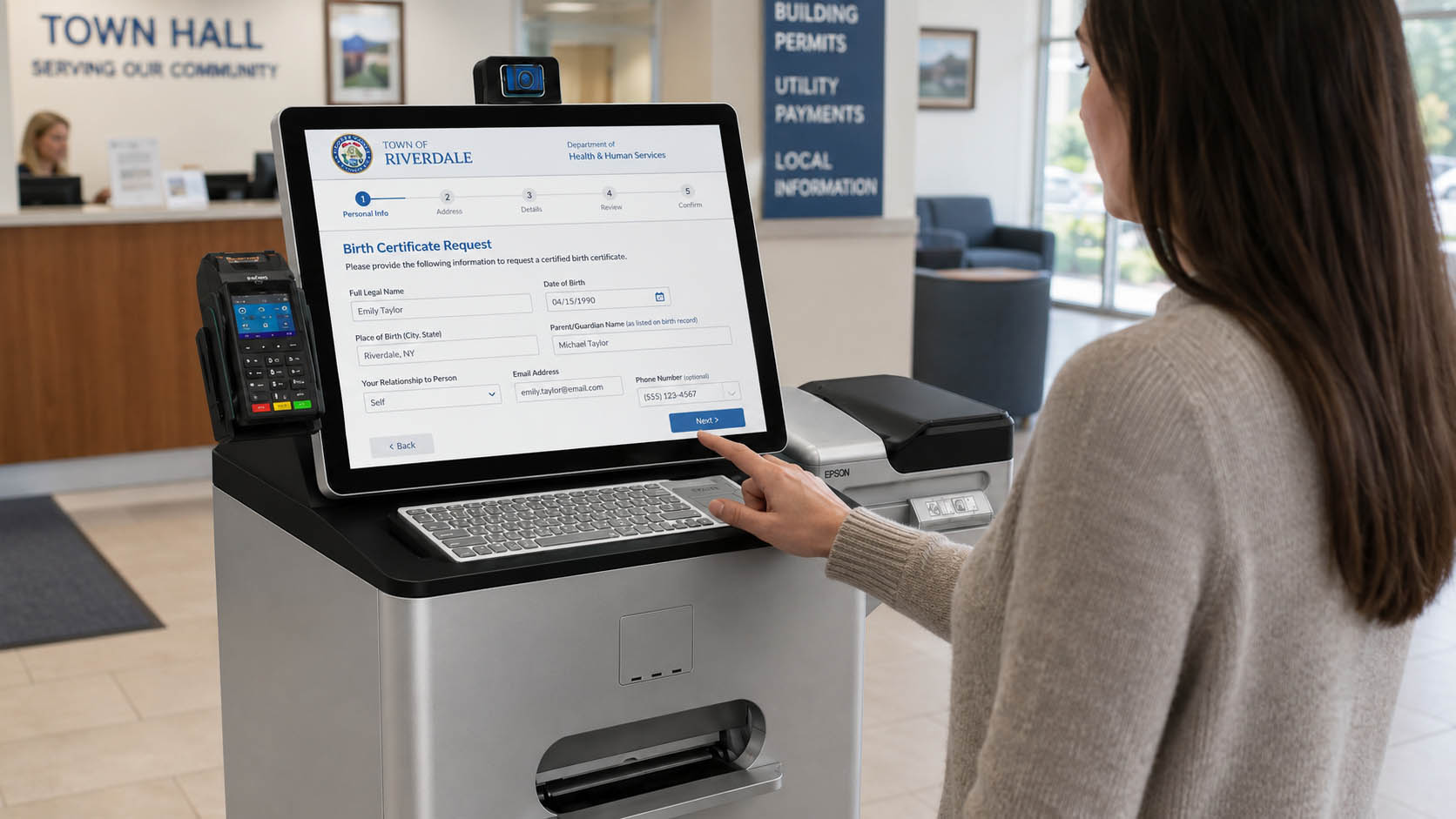
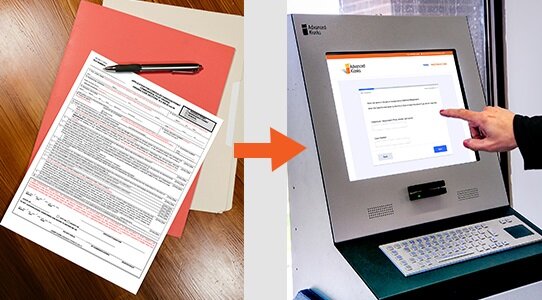

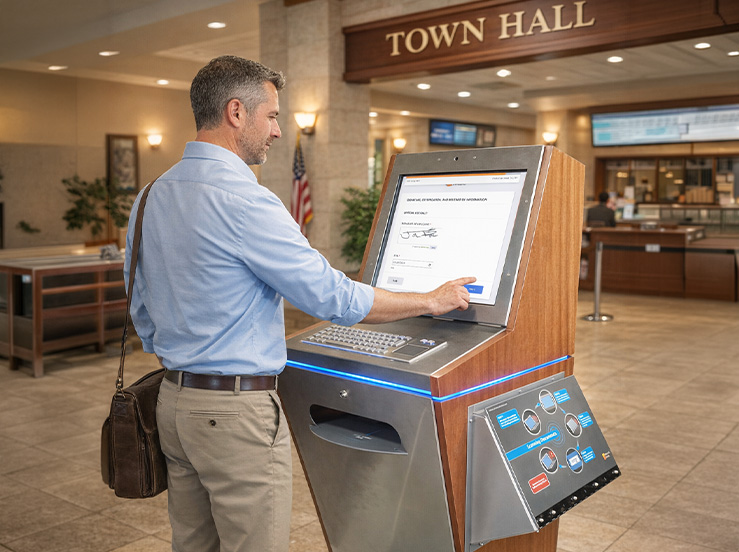
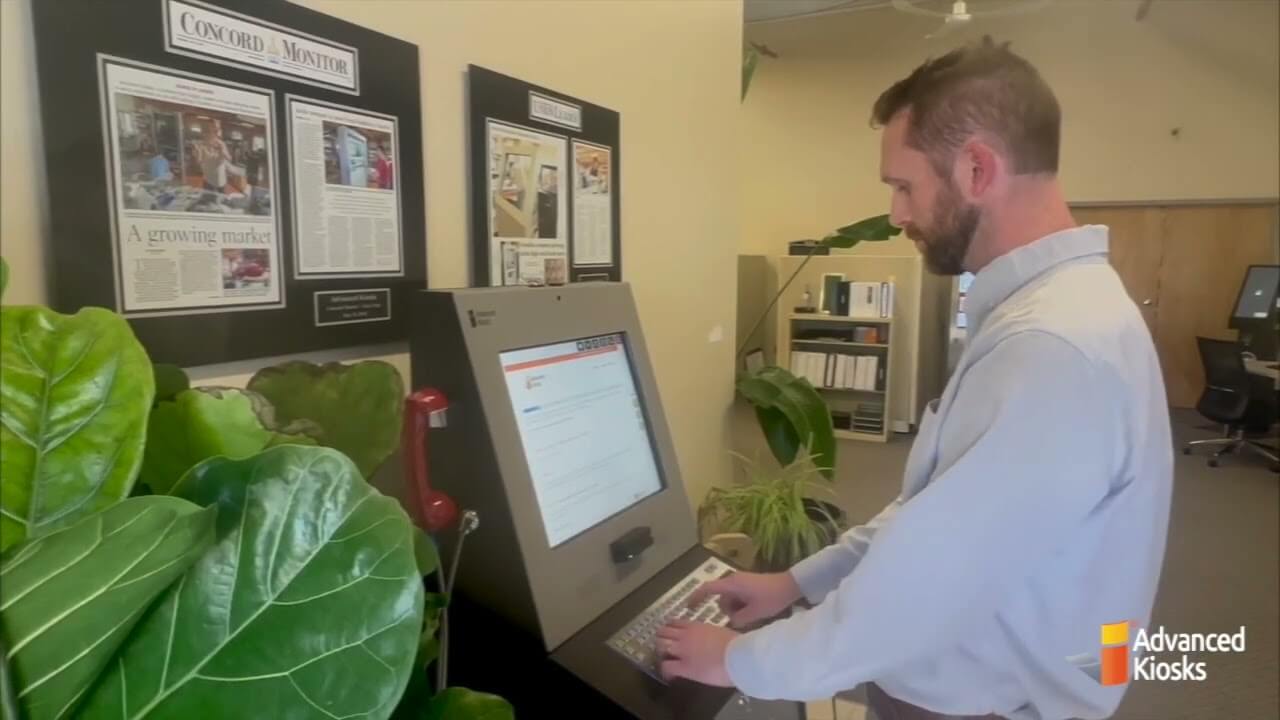
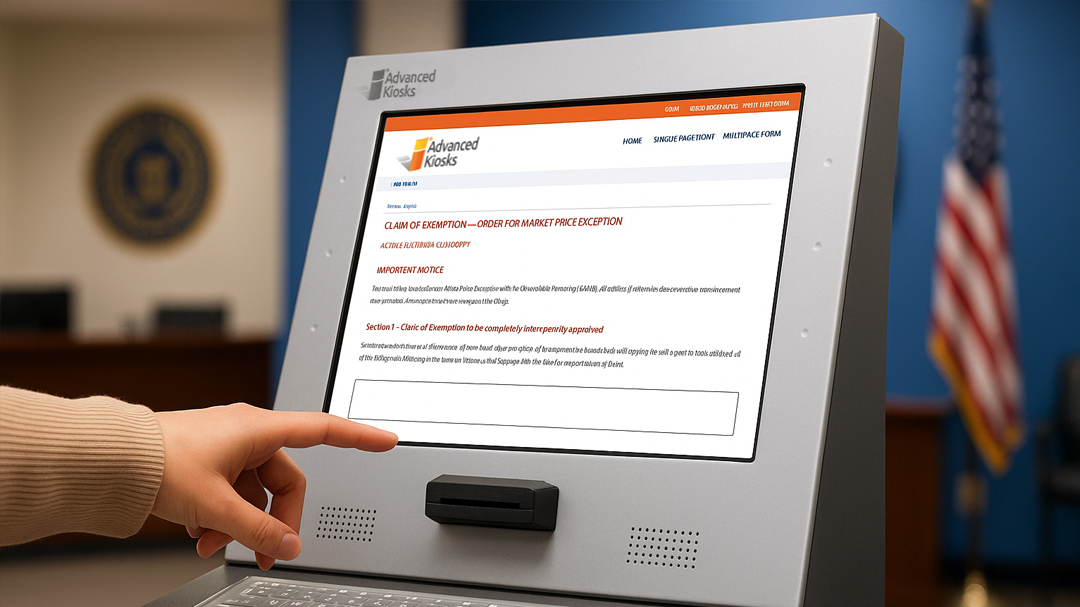
Forms & Applications
Guide visitors through intake forms, applications, requests, and service-specific workflows with clear step-by-step instructions.
Kiosk Office Suite helps public-facing offices move common forms and applications into a guided self-service experience. Visitors can complete the required steps at the kiosk, while staff receive cleaner information for review, follow-up, or processing.
Common workflows include:
- Permit applications
- Records requests
- Court forms
- Housing applications and recertifications
- HR forms and employee requests
- General service intake
Instead of relying on staff to explain every form, check every field, or chase missing information, Kiosk Office Suite helps visitors complete the process more consistently.
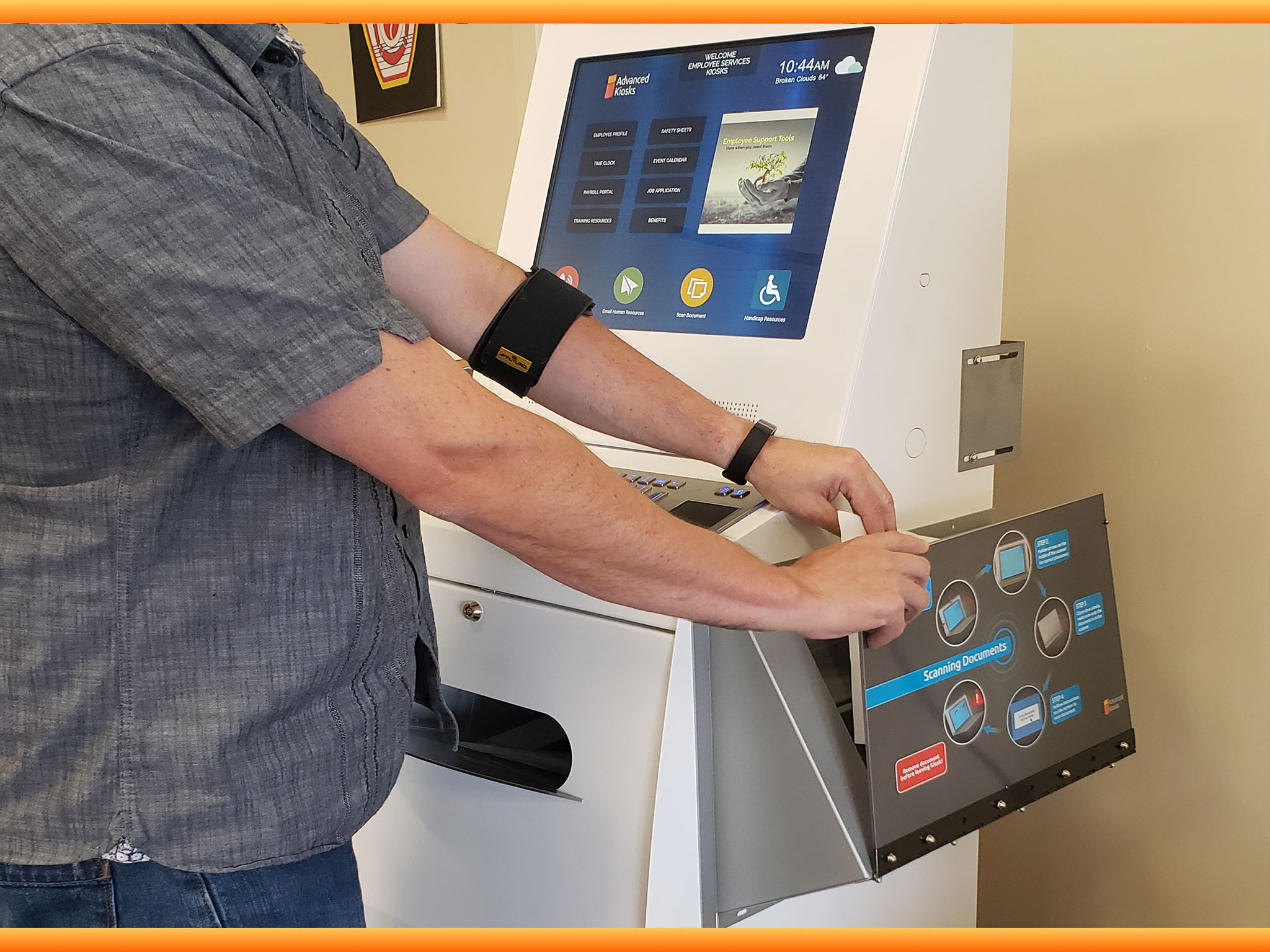
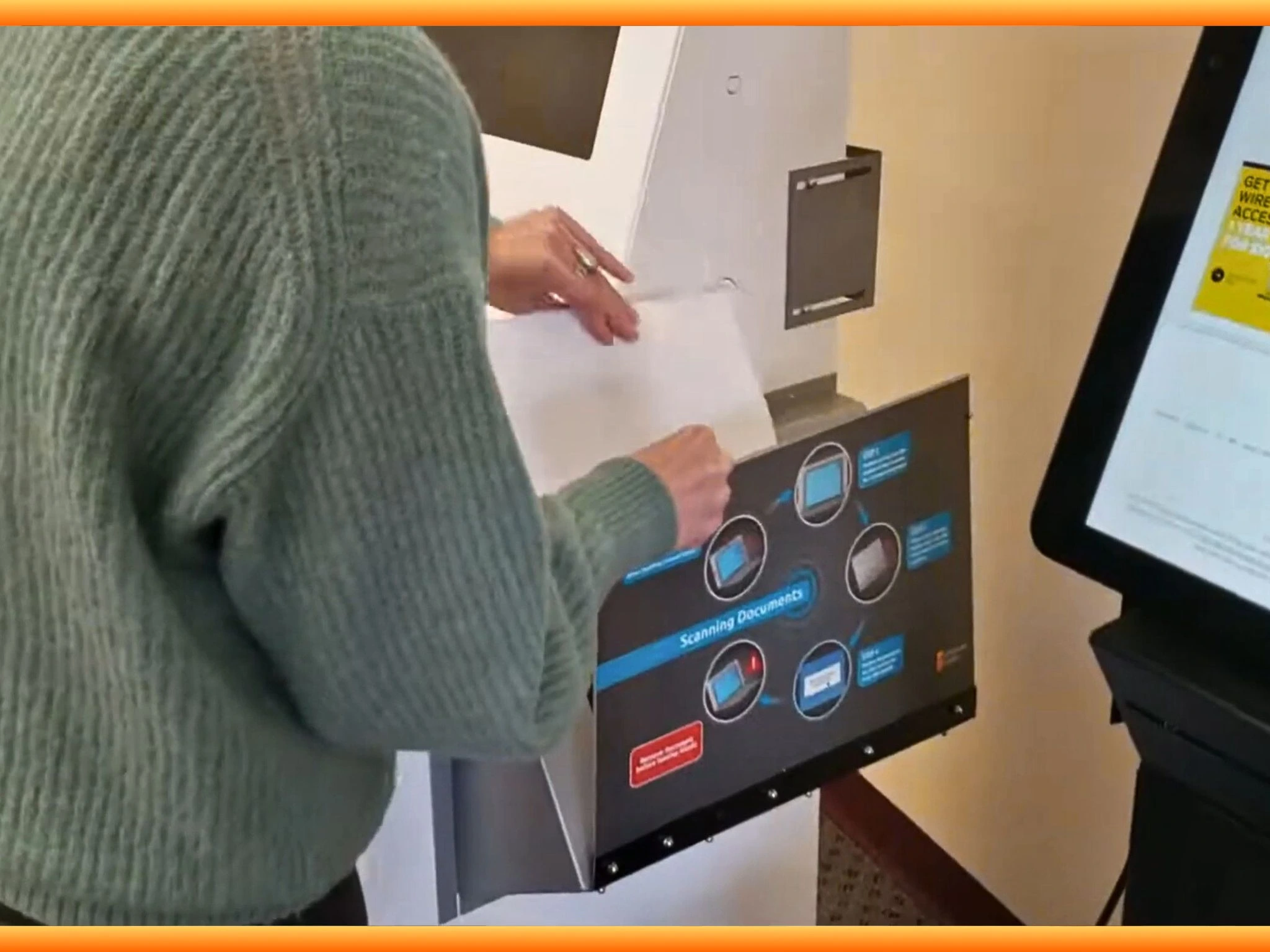
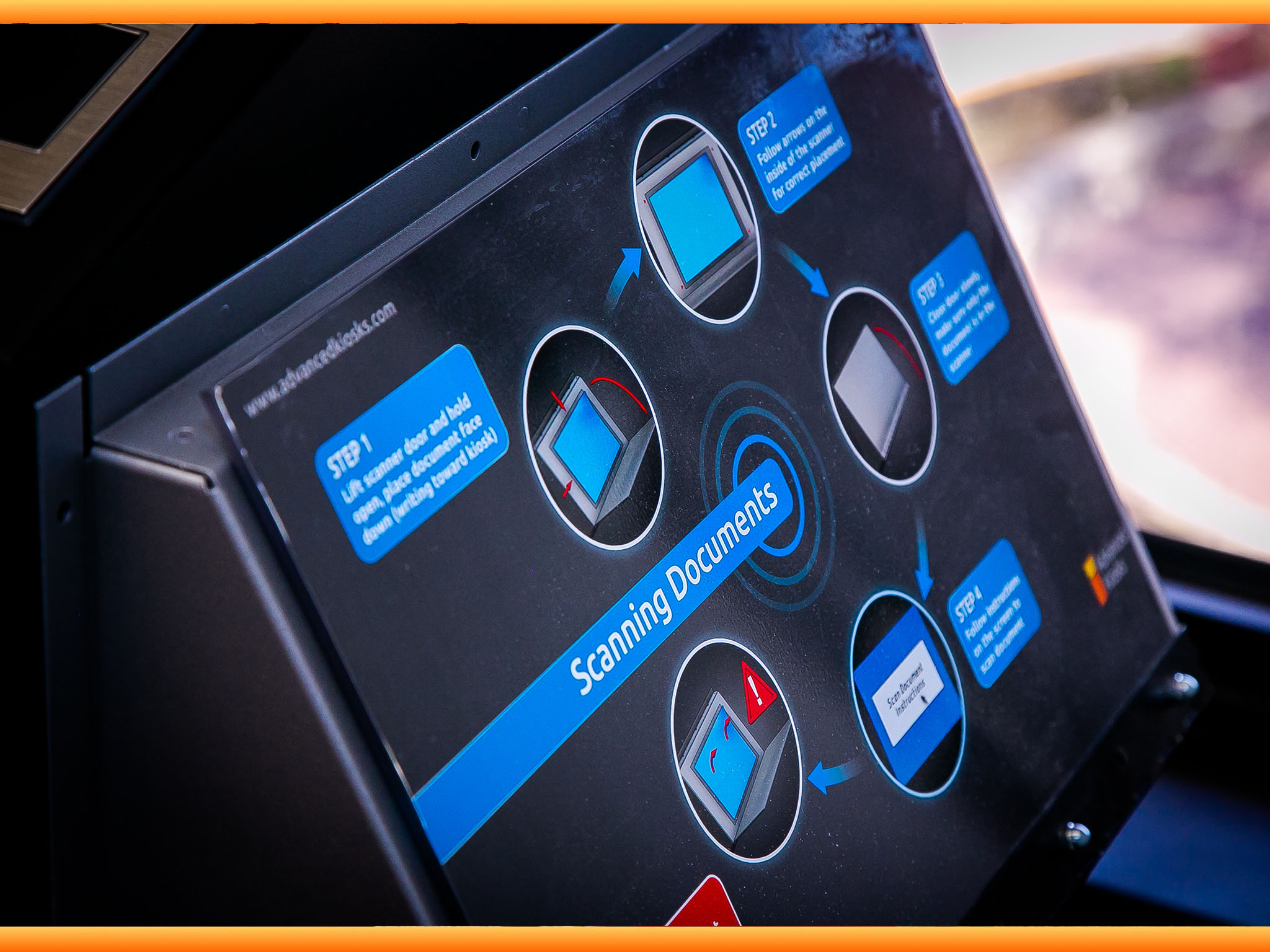
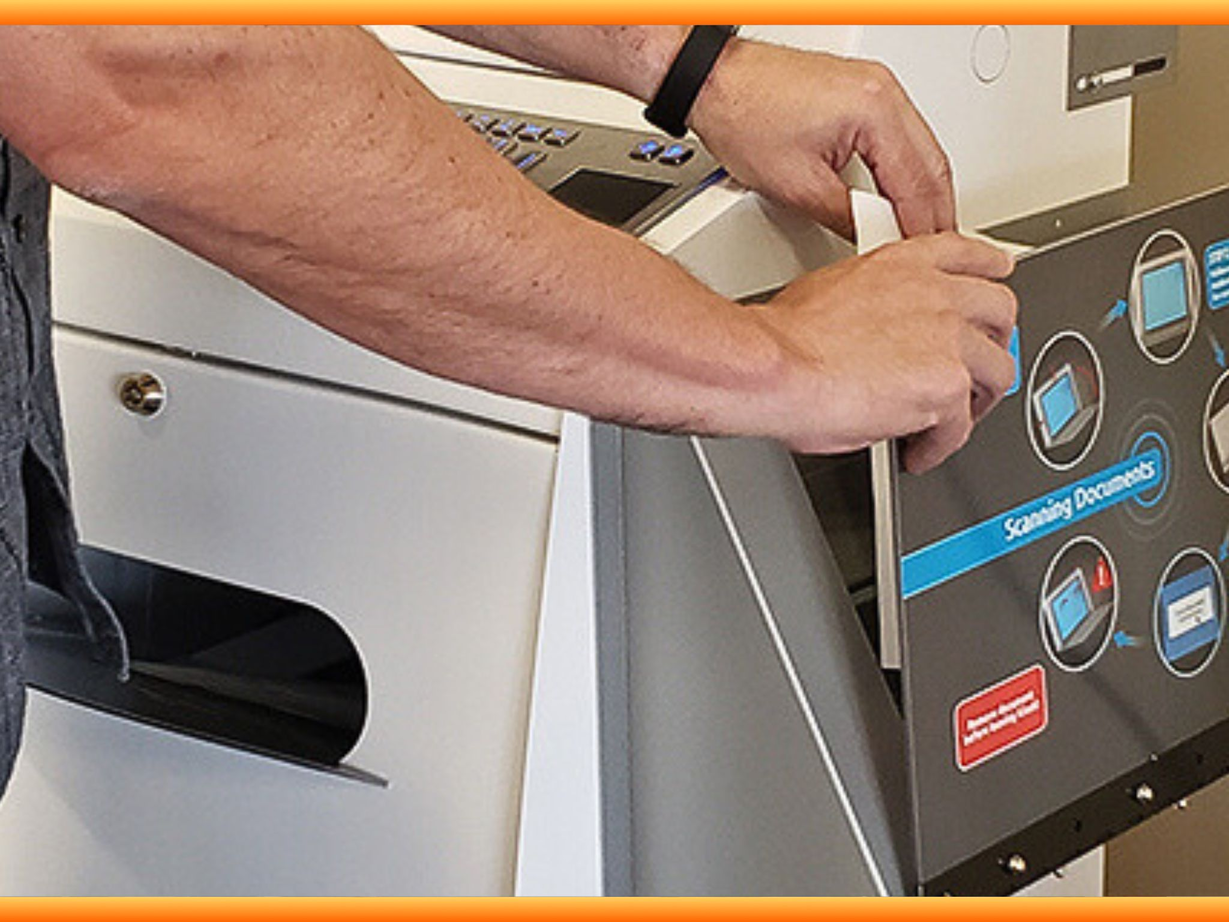

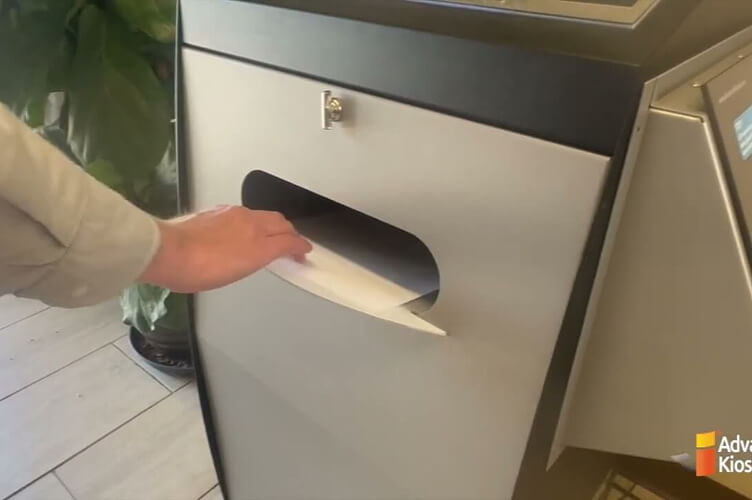


Document Scanning & Submission
Help visitors scan, review, print, and submit documents as part of a guided self-service workflow.
Kiosk Office Suite supports document-heavy services where visitors need to provide IDs, forms, applications, records, signatures, or supporting materials. Instead of relying on staff to collect, copy, scan, or organize every document manually, the kiosk can guide visitors through the intake process and help route completed submissions for review or follow-up.
Common workflows include:
- ID and supporting document submission
- Application packets and recertification materials
- Court forms and filing-related documents
- Records requests and printed documents
- Permit, license, and service request attachments
- Scan, review, print, and submit workflows
Document-heavy services often slow down when pages are missing, scans are unclear, or staff have to handle every step manually. Kiosk Office Suite helps visitors complete document intake more consistently while giving staff cleaner information to process.
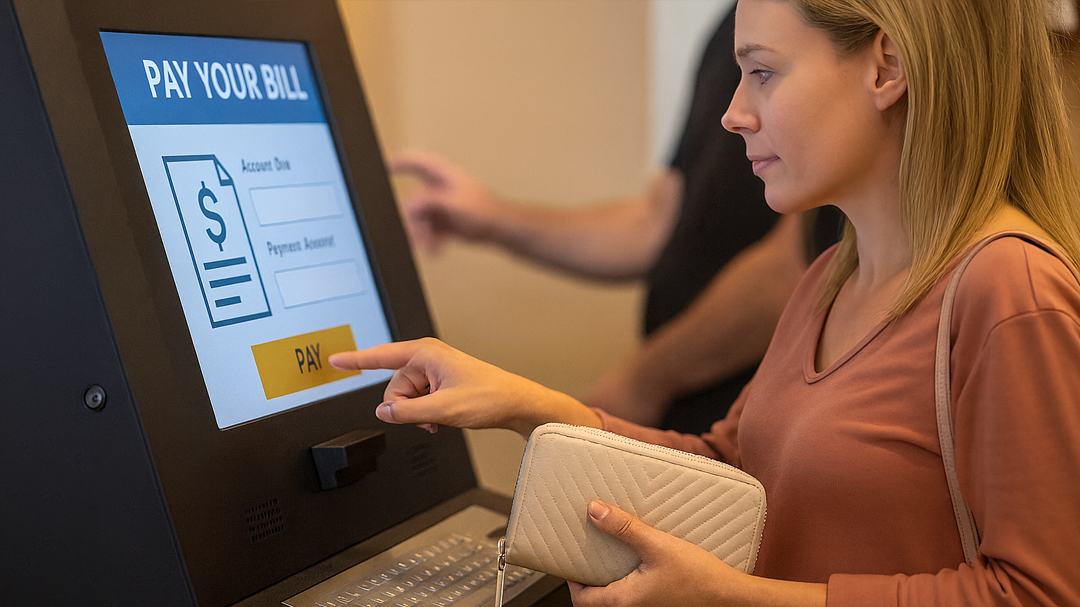
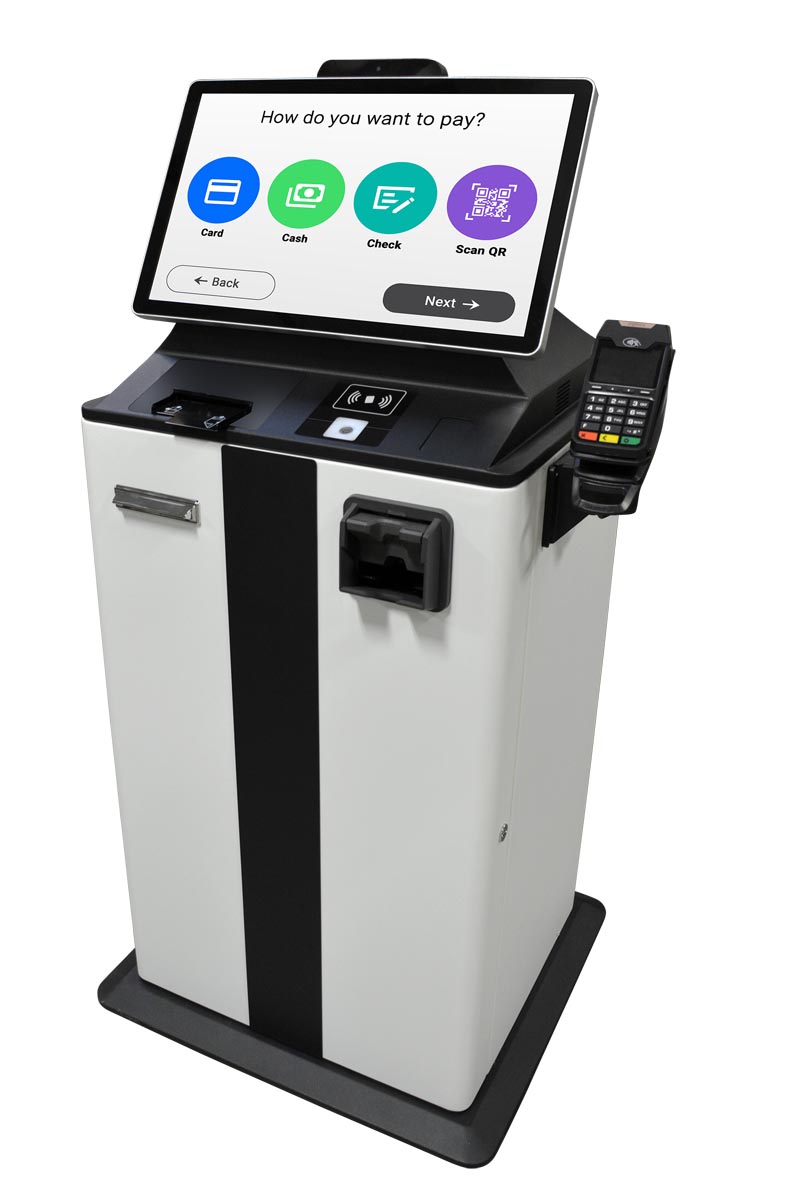


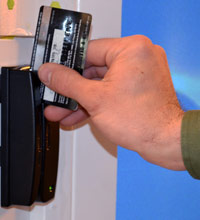
Payments & Receipts
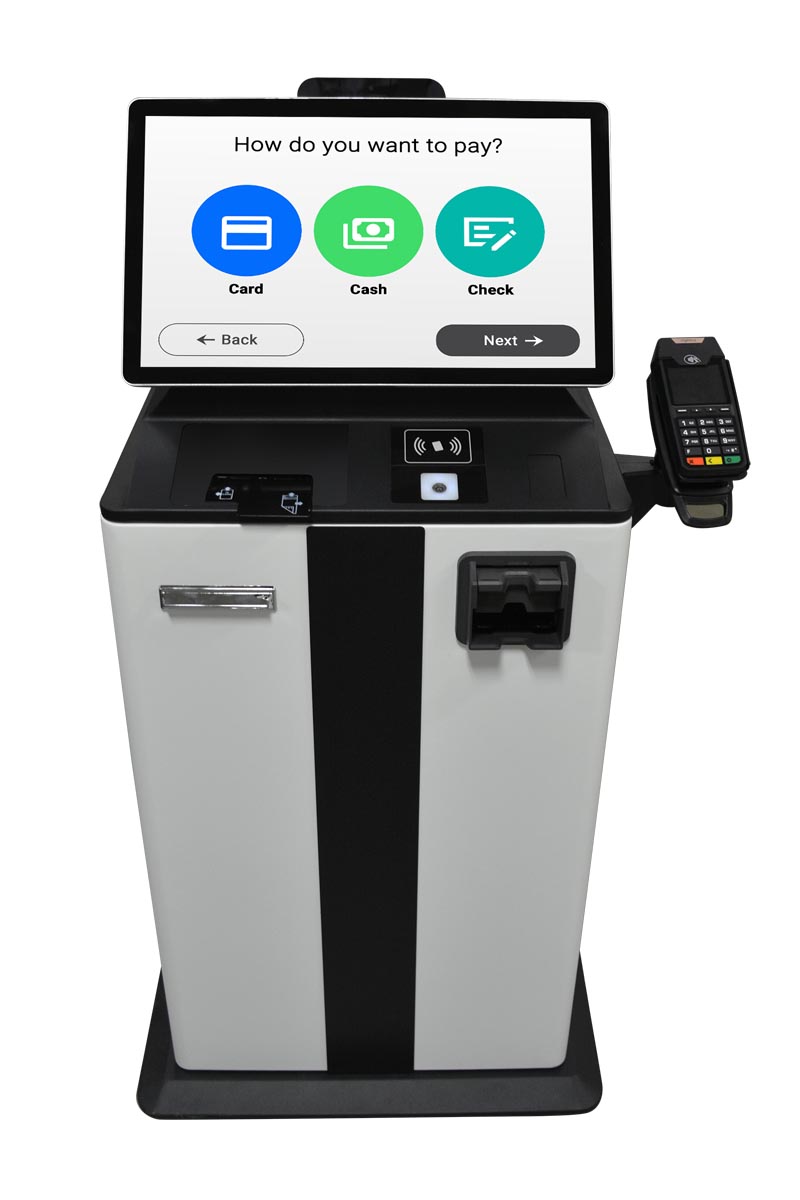
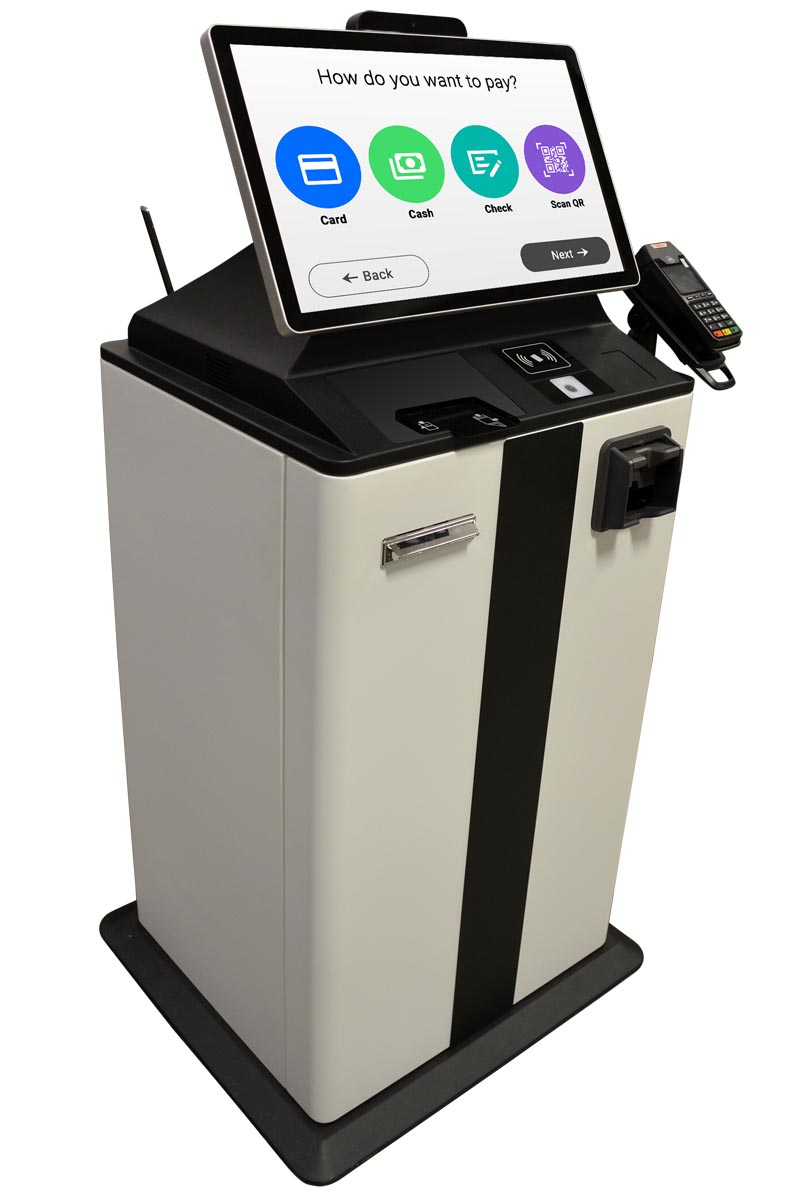
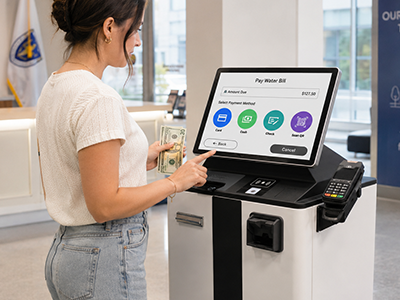
Let visitors make payments, receive receipts, and complete payment-related service steps through a guided kiosk workflow.
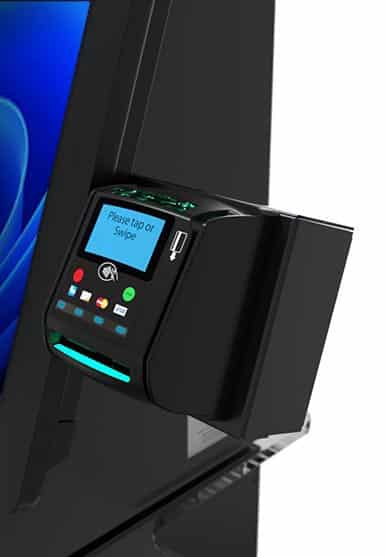
Kiosk Office Suite can support public-facing payment workflows where visitors need to pay fees, fines, permits, rent, taxes, applications, services, or other charges. Instead of sending every payment interaction through the front counter, the kiosk can guide visitors through the payment step and help staff maintain a cleaner record of completed transactions.
Common workflows include:
- Permit and license fees
- Court fines, fees, and payment-related services
- Rent, housing, or resident payments
- Utility, tax, or municipal payments
- Application and service fees
- Payment receipts and transaction records
Payment workflows can create lines, interruptions, manual receipt handling, and extra staff follow-up. Kiosk Office Suite helps move routine payments into a guided self-service process while giving visitors clear confirmation and staff better visibility into completed transactions.
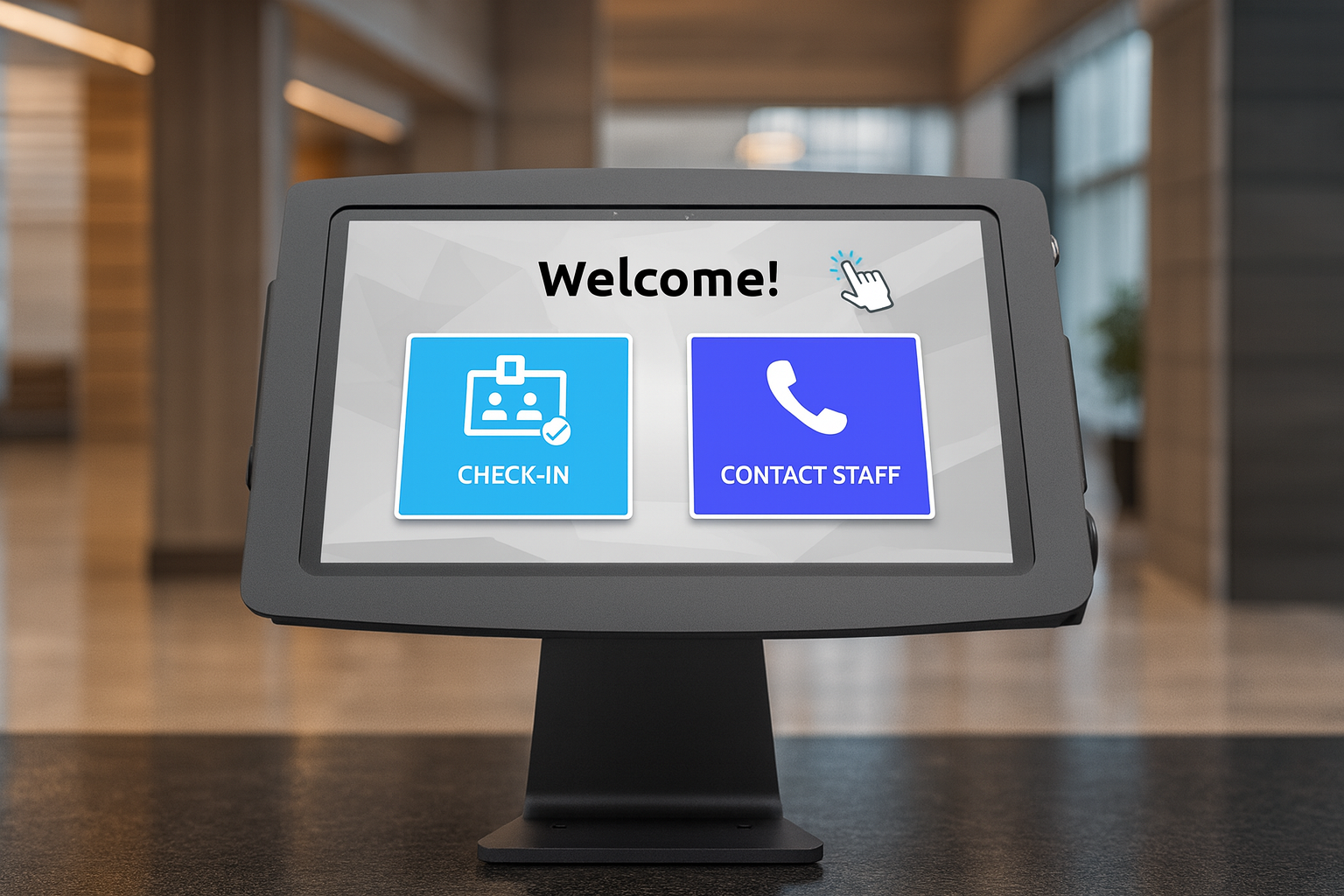
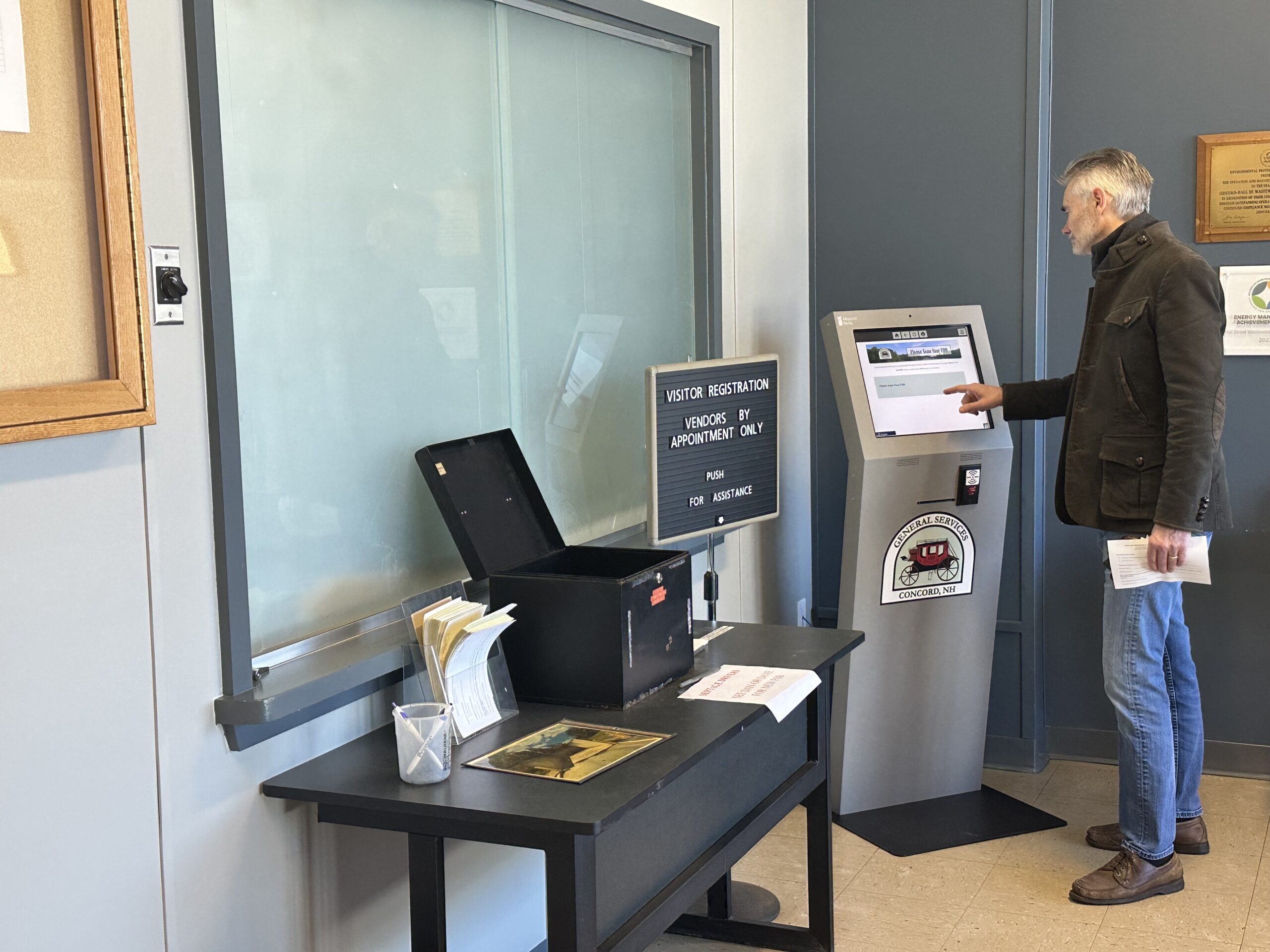
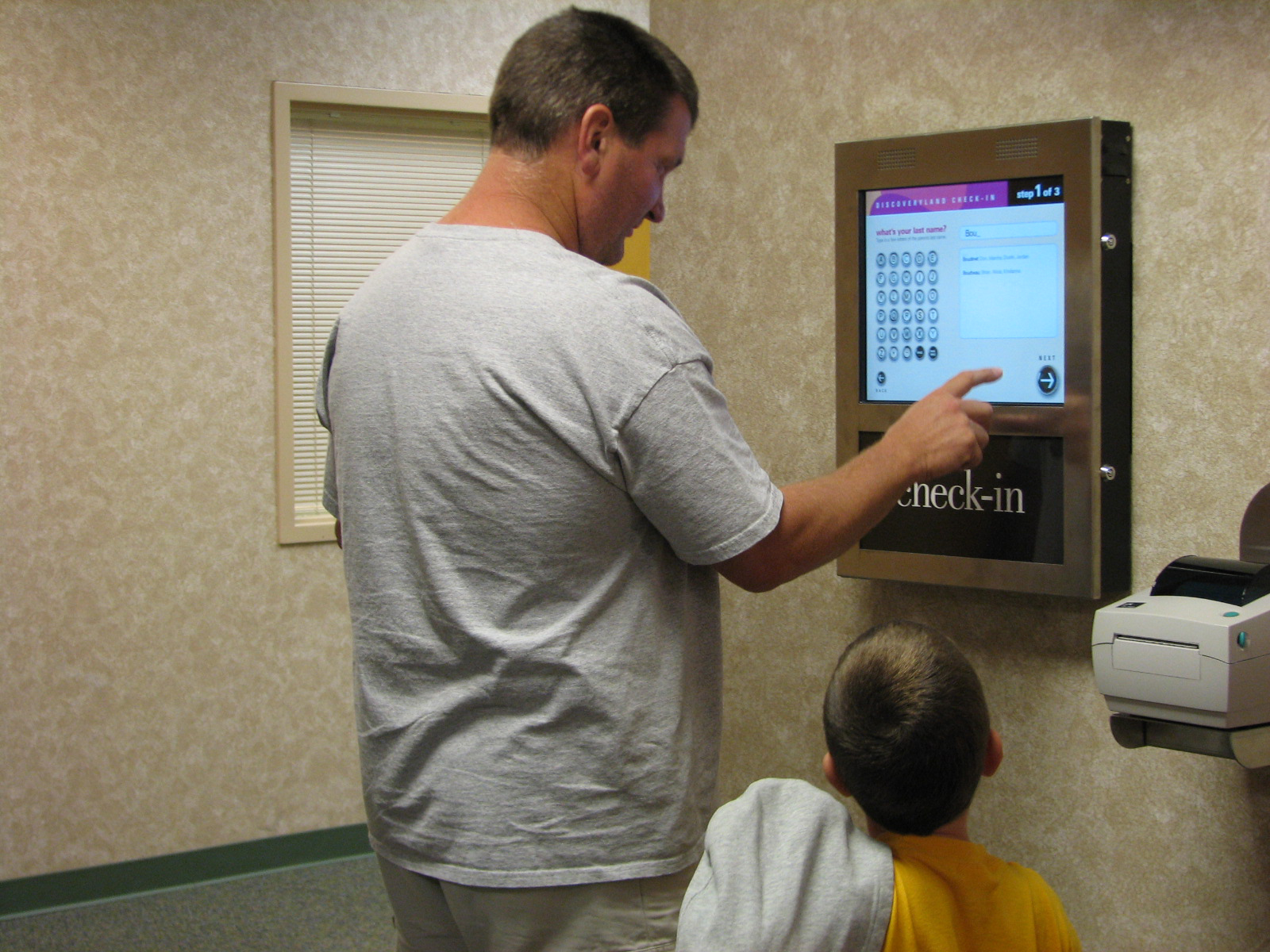

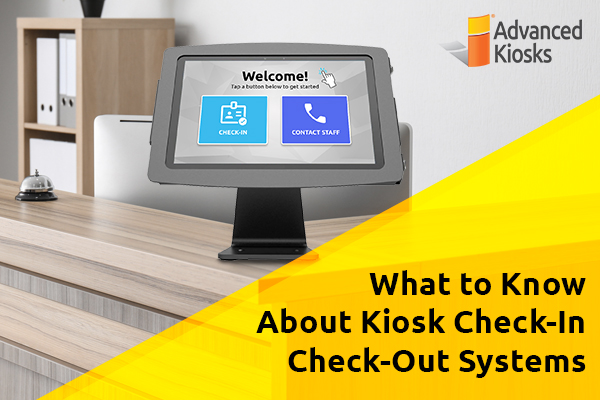
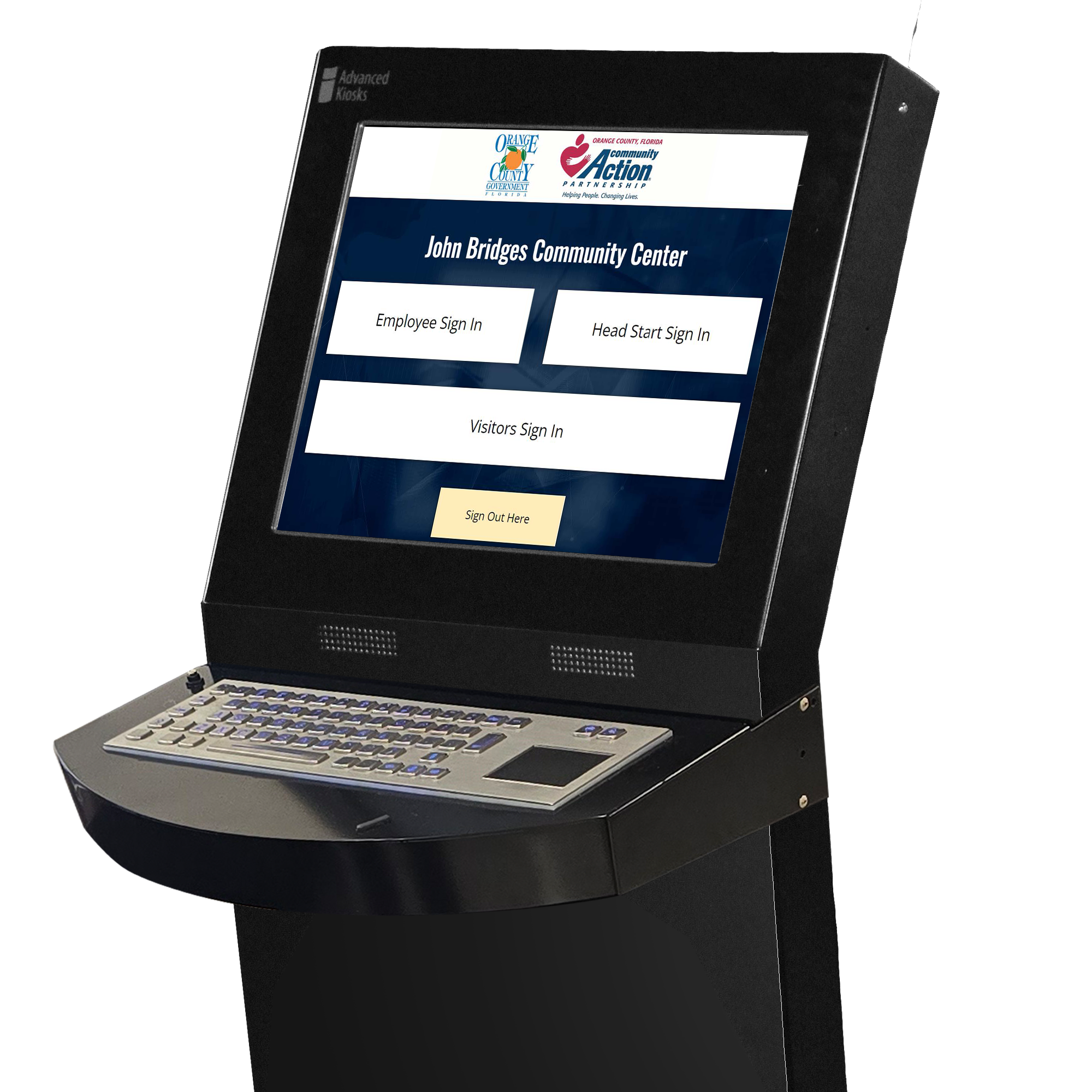
Check-In & Service Lookup
Help visitors check in, find the right service, request assistance, or route themselves to the next step without waiting at the front counter.
Kiosk Office Suite can support lobby check-in and service lookup workflows for public-facing offices where visitors need direction before staff can help them. The kiosk can guide visitors to the right department, form, service, appointment, payment, document request, or assistance option based on what they need to complete.
Common workflows include:
- Visitor check-in
- Appointment check-in
- Department or service lookup
- Wayfinding and next-step instructions
- Help requests and staff assistance
- Queue routing or visitor intake
Front counters often become the first stop for every question, even when visitors only need directions, check-in, or basic service guidance. Kiosk Office Suite helps reduce routine interruptions by giving visitors a clear path to the right service while keeping staff available for exceptions and support.

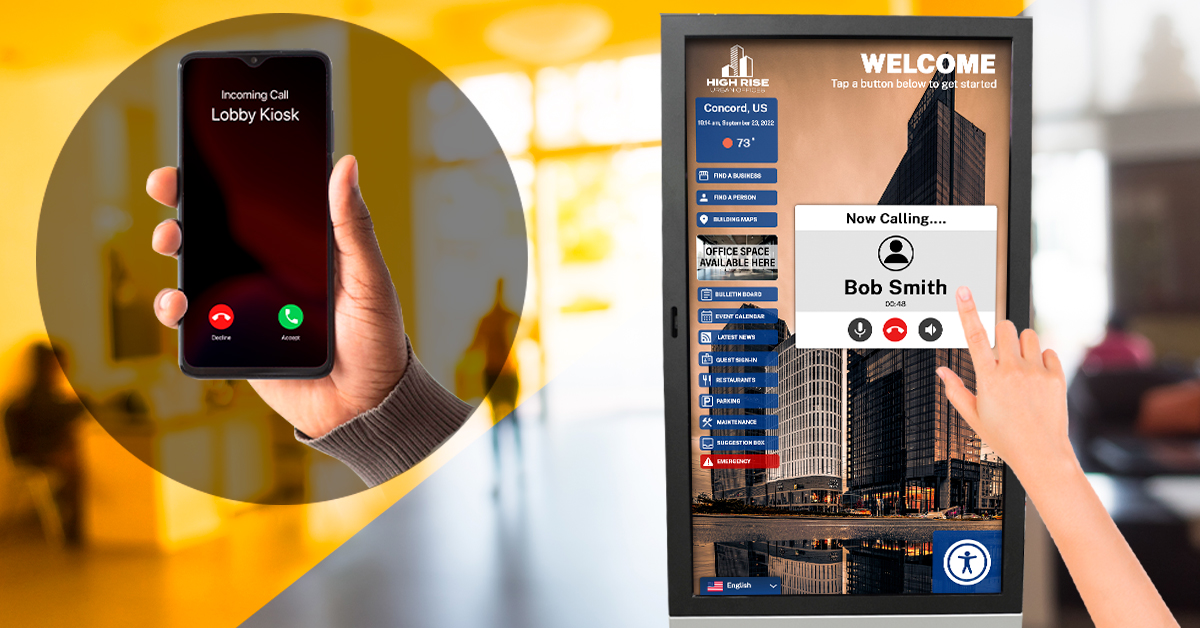
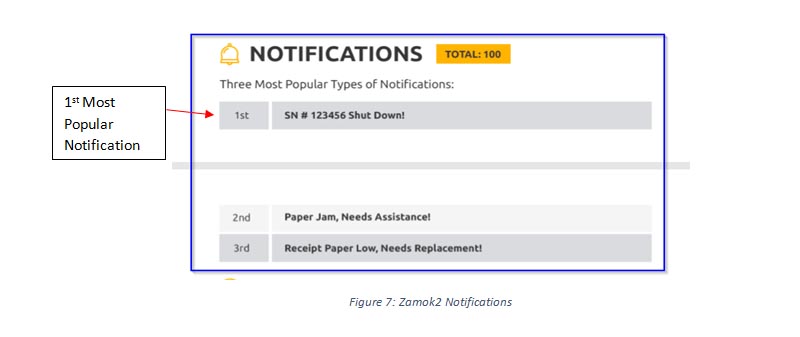
Staff Notifications & Escalation
Keep staff involved when a workflow needs review, approval, follow-up, or live assistance.
Kiosk Office Suite can help route important moments to the right staff member without requiring every visitor interaction to begin at the front counter. When a visitor needs help, submits a request, completes a form, makes a payment, or reaches a step that requires review, the kiosk can support notifications, escalation, and follow-up paths based on the workflow.
Common workflows include:
- Staff alerts for help requests
- Submission review and follow-up
- Approval or exception handling
- Payment or document intake notifications
- Remote assistance requests
- Workflow-specific routing to departments or staff
Self-service works best when staff are still connected to the process. Kiosk Office Suite helps reduce routine interruptions while making sure staff can step in when a visitor needs assistance, a submission needs review, or a workflow requires human oversight.
AI & Video Assistance
Support visitors with guided help, routine answers, video or VoIP assistance, and staff escalation when a workflow needs extra support.
Kiosk Office Suite can help visitors keep moving when staff are busy, remote, or unavailable. AI-guided support can help answer routine questions, explain next steps, and guide visitors through service options. When human help is needed, video or VoIP assistance can connect visitors with staff or route the interaction for follow-up.
Common workflows include:
- Guided help for routine questions
- Step-by-step assistance during forms or service requests
- Video or VoIP connection to staff
- Language or help support where available
- Escalation when a visitor needs human assistance
- After-hours or remote support workflows
Self-service should not leave visitors stuck. Kiosk Office Suite helps combine automation with assistance, giving visitors a way to get help while keeping staff focused on the interactions that truly need human support.
Configured for the Way Your Office Serves the Public
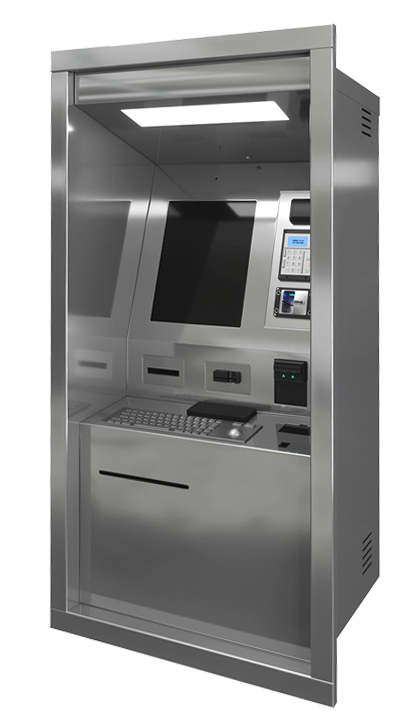
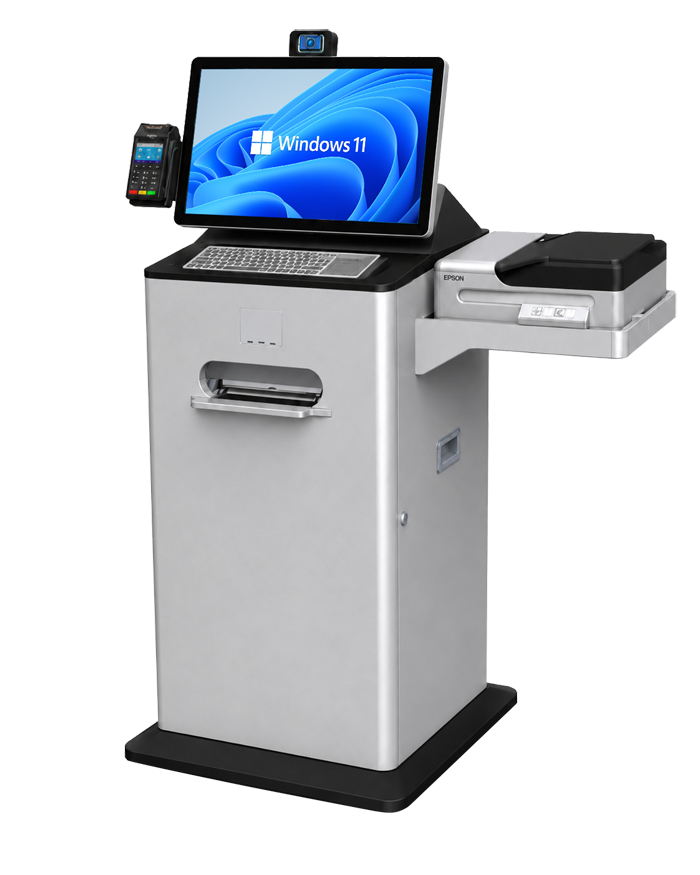
Kiosk Office Suite can be deployed in different hardware configurations depending on your space, workflow volume, document needs, accessibility requirements, and staff-assistance model.
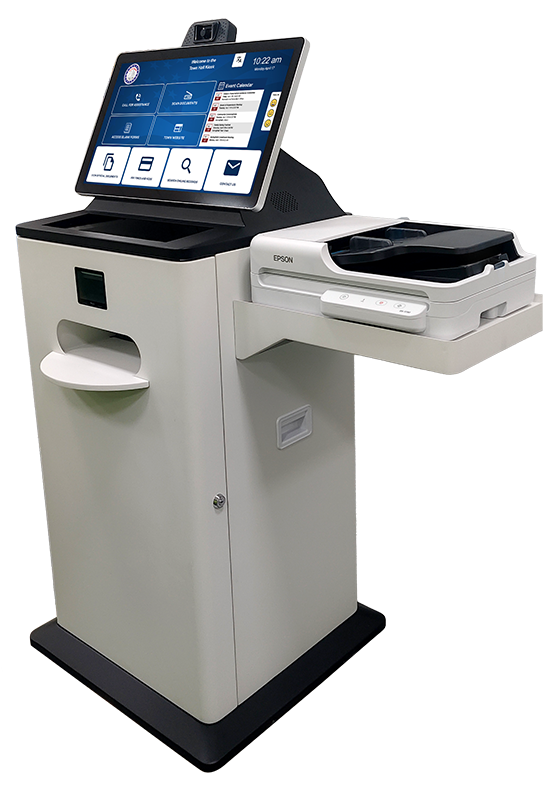
Document Processing Kiosk
Best for high-volume public-facing workflows that involve forms, scanning, printing, payments, document submission, and assisted service.
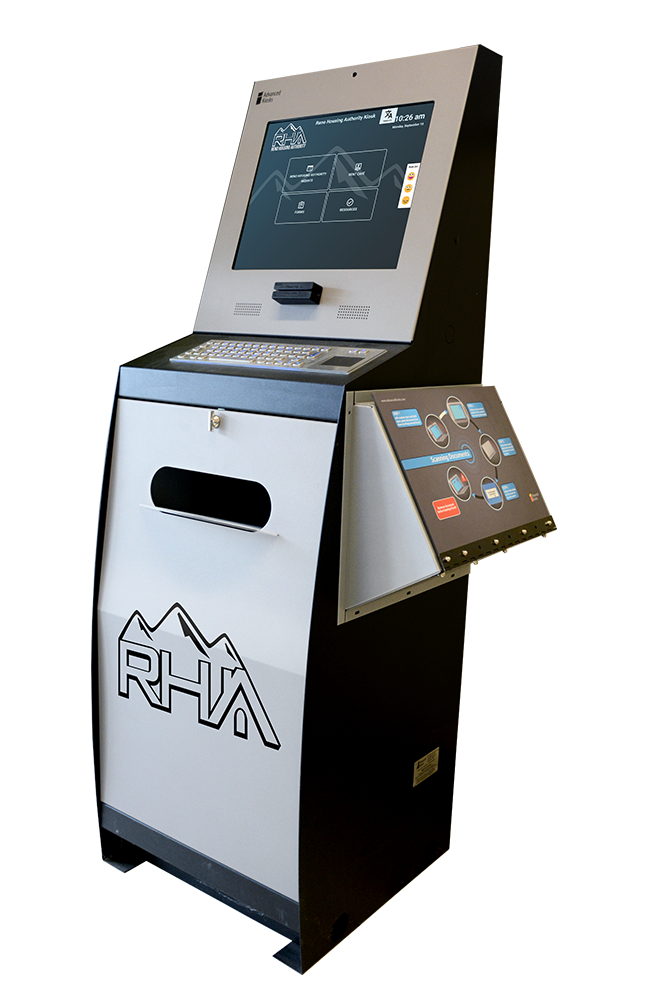
Document Kiosk
The Document Kiosk is an interactive self-service HR kiosk ideal for municipal buildings and employee self-service, fully optimized when paired with Kiosk Office Suite.
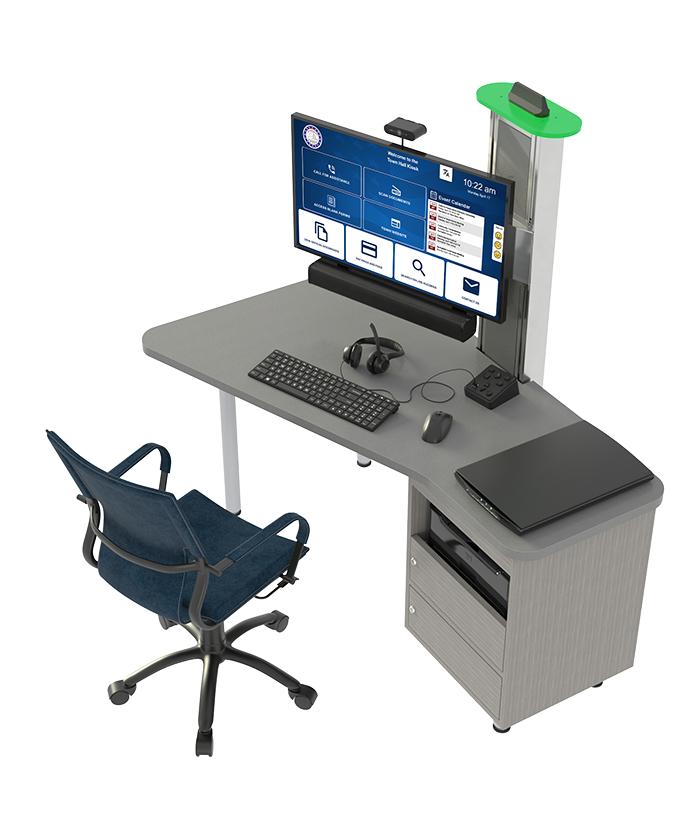
Desk / Sit-Down Configuration
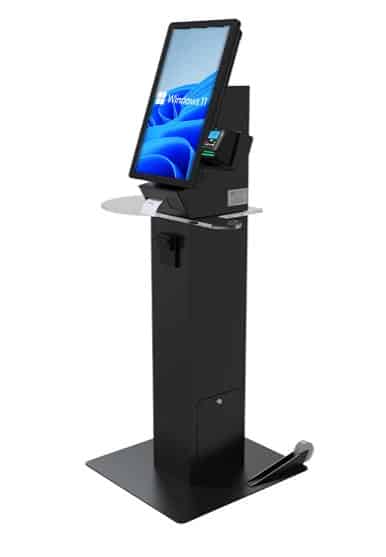
A sit-down option for longer or more detailed workflows where visitors may need extra time, privacy, accessibility, or staff-supported completion.
Not sure whether you need a standard or custom configuration?
We can help match Kiosk Office Suite to your space, service volume, peripherals, accessibility needs, and workflow requirements.


A Better Way to Handle Document-Heavy Workflows
For offices that depend on forms, IDs, supporting documents, printed records, signatures, payments, or staff review, Kiosk Office Suite can support a more complete document intake experience.
New Feature: Scan & Scrub™
Scan & Scrub helps improve the document intake process by giving visitors a cleaner way to scan, review, and prepare documents before they are submitted to staff.
- Help visitors scan, review, print, and submit documents
- Reduce incomplete or unusable document submissions
- Support forms, IDs, applications, records, and supporting materials
- Keep document intake moving when staff are busy or unavailable
- Route completed submissions or follow-up details to staff
Assisted Service When Visitors Need Help
Kiosk Office Suite can support visitors with AI-guided help, video or VoIP assistance, staff notifications, and escalation paths when a workflow needs human support.
Not every visitor can complete every task alone. Kiosk Office Suite helps routine services keep moving while giving visitors a way to ask questions, request help, or connect with staff when needed.
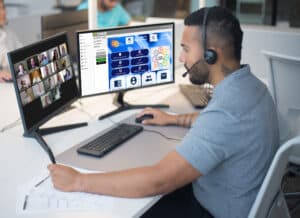
AI support can help guide visitors through routine questions and next steps. Video or VoIP assistance can connect visitors with a live staff member. Staff notifications and escalation options help your team stay involved without requiring every interaction to start at the front counter.
- Keep services moving when staff are busy, remote, or unavailable
- Give visitors a way to ask questions or request help
- Escalate complex needs to staff when human support is required
- Combine self-service, AI guidance, video help, and live assistance in one workflow
AI-Guided Support
Help visitors understand routine questions, next steps, service options, and intake requirements before escalating to staff.
Video & VoIP Assistance
Let visitors request live help when they need support from a remote or available staff member.
Staff Notifications & Escalation
Notify staff when a workflow needs review, approval, follow-up, or direct assistance.
Additional Resources
Case Studies & Whitepapers
Read practical examples and industry insights that show how self-service kiosks support real public-service workflows.
100’s of Videos
Watch product walkthroughs, demos, tutorials, and customer examples to see kiosk solutions in action.
Complete Knowledgebase
Find answers, setup guidance, support articles, and technical resources for kiosk hardware and software.
Newsletter Archives
Explore past updates, product news, customer stories, and self-service technology insights from Advanced Kiosks.
Kiosk Gallery
Browse photos of kiosk models, installations, configurations, and real-world deployment environments.
Customer Stories
See how organizations use Advanced Kiosks to reduce workload, improve access, and modernize service delivery.
Built for Public-Facing Service Environments
Kiosk Office Suite can support different public-facing organizations with the same core platform, configured around the workflows, service volume, security needs, and visitor experience each environment requires.
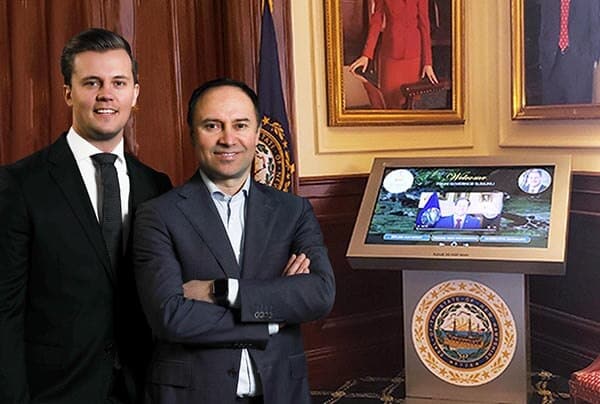
Government Solutions
Self-service technology for cities, counties, municipalities, and public agencies.
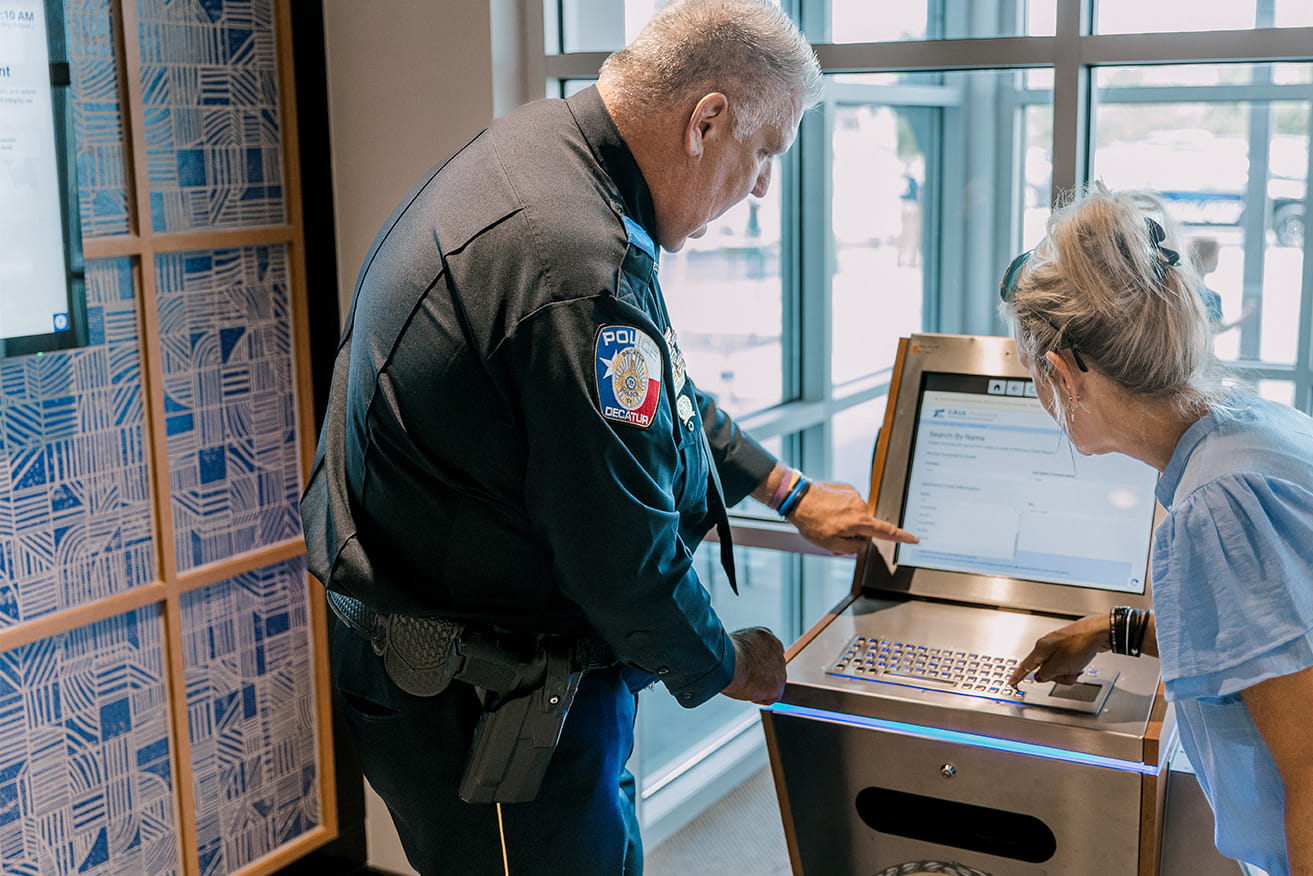
Law Enforcement Solutions
Automate records requests, firearms registration, inmate account funding, citizen services, and public forms.
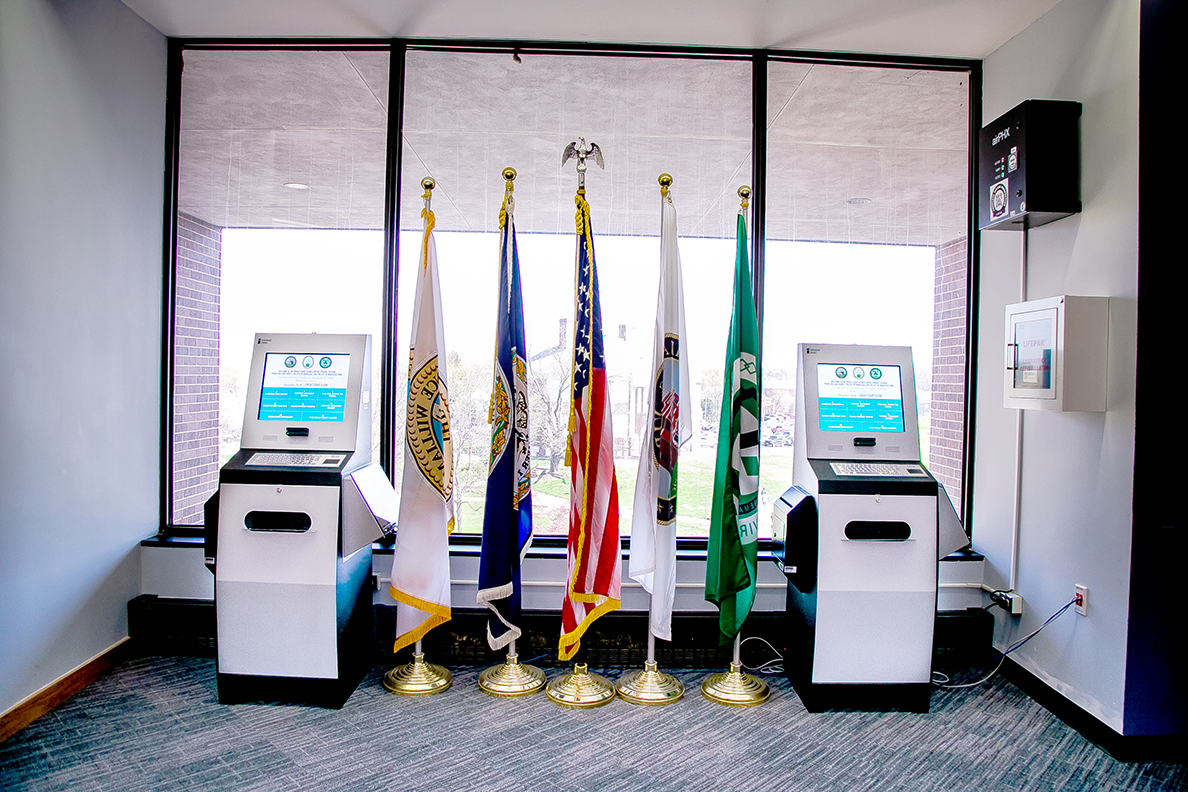
Court Solutions
Improve public access, filing, payments, document processing, and visitor services.
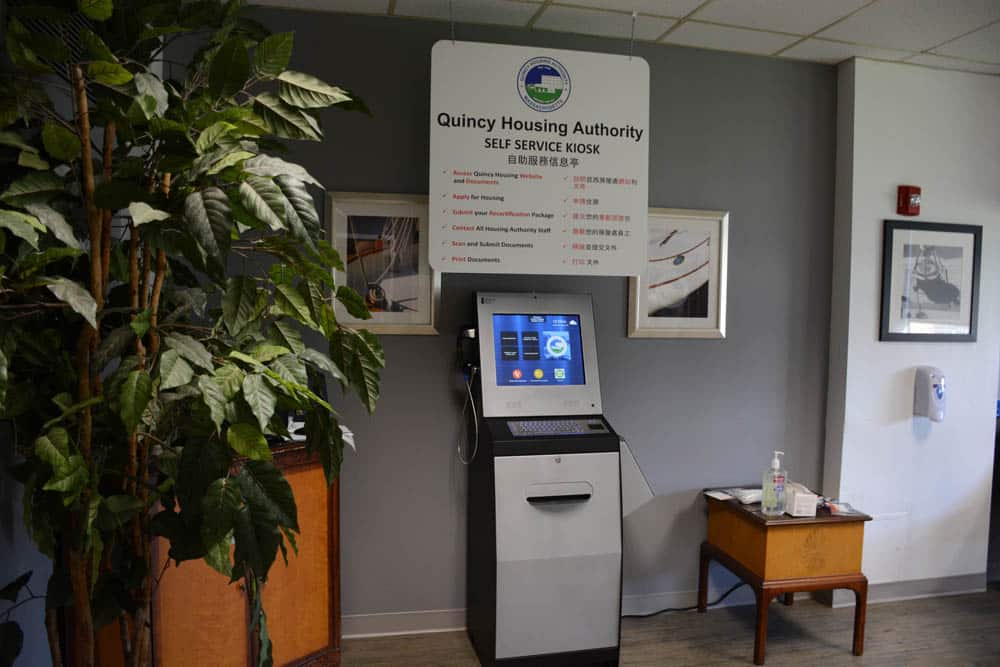
Housing Authority Solutions
Streamline resident applications, payments, document collection, and recertifications.
Kiosk Office Suite Capabilities
Once your workflows are defined, Kiosk Office Suite can be configured with the software tools, hardware options, security features, assistance tools, and user-experience features needed to support them.
Seamless Kiosk Onboarding: Expert Support from Day One
We ensure your self-service project is launched smoothly with lasting success.
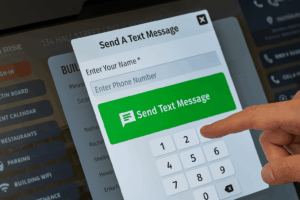
Kiosk Alerts & Notifications: Minimize Downtime, Maximize Efficiency
Set up to send staff texts or emails alerting them to a variety of issues.
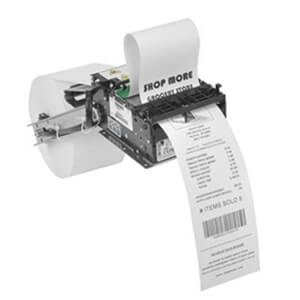
Receipt Printer
Our kiosk receipt printer uses standard 3‑inch thermal paper.
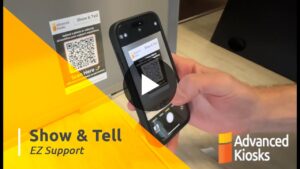
Show & Tell EZ Customer Support
Expert kiosk support is only a QR code scan away using your smartphone.
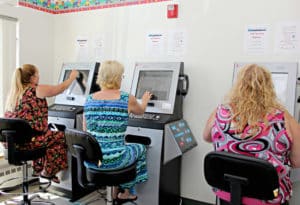
Surveys & Feedback Collection
Built‑in surveys let users share valuable feedback instantly with one click.
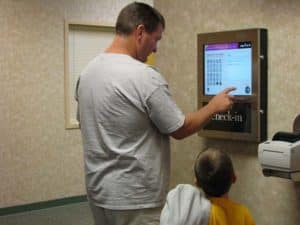
Check-in / Check-out
Check-In/Check-Out is configured according to the facility’s existing procedures.
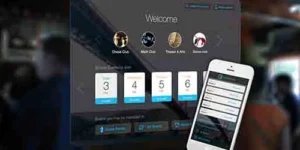
3rd Party Web App Support
We work seamlessly with your existing third-party software!
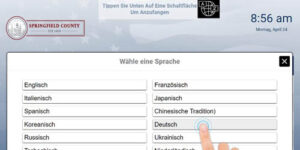
User Interface Translation
Connect with diverse users by speaking their language.
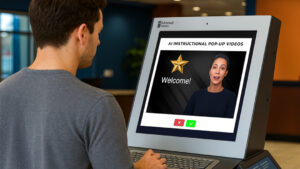
Instructional Pop-ups
Guide your users every step of the way with helpful text, image and videos in a convenient pop-up window.
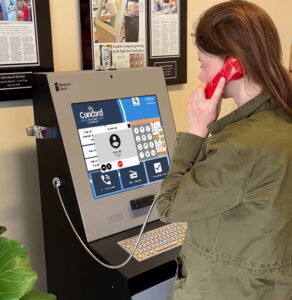
VoIP Calling
Connect users quickly and securely with your directory of designated contacts
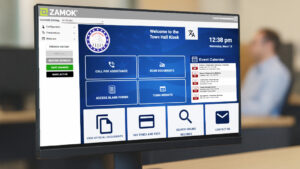
Weekly Performance Reports
Get precise, actionable data for every kiosk, delivered directly to your inbox.

Bill Payment & Credit Cards
Offer the convenience of processing payment transactions right at the kiosk.
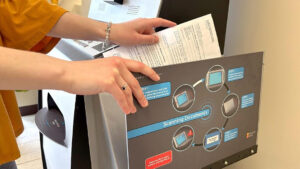
Document Scanning & Email
Provide secure, accessible scanning for diverse documents for print or email.
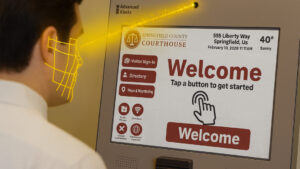
Presence Detection
Welcome and guide every user from first approach to successful completion with intelligent automation.
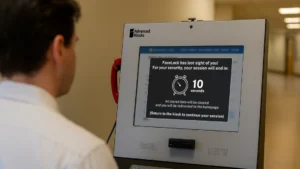
FaceLock™ Session Security
Eliminate data exposure risks and manual logouts with intelligent presence-based facial detection security software.
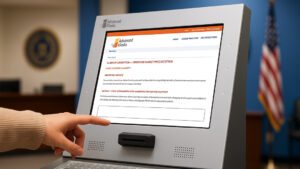
eForms Assistant
eForms Assistant eliminates user frustration with seamless, guided self-service data entry on complex forms
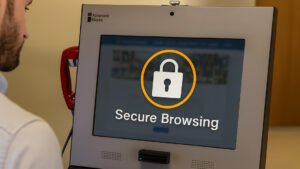
Zamok Kiosk Security: Locked-Down, Professional, and Compliant
Secure browsing and unauthorized access prevention with Zamok Webfilter
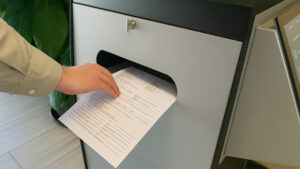
Document Printing
Streamline operations with self-service printing kiosks for office automation
Trusted by Public-Facing Organizations
Advanced Kiosks has supported deployments across government, courts, law enforcement, housing, education, healthcare, and enterprise environments.





































From Workflow Discovery to Launch Support
Kiosk Office Suite is not a one-size-fits-all software install. Advanced Kiosks helps define your workflows, configure the kiosk experience, test the service path, train your team, and support the deployment after launch.

 Workflow Discovery
We identify the services your visitors need to complete, the staff handoffs required, and the outputs your team needs after each interaction.

Configuration
We configure the kiosk interface, workflow steps, forms, assistance options, peripherals, and service paths around your use case.
 Testing
We test the visitor experience, staff notifications, document handling, payments, reporting, and workflow-specific requirements before launch.

Training & Onboarding
Your team receives guidance on how the system works, how visitors will use it, and how staff should manage follow-up, support, and reporting.

Ongoing Support
After launch, Advanced Kiosks can support updates, troubleshooting, workflow adjustments, and long-term improvements as your service needs evolve.
Frequently Asked Questions (FAQ)
What contract vehicles are available for purchasing Advanced Kiosks products?
- Advanced Kiosks is an approved GSA Contract holder, ensuring our products meet the rigorous quality and compliance standards required for government procurement. Our participation in this program simplifies the purchasing process for federal, state, and local agencies, allowing them to acquire our self-service solutions efficiently. Learn more about GSA contracts here.
How do self-service kiosks protect personal data and ensure security?
- Our Zamok Kiosk Management Software is designed to protect user data and ensure kiosk security. It prevents unauthorized access, restricts internet browsing to approved sites, and safeguards sensitive information through encryption and secure session management. Additionally, Zamok includes automatic session resets to clear user data between interactions, reducing security risks. With built-in remote management capabilities, administrators can monitor and update kiosks to maintain compliance with cybersecurity best practices.
What support and maintenance services does Advanced Kiosks provide?
- We offer full-service support, including remote troubleshooting, software updates, and on-site assistance when needed. Our Show & Tell Video Support feature allows customers to submit video-based service requests for faster issue resolution.
Will self-service kiosks keep personal data safe and secure?
- Yes! Our Zamok Software keeps the data of your customers safe and secure, eliminating the potential for unwanted internet browsing and kiosk tampering.
Can kiosks be customized for specific government applications?
- Yes! We offer customization options including software integrations, branding, and specialized hardware to meet the needs of government agencies. Whether for visitor management, document processing, or interactive information centers, we tailor solutions to fit your requirements.
How much effort is required to set up and deploy a kiosk?
- Deploying a self-service kiosk is a collaborative process. While we handle the technical setup and provide pre-configured software, successful automation requires your input and expertise. Our Onboarding Process includes working closely with your team to understand workflows, configure settings, and integrate with existing systems. Depending on complexity, deployment can take anywhere from a few days to several weeks. Your involvement in testing, feedback, and final approvals is crucial to ensuring a smooth rollout and an optimal user experience. Our team is here to guide you every step of the way.
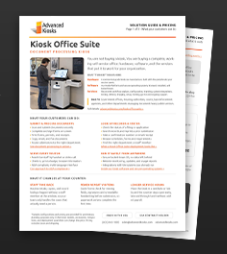
Download the Pricing Guide
"*" indicates required fields
FROM OUR BLOG
What Every Organization Should Know Before Implementing AI
Artificial intelligence is rapidly moving from experimentation to implementation across…
Read Our Latest 2026 Newsletter!
Our latest newsletter is packed with updates from the field,…
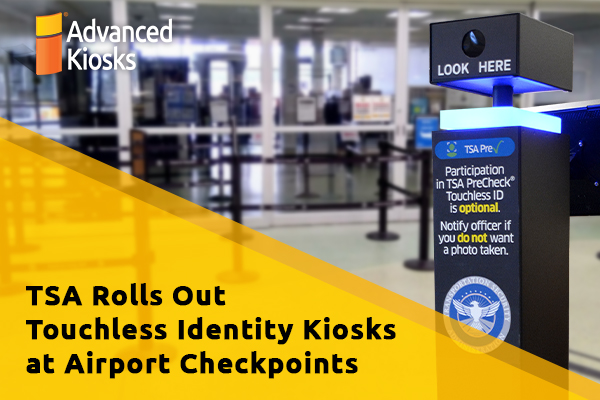
TSA Rolls Out Touchless Identity Kiosks at Airport Checkpoints
Moving millions of passengers safely through airport security requires more…
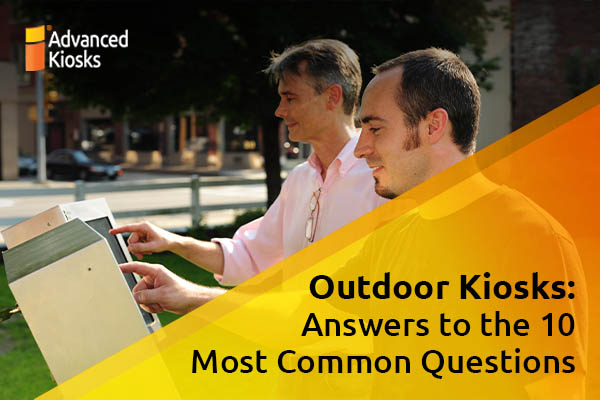
Outdoor Kiosks: Answers to the 10 Most Common Questions
As organizations look to bring services outside the traditional lobby,…
What to Know About Kiosk Check-In/Check-Out Systems
If you\'ve visited a modern government building, healthcare facility or…