Workflow Automation
Government Automation with eForms Assistant
We turn your complex government forms and processes into simple, guided digital workflows.
Our team analyzes your existing paperwork, builds step-by-step digital experiences that guide citizens through every question, and manages the system so your staff doesn’t have to.
The result: fewer errors, faster processing, better citizen experiences, and less burden on your team, without adding anything to your IT workload.
Perfect for government offices, law enforcement, healthcare, education, and beyond, Zamok eForms Assistant ensures form completion is smooth, efficient, and hassle-free.
What Is Workflow Automation?
Zamok Workflow Automation is a managed workflow service from Advanced Kiosks that transforms government forms and processes into guided digital experiences. At the center of the system is eForms Assistant for form fill functionality, an interactive interface that walks citizens through complex forms step by step, ensuring required information is completed correctly before submission.
Behind the interface, Zamok handles the full workflow lifecycle. Our team converts your existing paperwork and procedures into structured digital processes, configures the logic that guides users through each step, and ensures submissions are validated and routed to the correct department.
Because Zamok is delivered as a managed service, agencies gain a complete digital intake and workflow solution without building software, managing infrastructure, or maintaining complex form systems internally.
How the Service Works
Phase 1: Onboarding & Implementation
Consultation & Onboarding
We start by understanding your agency’s workflows, forms, and pain points. Our team reviews your existing documents, identifies where errors and delays occur, and maps out the ideal digital experience.
Workflow Design & Build
Our developers convert your forms into guided, step-by-step digital workflows using the eForms Assistant Engine. We build conditional logic so citizens only see the questions that apply to them, add smart field validation to prevent errors, and configure multi-language support as needed.
Deployment
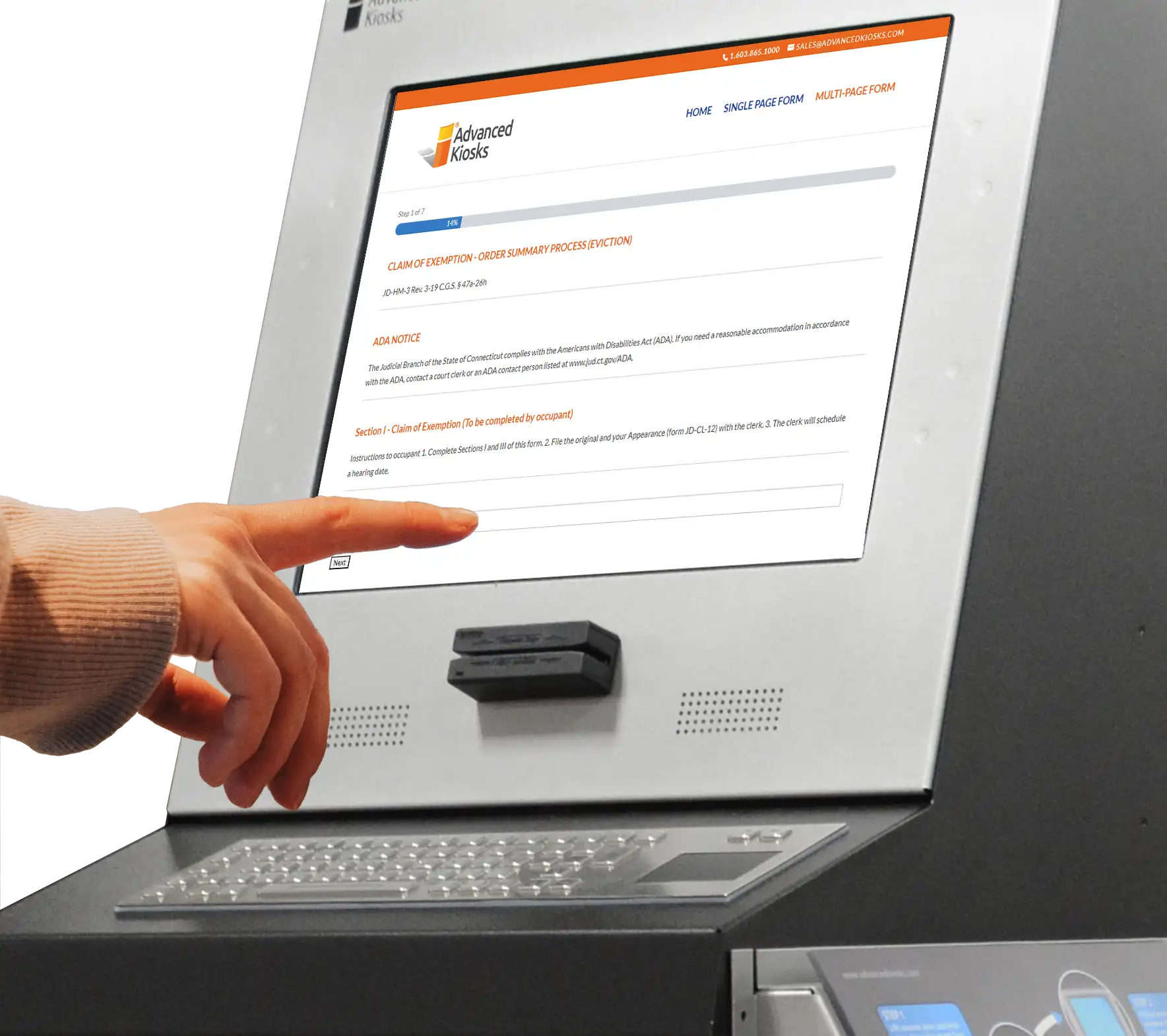
We deploy your workflows on the platform that fits your environment, self-service kiosks in your lobby, desktop workstations for staff-assisted intake, tablets for fieldwork, or remote access for citizens at home. You choose the deployment; we handle the setup.
Phase 2: Managed Service
Ongoing Workflow Management & Support
When your forms change, regulations update, or new workflows are needed, our team handles the updates. Instead of maintaining software internally, you gain a managed service partner who monitors, maintains, and evolves your workflows so they remain accurate, compliant, and reliable.
Automation Features
Guided Step-by-Step Experience
Every workflow we build breaks complex processes into clear, manageable steps, typically one or two questions per screen with a visible progress indicator. Citizens always know where they are and what comes next.
Smart Conditional Logic
We configure branching logic so citizens only see questions relevant to their situation. A benefits application for a single filer looks different from one for a family of four, automatically.
Legal Document Generation
Every workflow produces a completed legal PDF, not just raw data. Citizen responses are mapped directly into your official form templates, generating documents that are ready to print, file, or submit without transcription.
Multi-Language Support
We configure real-time language translation so citizens can switch to their preferred language at any point during the process. No separate form versions needed.
Document & Signature Capture
Scanning, file uploads, photo capture, and digital signatures are built directly into the workflow wherever your process requires them.
Secure Handling & Delivery
Submissions are encrypted and stored securely. Completed forms and data files are delivered instantly to designated staff via email. Administrators can export, archive, or purge records as needed.
Integration With Your Systems
Where needed, we connect workflows to your existing agency systems and databases for automated data routing and backend processing.
The Citizen Experience: A Visual Walkthrough
See what the experience looks like from the citizen’s perspective—from selecting a workflow to receiving a completed, signed legal document. Every step is guided, validated, and delivered seamlessly.
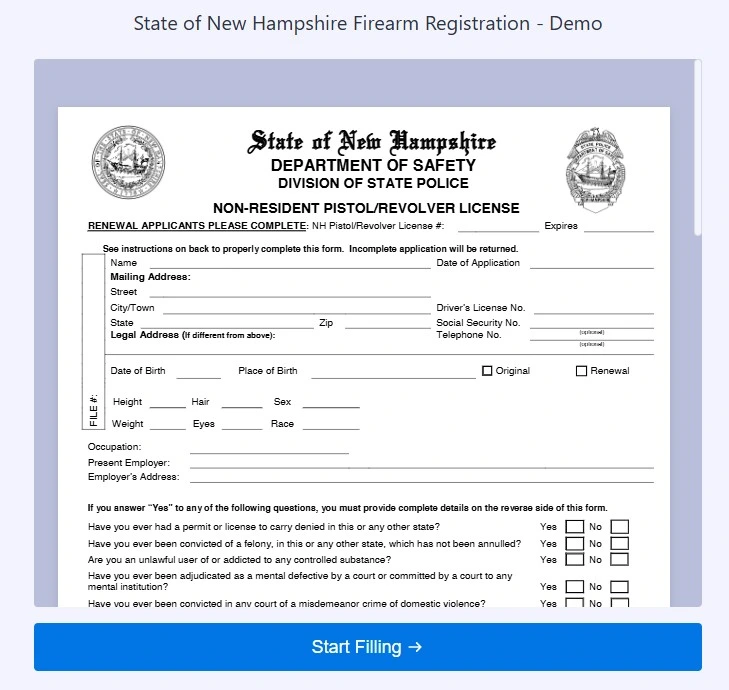
1. Uploaded PDF Template
Your Legal Form, Digitized – We upload your PDF template and map every field automatically.
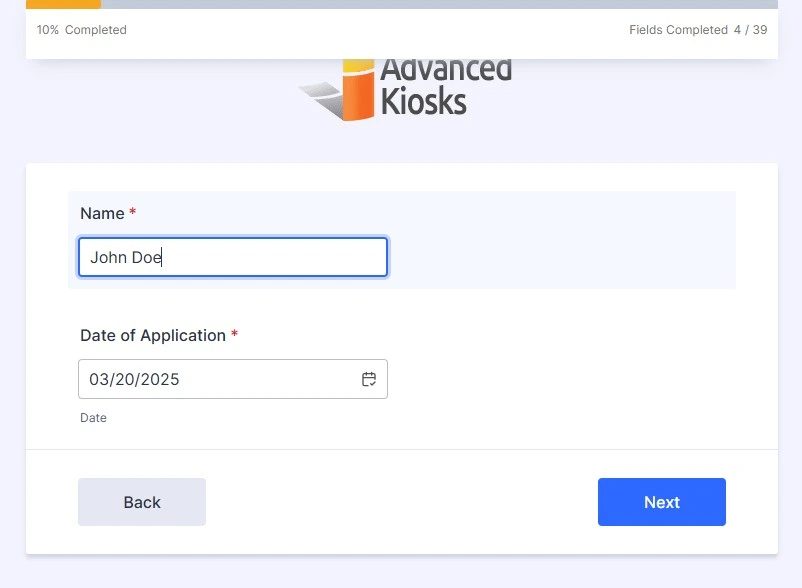
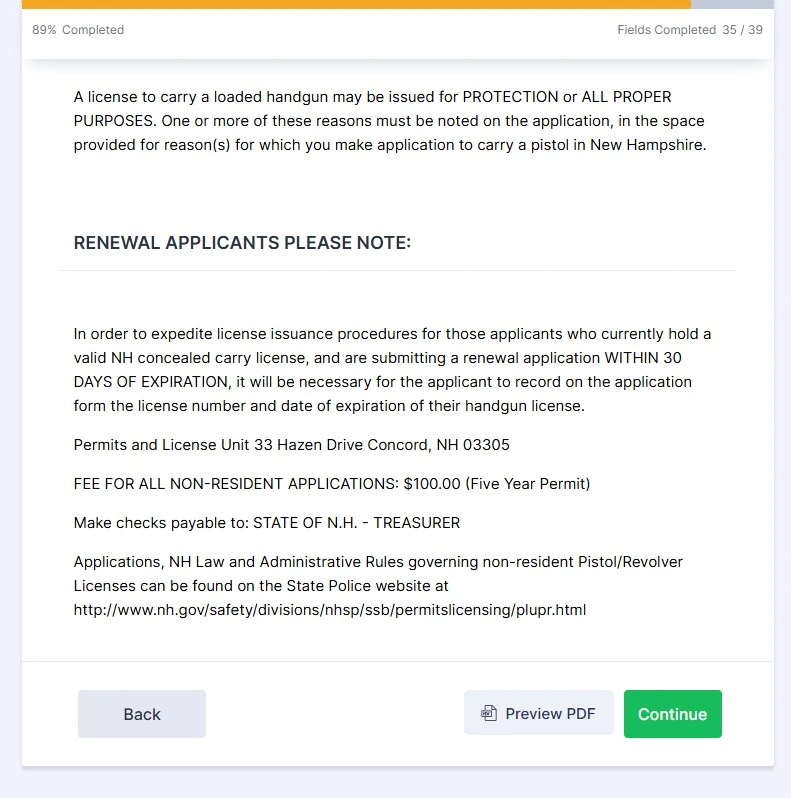
2. Simplified Questions with Progress Bar
Guided Questions – Complex forms become simple, one-question-per-screen experiences with a progress indicator.
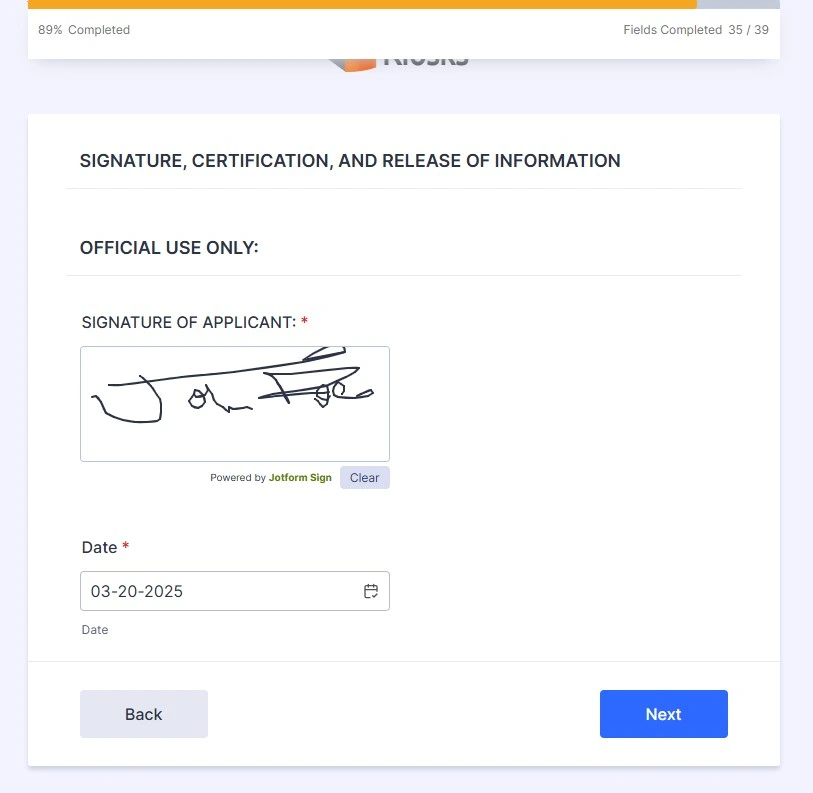
3. Signature Field with Progress Bar
4. Form Preview – “Preview PDF” Button
Document Preview – Citizens review the completed form before submitting.
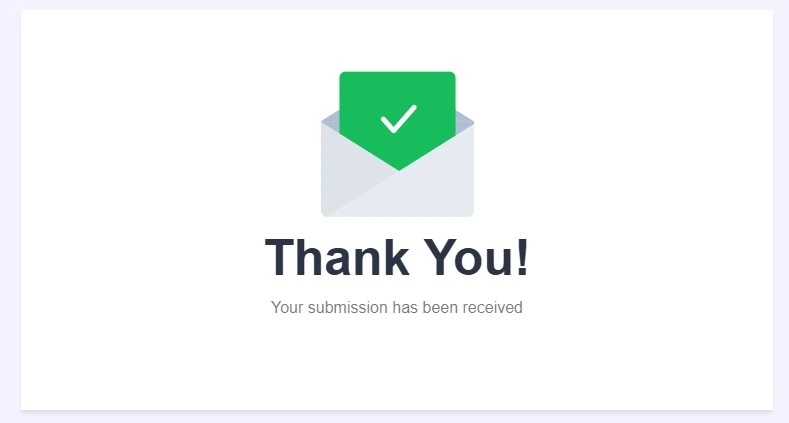
5. Confirmation “Thank You” Screen
Submission Confirmation – A clear confirmation closes the process.
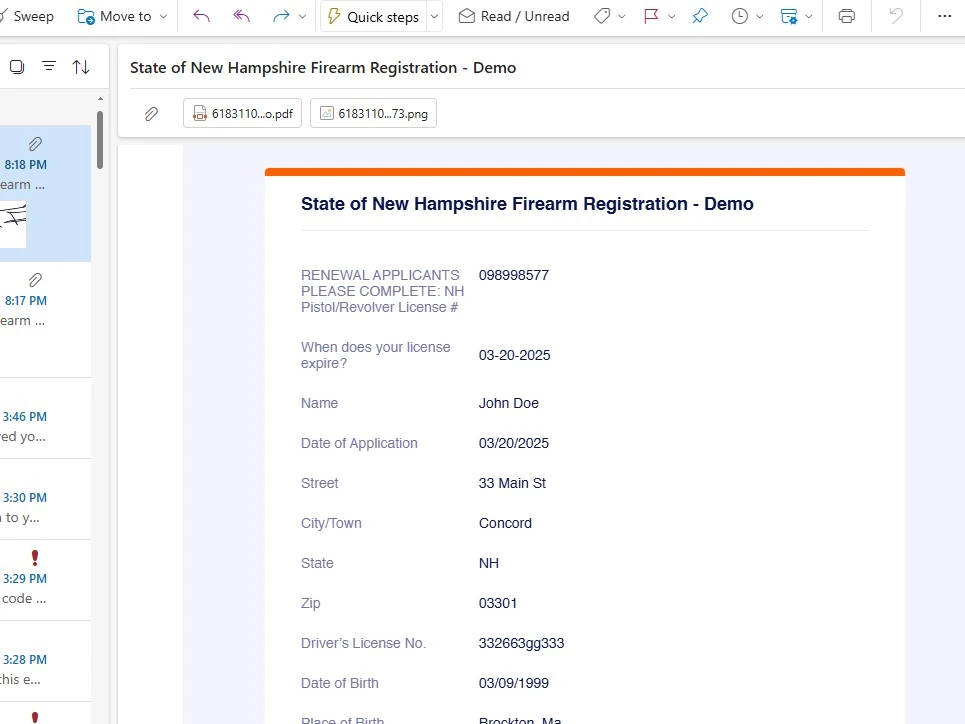
6. Email Receipt with PDF and Data File
Instant Delivery – The completed PDF and a structured data file are emailed to your staff immediately.
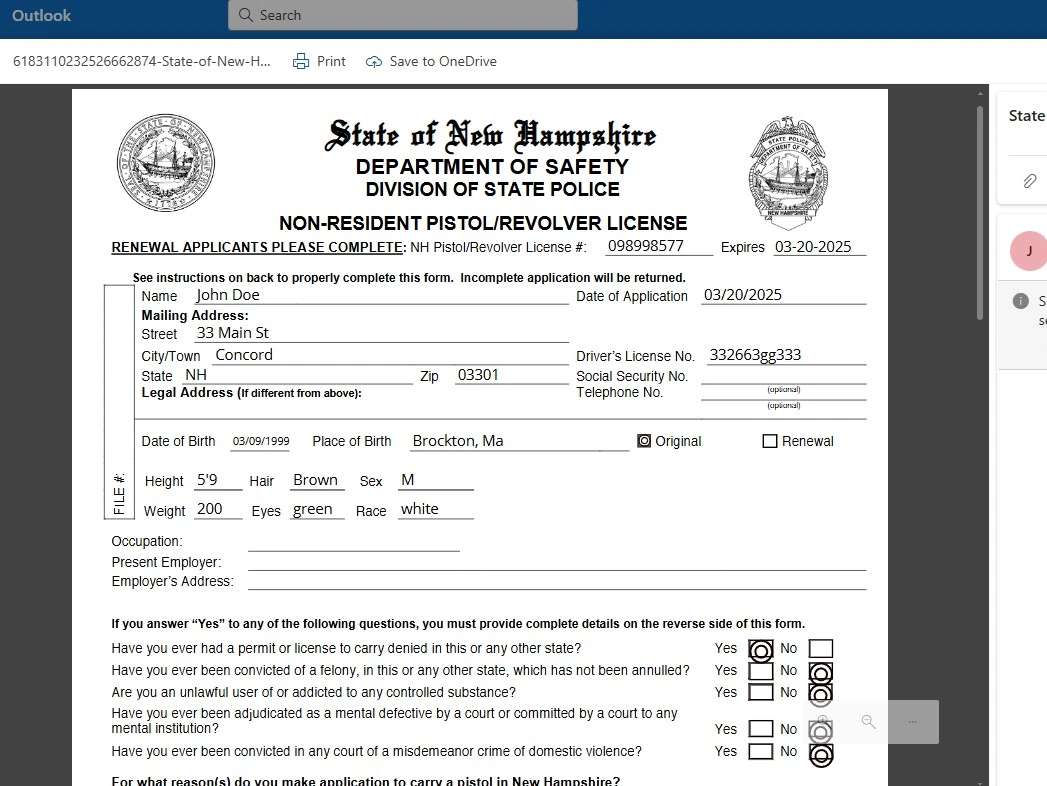
7. Completed Legal PDF
Completed Legal Document – A professionally filled, signed PDF ready to print, file, or submit. No transcription needed.






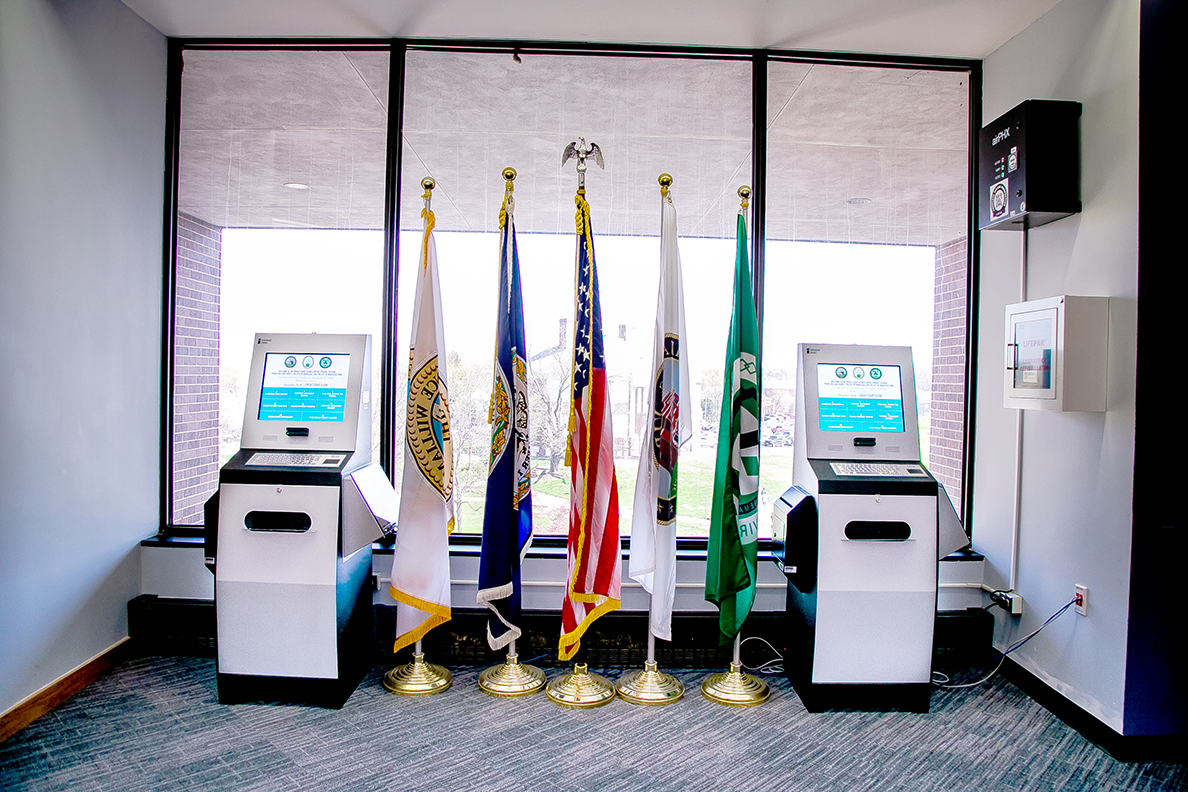
Courthouses
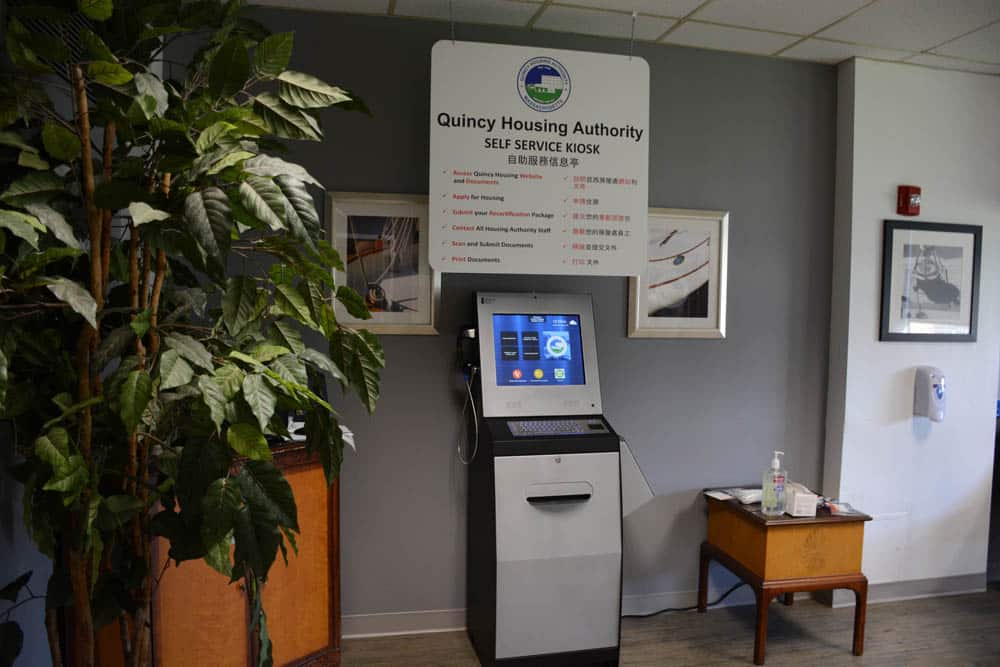
Housing Authorities
Resident-focused kiosks that automate document submission, payments, and service access for public housing communities.

Government
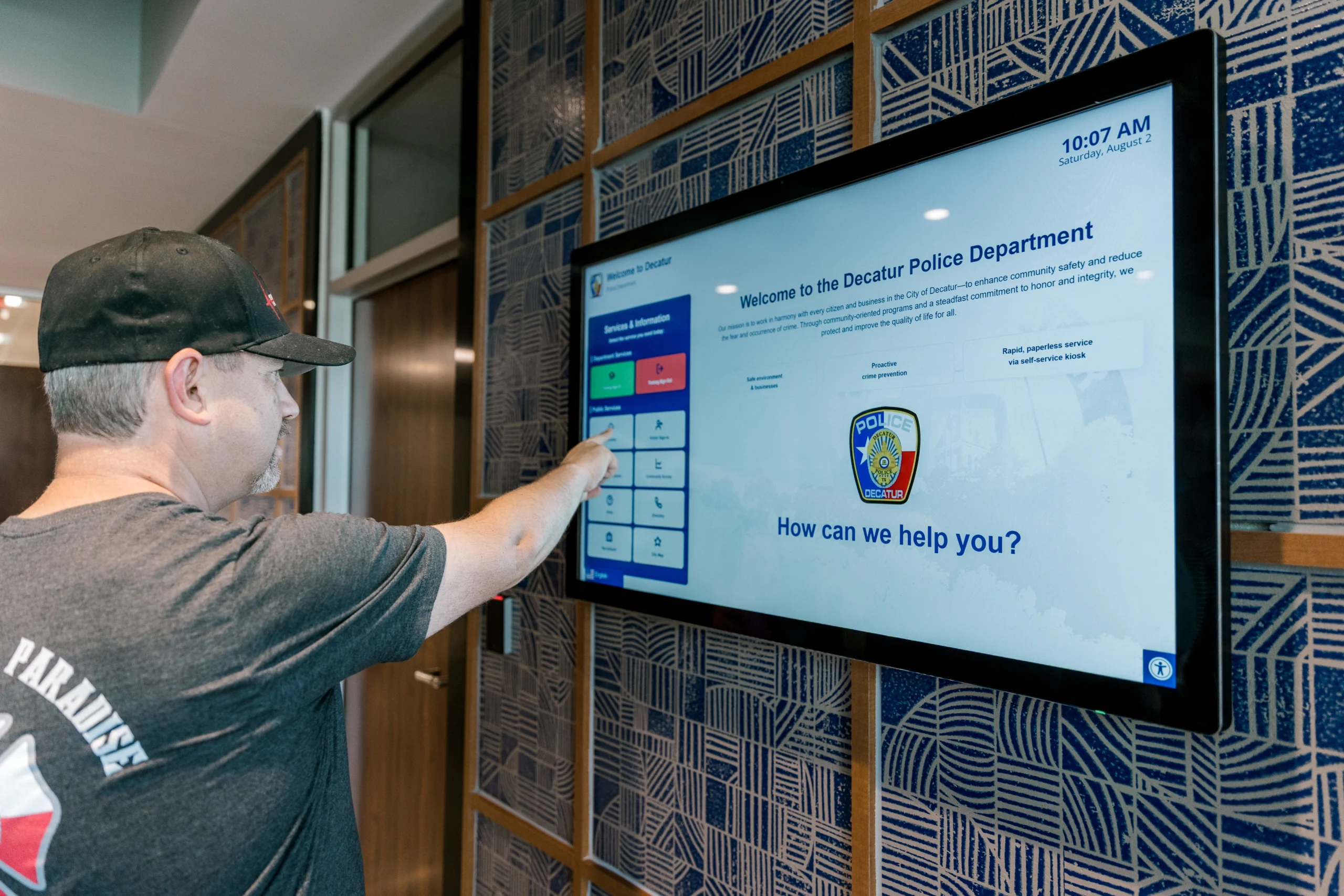
Law Enforcement
FROM OUR BLOG
Outdoor Kiosks: Answers to the 10 Most Common Questions
As organizations look to bring services outside the traditional lobby,…
What to Know About Kiosk Check-In/Check-Out Systems
If you\'ve visited a modern government building, healthcare facility or…
Revolutionizing Kiosk Support with Show & Tell EZ Support
At Advanced Kiosks, innovation is at the heart of everything…

Nine Must-Have Features of a Great Visitor Management System
Your lobby is often the first point of contact for…
Advanced Kiosks Puts AI at the Forefront of Innovation
Advanced Kiosks, a leading provider of self-service solutions, is redefining…