Kiosk Model: No-Power Tablet Kiosk
No-Power Tablet Kiosk
P/N: H32-800-120
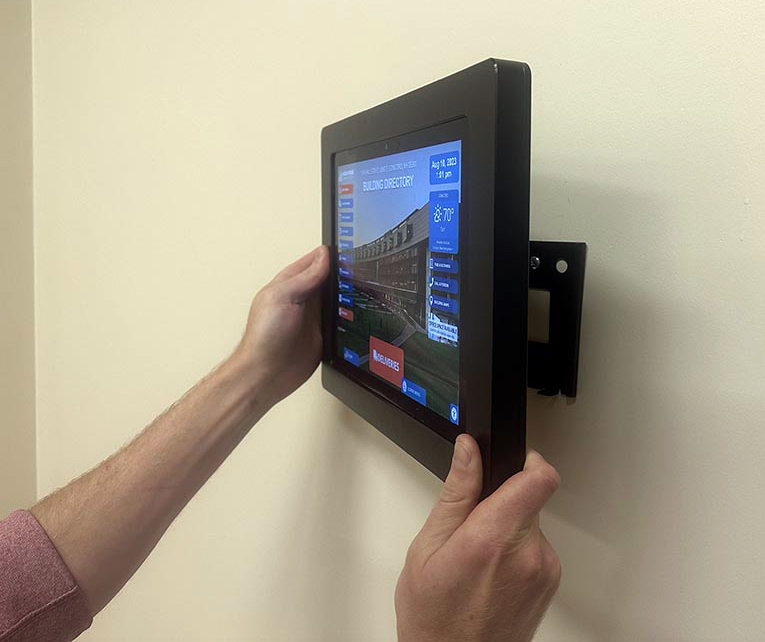
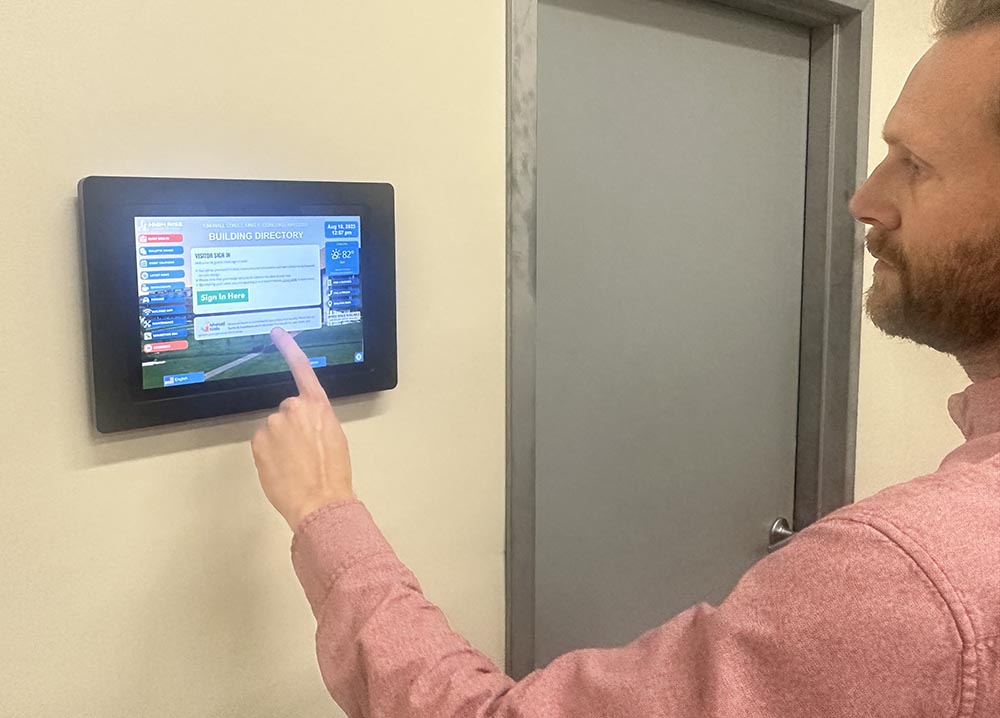
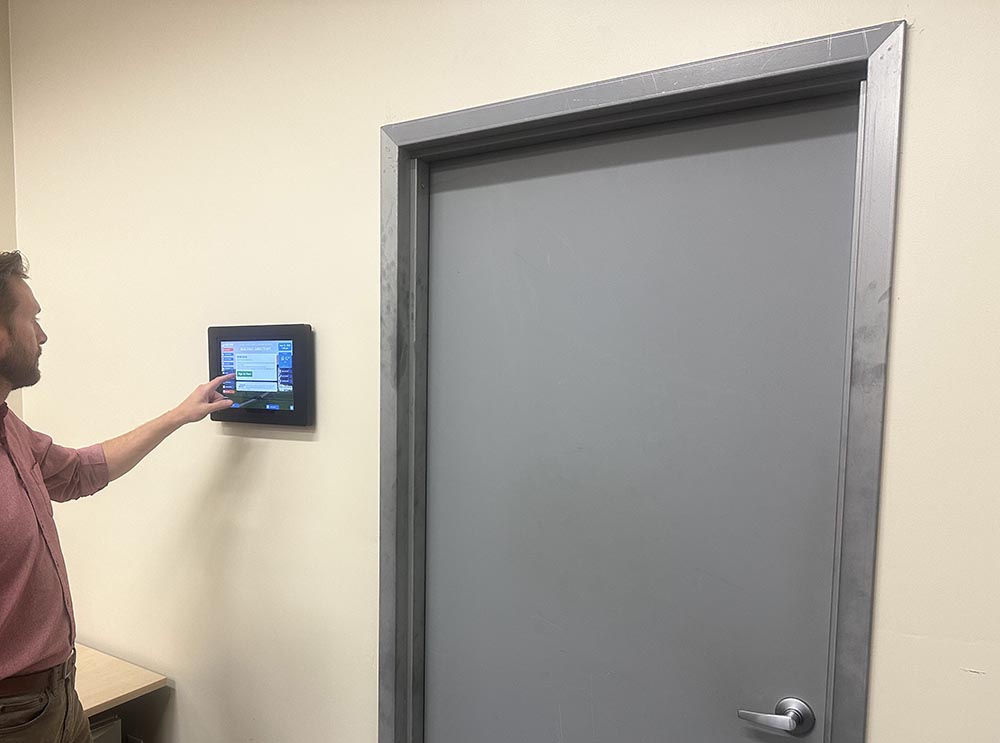
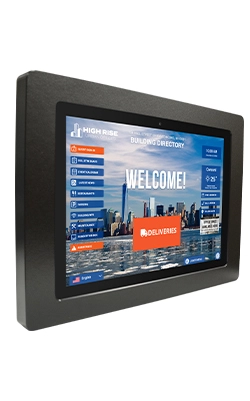
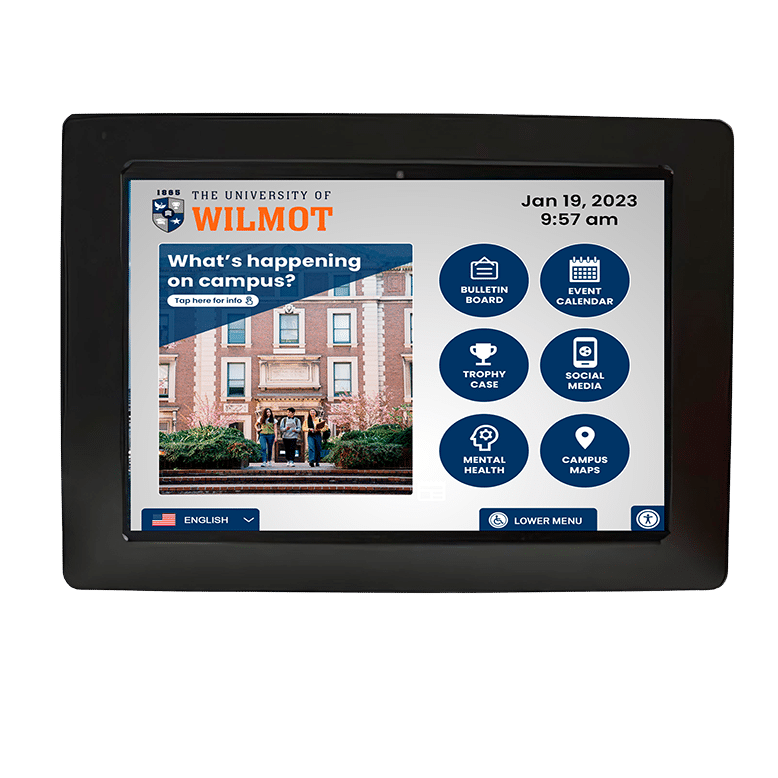
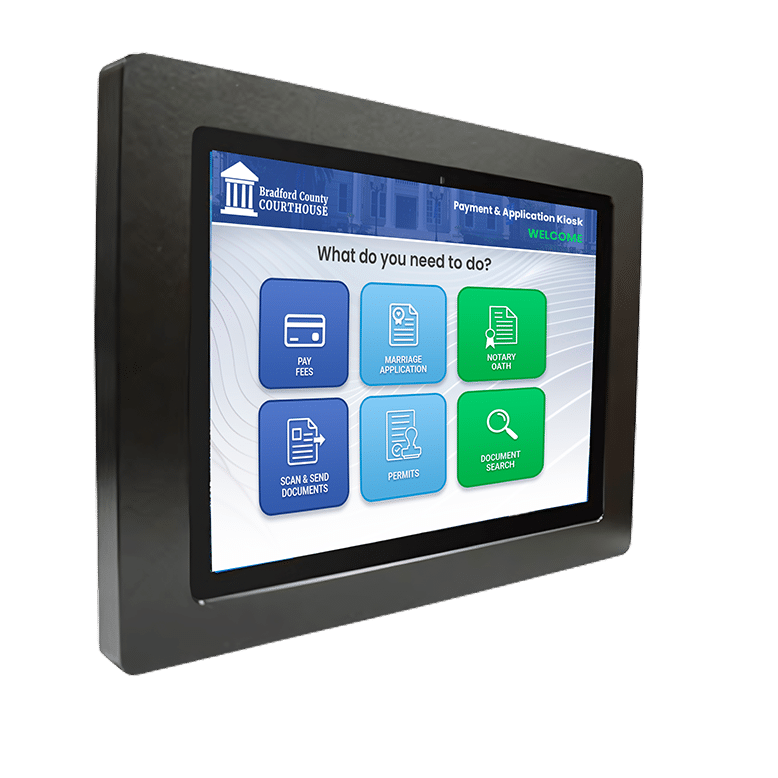
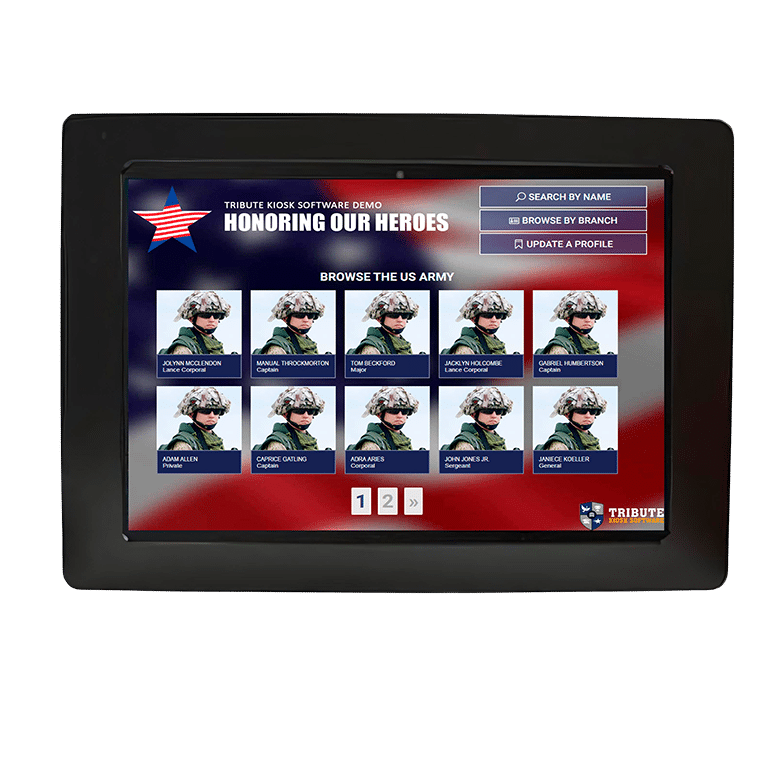
The No-Power Kiosk is a 12.5″ tablet kiosk that requires no external power source. Instead, it draws electricity via an ethernet cable that serves as an all-in-one power source and Internet connection. The No-Power Kiosk is offered in both a wall-mounted or counter-based version, making it ideal for uses where space is tight and access to an electrical source is limited.
Because the No-Power Tablet Kiosk doesn’t require a power outlet, it opens the door to new possibilities for customer engagement or information dissemination. It be easily moved around and placed in unconventional or remote locations such as temporary events, trade shows, conferences, or pop-up installations.
Greeter Visitor Management System – Battery-Free Deployment
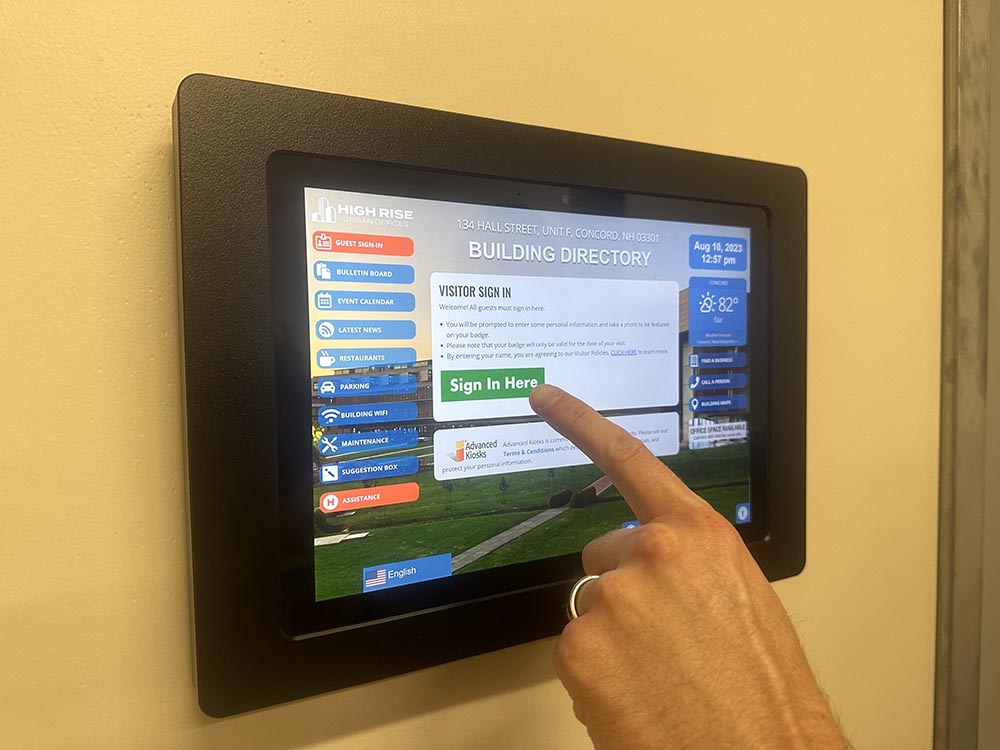
This deployment showcases the Greeter Visitor Management System running on a No-Power Tablet Kiosk, offering a completely cable-free, low-maintenance solution for visitor check-ins. The kiosk is designed for locations where electrical access is limited or where flexible placement is required.
- No-power tablet housing for fully portable, untethered use
- Greeter Visitor Management interface optimized for quick check-ins
- Ideal for lobbies and temporary stations where power outlets are unavailable
- Lightweight and easy to relocate for evolving visitor-flow needs
This configuration provides a simple but powerful visitor management option for facilities looking to enhance check-in efficiency without complex installation requirements.
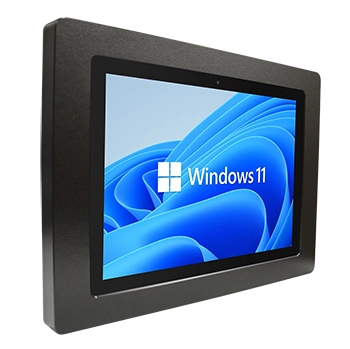
Standard Configuration Includes:
- Commercial-Grade Touchscreen Tablet Display
- Secure Locking Wall-Mount Enclosure
- Integrated Touch Interface
- Windows Operating System (Compatible with Zamok™ Software, if specified)
- WiFi Connectivity
- Low-Voltage / PoE Power Configuration (As Specified)
- Integrated Speakers
- Setup Instructions and User Manual
- Electrical components tested and compliant with applicable UL and FCC standards
- 1-Year Limited Warranty
Standard Configuration Includes:
Designed for indoor, low-risk environments with light-to-moderate usage.
Not intended for high-abuse, high-traffic, or outdoor deployments.
Software and application configuration provided under separate line items as specified on the purchase order.
Software and application configuration provided under separate line items as specified on the purchase order.



No-Power(POE) Kiosk Considerations
The No-Power kiosk has a name that might be confusing for some people. The Kiosk does actually need power, it is just provided in a different way. The No-Power kiosk utilizes a POE(Power Over Ethernet) device that receives power from a PoE+ equipped network switch and converts that down to a USB voltage that charges the Surface Tablet.
Customer requirements
Existing compatible IEEE 802.3at-20099(Also called PoE+) or IEEE 802.3bt-2018(Also called PoE++) network switch. The switch ports need to be capable of delivering at least 25 watts of power each. Link to compatible device>https://www.amazon.com/NETGEAR-Gigabit-Ethernet-Unmanaged-GS108LP/dp/B07788WK5V/?th=1
If an older, non-POE+/POE++ compatible switch is all that is available, a POE injector device may be used. These devices take power from the wall and energize the ethernet link to the kiosk. The device itself should be located in the IT room where other networking equipment. This is only economical for small deployments. Link to device> https://www.amazon.com/BV-Tech-Single-Gigabit-Ethernet-Injector/dp/B005BQUNEG
If the customer does not have a compatible PoE switch, and the deployment will be too large(3+ units) for an injector, it is recommended to purchase a new compatible PoE+ or PoE++ switch. The new switch does not need to fully replace the old switch. Depending on the network/security environment a PoE enabled switch can be attached to an existing switch via the uplink port. The new PoE enabled switch will provide power and data to No-Power kiosks downstream of the device while still maintaining the current network infrastructure
The distance to PoE+ adapter(for the No-Power Kiosk) and the network switch should not exceed 100 meters(328 feet). Note that this is the cabling length, not the physical distance to the device
Ethernet cabling should be a minimum of Cat5E. Cat6 cabling is recommended because the increased wire thickness reduces electrical waste and heat. The cabling wiring should be 2 or 4 twisted pairs with a standard RJ45 connector.
Software Evaluation License (Security Policy)
Included with all Advanced Kiosks systems. Each unit ships secured with Zamok software to prevent unsecured public operation during transit, staging, and deployment. A 30-day evaluation license is activated upon first system boot. At the conclusion of the evaluation period, the kiosk will enter a locked state and will not operate unless a license is activated or the software is removed in accordance with the provided instructions.
Software Licensing & Configuration
Software licensing, application configuration, and workflow customization are provided under separate line items as specified on the purchase order.
Accessibility Notice: This kiosk platform is designed to support ADA-accessible deployments when installed in accordance with ADA reach and operability guidelines and configured with accessibility-enabled interface software such as Zamok Software. Accessibility features and capabilities depend on selected software modules and configuration. Final compliance determination rests with the deploying entity and applicable regulatory requirements.
Next Steps in Your Kiosk Journey





Explore Your Industry
Industry solutions are software and hardware tailored to your specific needs. See how we can specifically help you!
See Other Projects
Browse our customers and projects to see the variety of solutions we have developed in the past!
FROM OUR BLOG
Outdoor Kiosks: Answers to the 10 Most Common Questions
As organizations look to bring services outside the traditional lobby,…
What to Know About Kiosk Check-In/Check-Out Systems
If you\'ve visited a modern government building, healthcare facility or…
Revolutionizing Kiosk Support with Show & Tell EZ Support
At Advanced Kiosks, innovation is at the heart of everything…

Nine Must-Have Features of a Great Visitor Management System
Your lobby is often the first point of contact for…
Advanced Kiosks Puts AI at the Forefront of Innovation
Advanced Kiosks, a leading provider of self-service solutions, is redefining…