


Modernize Your Police Lobby Without Adding Front-Desk Work.
Police departments are under constant pressure to do more with the same staff. A Smart Police Station coordinates the public-facing services in your police lobby – forms, records requests, payments, check-in, staff contact, and visitor guidance, through one connected system.








What Is a Smart Police Station?
A Smart Police Station is a lobby model, not a single product. It’s not about replacing officers – it’s about moving routine transactions away from staff time so they’re available for what actually needs human intervention.
It’s also consistent with where public-sector service delivery is already headed. Agencies modernizing under DOJ and DHS digital-service guidance, including the DHS Digital Modernization Strategy, are adopting this kind of self-service model as an operational standard, not an experiment.
- Self-service kiosks for forms, records, and payments
- Visitor check-in, wayfinding, and badge printing
- Digital forms and workflow automation
- AI-guided assistance that helps citizens complete tasks
- Remote monitoring and control for staff to manage kiosks from anywhere
Real Police Department Deployments
Two standout examples: real agencies, real deployments, real usage data.
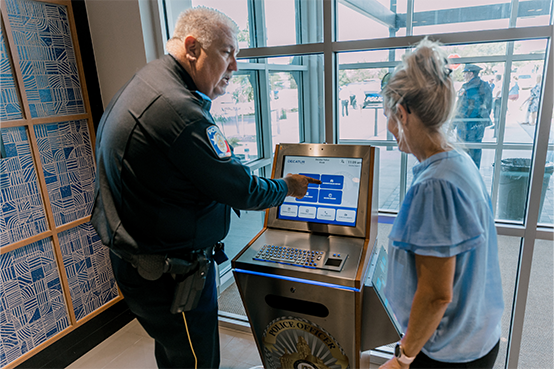
Decatur, TX Police Department
Deployed as part of a brand new headquarters, pairing a Greeter Visitor Management System at the entrance with a Kiosk Office Suite for forms and requests. In the first two months, the Kiosk Office Suite logged 670 citizen sessions, most often for accident/crash reports, court and ticket inquiries, and call services, while the Greeter logged 72 check-in and wayfinding sessions.
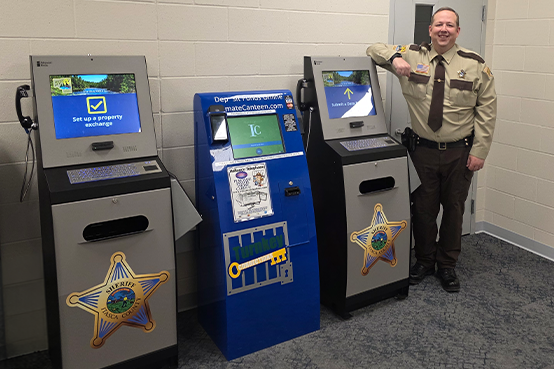
Itasca County Sheriff's Office
In the first six months, the kiosks processed 426 permit-to-carry applications and handled 1,850 total pages scanned, printed, or submitted, including 863 document scans and print jobs. Staff no longer had to decipher messy handwriting or chase down missing information on those sessions.
Explore the full range of self-service solutions, workflows, and technology available for police departments, sheriff’s offices, corrections, and other public safety agencies.
Routine Services That Can Begin at the Kiosk
Because these services run on a kiosk instead of a staffed counter, they can be made available outside of business hours. A visitor can file a request or make a payment without waiting for the front desk to open.
- Crash and incident report access
- Court and ticket inquiries, including municipal payment portals
- Permit-to-carry and other permit applications
- Records requests and document scanning/submission
- Visitor check-in and appointment management
What Still Requires a Person
Automation speeds up intake, but it doesn’t replace judgment. Keeping a human in the loop means every AI-assisted submission is reviewed and verified before it becomes an official record. Errors are caught, edge cases get handled correctly, and visitors always have a path to a human when the automated workflow can’t resolve their request.
- Judgment calls: report classification, complaint review, approvals
- Identity verification edge cases
- Anything the AI assistant can’t resolve or is flagged for staff
- Administrators can review AI interactions directly and adjust as needed
How Forms, Records Requests, Applications, and Check-Ins Actually Work
At Itasca County, this structure meant every permit-to-carry submission arrived complete and legible on the first attempt, with no re-entry or follow-up calls to fix missing information.
- 01
Citizen selects a service at the kiosk - 02
Guided digital form replaces the paper version, with instructional pop-ups and step-by-step prompts - 03
Submission is validated before it’s sent, so staff don’t receive incomplete or illegible paperwork - 04
Request routes to the correct department or contacts automatically - 05
Staff review, follow up, or approve; the kiosk handles intake, not judgment calls
How It Connects to Existing Police Workflows
Kiosks are configured around your department’s actual processes, not a generic template. Submissions route to the right workflow and staff are notified rather than having to check a separate portal.
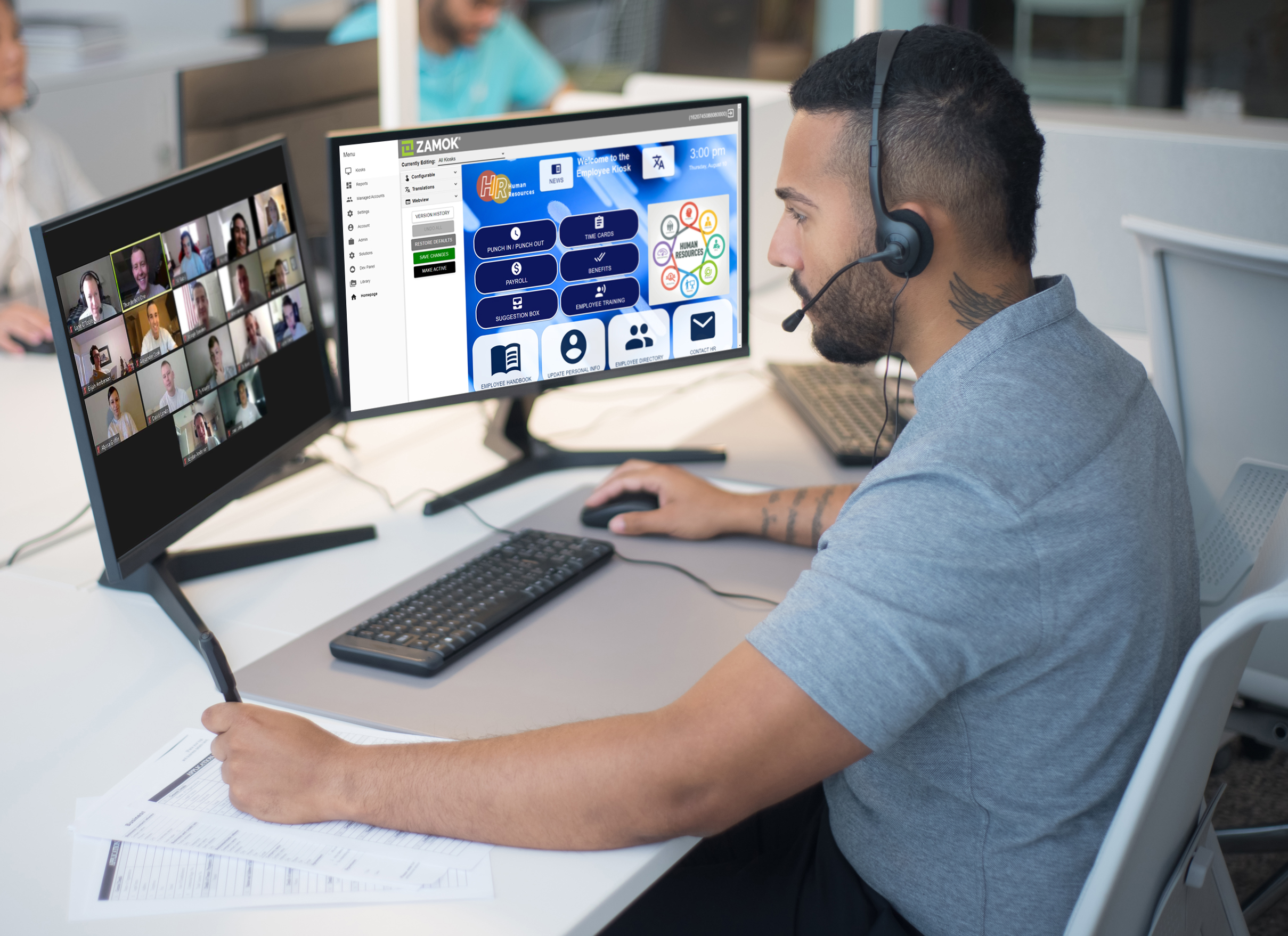
Advanced Kiosks handles the setup and configuration work during onboarding, so this isn’t something your team has to build from scratch. Specific integration details are best covered in a workflow assessment call.
What Implementation Looks Like, and What It Costs
You don’t need a full technology overhaul to get started:
01
Identify the highest-friction processes: permits, crash reports, records requests or lobby check-in
02
Map the workflow so the kiosk can take on the work currently burdening staff
03
Configure AI guided digital forms to replace handwritten ones
04
Deploy incrementally, starting with one kiosk or one workflow at a time
05
Designate a staff member to measure usage; adjust and expand as needs evolve
06
Adjust workflows as needed with new services, locations, or kiosk units
Cost Expectation
Most single-kiosk deployments start around $25,000, scaling with the number of kiosks and software features. No new building required; it’s a technology layer added to your existing lobby.

Our Latest Contractor Performance Assessment Reporting System (CPARS) Evaluation:
- QUALITY: Exceptional
- SCHEDULE: Very Good
- COST CONTROL: Very Good
- MANAGEMENT: Exceptional
- SMALL BUSINESS SUBCONTRACTING: Exceptional
Talk to Us About Your Station
Every smart police station starts with a single conversation.
Contact Advanced Kiosks to discuss your department’s needs. We’ll help you identify the highest-impact workflows, recommend the right configuration, and provide a complete implementation plan.
📞 (603) 865-1000
✉️ sales@advancedkiosks.com
🔗 advancedkiosks.com/contact/
Frequently Asked Questions (FAQ)
Q: What is a smart police station?
A smart police station is a law enforcement facility that uses self-service kiosks, digital workflows, visitor management systems, and AI-guided assistance to deliver public services more efficiently. Instead of routing all visitors through a staffed front desk, routine tasks are handled through guided digital systems that operate 24/7.
Q: Does a smart police station replace officers?
No. A smart police station extends staff capacity by shifting routine administrative tasks to self-service technology. Officers and administrative personnel are freed to focus on complex cases, community engagement, and public safety rather than repetitive paperwork and transactions.
Q: What services can citizens access at a smart police station?
Common services include filing incident reports, requesting police or accident reports, submitting permit applications, paying fines and fees, scanning and printing documents, and checking in for appointments. The specific services available depend on the department’s configuration.
Q: Is the technology secure enough for law enforcement environments?
Yes. Systems from Advanced Kiosks use end-to-end encryption, secure authentication, and CJIS-aligned data handling practices. All kiosk submissions are digitally logged with timestamps, and the Zamok management platform provides remote monitoring and security controls.
Q: Do I need a new building to create a smart police station?
No. Smart police station technology can be deployed in any existing facility. Most agencies start by placing one or two kiosks in the lobby and adding visitor management at the entrance. The technology adapts to your current space and can be expanded over time.
Q: What is the difference between a smart police station and a regular police station with kiosks?
A kiosk is a single tool. A smart police station is an integrated model that coordinates self-service kiosks, visitor management, AI guidance, and digital workflows into a cohesive service delivery system. The difference is between adding a piece of technology and rethinking how the lobby operates.
More Resources for your Law Enforcement Solution!
"*" indicates required fields

…or Schedule Your Conversation
Set your own appointment with a self-service expert. Choose your own date and time for the conversation!
Call Us to Speak With an Expert
1 (603) 865-1000
Toll Free: +1.866.783.3791
Mon-Fri 8:30 am-5 pm (EST)
Use Your Voice and Dictate into the Form!

Answer these questions:
To get the best recommendations, try to cover:
- The main problem you’re trying to solve
- Where the kiosk(s) will be used
- Indoor or outdoor environment
- Number of users or visitors
- Any specific features you need (payments, check-in, printing, scanning, wayfinding, etc.)
- Timeline or urgency
From Our Blog
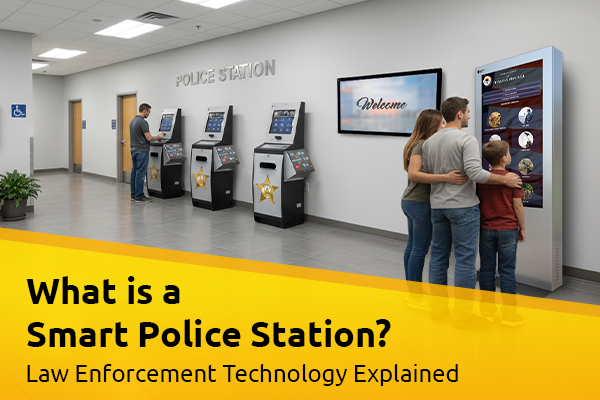
What Is A Smart Police Station? Law Enforcement Technology Explained
Walk-in traffic at police departments hasn’t slowed down. If anything,…
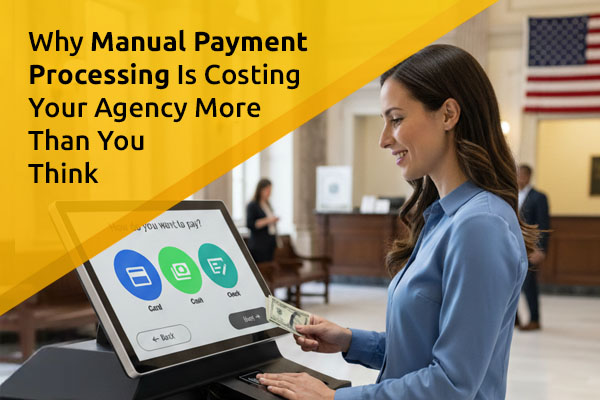
Why Manual Payment Processing Is Costing Your Agency More Than You Think
For most government agencies, accepting in-person payments has always involved…
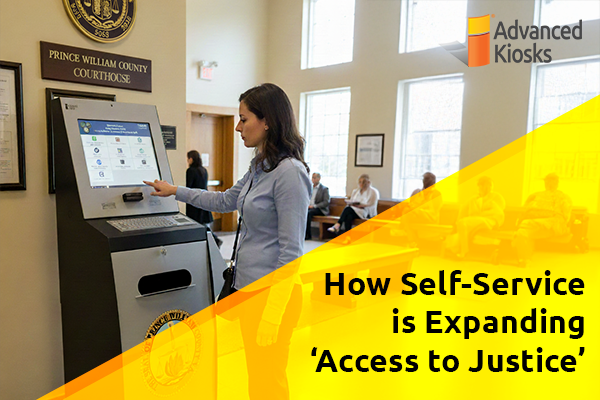
How Self-Service is Expanding ‘Access to Justice’
What is \'Access to Justice\'? Access to Justice is the…
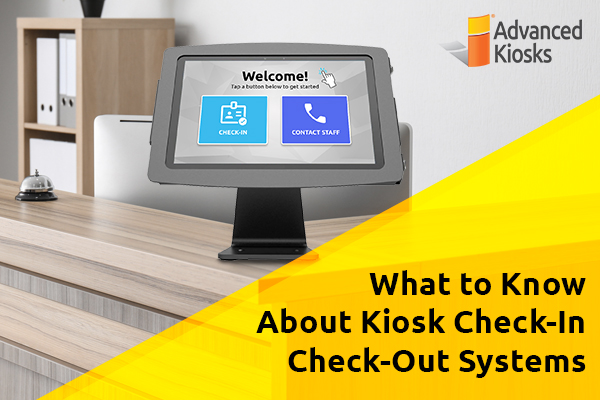
What to Know About Kiosk Check-In/Check-Out Systems
If you\'ve visited a modern government building, healthcare facility or…
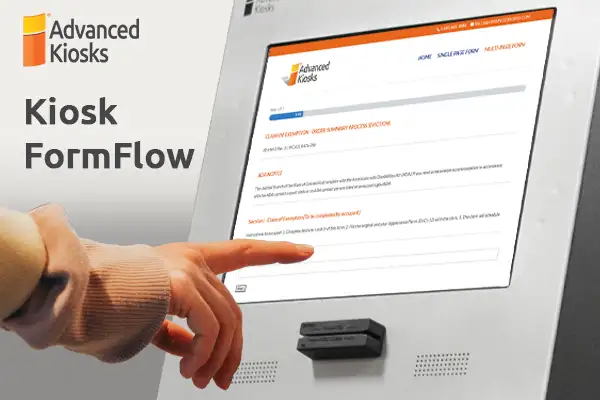
How eForms Assistant Optimizes & Simplifies Complex Form Submission
Facebook Linkedin Email Self-service applications have become…