


Self-service kiosks, AI-guided forms, visitor management, and automated payments.
Courts across the country are under mounting pressure to serve more people, more efficiently, with fewer resources. Rising caseloads, staffing constraints, and growing public expectations are exposing the limits of paper-based processes and staffed-counter service models that haven’t changed in decades.
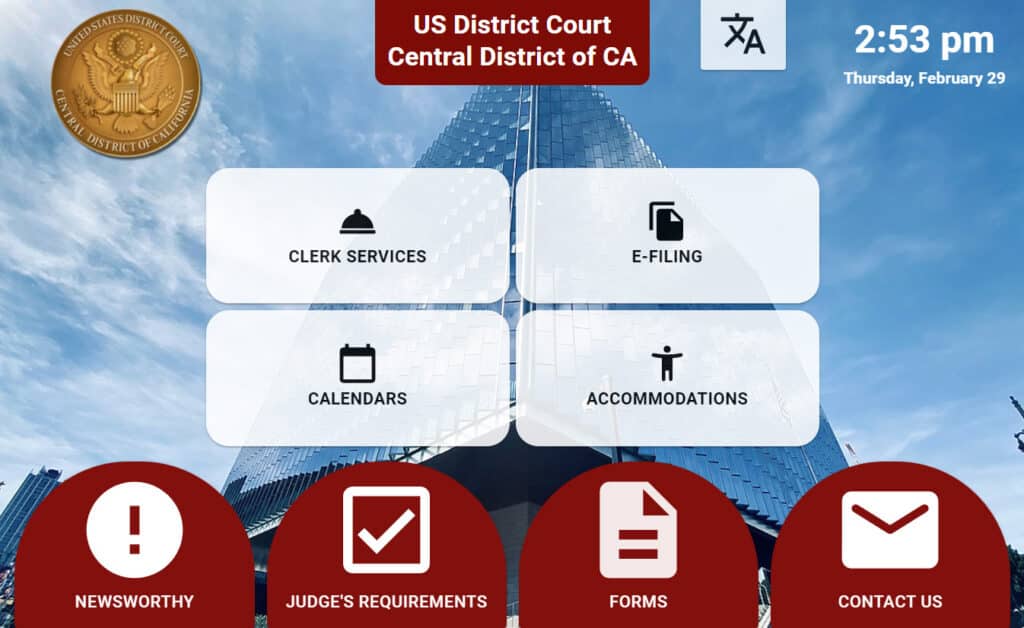
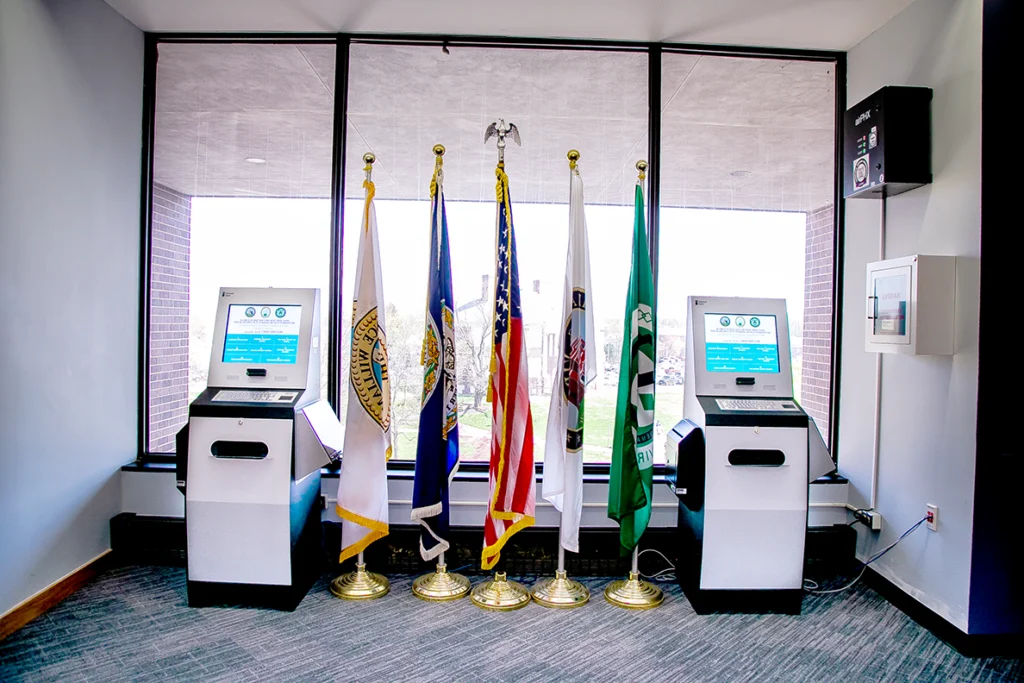
The digital courthouse is an emerging model that uses self-service kiosks, AI-guided forms, visitor management, automated payments, and assisted self-service technology to transform how court facilities operate. Rather than replacing clerks and court staff, it extends their capacity, shifting routine transactions to guided digital systems so personnel can focus on complex cases, judicial support, and direct public assistance.
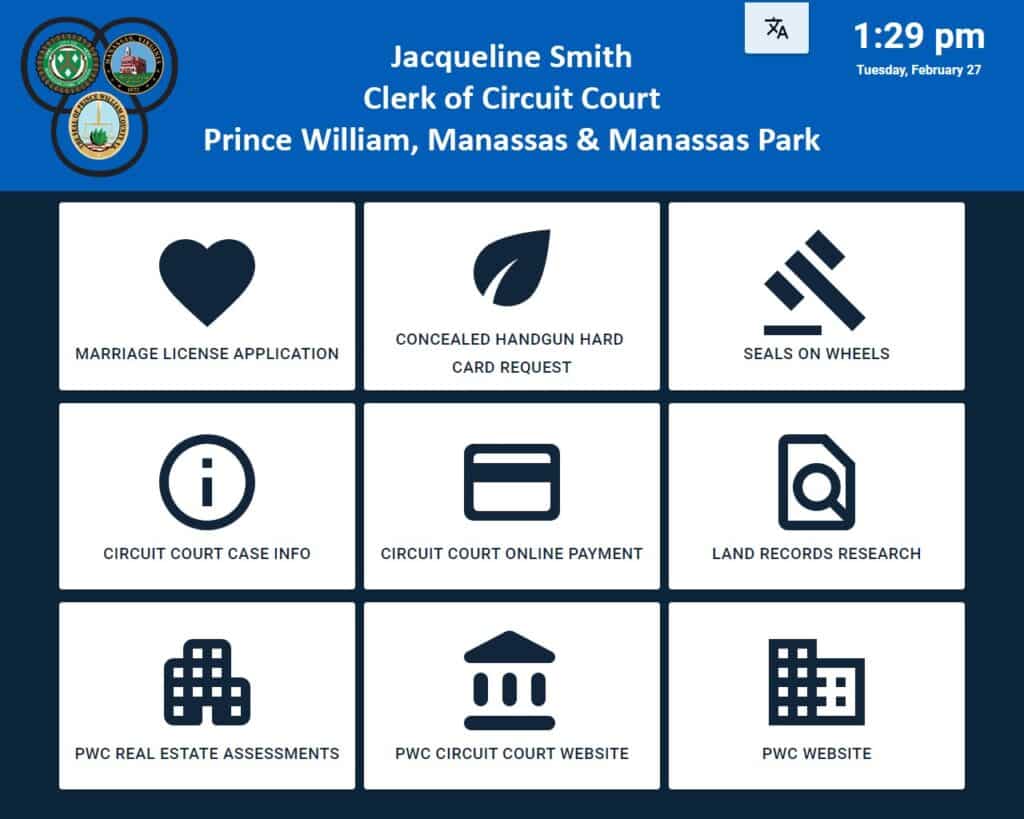
Advanced Kiosks provides the complete technology platform behind these deployments at court systems nationwide, including the Prince William County Circuit Court Clerk’s Office in Virginia, where Clerk Jacqueline Smith has called the implementation “about as close to plug and play as a kiosk could be.”

What Is a Digital Courthouse?
This is a “smart” courthouse, a facility that uses self-service technology, digital workflows, and AI-assisted guidance to modernize how the public accesses court services. While some online platforms use a similar name for property records databases, a digital courthouse in the court modernization context refers to a physical courthouse enhanced with technology that automates routine transactions, improves accessibility, and reduces the administrative burden on court staff.
In this environment, citizens don’t have to wait in line at a clerk’s window to file documents, pay fines, or get information about their case. Instead, they interact with guided self-service systems that walk them through each step, from form completion and document scanning to payment processing and wayfinding. For complex needs, assisted self-service stations connect them with live court staff via video.
Core elements include:
- Self-service kiosks for filing, payments, records access, and document processing
- Visitor management and security check-in for lobby flow, badge printing, and real-time facility awareness
- AI-guided digital forms that replace paper with validated, structured intake — reducing errors and rejected filings
- Automated payment collection for fines, fees, and bail, 24/7, with cash, card, and check acceptance
- Assisted self-service stations with live video connections to court staff for complex transactions
- Session security using facial detection to protect in-progress transactions involving sensitive personal data
- Remote kiosk management for centralized monitoring, updates, and security from a single dashboard
The Problem: Why Traditional Courthouses Struggle to Keep Up
Courthouses serve some of the most complex, high-stakes interactions any citizen has with government. Yet the service delivery model in most court facilities hasn’t kept pace with public expectations shaped by digital experiences in every other sector.
Common challenges:
- Long wait times at clerk’s windows for routine transactions, filing fees, fine payments, document copies
- Paper-based forms that are confusing, frequently completed incorrectly, and returned for correction, delaying case resolution
- Self-represented litigants who don’t know which forms to file, where to go, or how to navigate court procedures
- Limited or no service availability outside business hours, forcing citizens to take time off work for simple transactions
- Language barriers for non-English-speaking community members navigating complex legal processes
- Security and visitor management handled manually, creating gaps in facility awareness
- Staffing constraints that force courts to choose between counter coverage and back-office processing
The National Center for State Courts reports that US courts serve more than 100 million people annually. The gap between that volume and the capacity of traditional service models is the core challenge a digital courthouse addresses.


AI Readiness for the State Courts
This comprehensive guide from the National Center for State Courts outlines how courts can successfully adopt artificial intelligence to improve efficiency, access to justice, and overall operations. It walks through key steps like governance, data management, and selecting the right AI projects, helping courts move from exploration to real-world implementation with confidence.
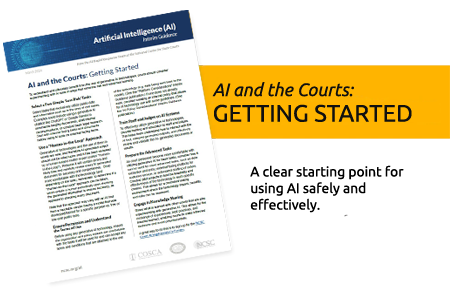
AI and the Courts: Getting Started
This practical guide provides courts with a clear starting point for using AI safely and effectively. It emphasizes beginning with low-risk tasks, maintaining human oversight, and gradually expanding AI use through training and pilot programs.
Core Componentse
A self-service courthouse doesn’t require a new building. It requires rethinking how services are delivered within the existing one. The following technology components form the foundation.
Self-Service Kiosks for Court Services
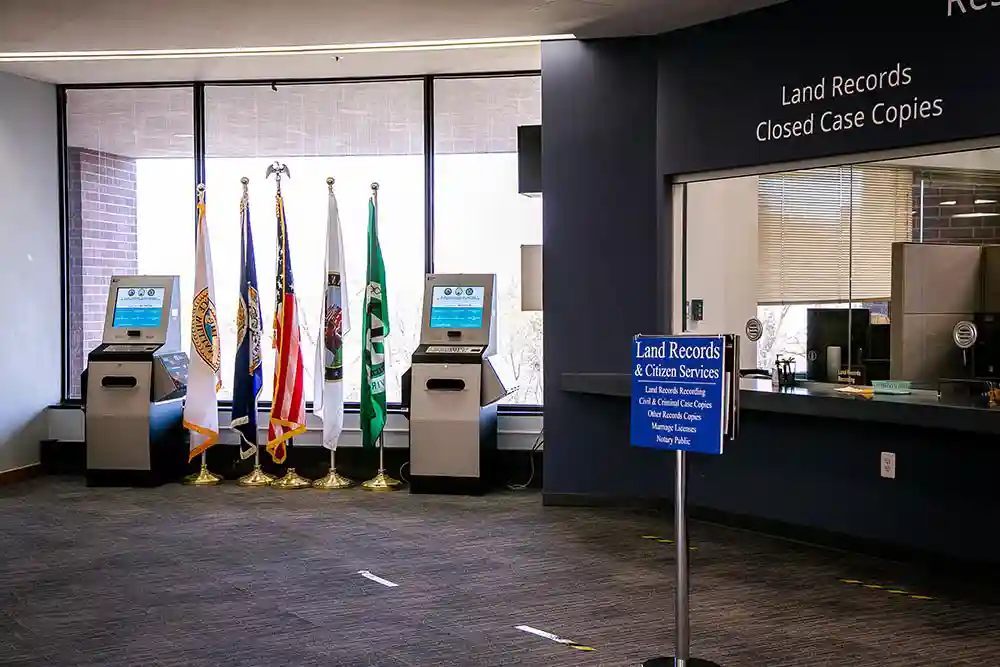
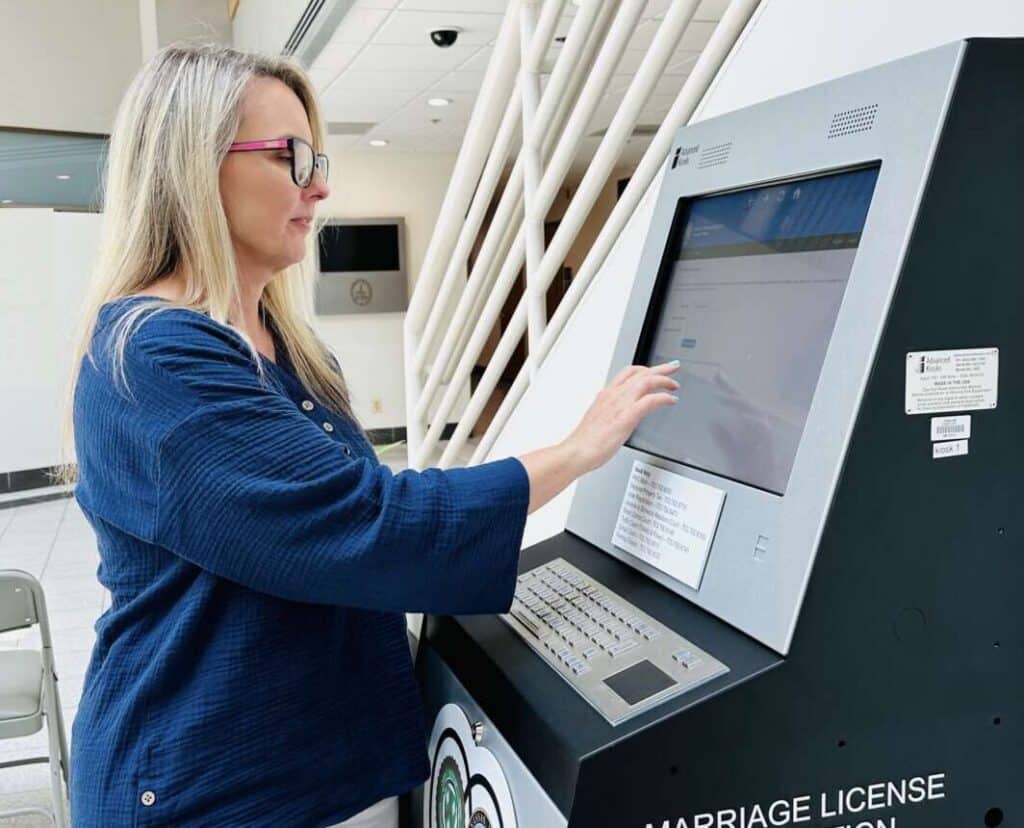
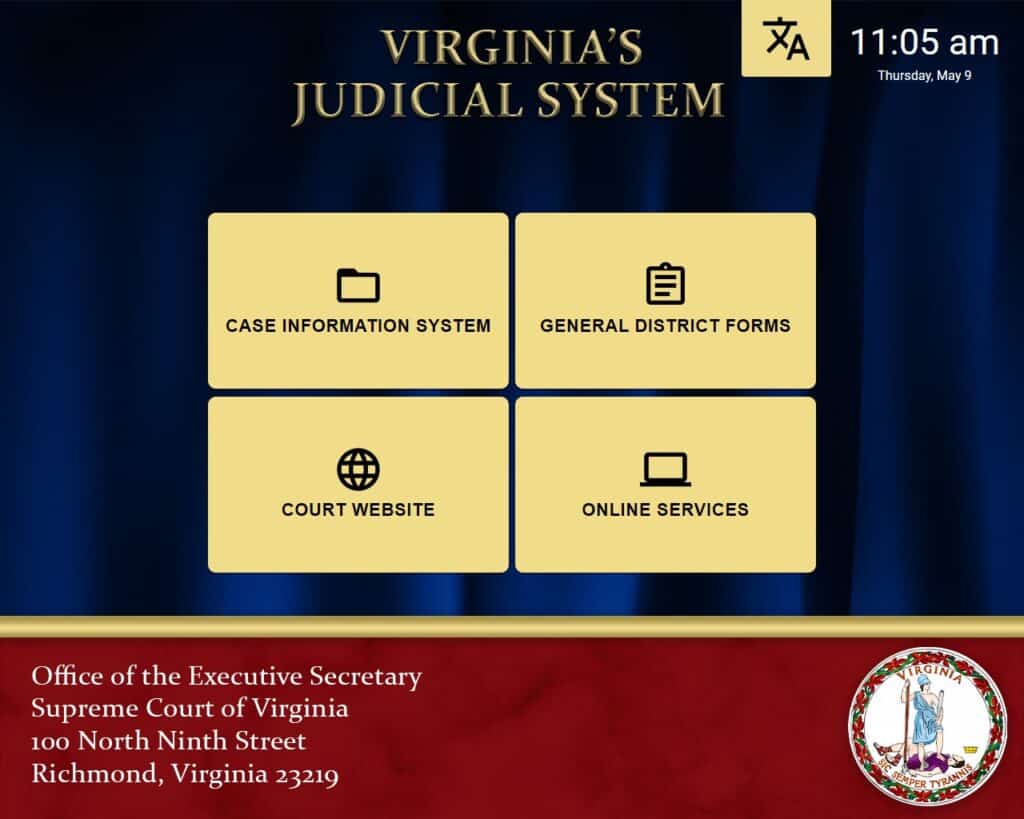
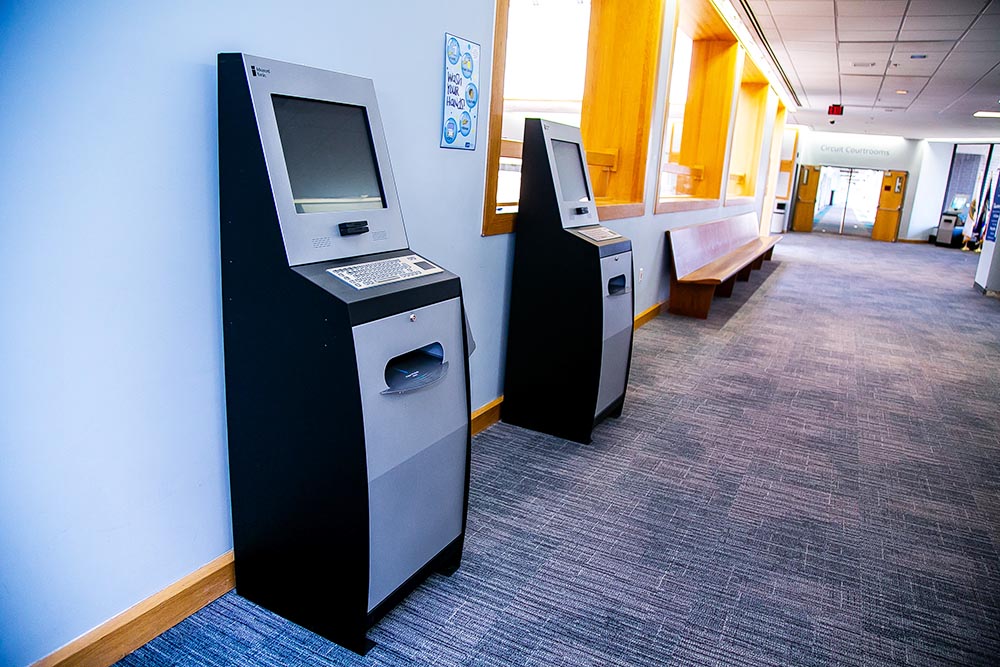
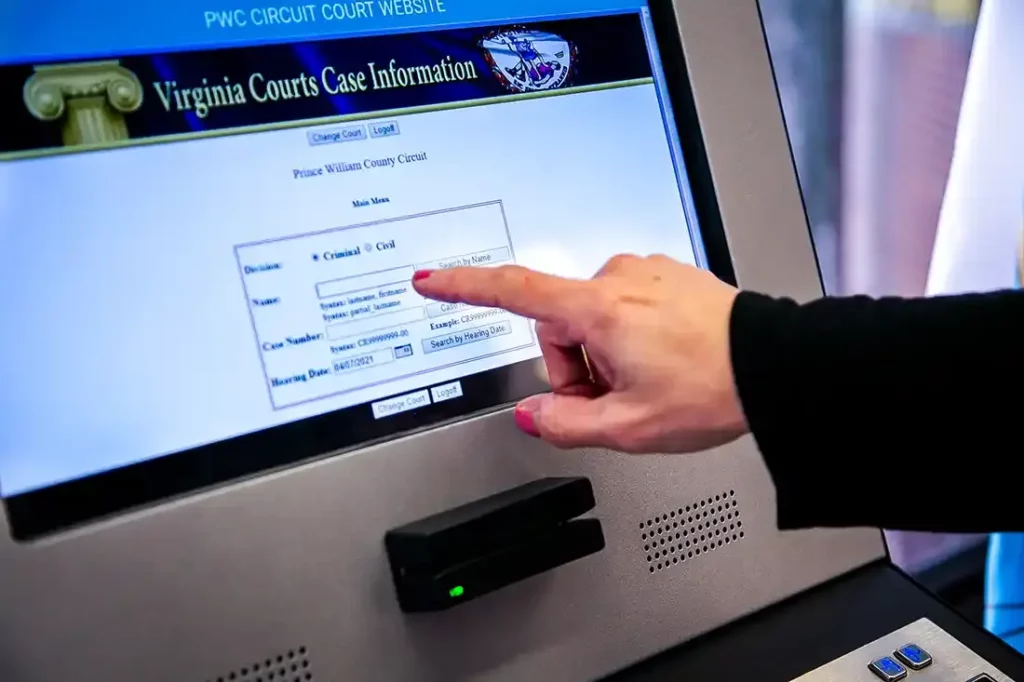
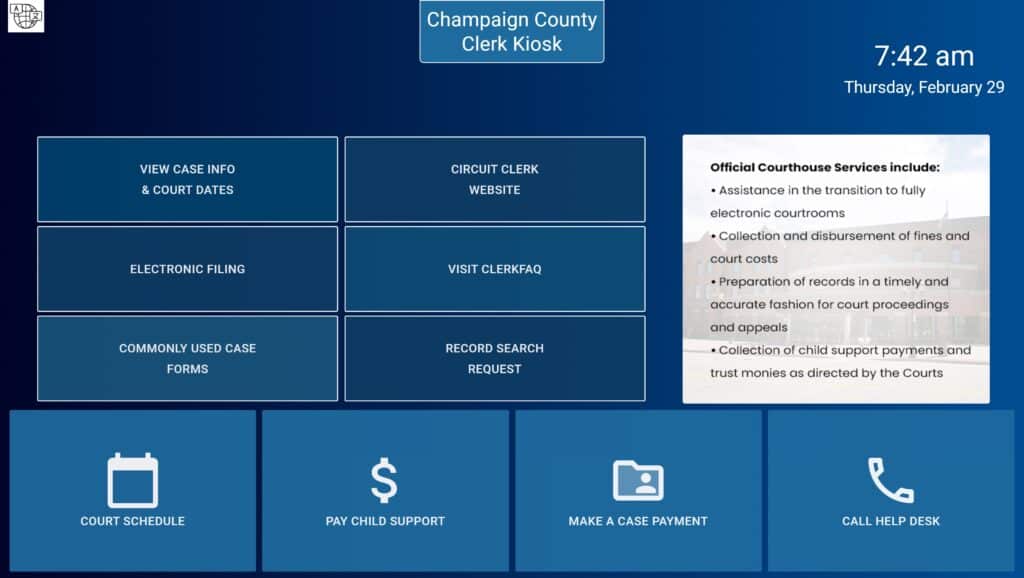
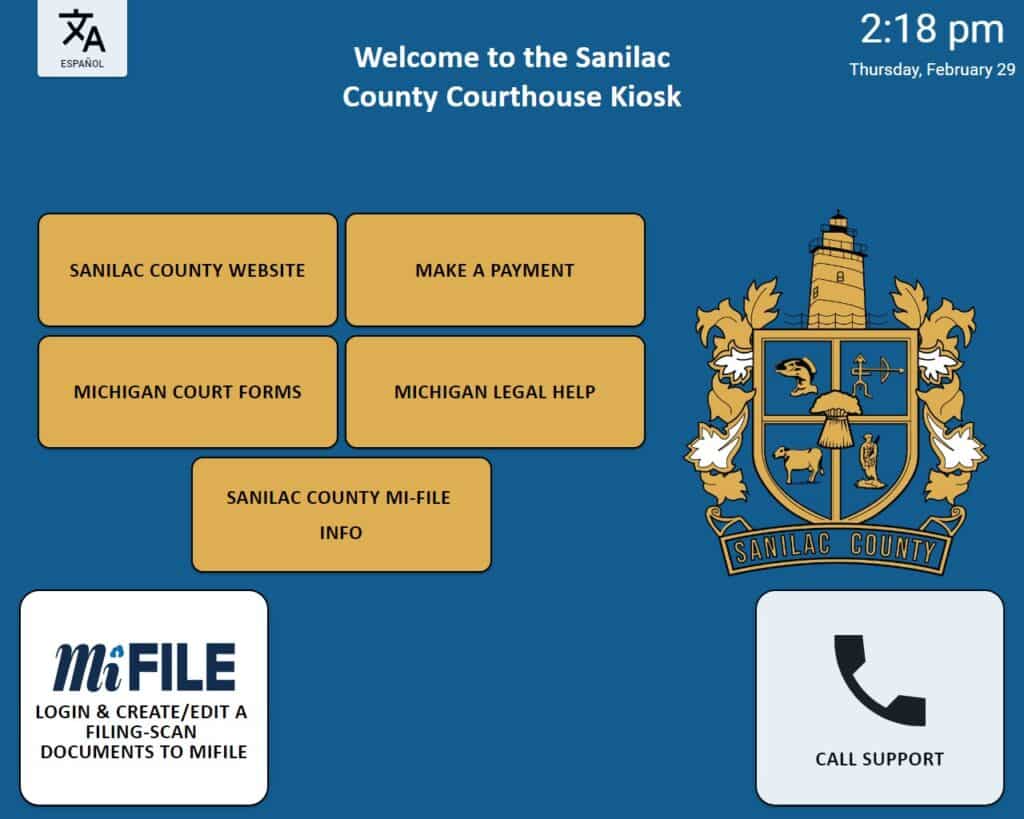
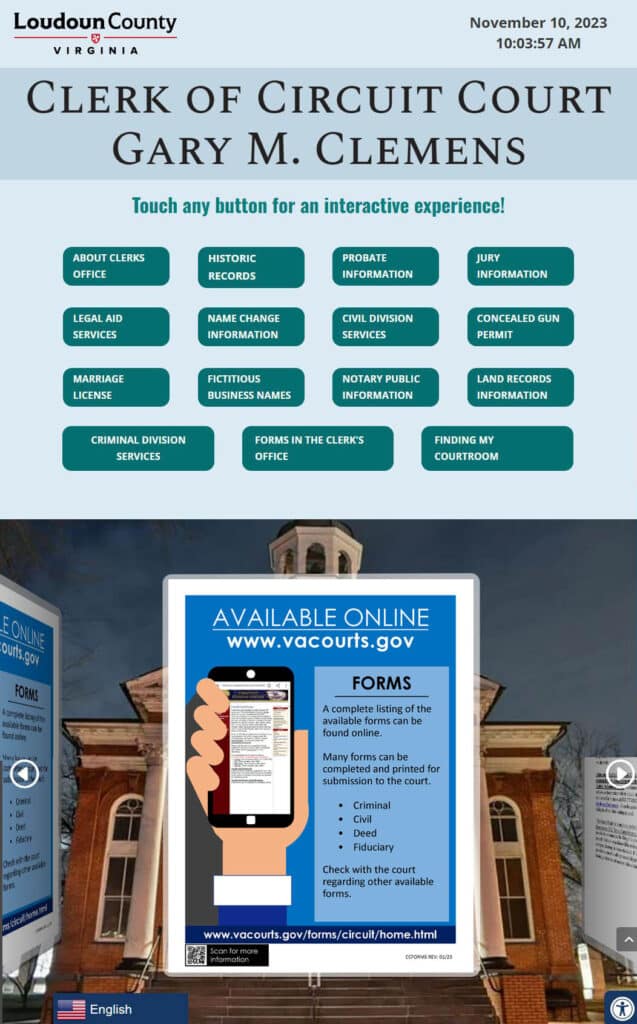
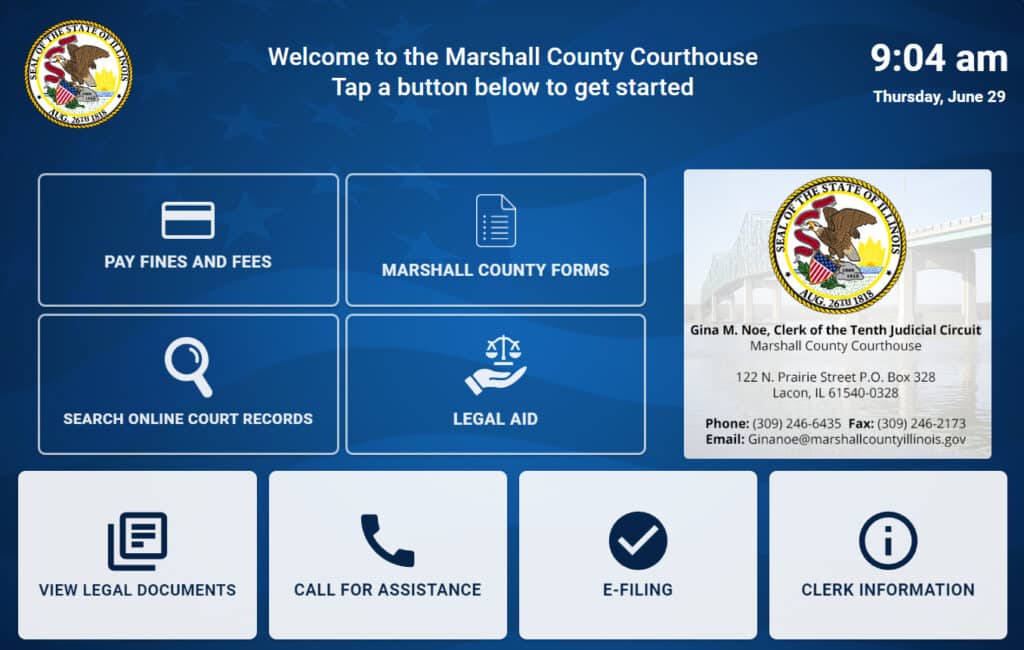
Self-service kiosks are the operational core of a digital courthouse. Positioned in lobbies, clerk’s offices, and public areas, they enable citizens to file documents, request records, look up case information, print forms, scan supporting materials, and access court databases, all without staff assistance.
Each kiosk guides users through structured workflows step by step, ensuring that submissions are complete, formatted correctly, and routed to the appropriate department. For self-represented litigants — who make up the majority of civil case participants in many jurisdictions, this guided approach dramatically reduces rejected filings and repeat visits.
Solution: Kiosk Office Suite™
Is Kiosk Office Suite the right system for your agency?
Explore every software module, hardware option, and available configuration to determine whether the complete system fits your agency’s services, workflows, and goals.
Explore the Complete Product »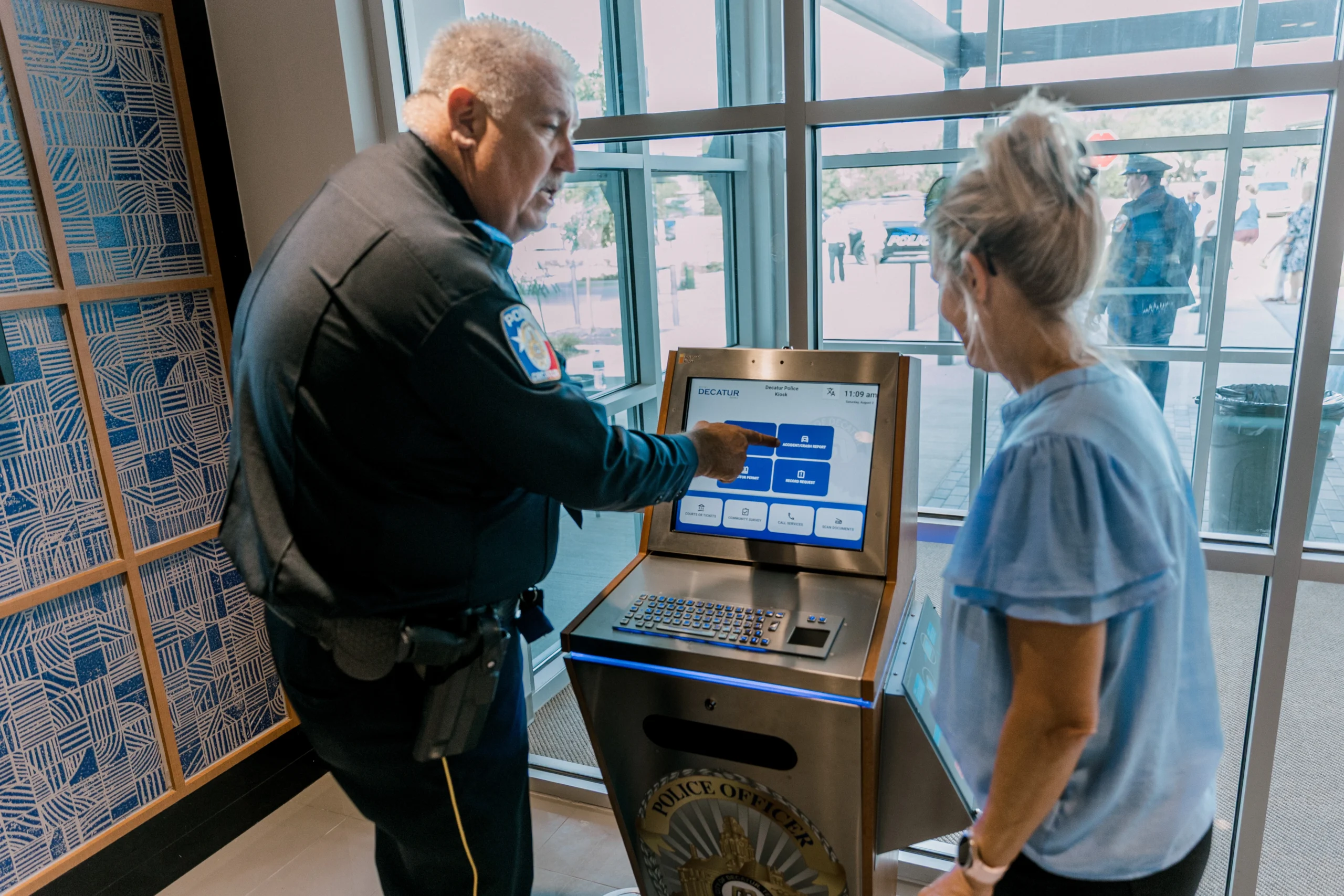
Visitor Management and Security Check-In
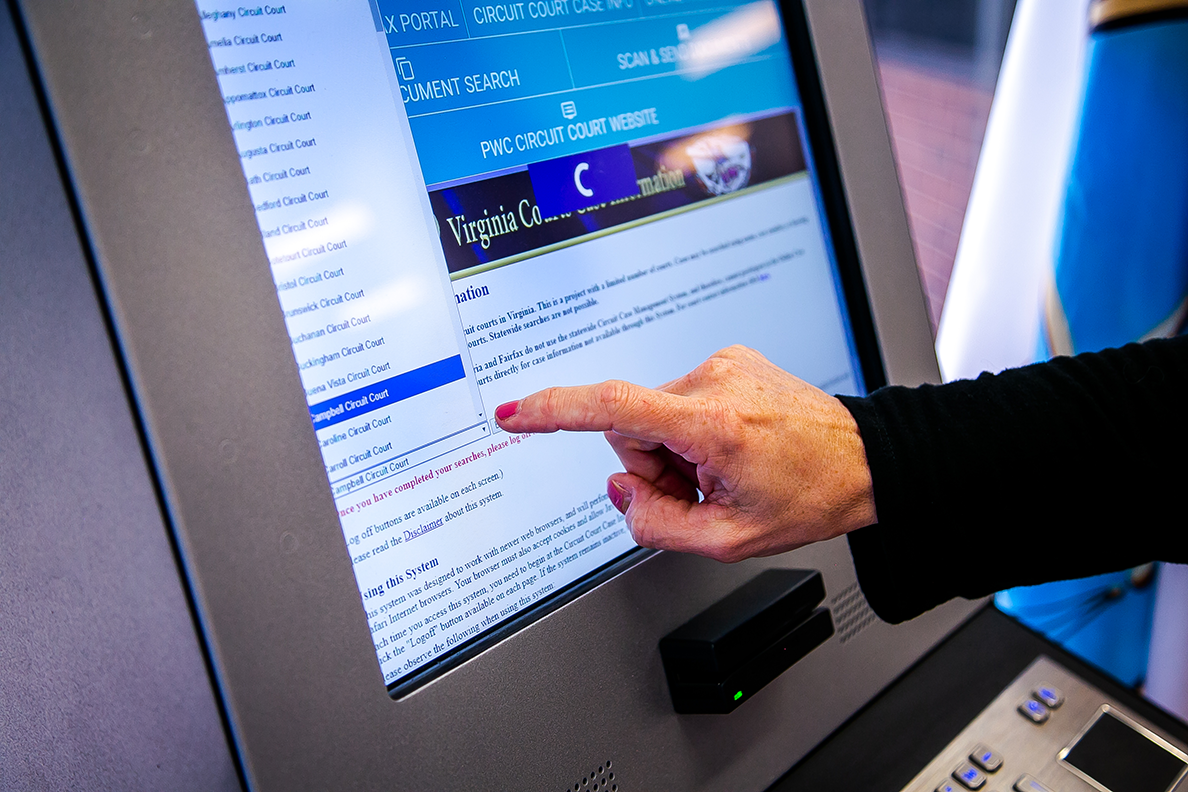
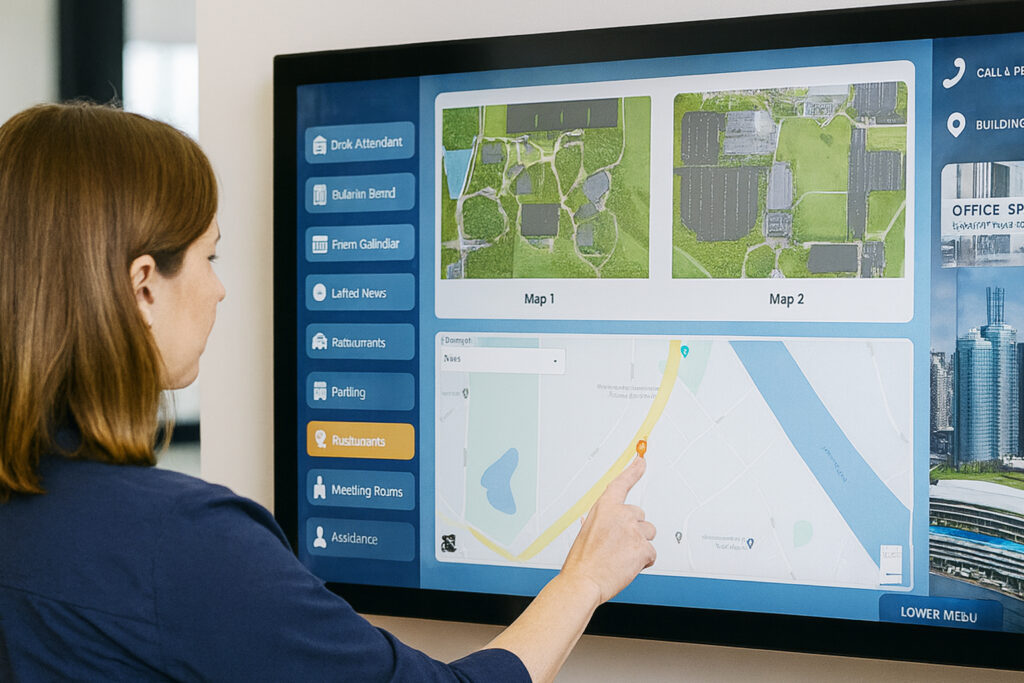
Courthouses have complex security requirements. A digital visitor management system handles check-in, identification verification, badge printing, and directional guidance, while maintaining a real-time log of every person in the building.
Integrated with wayfinding, the system can direct a juror to their assigned courtroom, route an attorney to the correct clerk’s office, or guide a citizen to the self-service area for fine payment. Automated notifications alert court personnel when specific visitors arrive, such as scheduled appointments with probation officers.
Solution: Greeter Visitor Management System™
Could visitor check-in be pulling officers away from more important work?
See how Greeter Visitor Management helps agencies guide check-ins, notify staff, manage visitor records, and reduce routine front-desk interruptions.
Explore Visitor Management Features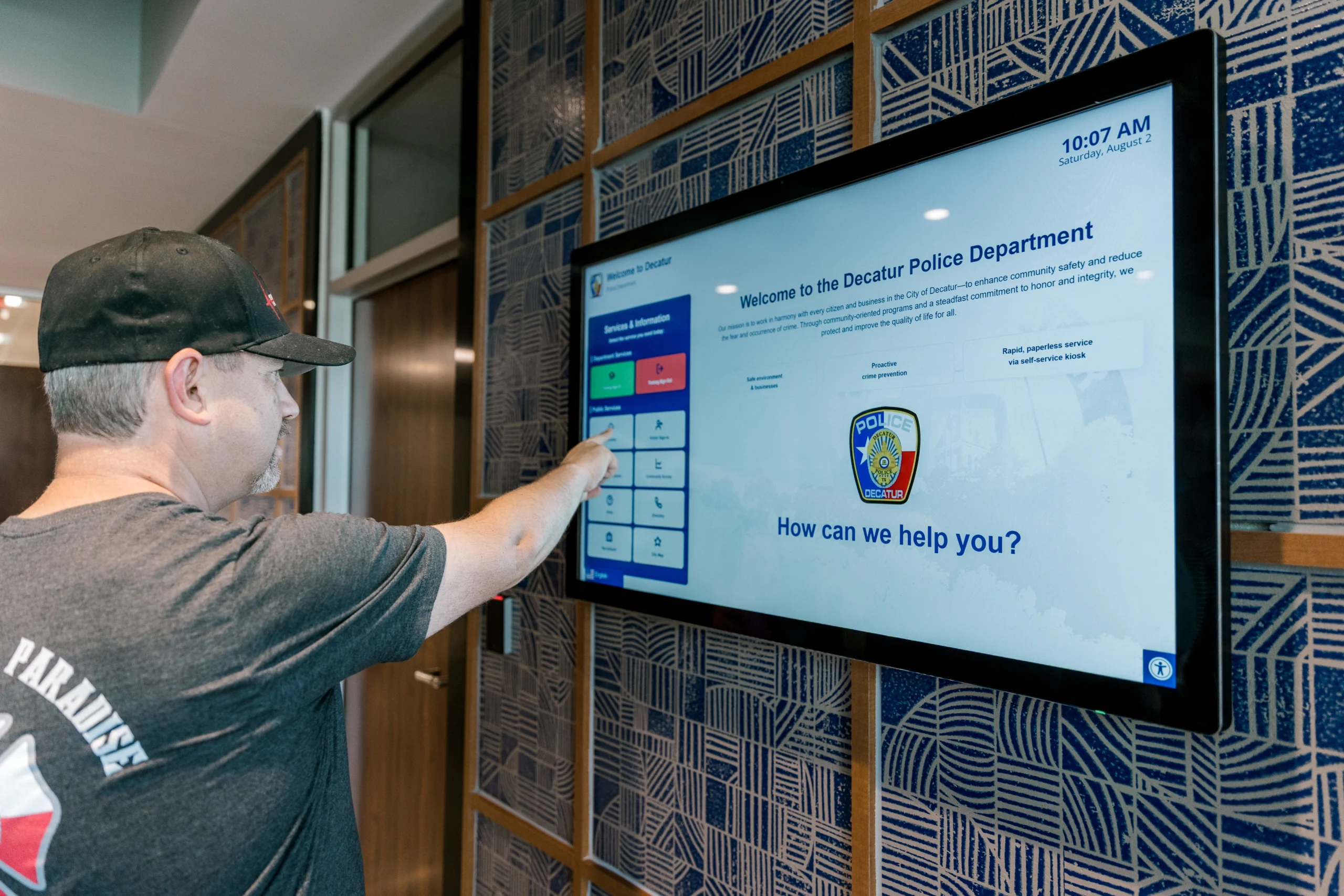
Automated Payment Collection
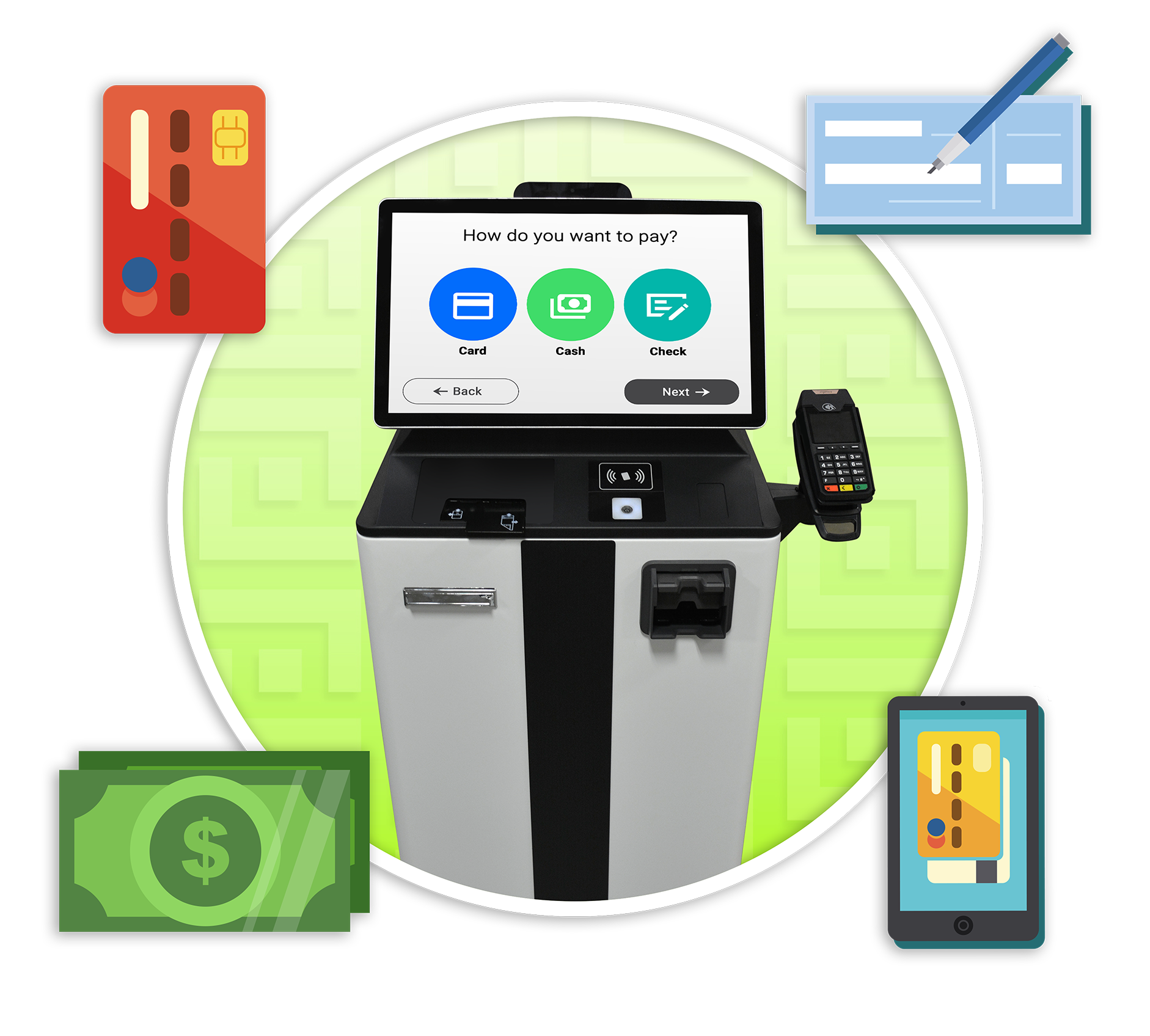
Court fines, filing fees, bail payments, restitution, and other financial obligations are among the highest-volume transactions in any courthouse. Self-service payment kiosks handle these transactions securely and efficiently, accepting cash, card, and check payments around the clock.
Payments post in real time, and receipts are provided instantly via print, text, or email. For citizens who struggle to visit during business hours, or who face financial hardship and need to make payments on their own schedule, 24/7 payment access removes a significant barrier to compliance.
Need a secure, convenient way to accept payments without tying up staff?
See how the Vault Payment Kiosk lets visitors pay by cash, check, or credit card while helping your agency reduce counter traffic, improve payment access, and maintain a clear transaction record.
Explore the Vault Payment Kiosk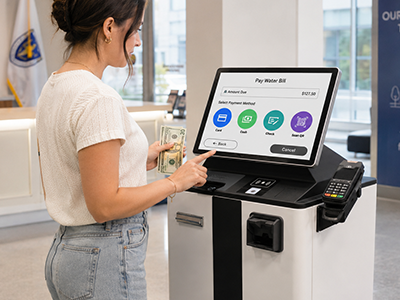
Assisted Self-Service with Live Video Support
Not every courthouse interaction can be handled through self-service alone. Complex filings, legal questions, and situations requiring human judgment still need staff involvement. Assisted self-service stations bridge this gap by connecting citizens at a kiosk with live court staff via secure video.
A staff member can remotely guide the citizen through the process, share screens, control the kiosk’s scanner and printer, and complete the transaction collaboratively — without the citizen ever needing to find the right window or wait in line. This is particularly valuable for branch offices, rural courthouses, or facilities with limited staffing.
Solution: Aegis Remote Service Platform™

AI-Guided Forms and Document Processing
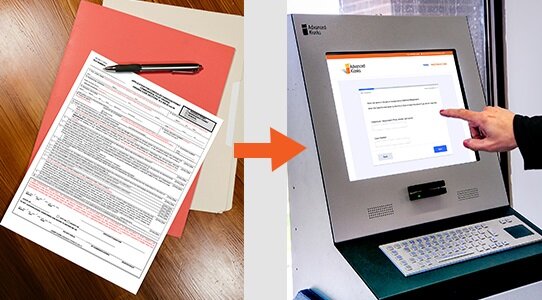
Paper forms are the single biggest source of friction in courthouse operations. They’re confusing for self-represented litigants, frequently completed incorrectly, and create a backlog of manual data entry for clerk’s office staff.
AI-guided digital forms replace this with structured, validated intake. Citizens complete forms on-screen with field-level validation, plain-language instructions, and real-time error checking. AI assistance can answer procedural questions (“Which form do I need to request a custody modification?”), guide users through multi-step processes, and flag incomplete submissions before they reach the clerk’s office. Multi-language support ensures accessibility for non-English-speaking community members.
For departments concerned about transparency, advanced systems include administrative tools that allow staff to review AI interactions, analyze patterns, and improve responses over time. AI operates as a guided layer, not a black box.
Feature: Zamok eForms Assistant™
Session Security with FaceLock
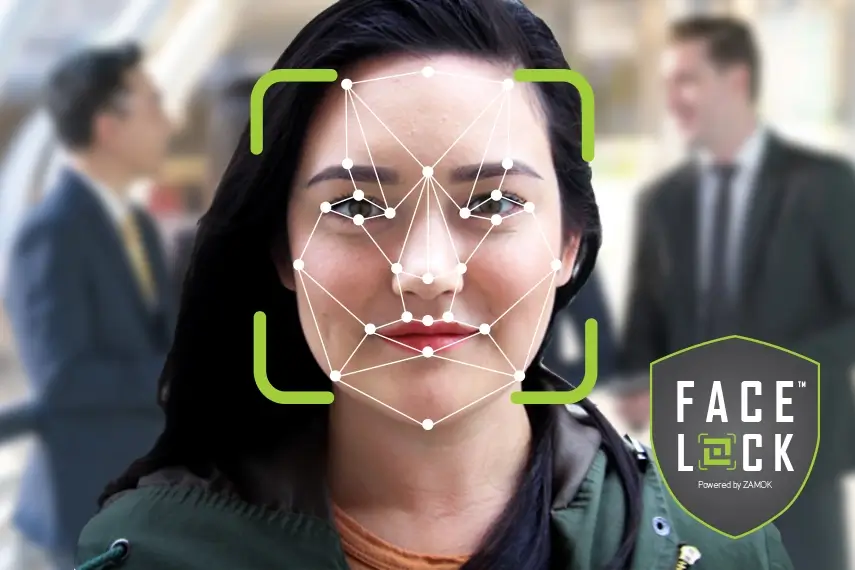
Courthouse kiosks handle sensitive personal data, from legal filings and financial information to identity documents. FaceLock uses facial detection to ensure that a kiosk session is being used by one person at a time. If the original user walks away, the session automatically resets, preventing unauthorized access to in-progress forms or personal data.
This is a critical security layer for public-facing kiosks in high-traffic courthouse environments where privacy cannot depend on physical supervision of each terminal.
Feature: FaceLock™ Security
Real-World Courthouse Deployments
Prince William County Circuit Court Clerk, Virginia
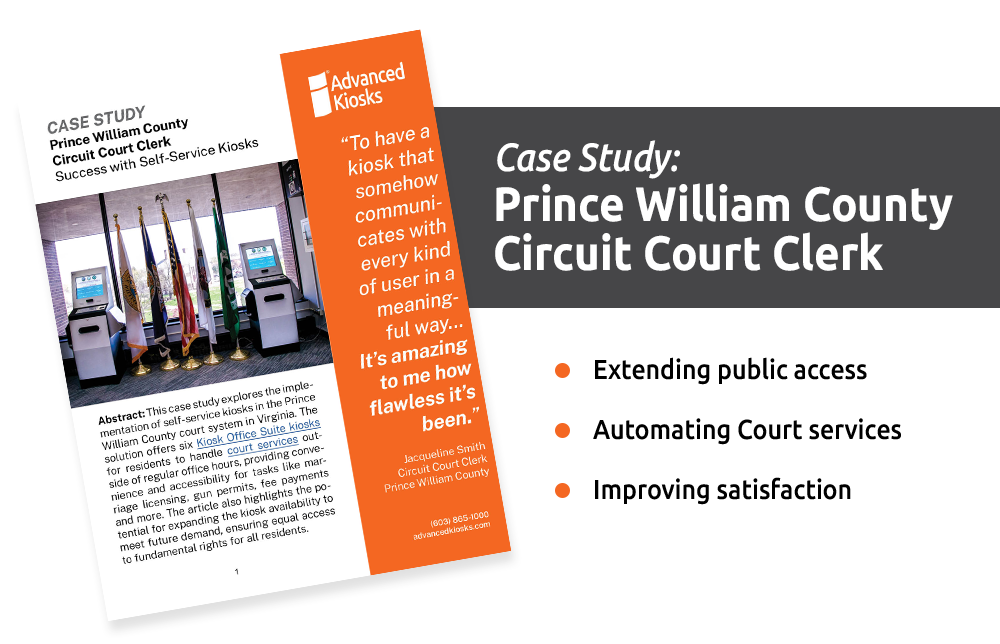
Prince William County’s Circuit Court Clerk’s Office deployed self-service kiosks from Advanced Kiosks to automate routine citizen interactions. The deployment enables citizens to file documents, make payments, and access court records without waiting at the clerk’s window.
“We employ a lot of technology in the office, and there’s always hiccups and glitches,” says Clerk of Court Jacqueline Smith. “We’ve had none of that with Advanced Kiosks. They have thought through everything. While it was not quite plug and play, it’s about as close to plug and play as a kiosk could be. I’ve been so impressed!”
Statewide Court Modernization Initiatives
Court systems across the country are investing in digital self-service infrastructure. North Carolina’s eCourts initiative is deploying ADA-compliant kiosks across county courthouses to provide public access to electronic filing, case lookup, and payment processing. Arkansas has installed over 80 courthouse kiosks statewide through a collaborative access-to-justice initiative. These programs demonstrate that the digital courthouse model is not experimental, it’s a national trend.
Measurable Outcomes
Court systems that adopt the electronic courthouse model report consistent improvements across public service delivery and operational efficiency.
| Outcome | How It’s Achieved |
|---|---|
| Reduced clerk window wait times | Routine filings, payments, and record requests shift to self-service, reducing counter volume. |
| Fewer rejected filings | AI-guided forms with field validation ensure submissions are complete and correctly formatted. |
| Extended service hours | Kiosks and payment terminals operate 24/7, removing the need to visit during business hours. |
| Improved access to justice | Multi-language support, ADA-compliant hardware, and guided workflows help self-represented litigants navigate the system. |
| Reduced staff workload | Repetitive transactions handled digitally, freeing staff for complex cases and judicial support. |
| Better facility flow | Visitor management systems reduce lobby confusion and provide real-time awareness of building traffic. |
| Increased fine/fee collection | 24/7 payment access with cash acceptance improves on-time compliance rates. |
| Audit-ready documentation | Every kiosk interaction is digitally logged with timestamps for compliance and reporting. |

Our Latest Contractor Performance Assessment Reporting System (CPARS) Evaluation:
- QUALITY: Exceptional
- SCHEDULE: Very Good
- COST CONTROL: Very Good
- MANAGEMENT: Exceptional
- SMALL BUSINESS SUBCONTRACTING: Exceptional
How to Get Started
Building an electronic courthouse doesn’t require a new facility or a full technology overhaul. Most court systems begin with one or two high-impact workflows and expand based on results.
- Identify your highest-friction processes. Common starting points: fine/fee payments, document filing, records requests, visitor check-in, and juror processing.
- Map the workflow. Define the steps, required documents, and routing so the kiosk handles the work that currently burdens the clerk’s window.
- Deploy incrementally. Start with a single lobby kiosk or one digital workflow. Measure adoption and outcomes before expanding.
- Add visitor management. Integrate a Greeter system to coordinate lobby flow, direct visitors, and strengthen facility security.
- Layer in assisted self-service. For complex interactions, add video-connected stations so staff can guide citizens remotely.
- Review and expand quarterly. Add new services, languages, or kiosk locations based on measured outcomes and court administration priorities.
Ready to explore what it would like for your court system? Contact Advanced Kiosks for a free consultation. We’ll help you identify the right starting point and provide a complete implementation plan.
Talk to Us About Your Court System
Every digitized courthouse starts with a single conversation.
Contact Advanced Kiosks to discuss your court system’s needs. We’ll help you identify the highest-impact workflows, recommend the right configuration, and provide a complete implementation plan — from hardware and software to installation and training.
📞 (603) 865-1000
✉️ sales@advancedkiosks.com
🔗 advancedkiosks.com/contact/
Frequently Asked Questions (FAQ)
Q: What is a digital courthouse?
A court facility that uses self-service kiosks, AI-guided forms, visitor management systems, and automated payment processing to modernize how the public accesses court services. It refers to a physical courthouse enhanced with technology, not an online records database.
Q: Does a it replace court staff?
No. It extends staff capacity by automating routine transactions, payments, filings, records requests, and check-in, so clerks and court personnel can focus on complex cases, judicial support, and direct citizen assistance.
Q: What services can citizens access?
Common services include paying fines and fees, filing court documents, requesting records, checking case status, scanning and printing documents, checking in for jury duty, and connecting with court staff via video for complex transactions.
Q: How much does it cost to create?
Most court systems start with a single kiosk deployment at approximately $25,000 and expand based on results. It does not require a new building, it’s a technology layer added to your existing facility. Costs scale with the number of kiosks, software features, and services deployed.
Q: Can self-represented litigants use these systems?
Yes. Self-represented litigants are among the primary beneficiaries. AI-guided forms help them identify the correct filing, complete it accurately, and submit it without needing legal assistance for routine procedural tasks. Multi-language support ensures accessibility for non-English speakers.
Q: Is the technology secure enough for court house environments?
Yes. Systems use end-to-end encryption, FaceLock facial detection for session security, and are designed to align with court data handling requirements. All interactions are digitally logged with timestamps for compliance and audit purposes.
Q: How is it different from an e-filing system?
E-filing is one component, but it goes further, including physical self-service kiosks in the facility for citizens who need in-person access, visitor management, automated payments, AI guidance, and assis
Ask us about your perfect Courthouse Solution!
"*" indicates required fields

…or Schedule Your Conversation
Set your own appointment with a self-service expert. Choose your own date and time for the conversation!
Call Us to Speak With an Expert
1 (603) 865-1000
Toll Free: +1.866.783.3791
Mon-Fri 8:30 am-5 pm (EST)
Use Your Voice and Dictate into the Form!

Answer these questions:
To get the best recommendations, try to cover:
- The main problem you’re trying to solve
- Where the kiosk(s) will be used
- Indoor or outdoor environment
- Number of users or visitors
- Any specific features you need (payments, check-in, printing, scanning, wayfinding, etc.)
- Timeline or urgency
From Our Blog
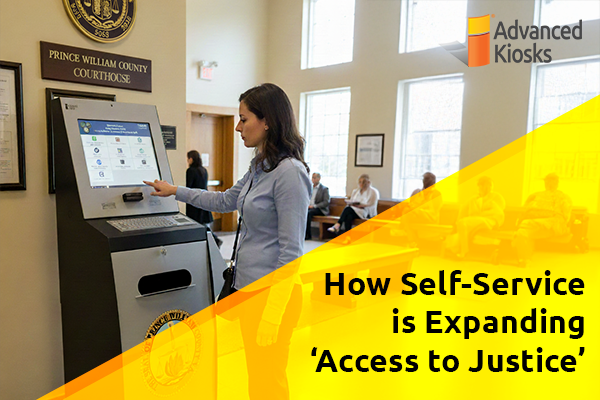
How Self-Service is Expanding ‘Access to Justice’
What is \'Access to Justice\'? Access to Justice is the…

Outdoor Kiosks: Answers to the 10 Most Common Questions
As organizations look to bring services outside the traditional lobby,…
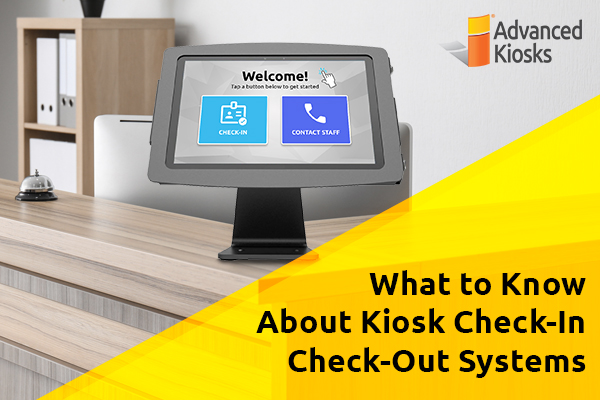
What to Know About Kiosk Check-In/Check-Out Systems
If you\'ve visited a modern government building, healthcare facility or…
Revolutionizing Kiosk Support with Show & Tell EZ Support
At Advanced Kiosks, innovation is at the heart of everything…

Nine Must-Have Features of a Great Visitor Management System
Your lobby is often the first point of contact for…