Digital Form Fill & Submission
The Future of Digital Forms
Zamok eForms Assistant, part of our Workflow Automation, transforms complex form fill into a seamless digital self-service experience on your kiosk. Whether for legal documents, business forms, or customer applications, our touchscreen-optimized solution ensures fast, guided, and error-free submissions.
- Help improve the accuracy of the information you receive by presenting your form fill interface on a kiosk.
- Create a template from your own legal PDF.
- Deliver those forms via email to include a data file as well as a completed PDF document.
- eForms Assistant will translate your forms on the fly into whatever language the user selects.
- No more handwritten forms!
Perfect for government offices, law enforcement, healthcare, education, and beyond, Zamok eForms Assistant ensures form completion is smooth, efficient, and hassle-free.
Why Choose Zamok™ eForms Assistant?
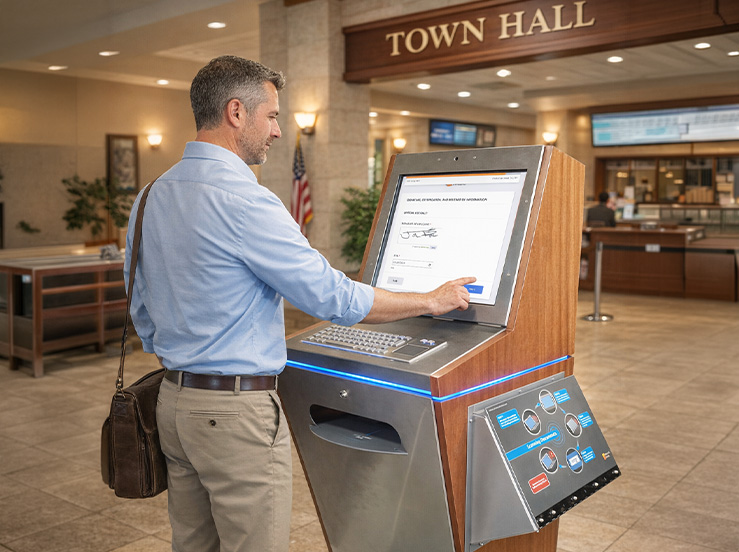
Streamlined User Experience
Say goodbye to paper forms and confusing interfaces. Zamok eForms Assistant guides users through each form clearly and methodically, making the experience smooth, frustration-free, and easy to complete in minutes, even for first-time users or those unfamiliar with technology.
Secure Data Handling
Every form submission is encrypted and stored on the system securely. Administrators can export submission data for offline processing or backup, and entries can be permanently deleted after use. Users can feel confident knowing their personal information is handled responsibly.
Compliance & Accuracy
Each form is built around a legal PDF template to ensure every submission meets legal formatting and content requirements. There’s no need to transcribe or reformat anything, the final product is a professional legal document, completed with all necessary data, ready to print or submit.
How Form Fill Works
Intuitive Interface
Users are welcomed by a clean, user-friendly touchscreen interface that makes form selection and navigation effortless. Forms are categorized and easy to browse, allowing users to choose the one they need and begin with confidence. The streamlined layout ensures that even first-time users can quickly understand what to do next.
Smart Assistance
Each form guides users through a step-by-step process using simplified questions, typically just one or two per screen, to prevent overwhelm. A visible progress bar helps users stay oriented, while conditional logic dynamically shows or hides questions based on responses. Built-in field validation ensures that required information is entered correctly before the user can continue, reducing errors and frustration.
Multi-Language Support
To ensure accessibility for diverse communities, Zamok eForms Assistant includes real-time language translation. Users can switch to their preferred language at any point during the process, and instructions and form fields adjust accordingly, no need for external translators or separate language versions.
Legal Document Generation
Unlike basic form tools, Zamok eForms Assistant doesn’t just collect form data, it fills that data directly into a pre-uploaded legal PDF template. The result is a professionally formatted, ready-to-use legal document that can be printed, emailed, or stored. What the user submits is not just data, it’s the completed legal form itself.
Instant Submission & Secure Storage
Upon completion, users can review their filled PDF, then submit with the tap of a button. A confirmation screen appears, and the document is instantly emailed (as a PDF) to a designated recipient, along with the form data for backend processing. All submissions are stored securely on the kiosk’s system and can be exported or cleared by administrators as needed.






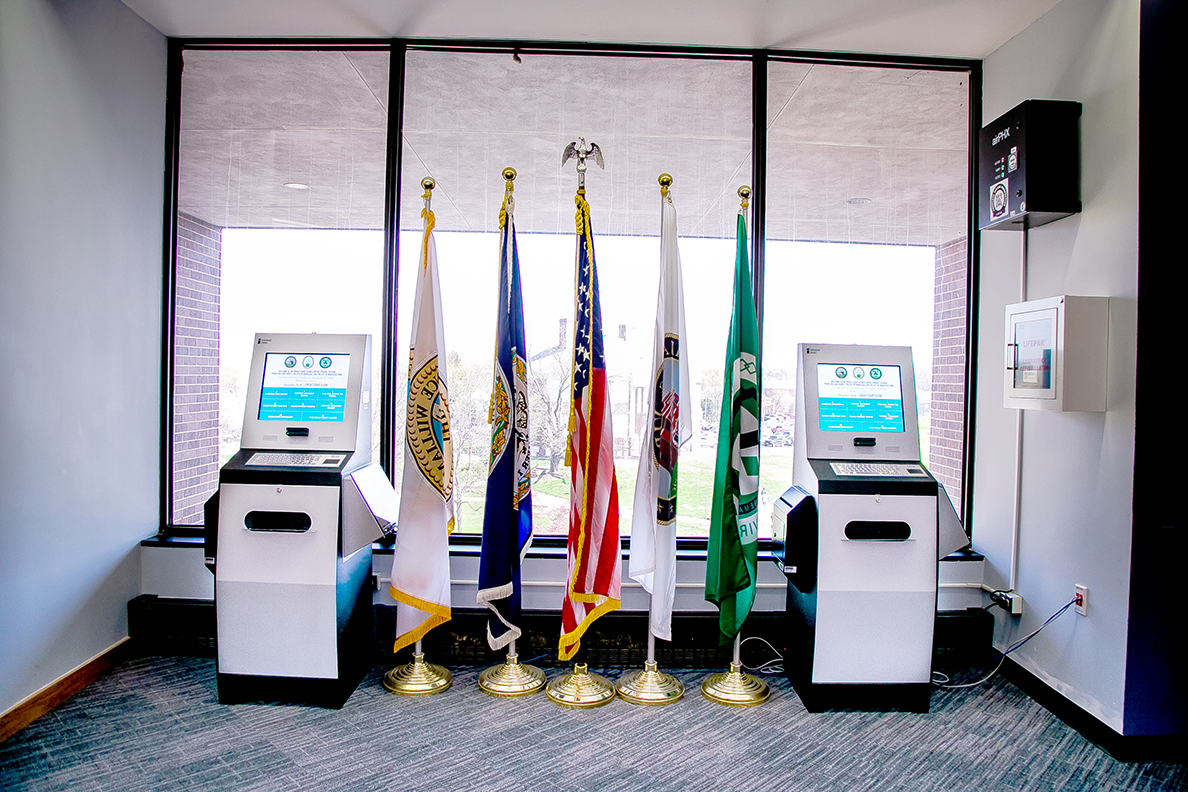
Courthouses
Secure self-service solutions that streamline filings, payments, and visitor management for busy judicial environments.
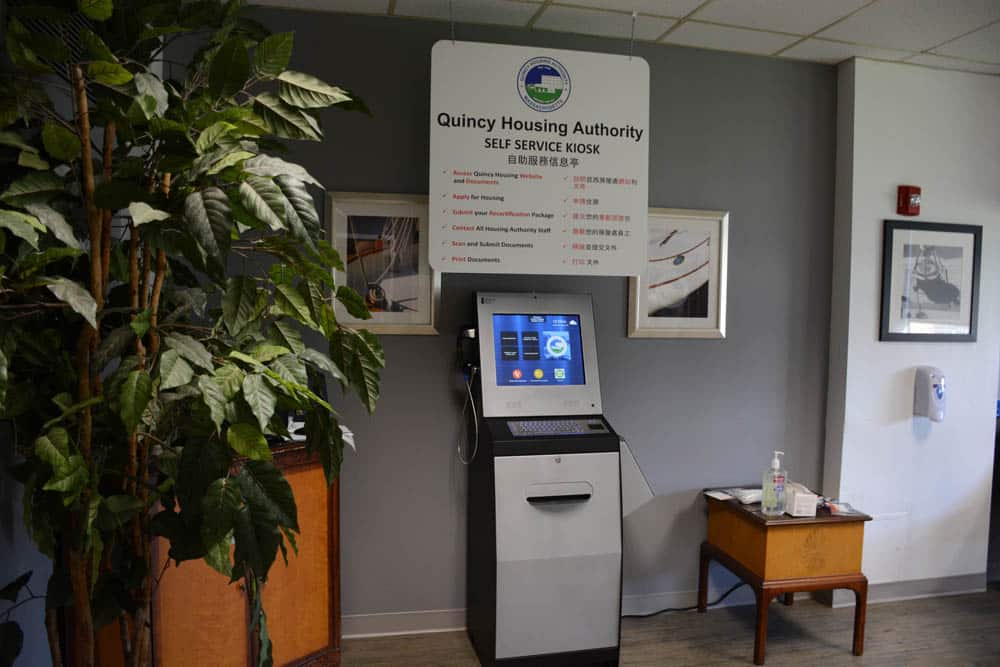
Housing Authorities
Resident-focused kiosks that automate document submission, payments, and service access for public housing communities.

Government
Modern self-service tools that give citizens fast, reliable access to essential public services without burdening staff.
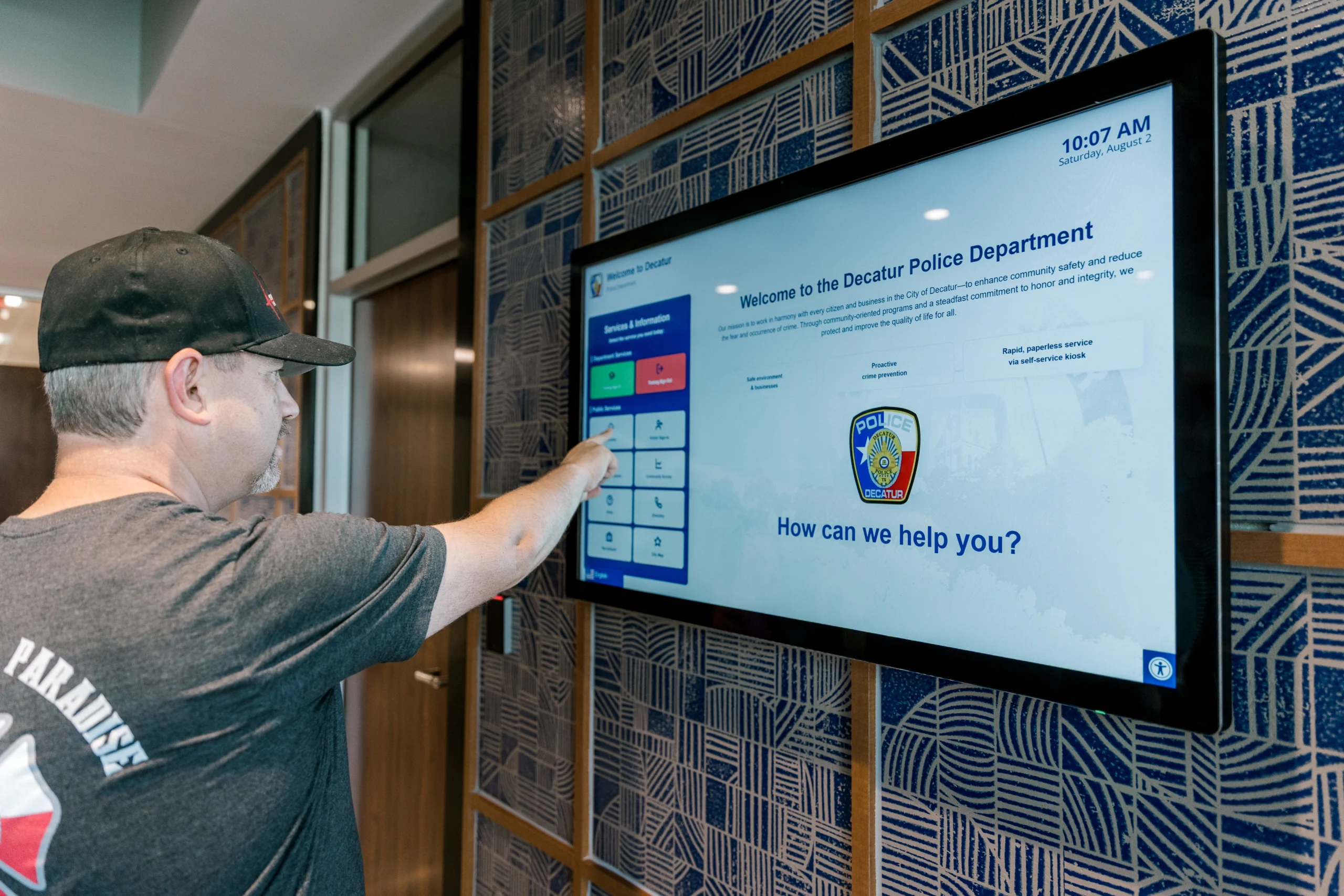
Law Enforcement
Secure kiosk solutions that automate citizen services, records requests, payments, and lobby check-ins for police departments.
Zamok eForms Assistant: A Visual Form Fill Walkthrough
The Zamok eForms Assistant transforms the way users complete and submit legal forms at a touchscreen kiosk. This slideshow demonstrates the full journey, from uploading a legal PDF template to generating a professionally filled, signed, and submitted document. Each image highlights a key step in the process, showcasing how eForms Assistant simplifies the experience with guided questions, real-time validation, and seamless digital delivery. Whether you’re a user or an administrator, this tool ensures efficiency, accuracy, and confidence at every stage.
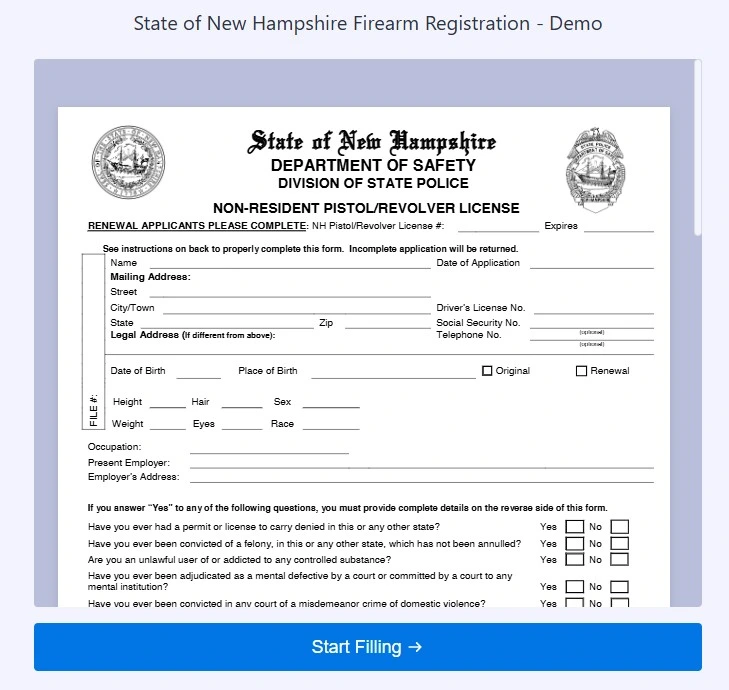
1. Uploaded PDF Template
Before a user even begins, administrators upload a legal PDF template into the system. Zamok eForms Assistant maps form fields directly onto this template so that once filled out, the final result is a fully completed legal document—not just a data submission.
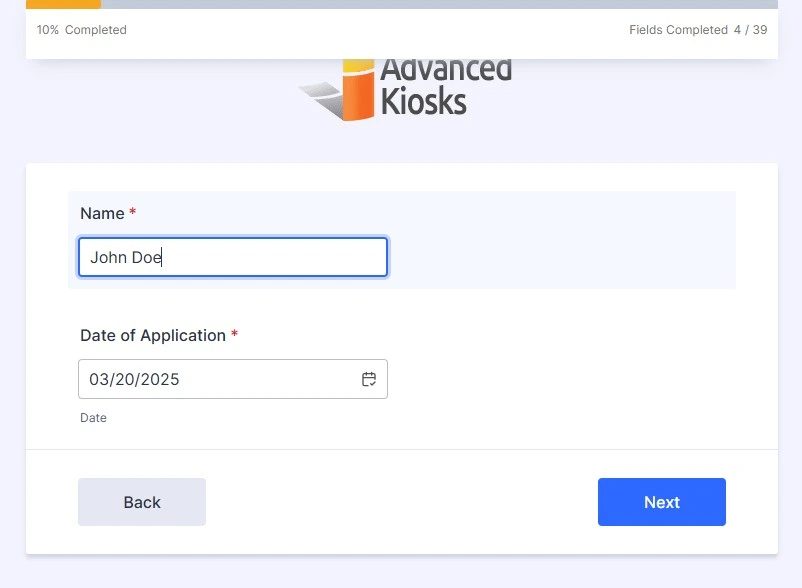
2. Simplified Questions on the Kiosk with Progress Bar
The user interface breaks down complex forms into bite-sized questions, usually one or two per screen. A progress bar keeps users informed of how far along they are, making the experience feel manageable and less overwhelming.
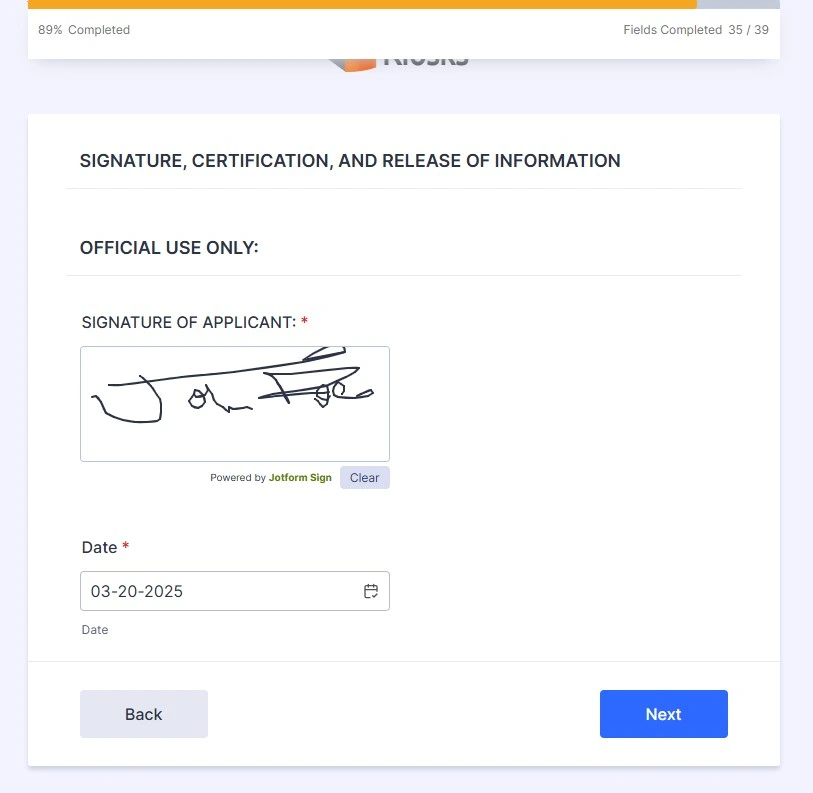
3. Signature Field with Progress Bar
When a signature is required, users can sign directly on the kiosk screen using a finger or stylus. The signature field is integrated seamlessly into the form, maintaining the step-by-step flow with the progress bar visible at the top.
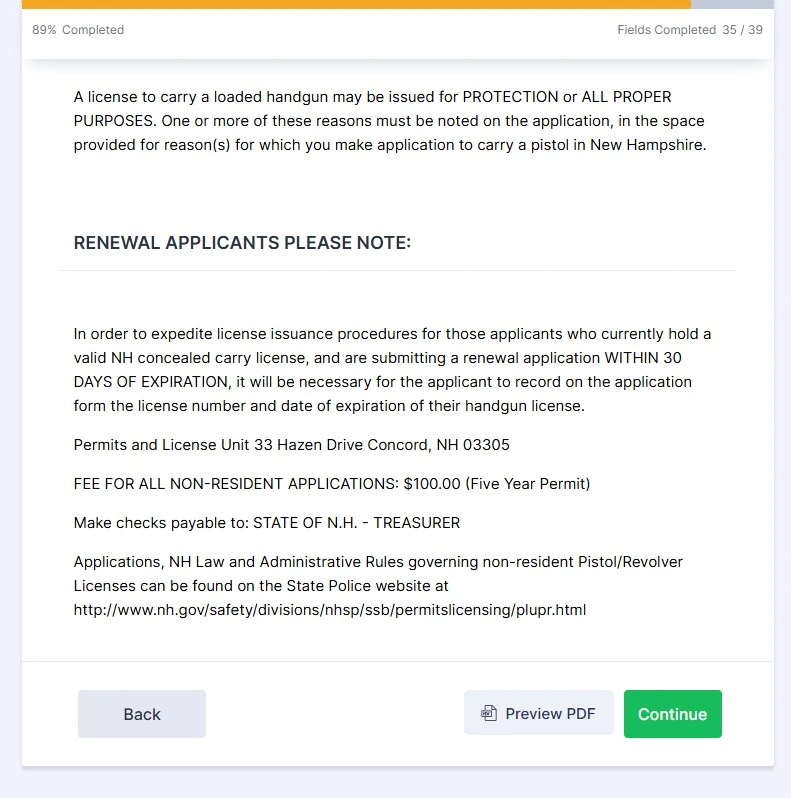
4. Form Preview – “Preview PDF” Button
Before final submission, users are given the option to preview the completed legal form as a PDF. This feature adds transparency and confidence, letting users verify that their information has been entered correctly into the final document.
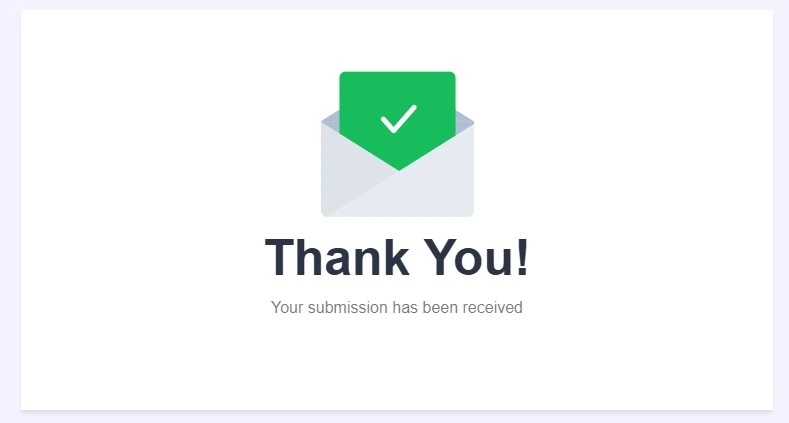
5. Confirmation “Thank You” Screen
After submitting the form, users are shown a clear confirmation screen with a “Thank You” message. This assures them that their information has been received and processed successfully, closing the loop with professionalism.
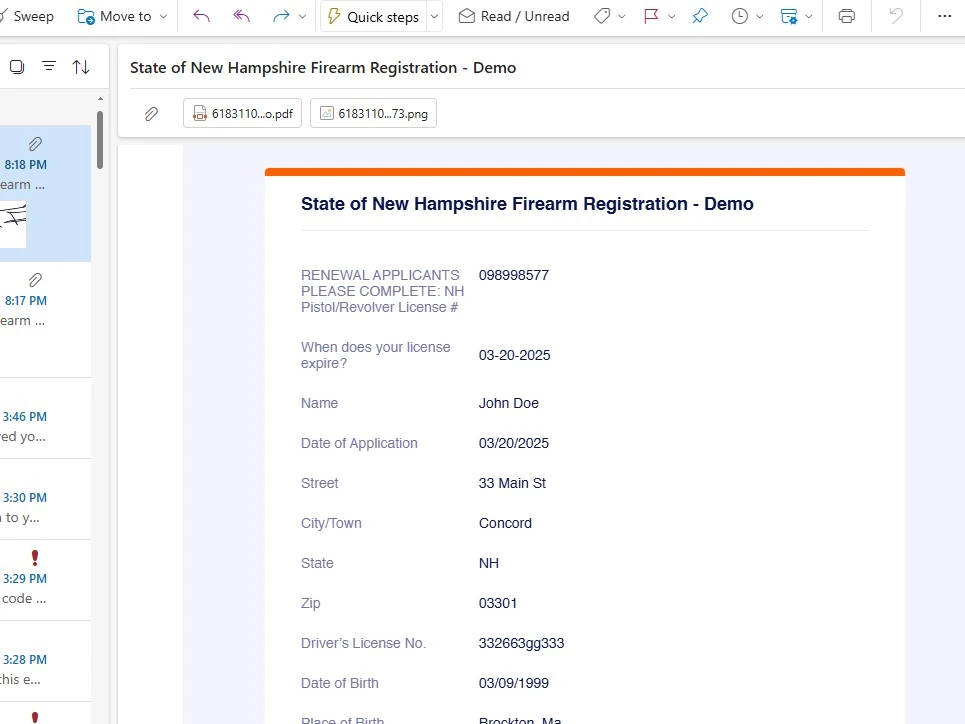
6. Email Receipt with PDF and Data File
Immediately upon submission, a copy of the completed legal PDF is emailed to a designated recipient. The email also includes the raw data file, ready for backend use or recordkeeping. Users receive a digital paper trail instantly.
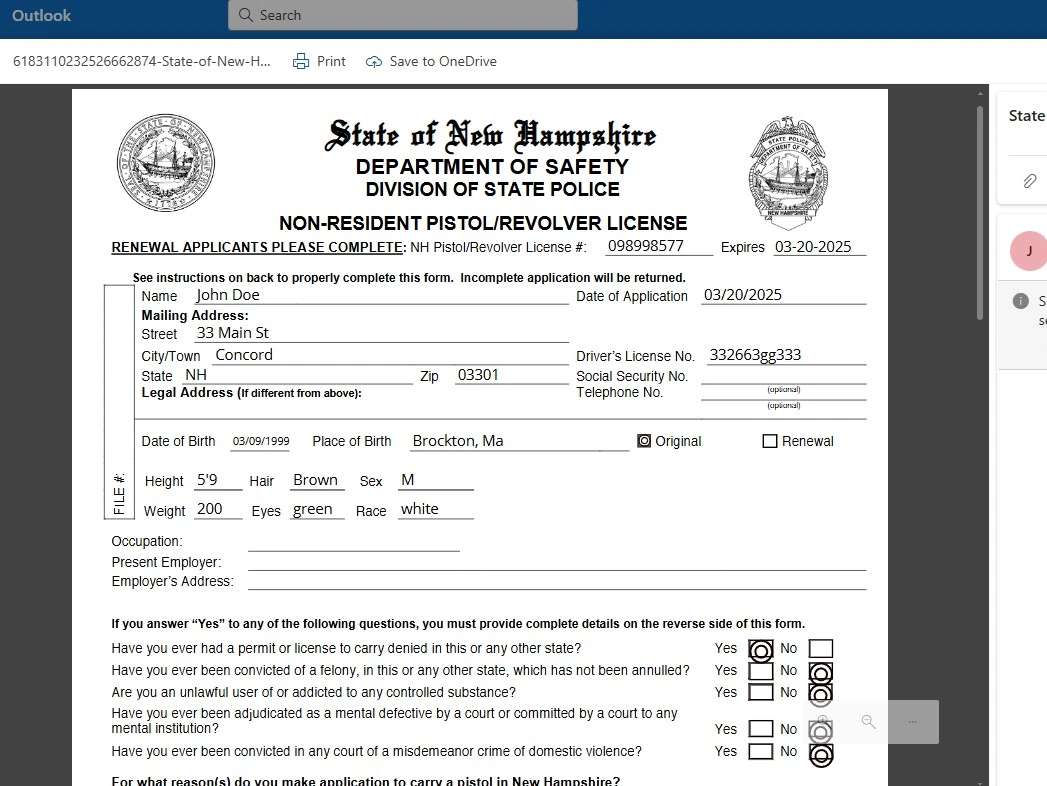
7. Completed Legal PDF
Why Organizations Are Turning to Digital Form Kiosks
Modern organizations need efficient, reliable, and accessible form processing solutions
24/7 Access
Allow citizens to complete forms anytime, even outside business hours
Reduced Errors
Faster Processing
No Staff Required
Cost Savings
ADA Compliant
How It Works
A simple, intuitive process from start to finish

Approach & Select
Visitor approaches the kiosk and selects the form they need from an intuitive menu

Enter Information
Touch-friendly interface guides users through each field with helpful prompts

Review & Sign

Submit & Confirm
Frequently Asked Questions
Get answers to common questions about our form filling kiosk solutions
How secure is the data collected through form kiosks?
Can I use my existing PDF forms with the kiosk system?
How long does installation typically take?
What kind of support and maintenance is included?
FROM OUR BLOG

Outdoor Kiosks: Answers to the 10 Most Common Questions
As organizations look to bring services outside the traditional lobby,…
What to Know About Kiosk Check-In/Check-Out Systems
If you\'ve visited a modern government building, healthcare facility or…
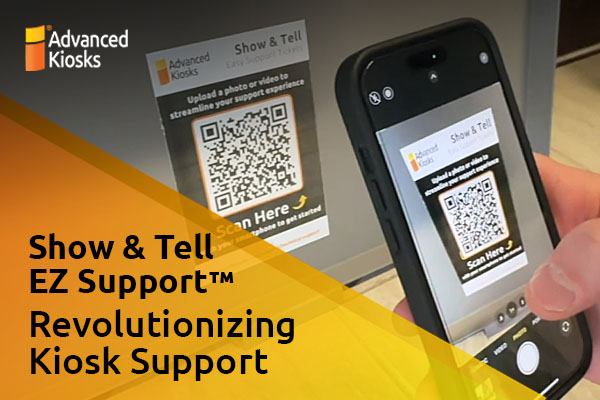
Revolutionizing Kiosk Support with Show & Tell EZ Support
At Advanced Kiosks, innovation is at the heart of everything…

Nine Must-Have Features of a Great Visitor Management System
Your lobby is often the first point of contact for…

Advanced Kiosks Puts AI at the Forefront of Innovation
Advanced Kiosks, a leading provider of self-service solutions, is redefining…