Instructional Pop-Up Feature
Guide Users at the Exact Moment They Need It
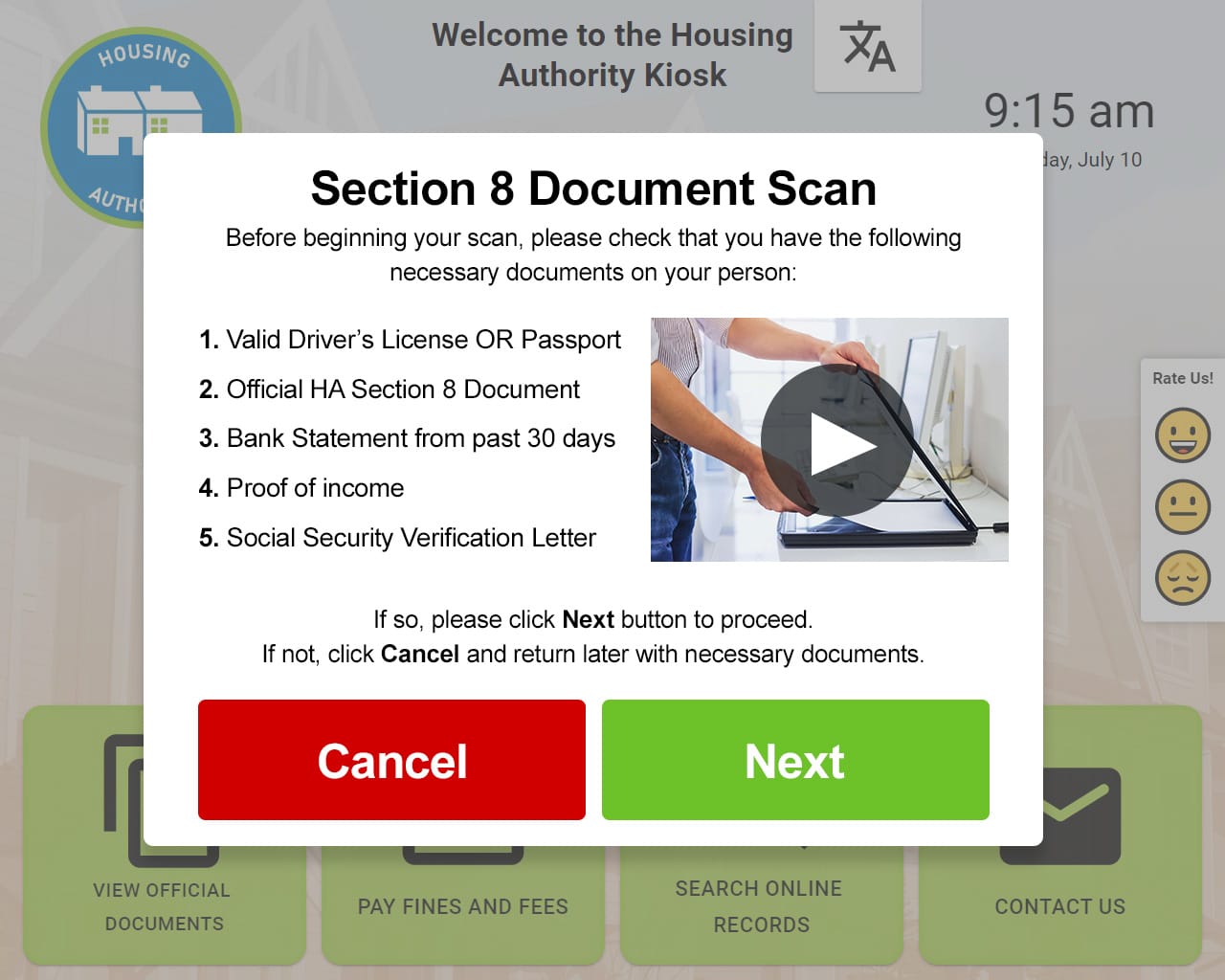
Instructional Popups in Zamok deliver clear, on-screen guidance during kiosk interactions — reducing errors, speeding up transactions, and minimizing staff intervention.
When Users Get Confused, Kiosks Fail
Every hesitation costs you time, money, and customer satisfaction. Without proper guidance, self-service becomes self-frustration.
Transactional Abandonment
Users hesitate, get stuck, and walk away — leaving incomplete transactions and lost revenue.
Form Errors & Incomplete Submissions
Staff Constantly Pulled In
Your team spends valuable time helping confused users instead of focusing on higher-value tasks.
Accessibility Complaints
These aren’t just UX issues — they’re cost and efficiency problems that impact your bottom line.
Built-In Guidance, Without Breaking the Flow
Instructional Popups are contextual messages that appear exactly when users need them — before confusion happens, not after. Think of them as digital staff assistance, available on-demand, on every screen.
Unlike intrusive alerts or help buttons that users ignore, these popups are triggered by specific steps, idle time, or user actions. They guide without interrupting, assist without taking over.
The result? Users complete what they came to do, confidently and correctly.
Simple Setup. Powerful Results.
Get instructional popups running in minutes, not weeks.

Configure Messages
Admin configures instructional messages and triggers in the Zamok dashboard — no coding required.

Popup Appears
At specific workflow steps, the popup appears proactively — before errors happen.

User Succeeds
Digital submissions integrate directly with backend systems.
Why Organizations Are Turning to Digital Form Kiosks
Modern organizations need efficient, reliable, and accessible form processing solutions
24/7 Access
Allow citizens to complete forms anytime, even outside business hours
Reduced Errors
Faster Processing
No Staff Required
Cost Savings
ADA Compliant
Outcomes that Matter
Instructional Popups aren’t just about UX — they drive measurable operational improvements.
Reduced Errors
Prevent incomplete submissions and incorrect form entries before they happen.
Speed Up Interactions
Guide users through processes faster with clear, contextual instructions.
Improved Accessibility
Make kiosks usable for everyone with clear, readable guidance.
Low Staff Workoload
Consistent Experience
Higher Completion Rates
Where Instructional Pop-Up Shines
From government offices to healthcare facilities, organizations rely on Zamok to guide users through critical interactions.
Government Services
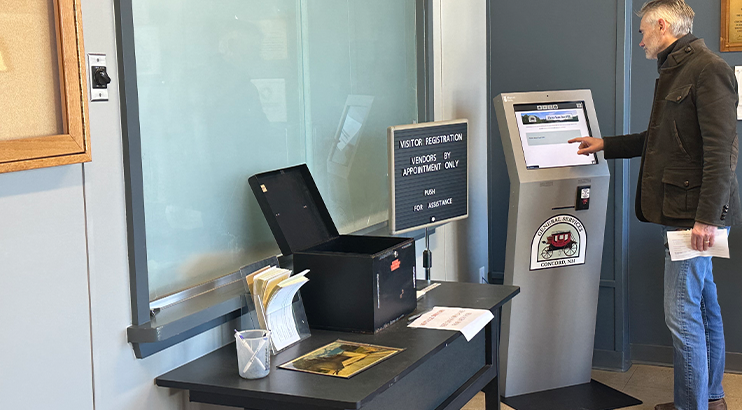
Citizens applying for permits or licenses often face complex, multi-step forms. A single missed field means starting over — or worse, a rejected application.
With Zamok: Instructional popups guide users through required fields, explain documentation needs, and clarify confusing legal language before errors happen.
Healthcare Check-In
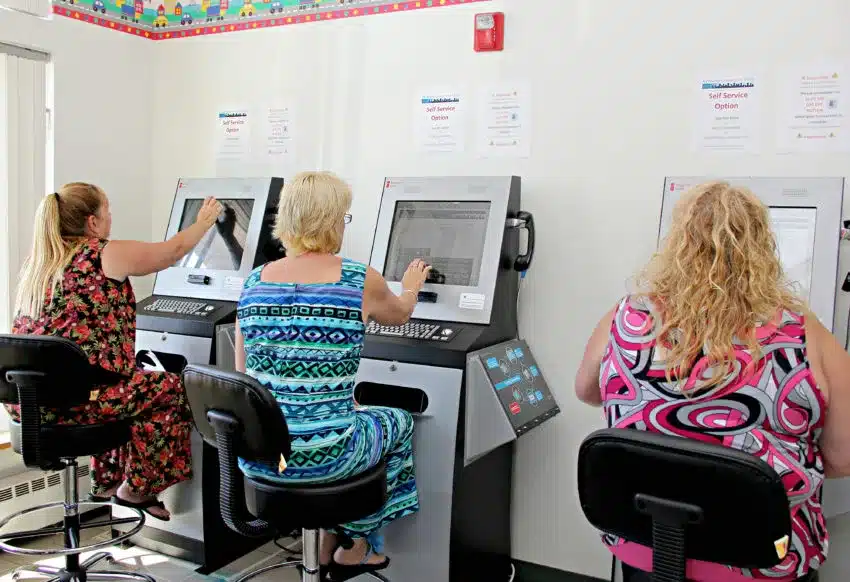
Patients arriving for appointments are already stressed. Complicated check-in screens add friction and delay care.
With Zamok: Clear, step-by-step guidance helps patients verify insurance, update information, and complete check-in without staff assistance.
Retail Payments
Self-service returns, loyalty enrollment, and payment verification can confuse even tech-savvy customers.
With Zamok: Contextual prompts explain each step, reducing abandoned transactions and call-backs to customer service.

Why Operations Leaders Choose Zamok
Instructional Popups tie directly to the metrics that matter to your organization.
40%
Reduce help desk volume with proactive on-screen assistance.
25%
Better Throughput
More transactions completed per hour, per kiosk.
95%
Higher Completion Rates
Users finish what they have started, every time.
60%
Reduced Staff Intervention
Free your team for high-value work.
Frequently Asked Questions
Get quick answers to common questions about Instructional Popups.
Will this slow users down?
Can we control when popups appear?
Does this work with other Zamok features?
How difficult is it to set up?
Can we customize the look and feel?
FROM OUR BLOG
Outdoor Kiosks: Answers to the 10 Most Common Questions
As organizations look to bring services outside the traditional lobby,…
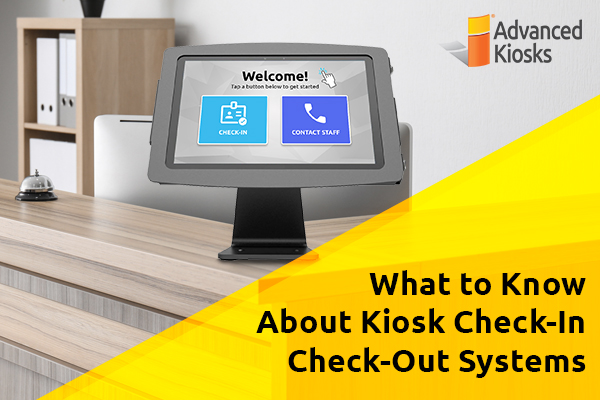
What to Know About Kiosk Check-In/Check-Out Systems
If you\'ve visited a modern government building, healthcare facility or…
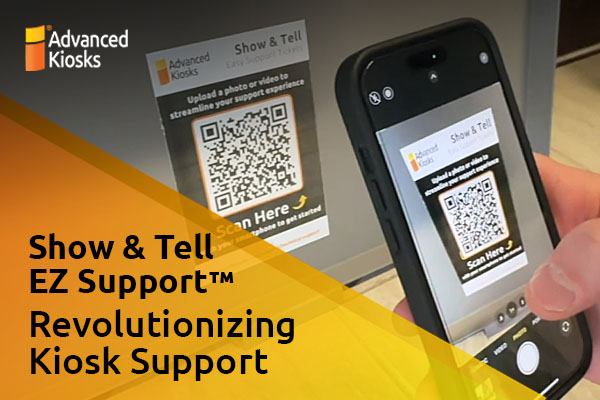
Revolutionizing Kiosk Support with Show & Tell EZ Support
At Advanced Kiosks, innovation is at the heart of everything…

Nine Must-Have Features of a Great Visitor Management System
Your lobby is often the first point of contact for…
Advanced Kiosks Puts AI at the Forefront of Innovation
Advanced Kiosks, a leading provider of self-service solutions, is redefining…