


A furniture-grade kiosk that looks right in a professional lobby
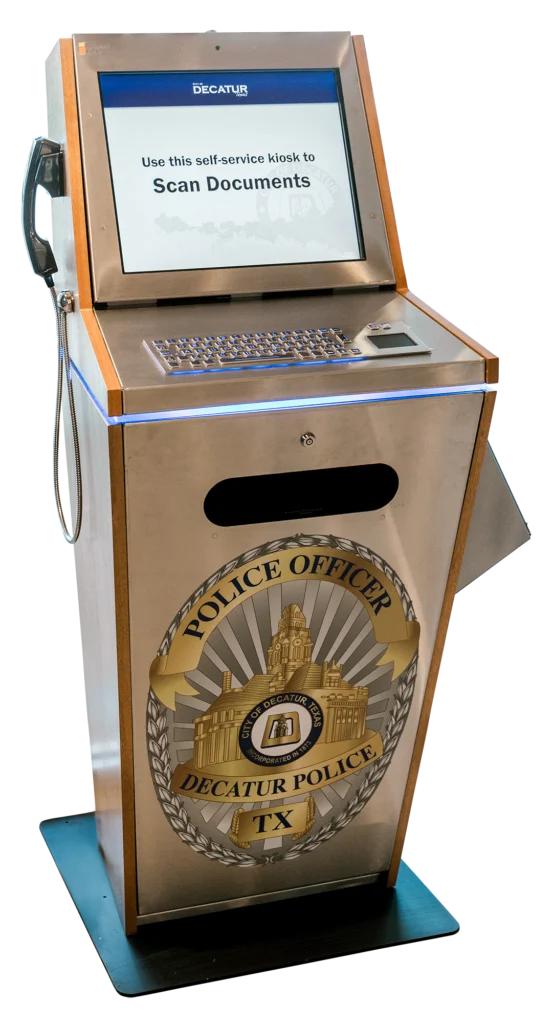
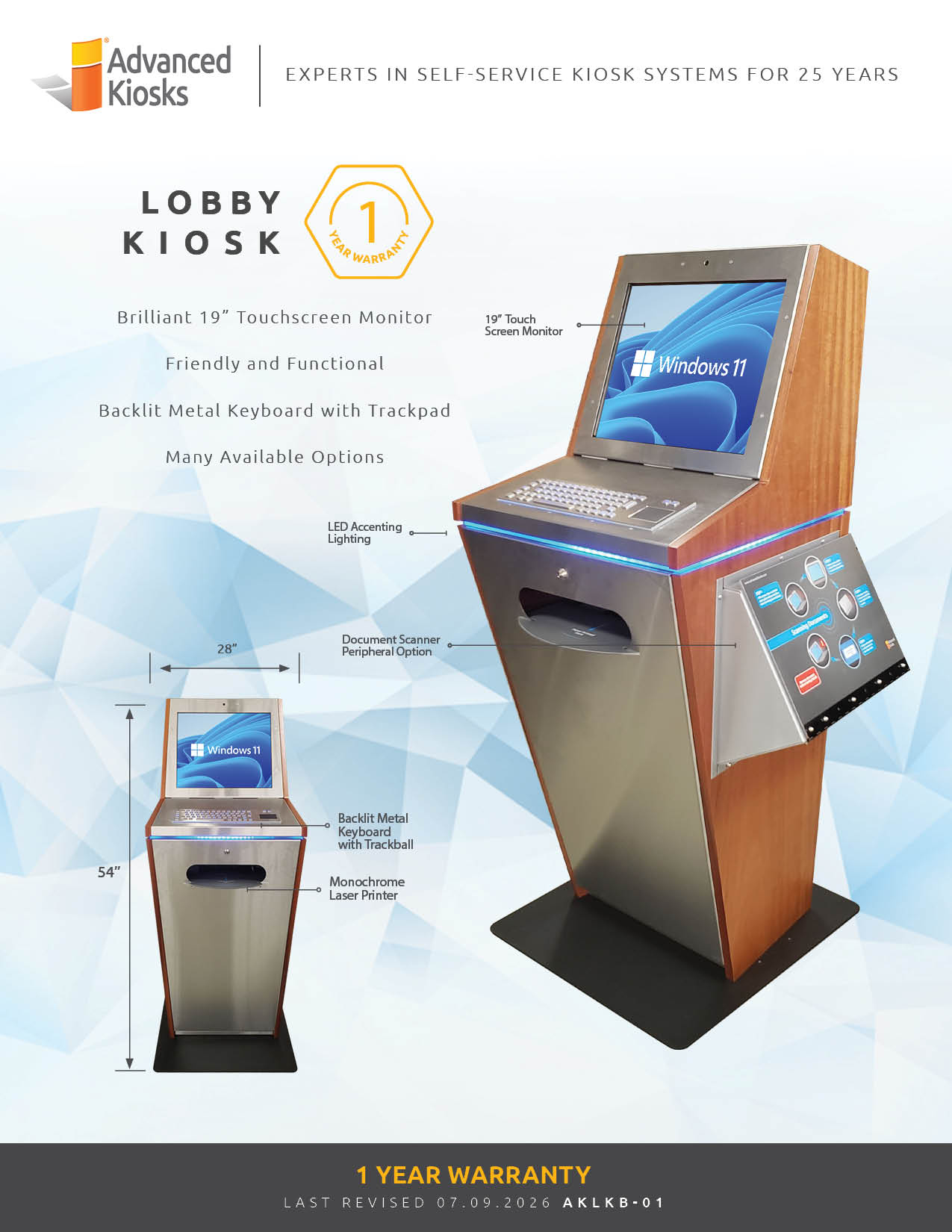
An ADA-compliant self-service kiosk with an architecturally finished wood enclosure and a reinforced steel front, built for government, law enforcement, and institutional lobbies where appearance matters as much as function.
 GSA Contract Holder
 Made in USA
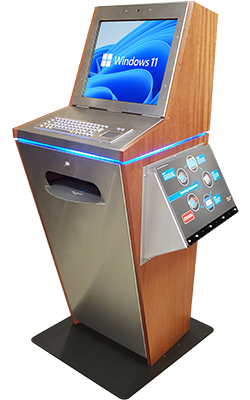
P/N: H32-300-100
The Lobby Kiosk is the furniture-grade hardware. Zamok secures and manages it, and the Greeter Visitor Management System turns it into a complete automated reception point for check-in, notifications, and self-service.
What people can accomplish at the kiosk
The Lobby Kiosk handles the routine front-desk tasks that slow staff down, letting visitors serve themselves in a secure, professional setting.
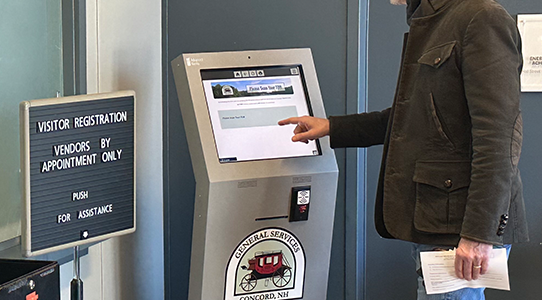
Check in as a visitor
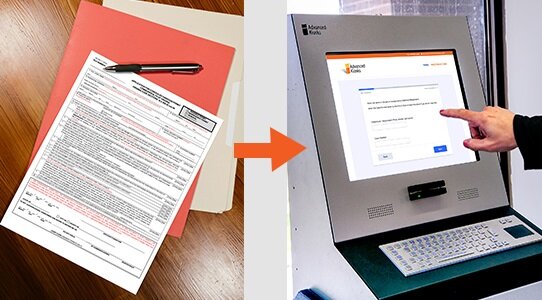
Access records and documents
Look up and submit records or documents independently, without waiting at the front desk.
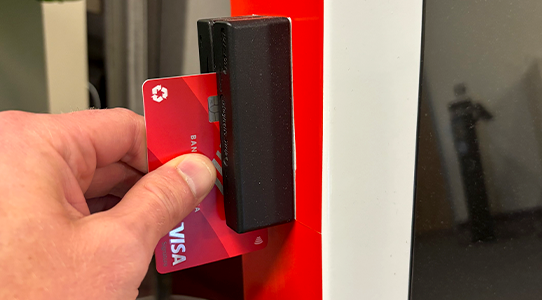
Pay fines and bills
Complete payments for fines, fees, or utility bills at the kiosk with an added card reader.
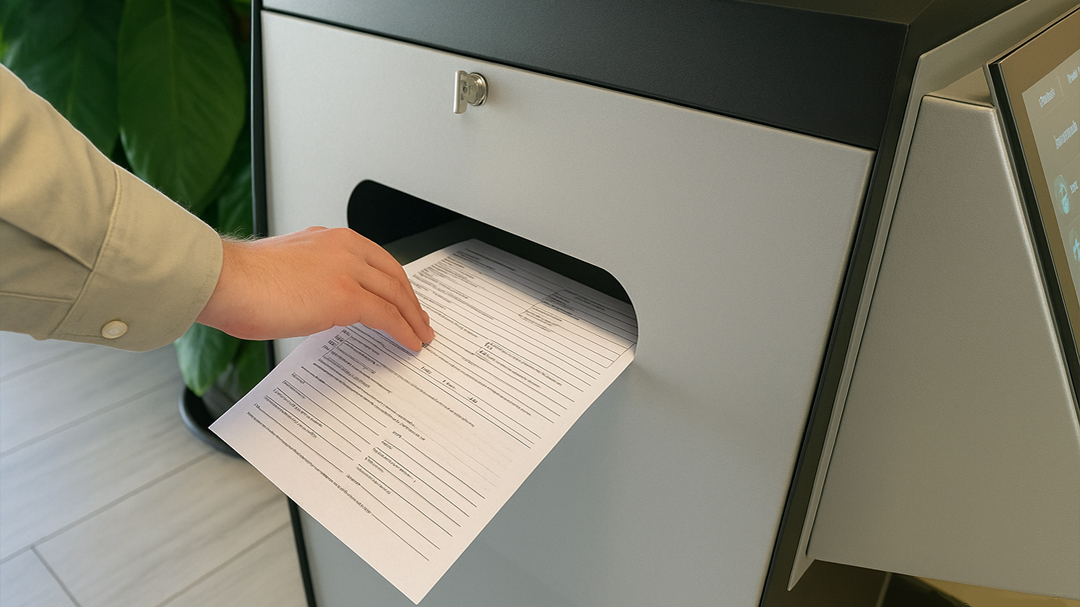
Print what they need
Produce forms, receipts, and records on the integrated laser printer.
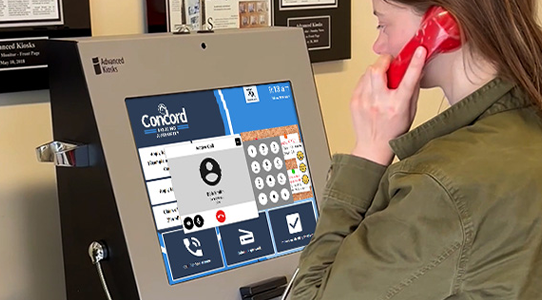
Reach staff when needed
Contact a staff member through the kiosk when a task calls for a person.

Serve themselves securely
Work in a locked-down session on an ADA-accessible kiosk built for public lobbies.
Built for how public lobbies actually run
See how the Lobby Kiosk streamlines front-desk service across the environments it is built for.

Government &
County Offices
Public offices let residents complete routine transactions independently, reducing counter wait times.
Law Enforcement
Agencies
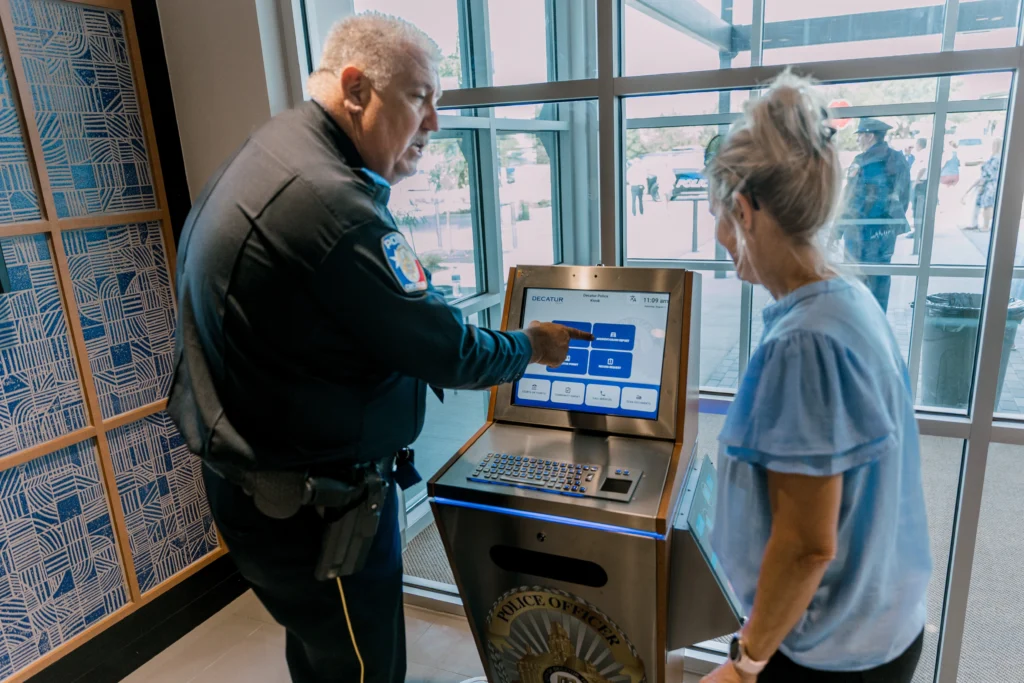
Police departments automate records access, payments, and visitor check-in, as at the City of Decatur, TX Smart Police Station, cutting front-desk interruptions and adding security oversight.

Courts & Clerk
Offices
Courts give filers self-service access to records, payments, and documents without holding the clerk window.

Healthcare
Facilities use the Lobby Kiosk for professional-looking patient check-in and self-service in reception areas.
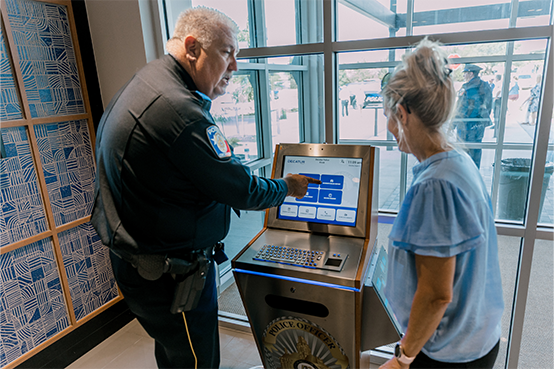
Decatur Smart Police Station
Kiosk Office Suite
Turn the lobby kiosk into a complete self-service office
The Lobby Kiosk has the touchscreen, keyboard, and printer to run real office workflows at the front desk. Kiosk Office Suite supplies the guided experience that lets visitors find the right service, complete it, and print what they need without staff routing every request.
- Find the correct service, form, or department
- Complete applications and service requests
- Submit records and documents
- Print forms, records, and receipts
- Reach staff when assistance is needed
- Work through a secure session that clears on exit

The Lobby Kiosk in the field
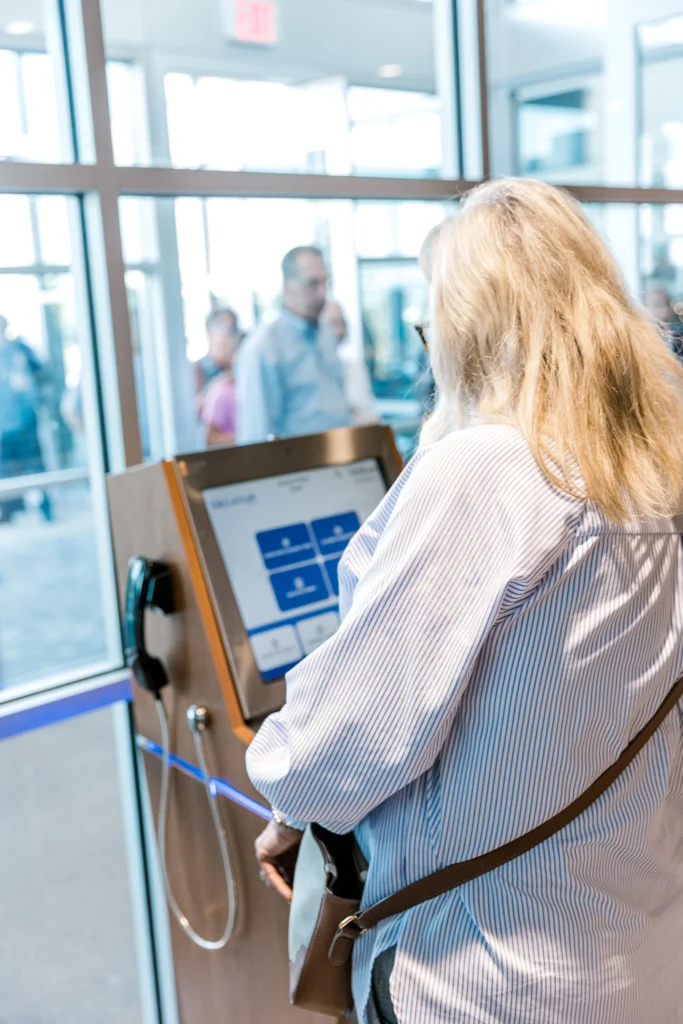
See the Lobby Kiosk across law enforcement and government lobby deployments.


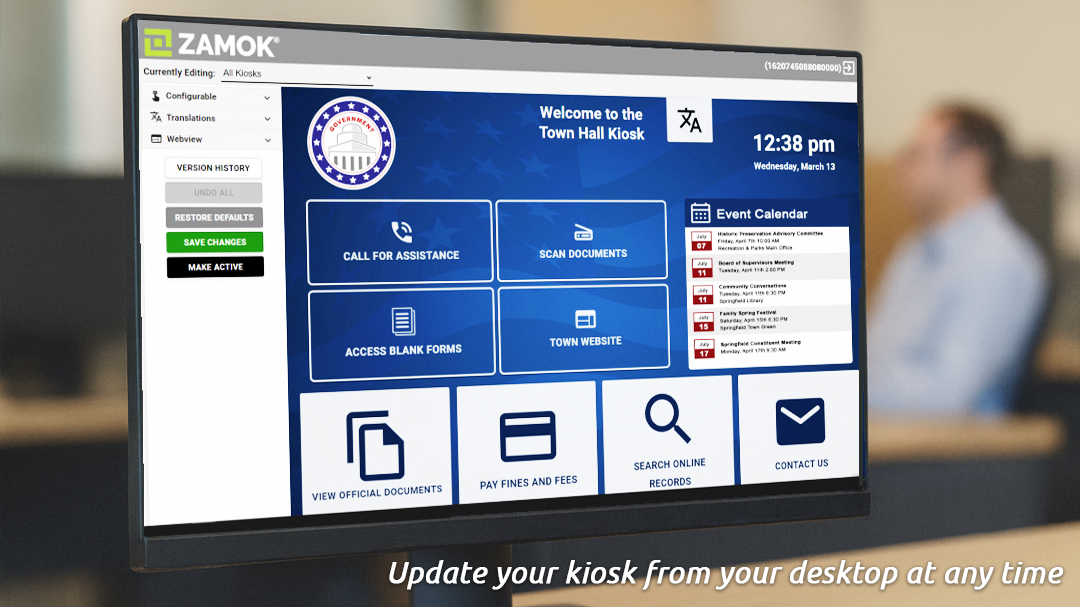
The hardware is only the beginning.
The software makes it work...
complete forms and applications.
Includes 30 days of Zamok at no charge.

Standard Features
- 19” LCD Touchscreen Display, 4:3 aspect ratio
- Architecturally Finished Wood Enclosure
- 14-Gauge Steel Front Construction
- Intel® Multi-Core Processor (2.0 GHz or Higher) or Equivalent Enterprise-Class CPU
- 120 GB Solid State Drive (SSD)
- Built-in Web Camera
- Windows 11 Professional
- Zamok™ Security Lockdown Software (30-Day Trial, Removable)
- Integrated Monochrome Laser Printer
- Backlit Metal Keyboard with Touchpad
- Thermal Cooling System
- Lock and Key Access Panel
- Amplified Stereo Speakers
- Surge Protection
- WiFi and Ethernet Connectivity
- Electrical components are tested and compliant with applicable UL and FCC standards.
- Easy Setup Documentation
Upgrade Options
- RFID Reader
Reads RFID cards and tags for fast, contactless check-in or access control. - Credit Card Reader
Accept swiped card payments for fees and services.
- VoIP Handset
Connect visitors with staff for live help without leaving the kiosk. - Document Scanner
Scan and submit supporting documents without staff assistance.
- Signature Pad
Capture electronic signatures to complete forms and agreements. - Computer Upgrades
Add processing power for demanding applications. - Barcode Scanner
Scan IDs, tickets, and documents for fast check-in and lookup.
- AK Support Service
Get ongoing support, troubleshooting, and updates after launch. - Zamok Kiosk Software
Lock the kiosk to approved tasks and manage it remotely.
Why choose the Lobby Kiosk?

Sleek and Modern Design
A furniture-grade wood enclosure with a rugged build that fits a professional lobby.

Efficient Interaction
A 19″ touchscreen and backlit keyboard make self-service quick and intuitive.
Complete Security
Lock and key access, surge protection, and Zamok lockdown keep it secure.

Customizable Options
Add RFID, document scanners, signature pads, or card readers as needed.

Office-Ready
Ships with an integrated printer for real front-desk document workflows.

Request Demo
Reach out to see this kiosk in action.
Download Brochure & Manuals

Download Owner’s Manual
Case Studies
Read practical examples and industry insights that show how self-service kiosks support real public-service workflows.
100's of Videos
Watch product walkthroughs, demos, tutorials, and customer examples to see kiosk solutions in action.
Complete Knowledgebase
Find answers, setup guidance, support articles, and technical resources for kiosk hardware and software.
Newsletter Archives
Explore past updates, product news, customer stories, and self-service technology insights from Advanced Kiosks.
Kiosk Gallery
Browse photos of kiosk models, installations, configurations, and real-world deployment environments.
Customer Stories
See how organizations use Advanced Kiosks to reduce workload, improve access, and modernize service delivery.
FROM OUR BLOG

What Every Organization Should Know Before Implementing AI
Artificial intelligence is rapidly moving from experimentation to implementation across…
Read Our Latest 2026 Newsletter!
Our latest newsletter is packed with updates from the field,…
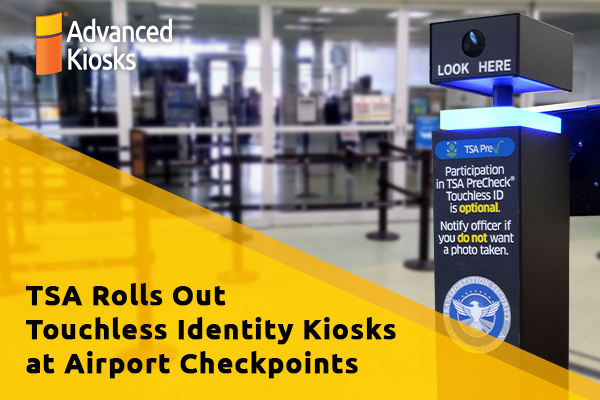
TSA Rolls Out Touchless Identity Kiosks at Airport Checkpoints
Moving millions of passengers safely through airport security requires more…
Outdoor Kiosks: Answers to the 10 Most Common Questions
As organizations look to bring services outside the traditional lobby,…
What to Know About Kiosk Check-In/Check-Out Systems
If you\'ve visited a modern government building, healthcare facility or…