Select Page

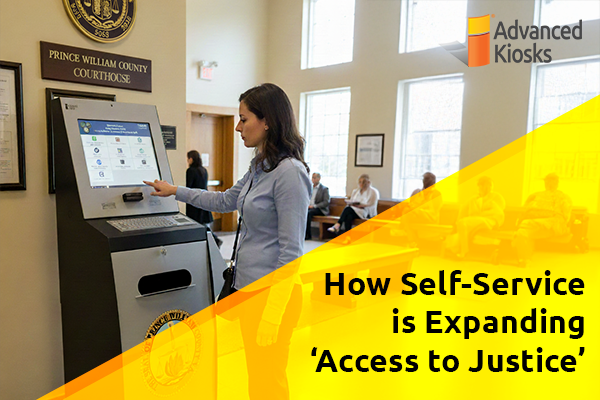
Post similar to: How Self-Service is Expanding ‘Access to Justice’

What is ‘Access to Justice’?

Access to Justice is the principle that all citizens should be able to understand, use, and benefit from the legal system—regardless of background, income, or ability.

According to the Legal Services Corporation, 92% of low-income Americans do not receive any or enough legal help with their substantial civil legal problems.

This inequity is largely driven by the high cost of legal representation, a shortage of public resources, and the complexity of court processes that are difficult to navigate without professional guidance. For many, even routine tasks like filing a form, submitting documentation, or attending a hearing can be overwhelming or logistically impossible- especially in rural communities or for those with disabilities.

Courts and law enforcement agencies across the country are feeling this pressure firsthand. Their front desks are flooded with administrative tasks, while citizens struggle to access information or complete required steps within limited business hours. As a result, the justice system becomes less accessible to those who need it most.

That’s where technology is beginning to bridge the gap. From online filing systems to interactive kiosks placed in courthouses, police stations, and libraries, digital transformation is creating new pathways to equity.

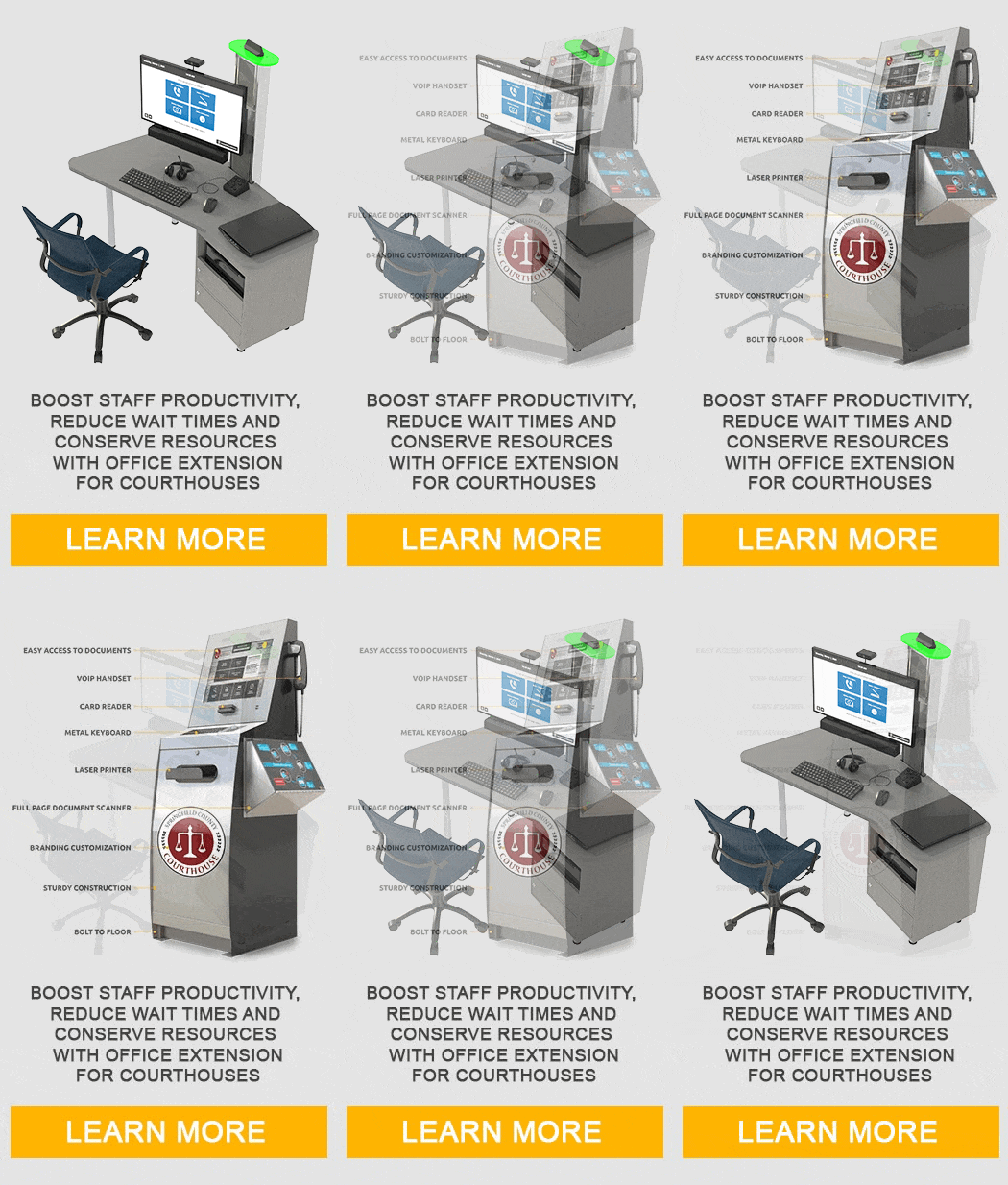
Two of the most effective approaches come from Advanced Kiosks: the Kiosk Office Suite, designed for shorter, task-based interactions, and the Assisted Self-Service Kiosk (ASK 3.0), built for longer, guided sessions that may require document handling or live assistance. Together, they demonstrate how thoughtful design and secure technology can make justice more accessible to all.

The Shared Challenge: Barriers to Access

Across the justice system, both courts and law enforcement agencies face mounting challenges in meeting public demand for timely, equitable service. These challenges aren’t rooted in a lack of commitment- they stem from systems that were never designed for today’s pace or complexity.
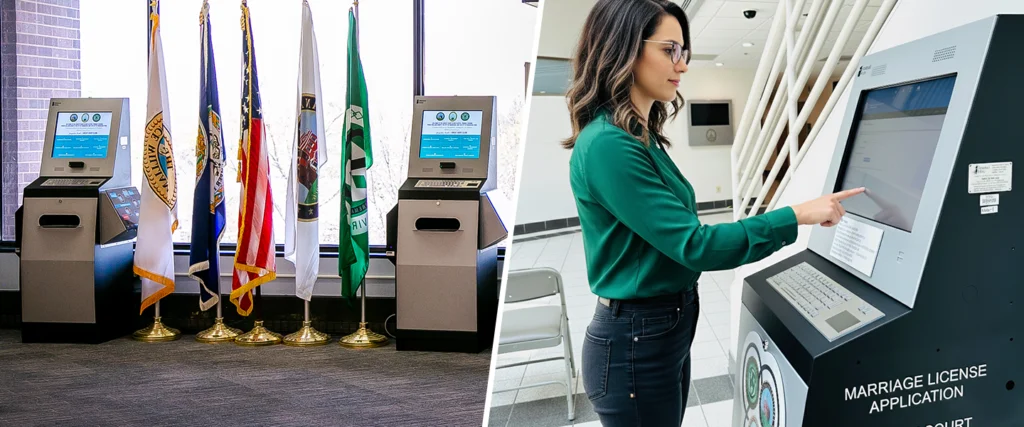
Courts kiosks split screen

For Courts, the barriers are often structural. Limited operating hours mean that individuals who work during the day struggle to access essential services. Complex filing requirements and outdated paper processes create bottlenecks for both staff and the public.

Even when online portals exist, many citizens lack the digital literacy, language skills, or reliable internet access to use them effectively. The result is crowded lobbies, long wait times, and clerks pulled away from higher-value work to answer routine questions or assist with forms.
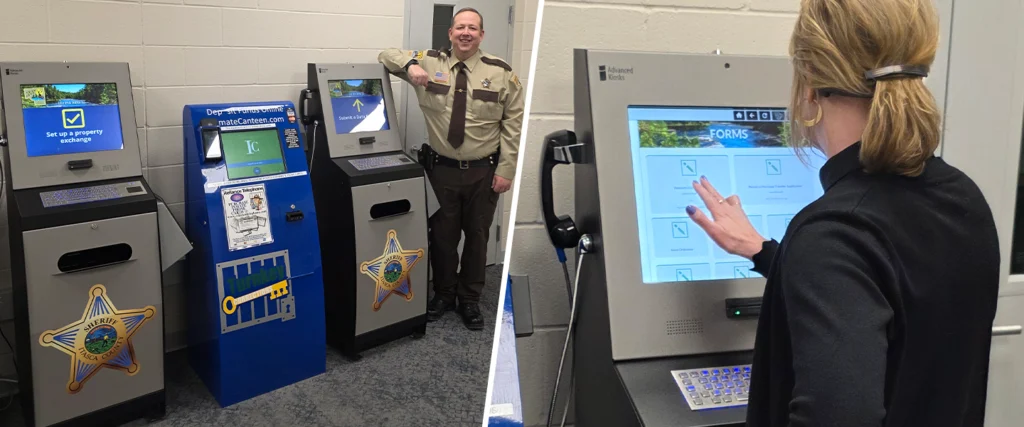
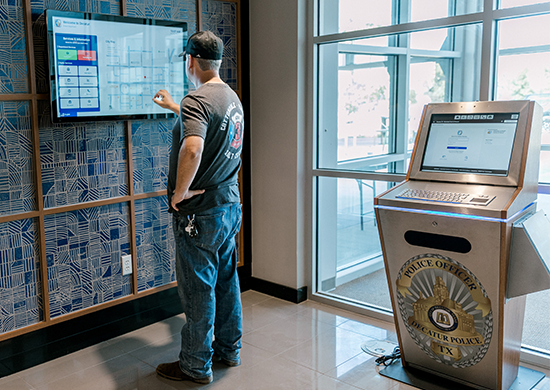
Law enforcement kiosks split screen

For Law Enforcement, the challenges take a different shape but lead to the same outcome: delayed access and administrative strain. Front desk staff are tasked with processing property releases, public records requests, report filings, and fee payments—all while maintaining security and handling incoming calls.

When these functions depend entirely on in-person service, operational efficiency and community trust both suffer. Many police departments now recognize that improving accessibility isn’t just about convenience—it’s about transparency, accountability, and rebuilding confidence in public institutions.

Ultimately, both sectors are being asked to do more with less—to deliver fair, reliable service to an increasingly diverse population, often without the staff or funding to expand hours or locations.

That’s why agencies are turning to technology as an equalizer—creating secure, guided, and self-directed ways for citizens to complete tasks without waiting in line or depending on limited staff availability.

The Technology Bridge: Self-Service Access Points

Technology has become the essential bridge between the public and the institutions that serve them. Over the last decade, many courts and police departments have made strides toward digital transformation—offering online forms, appointment scheduling, and e-filing portals. Yet even the most advanced systems leave a gap: how to serve those who can’t easily access or navigate these tools on their own.

That’s where self-service access points come in. These are physical, public-facing stations that give citizens a secure, guided way to complete critical tasks without staff assistance. By combining hardware, software, and remote support capabilities, self-service kiosks bring digital justice into the real world—right where people live, work, and seek help.
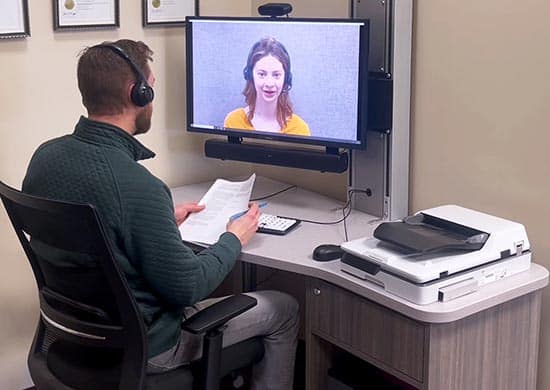
Aegis Desk Video Conference

In a courthouse, that might mean a kiosk in the lobby where individuals can:

Law enforcement self-service access point

In a police department, it could mean a secure workstation that allows residents to:

These access points don’t replace human service—they extend it. By automating routine functions and providing intuitive guidance, they reduce barriers while preserving the personal connection between agencies and the public.

The most effective systems also prioritize security, privacy, and accessibility, ensuring compliance with ADA standards and protecting sensitive data through advanced kiosk management software.
This is the vision behind Advanced Kiosks’ dual self-service platforms—the Kiosk Office Suite and the Assisted Self-Service Kiosk (ASK 3.0)—each addressing different interaction needs while supporting the same mission of equitable access.

Self-Service Solutions for Every Interaction

Both the Kiosk Office Suite and ASK 3.0 are built to simplify access to government services, but they serve distinct roles within the justice system.

The Kiosk Office Suite is ideal for quick, task-based interactions such as submitting forms, making payments, or retrieving information. Its intuitive interface, secure session management, and ADA-compliant design make it well-suited for high-traffic areas like courthouse lobbies and police station entrances. It helps agencies handle frequent, low-complexity requests efficiently—freeing staff to focus on more complex or sensitive matters.
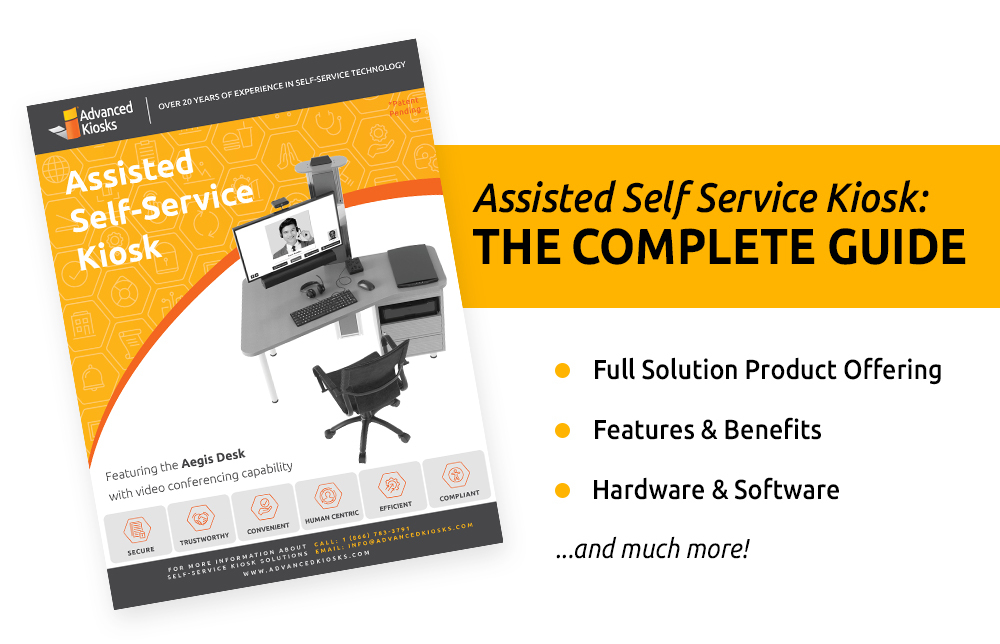
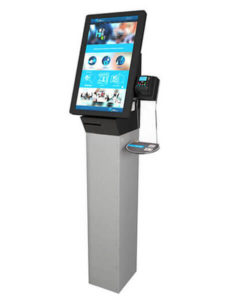
Assisted Self Service Kiosk

The Assisted Self-Service Kiosk complements this by supporting longer, guided sessions that require additional tools or assistance. With built-in document scanning and printing, VOIP integration for live help, and multilingual accessibility options, ASK 3.0 allows citizens to complete more detailed processes such as filing court documents, requesting public records, or connecting remotely with legal aid representatives.

Together, these systems create a balanced approach to access: fast, independent service where possible, and extended, assisted support when needed.

Real-World Impact: Where They Fit

Courts and law enforcement agencies are finding new ways to integrate self-service into their operations.

In Courthouses:

  • Kiosk Office Suite units handle high-volume, short-duration interactions like payments or case lookups.
  • ASK 3.0 kiosks provide extended functionality for form submission, legal aid calls, or document scanning.

In Law Enforcement Agencies:

  • Kiosk Office Suite streamlines records requests and payments.
  • ASK 3.0 enables more detailed services such as property release, remote assistance, or after-hours intake.

By combining these two systems, agencies can cover the full spectrum of citizen needs—from quick self-service to extended, supported interaction—without increasing staff load or operating costs.

Looking Ahead: Building a Modern Justice Experience

As courts and law enforcement agencies continue modernizing, their shared mission remains clear: to make justice accessible, equitable, and efficient for everyone. The path forward depends on offering the right mix of access points—fast, focused interactions through the Kiosk Office Suite, and extended, assisted sessions through ASK 3.0.

Together, they form a flexible, scalable model for the modern justice experience.

See real-life examples of how ‘access to justice’ is being expanded by Courts and Law Enforcement.
The industry-leading ZAMOK® Kiosk Management Software Suite is packed full of functionality. It has everything you need to keep one self-service kiosk running smoothly or remotely manage a whole fleet. From Alerts & Notifications to video chat and co-browsing capabilities, ZAMOK does it all. 

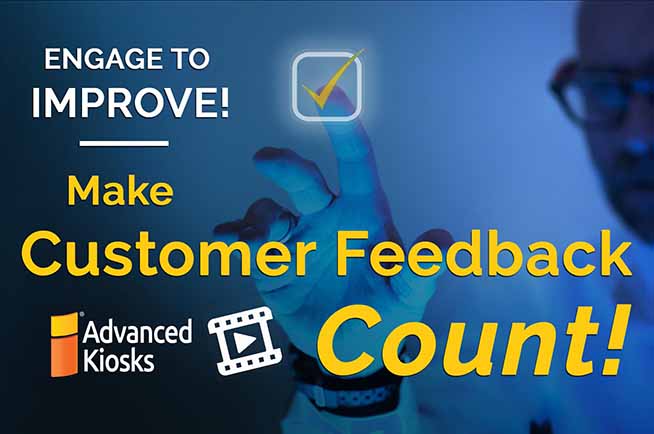
Advanced Kiosks engineers are proud of each ZAMOK feature we’ve designed. When we see one being overlooked and underutilized, we feel compelled to shine a spotlight on it. This video is an introduction to ZAMOK’s built-in survey feature. It explains how the interactive kiosk survey tool looks and works. It steps you through how to set up your own user experience survey and access the results, all in under a minute. 

The ZAMOK survey tool was originally developed to determine whether digital kiosk users were satisfied with their interactive kiosk experience. But ZAMOK’s survey feature can be used to collect customer feedback on any of your products and services. You can even configure it to pop up at certain points in a transaction to better understand the users’ journey and overall experience with your brand. Quickly recognizable emojis make the survey tool an intuitive, easy way for people to share their opinions. 

Whether your customer survey is an add-on feature or the sole purpose of your kiosk, self-service kiosk surveys provide an accurate, continuous source of data your organization can use to improve what you do and how you do it. Have some ideas for how to incorporate ZAMOK’s survey tool into your kiosk user interface? Our technical sales consultants are happy to talk through them with you.

Give us a call!

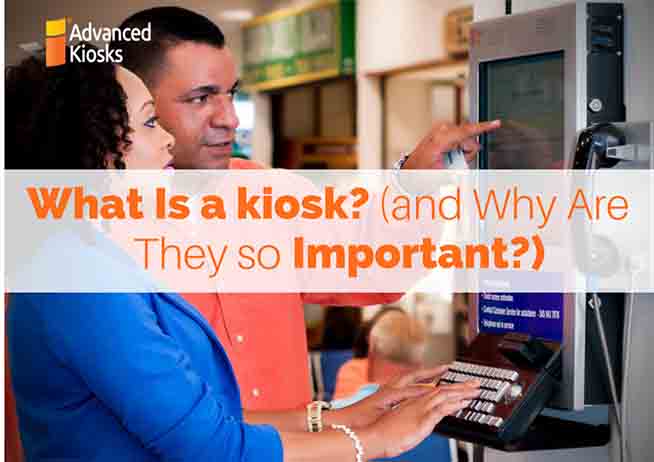
What is a kiosk? It might seem like a simple question, but it’s one that we hear all of the time.

Simply put, a kiosk is a self-service machine that empowers users to complete tasks at their convenience and pace. What a kiosk brings to the table is a fully immersive and interactive experience. Self service keeps the users’ interest and they absorb the information being conveyed.

Choosing a kiosk for your business

There are many important factors that come with a choosing a kiosk a business:

There are many things important things to consider when deciding to purchase a kiosk solution for your organization.

At Advanced Kiosks, our very knowledgeable sales team will help you throughout the entire buying experience.  We’ve been in business for over 15 years and sold kiosks to industries of all stripes. We have the experience to provide turnkey solutions for any project you might have in mind.

What will a kiosk be used for in my organization?

childcheckin

There are endless tasks for kiosks in a workplace setting. For example, a church may come in looking for a kiosk to help with Sunday school child check-in. Without a kiosk, most are keeping track of children and their guardians with paper and pen.  Our kiosks offer a secure tamper-proof system and a digital activity log. Additionally, a computer kiosk can print stickers and receipts and offer real time updates to double check attendance.

Another great example of workplace kiosks in action comes from companies looking for self service HR kiosk for their employees to use in the completion of human resources tasks.

hr kiosk

Regardless of business size, many organizations face the problem of having a limited human resources staff who must process HR needs and paperwork for many other employees. With a kiosk, a short staffed HR team streamlines red tape tasks that take up precious time.

At an HR kiosk station, employees can print pay stubs or forms. Add a scanner for ID verification (birth certificates, driver’s license, Social Security cards etc.) and securely transmit scanned items. In addition, these stations can provide company information, policies, training modules, and institutional forms all at the touch of a button.

Who can benefit from a kiosk?

Most small business, large corporations, hospitals, churches, and many other different organizations can greatly benefit from implementing a kiosk, or multiple kiosks.  A kiosk is not the right fit for everyone and our sales representatives can assess your project needs. Tell us what you want to do, and we can help you figure out the best course of action with the right kiosk, the perfect software, and the easy installation.

So, what is a kiosk? With the right vision and implementation, a kiosk is just the thing to amplify the work of your organization.

What is a kiosk and why are they so important? Millions of people use interactive kiosks every day for many reasons, so there are a number of answers to this question. Almost every business or organization can benefit in some way from self service kiosks. Weather it is to increase efficiency, boost sales or just share information about products and services, the rewards are tangible. Information on-demand is what users expect these days and the adoption of interactive kiosks is a win for managers, administrators, IT staff and end users alike.

Hello there!

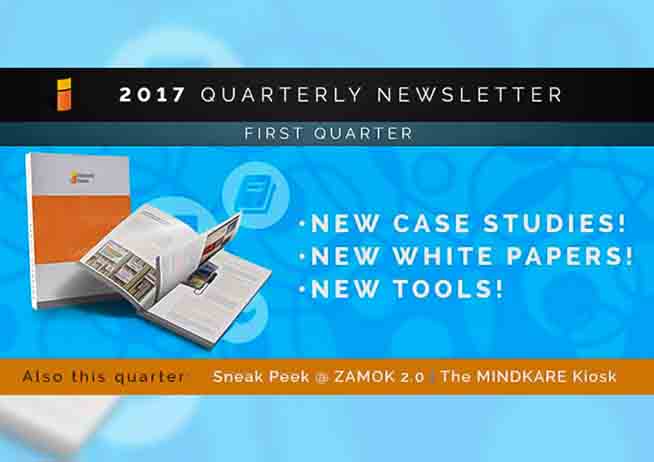
We’re coming towards the end of the first quarter of 2017 and spring has sprung! (We’re being optimistic). We spent a good chunk of this winter calling our customers to check-in on their kiosk projects (and live vicariously through those working in warmer weather). We gathered testimonials, updates, research, and more to provide clear information regarding kiosks in all major industries. In general, we love to chat and learn about all the cool things our customers are doing with our kiosks. If you’d like to share an update with us, give us a call! We’d love to hear from you!


CASE STUDY

AustinConventionVisitorsBureau.png

acvb infographic.png

We talked to Ryan Holbrook, the IT Support Manager for the ACVB (Austin Convention and Visitors Bureau) about their kiosk at Austin Visitor Center to get an update. Austin Visitor Center is using their kiosk for visitors to get information about Austin including hotels, dining, music, arts, and events. It includes a map with an Austin tour schedule, and a means to call and book a room or make a reservation! Click on the link to request this case study and learn more about how our kiosk improved the AVC.

REQUEST CASE STUDY

Also, check out these case studies to learn about kiosks being used in self-storage facilities, churches, day cares, schools, state buildings, and synagogues!

10 Federal Self-Storage & Self-Service Kiosks  Flatland Kids’ Ministry & Self-Service Kiosks
 Mount Notre Dame High School & Self-Service Kiosks • Temple Beth Sholom & Self-Service Kiosks


We did our research this winter…

(and we mean a lot!)

Business-white-paper-open.png

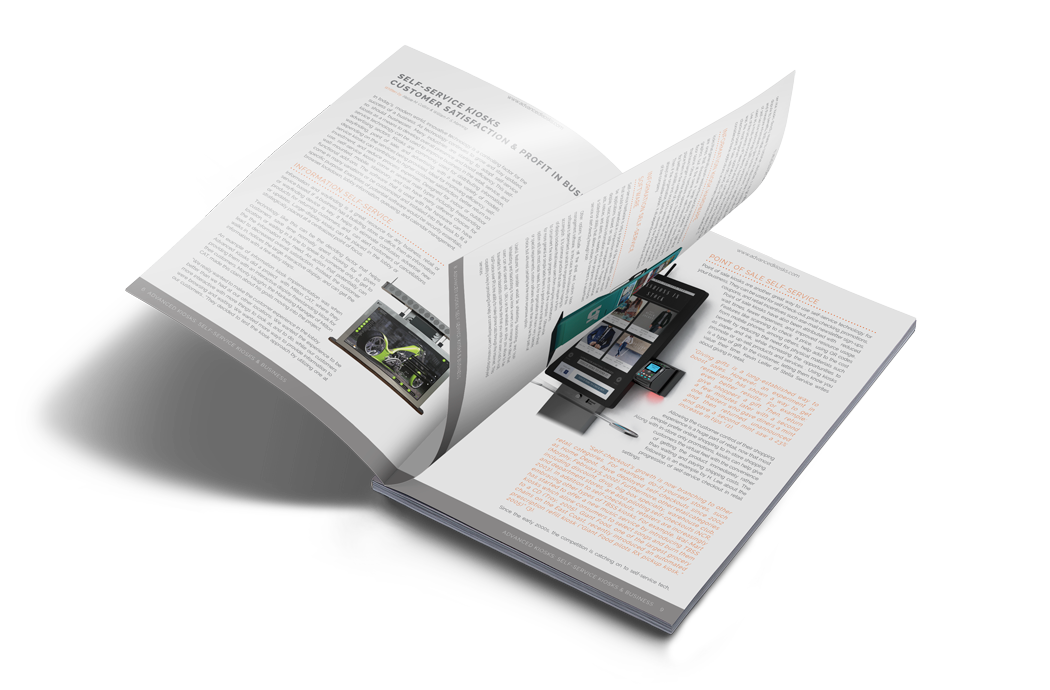
We have published a group of white papers that discuss problems revolving around several industries, and the role self-service technology can play in helping address those issues. So if you are interested in learning how self-service kiosks and other tech can contribute to your business, these are a great place to start!

FEATURED WHITE PAPER: EDUCATION & FUNDING

The state funding crisis in public education is a serious issue nationwide, but particularly in lower income communities. The result of this lack of funding is digital inequality across schools. This paper is meant to inform the reader about the finding crisis, digital equity solutions, and how self-service technology can improve schools. Click on the link below to request this white paper, “Campus Kiosks & the State Funding Crisis” and find out how kiosks have been improving schools nationwide.

request white paper

and check out these other industry white papers while you’re at it!

Self-Service Kiosks & BusinessHealthcare Kiosks: Patient Care & SatisfactionChurch Check-in & Tithing Solutions Self-Storage & DifferentiationImproving Efficiency & Public Independence in the Government • Employee Self-Service Kiosks: A Significant Cost Savings Solution 

If you’re in education, and looking to find ways to pay for technology in low-funding schools, check out this post: “How to Get a Kiosk Using Grants” also featured on Kiosk Marketplace!
fullsizerender.jpg


New Update: Zamok 2.0!

coming-soon-ZAMOK-2.0_05.jpg

We have been working hard this year building up the most comprehensive kiosk management system around, ZAMOK 2.0! This new program is geared towards our customers with an initiative to provide the most advanced kiosk software on the market. You spoke, we listened. As a result, we’re bringing you a new and improved Zamok.

Some Features To Expect

  • Responsive & Immediate Updates
  • Module Based Design For Unrivaled Flexibility
  • New Web Console For Live Kiosk Monitoring
  • Notification System To Alert Admins When Issues Arise
  • Manage & Configure Multiple Kiosks At Once

Screening for Mental Health and the MindKare Kiosk

screening mental health
 
Screening for Mental Health has developed the MindKare program using our kiosks to reduce the stigma surrounding mental health by providing public resources for communities nationwide. The kiosk is being implemented in schools, libraries, town halls, hospitals, and more to provide free mental health screenings and information regarding mental health disorders.

Learn how SMH is working towards a common initiative: eliminating the stigma and bringing awareness to mental health

SMH


#Insta!

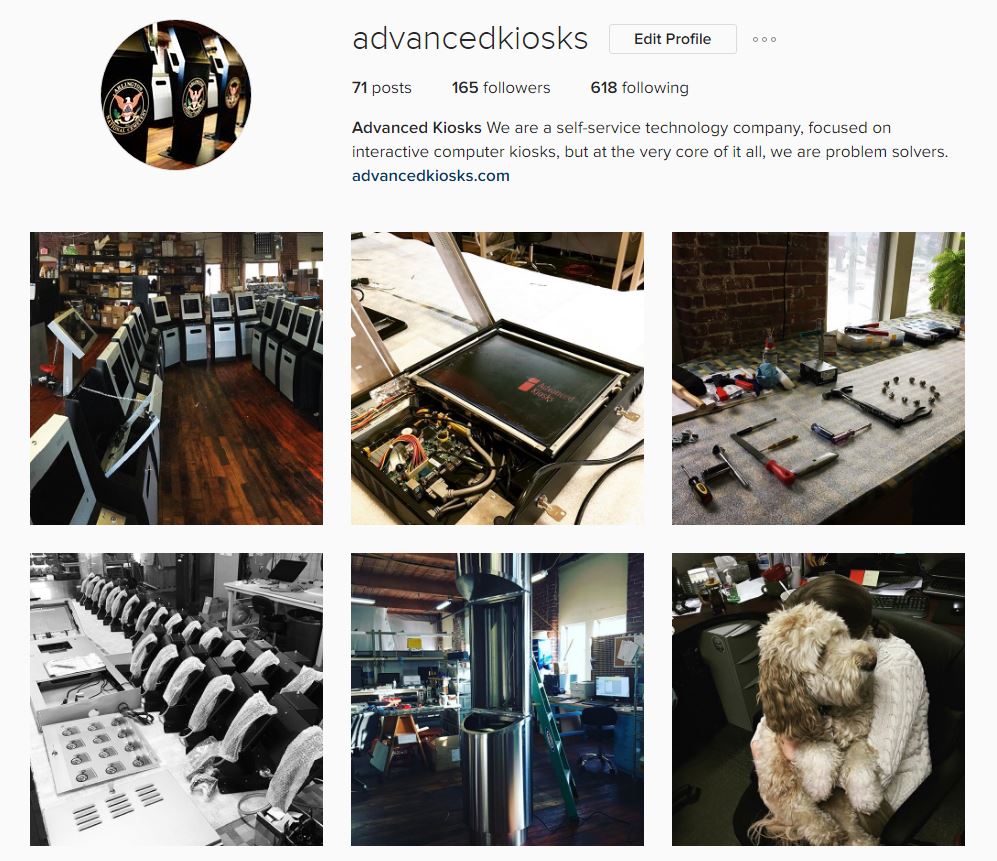
We’re sure you noticed our new look since our last quarterly newsletter, now check out our new instagram account! Follow us to get updates on kiosk projects, see how it’s done, and get a glimpse into the personalities behind Advanced Kiosks. You’ll learn a whole lot about kiosks, goldendoodles, growing crystals, “koala tea” puns, and what great teamwork looks like. Check us out!

insta.jpg


Thank You!

This quarter has been a great one full of amazing opportunities, thanks to our valued subscribers and customers. We created an instagram, refurbished computers for donating to non-profits, re-vamped our website & blog, fine tuning our kiosk software, and much more. All of this wouldn’t be possible without the help from our readers and fellow tech nerds. At the core of our business, we are more than engineers. We are people who are passionate about the future of self-service technology, and we want to show you why. Click on the link to request a consultation with one of our project wizards.


Thank you for taking time out of your day to read about what is happening at Advanced Kiosks!

If you have any questions about this email, please contact us at 1 (603) 865-1000.

Shopping for a kiosk? PLAN LIKE A PRO


When shopping for a kiosk to accommodate your self service needs, there are important factors to consider. Kiosks, mobile apps, computer software, web services, these are all major players in the ever growing field of modern self-service tech. All over the world business and organizations alike have been optimizing and creating opportunities by putting self-service technology to work.

This four part guide is meant to give people curious about self-service hardware, software, or other type of tech, a clear idea about what to do, and things to consider, when searching for a self-service solution.buyers guide


REQUEST A DIGITAL COPY OF OUR BUYER’S GUIDE BELOW

DOWNLOAD BUYER’S GUIDE


Speak with a Specialist