

Full self-service that fits on a countertop
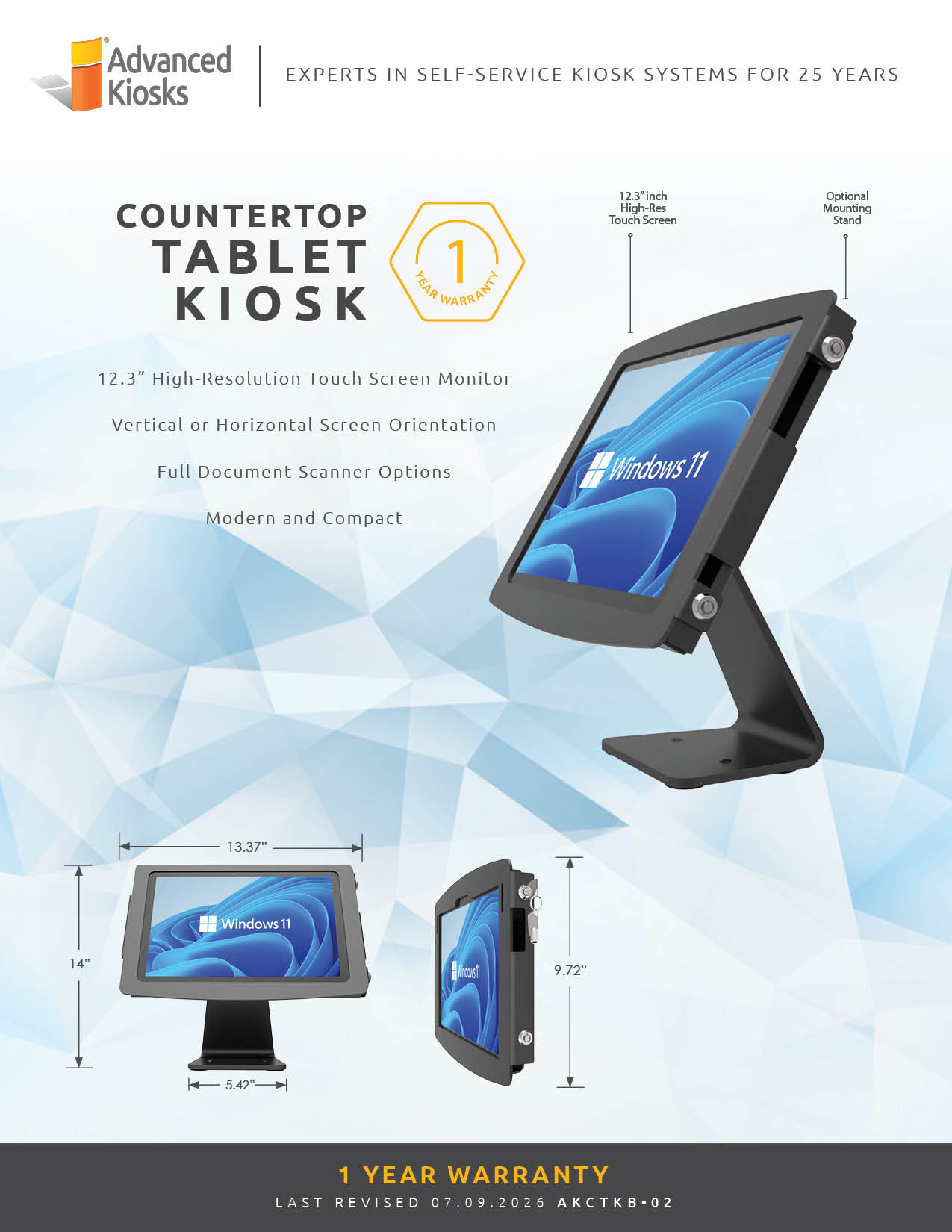
A compact Windows tablet kiosk in a secure aluminum enclosure, built for check-in, intake, and light transactions where space is tight and the environment is controlled.
 GSA Contract Holder
 Made in USA

P/N: H32-120-10
The Countertop Tablet is the compact hardware. Zamok secures and manages it, and software like the Greeter Visitor Management System, Kiosk FormFlow, or live video interpretation turns a small tablet into a real self-service station.
What people can accomplish at the kiosk
When paired with Zamok and Kiosk Office Suite, the Countertop Kiosk can handle routine public-service tasks through a secure kiosk interface, while keeping staff informed when review, approval, or follow-up is needed.
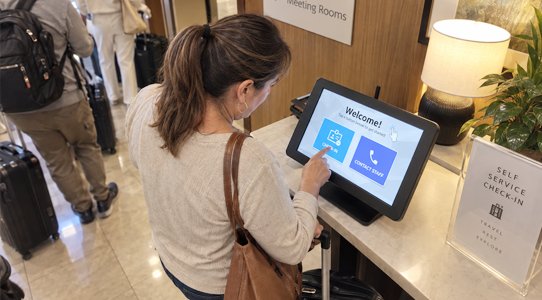
Check in on arrival
Sign in for appointments or visits at a reception counter without staff help.

Complete forms
Move through intake and application forms step by step with Kiosk FormFlow.
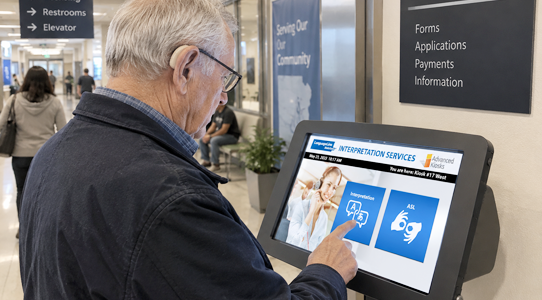
Reach a live interpreter
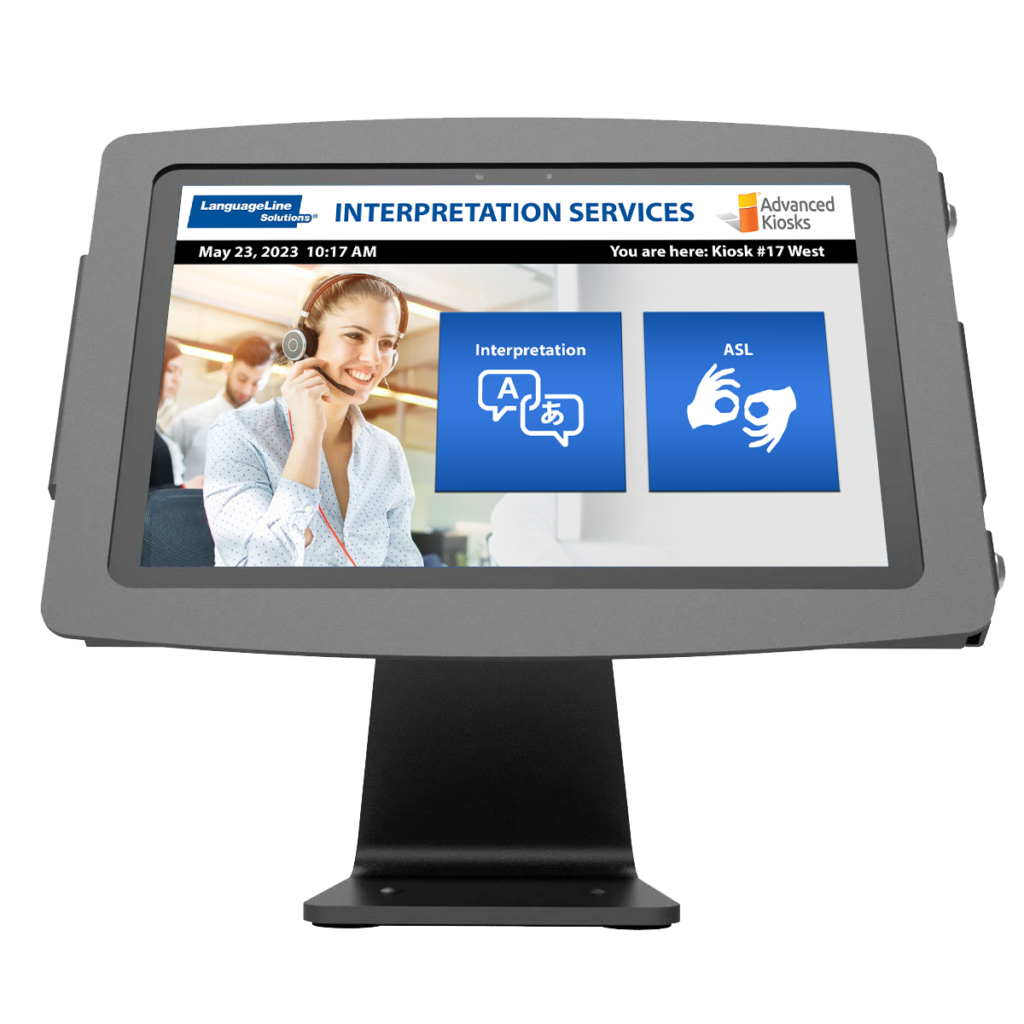
Connect to on-demand video interpretation in 240+ languages, including ASL.

Access a service portal
Open approved treatment, benefit, or account software in a secure session.
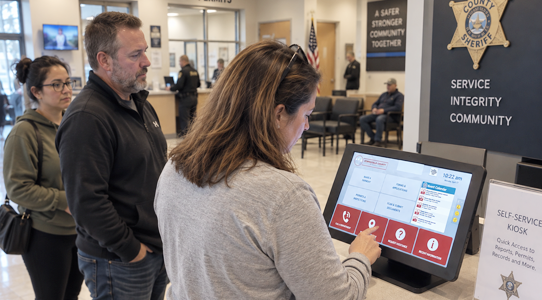
Manage a queue
Take a number or join a queue for counter service at busy reception areas.

Do it in a small space
Serve themselves at a compact station where a full kiosk won’t fit.
Built for how these teams actually run
See how the Countertop Tablet supports self-service in the environments it is deployed in most.
Law Enforcement
Agencies
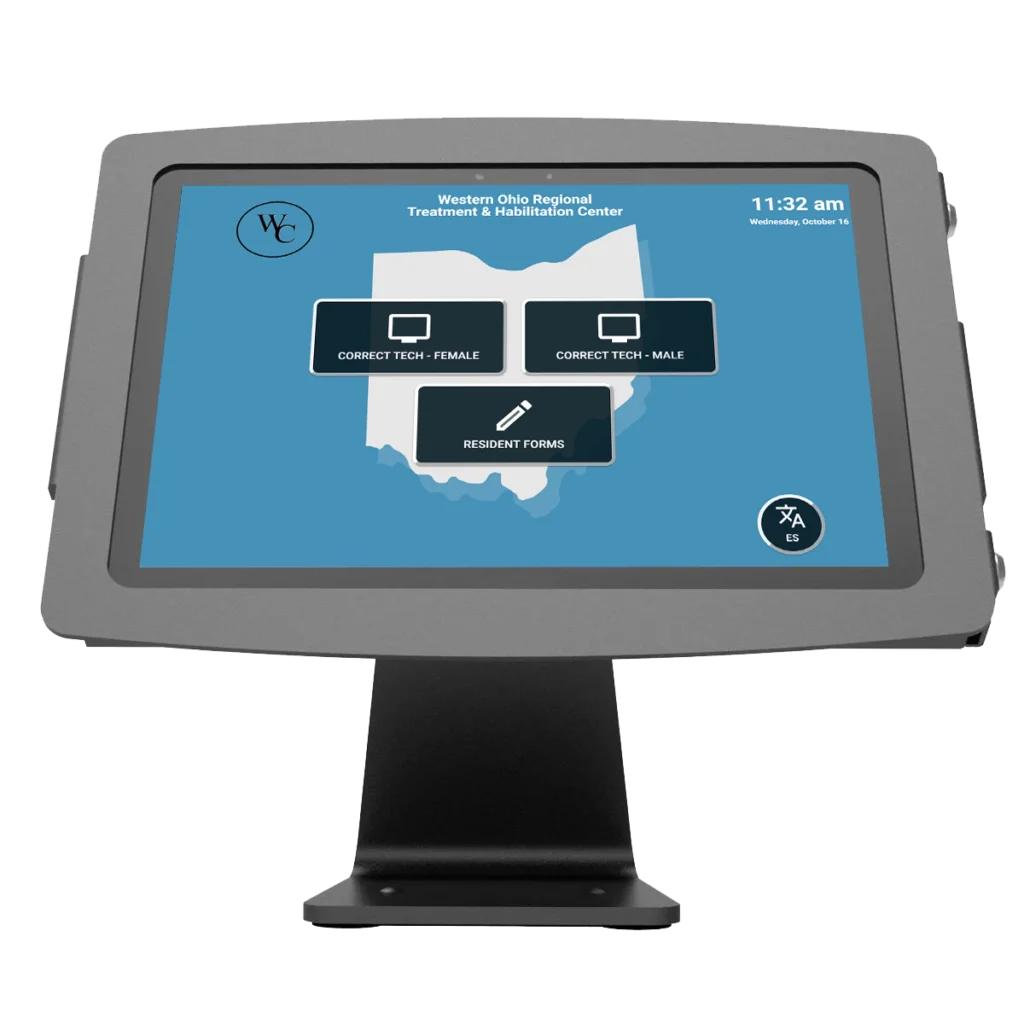
Treatment and habilitation programs give residents secure self-service access to software and guided forms, as at the WORTH Center, which runs four tablet kiosks with Kiosk FormFlow.

Housing
Authorities
Housing agencies add on-demand video interpretation in 240+ languages, as Housing Connect did to serve a multilingual resident base with equitable access.
Healthcare
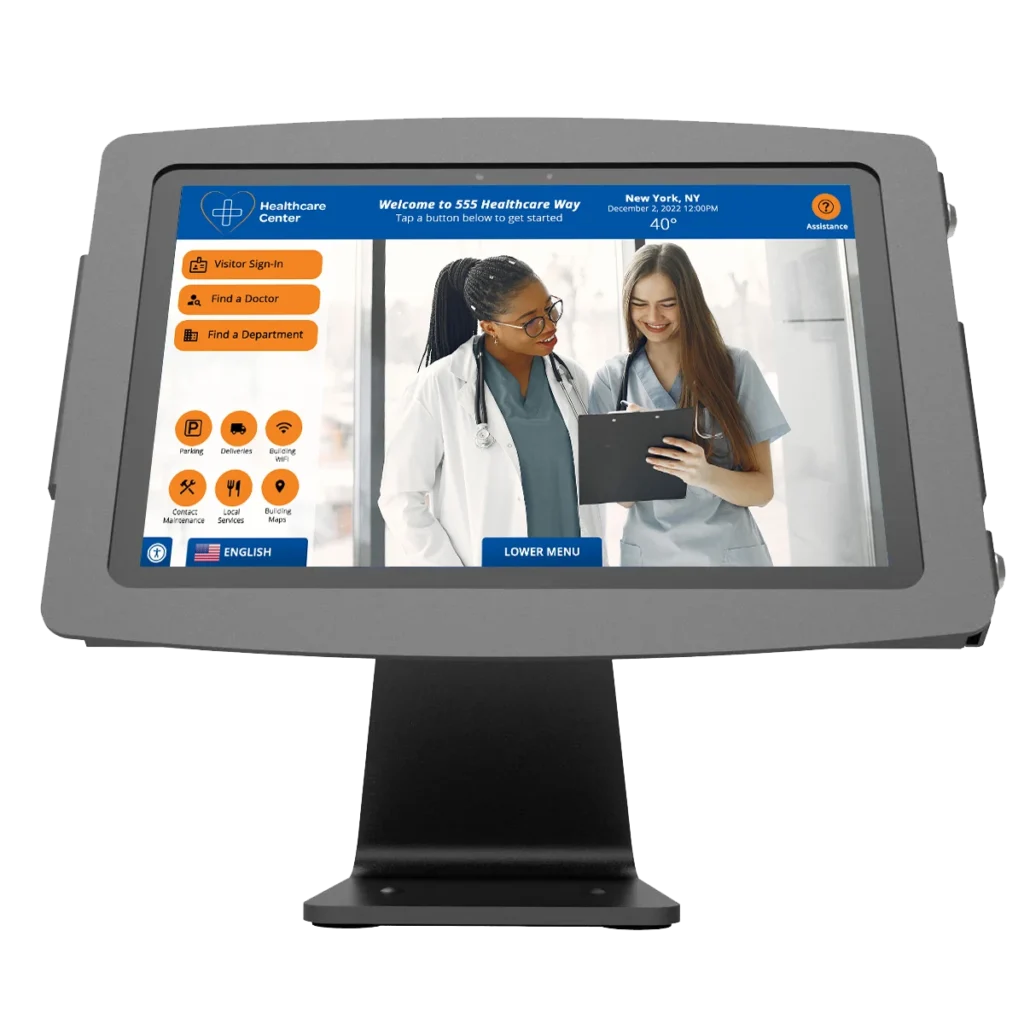
Reception areas use the compact tablet for patient self-check-in and intake where counter space is limited and traffic is light to moderate.
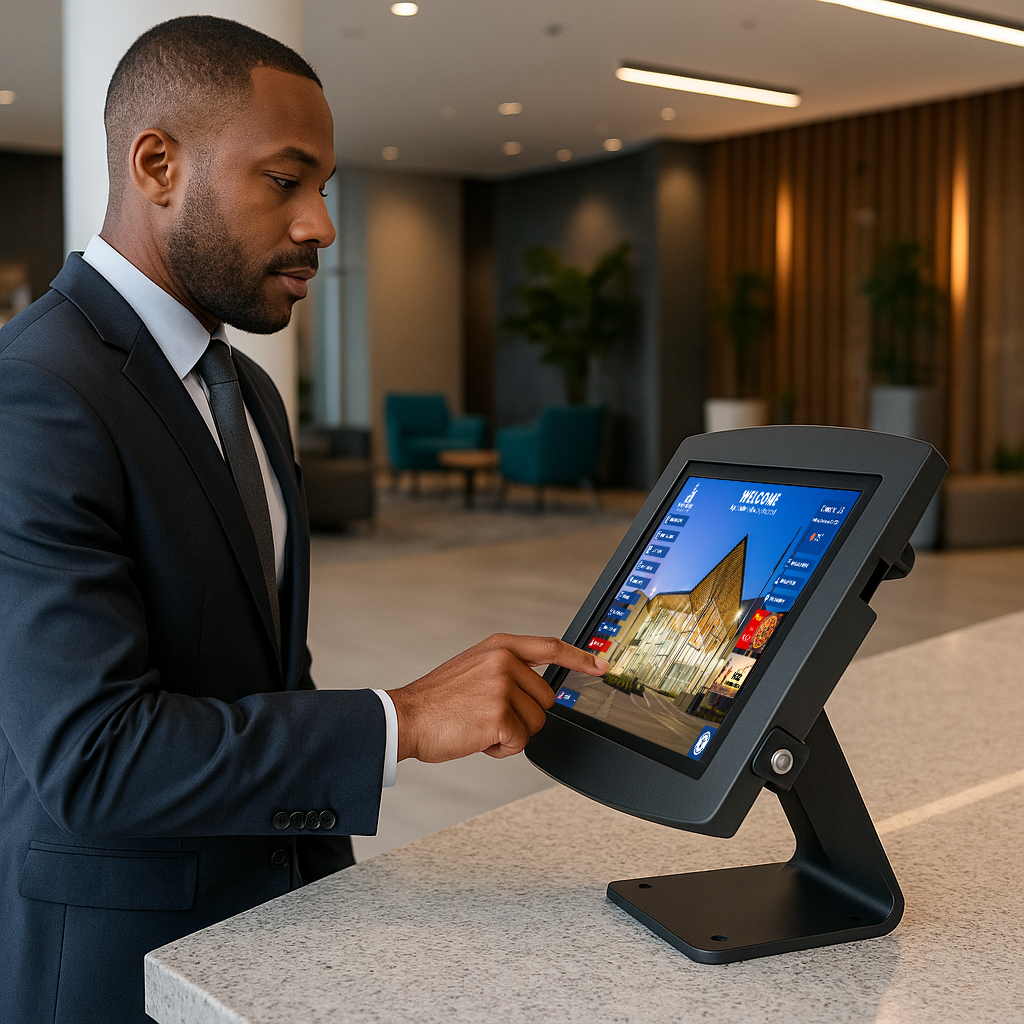
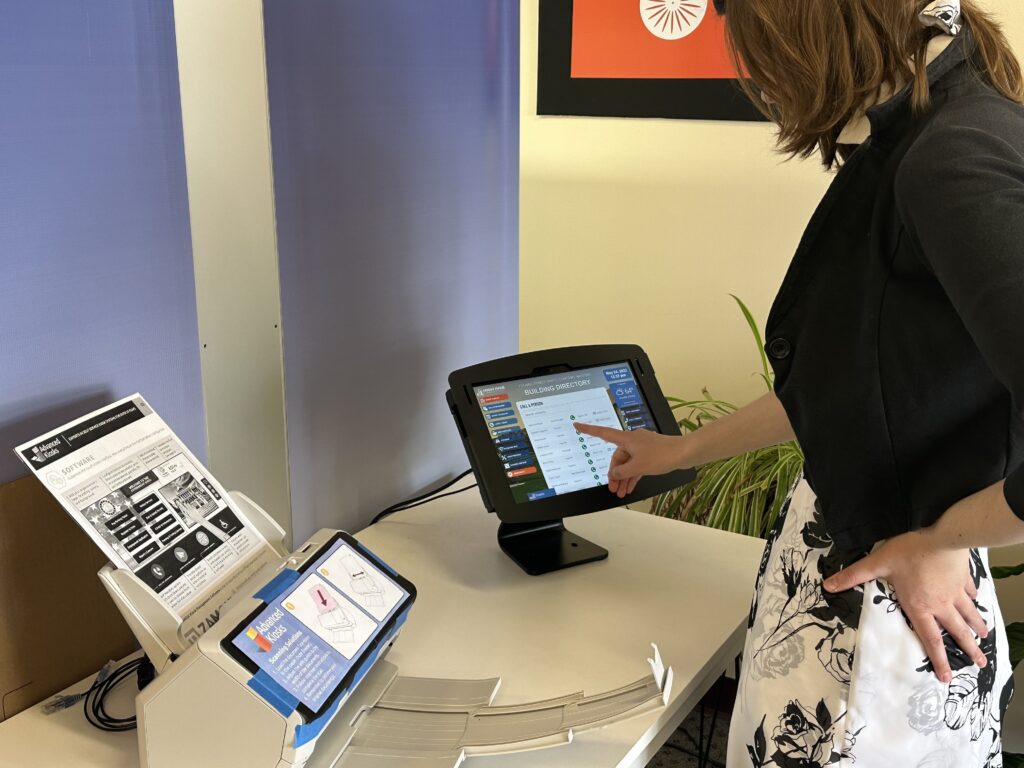
Greeter countertop tablet kiosk in lobby
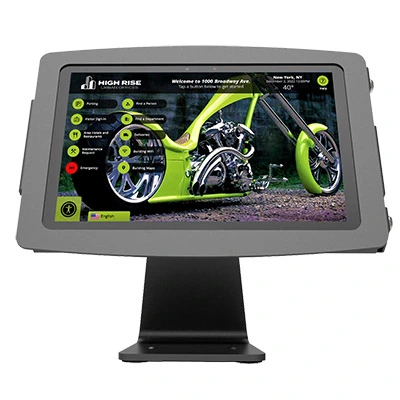
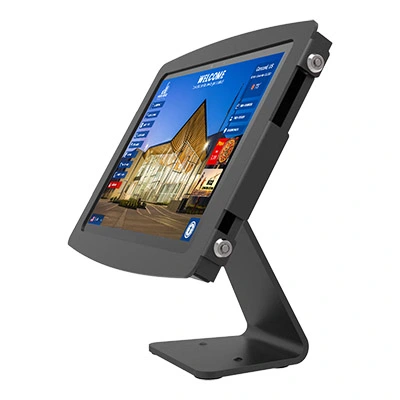
The Countertop Tablet Kiosk in the field
See the tablet across treatment, housing, and healthcare deployments.
Zamok Kiosk Management Software
Secure, manage, and expand the kiosk with Zamok
A public kiosk needs more than a website displayed full screen. Zamok is the secure operating environment and management layer that runs the Countertop Kiosk as a dependable public-service system.
- Lock the tablet to one approved application or website
- Protect the Windows environment and clear each session
- Manage content and configuration remotely
- Monitor status and receive operational notifications
- Review usage and engagement reporting
- Support the camera, card reader, and peripherals
- Add video conferencing, forms, and AI assistance as the project grows

Standard Features
- Microsoft Surface Pro 7+
- High-Grade Aluminum Enclosure
- Conceals charging cable
- Quick Lock and Unlock Keyed Lock
- Unlimited Tilt for Versatile Viewing
- Rotate Between Orientation Modes
- Mount it to any counter or leave freestanding (additional security provided by cable lock)
- Length: 4.72 inches
- Narrowest point: 4.33 inches
- Widest point: 5.43 inches
- Height to the hinge: 7.1 inches
-
8th Gen (or newer) Intel® i-Series
-
8 GB RAM
-
120 GB SSD
-
Windows 11 Pro
Upgrade Options
- Credit Card Reader
Accept swiped card payments for fees and services. - Vinyl Graphics and Logo
Brand the kiosk to match your organization’s look. - Barcode Scanner
Scan IDs, tickets, and documents for fast check-in and lookup.
- VOIP Handset
Connect visitors with staff for live help without leaving the kiosk. - Full Page Document Scanner
Scan and submit supporting documents without staff assistance. - Privacy Screen
Keep information visible only to the person using the kiosk.
- Computer Upgrades
Add processing power for demanding applications. - Signature Pad
Capture electronic signatures to complete forms and agreements. - Battery Backup
Keep the kiosk running through short power interruptions.
- AK Support Service
Get ongoing support, troubleshooting, and updates after launch. - Zamok Kiosk Software
Lock the kiosk to approved tasks and manage it remotely.
Why choose the Countertop Tablet Kiosk?

Durable and Secure
Commercial-grade aluminum enclosure with keyed and cable-lock security.

Space-Saving Design
Compact footprint that delivers full self-service where space is limited.
Adjustable and Ergonomic
Rotating, unlimited-tilt screen for comfortable use from any angle.

Customizable and Versatile
Supports check-in, forms, interpretation, and light transactions across industries.

Secured by Zamok
Locks to a single application and runs under a managed, remotely controlled browser.

Request Demo
Reach out to see this kiosk in action.
Download Brochure & Manuals
Case Studies
Read practical examples and industry insights that show how self-service kiosks support real public-service workflows.
100's of Videos
Watch product walkthroughs, demos, tutorials, and customer examples to see kiosk solutions in action.
Complete Knowledgebase
Find answers, setup guidance, support articles, and technical resources for kiosk hardware and software.
Newsletter Archives
Explore past updates, product news, customer stories, and self-service technology insights from Advanced Kiosks.
Kiosk Gallery
Browse photos of kiosk models, installations, configurations, and real-world deployment environments.
Customer Stories
See how organizations use Advanced Kiosks to reduce workload, improve access, and modernize service delivery.
FROM OUR BLOG

What Every Organization Should Know Before Implementing AI
Artificial intelligence is rapidly moving from experimentation to implementation across…

Read Our Latest 2026 Newsletter!
Our latest newsletter is packed with updates from the field,…
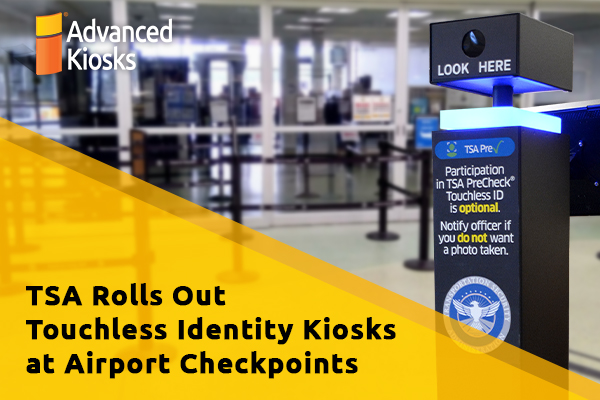
TSA Rolls Out Touchless Identity Kiosks at Airport Checkpoints
Moving millions of passengers safely through airport security requires more…
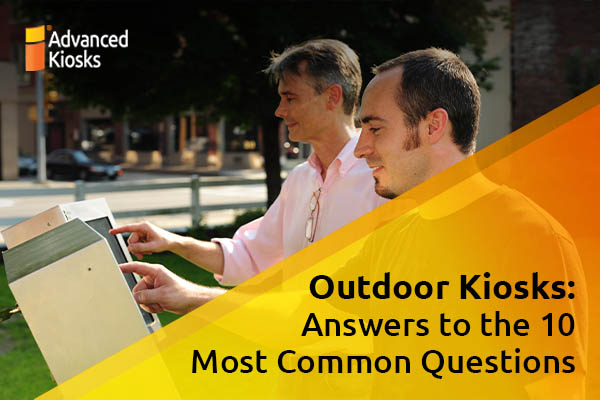
Outdoor Kiosks: Answers to the 10 Most Common Questions
As organizations look to bring services outside the traditional lobby,…
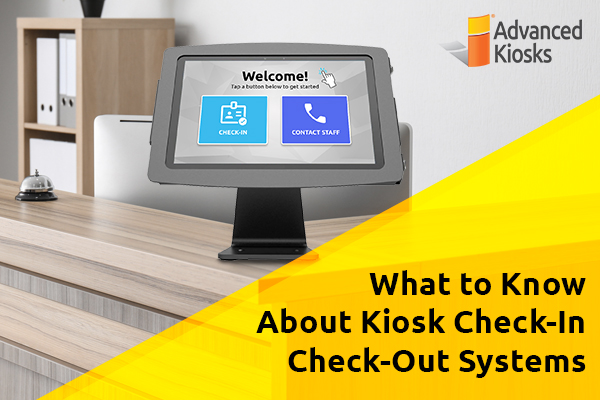
What to Know About Kiosk Check-In/Check-Out Systems
If you\'ve visited a modern government building, healthcare facility or…