


What could work better at your courthouse?
Help visitors find information, check in, complete paperwork, submit documents, make payments, and get assistance. Advanced Kiosks provides complete self-service systems, including hardware, software, onboarding, and ongoing support.
See Court Self-Service in Action
One courthouse.
More ways to serve.
From visitor check-in and directions to payments, paperwork, and live assistance, Advanced Kiosks brings court services together through complete self-service systems.
See how our hardware, software, and guided workflows help visitors get things done while giving court staff more time for the work that needs their attention.
Visitors need help finding their way
Greeter Visitor Management SystemVisitor and jury check-in takes staff time
Greeter Visitor Management SystemRoutine paperwork takes staff time
Kiosk Office SuiteVisitors struggle with complicated forms
Kiosk Office SuitePayments require counter assistance
Vault Secure Payment SystemLonger court tasks need a better workspace
Aegis DeskVisitors sometimes need help from staff
Aegis DeskVisitors need answers when staff are busy
Greeter Visitor Management SystemVisitors need information in other languages
Kiosk Office SuiteCourt Self-Service Solutions
Find the right solution for your court
Start with the work visitors need to get done.
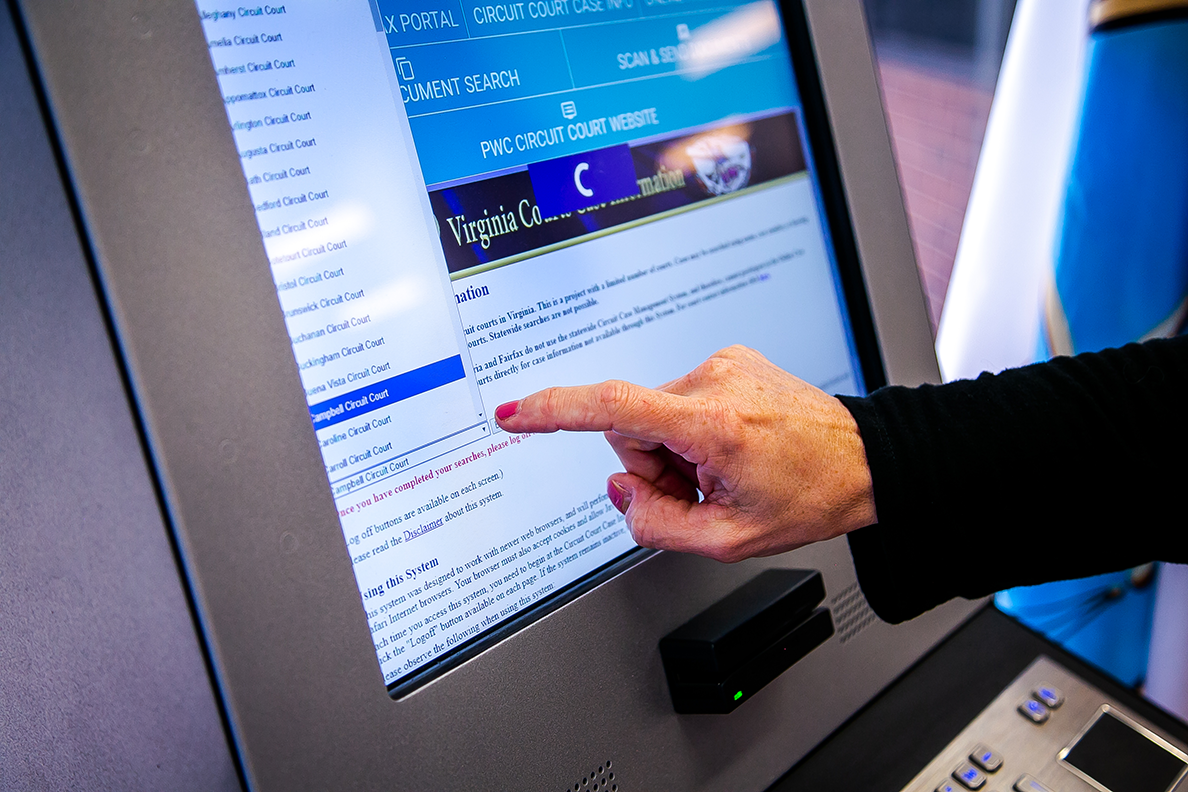
Shorter Interactions
Kiosk Office Suite
Help visitors find information, access existing online forms, print, scan and submit documents, or make eligible payments during a shorter visit. Zamok AI can assist with questions. Optional eForms can guide more complex submissions.
Explore Kiosk Office Suite
Arrival and Directions
Greeter Visitor Management System
Help people arriving for jury duty, appointments, or document services check in, find the right courtroom or office, and reach the appropriate person. Configure staff notifications and visitor guidance around your court's workflow.
Explore Greeter Visitor Management System
Longer, Seated Work
Aegis Remote Service Platform
Give visitors a seated workspace for longer court interactions. Aegis brings Kiosk Office Suite capabilities to complex forms and related documents that take more time to complete, with access to court personnel when assistance is needed.
Explore Aegis Desk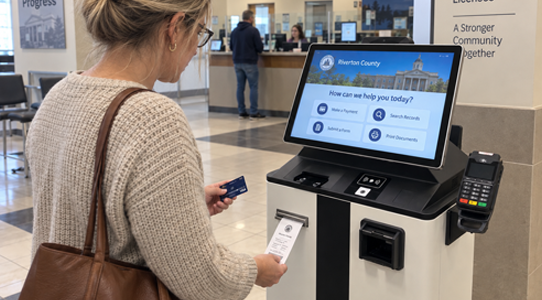
Payment Collection
Vault Secure Payment System
Give visitors a dedicated way to make eligible court payments and receive confirmation. Configure Vault around the court's payment methods, collection process, and reporting needs so transactions are clear for visitors and manageable for staff.
Explore Vault Secure Payment SystemReal Court Installations
See what other courts have done
Explore a real court need and the system behind it.

Information & Document Services
Prince William County
The Circuit Court Clerk's Office expanded access to forms, documents, payments, and court information through self-service kiosks at courthouse and community locations.
Read court story
Visitor Information & Directions
Loudoun County
The Clerk of Circuit Court uses a self-service kiosk to help visitors navigate the courthouse complex, access forms, and find information about court services and records.
Read court story


Onboarding & Support
Configured around the way your court works
Hardware, software, setup, and support come together around the service.
Understand the workflow
Start with the services people need, your existing forms and systems, visitor volume, and the help court staff provide.
Configure the experience
Choose the right equipment and software capabilities, then organize the interface and steps around the task.
Prepare staff and launch
Work through setup and training, then review how the system is used and where ongoing support is needed.
Court Project Funding
Planning a Court Technology Project?
Considering a State Justice Institute (SJI) Project Grant? Advanced Kiosks can help with product specifications, cost estimates, and implementation details to support your court's project planning.
The Digital Courthouse
Looking further ahead?
Picture a more connected court service experience, from arrival and information to paperwork, payments, and human assistance.
Explore the Digital CourthouseCommon Questions
Courthouse Kiosk Questions, Answered
A few things to consider when planning self-service for your court.
What can visitors do at a courthouse self-service kiosk?
Depending on the configuration, courthouse kiosks can help visitors find court information, access forms, print and scan documents, submit paperwork, make eligible payments, and check in for appointments or jury duty.
Can courthouse kiosks work with our existing court software?
Kiosk Office Suite can provide access to approved web-based applications and existing forms. Advanced Kiosks can review compatibility and any required integrations during project planning.
Can visitors scan and submit court documents?
Yes. Kiosk Office Suite supports document scanning, printing, and configured submission workflows. Courts can use existing online forms and applications, with optional eForms assistance for more complex processes.
Can kiosks support court payments and visitor check-in?
Yes. The Vault Payment System supports configured payment collection. The Greeter Visitor Management System supports visitor check-in, wayfinding, and staff notifications.
What does implementation involve?
Advanced Kiosks works with your team to identify workflows, select appropriate hardware and software, configure the interface, test the experience, and prepare staff for launch. Ongoing support is available after deployment.
Get Expert Guidance for Your Perfect Courthouse Kiosk Solution!
"*" indicates required fields


From Our Blog
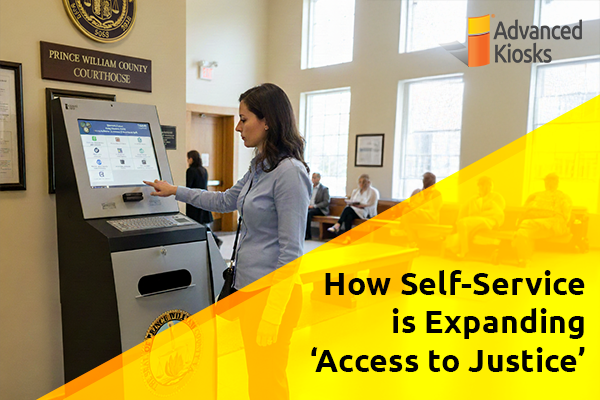
How Self-Service is Expanding ‘Access to Justice’
What is \'Access to Justice\'? Access to Justice is the…

Outdoor Kiosks: Answers to the 10 Most Common Questions
As organizations look to bring services outside the traditional lobby,…
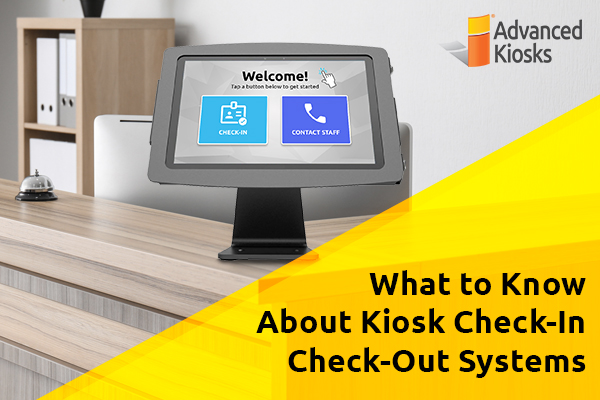
What to Know About Kiosk Check-In/Check-Out Systems
If you\'ve visited a modern government building, healthcare facility or…
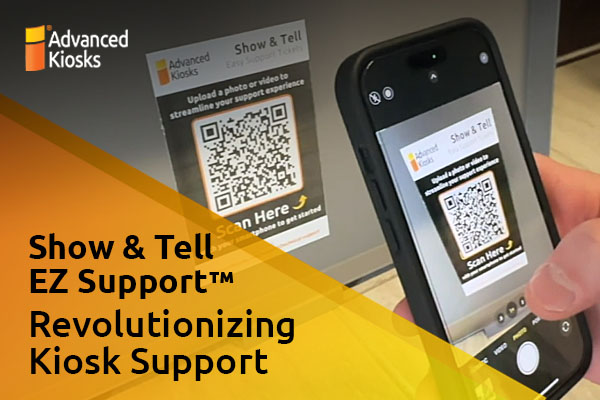
Revolutionizing Kiosk Support with Show & Tell EZ Support
At Advanced Kiosks, innovation is at the heart of everything…

Nine Must-Have Features of a Great Visitor Management System
Your lobby is often the first point of contact for…