Welcome NAHRO Attendees
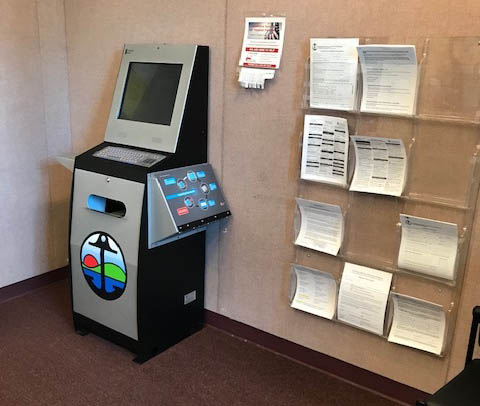
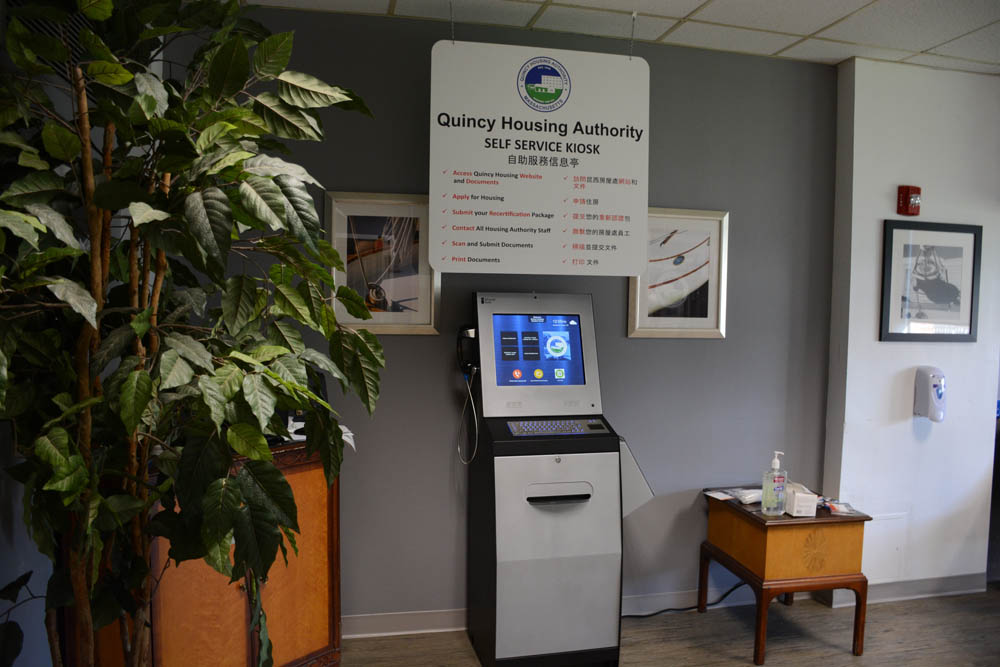
Part of the digital transformation of many housing authorities is the automation of documentation and customers serving themselves. Self-service kiosks give these housing authorities and their customers the benefits below:
- Reduce visitor wait times and improved customer service
- Customer access to resources 24 hours a day 7 days a week
- Increase staff efficiency with less paper
- Lower operational and labor costs
- Weekly reports and statistics for tracking usage data
- Real time notifications of any problem at the kiosks
- Translation of most content customers language
- Accessibility for handicapped individuals
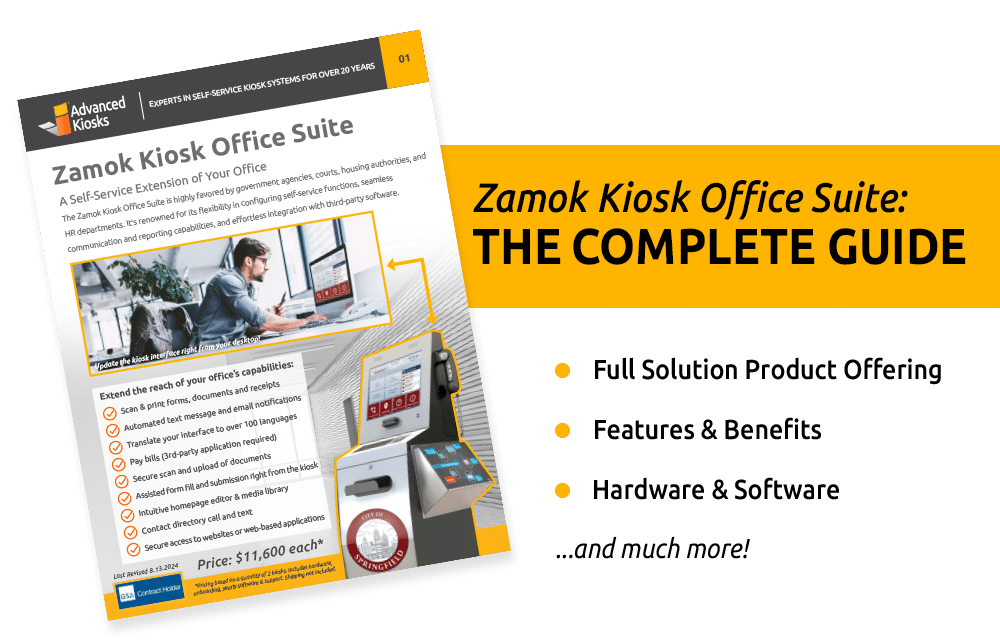
- Read more about Kiosk Office Suite


YES! We support your THIRD-party software!
*Advanced Kiosks is not affiliated with any of these fine companies. Zamok allows your users to securely log into their user accounts, where they can access most functionality they would have a home computer. If they walk away they will be logged out and the cache will be cleared. Functions of file uploads and notification are limited to the companies that have allowed us to access to an API. Ask your sales associate for more information.
Join Housing Authorities across the country utilizing the Kiosk Office Suite to offer their services 24/7!
⌂ Pittsburg Housing Authority, CA
⌂ Bessemer Housing Authority, AL
⌂ College Park Housing Authority, GA
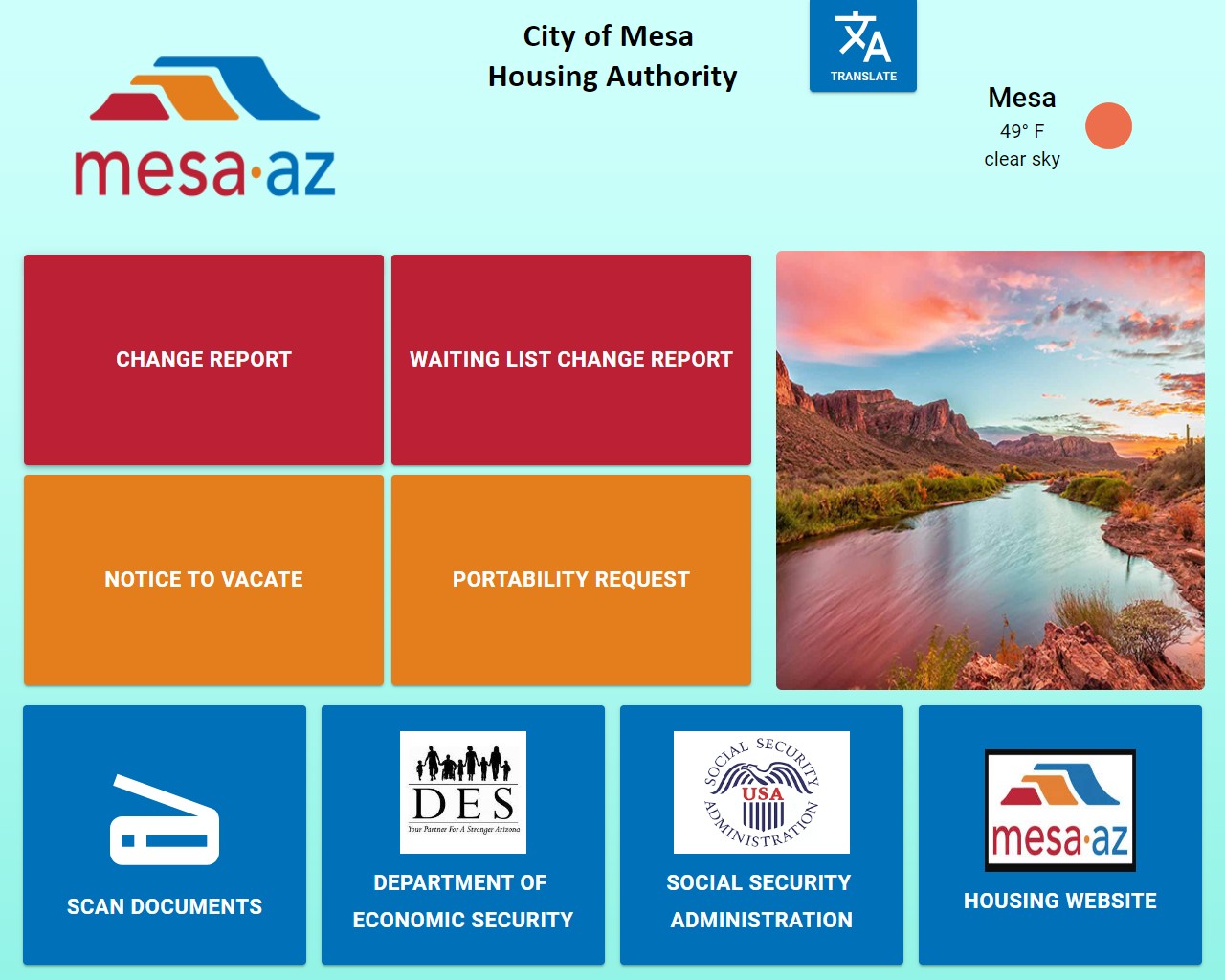
⌂ City of Mesa Housing Authority, AZ
⌂ Athol Housing Authority, MA
⌂ HA of the County of Stanislaus, CA
⌂ City of Longview Housing, TX
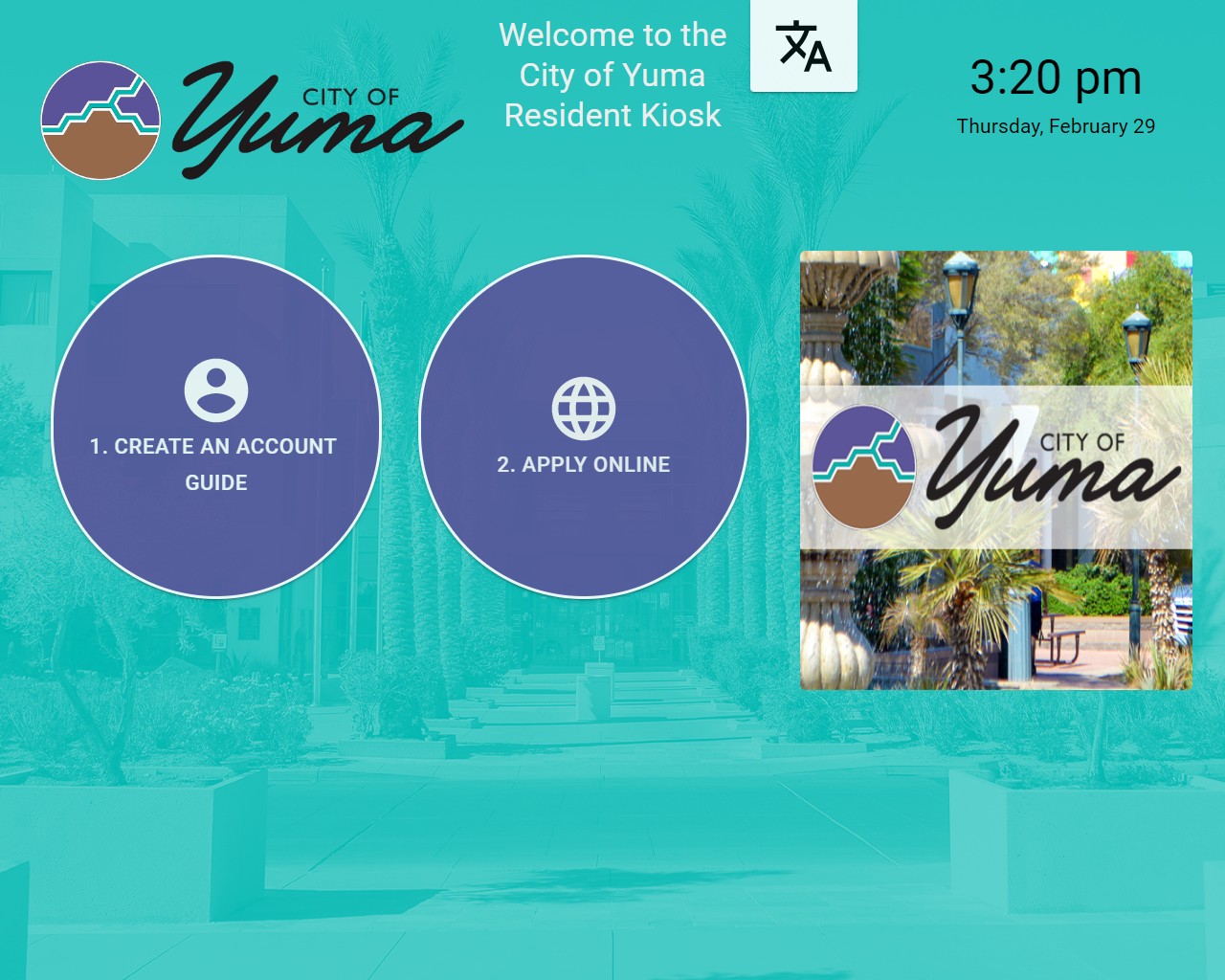
⌂ City of Yuma Housing Authority, AZ
⌂ Merced Housing Authority, CA
⌂ Asbury Park Housing Authority, NJ
⌂ Livermore Housing Authority, CA
⌂ Charter Oak Communities, CT
⌂ Hennepin County, MN
⌂ Mississippi Regional Housing Authority, MS
⌂ Canton Housing Authority, MS
⌂ Rochester Housing Authority, NY
⌂ Muncie Housing Authority, IN
⌂ Montgomery County, AL
⌂ Jackson Housing Commission, MI
⌂ Butler County HRA, PA
⌂ Lakeland Housing Authority, FL
⌂ Vallejo Housing Authority, CA
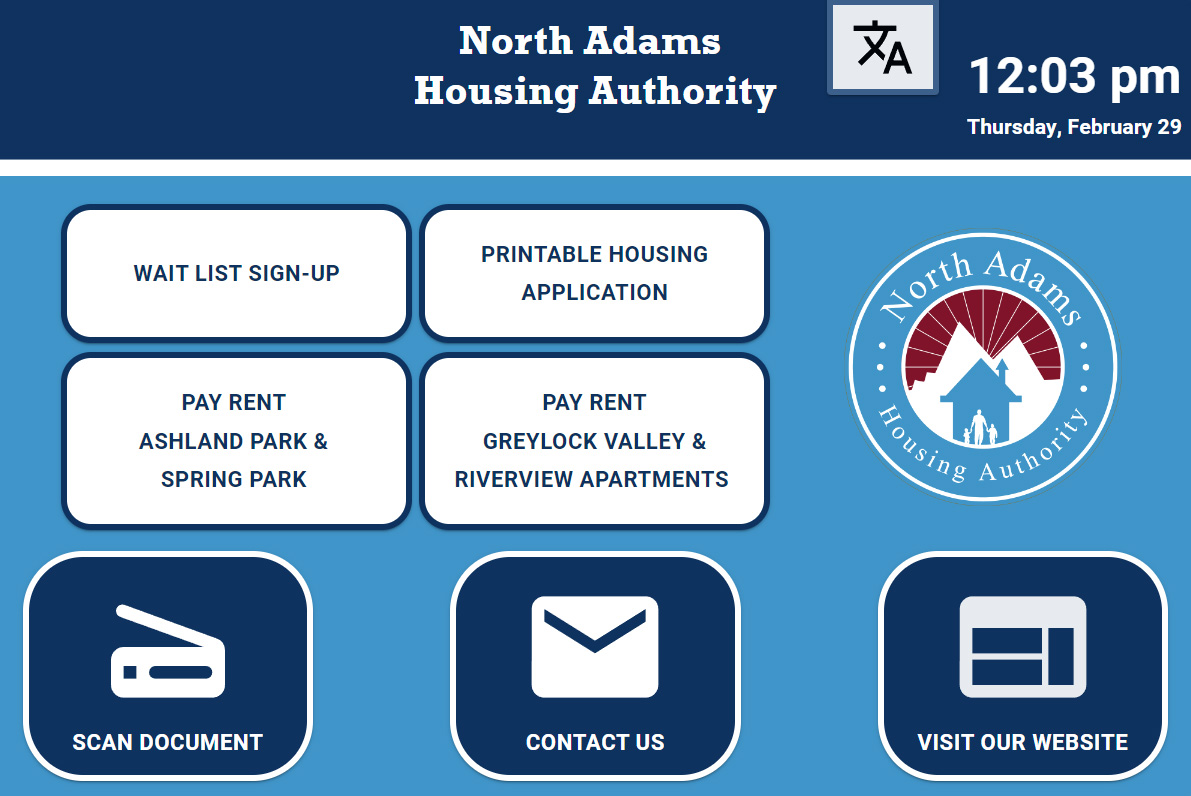
⌂ North Adams Housing Authority, MA
⌂ City of Danbury HA, CT
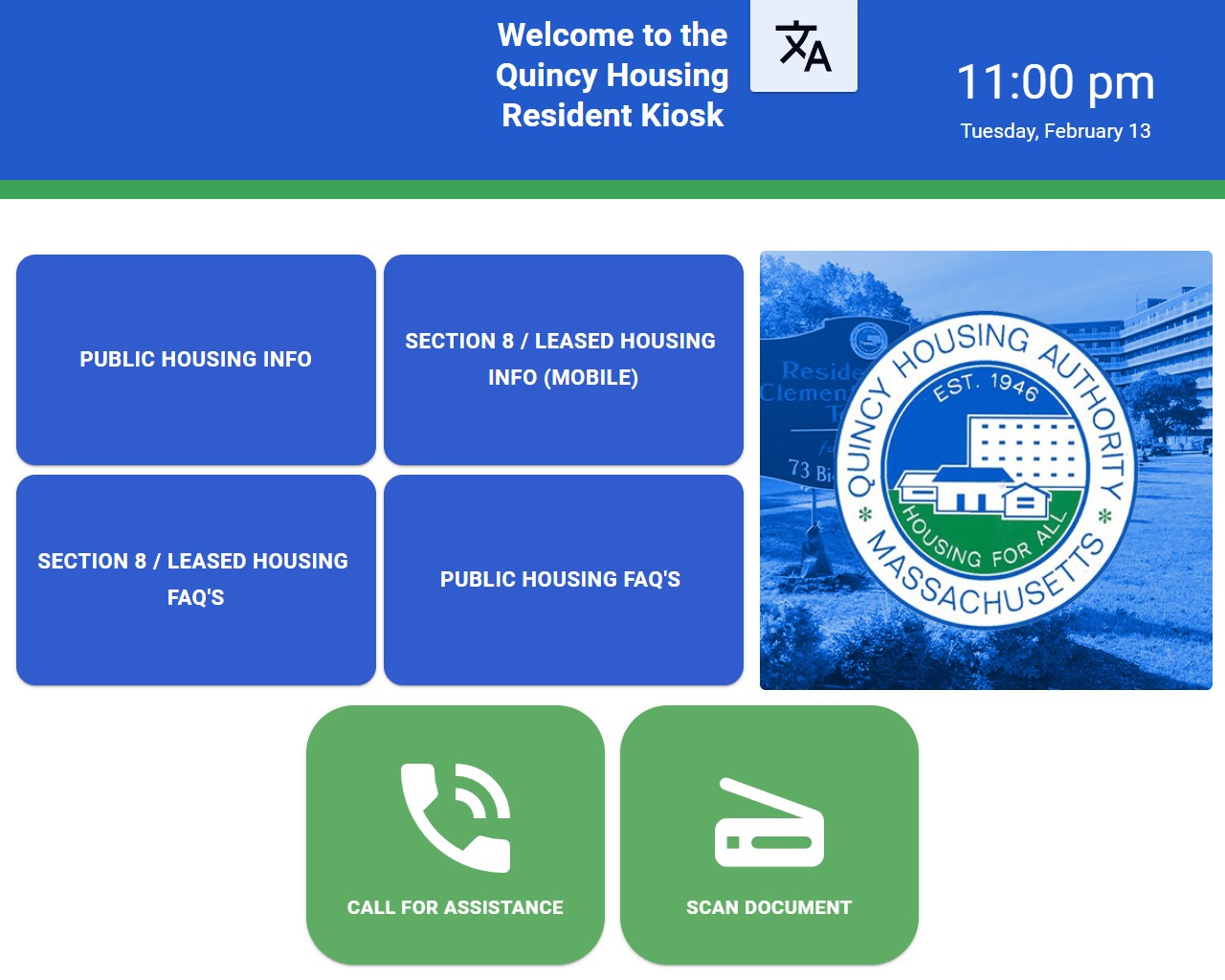
⌂ Quincy Housing Authority, MA
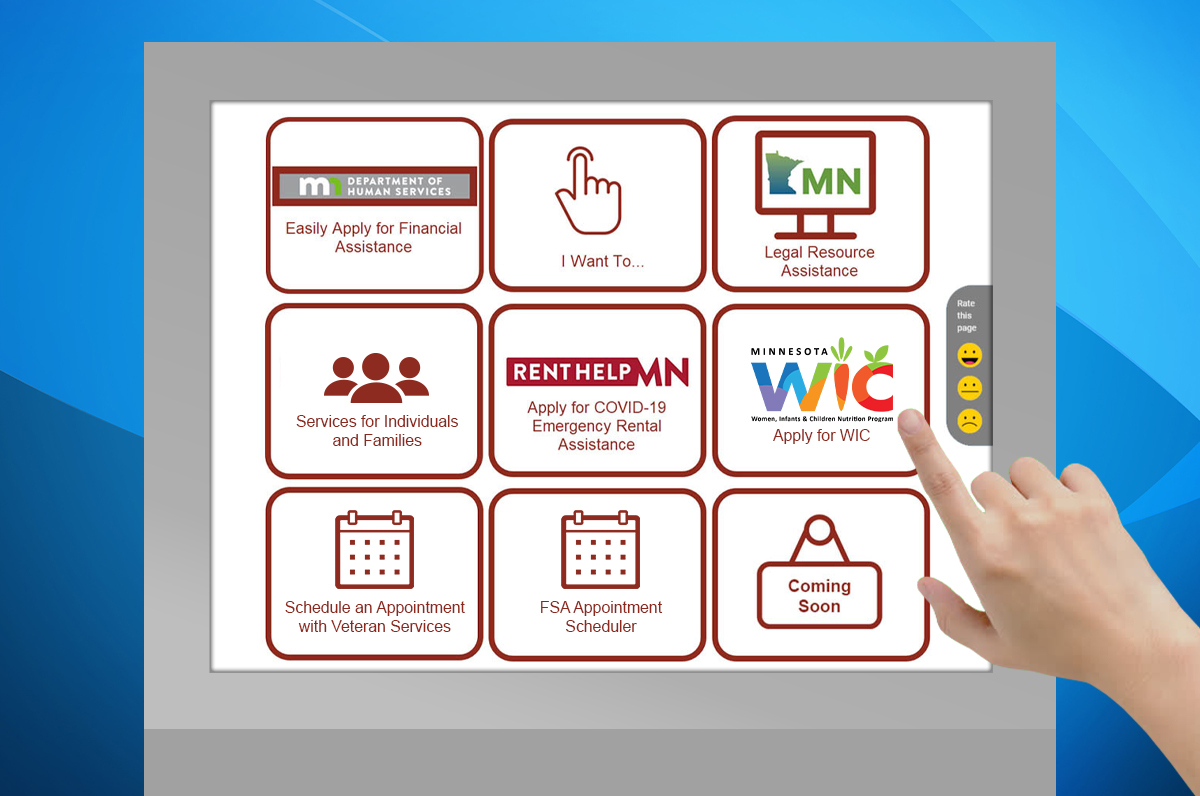
View our Housing Authority Case Study, Blog and Sample Interface

Read more BLOGS about how we help offices save time, money and resources.
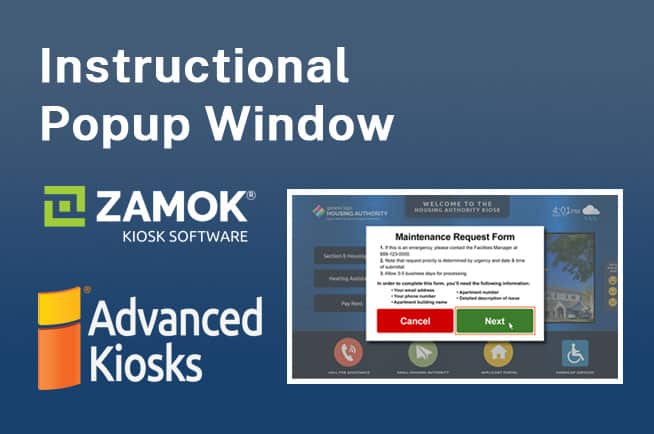

Olmsted County’s Housing and Redevelopment Authority partnered with Advanced Kiosks to deploy 11 custom interface Zamok Kiosk Office Suites across public spaces, streamlining operations and enhancing service accessibility for residents. These kiosks offer 24/7 self-service options for a range of tasks, significantly improving the community’s ability to independently access essential services, supported by an effective outreach campaign through instructional videos.
Kiosk FormFlow for Housing Authorities
No more handwritten forms!
Not only will FormFlow deliver your customers’ forms, applications and registrations in readable format, it can also parse complicated forms into a step by step process, guiding the user along the way with instructions and tips
- Help improve the accuracy of the information you receive by presenting your forms on a kiosk.
- FormFlow will translate your forms on the fly into whatever language the user selects.
- Control who receives the data and in what format.
- Offer 24/7 customer access
Receive Brochure, Information & Pricing
Thank you for your interest in our kiosks! By providing your email address, you’re taking a step towards detailed, personalized information about our products.

Here’s what you can expect:
- Privacy Respect: We value your privacy. Your email address will be used solely for the purpose of providing you with the requested information and updates from Advanced Kiosks. We do not share your personal information with third parties without your explicit consent. See our Privacy Policy here
- Opt-out Anytime: We strive to send only valuable information. However, if you no longer wish to receive these communications, you can easily unsubscribe at any time via a link in every email.
- Immediate Access to Pricing: Once you submit your email, you will receive an immediate response with detailed pricing information for the products you are interested in. This helps you plan and budget for your project without any delays.
- Customized Solutions: We’ll tailor our communications to your specific needs and interests based on the information you provide.
- Expect emails that detail product features, customization options, and solutions that best suit your requirements.
- Exclusive Updates: You’ll receive updates on new product launches, enhancements to our current offerings, and special promotions that are exclusive to our email subscribers.
What You Can Expect from an Advanced Kiosks Project
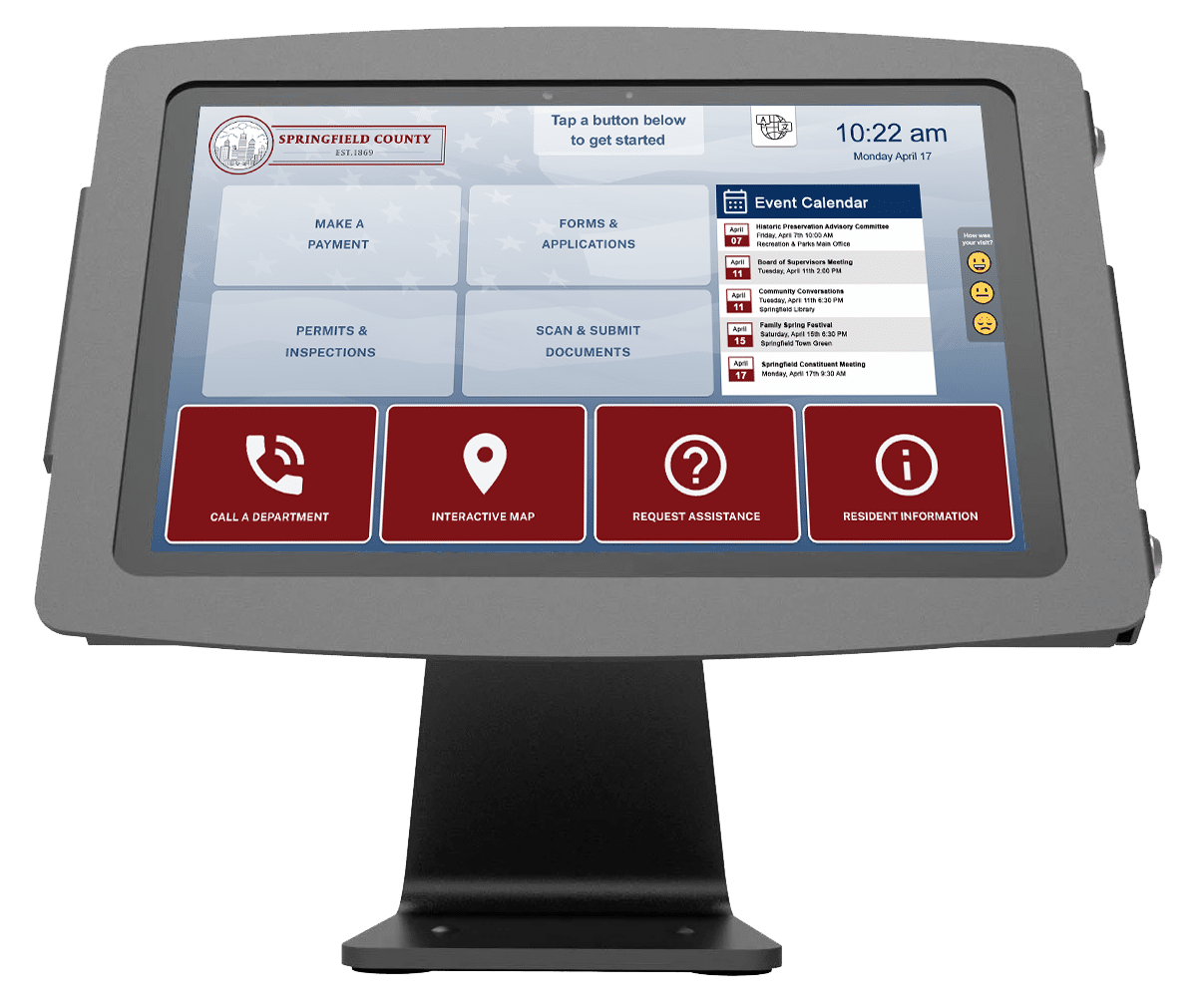
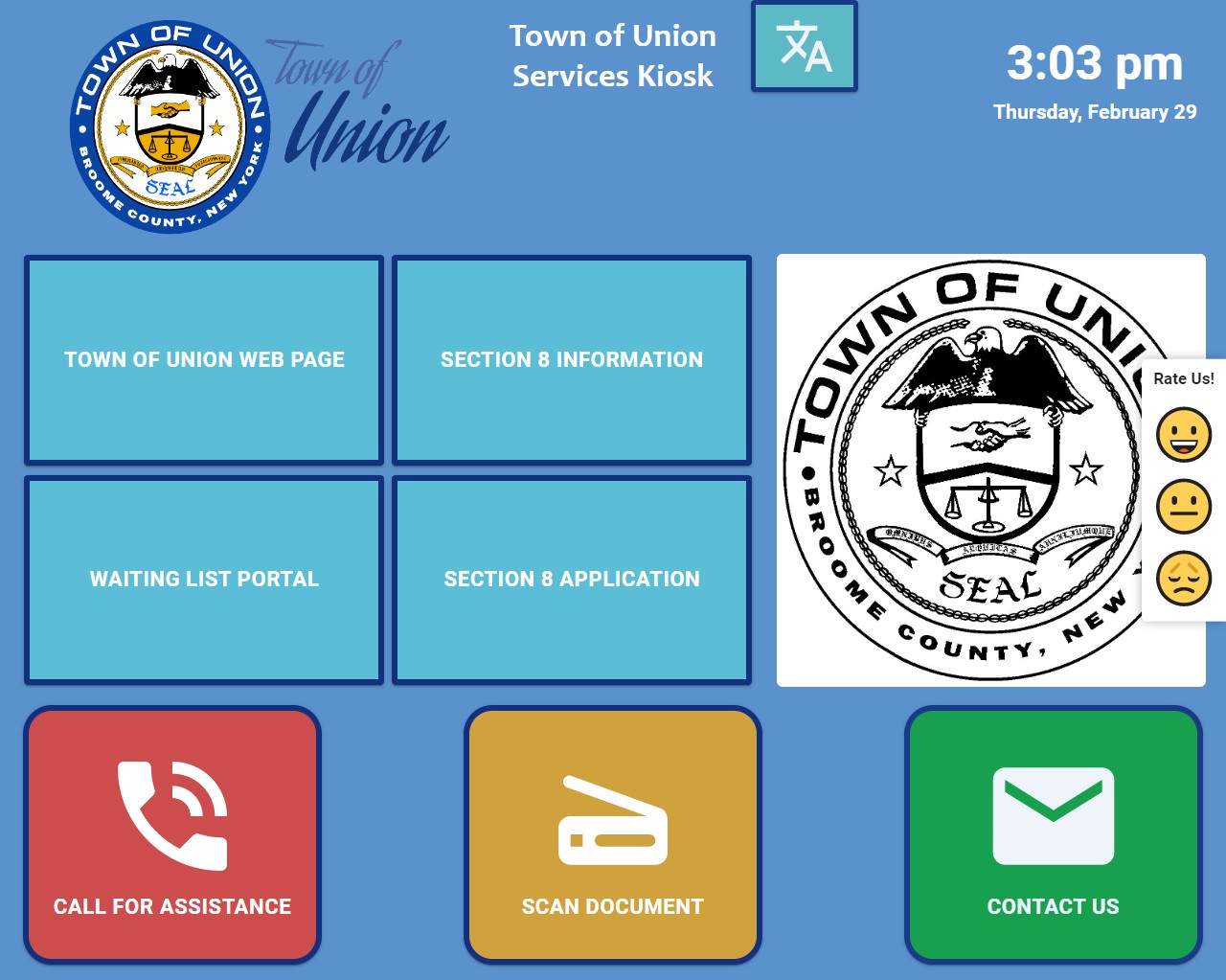
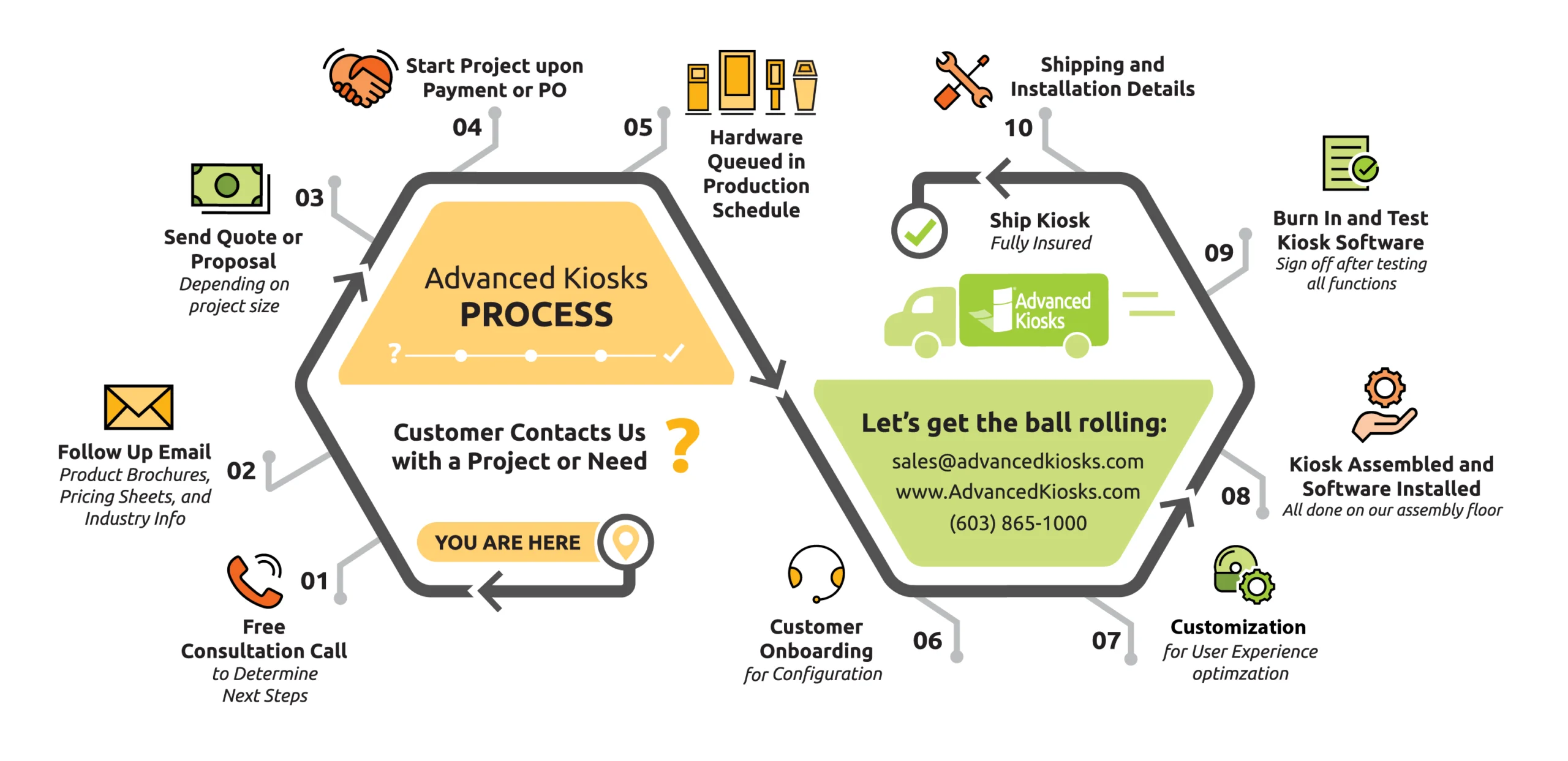
Embarking on an Advanced Kiosks Project is a journey tailored to your community’s needs, from initial consultation to final delivery. Here’s what you can expect as we customize your project to perfection. With Advanced Kiosks, you don’t just get a kiosk; you receive a tailored User Interface designed to showcase your community and its unique identity.
At Advanced Kiosks, we recognize that the physical hardware is only half the picture. What truly drives consistent performance and delivers meaningful outcomes is the software platform behind it. Every self-service kiosk you see in a government office, college campus, or corporate lobby depends on one thing above all else: software that makes it run flawlessly.
That’s why we developed Zamok: the kiosk management platform that keeps every kiosk in your network online, secure, and performing at its best.
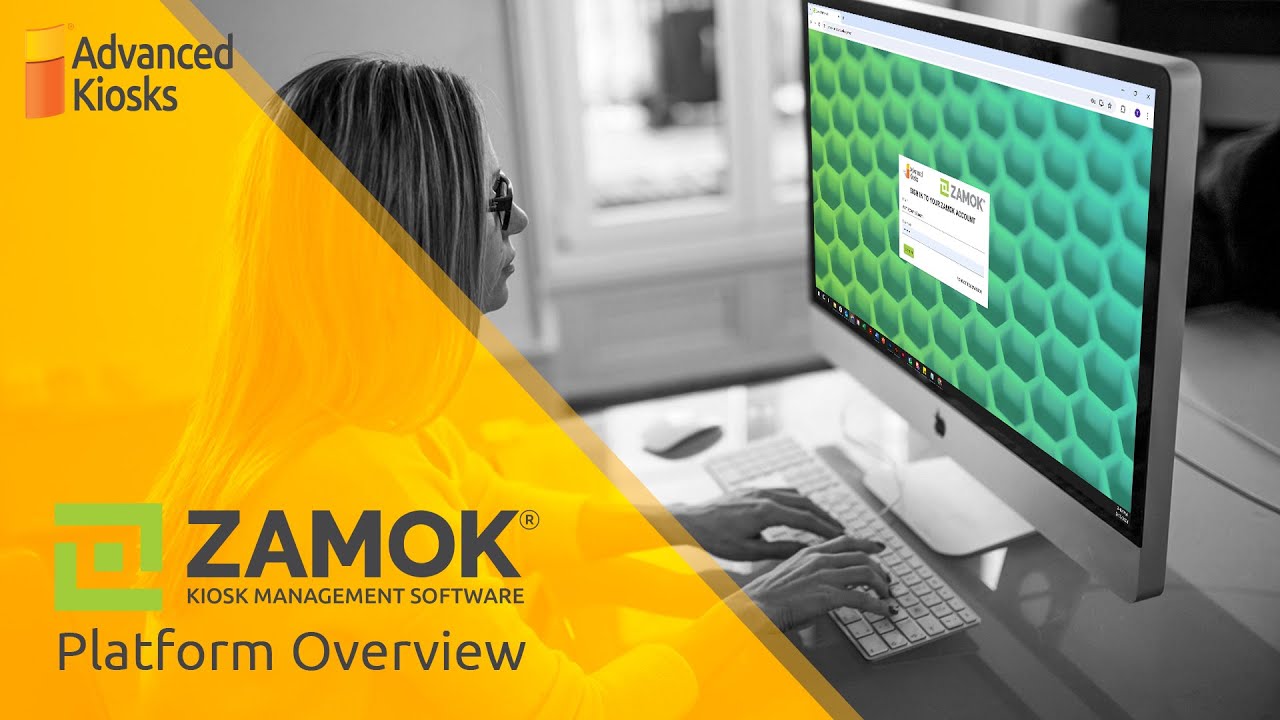
Well, what is Zamok? Zamok is not just a piece of software. It is the command center for your entire kiosk network. It connects every kiosk to a web-based dashboard, giving administrators full control over operations, updates, reporting, and security from one centralized location.
Building Trust Through Reliability
Self-service kiosks play a critical role in public service delivery, campus operations, and enterprise environments. When people interact with a self-service kiosk, they expect it to work — consistently, securely, and without interruption. That expectation of reliability is the foundation of trust between your organization and the public you serve. For many organizations, they are the first and sometimes only point of contact between the public and essential services. When kiosks go offline, users lose access, operations slow down, and trust erodes.
Zamok Uptime ensures that every kiosk in your network is performing as intended. Through real-time monitoring and automated alerts, administrators can see the live status of each kiosk, identify potential issues, and take immediate action before they disrupt service. The result is a seamless user experience supported by reliable technology that reflects well on the organization behind it.
Zamok’s reliability is something we take great pride in.
Over the past 90 days, the Zamok Dashboard has maintained an uptime of 99.988%, with 100% availability recorded over the last 30 days. On average, the system responds in under 250 milliseconds. Even minor service interruptions are rare, and are typically resolved in under five minutes. This level of consistency rivals enterprise-grade cloud infrastructure, demonstrating that Zamok isn’t just software, but a trusted operational backbone for organizations nationwide.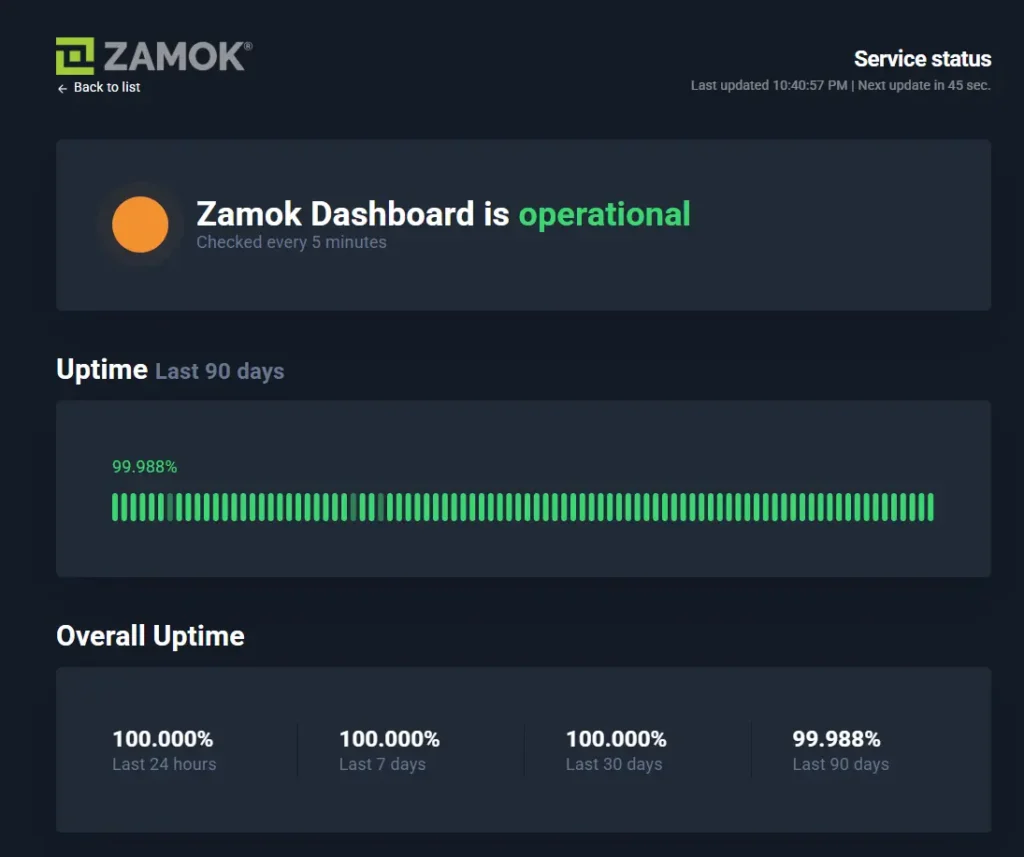
Zamok’s capabilities are proven in the field through high-profile deployments across the country: In Richland County, South Carolina, tax payment kiosks introduced in 2025 now allow residents to complete transactions closer to home.
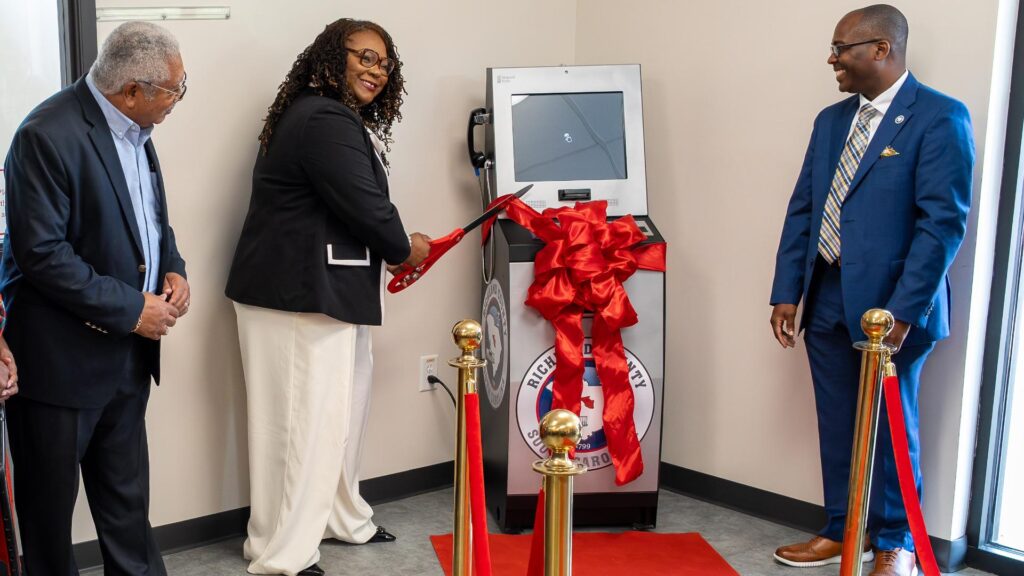
With Zamok’s uptime monitoring and reporting, county staff can oversee every unit remotely, ensuring consistent service availability and accurate data tracking.
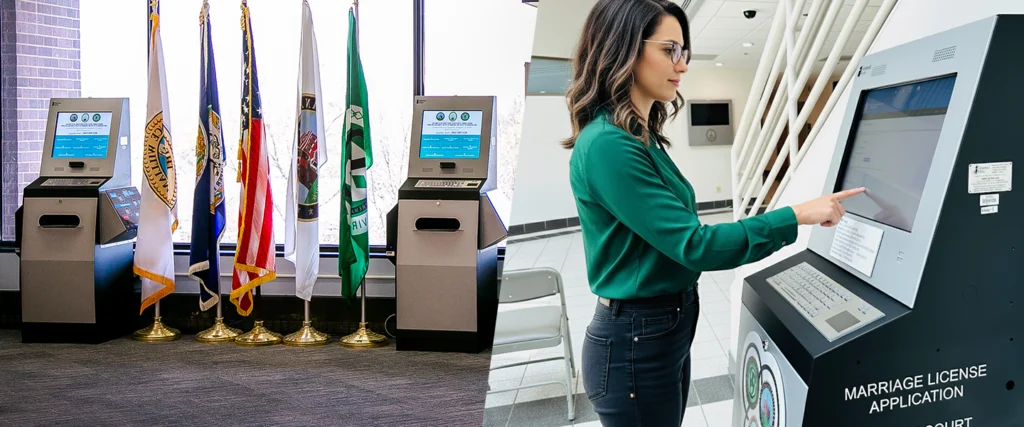
In Prince William County, Virginia, the Circuit Court deployed a network of kiosks powered by Zamok to provide 24/7 access to court services such as payments, document submission, and case lookup. Clerk of Court Jacqueline Smith called the system “as close to plug and play as a kiosk could be,” emphasizing how reliability and proactive monitoring allowed the county to expand services without expanding staff.
A Complete Management Ecosystem
Zamok Uptime is part of a larger system designed to simplify kiosk operations and improve long-term performance. Beyond monitoring and analytics, Zamok includes a full suite of management and security tools that give organizations total control and peace of mind.
- Remote Management: Administrators can update content, push forms, and apply patches without visiting physical sites. Whether you’re managing ten kiosks or a hundred, Zamok allows you to take action across your entire network with just a few clicks right from your desktop.
- Content Management: Updates and form changes can be deployed simultaneously across every kiosk in the network. This ensures that all information remains accurate, up to date, and consistent with organizational standards.
- Access Control: Permissions and security settings can be customized by role, maintaining data integrity and protecting sensitive information. Administrators can restrict browsing, enable whitelisted websites, and enforce session resets to safeguard every user interaction.
- Usage Analytics: Real-time dashboards show exactly how and when kiosks are being used, helping organizations refine placement and content strategies.
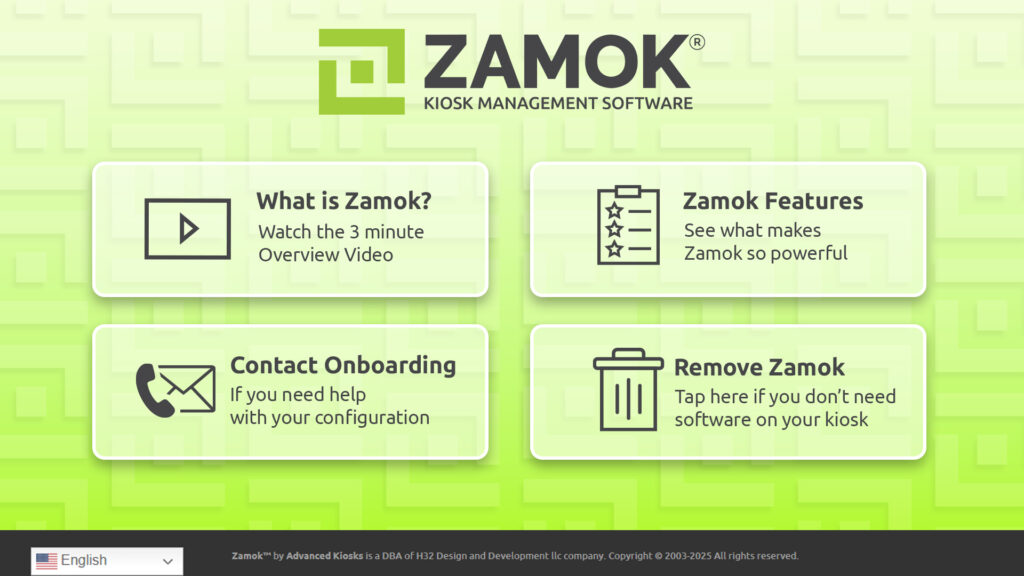
As of November 2025, all kiosks that ship out of the Advanced Kiosks warehouse comes equipped with Zamok pre-loaded on the hardware. This means that every kiosk is secure, locked down, and easy to manage. Customers receive a free trial to see the power and convenience that it offers first-hand. It can be easily uninstalled at any point, making it a helpful launching point for customers who are unsure of how they will manage their kiosks moving forward.
Turning Insights into Action
Reliability is only part of the equation. Zamok also turns everyday kiosk activity into actionable data that helps organizations measure performance, track return on investment, and justify future deployments.
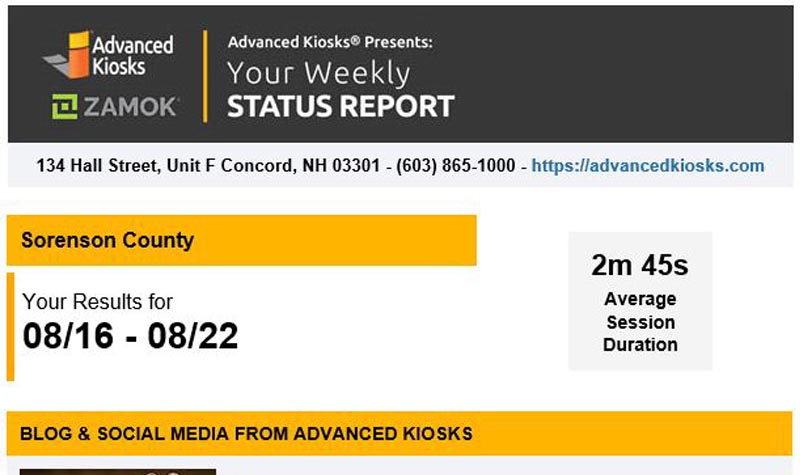
Every Tuesday morning, Zamok Reports land in administrators’ inboxes, providing a clear weekly summary of how each kiosk is being used. From sessions completed and forms submitted to calls placed and documents scanned, these reports reveal how users engage with your services and where improvements can be made.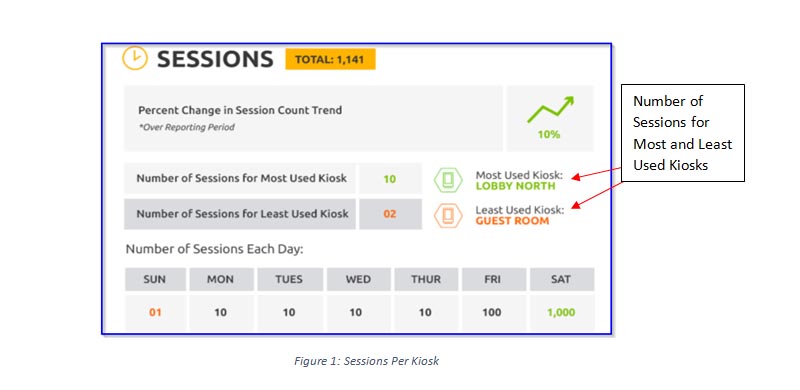
- Sessions Completed – Track overall usage and identify high-traffic locations where kiosks deliver the most impact.
- Forms Submitted – Measure digital adoption and evaluate how efficiently users are completing their tasks.
- Calls Placed – Highlight areas where users still rely on live assistance, helping teams fine-tune service delivery.
- Documents Scanned – Monitor paper reduction and workflow improvements across your organization.
For government agencies, universities, law enforcement offices, and businesses managing multiple locations, these weekly insights eliminate guesswork and simplify decision-making. They also make it easier to demonstrate ROI and justify funding for future projects — turning transparency and performance into lasting trust.
By consolidating these capabilities under one platform, Zamok eliminates the need for multiple tools or manual oversight. The result is a stable, measurable, and cost-effective kiosk network that serves both users and administrators effectively.
At Advanced Kiosks, we believe confidence isn’t built on claims — it’s built on results. Zamok provides the foundation for that confidence, keeping your self-service technology dependable, secure, and effective for the long run.
Make Zamok work for you – manage, monitor, and measure every kiosk from one secure and powerful platform: advancedkiosks.com/products/kiosk-software
- Understanding Your Requirements: Our experts will take the time to listen carefully to what you're trying to do, your needs, objectives, and budject.
- Vision Exploration: We'll discuss your vision for the project, including the goals you aim to achieve and the outcomes you envision. This allows us to align our recommendations with your overarching vision and objectives.
- Tailored Recommendations: Based on our understanding of your requirements and vision, we'll provide tailored recommendations and insights. This may include suggestions for hardware options, software features, customization opportunities, and project implementation strategies.
- Answering Your Questions: Throughout the consultation call, we encourage you to ask any questions you may have. Whether it's about our process, the capabilities of our solutions, or specific project considerations, we're here to provide clarity and guidance.
Overall, the consultation call serves as the foundation for a collaborative partnership, where we work together to shape a solution that meets your needs and exceeds your expectations.
After the initial consultation, expect to receive follow-up emails. These are long emails will include:
- Product Brochures: Detailed brochures outlining the features, specifications, and benefits of our solutions. These brochures provide a comprehensive overview of our products, helping you understand their capabilities and suitability for your project.
- Pricing Sheets: We offer transparent pricing sheets that outline the costs associated with our products and services. We aim to provide clear and concise pricing information, empowering you to make informed budgetary decisions.
- Relevant Industry Information: We'll also share relevant industry insights, case studies, and success stories to further illustrate the value and impact of our solutions. This information helps you gain a deeper understanding of how our products can address common challenges and deliver tangible benefits.
By providing these resources, we aim to ensure you have all the necessary details to evaluate our solutions and make informed decisions that align with your project goals and budgetary considerations.
Following our consultation and provision of relevant information, when you're ready to move forward, we'll send you a comprehensive quote or proposal tailored to your specific needs and requirements. This document will outline:
- Scope of Work: A detailed description of the proposed project scope, including the objectives, deliverables, and timeline.
- Cost Breakdown: Transparent pricing breakdown detailing the costs associated with hardware, software, customization, onboarding, support, and other relevant services.
- Customization Details: Information on how we'll customize our solutions to meet your unique needs, including branding, user interface design, content creation, and integration requirements.
- Terms and Conditions: Clear terms and conditions governing the proposed engagement, including payment terms, warranty coverage, and service level agreements.
- Optional Add-Ons: Any optional add-on services or features that you may consider to enhance the functionality or value of the project.
Our goal with the quote or proposal is to provide you with a comprehensive overview of the proposed solution, its associated costs, and the terms of engagement. This document serves as a basis for further discussion and ensures alignment between our offerings and your expectations.
This step marks the beginning of our collaborative journey to bring your customized solution to life. You will receive paperwork from our accounting department and an introduction to your dedicated Onboarding representative.
Concurrently, our hardware team will start building your project according to the specifications outlined in the proposal.
Quality and durability are our top priorities. Onboarding will keep you up to date on where your kiosk is in the production schedule and inform you when it will ship.
- Initial Consultation: We'll kick off the process with an in-depth consultation to understand your goals, preferences, and requirements. This allows us to gain insights into the specific features you want to incorporate into your project.
- Branding and Design: Our team will work with you to customize the branding and design elements of your kiosk, ensuring that it reflects your brand identity. This includes selecting color schemes, fonts, logos, and other visual elements to create a cohesive and visually appealing user interface.
- Content Creation: We'll assist you in curating and creating compelling content for your CityGuide kiosk, including event listings, public service directories, tourist attraction details, and other relevant information. Our goal is to ensure that the content is informative, engaging, and tailored to meet the needs of your community.
- Functionality and Features: We'll collaborate to determine the specific functionalities and features you want to incorporate into your user interface kiosk. Whether it's real-time event updates, interactive maps, multilingual support, or QR code integration, we'll customize the User Interface to meet your requirements.
- User Testing and Feedback: Throughout the customization process, we'll conduct user testing and solicit feedback to ensure the kiosk meets your expectations and requirements. Based on your input, we'll make any necessary adjustments and refinements, ensuring that the final product is precisely tailored to your needs.
- Training and Support: Once the customization process is complete, we'll provide comprehensive training to ensure you and your team are fully equipped to manage and operate the kiosk effectively.
Additionally, our dedicated support team will be available to provide ongoing assistance and support whenever you need it.
Overall, our Onboarding and Customization process is designed to provide you with a tailored solution that meets your specific needs and requirements. We're committed to ensuring that your kiosk project is a valuable asset that enhances engagement, convenience, and connectivity.
We integrate your branding elements, design preferences, and desired functionalities into the CityGuide kiosk. This includes adjusting the layout, color scheme, content, and interactive features to create a seamless and engaging user experience.
Communication and collaboration are paramount throughout this process. We prioritize your feedback and input to ensure that the final product aligns with your expectations and meets the unique needs of your community. Our goal is to fine-tune the kiosk to perfection, delivering a solution that not only informs and engages but also enhances the overall experience for users interacting with your kiosk.
At this phase, we also focus on setting up higher-level workflows and testing them as needed. This involves implementing QR codes, integrating third-party web-based apps, ensuring seamless translation, and enhancing accessibility features.
- QR Codes: We create and integrate QR codes to enable users to access specific features or information conveniently on their mobile devices.
- Third-Party Web-Based Apps: We set up secure browser windows within the kiosk interface to host third-party web-based applications, expanding the functionality and utility of the system.
- Translation and Accessibility Features: We ensure that the kiosk interface supports multilingual options and complies with accessibility standards, making it inclusive and accessible to all users, including those with disabilities. Testing is conducted to verify the effectiveness and usability of these features across different scenarios and user interactions.
By meticulously configuring these workflows and conducting thorough testing, we guarantee that the system is equipped to deliver a seamless and comprehensive experience to users, regardless of their language preferences or accessibility needs.
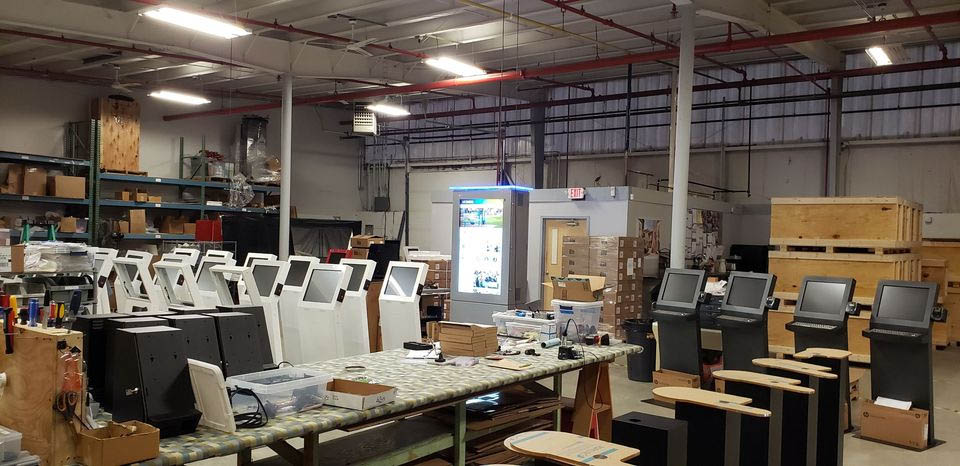
During this phase, our team meticulously assembles the kiosk hardware according to your specifications. This includes integrating all components and peripherals required for optimal functionality. Once assembled, the customized software is installed and tested to ensure seamless compatibility with the hardware components.
Our technicians conduct thorough testing to verify that the software operates smoothly and efficiently on the kiosk. Any adjustments or optimizations are made as needed to ensure that the final product meets our high standards of performance and usability.
By combining expert hardware assembly with tailored software installation, we ensure that your kiosk project is not only visually appealing but also fully functional and ready to deliver an exceptional user experience.
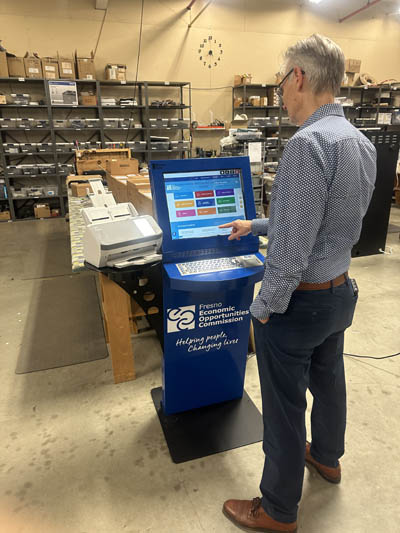
In addition to hardware testing, a Project Manager conducts a final review of the kiosk software. This comprehensive assessment includes evaluating the user interface layout, workflow design, and functionality to ensure an intuitive and seamless user experience.
During this review meeting, the project manager provides feedback on the customization efforts, highlighting areas of success and addressing any potential improvements. This collaborative discussion ensures that the product meets your expectations and aligns with the unique needs of your community.
Furthermore, we document each kiosk configuration in our CRM for technical support. This documentation ensures that our support team has access to detailed information about your product, facilitating efficient troubleshooting and resolution of any issues that may arise.
With thorough testing and documentation in place, your product is ready to deliver exceptional experiences from day one.
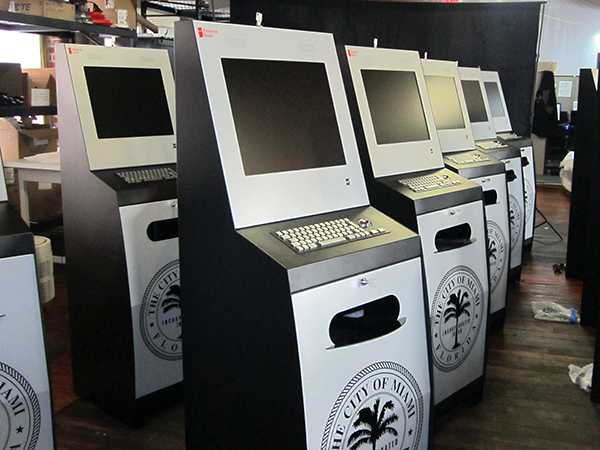
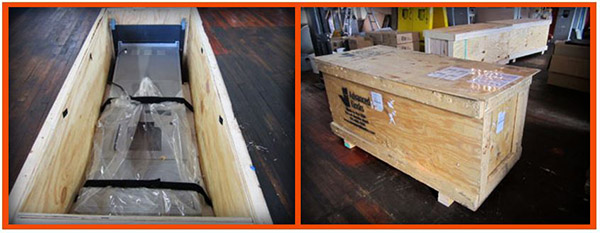
Our team carefully packages your product to safeguard it during transit, ensuring that it arrives at its destination in pristine condition. Whether your installation site is within your town hall, tourist center, public square, or any other location, we ensure the shipping process is seamless and secure.
Upon receiving your kiosk, installation is straightforward and hassle-free. Our comprehensive installation instructions guide you through the process, allowing you to set up your kiosk quickly and efficiently. Should you require any assistance or support during the installation process, our team can provide it.
With its personalized interface and comprehensive features, your kiosk project is poised to become an invaluable resource for your community, fostering connectivity, convenience, and engagement.
Frequently Asked Questions
What are the use cases for a housing authority kiosk?
Use cases for self-service kiosks for housing authorities include:
- Scanning
- Form fill
- Printing
- VoIP
- Bill pay
- Video support
- Language translation
- Self check-in
- Information access
What interactive kiosks are recommended for housing authorities?
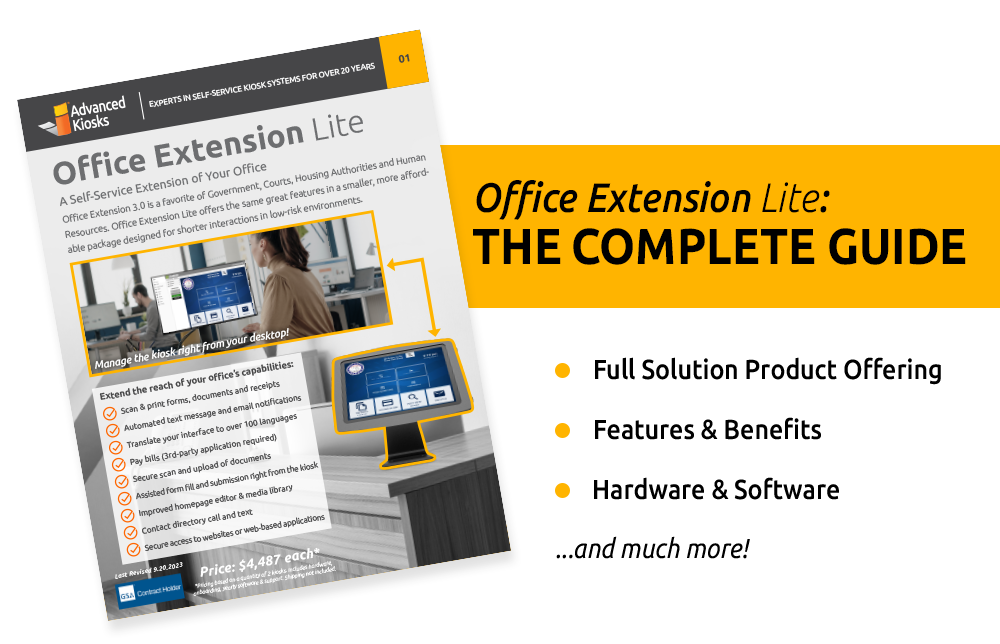
We offer many self-service kiosk models for housing authorities, but some of the most popular kiosks include:
What are the benefits of a kiosk for housing authorities?
Housing authorities across the country are benefiting from self-service kiosks. Increased staff efficiency, improved customer service, lower operational and labor costs, and creating a secure portal are just some of the benefits of interactive kiosks.
To view more benefits click here.
Do self-service kiosks accept rent payments?
Yes! Our kiosks can come equipped with a credit card reader and bill payment capabilities.
To learn more about payment processing for self-service kiosks, click here.
Does Advanced Kiosks hold a GSA contract?
Yes! Attaining the GSA contract approval is not easy and speaks volumes about the quality standards and reputation of Advanced Kiosks. We are very proud to take part in this program, and have proven to be instrumental in better serving our national customer base.
Learn more about GSA here.
FROM OUR BLOG

Outdoor Kiosks: Answers to the 10 Most Common Questions
As organizations look to bring services outside the traditional lobby,…
What to Know About Kiosk Check-In/Check-Out Systems
If you\'ve visited a modern government building, healthcare facility or…
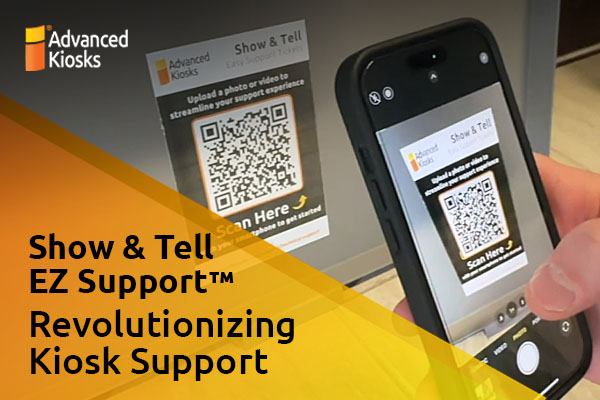
Revolutionizing Kiosk Support with Show & Tell EZ Support
At Advanced Kiosks, innovation is at the heart of everything…
Nine Must-Have Features of a Great Visitor Management System
Your lobby is often the first point of contact for…
Advanced Kiosks Puts AI at the Forefront of Innovation
Advanced Kiosks, a leading provider of self-service solutions, is redefining…