


Turn any lobby into a self-service records office
A rugged, all-steel kiosk with printing, scanning, and secure communications – built to run guided form, document, and payment workflows without a staff member at every counter.
 GSA Contract Holder
  Made in USA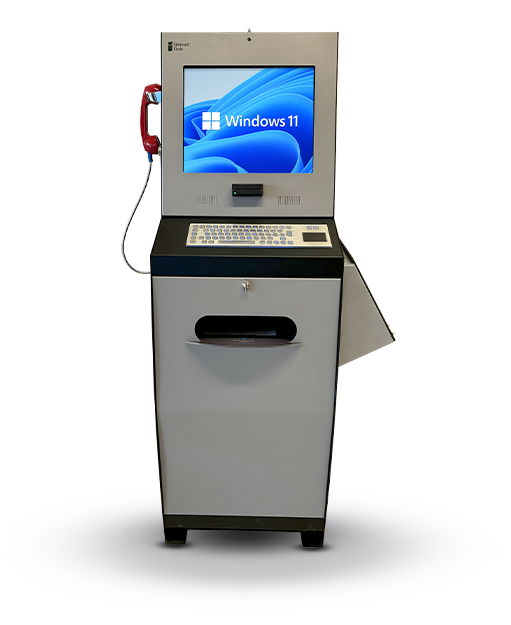
P/N: H32-30-100
This kiosk is the physical hardware platform. Zamok Kiosk Management Software provides the workflows and management tools that turn it into a complete self-service solution.
What people can accomplish at the kiosk
When paired with Zamok and Kiosk Office Suite, the Document Kiosk can handle routine public-service tasks through a secure kiosk interface, while keeping staff informed when review, approval, or follow-up is needed.
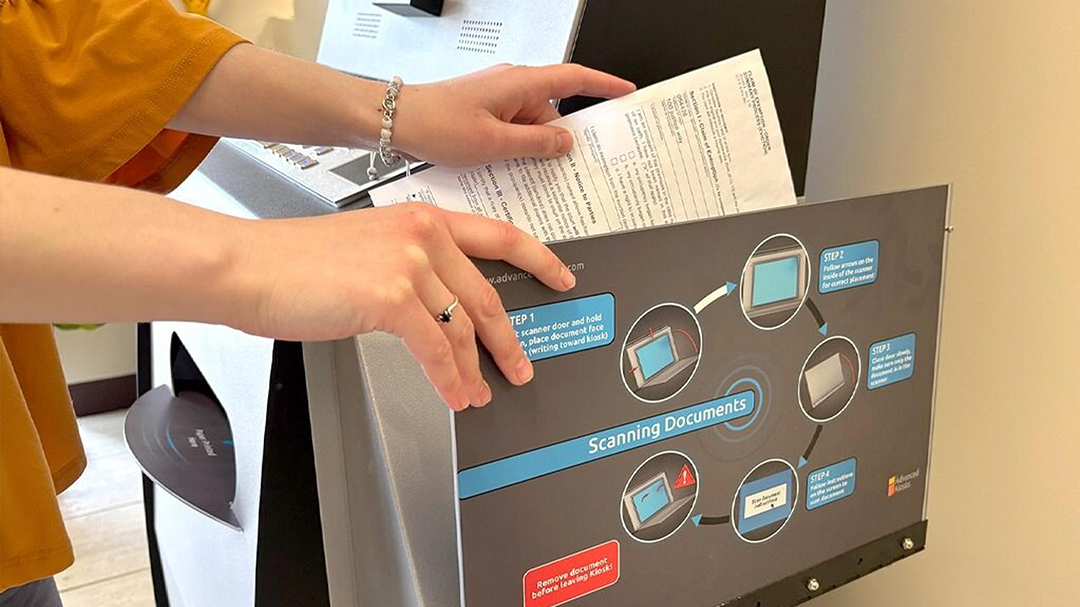
Scan & submit documents
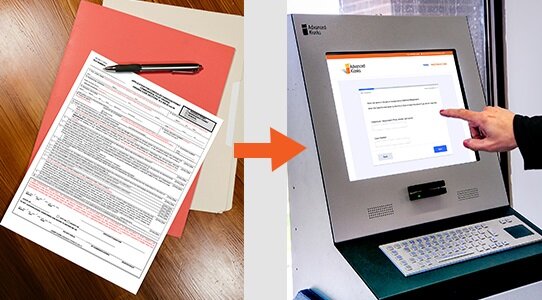
Complete forms
Guide visitors through digital forms with clear prompts and required fields.
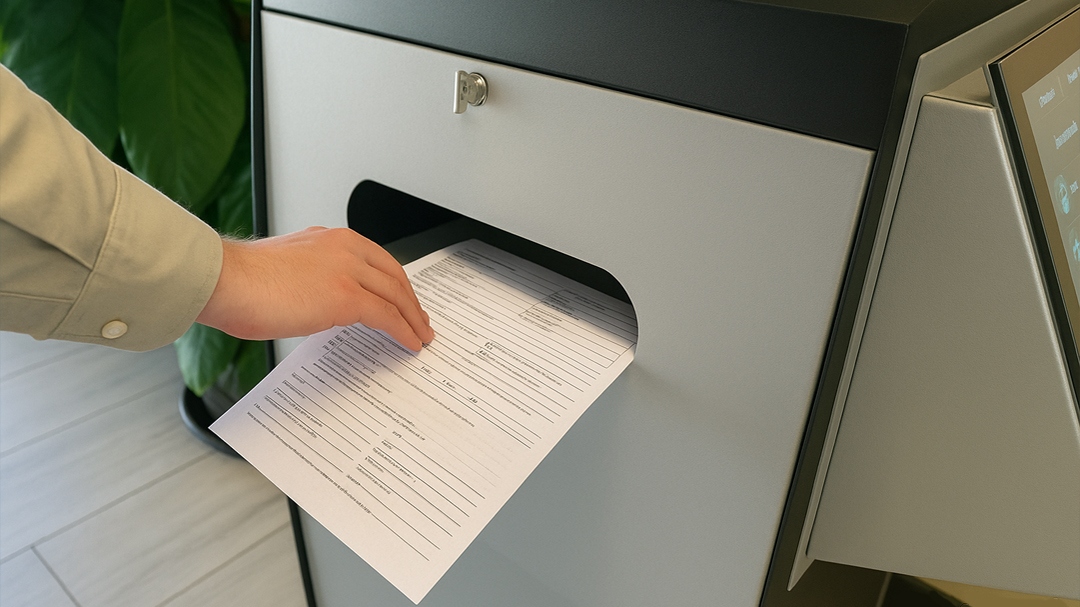
Print records
Let visitors print approved records, forms, receipts, and other requested documents.
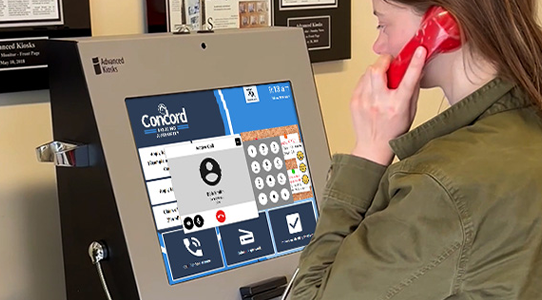
Contact staff
Connect visitors with the appropriate staff member when personal assistance is needed.
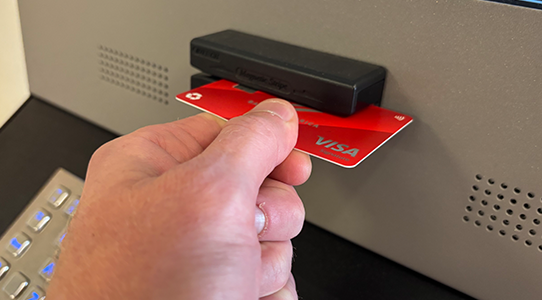
Make supported payments
Accept approved fees and payments while providing visitors with a clear receipt.
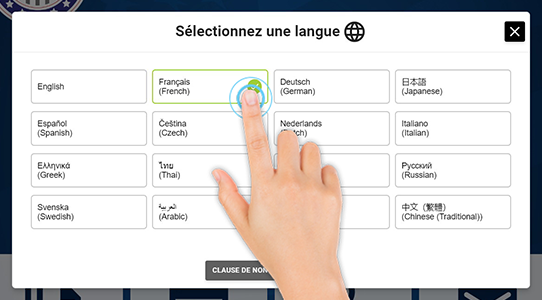
Access multilingual services
Help visitors complete tasks in their preferred language with translated on-screen guidance.

Receive step-by-step guidance
Walk visitors through each task with simple instructions and clearly defined next steps.
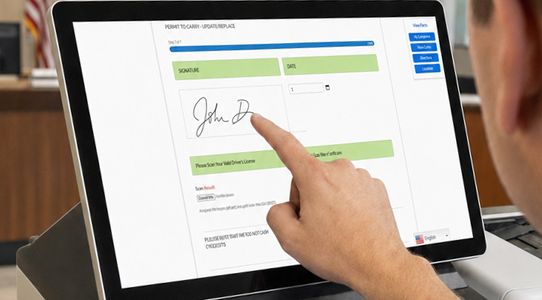
Sign & submit documents
Capture electronic signatures and submit documents through a guided workflow.
Built for how public-facing offices actually run
See how the Document Kiosk supports secure, high-volume services across public-facing environments.

Government &
County Offices
Permits, licenses, tax and records requests, and routine front desk transactions completed without waiting at the counter.
Law Enforcement
Agencies
Public record requests, report and document intake, permit submission, and lobby support that reduces front-desk interruptions.

Courts & Clerk
Offices
Form completion, document filings, document scanning, check-ins, printed notices and payments through third-party systems.

Housing
Authorities
Applications and renewals, resident document submission, portal access, and guided instructions that reduce incomplete applications.
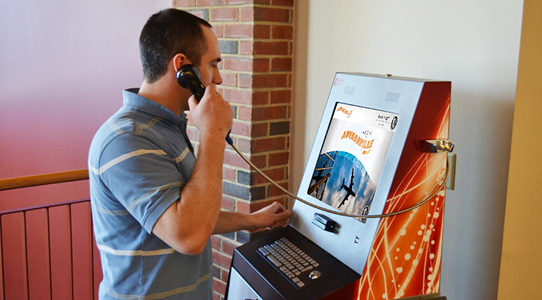
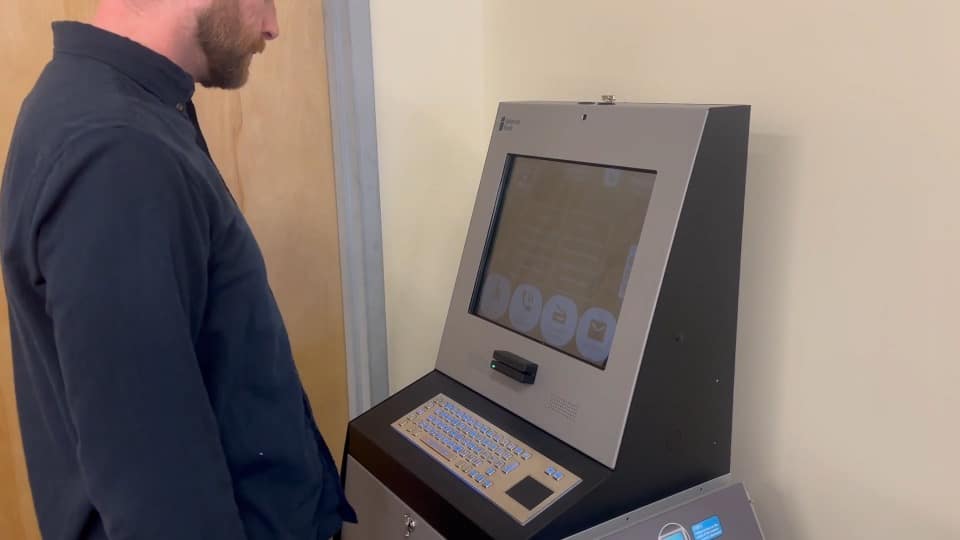
The Document Kiosk being used to connect with staff through an integrated VOIP call in a lobby.
Kiosk Office Suite
Turn the Document Kiosk into a complete self-service office
The kiosk provides the durable touchscreen, printer, scanner, and communications hardware. Kiosk Office Suite provides the guided experience that lets people complete real work without routing every routine interaction through the front desk.
- Find the correct service, form, or department
- Complete applications and service requests
- Scan and submit supporting documents
- Print forms, records, and receipts
- Connect with staff when assistance is needed
- Follow step-by-step instructions in a secure session
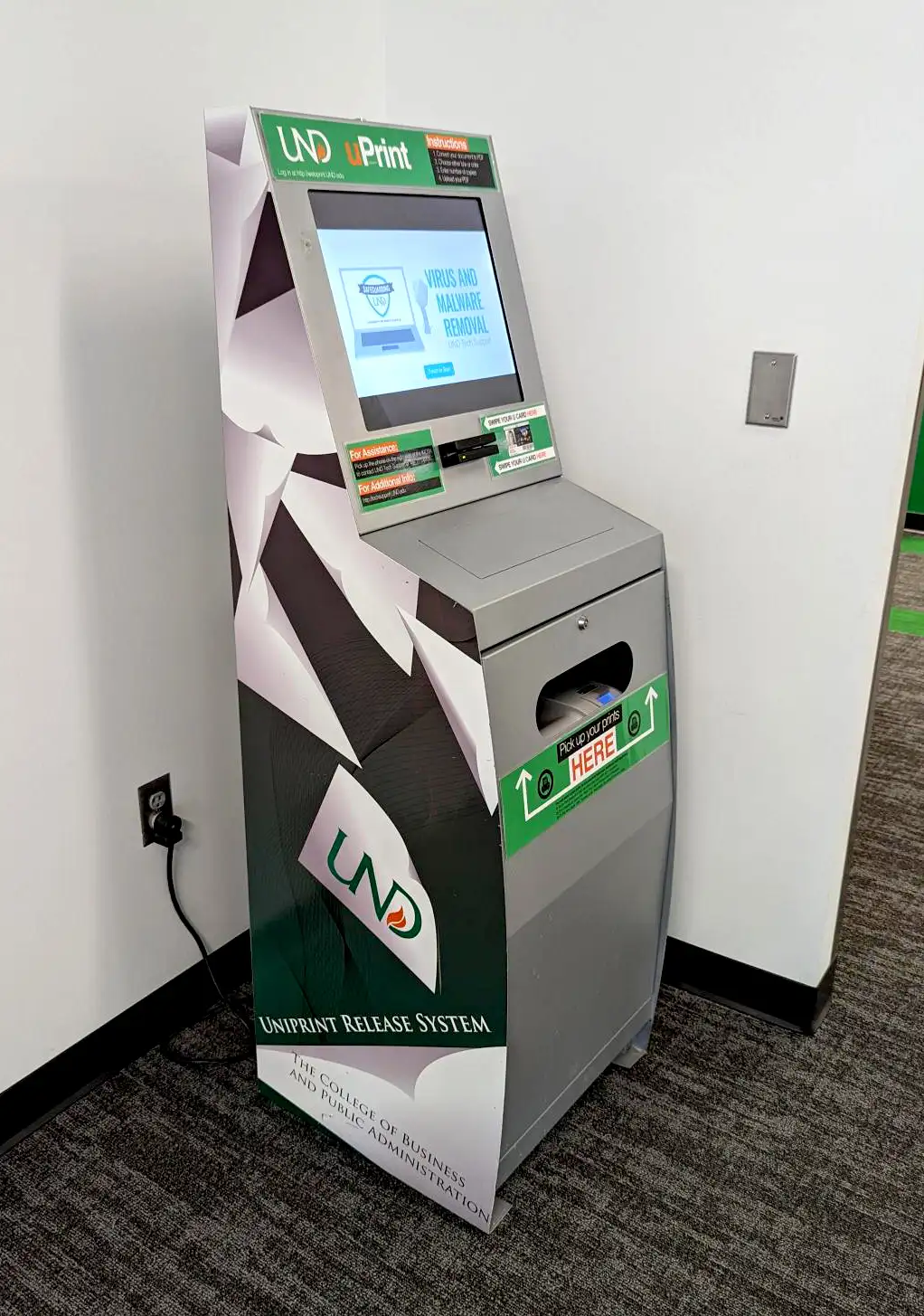
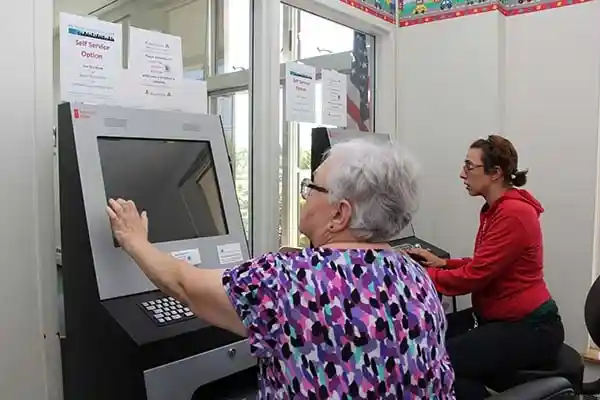
The Document kiosk in the field
See how the document can support public-service workflows across a variety of industries.




Zamok Kiosk Management Software
Secure, manage, and expand the kiosk with Zamok
A public kiosk needs more than a website displayed full screen. Zamok is the secure operating environment and management layer that runs the Document Kiosk as a dependable public-service system.
- Lock the kiosk to approved websites and applications
- Protect the Windows environment and clear each public session
- Manage content and configuration remotely
- Monitor status and receive operational notifications
- Review usage and performance reports
- Support printers, scanners, cameras, handsets, and peripherals
- Add communications, forms, and AI assistance as the project grows

Standard Features
- 19″ LCD Touchscreen
- Built-in Web Camera
- 8th Gen (or newer) Intel® i-Series
- 8 GB RAM
- 120 GB SSD Hard Drive
- 16 Gauge Steel Enclosure
- Amplified Stereo Speakers
- Surge Protection
- WiFi / Ethernet Connectivity
- Windows 11 Professional
- Easy Set Up Manuals
Upgrade Options
Why Choose the Document Kiosk?

Service Access
Designed for maintenance without distrupting public operation.

All-Steel Durability
Built for unattended public spaces and high-traffic lobbies.
Document Handling
Printing and scanning built into one service platform.

Modular Peripherals
Add handsets, cameras, or payment devices as the project grows.

ADA-Oriented Design
Height, reach, and interface considerations built in from the start.

Request Demo
Reach out to see this kiosk in action.
Download Brochure & Manuals


Download Owner’s Manual

Download Dimensional Drawing
Case Studies
Read practical examples and industry insights that show how self-service kiosks support real public-service workflows.
100's of Videos
Watch product walkthroughs, demos, tutorials, and customer examples to see kiosk solutions in action.
Complete Knowledgebase
Find answers, setup guidance, support articles, and technical resources for kiosk hardware and software.
Newsletter Archives
Explore past updates, product news, customer stories, and self-service technology insights from Advanced Kiosks.
Kiosk Gallery
Browse photos of kiosk models, installations, configurations, and real-world deployment environments.
Customer Stories
See how organizations use Advanced Kiosks to reduce workload, improve access, and modernize service delivery.
FROM OUR BLOG

What Every Organization Should Know Before Implementing AI
Artificial intelligence is rapidly moving from experimentation to implementation across…

Read Our Latest 2026 Newsletter!
Our latest newsletter is packed with updates from the field,…
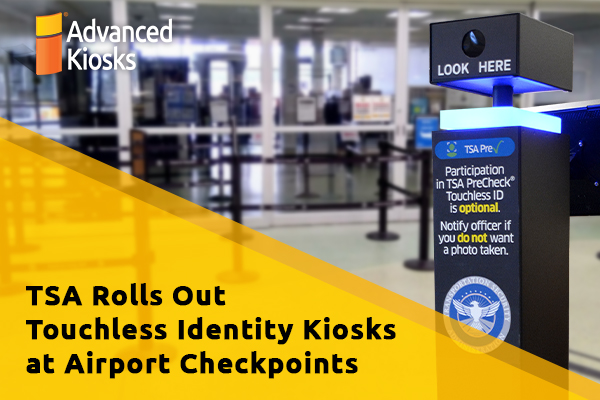
TSA Rolls Out Touchless Identity Kiosks at Airport Checkpoints
Moving millions of passengers safely through airport security requires more…

Outdoor Kiosks: Answers to the 10 Most Common Questions
As organizations look to bring services outside the traditional lobby,…
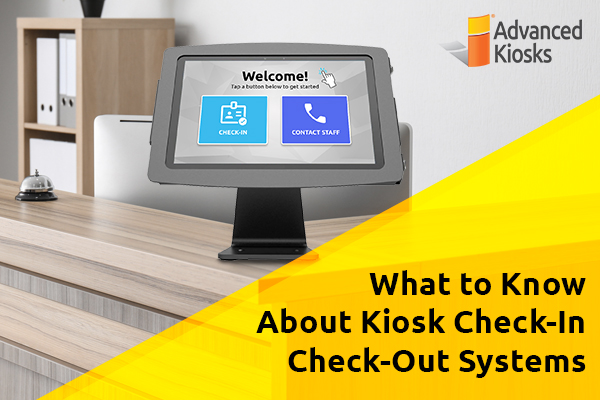
What to Know About Kiosk Check-In/Check-Out Systems
If you\'ve visited a modern government building, healthcare facility or…