Bill Payment Kiosks
What Is a Bill Payment Kiosk?
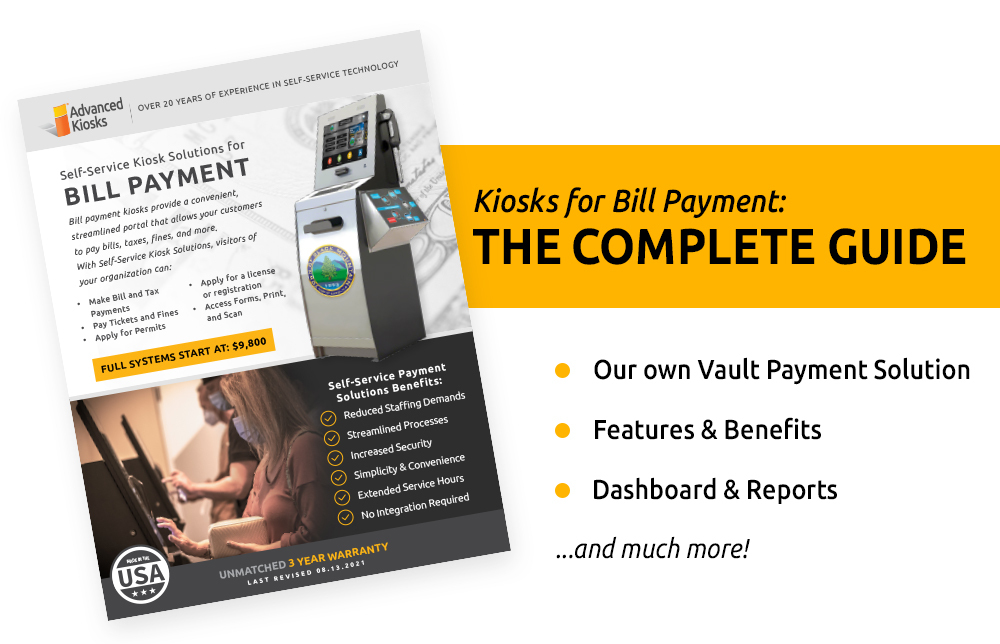
Bill payment kiosks are self-service terminals that allow people to pay bills, fines, fees, and other obligations in person using cash, debit cards, credit cards, or checks.
They are commonly installed in government buildings, utility offices, police stations, retail locations, and public spaces to provide fast, secure payments without requiring online banking or staff assistance.
Bill payment kiosks are especially important for serving unbanked or underbanked individuals by offering 24/7 access, simple touchscreen interfaces, and immediate paper or digital receipts.
Secure Self-Service Payment Solutions from Advanced Kiosks
Advanced Kiosks designs and deploys bill payment kiosk solutions for government agencies, utilities, courts, housing authorities, and service providers that require secure, high-volume payment processing for the public.
Our bill payment kiosks support cash, debit cards, credit cards, and checks, and are designed for environments where reliability, security, and accessibility are essential.
How Bill Payment Kiosks Work
- User Input
Users scan a barcode from a bill, enter an account number, or select a service from the kiosk menu. - Payment Selection
The kiosk accepts cash, debit cards, credit cards, and checks (model dependent). - Secure Processing
Payments are processed through encrypted, PCI-compliant gateways integrated with backend systems. - Receipt Issuance
Users receive an immediate paper receipt, digital receipt, or both.
This entire process is designed to be intuitive, fast, and secure, even for first-time users.
Common Locations for Bill Payment Kiosks
Bill payment kiosks are commonly deployed in:
-
Government offices and municipal buildings
-
Utility company lobbies
-
Courthouses and payment centers
-
Grocery stores and retail locations
-
Housing authorities and property management offices
-
Transit stations and outdoor public spaces
Many organizations use indoor and outdoor kiosks to provide 24/7 payment access without extending staffing hours.
Benefits of Bill Payment Kiosks
For the Public
-
Convenient in-person payments without online accounts
-
Extended hours, including 24/7 availability
-
Secure cash payment options
-
Simple, guided touchscreen interfaces
-
Immediate receipts for proof of payment
For Organizations
-
Reduced staffing demands for routine transactions
-
Shorter lines and faster service
-
Improved payment accuracy and security
-
Better service for unbanked populations
-
Centralized reporting and transaction tracking
Types of Payments Accepted
Depending on configuration, bill payment kiosks can accept:
-
Electricity, gas, and water bills
-
Phone, cable, and internet payments
-
Rent and housing payments
-
Court fines, tickets, and fees
-
Taxes and government service fees
-
Insurance payments
-
Event tickets and registrations
Bill Payment Kiosk Models from Advanced Kiosks
Advanced Kiosks offers multiple hardware configurations designed to meet different security, volume, and environmental needs.
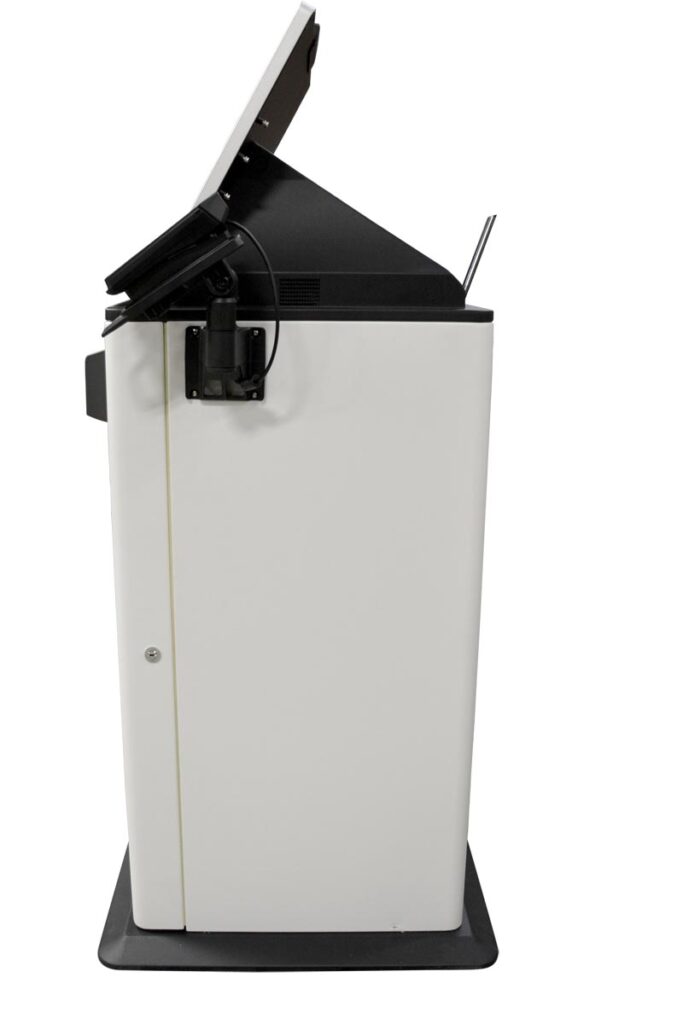
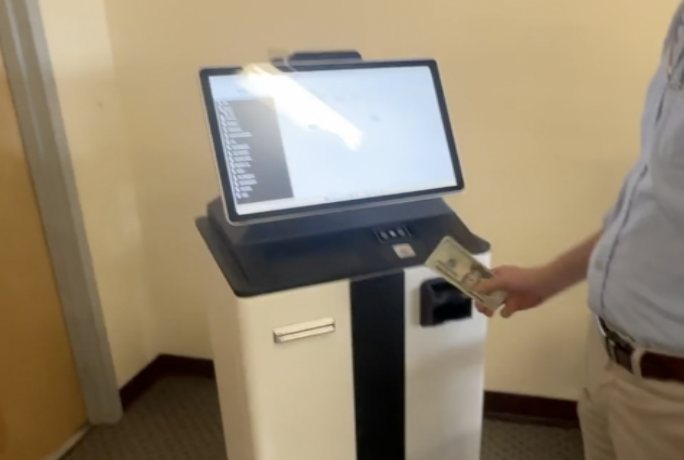
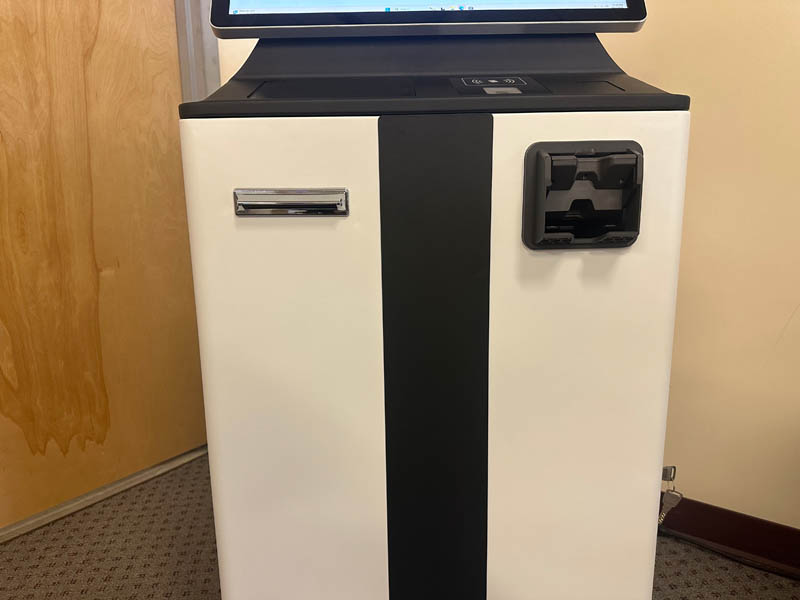
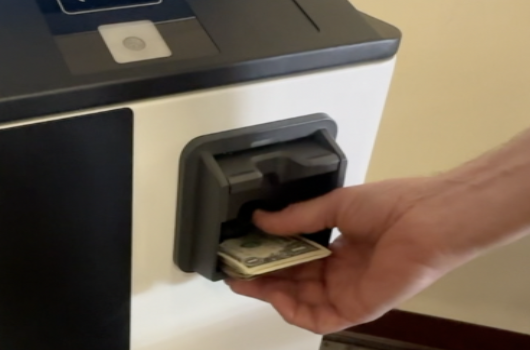
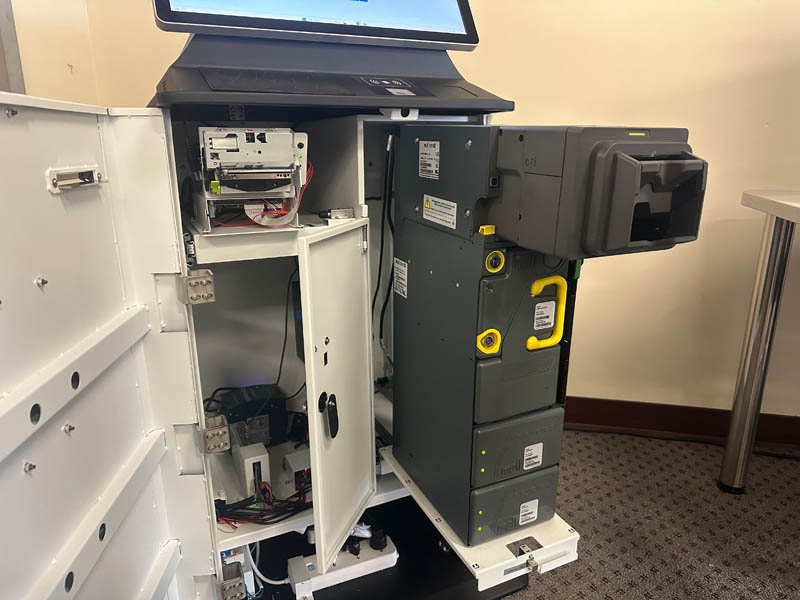
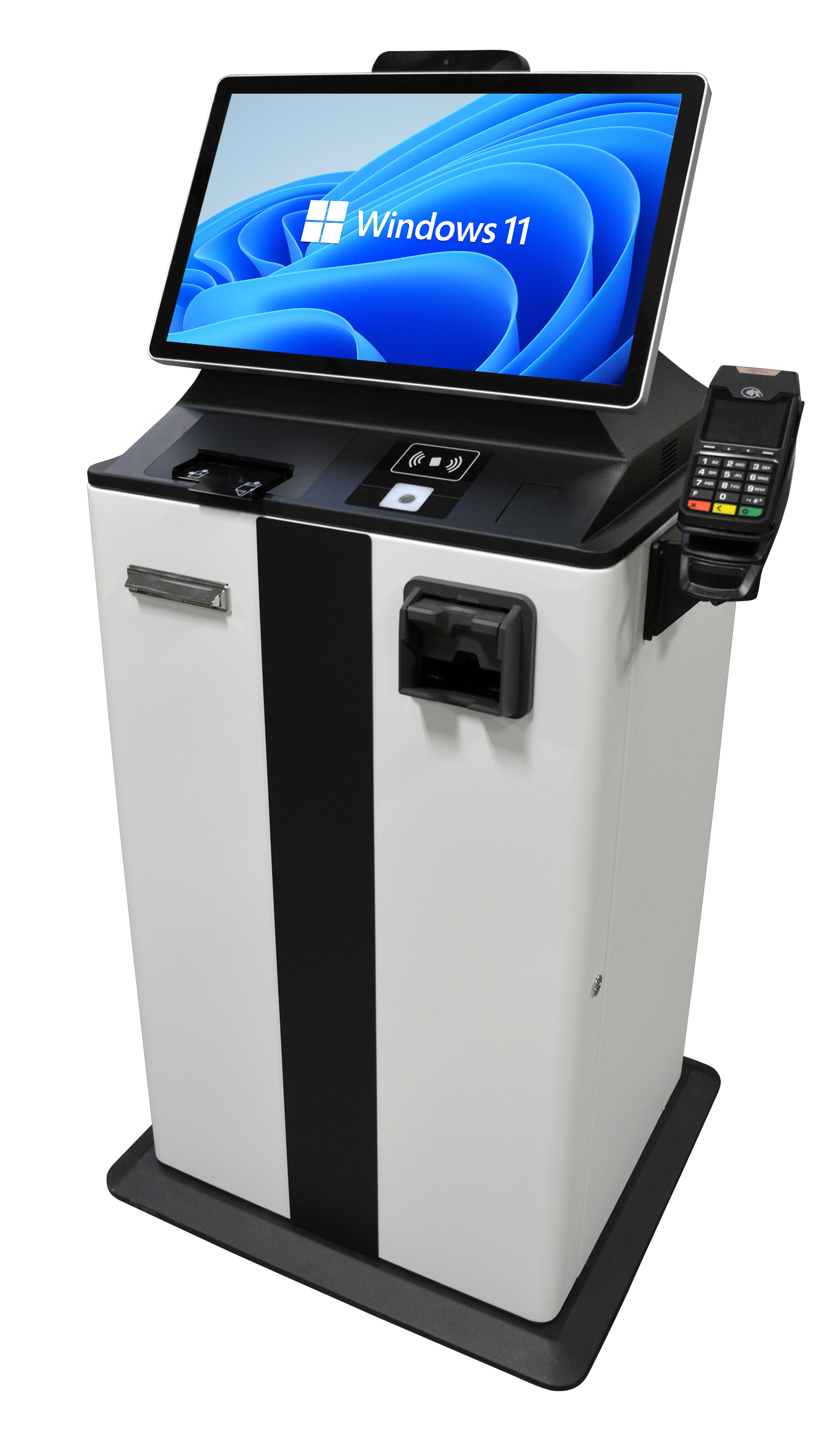
Featured Solution: Vault Self-Service Payment Kiosk
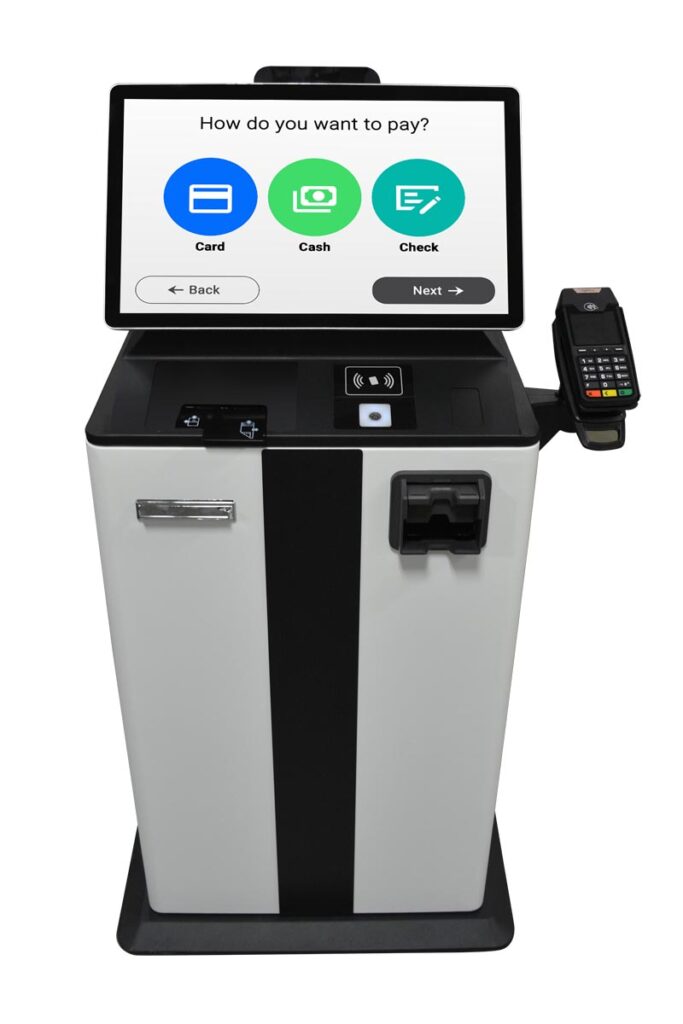
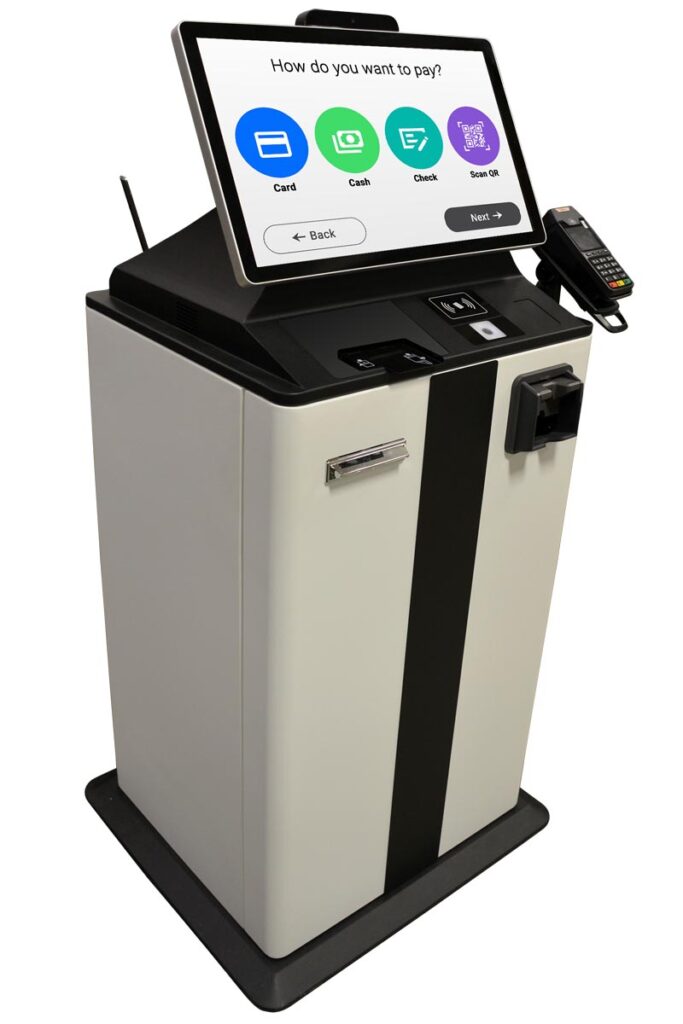
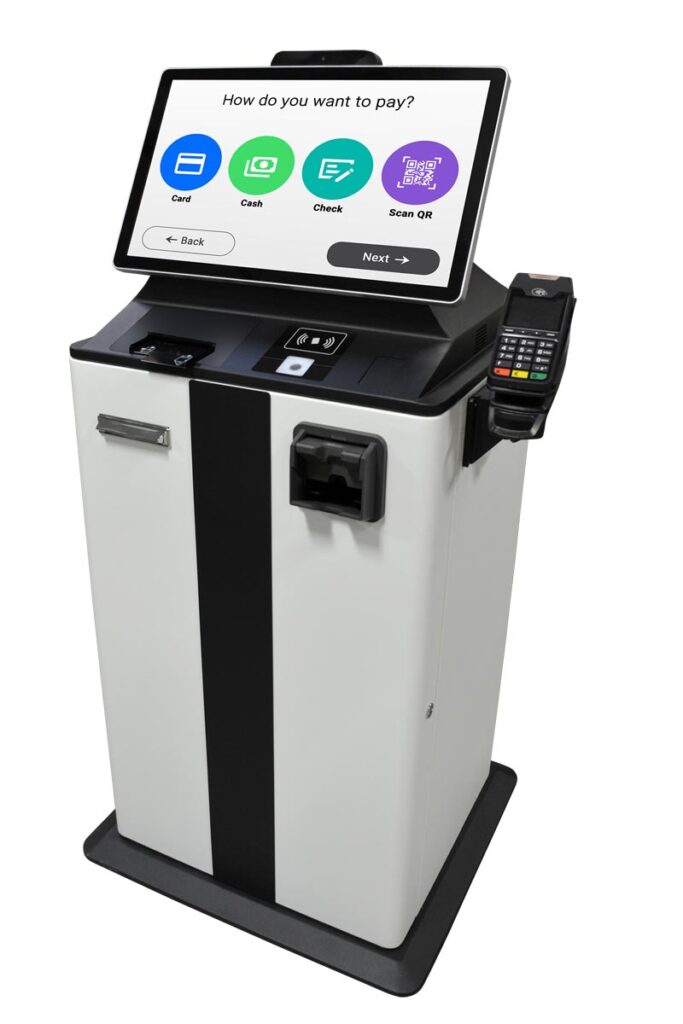
The Vault Self-Service Payment Kiosk is designed for high-traffic environments that require maximum security and reliability. It combines a rugged steel enclosure with flexible payment capabilities, including:
-
EMV card processing
-
Cash acceptance and dispensing
-
Check reading
-
ID verification
-
Integrated camera and peripherals
Powered by Zamok® kiosk management software, the Vault supports secure, unattended operation and centralized management.




Additional Kiosk Models for Bill Payment
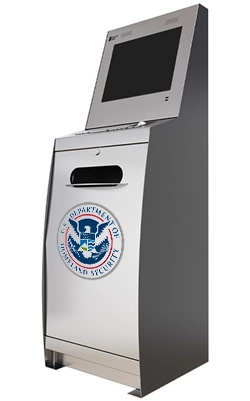
DOCUMENT
Ideal for municipal and administrative environments requiring forms, scanning, printing, and payment integration.
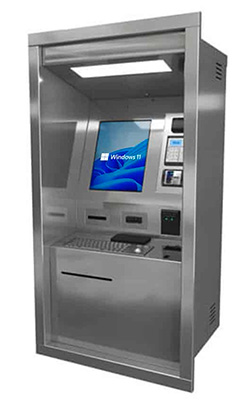
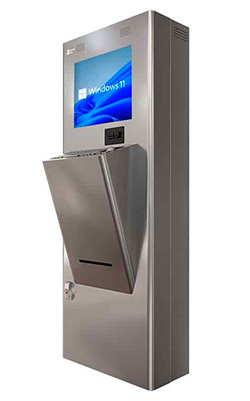
OUTDOOR THRU WALL
Designed for 24-hour public access with weather-resistant construction.
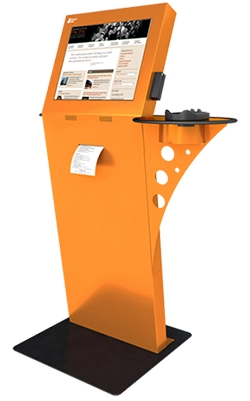
OUTDOOR TRANSIT
Built for high-risk or high-abuse environments such as transit hubs and correctional facilities.
FREESTANDING
Flexible, ergonomic design suitable for retail, utilities, and government lobbies.

Our experience with Bill Payment kiosks will help guide you through the process of finding the exact solution for your needs.
Frequently Asked Questions About Bill Payment Kiosks
What is a bill payment kiosk used for?
A bill payment kiosk is used to allow people to pay bills, fees, fines, and other obligations in person using cash, debit cards, credit cards, or checks. Organizations use bill payment kiosks to provide fast, secure self-service payment options without requiring staff assistance or online banking access.
How do bill payment kiosks work?
Bill payment kiosks guide users through a simple step-by-step process. Users enter or scan their account information, select a payment method such as cash, card, or check, complete the transaction through a secure payment gateway, and receive an immediate paper or digital receipt.
Where are bill payment kiosks commonly located?
Bill payment kiosks are commonly located in government offices, utility company lobbies, courthouses, retail stores, grocery stores, housing authorities, and other public or semi-public spaces. Some kiosks are available indoors, while others are designed for outdoor or 24/7 access.
What types of payments can be made at a bill payment kiosk?
Bill payment kiosks can accept payments for utilities such as electricity, gas, and water, as well as phone and cable bills, rent, court fines, tickets, taxes, insurance payments, and other government or service-related fees.
What payment methods do bill payment kiosks accept?
Depending on configuration, bill payment kiosks can accept cash, debit cards, credit cards, and checks. Many systems also support EMV card processing and provide both paper and digital receipts.
Are bill payment kiosks secure?
Yes. Bill payment kiosks process transactions through encrypted, PCI-compliant payment gateways. Because they operate in controlled environments and use dedicated hardware, bill payment kiosks can be more secure than payments made on personal computers or mobile devices.
Who benefits most from bill payment kiosks?
Bill payment kiosks benefit both organizations and the public. They are especially valuable for unbanked or underbanked individuals who do not have access to online banking. Organizations benefit by reducing wait times, lowering staffing demands for routine transactions, and improving overall service efficiency.
Can bill payment kiosks operate 24/7?
Yes. Many bill payment kiosks are designed to operate 24/7, particularly outdoor or thru-wall models. This allows organizations to accept payments outside normal business hours without additional staffing.
Can bill payment kiosks be customized?
Yes. Bill payment kiosks can be customized to support specific payment types, workflows, branding, languages, accessibility requirements, and security features based on organizational needs.
Bill payment kiosks are secure self-service terminals that allow people to pay bills, fees, fines, and other obligations in person using cash, debit cards, credit cards, or checks.
Commonly deployed in government buildings, utility offices, retail locations, and public spaces, bill payment kiosks provide convenient access to essential services, including 24/7 availability in many environments. They are especially valuable for serving unbanked or underbanked populations while helping organizations reduce wait times, streamline payment processing, and improve transaction security through encrypted, PCI-compliant systems.
Speak with a Representative
Offer an electronic payment system for those without available or secure access to technology. Talk to our team today!
Why Advanced Kiosks
With decades of experience designing self-service systems for government and enterprise use, Advanced Kiosks provides complete bill payment kiosk solutions, from hardware and software to deployment and long-term support.
FROM OUR BLOG

Outdoor Kiosks: Answers to the 10 Most Common Questions
As organizations look to bring services outside the traditional lobby,…
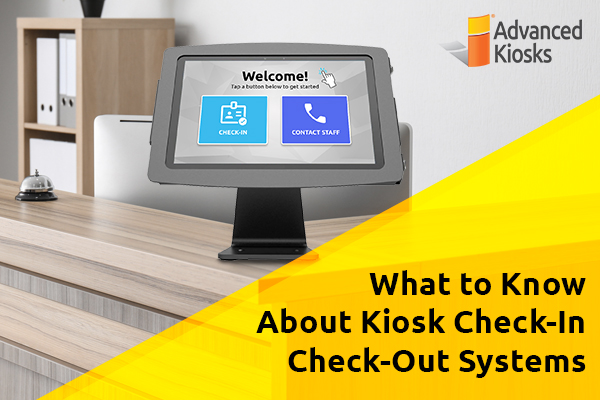
What to Know About Kiosk Check-In/Check-Out Systems
If you\'ve visited a modern government building, healthcare facility or…
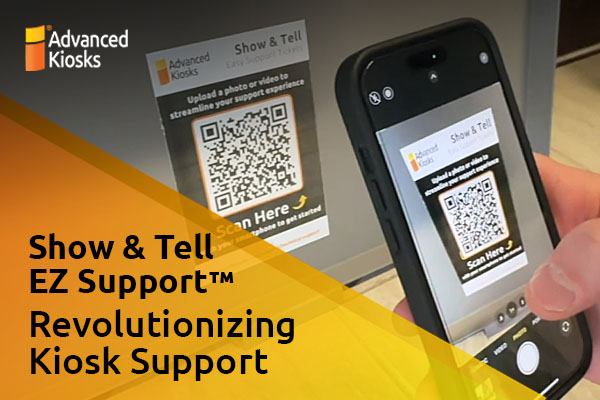
Revolutionizing Kiosk Support with Show & Tell EZ Support
At Advanced Kiosks, innovation is at the heart of everything…

Nine Must-Have Features of a Great Visitor Management System
Your lobby is often the first point of contact for…
Advanced Kiosks Puts AI at the Forefront of Innovation
Advanced Kiosks, a leading provider of self-service solutions, is redefining…