

Secure, self-service payment processing for government and institutional lobbies
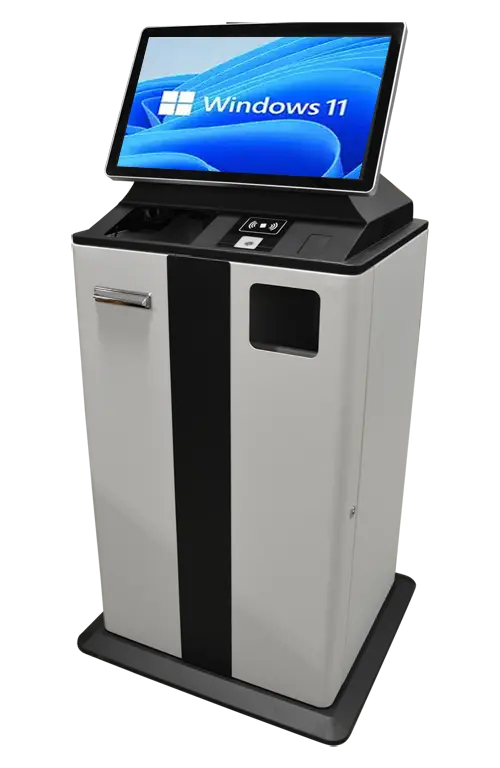
The hardware foundation of the Vault System: a steel cabinet kiosk that accepts cash, cards, and checks, validates and recycles notes, and logs every transaction, built for structured payment environments.
 GSA Contract Holder
 Made in USA
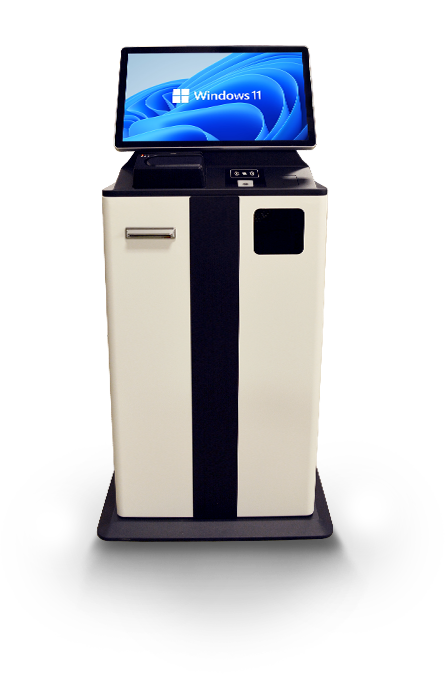
P/N: H32-570-100
The Vault Kiosk is the secure hardware. It runs as the payment endpoint of the Vault System, with Zamok securing the environment and handling transaction logging, so it is sold and deployed as part of a complete payment collection system rather than a standalone kiosk.
What people can accomplish at the kiosk
The Vault Kiosk lets people complete secure payments on their own, in any form they carry, without staff handling cash at the counter.
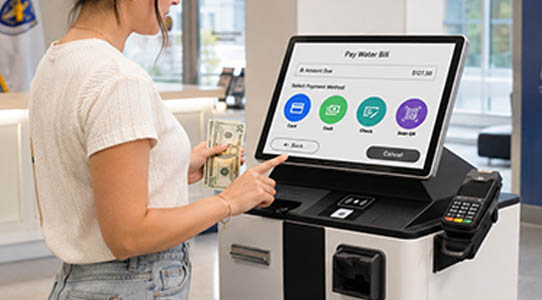
Pay with cash

Pay by card
Complete EMV-certified credit and debit transactions on a secure integrated reader.

Pay by check
Scan checks and government IDs together in a single pass at the counter.
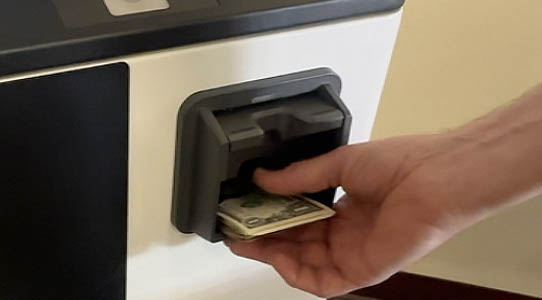
Get exact change back
Receive recycled bills as change automatically, without staff handling the cash drawer.
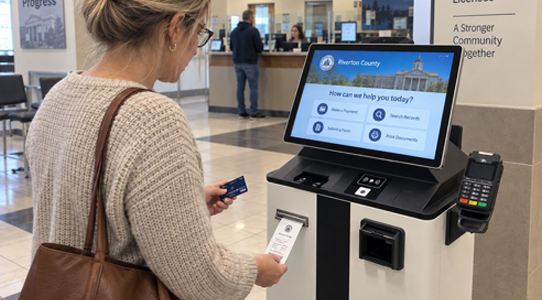
Print a receipt
Take a printed receipt from the 3-inch thermal printer for every completed transaction.
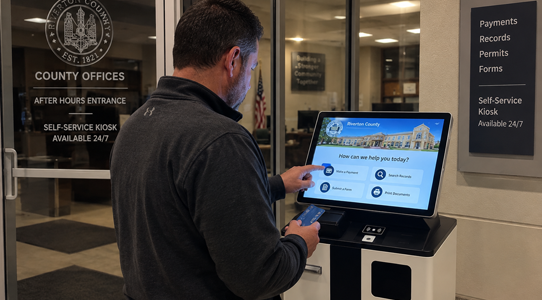
Complete payments after hours
Handle routine payments outside staffed hours in a secured, self-service lobby unit.
Built for how payment-heavy offices actually run
See how the Vault Kiosk handles secure payment volume across government and institutional service counters.

Government &
County Offices
Utility payments, permits, fees, and fines collected securely at the counter, with every transaction logged for audit.

Courts & Clerk
Offices
Fines, fees, and restitution paid by cash, card, or check without tying up clerk staff or a cash drawer.

The Vault Payment System for Courts.
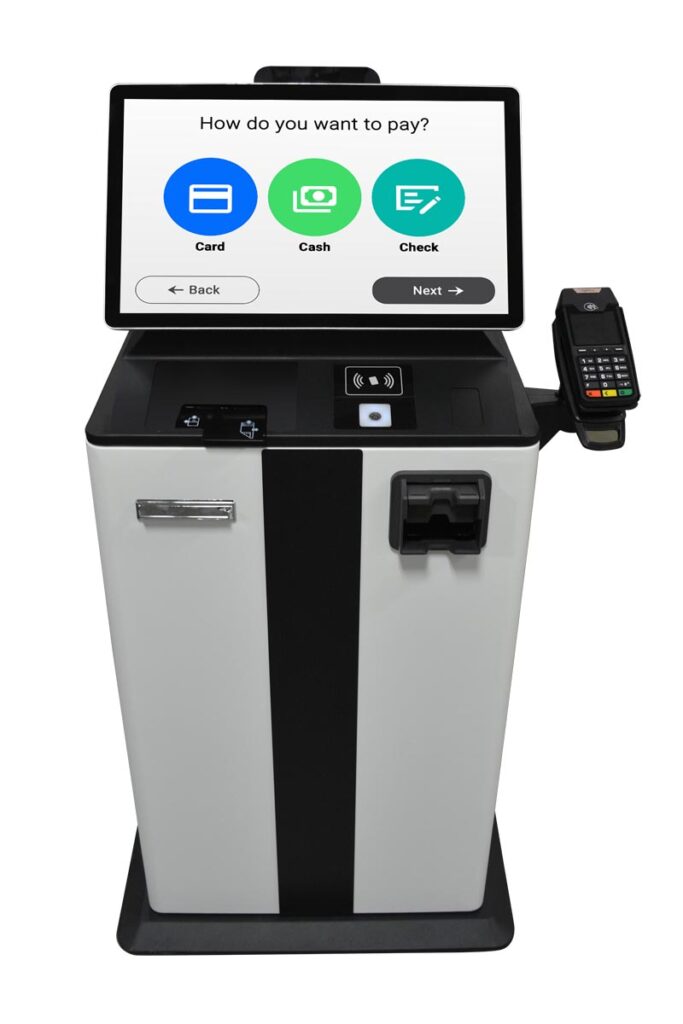
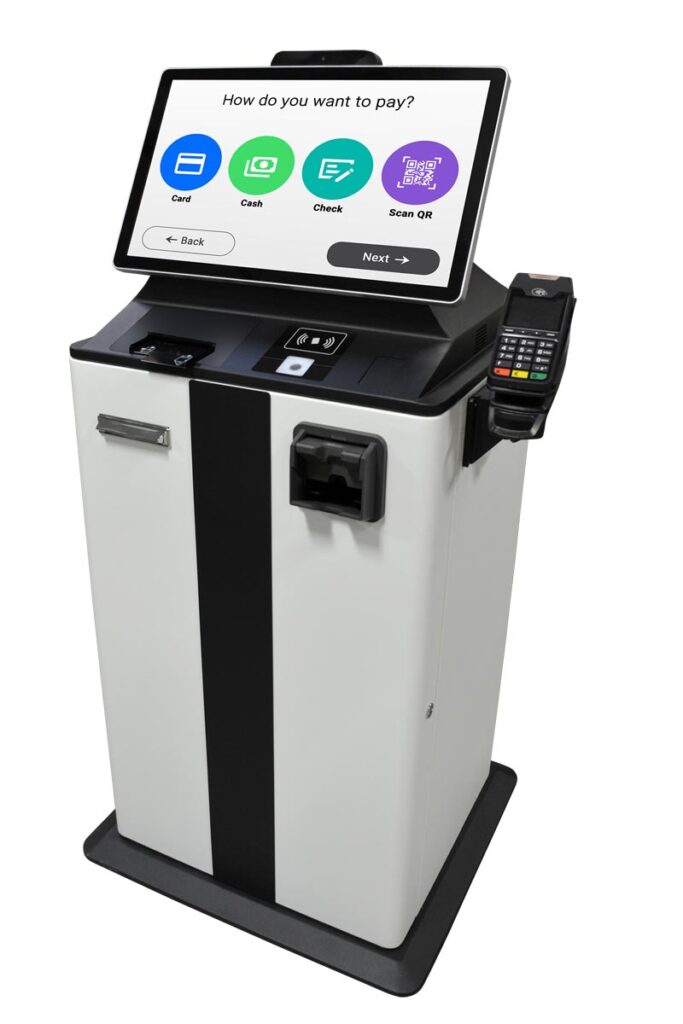
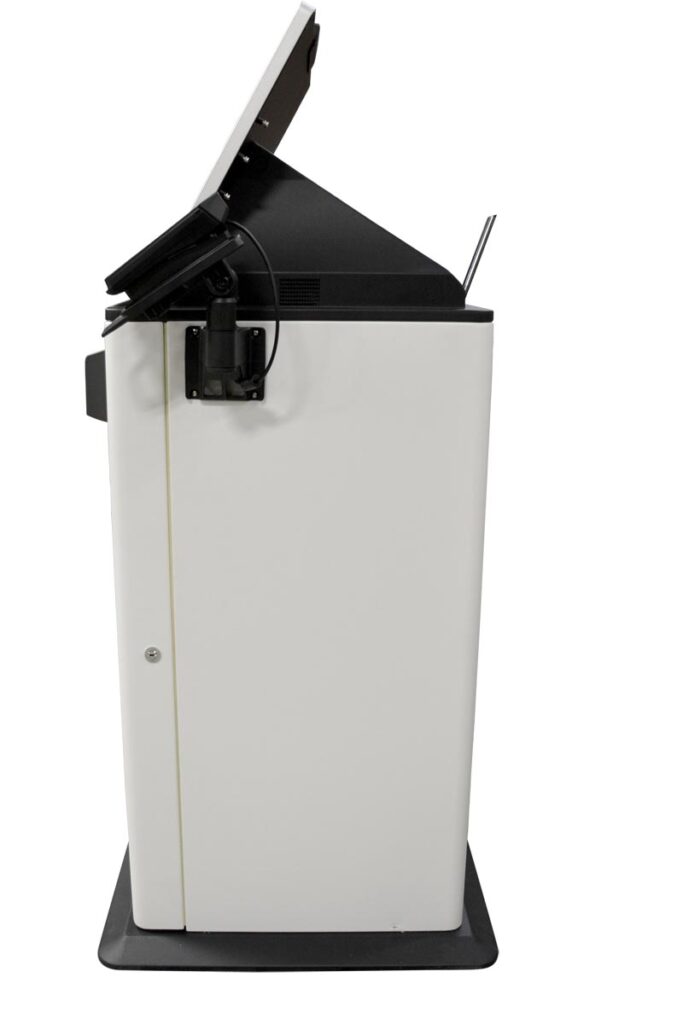
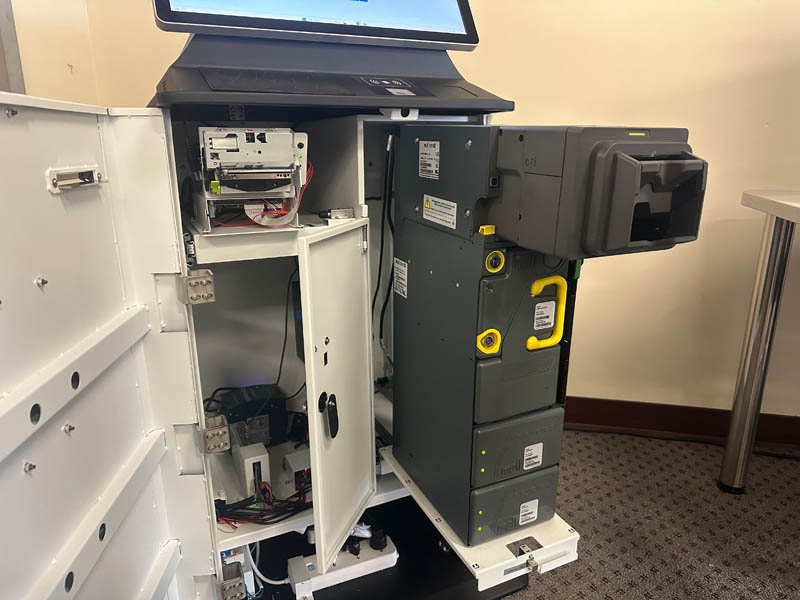
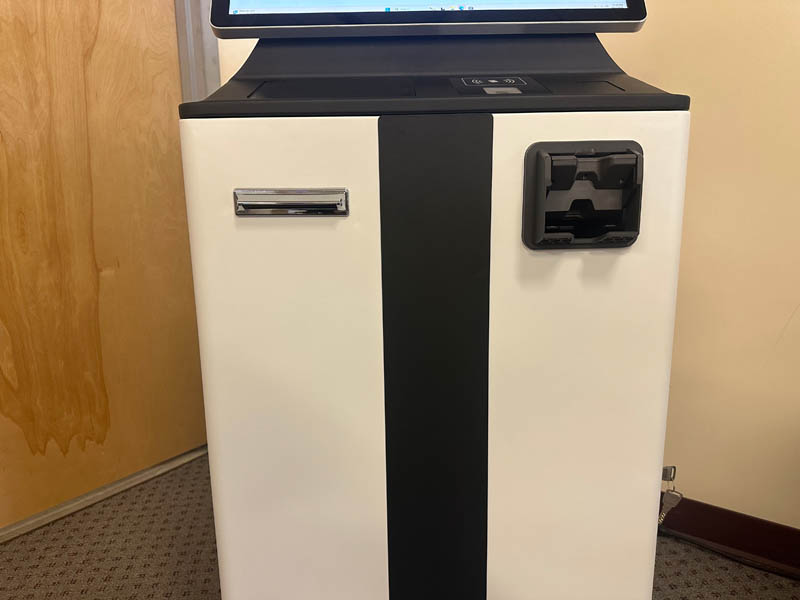
The Vault Kiosk up close
See the payment hardware, security construction, and cash handling in detail.


Zamok Kiosk Management Software
Every transaction logged, the whole system under control
A public payment kiosk handling cash and cards has to be locked down and auditable. Zamok is the secure operating layer that runs the Vault Kiosk, capturing real-time transaction logs and audit trails, sending system alerts, and keeping the environment controlled remotely between users.
- Log every transaction in real time with a full audit trail
- Lock the kiosk to the payment application only
- Protect the Windows environment and clear each session
- Monitor status and receive system alerts remotely
- Manage configuration and updates remotely
- Support the recycler, card reader, printer, and scanner
- Reconcile and report across deployed units

Standard Features
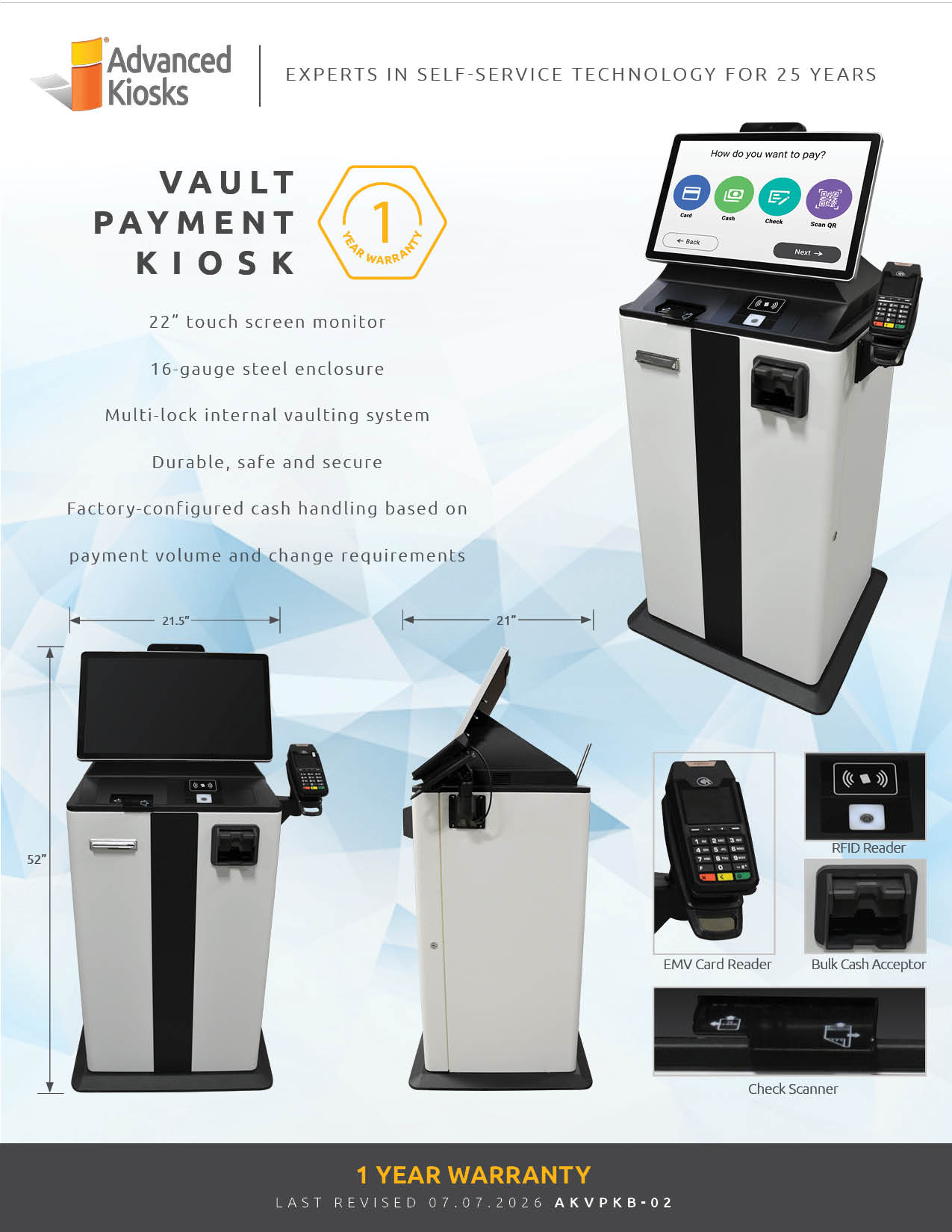
- 22″ Industrial Touchscreen
- CPI BNR Advance Bill Recycler (50-note input, 6 denominations recycled)
- Optional loader cassette / feeder configurations available
- EMV-Certified Card Reader
- 3″ Thermal Receipt Printer
- Check & ID Scanner captures checks and government-issued IDs in a single pass
- 16-Gauge Steel Chassis, Powder-Coated Finish
- Dual-Stage Locking System
- WiFi / Ethernet / Optional 4G Connectivity
- Windows 11 Pro Operating System
- Zamok Kiosk Management Suite
- ADA-Compliant Design
- ADA-Compliant Design
- Vending-Grade Security Hardware
- Real-Time Transaction Logging
- U.S.-Based Technical Support
Why Choose the Document Kiosk?

High-Security Construction
16-gauge steel with dual-lock access and separate cash and service vaults, with bill validation to reject damaged or counterfeit notes.

Automated Cash Recycling
Accepts bulk cash, validates each note, and recycles bills for automated change with CPI Banknote Recycler technology.

Real-Time Reporting
Integrated with Zamok for instant transaction tracking, audit trails, and system alerts.

All Payment Types
Cash, EMV card, and check with ID capture, handled in one secure unit.

Part of the Vault System
Deploys as the payment endpoint of a complete, government-grade collection system.

Request Demo
Reach out to see this kiosk in action.
Download Brochure

Case Studies
Read practical examples and industry insights that show how self-service kiosks support real public-service workflows.
100's of Videos
Watch product walkthroughs, demos, tutorials, and customer examples to see kiosk solutions in action.
Complete Knowledgebase
Find answers, setup guidance, support articles, and technical resources for kiosk hardware and software.
Newsletter Archives
Explore past updates, product news, customer stories, and self-service technology insights from Advanced Kiosks.
Kiosk Gallery
Browse photos of kiosk models, installations, configurations, and real-world deployment environments.
Customer Stories
See how organizations use Advanced Kiosks to reduce workload, improve access, and modernize service delivery.
Let’s review your kiosk configuration.
Tell us a bit about your project. We’ll follow up with the right configuration guidance.
FROM OUR BLOG

What Every Organization Should Know Before Implementing AI
Artificial intelligence is rapidly moving from experimentation to implementation across…

Read Our Latest 2026 Newsletter!
Our latest newsletter is packed with updates from the field,…
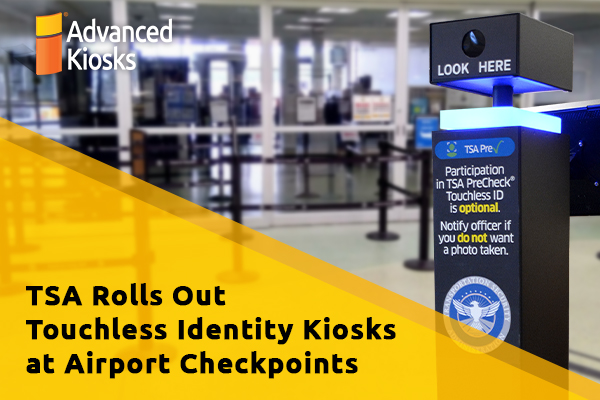
TSA Rolls Out Touchless Identity Kiosks at Airport Checkpoints
Moving millions of passengers safely through airport security requires more…

Outdoor Kiosks: Answers to the 10 Most Common Questions
As organizations look to bring services outside the traditional lobby,…
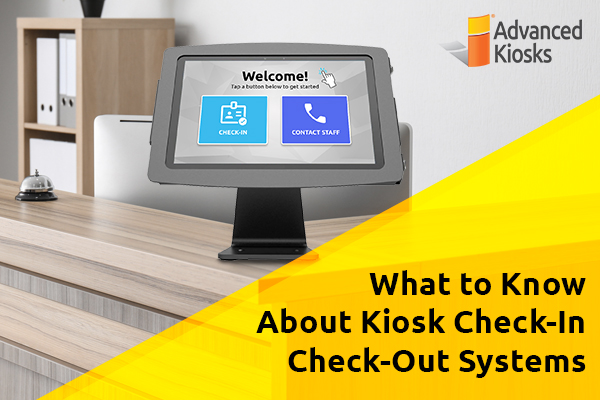
What to Know About Kiosk Check-In/Check-Out Systems
If you\'ve visited a modern government building, healthcare facility or…