This space pulls together the key resources, tools, and ideas from the AI & Court Efficiency panel with Howard Horn II of Advanced Kiosks. If you’re looking to move from “interesting concept” to “actually implementing this in a courthouse without chaos,” you’re in the right place.
AI and the Digital Courthouse
A digital courthouse brings modern, self-service technology into the physical court environment, making it faster and easier for the public to complete everyday tasks. Instead of waiting in line, visitors can file forms, make payments, access records, and get guidance through intuitive, step-by-step systems, many enhanced with AI to reduce errors and confusion.
By combining kiosks, digital workflows, and optional live staff assistance, courts can streamline operations, improve accessibility, and maintain secure, auditable processes, all while reducing the burden on staff and keeping services available when and where they’re needed.

AI Readiness for the State Courts
This comprehensive guide from the National Center for State Courts outlines how courts can successfully adopt artificial intelligence to improve efficiency, access to justice, and overall operations. It walks through key steps like governance, data management, and selecting the right AI projects, helping courts move from exploration to real-world implementation with confidence.
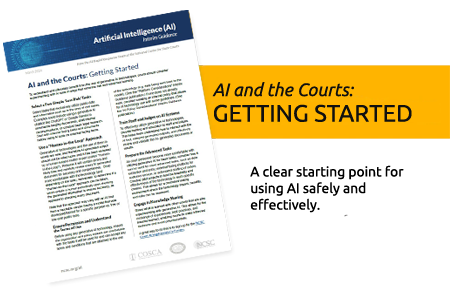
AI and the Courts: Getting Started
This practical guide provides courts with a clear starting point for using AI safely and effectively. It emphasizes beginning with low-risk tasks, maintaining human oversight, and gradually expanding AI use through training and pilot programs.
Core Components of a Digital Courthouse
A digital courthouse doesn’t require a new building. It requires rethinking how services are delivered within the existing one. The following technology components form the foundation.
Self-Service Kiosks for Court Services
Self-service kiosks streamline everyday court interactions by allowing visitors to file documents, access records, and complete transactions without waiting for staff. Guided workflows ensure accuracy, reduce errors, and help courts serve more people efficiently while maintaining control and consistency.
Solution: Kiosk Office Suite™

Visitor Management and Security Check-In
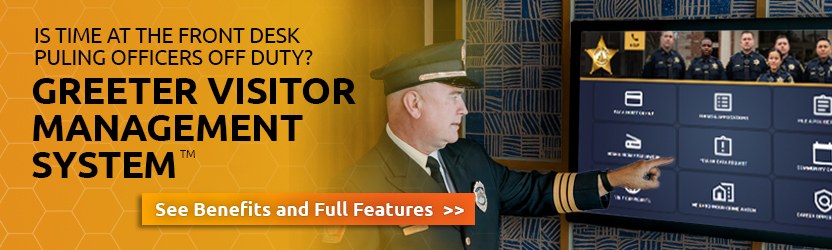
A digital visitor management system streamlines courthouse entry by handling check-in, ID verification, badge printing, and real-time visitor tracking. Integrated wayfinding and automated alerts help direct visitors efficiently while keeping staff informed and maintaining a secure, controlled environment.
Solution: Greeter Visitor Management System™
Automated Payment Collection
Self-service payment kiosks allow courts to securely process fines, fees, and other payments 24/7, accepting cash, card, and check. With real-time posting and instant receipts, they improve compliance, reduce lines, and give citizens a more convenient way to meet their obligations.

Assisted Self-Service with Live Video Support
Not every courthouse interaction can be handled through self-service alone. Complex filings, legal questions, and situations requiring human judgment still need staff involvement. Assisted self-service stations bridge this gap by connecting citizens at a kiosk with live court staff via secure video.
A staff member can remotely guide the citizen through the process, share screens, control the kiosk’s scanner and printer, and complete the transaction collaboratively — without the citizen ever needing to find the right window or wait in line. This is particularly valuable for branch offices, rural courthouses, or facilities with limited staffing.
Solution: Aegis Remote Service Platform™

AI-Guided Forms and Document Processing
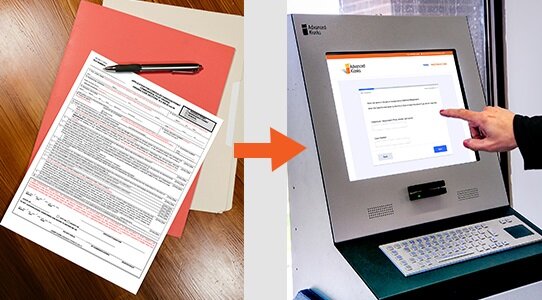
AI-guided digital forms replace confusing paperwork with structured, step-by-step workflows that help users complete filings accurately the first time. With real-time validation, plain-language guidance, and multilingual support, courts reduce errors, ease staff workload, and create a more accessible, transparent intake process.
Feature: Zamok eForms Assistant™
Session Security with FaceLock
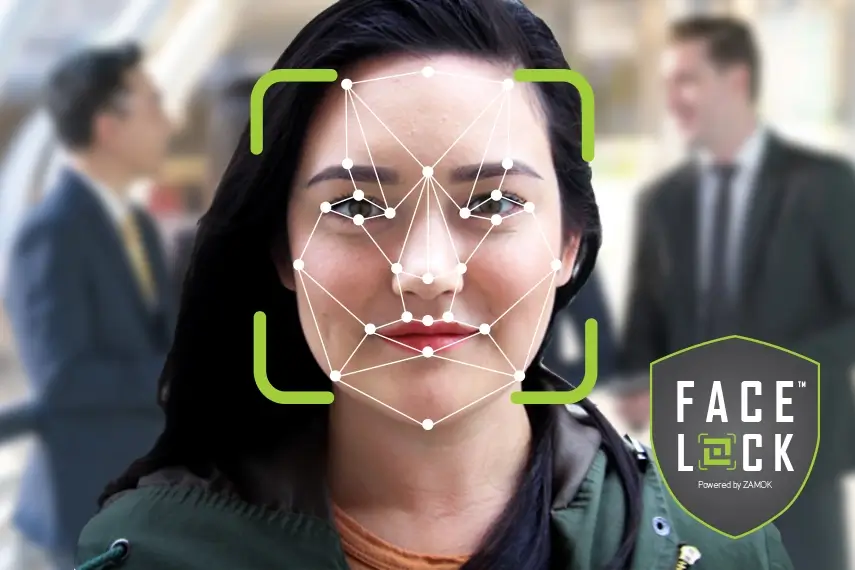
Courthouse kiosks handle sensitive personal data, from legal filings and financial information to identity documents. FaceLock uses facial detection to ensure that a kiosk session is being used by one person at a time. If the original user walks away, the session automatically resets, preventing unauthorized access to in-progress forms or personal data.
This is a critical security layer for public-facing kiosks in high-traffic courthouse environments where privacy cannot depend on physical supervision of each terminal.
Feature: FaceLock™ Security
Real-World Courthouse Deployments
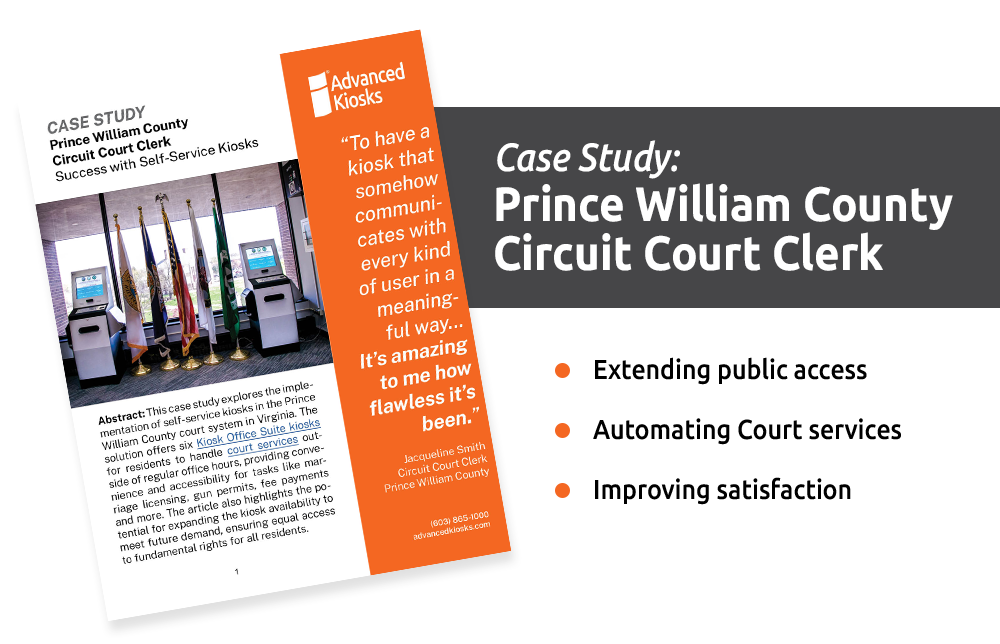
Prince William County Circuit Court Clerk, Virginia
Prince William County’s Circuit Court Clerk’s Office deployed self-service kiosks from Advanced Kiosks to automate routine citizen interactions. The deployment enables citizens to file documents, make payments, and access court records without waiting at the clerk’s window.
“We employ a lot of technology in the office, and there’s always hiccups and glitches,” says Clerk of Court Jacqueline Smith. “We’ve had none of that with Advanced Kiosks. They have thought through everything. While it was not quite plug and play, it’s about as close to plug and play as a kiosk could be. I’ve been so impressed!”