

Give Users a Direct Line to the Right Person, Right from the Kiosk
Built-in VOIP calling and messaging lets kiosk users reach staff, remote agents, or support lines without needing a personal phone.
The Kiosk Office Suite can utilize a handset, microphone, and configurable call directory so the right connection is always one tap away.
- VOIP handset or microphone integrated directly into the kiosk
- Quick-dial directory buttons organized by department or services
- Live video sessions for remote agent service delivery
- On-demand interpretation in over 240 languages via InterpreStation
Why Add Calling and Messaging to a Kiosk
Not Every Issue Can Be Solved by a Screen
When a resident hits a complex question, language barrier, or situation a form cannot resolve, they need a person. The kiosk should bridge that gap, not leave them stranded.
Remote Agents Can Staff Multiple Locations at Once
A video-enabled kiosk lets one expert serve visitors across multiple facilities simultaneously, reducing staffing costs without reducing service quality.
Language Barriers Are Removed on Demand
InterpreStation connects users to live interpreters in over 240 languages without requiring multilingual staff at every location.
VOIP Handset or Microphone
Hardware-integrated calling for private, clear audio without the user needing their own device.
Quick-Dial Directory
Tap-to-call buttons organized by department or service. No dialing, no searching.
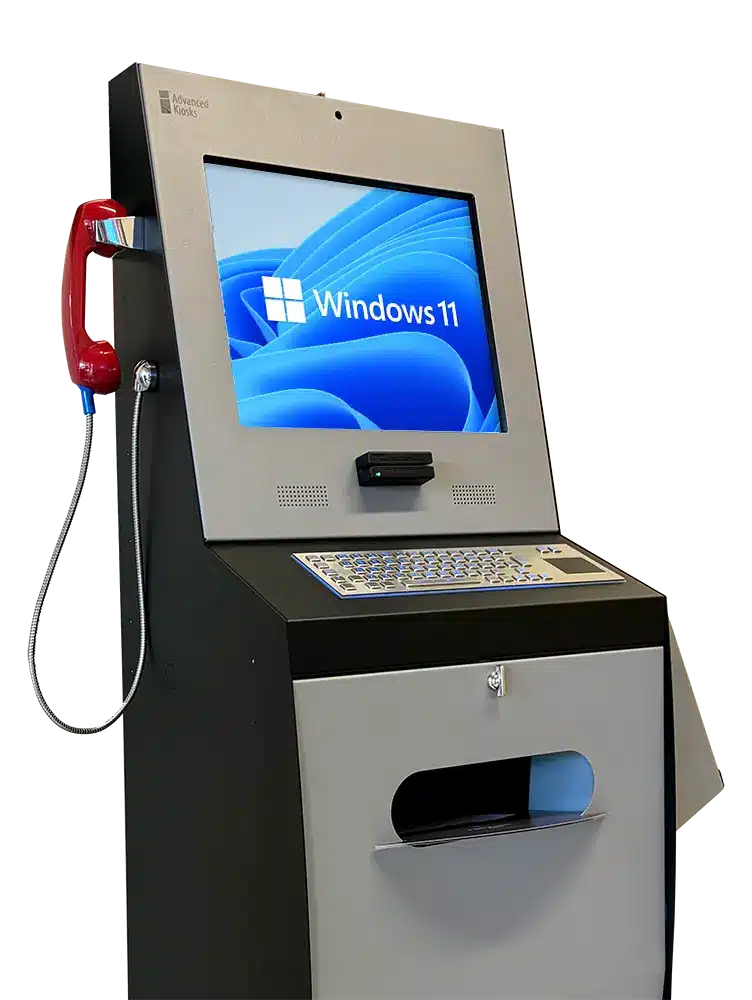







Courthouses
Connect self-represented litigants to clerk staff or legal aid without requiring them to wait in line.
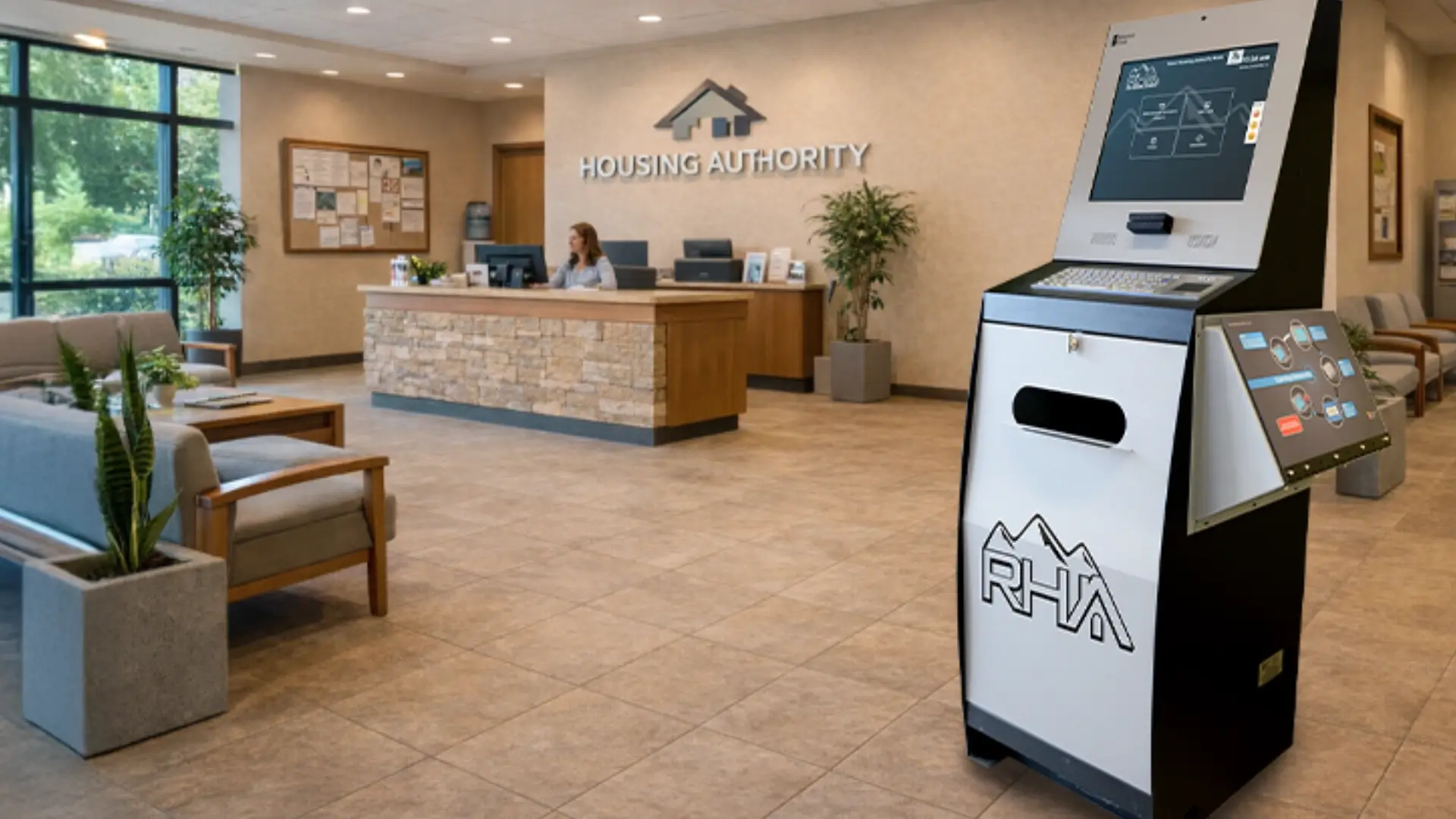
Housing Authorities
Residents with complex case questions can reach a remote housing specialist immediately from the lobby kiosk.
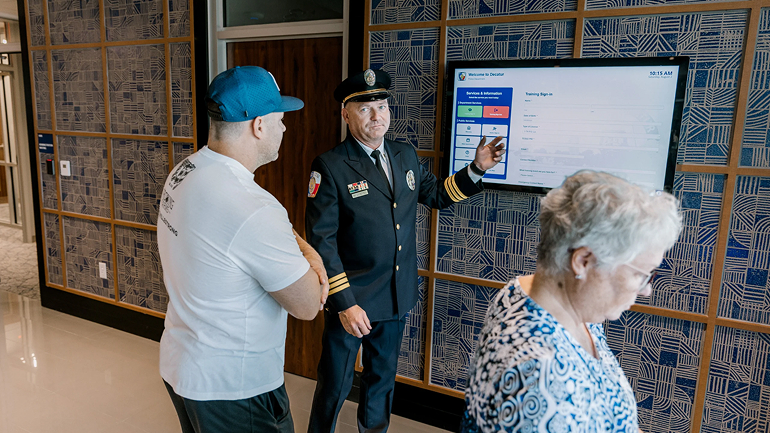
Law Enforcement
Secure call directories allow visitors to reach the correct department without accessing general staff lines.

Healthcare
Patients can reach scheduling, billing, or clinical support directly from the check-in kiosk.
Why Organizations Are Adding VOIP to Their Kiosks
Real advantages for public-facing teams managing high volumes of visitor interactions.
No Personal Device Needed
Users can call staff or agents directly from the kiosk without a mobile phone or personal account.
240+ Languages
InterpreStation removes language as a barrier to service for diverse communities.
Remote Agent Coverage
One expert can serve multiple locations via video without being physically present at each site.
Available 24/7
Recorded messages or after-hours call routing keep the kiosk useful even when staff are unavailable.
Works with Existing Workflows
Calling integrates alongside form fill, scan, and payment tools in the same kiosk session.
Reduces Front Desk Load
Routine call routing handled by the kiosk frees reception staff for higher-value interactions.
How a Kiosk Call Session Works
From first tap to end of call, the process is guided, private, and fully integrated with the kiosk workflow.

User Selects a Contact
The kiosk displays a quick-dial directory. The user taps the department or service they need.

Call Connects
VOIP connects the user through the kiosk handset or microphone to the selected staff member or agent.

Issue Is Resolved
The agent assists the user, can remotely guide them through a form or portal, and completes the interaction.

Session Resets
The kiosk clears the session automatically after the call ends, ready for the next user.
Frequently Asked Questions
Common questions about VOIP calling and messaging on kiosks.
Can we control which numbers or departments users can call?
Yes. The call directory is fully configured by administrators. Users can only call contacts that have been added to the approved directory. Open dialing is not available.
Does InterpreStation require a separate subscription?
InterpreStation is an add-on service. Contact our team to discuss pricing and integration options for your specific deployment.
What happens if no one is available to answer a call?
After-hours behavior is configurable. Options include recorded messages, call routing to alternate contacts, or a clear on-screen notification with alternative next steps for the user.
FROM OUR BLOG
What Every Organization Should Know Before Implementing AI
Artificial intelligence is rapidly moving from experimentation to implementation across…
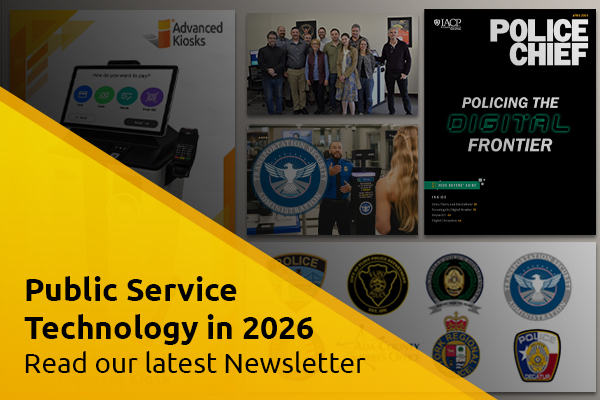
Read Our Latest 2026 Newsletter!
Our latest newsletter is packed with updates from the field,…
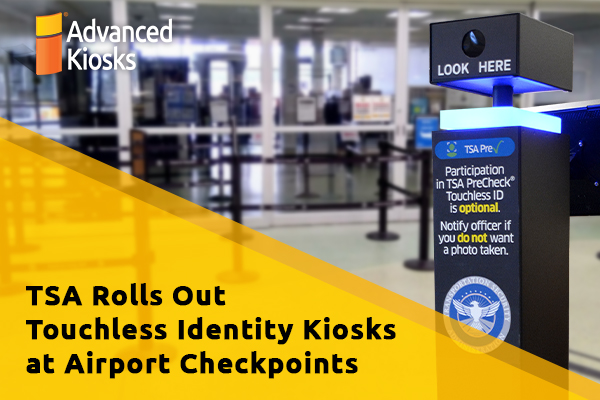
TSA Rolls Out Touchless Identity Kiosks at Airport Checkpoints
Moving millions of passengers safely through airport security requires more…

Outdoor Kiosks: Answers to the 10 Most Common Questions
As organizations look to bring services outside the traditional lobby,…
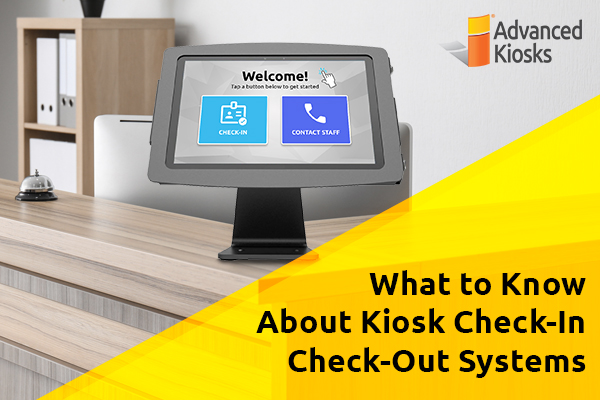
What to Know About Kiosk Check-In/Check-Out Systems
If you\'ve visited a modern government building, healthcare facility or…