

Scan, Submit, and Print Documents Without Staff Involvement
The Kiosk Office Suite lets the public scan documents directly to email, print forms on demand, and receive receipts after transactions, all at any hour, without requiring a staffed office window or a front desk interaction.
- Scan documents and send to any email address in seconds
- Print forms, receipts, and documents directly from the kiosk
- AES-256 encrypted transmission over TLS 1.3 connections
- Compliant with HIPAA, FERPA, and PCI-DSS requirements
Why Scan and Print Belongs on a Self-Service Kiosk
Document Handling Is One of the Most Common Visitor Requests
Residents come in to scan a renewal, print a form, or submit a document. Each transaction is short but routine, and when handled manually it pulls staff away from more complex work.
Scanned Documents Are Delivered Immediately
Users place their document on the scanner, confirm a destination email, and receive their PDF in seconds. No paper trail, no waiting for a staff member to process it.
Everything Is Encrypted and Compliant
All transmissions use AES-256 encryption over TLS 1.3. The system is designed to meet HIPAA, FERPA, and PCI-DSS standards for sensitive document handling.
Integrated Document Scanner
Hardware-level scanning built into the kiosk enclosure, optimized for high-volume public use.
Scan to Email
Scanned PDFs are sent immediately to a user-entered or pre-configured email address.
Print on Demand
Users retrieve and print approved documents, completed forms, or transaction receipts directly from the kiosk.
Automatic Session Reset
Scanned files and any entered addresses are cleared from the kiosk after each session.
Administrator Reporting
Scan activity and submission logs are available to administrators for audit and compliance purposes.









































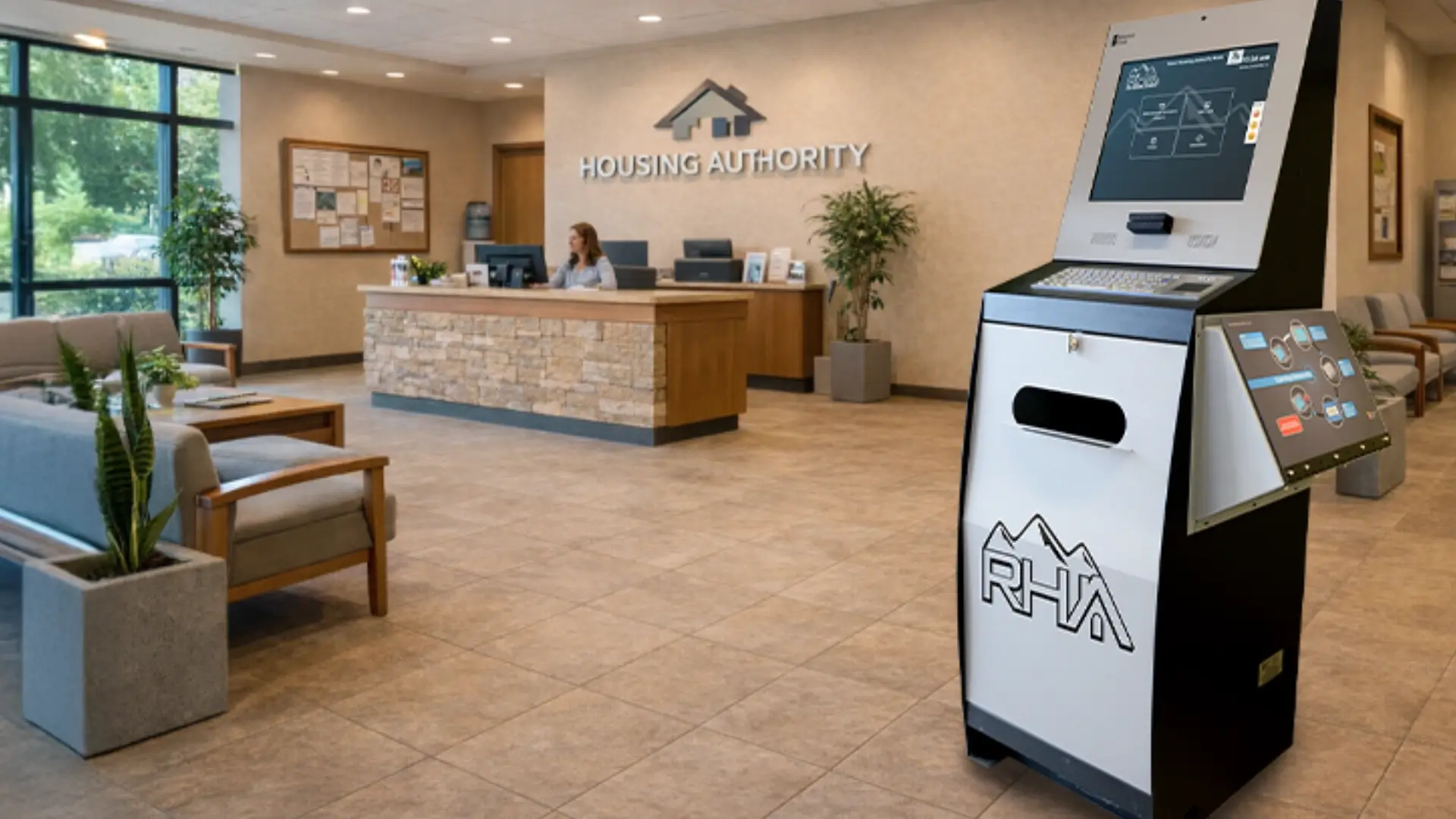
Housing Authorities
Residents scan lease renewals, income verifications, and maintenance documentation without front desk wait times.
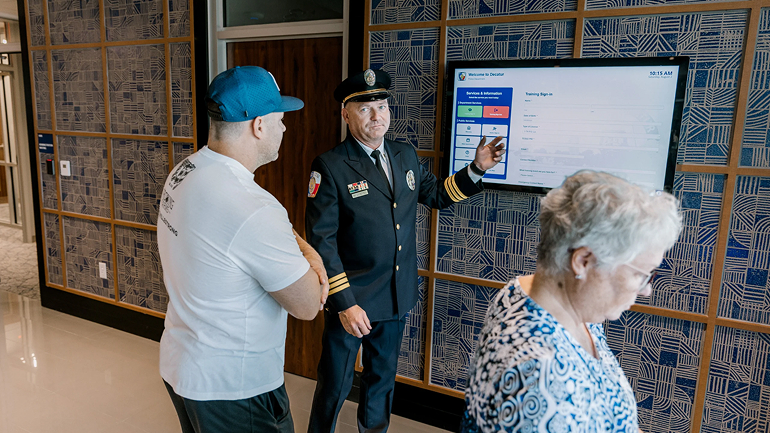
Law Enforcement
Visitors scan and submit required documentation during lobby check-in as part of a guided self-service workflow.

Healthcare Facilities
Patients locate departments, access intake documents, and find insurance information without front desk assistance.

Government Offices
Residents locate permits, forms, and service information without waiting for a staff member to assist.
Why Organizations Are Adding Search to Their Kiosks
Measurable advantages for public-facing organizations that handle high volumes of information requests.
No Scanner Hardware to Buy
Visitors find what they need without waiting for staff or searching through printed materials.
24/7 Document Submission
Residents can scan and submit documents outside of business hours without waiting for a staffed window.
Encrypted and Compliant
Remote content management means the kiosk reflects current information at all times.
No Staff Required
The entire scan-to-email process is self-guided. Staff are not needed for routine document submissions.
Print Receipts and Forms
Users print completed forms and transaction receipts directly from the kiosk on demand.
Audit-Ready Logs
Scan activity and submission records are logged and available for administrator review and compliance reporting.
How Document and Data Search Works on a Kiosk
From the moment a visitor approaches to the moment they find what they need, the experience is fast, guided, and self-contained.

Place and Scan
User places the document on the scanner and taps to begin the scan process from the touchscreen.

Enter Destination
User types or selects the destination email address for the scanned PDF.

Send and Confirm
The encrypted PDF is sent immediately. A confirmation screen lets the user know delivery was successful.

Session Clears
All scan data and entered addresses are wiped automatically. The kiosk resets for the next user.
Frequently Asked Questions
Common questions about scan and print functionality on kiosks.
How secure is the document scanning process?
All scanned documents are transmitted using AES-256 encryption over TLS 1.3 connections. Sessions are isolated and cleared between users. The system is designed to meet HIPAA, FERPA, and PCI-DSS compliance requirements.
Can we pre-configure destination email addresses for specific agencies?
Yes. Administrators can configure a directory of approved destination email addresses. Users select from the list rather than entering an address manually, reducing errors and ensuring documents reach the correct recipient.
What types of documents can be scanned?
The integrated scanner handles standard document sizes. Multi-page documents can be scanned as a single PDF. ID cards and smaller documents are also supported depending on the hardware configuration.
FROM OUR BLOG
What Every Organization Should Know Before Implementing AI
Artificial intelligence is rapidly moving from experimentation to implementation across…
Read Our Latest 2026 Newsletter!
Our latest newsletter is packed with updates from the field,…
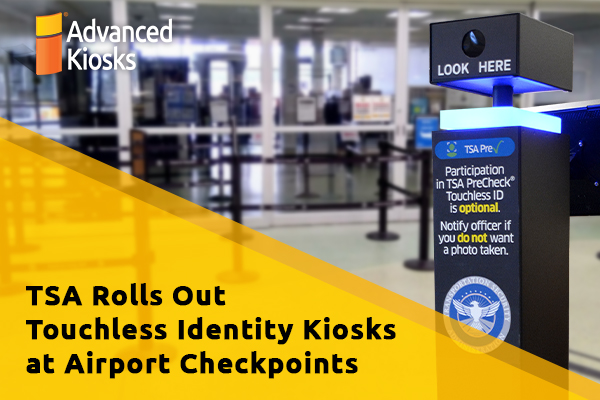
TSA Rolls Out Touchless Identity Kiosks at Airport Checkpoints
Moving millions of passengers safely through airport security requires more…

Outdoor Kiosks: Answers to the 10 Most Common Questions
As organizations look to bring services outside the traditional lobby,…
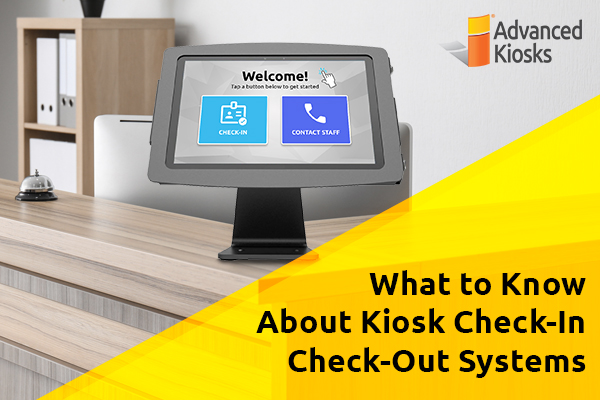
What to Know About Kiosk Check-In/Check-Out Systems
If you\'ve visited a modern government building, healthcare facility or…