Select Page

Zamok Homepage Template Does Not Display on The Kiosk

  1. Home
  2. Zamok Homepage Template Does Not Display on The Kiosk
Description:
Zamok is not displaying the Homepage Solution
 
Solution:
  1. Open Zamok (or your Cloud Dashboard if available) and access the Kiosks Settings
  2. Under Homepage option, select the “Use Zamok Home Page” button. 
  3. Save.
  4. Close and Reopen Zamok.
*Note – if you want to revert back to using your own webpage for the Home Page, follow the same steps and select the “Use Custom URL” button.
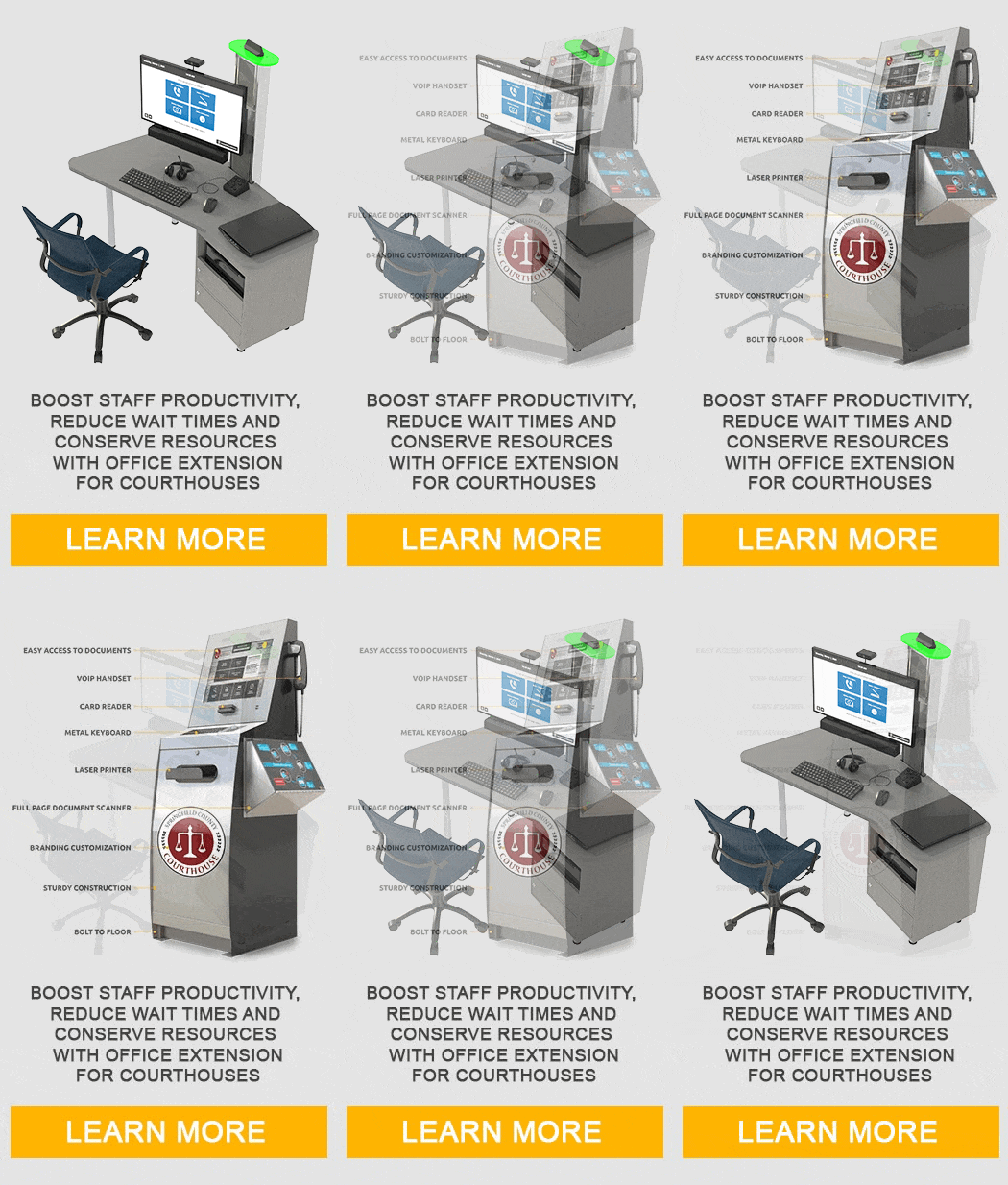
Prince William County Self Service Kiosk Case StudyGovernment and Courthouse kiosk self serviceCourthouse modernization Part 1Courthouse modernization eFilingCourthouse modernization Legal form submissionCourthouse modernization Interpretation ServiceCourthouse modernization Assisted Self Service

Kiosk Machine Freestanding

Kiosk Machine Freestanding

Kiosk Machine Ticketing

Kiosk Machine TIcketing
Speak with a Specialist