The touchscreen kiosk is just the beginning.
Advanced Kiosks helps you plan, build, configure, launch, and support the full self-service experience – from hardware and peripherals to software, security, interface design, training, and long-term support.




 Touchscreen Kiosk
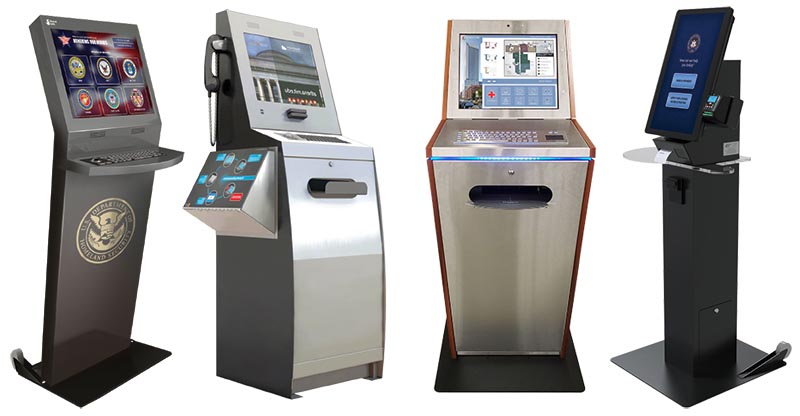
Commercial-grade digital kiosk hardware built for public use, long-term reliability, and the demands of daily self-service. Choose from indoor, outdoor, freestanding, wall-mounted, and desktop kiosk machines, each configurable around your space, workflow, and user environment.
We help match the right kiosk machine enclosure to the way your users will interact with it. Whether the kiosk is placed in a lobby, government office, healthcare facility, campus, service center, or outdoor location, the hardware is selected around durability, accessibility, screen size, mounting style, computer requirements, and available space. From compact check-in stations to rugged public-facing deployments, the kiosk starts with hardware that fits the job.
<< Back to Top
 Options & Peripherals
Add the devices your workflow needs – scanners, printers, cameras, card readers, barcode readers, handsets, payment devices, and other integrated components. Each peripheral is selected, installed, and configured to work as part of the complete kiosk experience.
Peripherals turn a kiosk from a touchscreen into a functional self-service station. Users may need to scan documents, print receipts, capture photos, verify IDs, submit forms, make payments, or interact with staff remotely. We help define which devices are required, how they should be positioned in the enclosure, and how they connect to the software workflow so the entire system works smoothly from start to finish.
<< Back to Top


 Security & Lockdown
Keep users inside the intended experience and protect the kiosk from unwanted access. Security and lockdown tools restrict browsing, block system access, manage approved applications, and give your team remote control over the deployed kiosk environment.
Public kiosks need more control than a standard browser or desktop setup can provide. With kiosk lockdown, users are guided through only the approved screens, forms, websites, or applications. Admin tools help prevent tampering, reduce support issues, simplify updates, and allow teams to remotely monitor and manage kiosks after deployment. The result is a more secure, predictable, and maintainable self-service system.
<< Back to Top
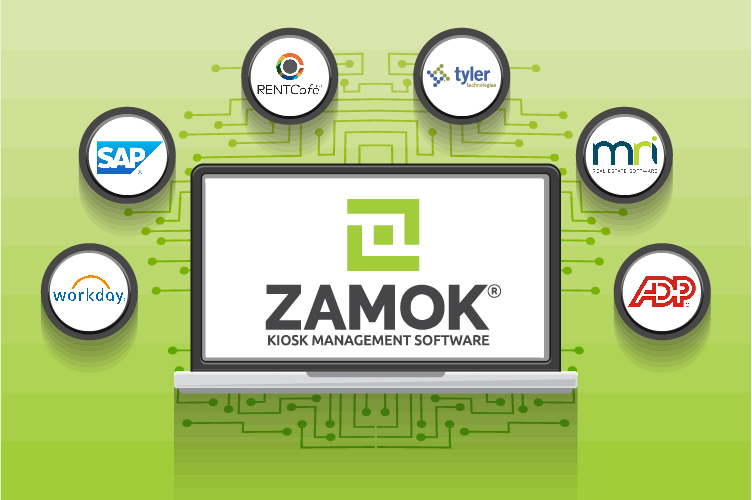
 UX/UI Design & Customization
Design the kiosk experience around the people using it. We map the screens, steps, prompts, buttons, forms, error messages, and visual flow so users can complete their task clearly and confidently without staff assistance.
A successful kiosk depends on more than hardware. The interface needs to be easy to understand, touch-friendly, accessible, and customized to the workflow. We help shape the user journey from the welcome screen to final confirmation, including branding, language, form design, navigation, instructions, validation, and error handling. The goal is to make every step simple, obvious, and efficient for the public.
<< Back to Top
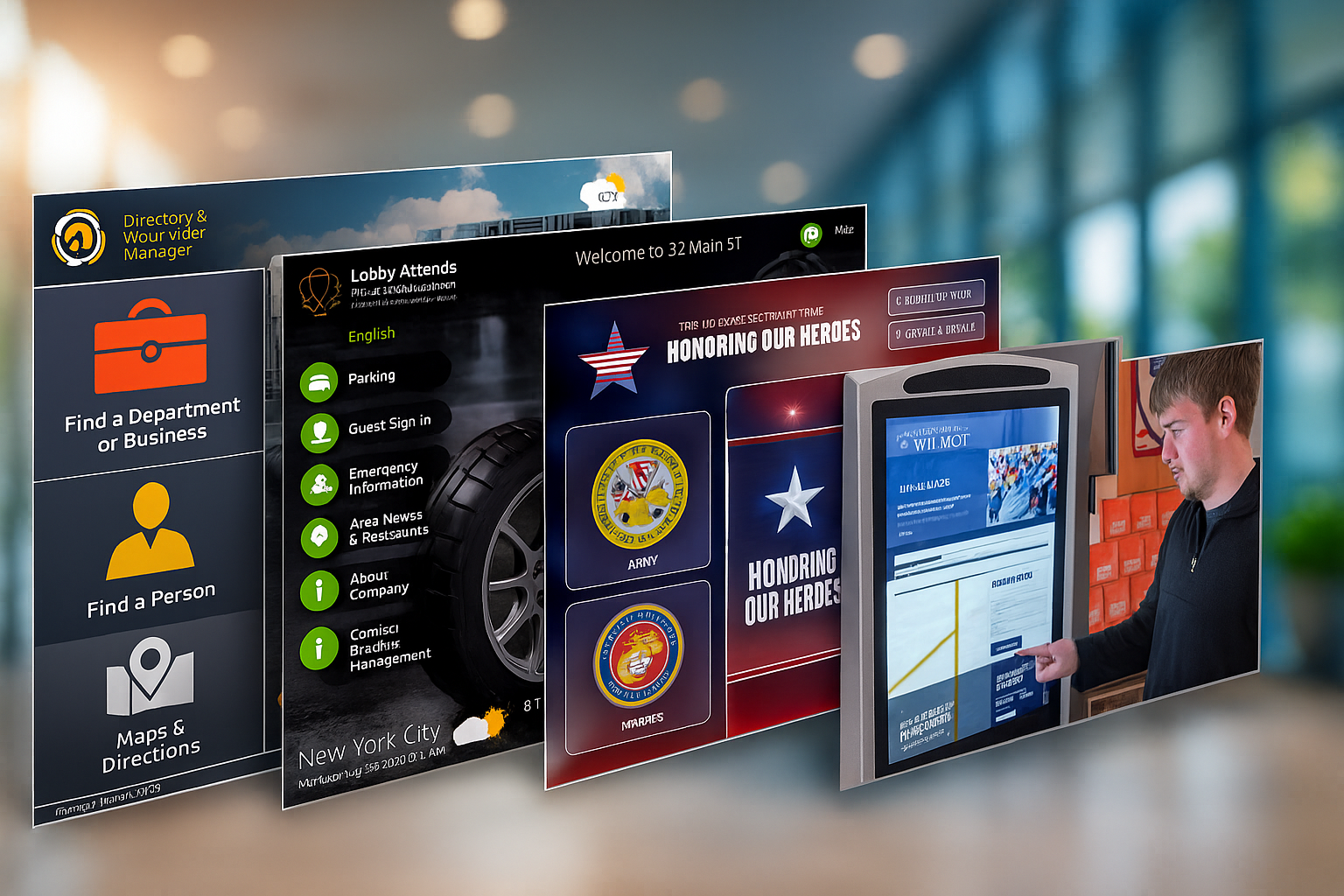
 Onboarding & Support
A guided deployment process that helps your team launch with confidence. We assist with configuration, workflow setup, training, testing, launch preparation, and ongoing support so your kiosk program is ready for real-world use.
Getting a kiosk live takes more than delivery. We help configure the system, review the workflow, train administrators, answer operational questions, and support your team through launch. After deployment, ongoing support helps keep the kiosk running through troubleshooting, updates, maintenance guidance, warranty coverage, and remote assistance. You get a partner for the full lifecycle of the kiosk, not just the initial purchase.
<< Back to Top

 Data Analysis & Reporting
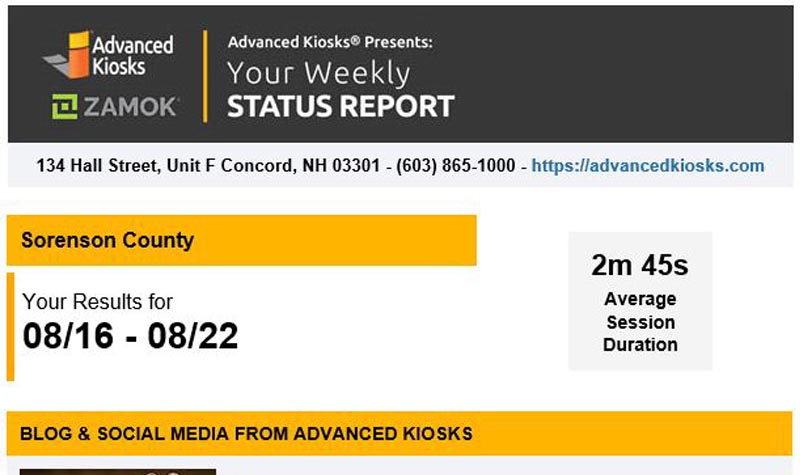
Stay informed with regular reporting on kiosk activity, usage, performance, and operational health. Weekly reports help your team understand what is happening in the field and identify trends, issues, or opportunities for improvement.
Reporting gives your kiosk program visibility after launch. Weekly summaries can help track usage volume, completed sessions, form submissions, service requests, downtime, alerts, maintenance needs, and other key activity depending on your setup. These reports help teams spot problems early, understand how people are using the kiosk, and make better decisions about staffing, workflow improvements, and future deployments.
<< Back to Top
Once the pieces are planned, they can be combined into a complete automated solution.
Complete Automated Solutions
Instead of purchasing a touchscreen kiosk and figuring out the rest later, Advanced Kiosks can help deliver the full experience from start to finish. We work with your team to define the task, configure the kiosk, design the user flow, connect the required tools, lock down the environment, train your staff, and support the deployment after launch.
Whether you need document intake, applications, check-ins, service requests, payments, visitor management, or a custom public-service workflow, our turnkey products are designed to reduce complexity and help your organization launch faster.
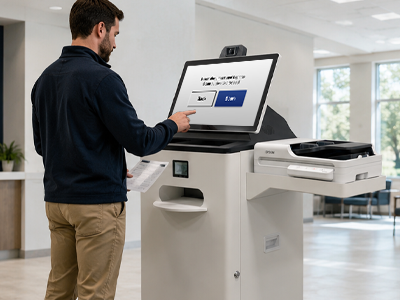
Kiosk Office Suite
Streamline forms, applications, document scanning, document intake, and service requests with a self-service kiosk built for public-facing offices. Guide users step by step, capture the information you need, and route completed submissions to the right team.
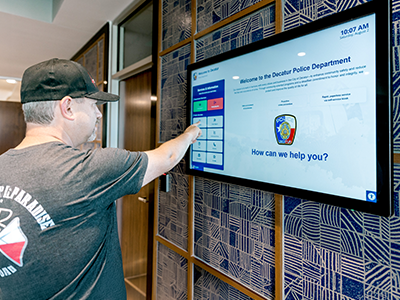
Visitor Management System
Modernize check-in for lobbies, campuses, clinics, and secure facilities. Let guests sign in, receive instructions, print badges, submit information, and notify staff automatically through a guided touchscreen workflow.
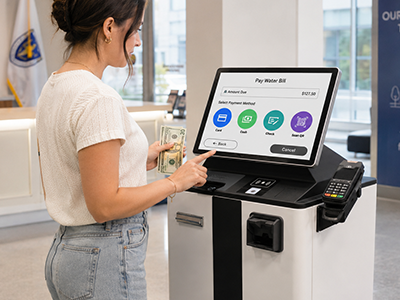
Payment Collection Kiosks
Accept payments and complete transactions through a secure self-service kiosk. Combine touchscreen workflows with card readers, receipt printers, scanners, and other transaction tools to reduce lines and improve service speed.
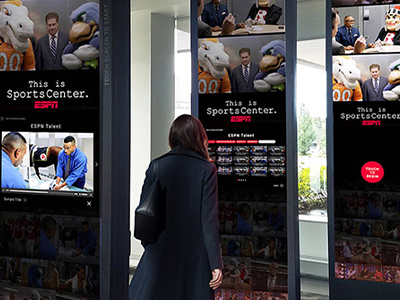
Custom Kiosk Project
Build a touchscreen kiosk experience around your organization’s exact process. From check-in and intake to scanning, payments, routing, notifications, integrations, and reporting, we help design the workflow that fits your needs.
One partner, start to finish
Whether you’re scoping a first project or scaling a fleet, we cover the part you need, from idea to ongoing support.
01
Plan
We map your goals, requirements, and feasibility before any money goes into hardware.
02
Design & Build
Custom hardware, interface, and software, engineered around your users and your systems
03
Deploy & Support
Nationwide installation plus monitoring and managed services that keep kiosks running.









































Get Expert Guidance for Your Perfect Touchscreen Kiosk Solution!
FROM OUR BLOG

Outdoor Kiosks: Answers to the 10 Most Common Questions
As organizations look to bring services outside the traditional lobby,…

Sabino Canyon Crawler Upgrades It’s Operations With Outdoor Kiosks
A renowned natural attraction in southern Arizona has integrated a…
Outdoor Kiosks a Growing Self-Service Segment
Interactive kiosks have long proven their value when it comes…

Advanced Kiosks Visits Big Sky Country
Advanced Kiosks installed the first Aegis Booth as part of…

Thermal Testing Guarantees Optimum Outdoor Kiosk Design Performance
Self-service technology is all about accessibility. Customers want to access…