

The digital kiosk is just the beginning.
Advanced Kiosks helps you plan, build, configure, launch, and support the full digital information kiosk experience – from hardware and peripherals to software, security, interface design, training, and long-term support.




 Information Kiosks
Commercial-grade information kiosks built to help visitors, customers, employees, and the public quickly find the information they need. Advanced Kiosks helps organizations deploy self-service information kiosks for directories, wayfinding, service navigation, FAQs, digital resources, public notices, maps, schedules, forms, and guided assistance.
Every information kiosk starts with the user’s question: what are they trying to find, where are they trying to go, or what action do they need to take next? We help match the right kiosk enclosure, screen size, mounting style, software, interface, and peripherals to the way people will interact with the system.
Whether the kiosk is placed in a lobby, campus, government office, healthcare facility, visitor center, retail space, museum, transportation hub, or public building, the solution is configured around accessibility, usability, durability, and long-term reliability.
<< Back to Top
 Options & Peripherals
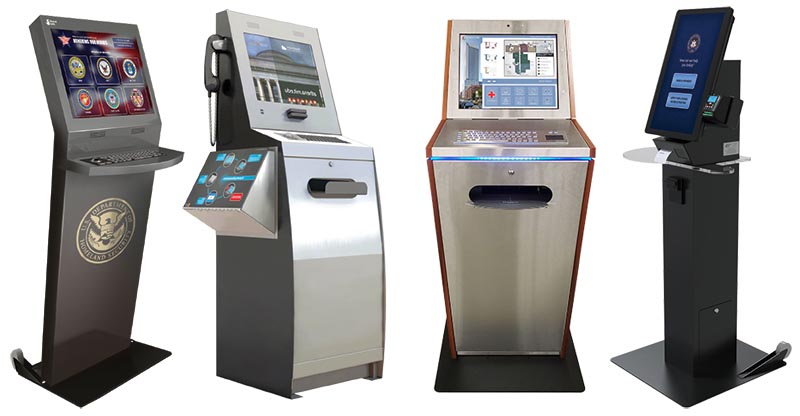
Information kiosks can be configured with the hardware and accessories needed to support your environment and user experience. Depending on the application, your kiosk may include printers, scanners, cameras, speakers, phones, card readers, barcode readers, keyboards, trackballs, or other integrated peripherals.
For many information kiosk projects, the goal is to keep the experience simple: display the right information, guide users clearly, and help them take the next step without confusion. For more advanced deployments, the kiosk may also support document lookup, form access, ticket printing, staff notifications, or connection to other systems.
Advanced Kiosks helps identify which options are needed for your use case, which features may improve the experience, and which add-ons may not be necessary.
<< Back to Top



 Security & Lockdown
Information kiosks are often placed in public spaces, which means users need access to approved content only. The kiosk should display the intended website, directory, map, application, or resource library without allowing access to the operating system, browser settings, local files, or unauthorized websites.
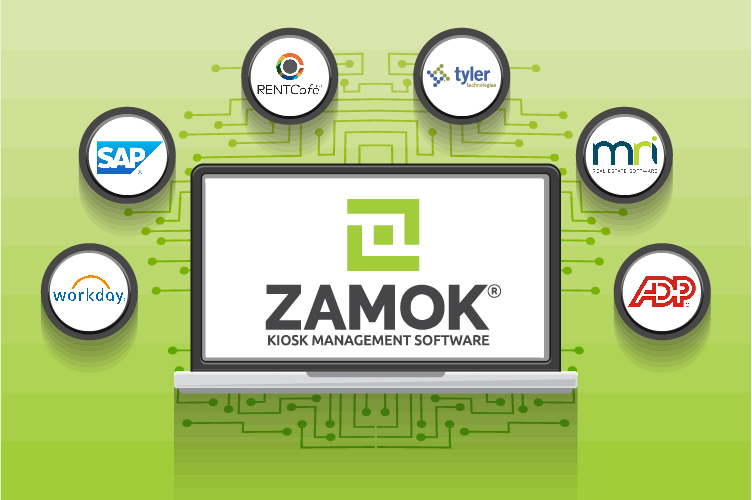
With Zamok kiosk software, Advanced Kiosks can help lock down the kiosk experience, control what users can access, manage content, and support remote administration. This helps keep the kiosk focused, secure, and easier to maintain across one location or many.
Security and content control are especially important for information kiosks used in government buildings, schools, healthcare facilities, corporate offices, transportation centers, and public service environments.
<< Back to Top
 UX/UI Design & Customization
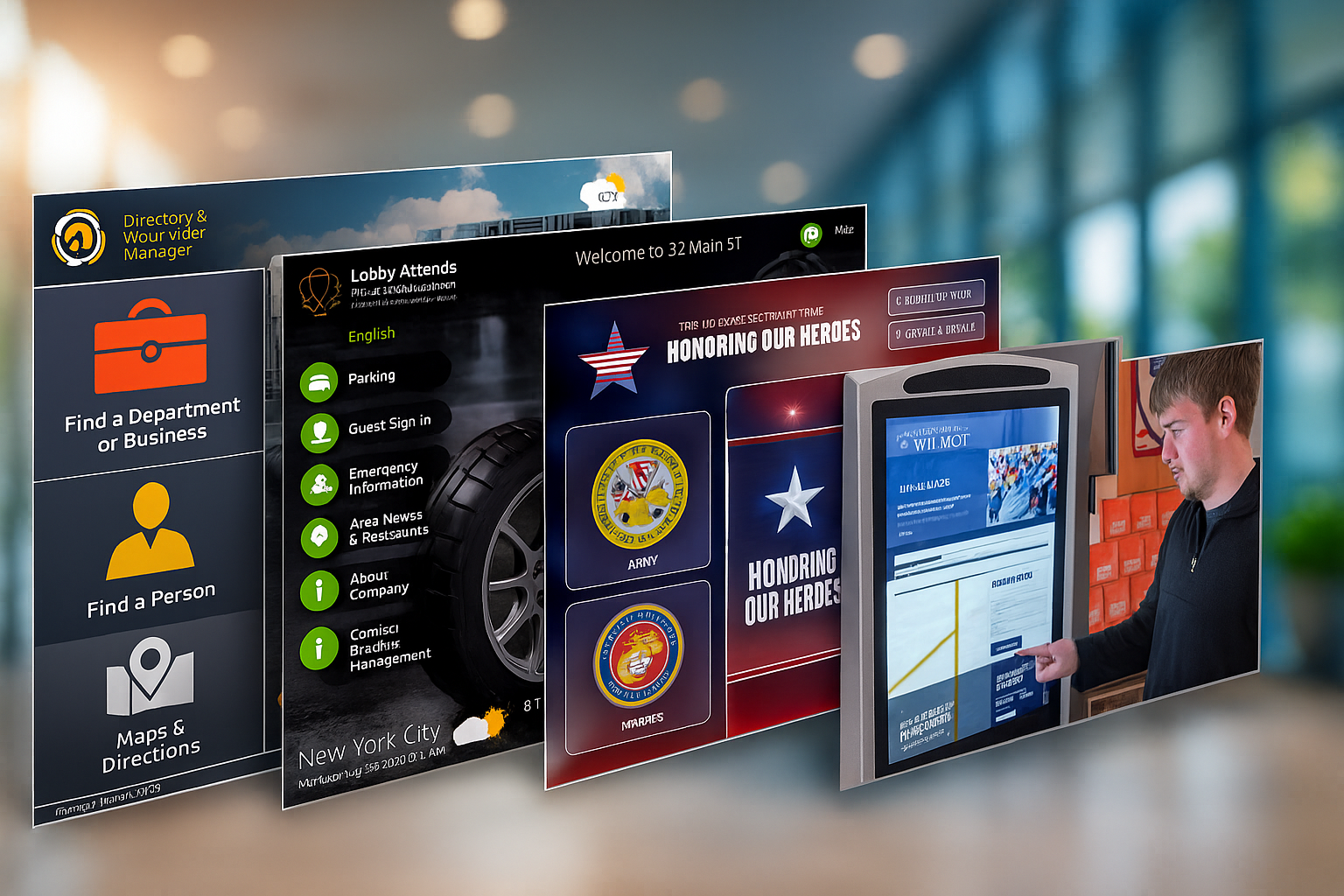
An information kiosk needs to be easy to understand in seconds. Users should be able to walk up, recognize their options, search or browse quickly, and leave with the answer, direction, or resource they came for.
Advanced Kiosks can help design or refine the kiosk interface around your audience, location, and information structure. From welcome screens and menus to directories, maps, service categories, search tools, branded layouts, accessibility considerations, and guided prompts, the interface can be customized to make information easier to find.
Whether you already have digital content ready or need help turning printed materials, web pages, maps, or service lists into a self-service kiosk experience, we can help create a clear and intuitive interface.
<< Back to Top
 Onboarding & Support
Deploying an information kiosk involves more than placing a screen in a public area. The kiosk needs to be configured, secured, tested, connected, and supported so users can rely on it every day.
Advanced Kiosks helps customers through the planning and onboarding process, including kiosk configuration, software setup, content review, interface planning, testing, deployment guidance, and ongoing support. Our team can help make sure the kiosk is prepared for the location, audience, and information needs before it goes live.
After deployment, support options can help your team update content, troubleshoot issues, reduce downtime, and keep the kiosk experience useful over time.
<< Back to Top

 Data Analysis & Reporting
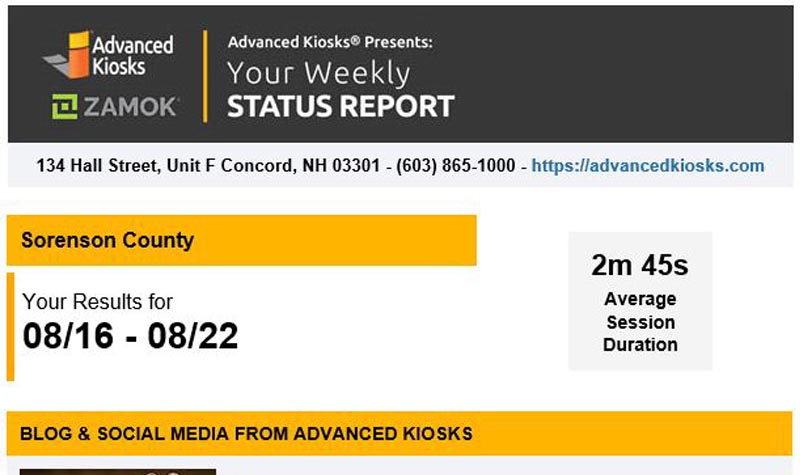
Information kiosks can provide valuable insight into what users are looking for and how they interact with your content. Usage data can help identify popular searches, frequently accessed resources, common service needs, navigation patterns, and areas where users may need clearer guidance.
Depending on the software and application setup, reporting can help organizations improve content, update messaging, reduce repetitive staff questions, and make better decisions about future kiosk placement or expansion.
Advanced Kiosks can help organizations think through what information should be tracked, how reporting should be used, and how kiosk data can support a better visitor or customer experience.
<< Back to Top
Once the pieces are planned, they can be combined into a complete information kiosk solution.
Complete Automated Solutions
Some projects need a simple public information station. Others need a complete self-service system with directories, maps, content management, search tools, integrations, printing, or remote support. Advanced Kiosks can support both.
We help organizations bring together the hardware, software, security, interface, content structure, onboarding, and support needed to create a reliable information kiosk experience. Whether you are replacing printed materials, reducing front-desk questions, improving wayfinding, offering public access to digital resources, or building a custom information workflow, we can help configure the solution around your goals.
If you already know what kiosk model you need, we can help with that. If you are still planning the best approach, we can help design the information kiosk experience from the user’s needs outward.
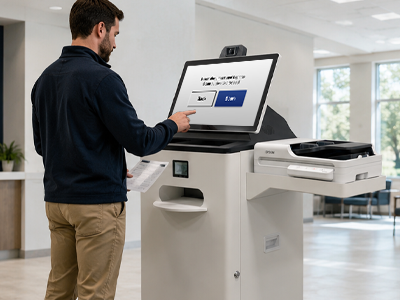
Kiosk Office Suite
Provide public access to forms, applications, documents, instructions, and service information through a self-service information kiosk. Help users find the right resources, review requirements, complete next steps, and submit information with less staff assistance.
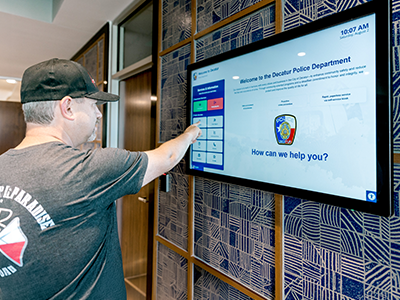
Visitor Management System
Help guests find check-in instructions, building information, department directories, staff contacts, maps, and visitor resources from a public-facing information kiosk. Guide visitors through arrival, orientation, and next steps with a clear self-service experience.
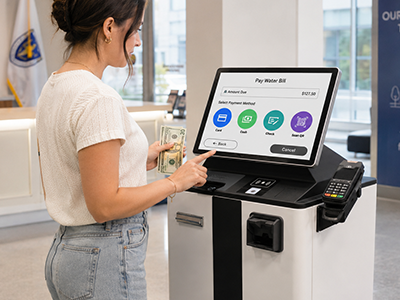
Payment Collection Kiosks
Give users access to billing information, payment instructions, account lookup, and secure transaction workflows from an information kiosk. Combine helpful guidance with payment tools, receipt printing, scanning, or other peripherals when the process requires more than information alone.
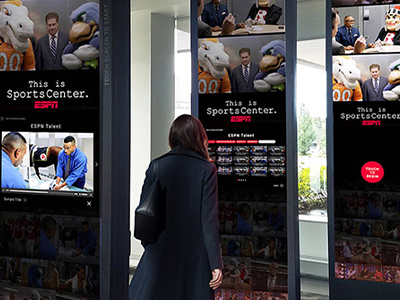
Custom Kiosk Project
Build an information kiosk around your organization’s exact content, audience, and location. From directories and maps to FAQs, service menus, public notices, forms, search tools, integrations, and reporting, we help design the self-service experience that fits your needs.
One partner, start to finish
Whether you’re scoping a first project or scaling a fleet, we cover the part you need, from idea to ongoing support.
01
Plan
We map your goals, requirements, and feasibility before any money goes into hardware.
02
Design & Build
Custom hardware, interface, and software, engineered around your users and your systems
03
Deploy & Support
Nationwide installation plus monitoring and managed services that keep kiosks running.












































Get Expert Guidance for Your Perfect Interactive Kiosk Solution!
FROM OUR BLOG
Outdoor Kiosks: Answers to the 10 Most Common Questions
As organizations look to bring services outside the traditional lobby,…

Sabino Canyon Crawler Upgrades It’s Operations With Outdoor Kiosks
A renowned natural attraction in southern Arizona has integrated a…
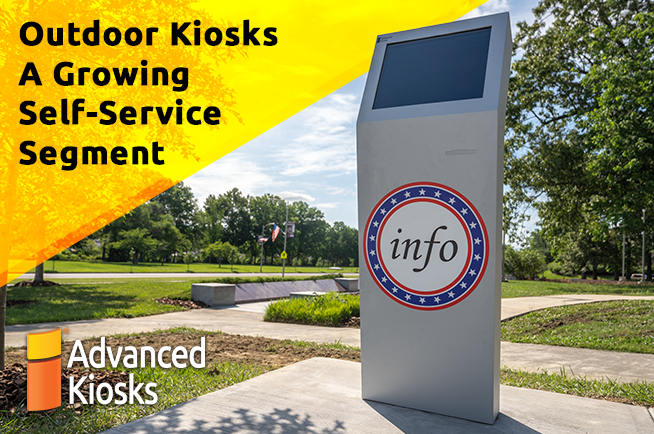
Outdoor Kiosks a Growing Self-Service Segment
Interactive kiosks have long proven their value when it comes…

Advanced Kiosks Visits Big Sky Country
Advanced Kiosks installed the first Aegis Booth as part of…

Thermal Testing Guarantees Optimum Outdoor Kiosk Design Performance
Self-service technology is all about accessibility. Customers want to access…