
Kiosk Model: Freestanding Kiosk
Versatile Self-Service for Professional Indoor Environments
A durable, configurable self-service kiosk built for check-in, wayfinding, visitor management, public information, and other high-use applications in professional indoor environments.
 GSA Contract Holder
 Made in USA

P/N: H32-90-100
This kiosk is the physical hardware platform. Zamok Kiosk Management Software provides the workflows and management tools that turn it into a complete self-service solution.
What people can accomplish at the kiosk
When paired with Zamok and Kiosk Office Suite, the Document Kiosk can handle routine public-service tasks through a secure kiosk interface, while keeping staff informed when review, approval, or follow-up is needed.
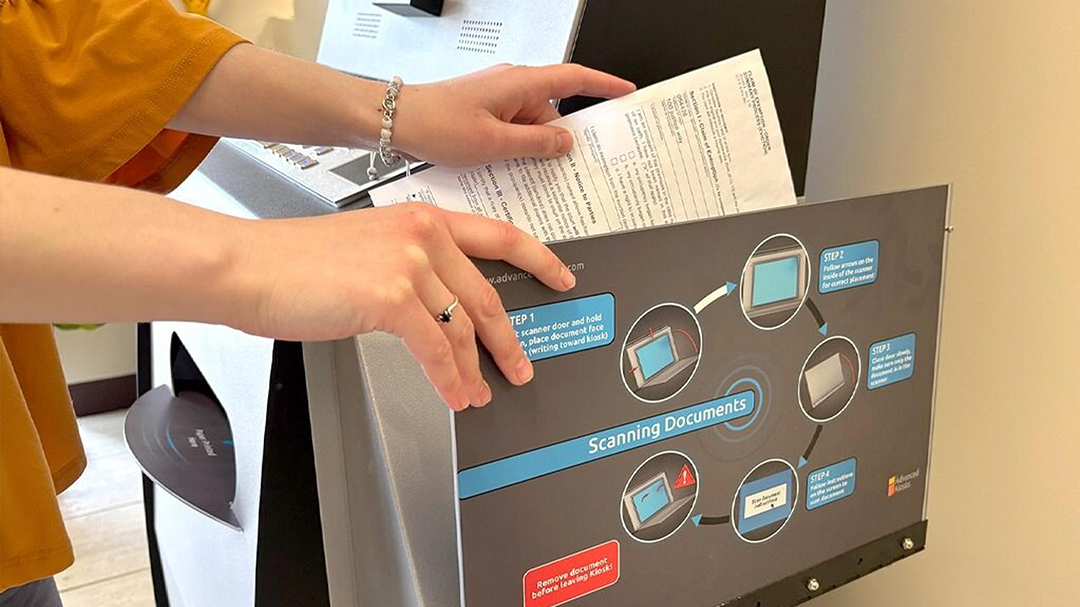
Check in & register
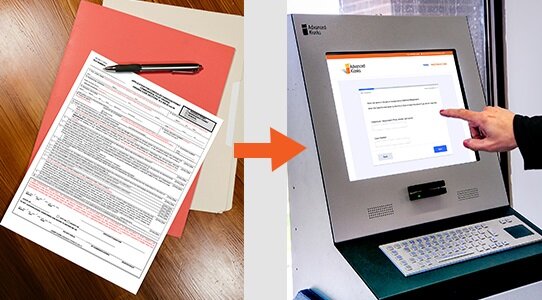
Find information
Give visitors direct access to public information, community resources, policies, schedules, and other digital content.
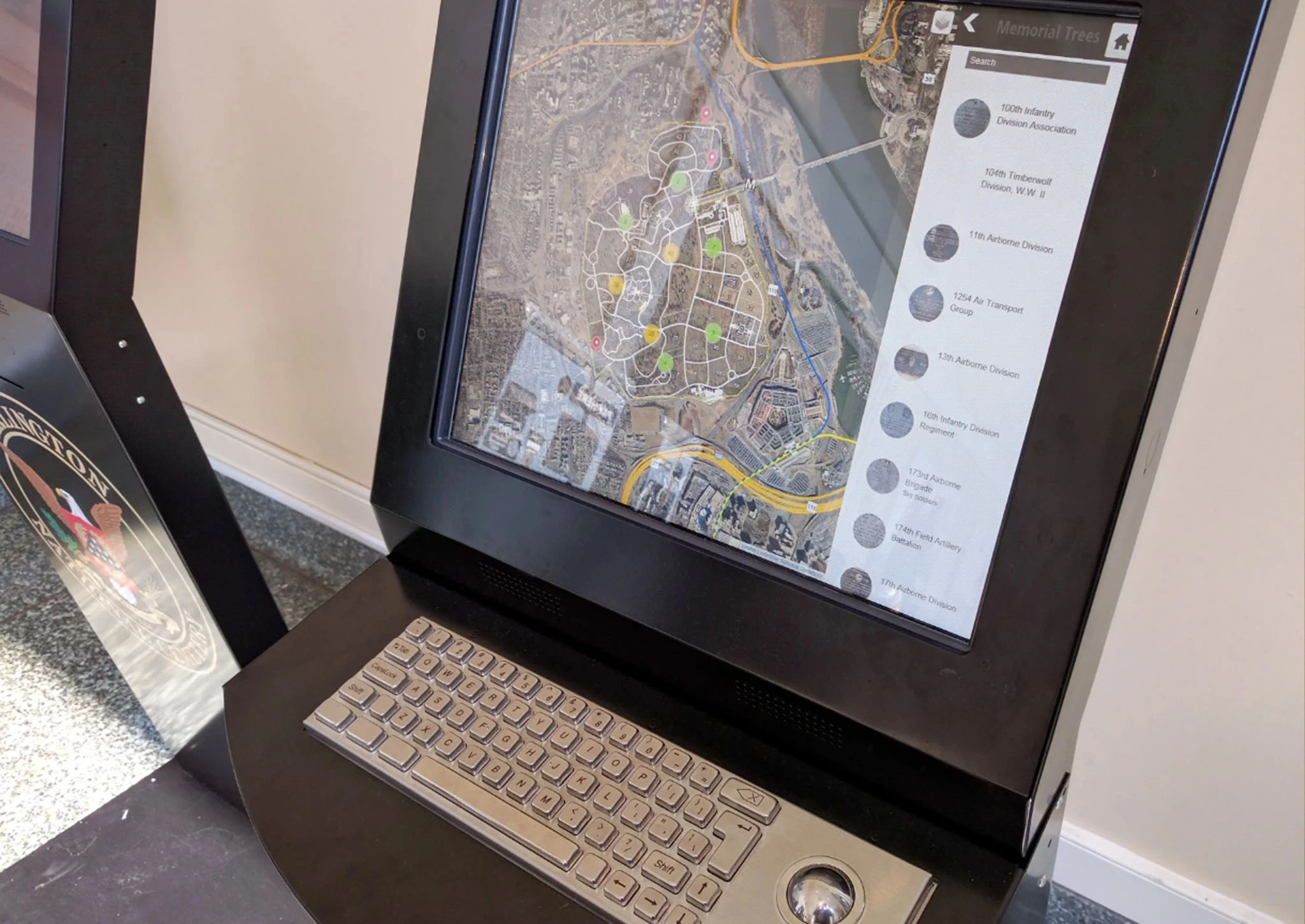
Navigate & find locations
Help guests find offices, departments, gravesites, exhibits, rooms, or other destinations with interactive wayfinding.
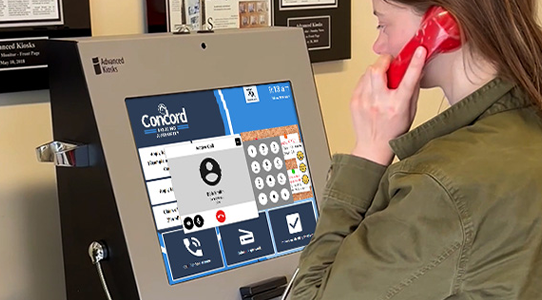
Access accounts & services
Provide a convenient station for customers to access online accounts, rentals, reservations, and other self-service tools.
Complete applications & forms
Guide users through registrations, applications, surveys, and other digital forms with clear on-screen instructions.
Connect with staff
Give visitors a simple way to reach the right staff member when a self-service task requires additional assistance.
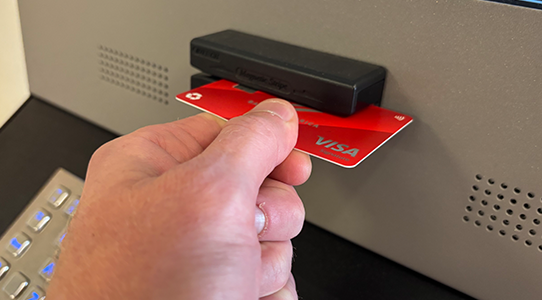
Pay bills & fees
Let visitors securely make approved payments by credit or debit card for bills, fees, rentals, and other services.
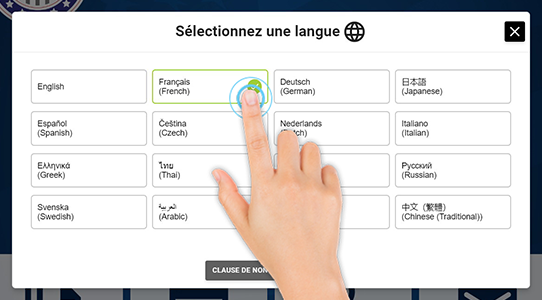
Access multilingual content
Present self-service information and workflows in multiple languages to serve a broader range of visitors.
Built for how public-facing offices actually run
See how the Document Kiosk supports secure, high-volume services across public-facing environments.

Government &
County Offices
Check-in, wayfinding, voter registration, public information, and guided access to government services without adding front-desk workload.

Self Storage
Facilities
Give customers 24/7 access to rentals, payments, account information, and move-in services with a reliable self-service station.

Health & Human
Services
Help visitors find community resources, access online services, check in, and complete guided self-service tasks from convenient public locations.

Memorials &
Museums
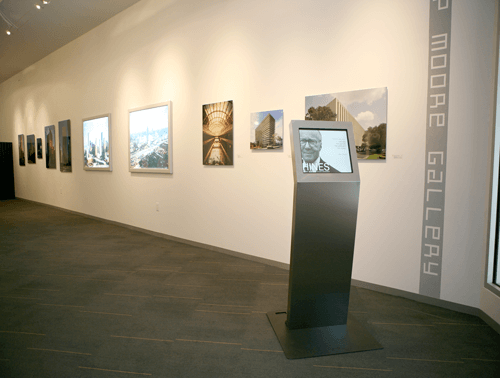
Provide interactive directories, wayfinding, searchable records, and visitor information that make exhibits, memorials, and destinations easier to explore.

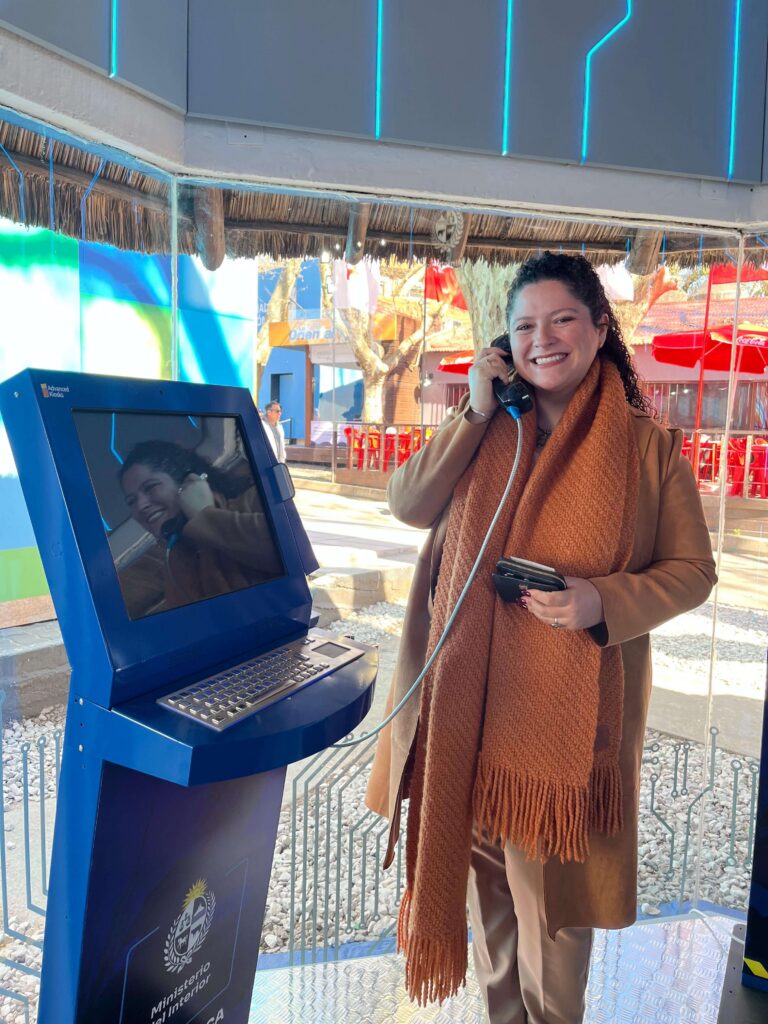
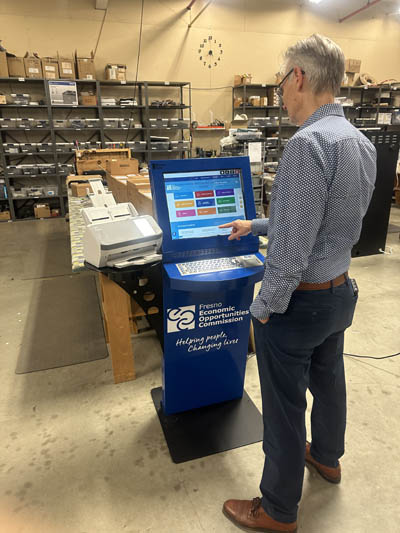
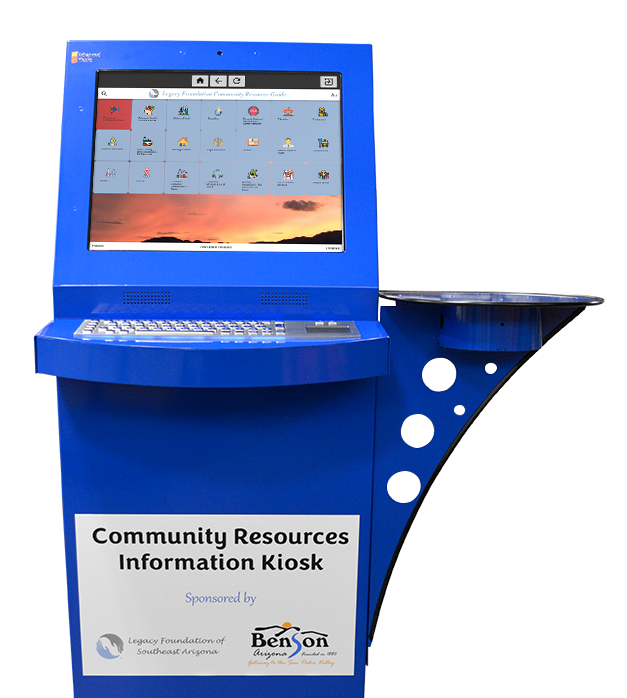
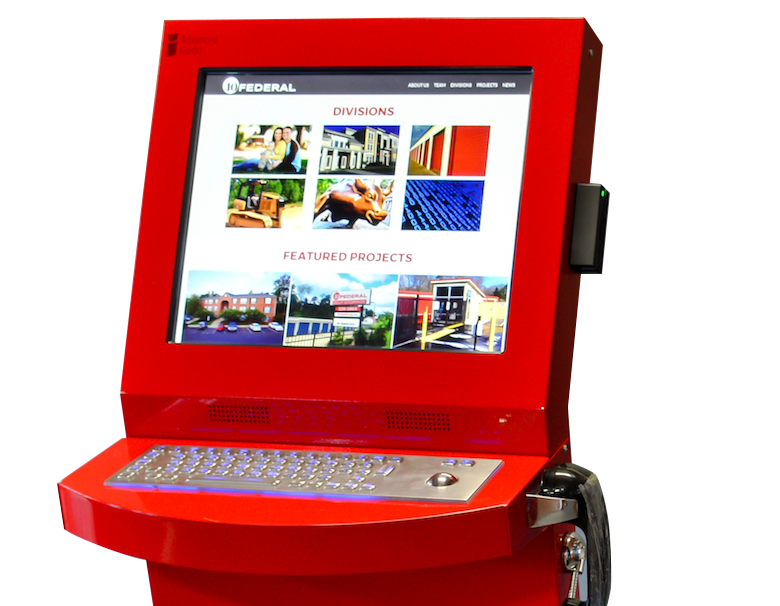
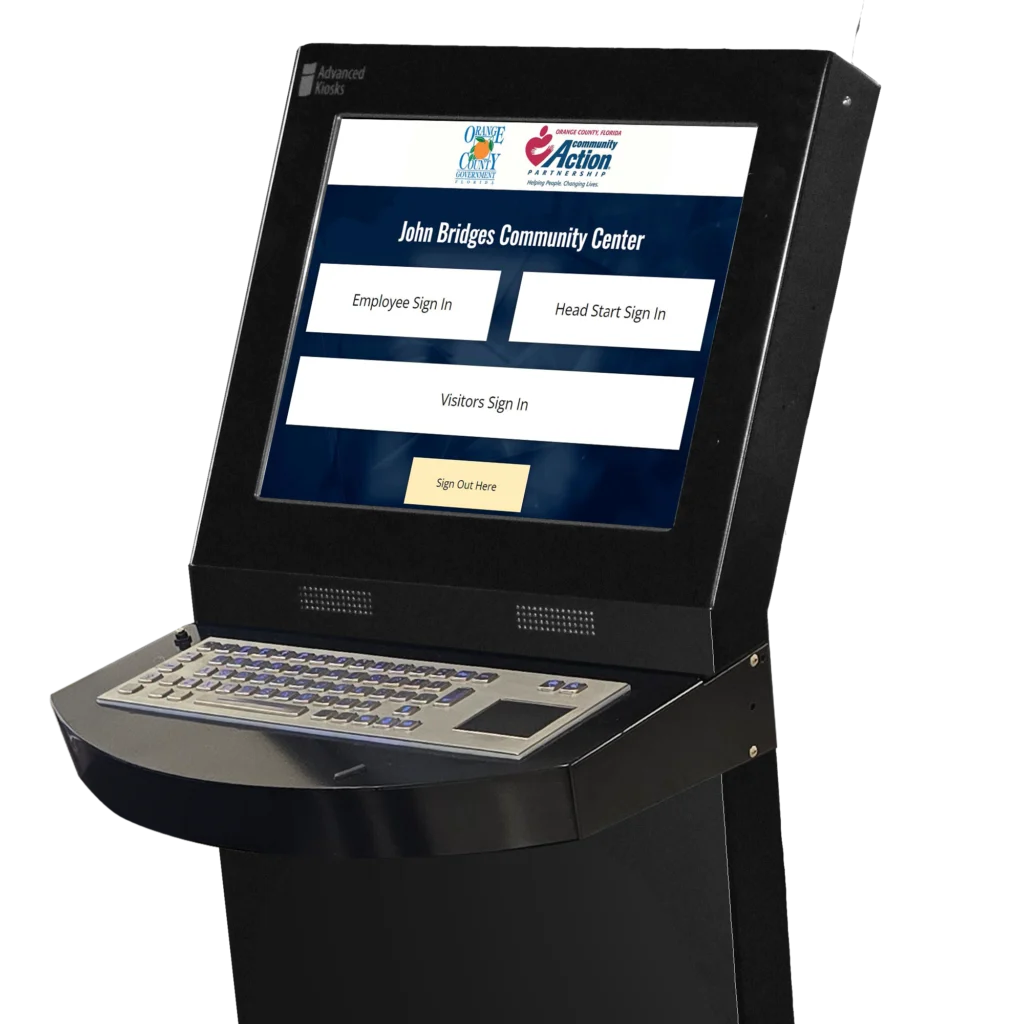
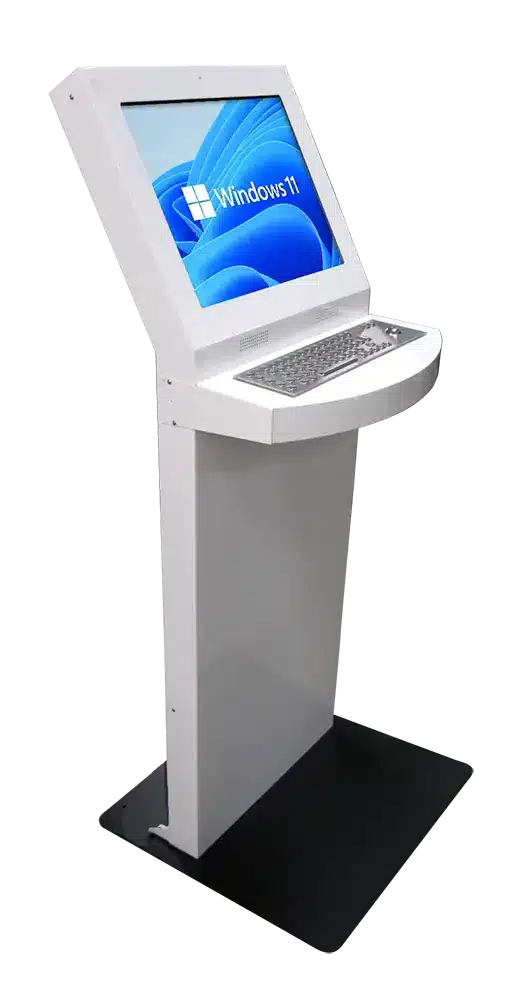
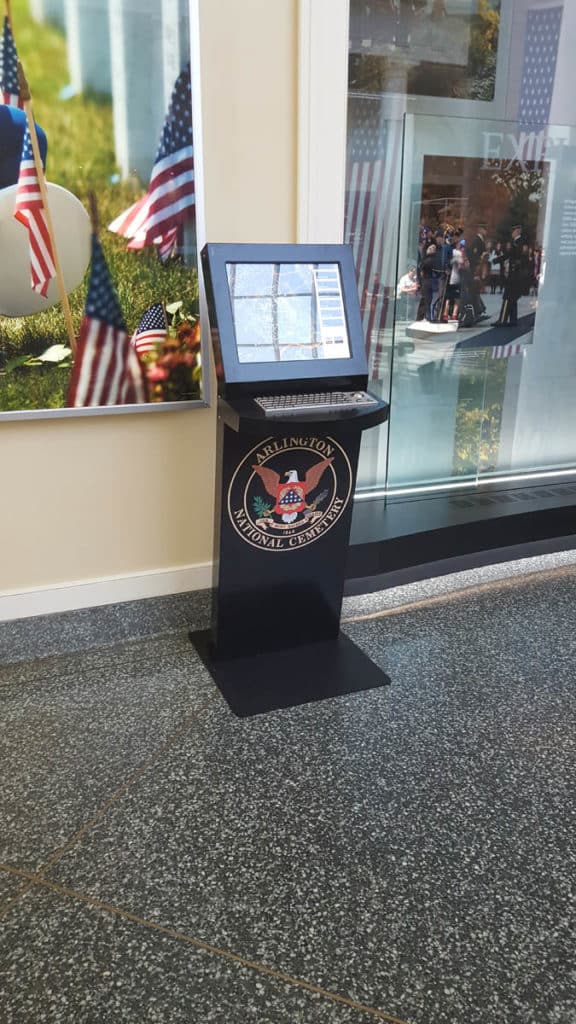
Freestanding Kiosk with Keyboard and Card Swiper.
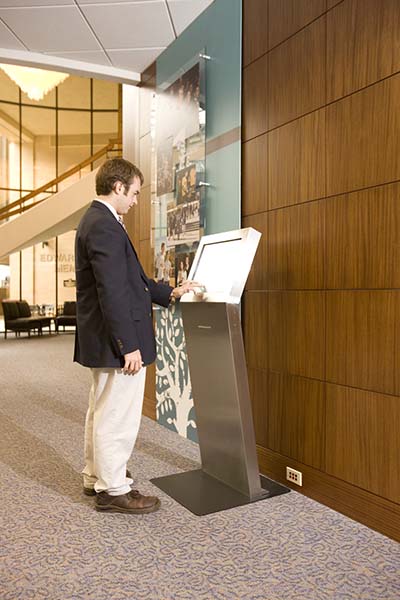
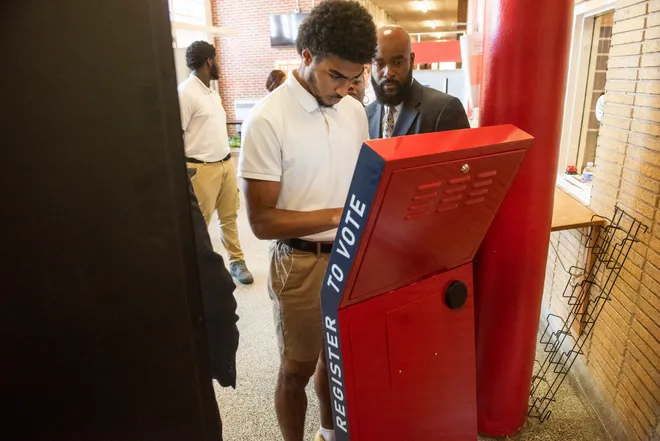
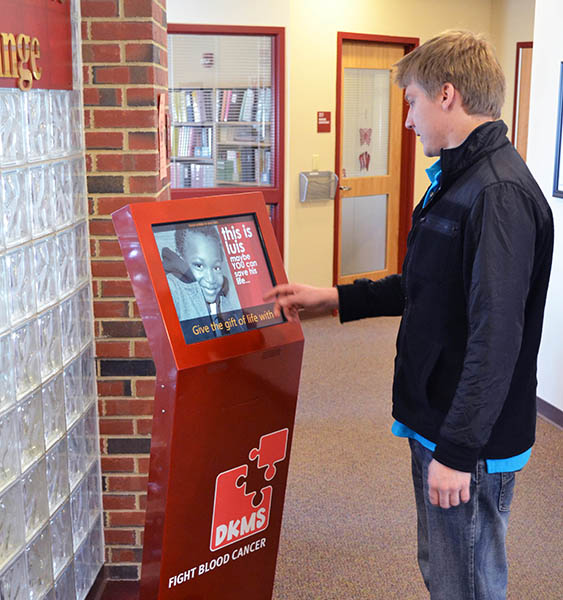
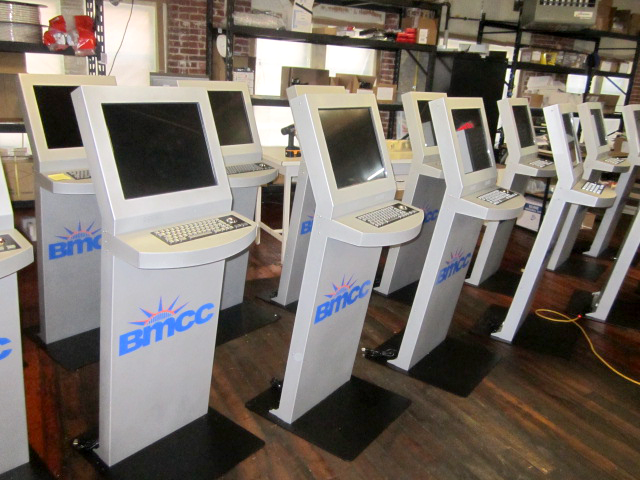
The Freestanding kiosk in the field
See how the Freestanding Kiosk can support public-service workflows across a variety of industries.
Zamok Kiosk Management Software
Secure, manage, and expand the kiosk with Zamok
A public kiosk needs more than a website displayed full screen. Zamok is the secure operating environment and management layer that runs the Document Kiosk as a dependable public-service system.
- Lock the kiosk to approved websites and applications
- Protect the Windows environment and clear each public session
- Manage content and configuration remotely
- Monitor status and receive operational notifications
- Review usage and performance reports
- Support printers, scanners, cameras, handsets, and peripherals
- Add communications, forms, and AI assistance as the project grows

Standard Features
- 19″ LCD Touchscreen
- Built-in Web Camera
- Intel® i-Series Computer
- 120 GB SSD Hard Drive
- 8 GB RAM
- Wi-Fi / Ethernet Connectivity
- Surge Protection
- 16 Gauge Steel Enclosure
- Brushed Stainless Steel
- Amplified Stereo Speakers
- Windows 11 Professional
- Easy Set Up Manuals
Upgrade Options
Why Choose the Freestanding Kiosk?

Flexible Applications
Configure one kiosk platform for visitor management, check-in, directories, public information, registrations, forms, payments, and other self-service workflows.

Durable Construction
The 16-gauge steel enclosure is built for repeated use in busy public and institutional environments while maintaining a professional appearance.
Comfortable User Experience
The angled touchscreen creates a natural interaction point for users while helping provide added privacy during longer or more sensitive transactions.

Highly Customizable
Add hardware such as scanners, card readers, printers, keyboards, signature pads, and other peripherals to match your organization’s workflow.

Request Demo
Reach out to see this kiosk in action.
Download Brochure & Manuals
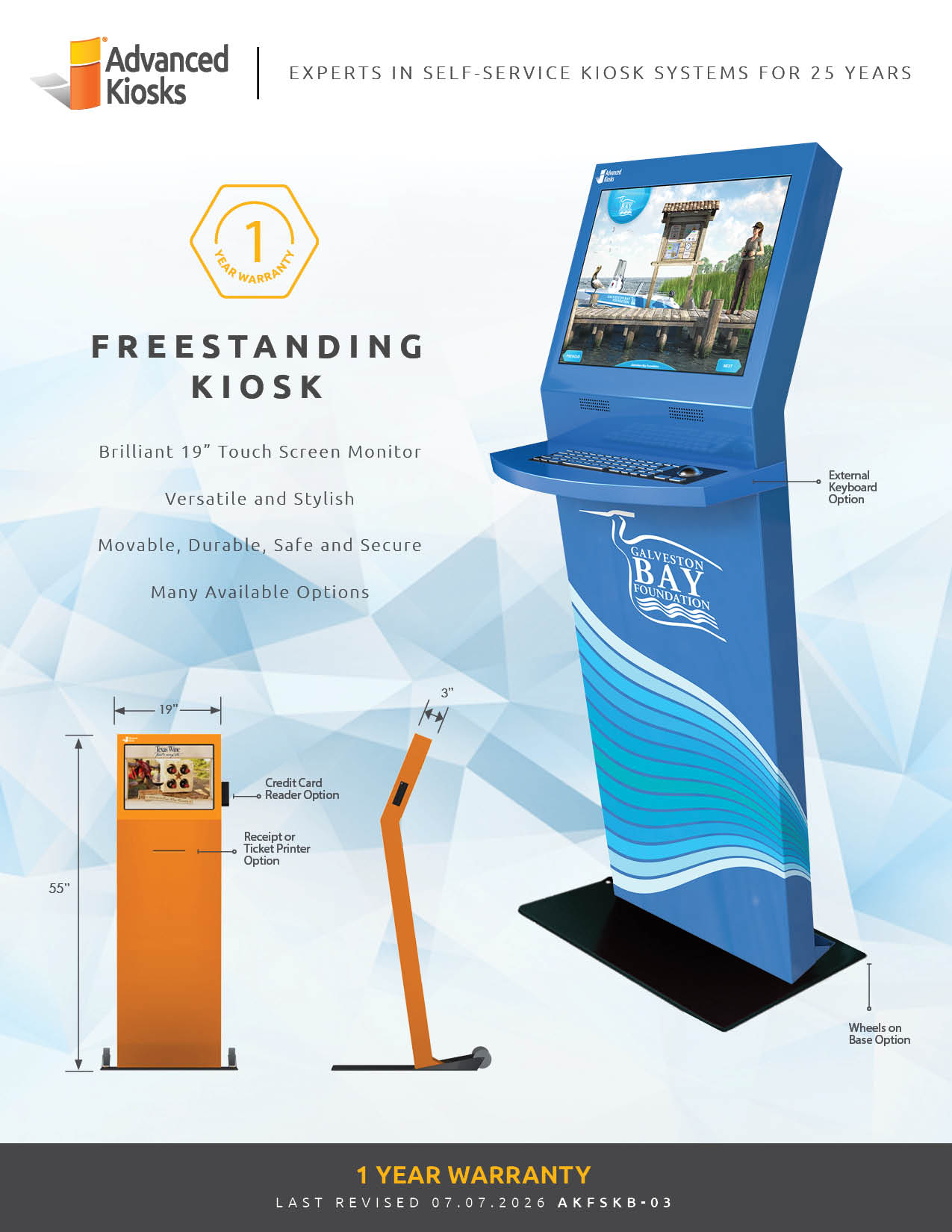

Download Owner’s Manual

Download Dimensional Drawing
Case Studies
Read practical examples and industry insights that show how self-service kiosks support real public-service workflows.
100's of Videos
Watch product walkthroughs, demos, tutorials, and customer examples to see kiosk solutions in action.
Complete Knowledgebase
Find answers, setup guidance, support articles, and technical resources for kiosk hardware and software.
Newsletter Archives
Explore past updates, product news, customer stories, and self-service technology insights from Advanced Kiosks.
Kiosk Gallery
Browse photos of kiosk models, installations, configurations, and real-world deployment environments.
Customer Stories
See how organizations use Advanced Kiosks to reduce workload, improve access, and modernize service delivery.
FROM OUR BLOG

What Every Organization Should Know Before Implementing AI
Artificial intelligence is rapidly moving from experimentation to implementation across…

Read Our Latest 2026 Newsletter!
Our latest newsletter is packed with updates from the field,…

TSA Rolls Out Touchless Identity Kiosks at Airport Checkpoints
Moving millions of passengers safely through airport security requires more…

Outdoor Kiosks: Answers to the 10 Most Common Questions
As organizations look to bring services outside the traditional lobby,…
What to Know About Kiosk Check-In/Check-Out Systems
If you\'ve visited a modern government building, healthcare facility or…