

Kiosk Model: Indoor Kiosk – Monolith
A 55-inch touchscreen that gives any indoor space a commanding presence
A large-format, steel-built interactive kiosk with a 55-inch commercial touchscreen, designed for directories, engagement, and information systems in schools, government buildings, and institutional lobbies.
 GSA Contract Holder
  Made in USA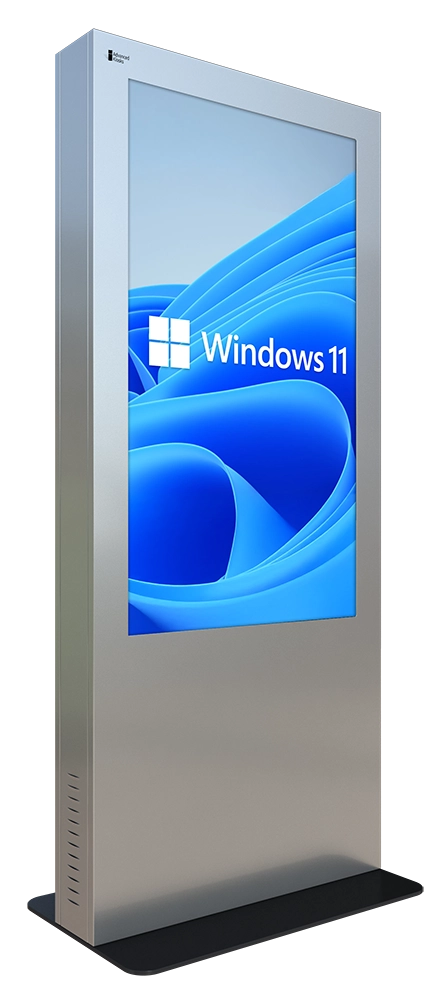
P/N: H32-510-1100
The Indoor Monolith is the large-format hardware platform. Zamok secures and manages it, and software like School Spirit or Tribute Station turns the screen into a campus engagement hub or a digital memorial.
What people can accomplish at the kiosk
The Indoor Monolith runs whatever interactive software your space needs, most often campus engagement or memorial search. These are its most common uses.
Find their way
Browse schedules and events
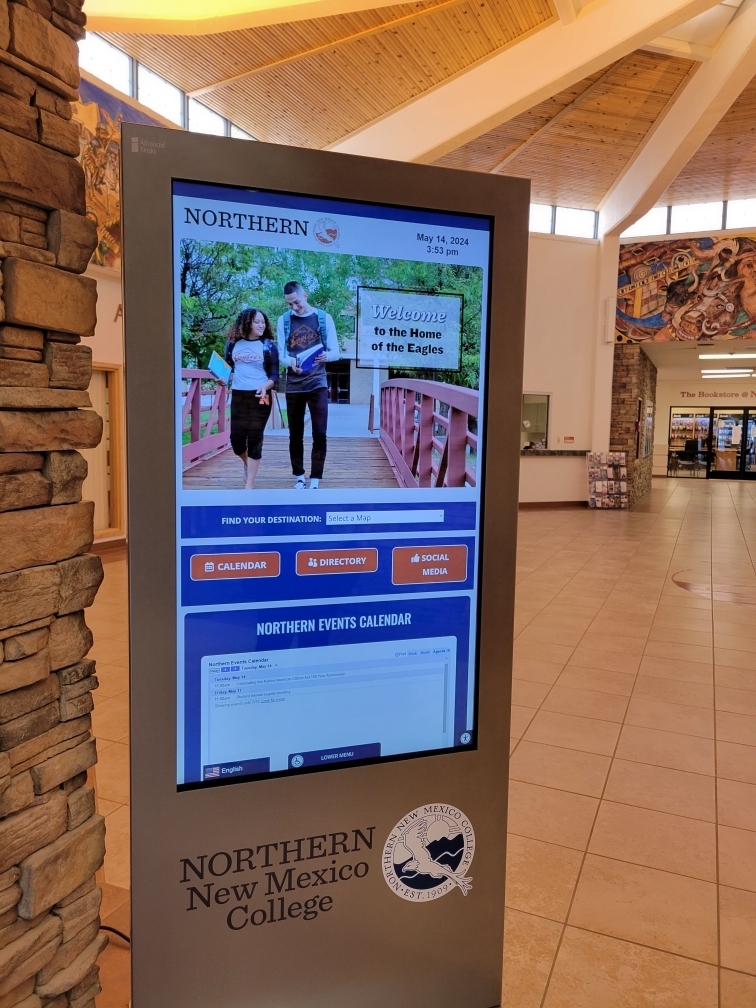
Check class schedules, event calendars, and community activities on a large screen.
Look up staff and departments
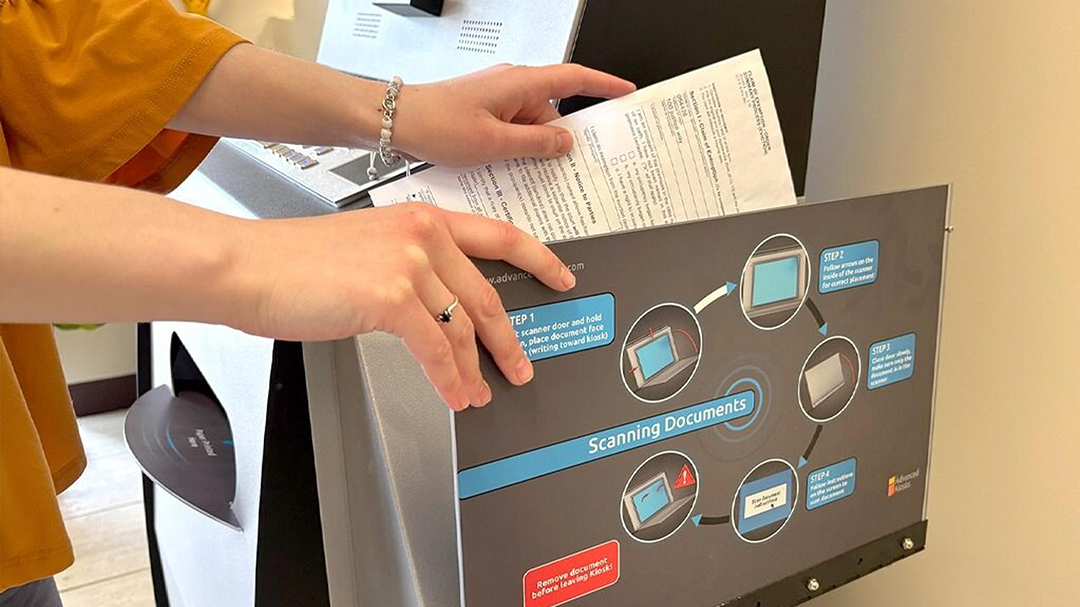
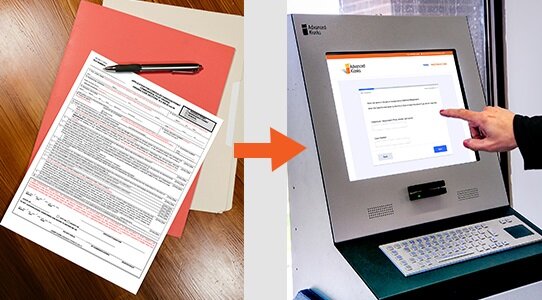
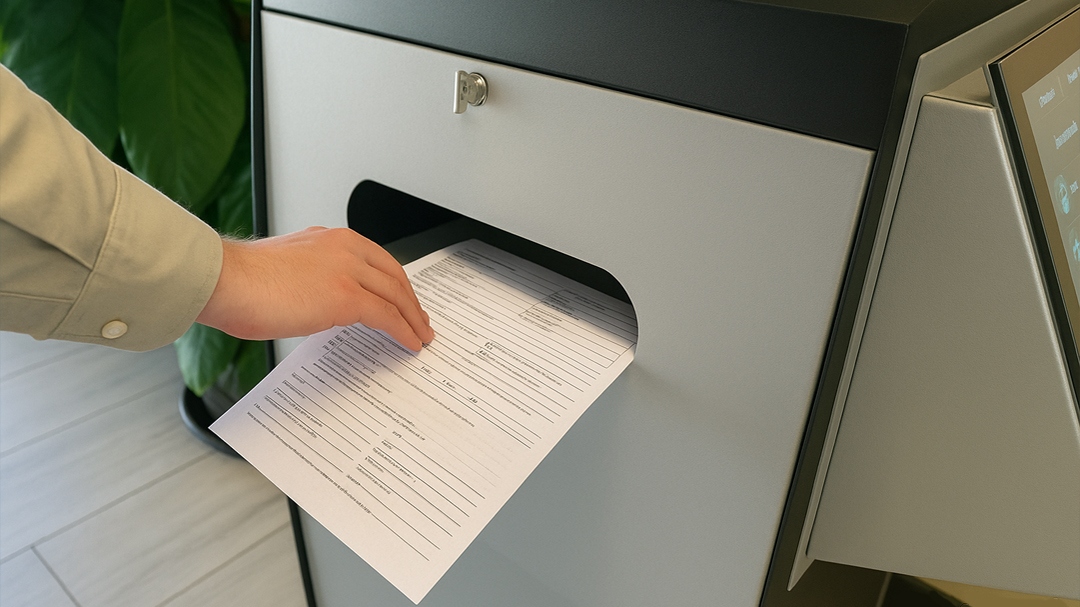
Let visitors print approved records, forms, receipts, and other requested documents.
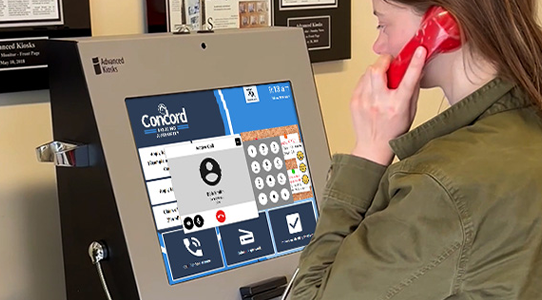
Search a memorial directory
Find and honor veterans or loved ones through a searchable Tribute Station directory.
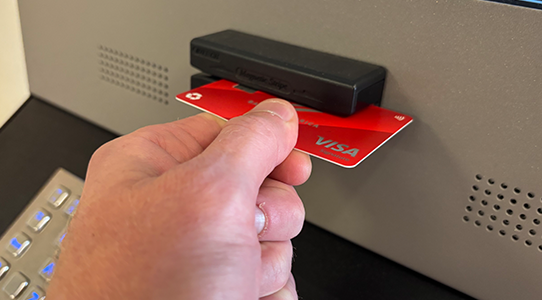
Watch showcase content
View campus videos, program highlights, and promotional content in high resolution.
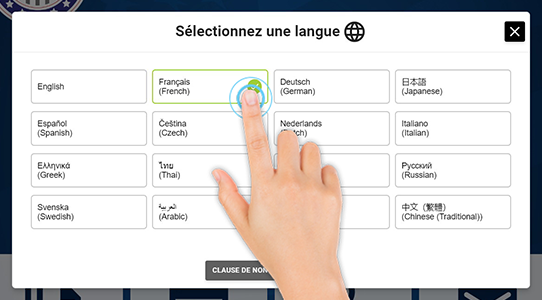
Connect and engage
Reach social media, news updates, and student resources through QR links and menus.
Built for how public-facing offices actually run
See how the Document Kiosk supports secure, high-volume services across public-facing environments.

Education
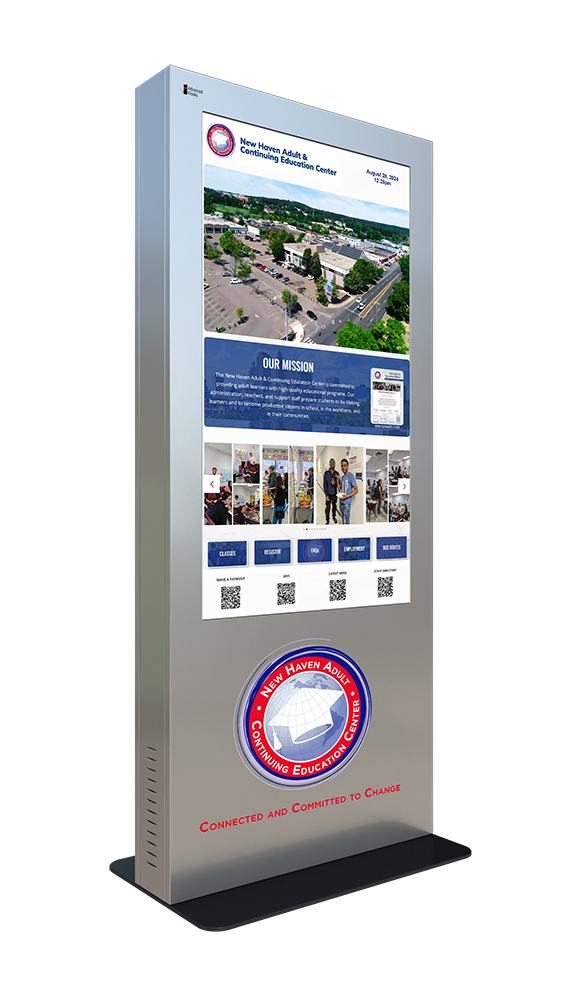
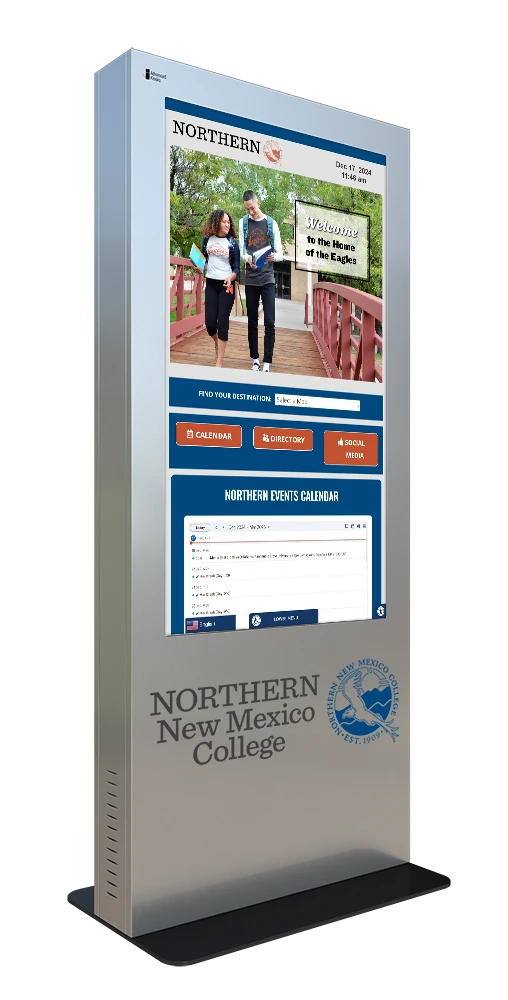
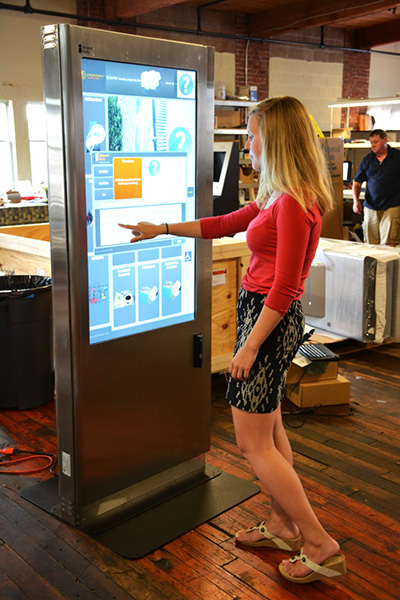
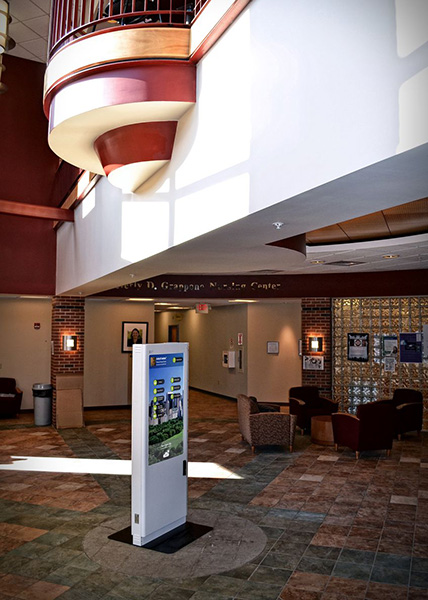
Campuses use the Indoor Monolith for wayfinding, schedules, and student engagement. New Haven Adult Continuing Education and Northern New Mexico College both run one as a central information hub with maps, class access, and campus news.
Tribute Memorial
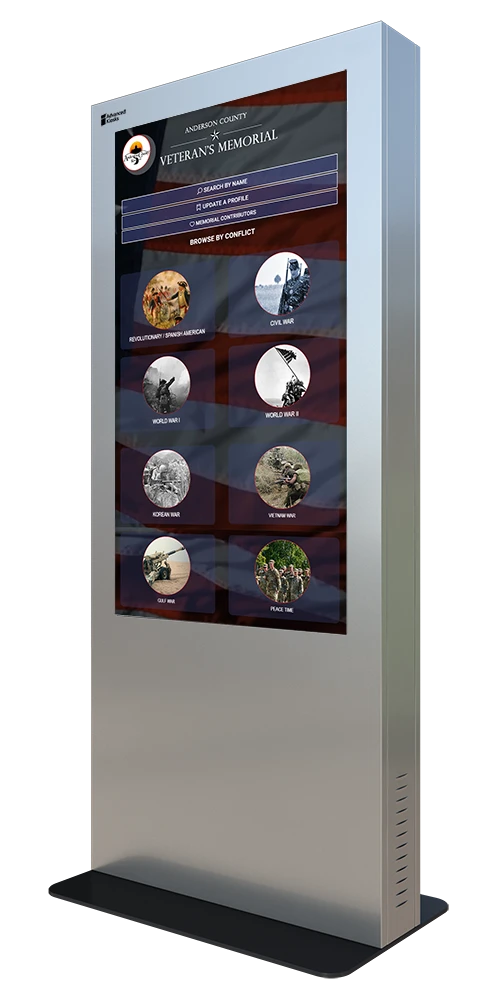
Communities deploy the Indoor Monolith as a digital memorial. Anderson County, Kansas runs one honoring veterans across multiple eras with a searchable directory and evolving archive.
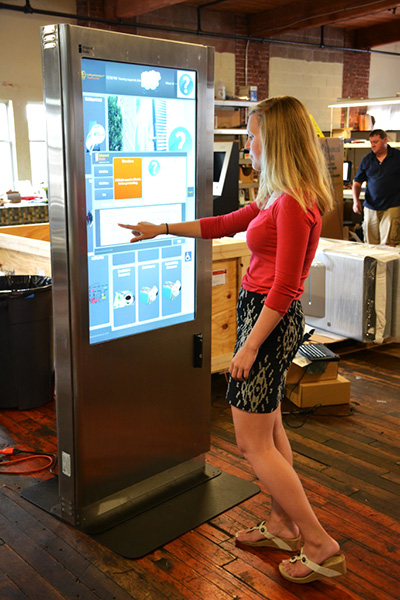
Indoor Monolith Kiosk in Use
The Document kiosk in the field
See how the document can support public-service workflows across a variety of industries.

Zamok Kiosk Management Software
Lock a large public display down and run it remotely
A 55-inch screen in a school lobby or a memorial hall needs to stay on the one application you want and secure between users. Zamok is the secure operating layer that locks the Indoor Monolith to your chosen interface, protects the Windows environment, and lets your team update content and monitor the kiosk remotely.
- Lock the kiosk to one approved application or website
- Protect the Windows environment and block system access
- Manage content and interface changes remotely
- Monitor status and receive operational notifications
- Review usage and engagement reporting
- Support the touchscreen, camera, and optional peripherals
- Add communications and AI assistance as the project growsLock the kiosk to approved websites and applications

Standard Features
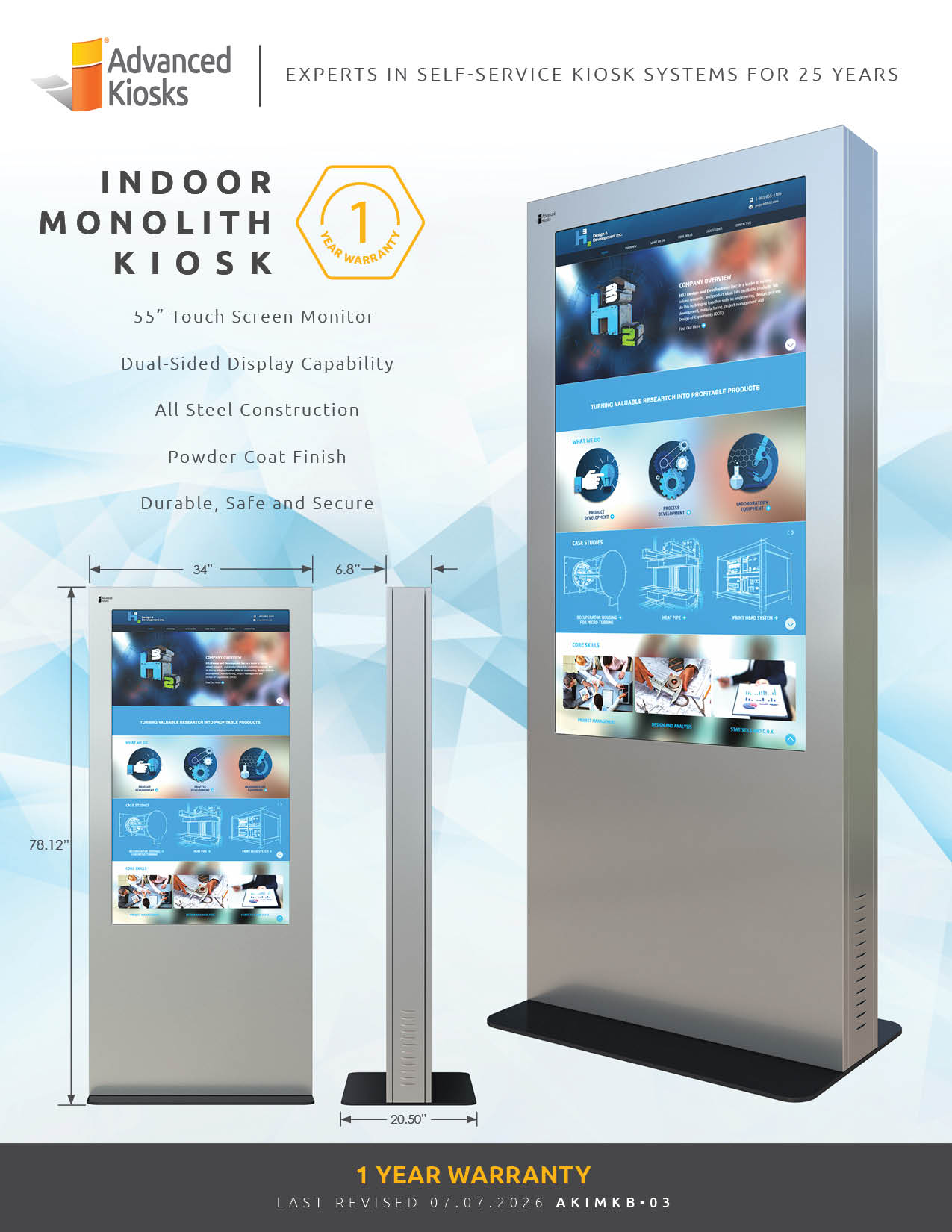
- 55” Commercial-Grade Single-Sided LCD Touchscreen, Aspect Ratio 16:9 Vertical
- All-Steel Enclosure
- Black or Silver Powder-Coated Finish
- Integrated Computer System
- Intel® Multi-Core Processor (2.0 GHz or Higher) or Equivalent Enterprise-Class CPU
- 8 GB RAM
- 120 GB Solid State Drive (SSD)
- Windows 11 Professional
- Zamok™ Security Lockdown Software (30-Day Trial, Removable)
- WiFi and Cat 6 Ethernet Connectivity
- Thermally Controlled Cooling System
- Lock and Key Access
- Electrical components are tested and compliant with applicable UL and FCC standards.
- Setup Instructions and User Manuals
Upgrade Options
- Upgraded Sound System
- VoIP Handset
- Dual 55″ Touchscreens
- AK Support Service
Why choose the Indoor Monolith?

Bold Interactive Display
A 55″ touchscreen that commands attention for maximum engagement.

Durable Construction
14-gauge steel enclosure with a powder-coat finish for lasting reliability.

Flexible Software
Runs School Spirit, Tribute Station, wayfinding, or a custom interface.

Engaging Solutions
Built for brand awareness, campus engagement, and public information.

Secured by Zamok
Locks to a single application and runs under a managed, remotely controlled browser.

Request Demo
Reach out to see this kiosk in action.
Download Brochure & Manuals

Download Owner’s Manual

Download Dimensional Drawing
Case Studies
Read practical examples and industry insights that show how self-service kiosks support real public-service workflows.
100's of Videos
Watch product walkthroughs, demos, tutorials, and customer examples to see kiosk solutions in action.
Complete Knowledgebase
Find answers, setup guidance, support articles, and technical resources for kiosk hardware and software.
Newsletter Archives
Explore past updates, product news, customer stories, and self-service technology insights from Advanced Kiosks.
Kiosk Gallery
Browse photos of kiosk models, installations, configurations, and real-world deployment environments.
Customer Stories
See how organizations use Advanced Kiosks to reduce workload, improve access, and modernize service delivery.
FROM OUR BLOG

What Every Organization Should Know Before Implementing AI
Artificial intelligence is rapidly moving from experimentation to implementation across…

Read Our Latest 2026 Newsletter!
Our latest newsletter is packed with updates from the field,…
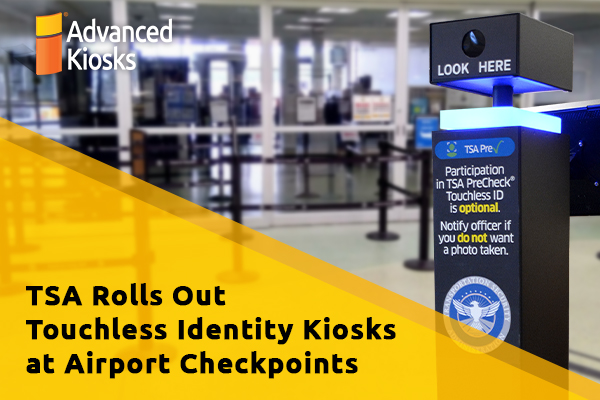
TSA Rolls Out Touchless Identity Kiosks at Airport Checkpoints
Moving millions of passengers safely through airport security requires more…
Outdoor Kiosks: Answers to the 10 Most Common Questions
As organizations look to bring services outside the traditional lobby,…
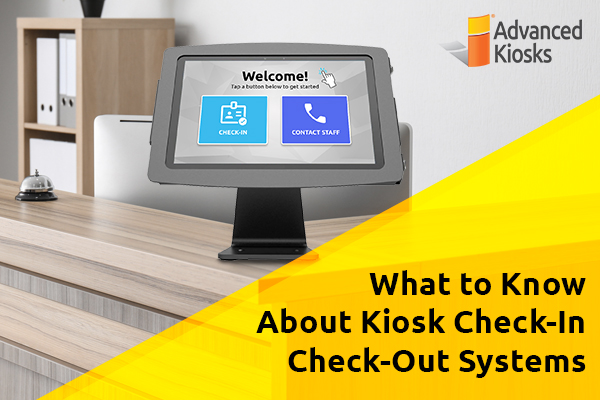
What to Know About Kiosk Check-In/Check-Out Systems
If you\'ve visited a modern government building, healthcare facility or…