Goverment Modernization
Modernizing Government Services for a Digital-First Public
From Smart Police Stations to Court Automation, we provide the secure, scalable infrastructure that transforms how agencies serve their communities.
The reality:
Today’s government agencies face a perfect storm: rising citizen expectations, chronic staffing shortages, and increasing security pressures.
What we solve:
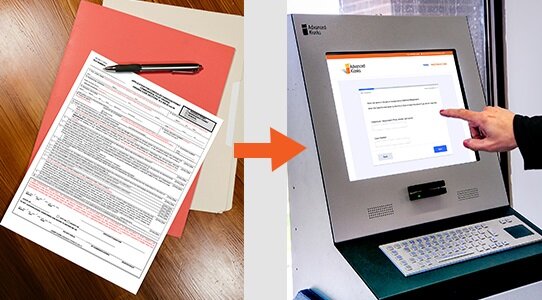
Modernization is no longer about “adding a kiosk”, it’s about a fundamental shift from paper-heavy workflows to secure, digital infrastructure. We help you bridge the gap between legacy systems and the future of public service.
Modernization with digital tools as an integrated service layer.
Government efficiency is no longer about adding standalone devices; it is about creating a seamless digital layer between your agency and the public.
When digital tools are treated as an afterthought, they become “islands of technology” that staff have to manage manually. True modernization integrates hardware and software into your existing infrastructure, automating the friction points of public service. Below is how this integrated layer solves specific operational challenges across your departments.
Customer Success:
Town of Eliot, ME

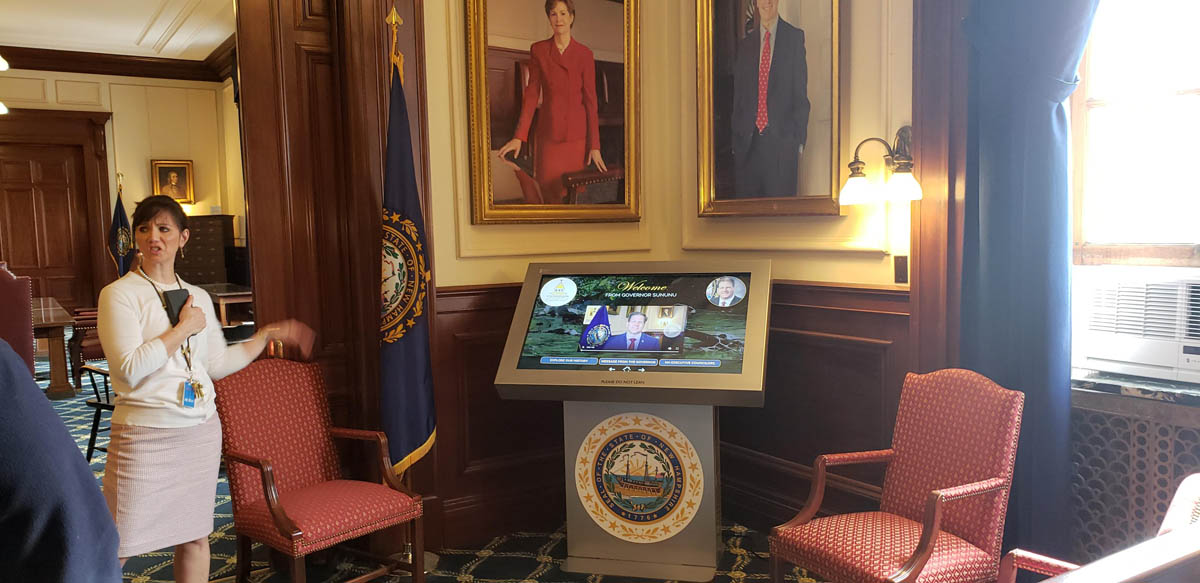
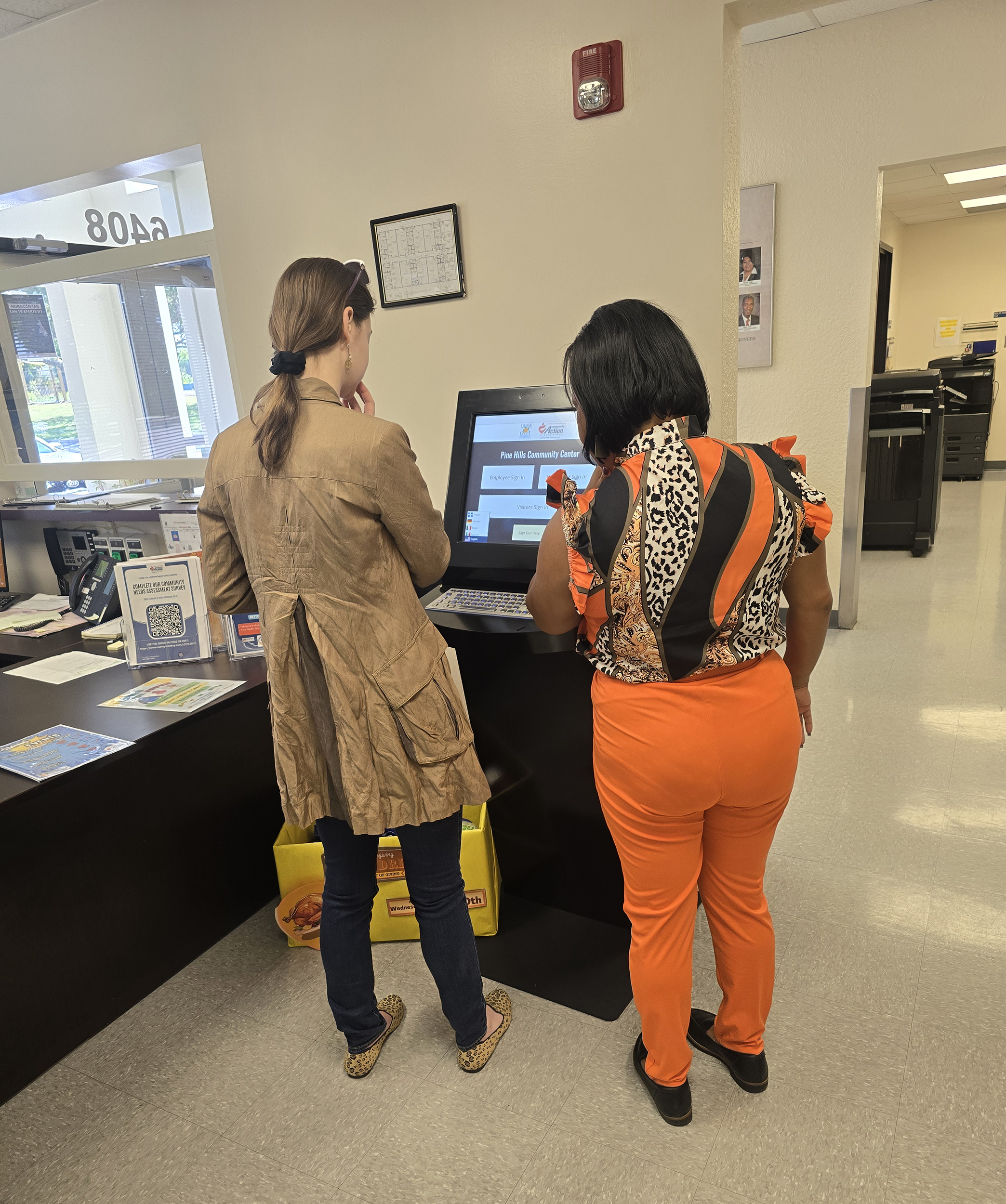
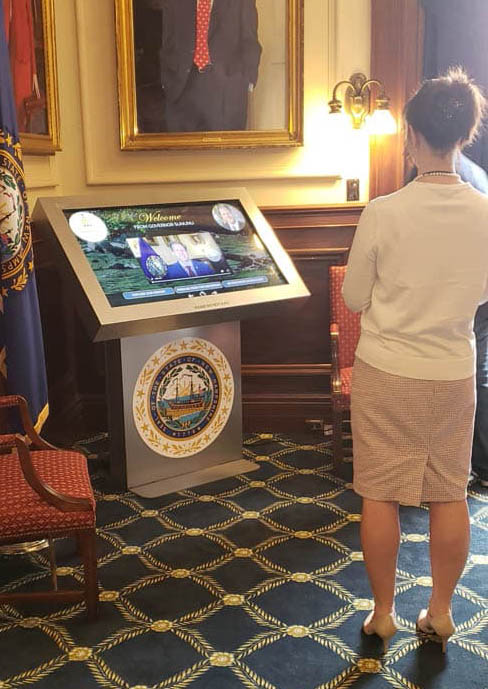
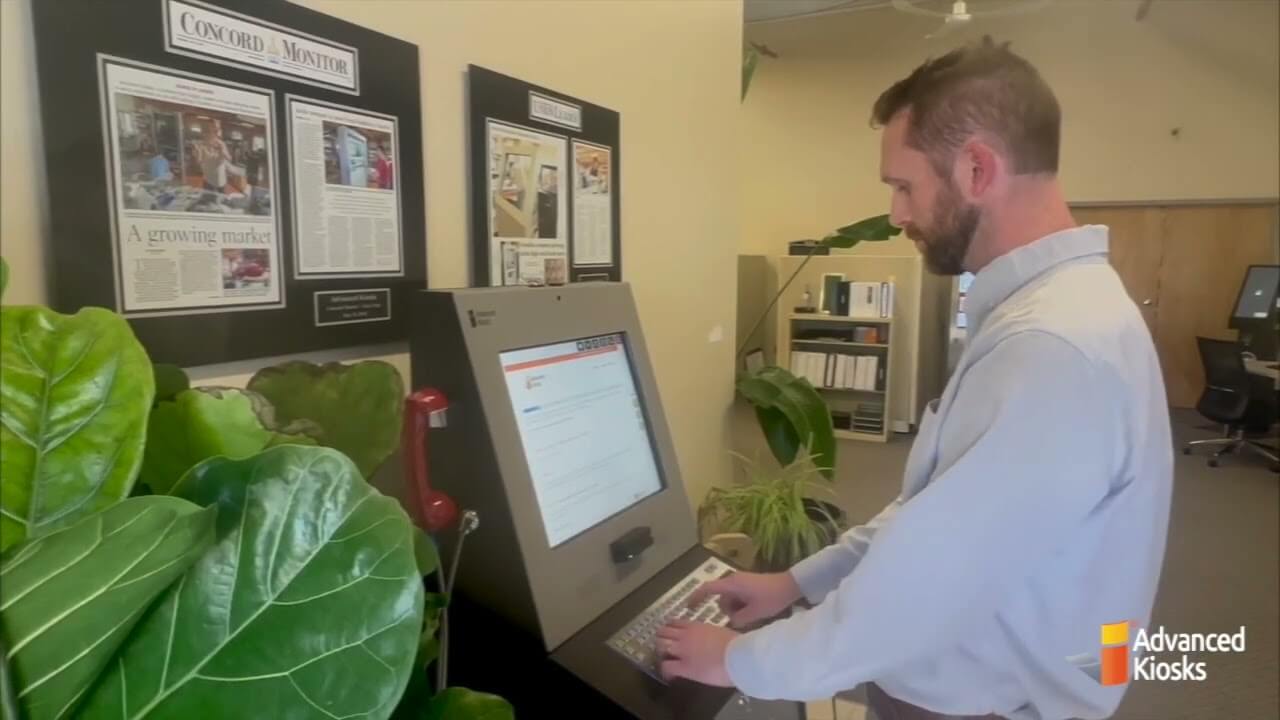
Advanced Kiosks delivered a Greeter Visitor Management System ahead of the new building’s grand opening. The system acts as a virtual receptionist in the main lobby- offering check-in/check-out capabilities, displaying an intuitive staff directory and automatically notifying employees of visitor arrivals via email or phone alerts.
Customer Success:
Prince William County Courthouse

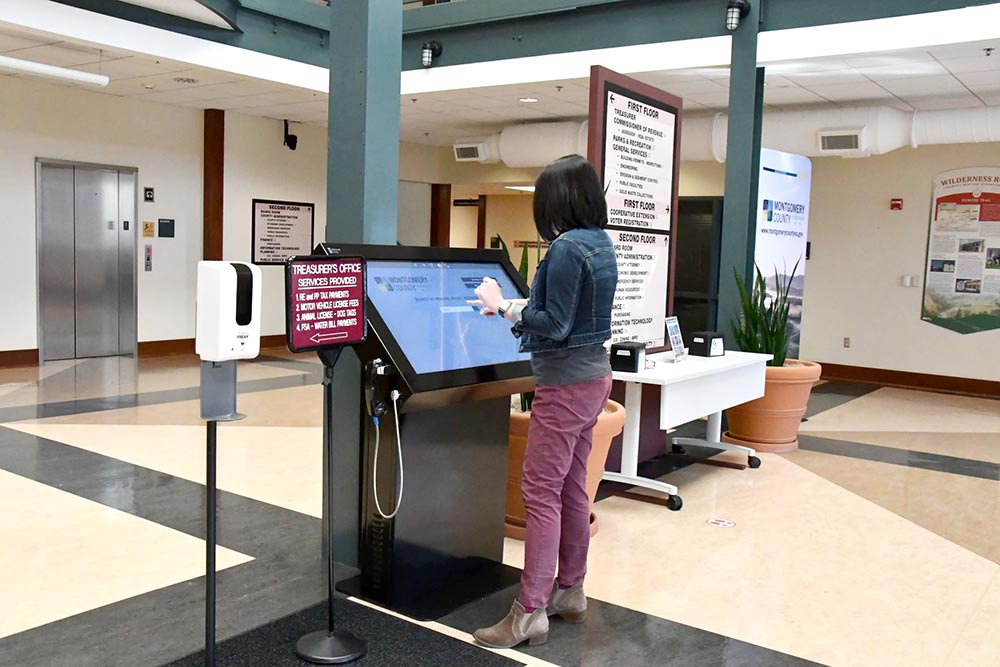
Advanced Kiosks equipped Prince William County with a growing network of kiosks offering multilingual, 24/7 access to essential court services. Now available in 11 locations, the kiosks serve over 470,000 residents.
Customer Success:
Downtown Waycross

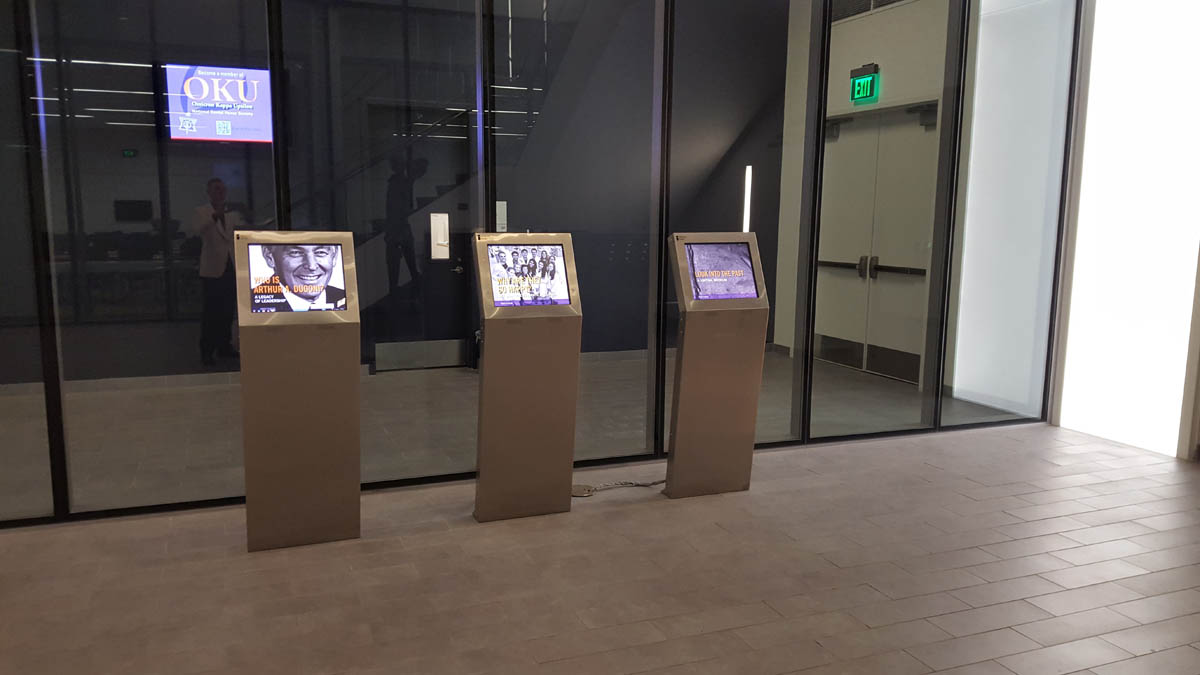
Waycross needed a modern, interactive solution that could simultaneously educate visitors, support local merchants, and highlight the area’s cultural history. The system had to be easy to manage by staff, appeal to both adults and children, and function reliably within a busy public setting.
Customer Success:
City of Decatur, TX

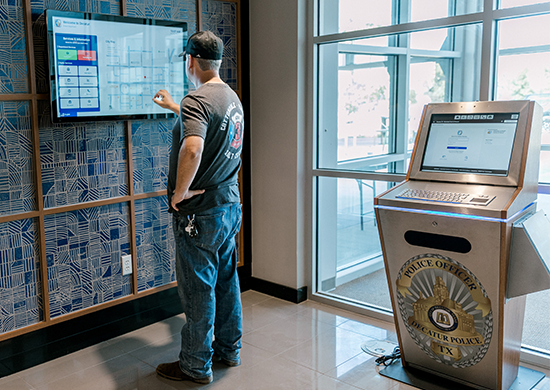
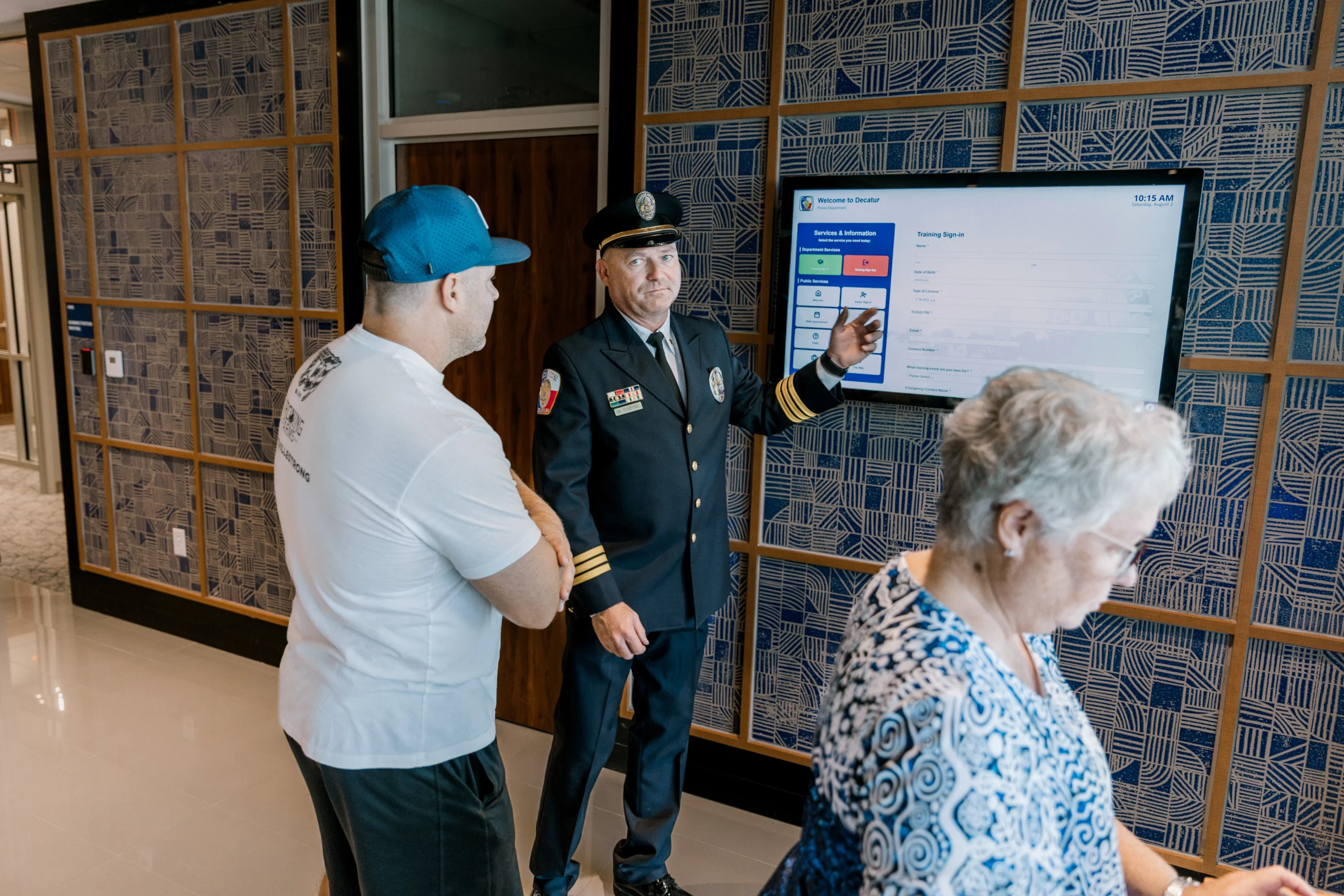
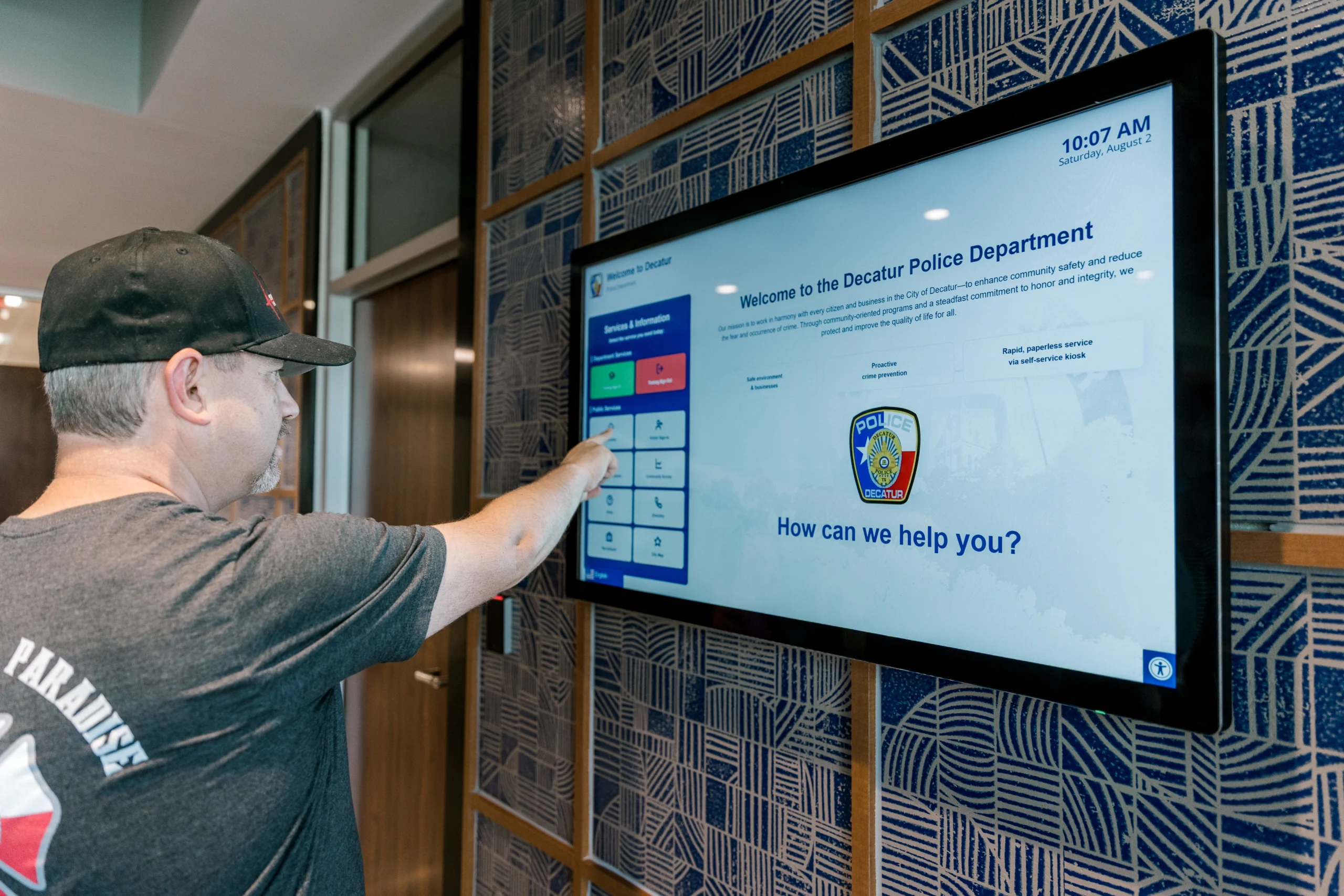
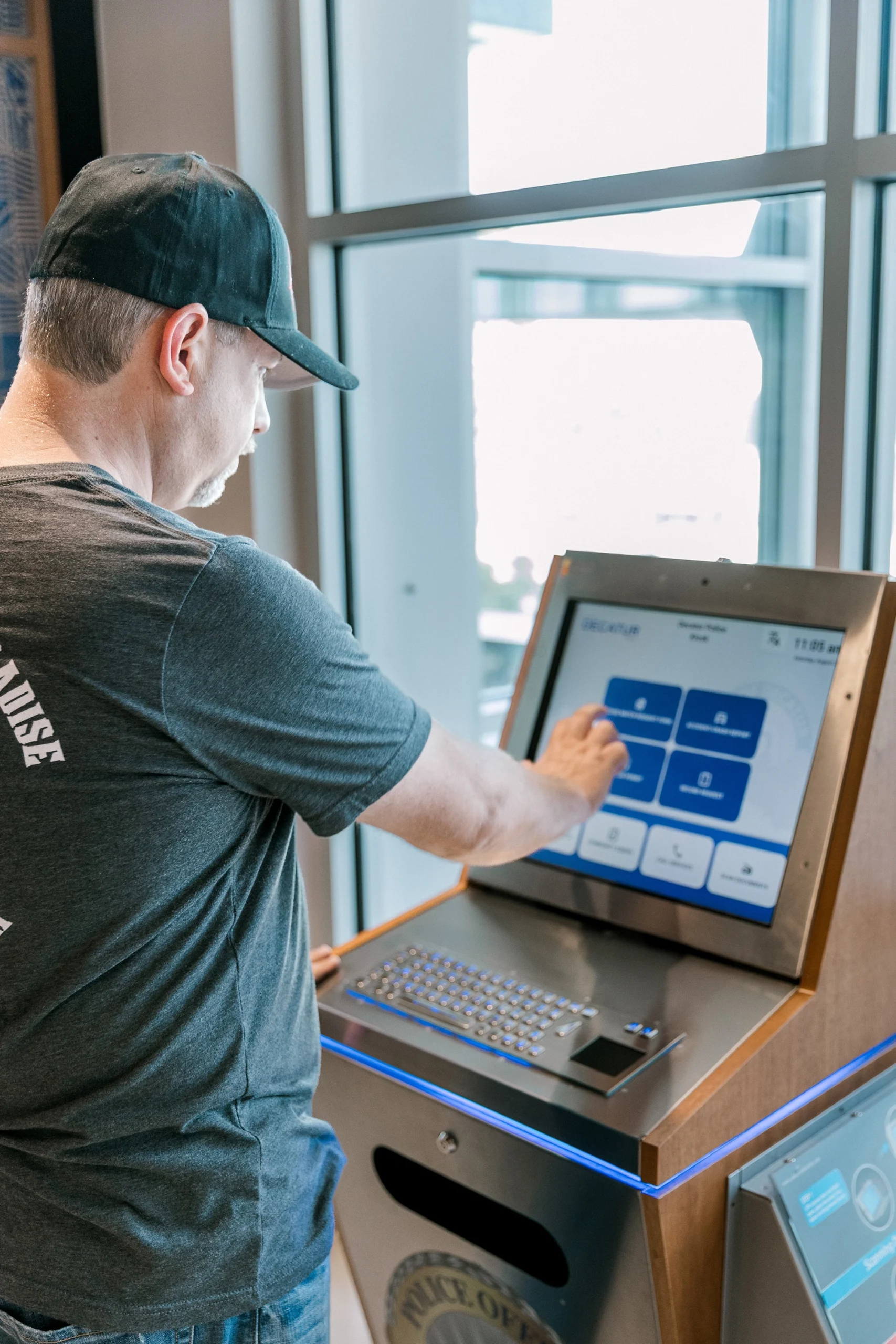
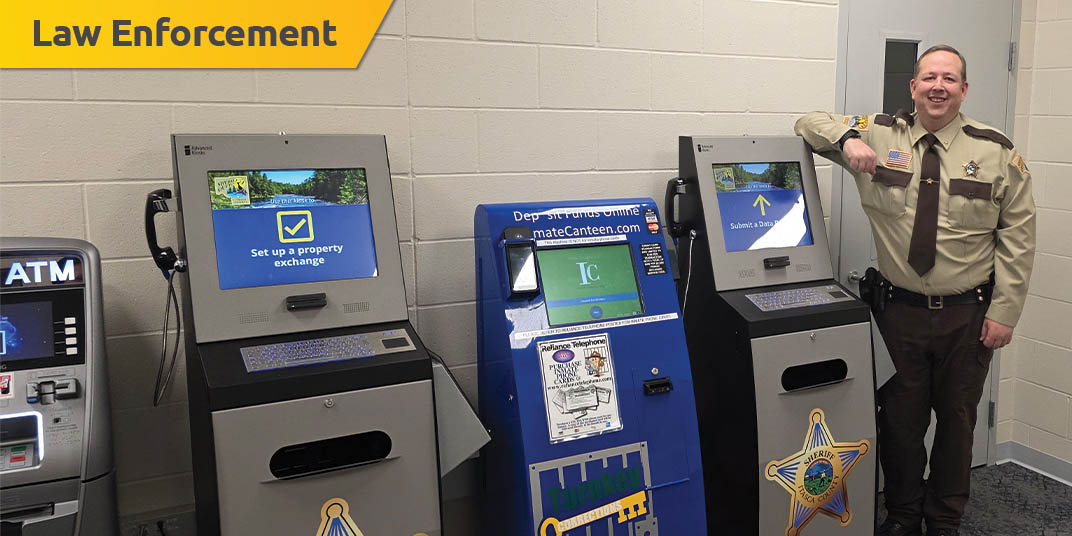
The City of Decatur, TX, recently opened a new “smart police station” designed to improve efficiency, accessibility, and community engagement. As part of this modern facility, the police department wanted to automate routine administrative tasks and streamline visitor management in order to reduce staff workload while providing secure, convenient service to the public.
The Challenges: The "Front Desk Bottleneck" & Reporting Delays
- How do agencies handle non-emergency reporting (lost property, minor theft, or vandalism) when the front desk is overwhelmed or unstaffed after hours?
- Is there a risk of data entry errors or privacy breaches when using manual, paper-based reporting forms?
- How much sworn officer time is lost to routine administrative tasks like records requests, visitor check-ins, or simple information lookups?
- What happens when a citizen needs to file a report but faces a language barrier that the on-duty staff cannot immediately bridge?
- How can a precinct provide a secure, 24/7 point of contact for the community without increasing 24/7 staffing costs?
- Are your current lobby processes integrated with your Records Management System (RMS), or is staff manually re-typing data from paper to digital?
- How do you maintain a high level of security and CJIS compliance while still offering self-service options to the public?
The Solution: The Smart Police Station
Think of this as a "Virtual Front Desk" for your lobby. Instead of making citizens wait for a busy officer, a secure kiosk handles the routine stuff 24/7.
What it actually does for you:
- Self-Service Reporting: People can file reports for things like lost wallets or minor vandalism right on the screen.
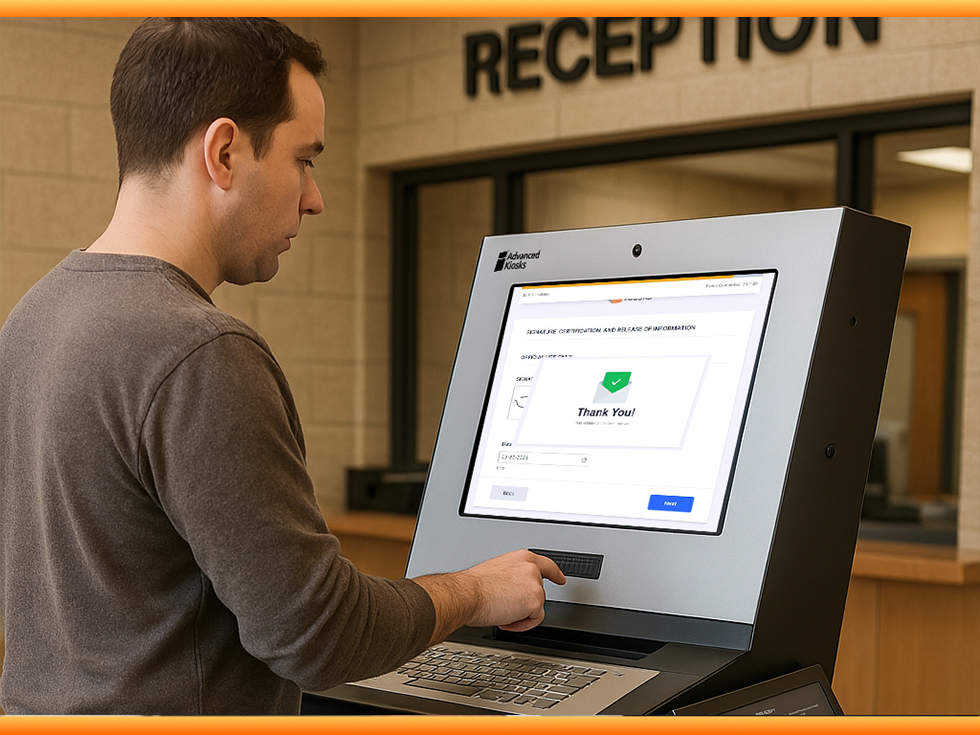
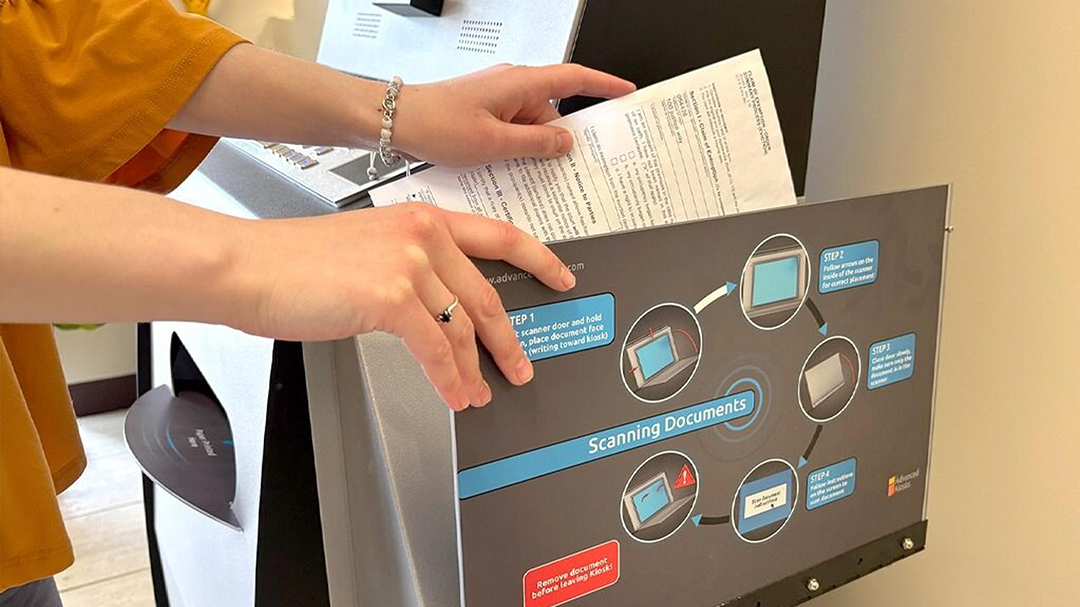
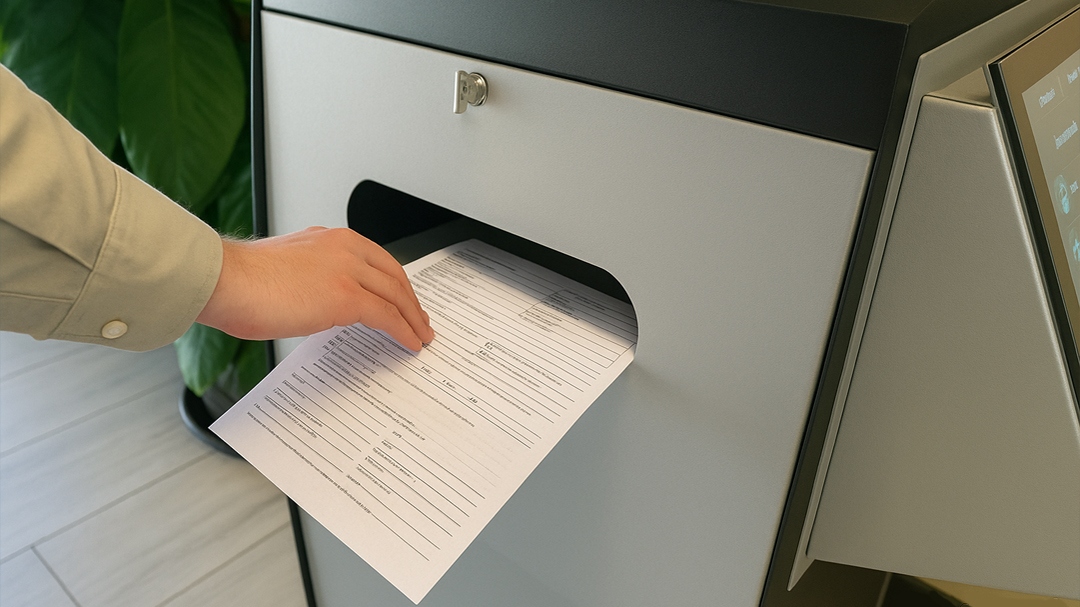
- Instant Scanning: They can scan IDs or evidence photos, and the files go exactly where they need to go—no paper required.
- Language Help: The kiosk speaks multiple languages, so everyone gets help without needing a translator on-site.
- Saves Staff Time: By automating the "easy" tasks, your officers can get out from behind the desk and back into the community.
It’s a simple way to keep your lobby moving and your records organized without adding more payroll.

The Challenges: High-Volume Congestion & Case Processing Delays
- How do visitors navigate complex court schedules and find the correct courtroom without interrupting busy security or administrative staff?
- Is your clerk’s office overwhelmed by routine inquiries regarding court dates, fine payments, or simple records requests?
- How much time is lost to manual data entry from paper filings, and what is the risk of transcription errors or lost documents?
- What happens when a self-represented (pro se) litigant needs to file an emergency motion but lacks access to a computer or high-speed internet?
- How do you provide accessible, multilingual support for diverse populations navigating the legal system for the first time?
- Are your current payment processes for fines, fees, and restitution integrated with your financial systems, or are they still handled by hand at the window?
- How can a court provide secure, private document submission that meets strict legal privacy requirements without increasing front-desk personnel?
The Solution: The Digital Clerk
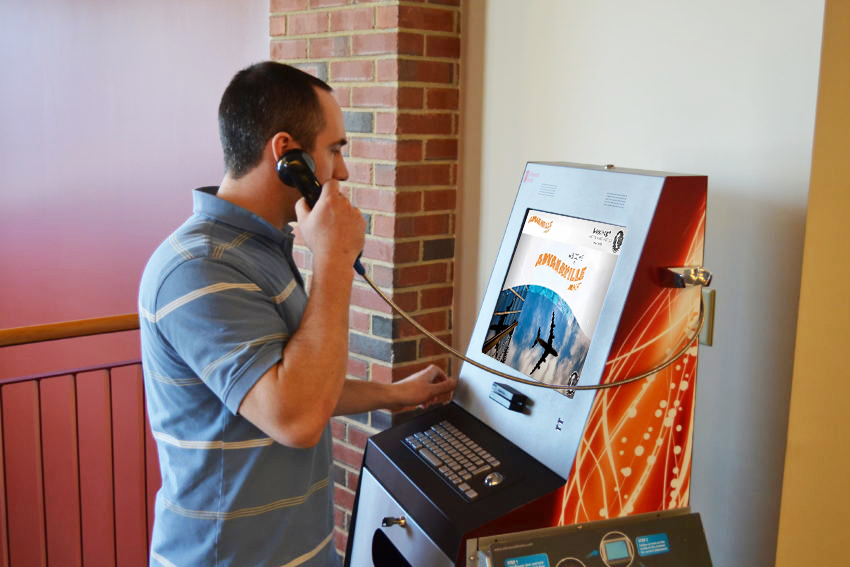
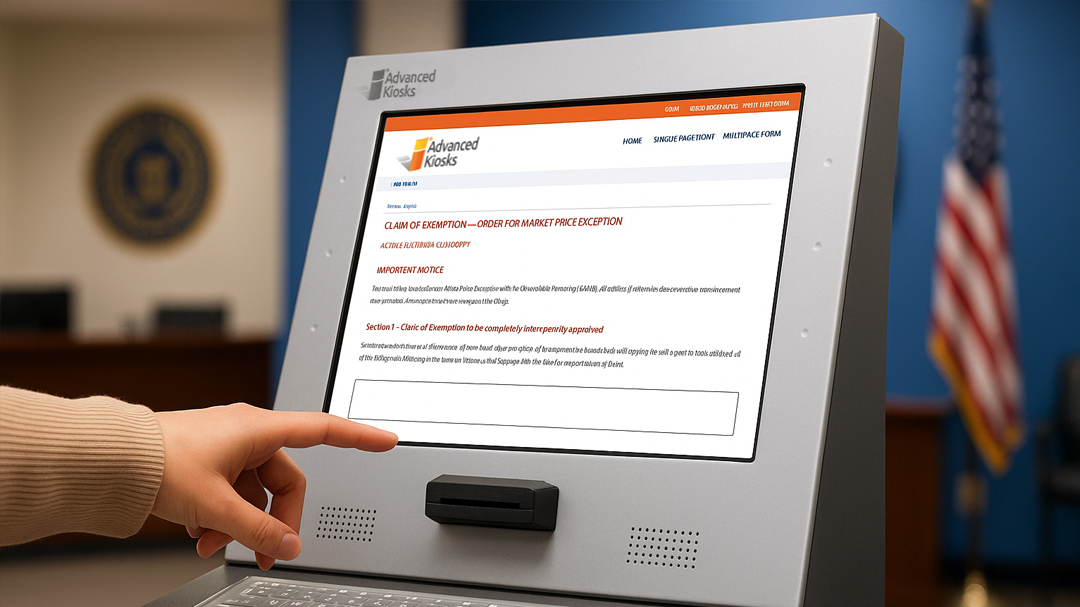
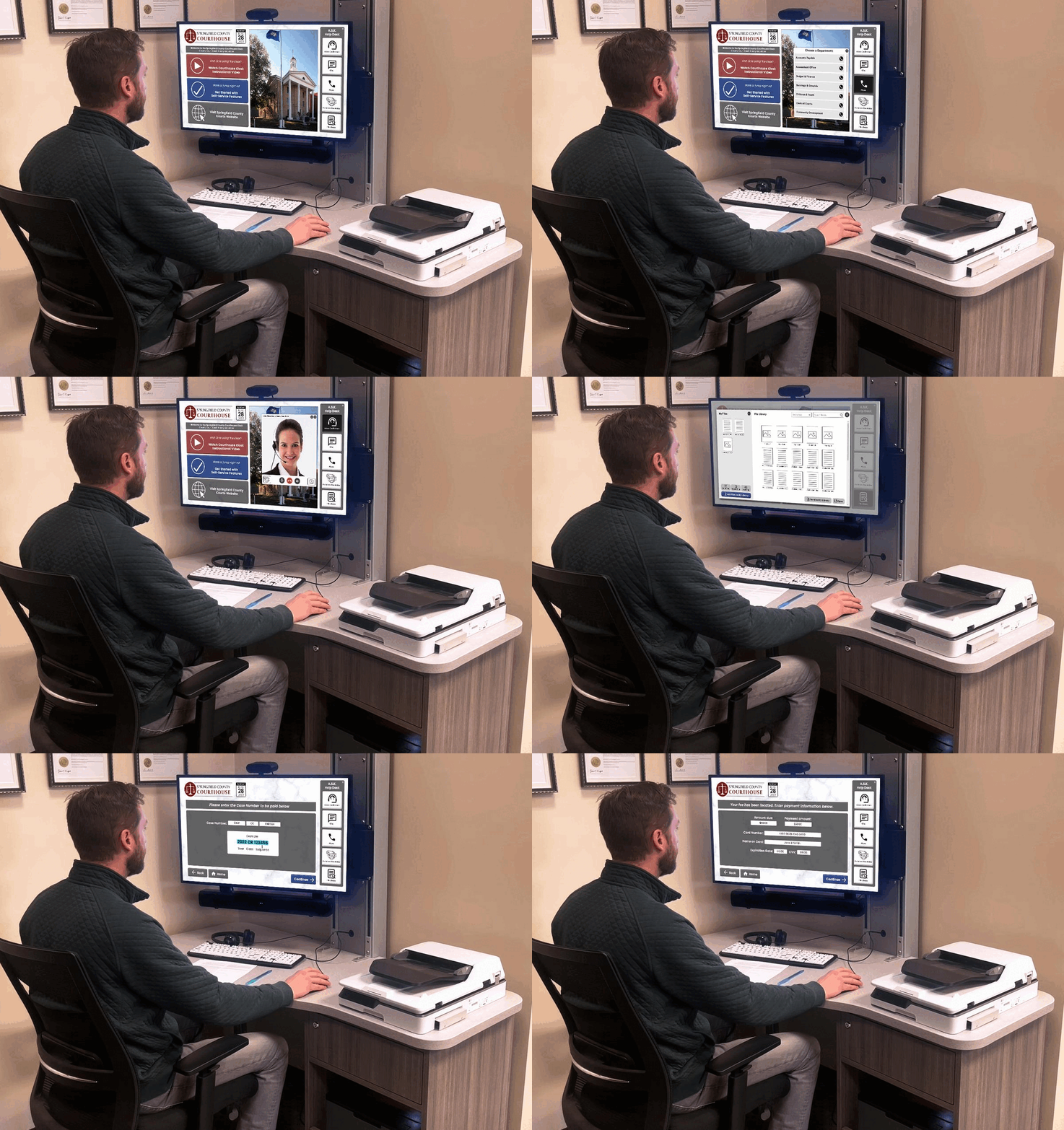
Instead of a long line at the clerk’s window, imagine a "Justice Express Lane." A secure kiosk in your lobby handles the high-volume, repetitive tasks that usually slow your staff down.
What it actually does for you:
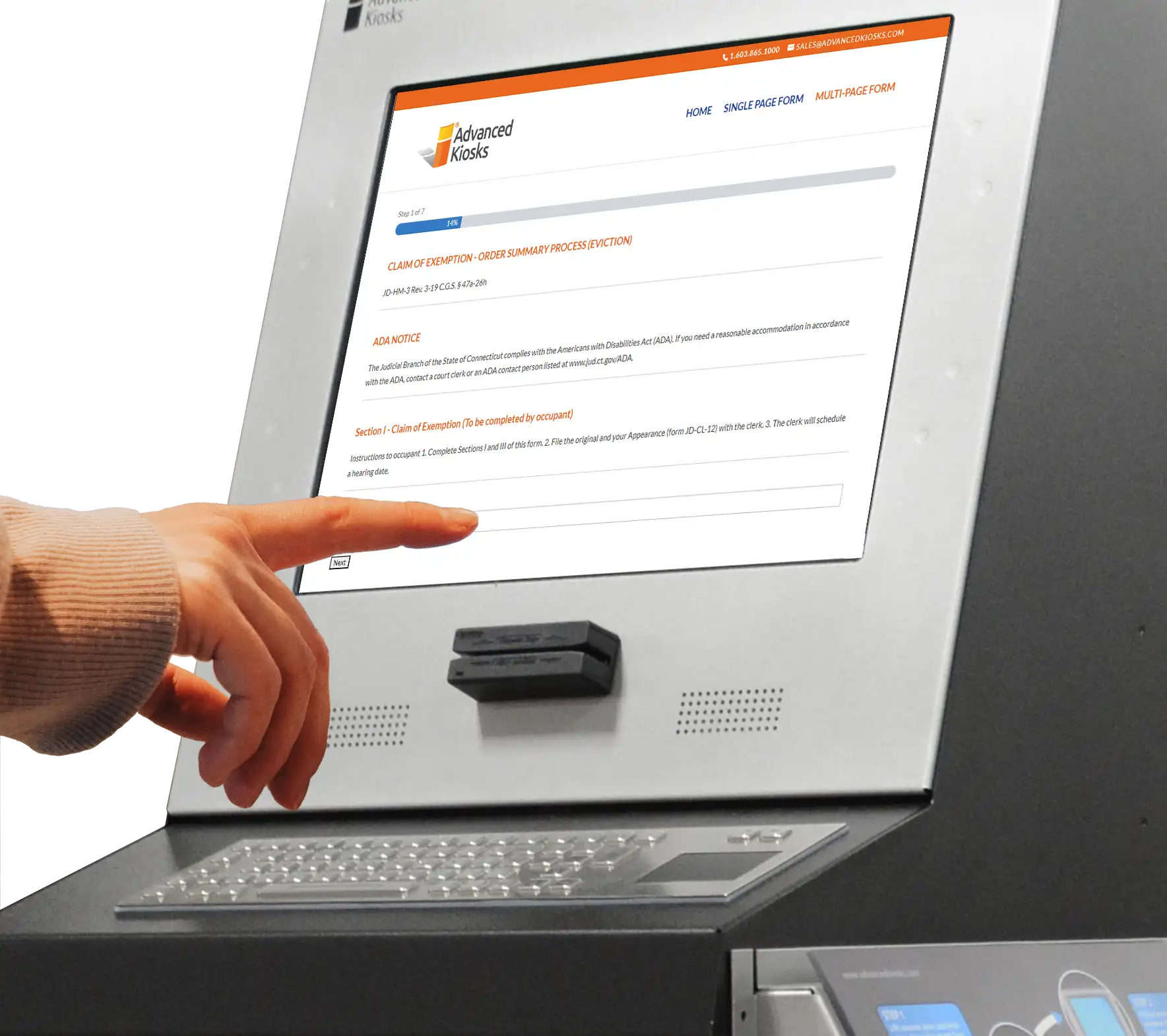
- Fast Filings: Litigants can scan and upload court documents, file motions, and get a printed receipt in minutes.
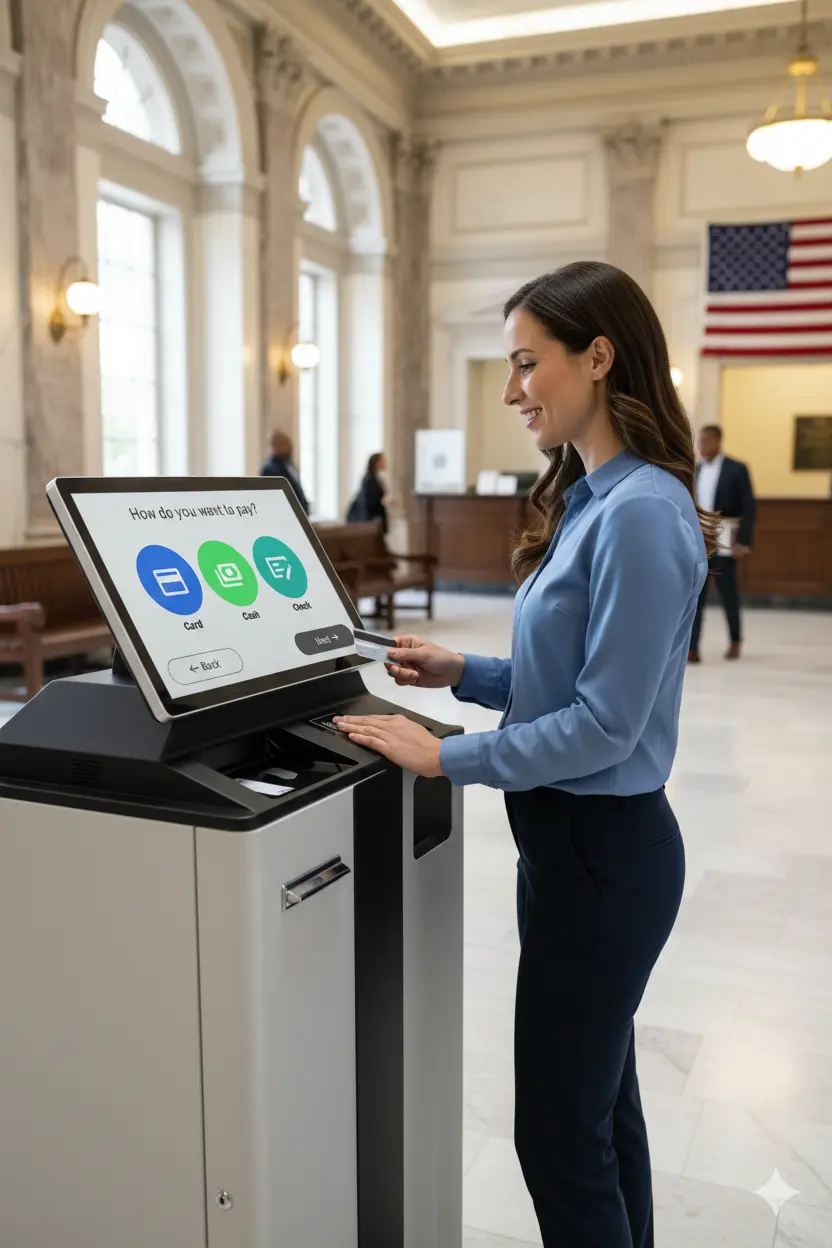
- Easy Payments: No more handling cash or checks at the window. The kiosk takes payments for fines and fees securely.
- Live Dockets: Visitors can find their courtroom and check their hearing time on a big, clear screen without asking for directions.
- Multilingual Support: The system guides users through complex legal forms in their own language, reducing errors and frustration.
It’s a simple way to keep the courthouse moving and let your clerks focus on the complicated legal work that actually requires their expertise.



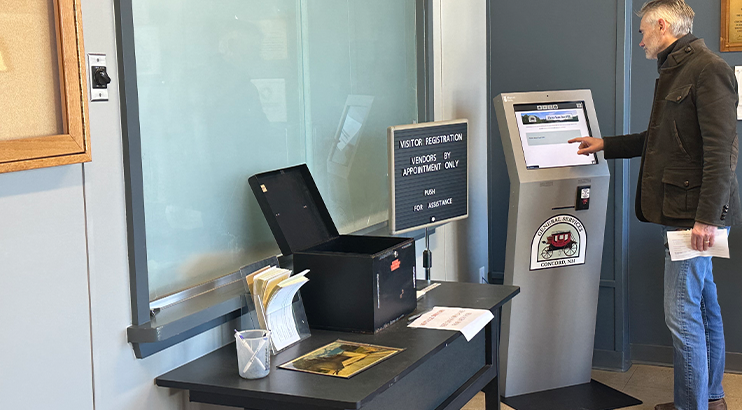
Service Inequity & Administrative Backlogs
- How do citizens apply for building permits, business licenses, or marriage certificates when they lack a computer or internet at home?
- How much staff time is lost answering repetitive questions about application status, eligibility requirements, or zoning rules?
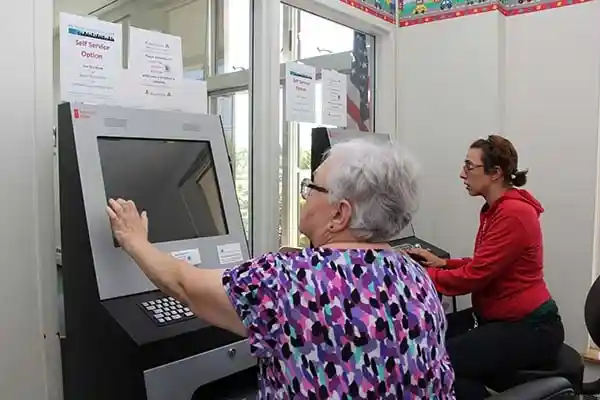
- Is your agency struggling with "The Digital Divide," where low-income or elderly residents are left behind by online-only service models?
- How do you handle the surge of visitors at peak times (like tax season or license renewals) without hiring temporary, seasonal staff?
- What happens when a citizen needs to submit physical documents for public assistance (SNAP, housing, etc.) but cannot visit during traditional 9-to-5 business hours?
- Are your current manual processes causing data entry errors that delay the delivery of essential community services?
- How do you provide a secure, private environment for citizens to share sensitive financial or personal information?
The Solution: The 24/7 Self-Service Hub
Stop letting paper forms and "9-to-5" hours create a bottleneck at City Hall. This is a "One-Stop-Shop" that stays open even when your staff is busy or the office is closed.
What it actually does for you:
- Permits & Licenses: Citizens can apply for, pay for, and sometimes even print their own permits or licenses right on the spot.
- Document Uploads: People can scan their IDs or proof-of-income for public assistance programs (like SNAP or housing) and send them directly to their caseworker.
- Closes the "Digital Divide": It gives people without home internet a secure way to access government services in person.
- Reduces "Desk Traffic": By letting people handle the easy stuff themselves, your staff doesn't spend all day answering the same three questions.
It’s about making government services as easy to use as an ATM—faster for the public and much cheaper for the city to run.



The Challenges: Rural Inequity & The "Service Desert"
- How do rural or underserved residents access essential services when the nearest government office is a 45-minute drive away?
- Is your agency struggling to provide face-to-face consultations (Tele-Health, Tele-Justice) without the high cost of staffing physical satellite offices?
- How much administrative time is wasted handling mailed-in documents that are incomplete, illegible, or lost in transit?
- What happens to public engagement when citizens who lack reliable transportation or home internet are effectively "locked out" of the system?
- How can a county or city expand its footprint into libraries, community centers, or transit hubs without increasing its permanent headcount?
- Are your remote submission methods (like drop-boxes) secure, or are they vulnerable to theft, weather damage, and a lack of real-time tracking?
- How do you maintain a consistent "Standard of Service" across multiple geographic locations without a unified digital infrastructure?
Solution:
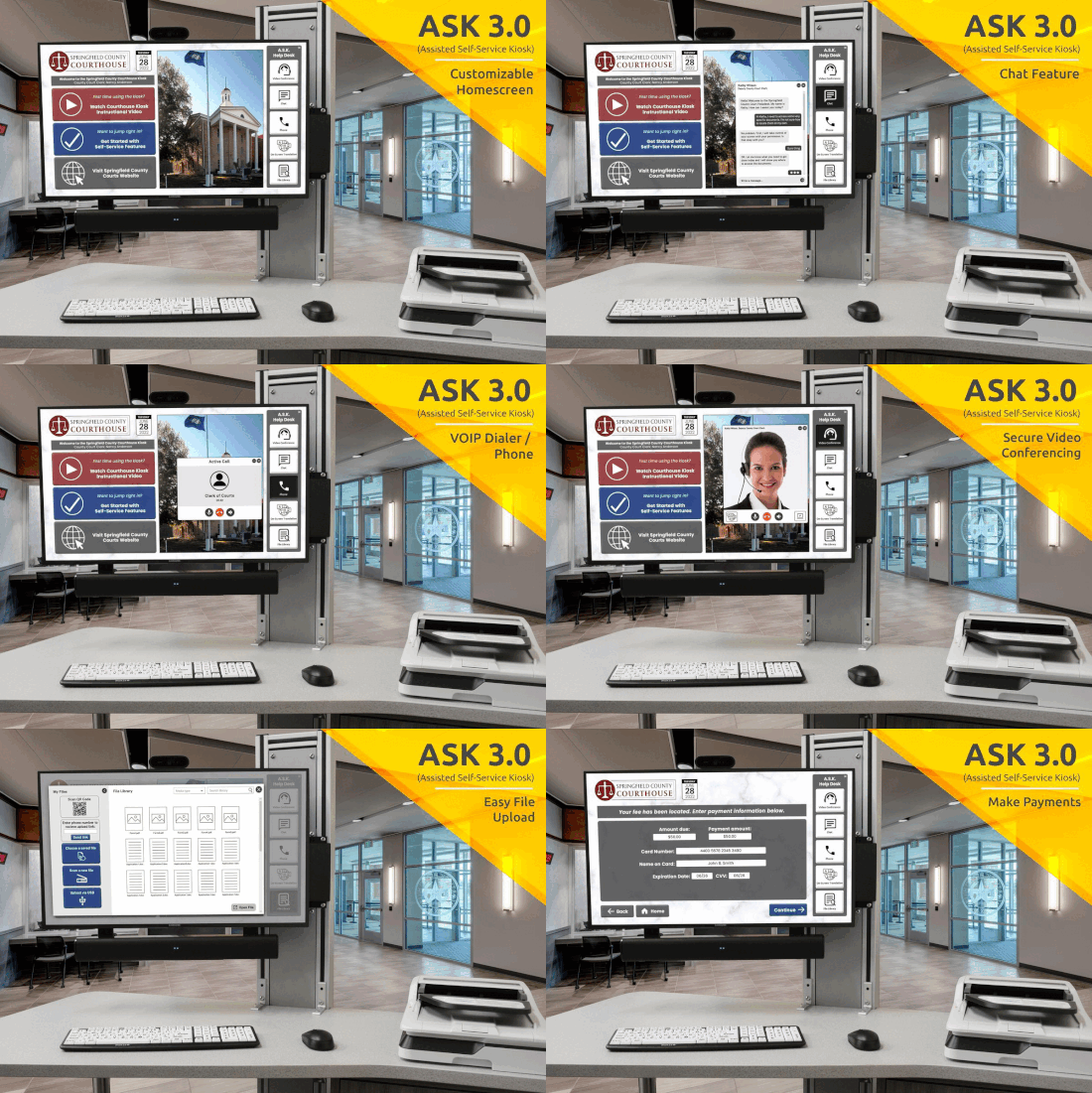
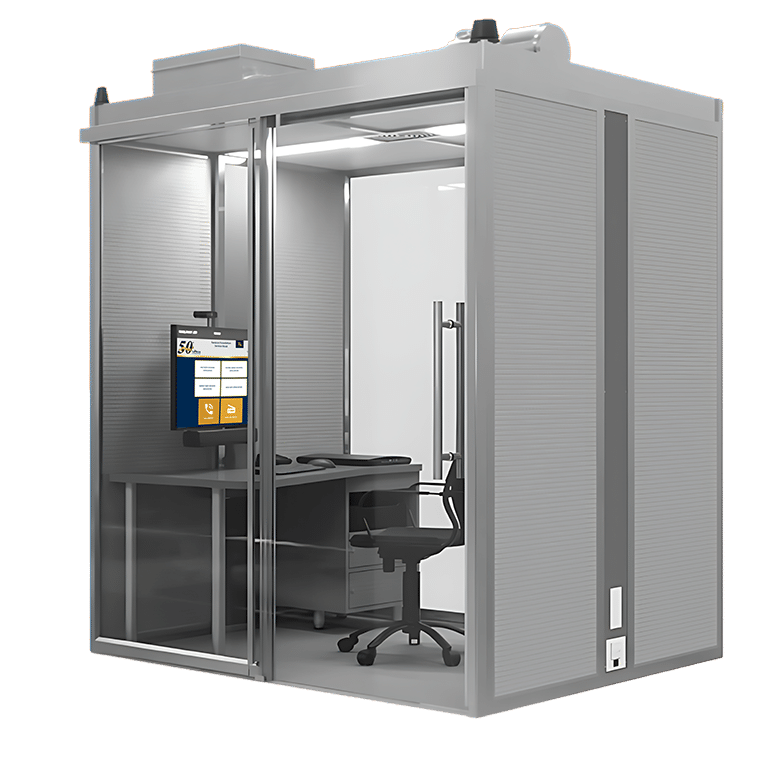
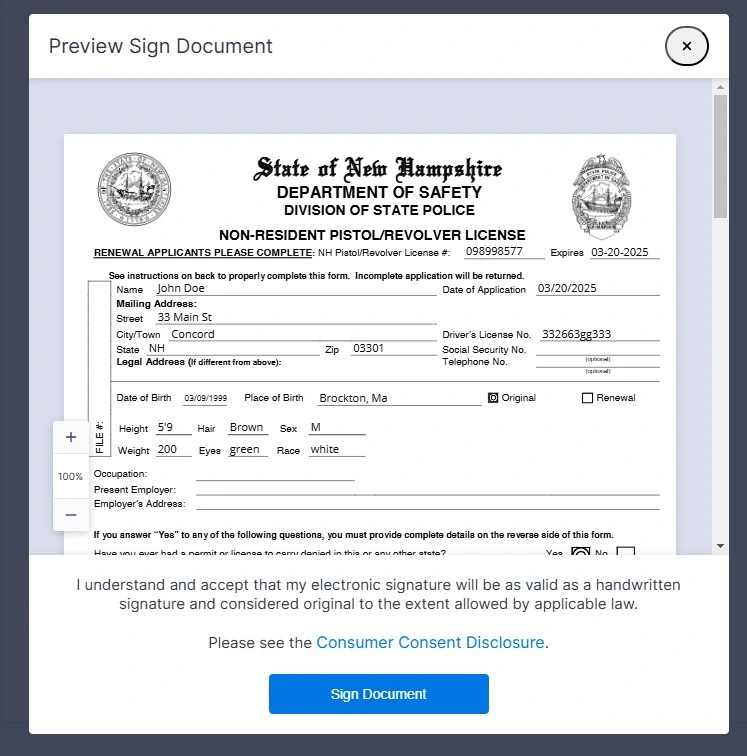
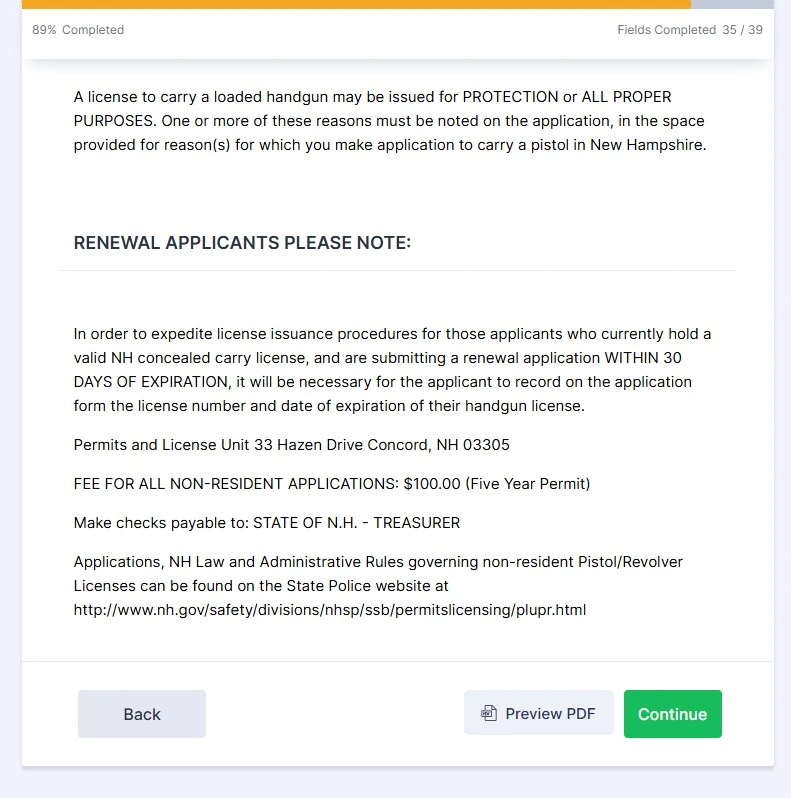
An integrated digital layer brings the "Front Desk" to the people. By deploying secure, cellular-enabled kiosks in high-traffic community locations, agencies can provide a full-service experience, including HD video conferencing for remote hearings, real-time document scanning, and secure digital signatures. These terminals act as "Satellite Service Points," allowing residents to interact with caseworkers or clerks via high-definition video and audio.
This modernization shift eliminates geographic barriers, ensures service equity for all residents, and allows the government to maintain a physical presence in the community at a fraction of the cost of a traditional brick-and-mortar office.

The Challenges: Manual Re-Entry & Fragmented Data
- How much staff time is wasted manually transcribing data from paper applications into your agency's internal database?
- Is your office struggling with "Data Silos," where physical documents are trapped in one department while another department needs them digitally?
- How do you ensure 100% accuracy and legibility in public submissions without requiring a staff member to review every line of a form?
- What happens when your legacy software doesn’t "talk" to your new digital initiatives, creating a bottleneck in the approval process?
- How do you maintain a secure audit trail for sensitive documents (like birth certificates or court evidence) as they move through your agency?
- Are your current administrative workflows dependent on a "Physical Signature" that requires a citizen to visit an office during business hours?
- How can you scale your service capacity without a linear increase in administrative costs or permanent headcount?
The Solution: The Automated Workflow Layer
An integrated digital layer bridges the gap between the citizen and your backend systems. By automating the point of intake, our modernization framework converts physical interactions into structured digital data instantly.
Secure kiosks with integrated scanners and digital signature pads ensure that every submission is complete, legible, and CJIS or PII compliant before it ever reaches a staff member's desk. This modernization shift eliminates redundant data entry, slashes processing times from days to minutes, and provides leadership with real-time analytics on service volume and departmental efficiency.






From Our Blog
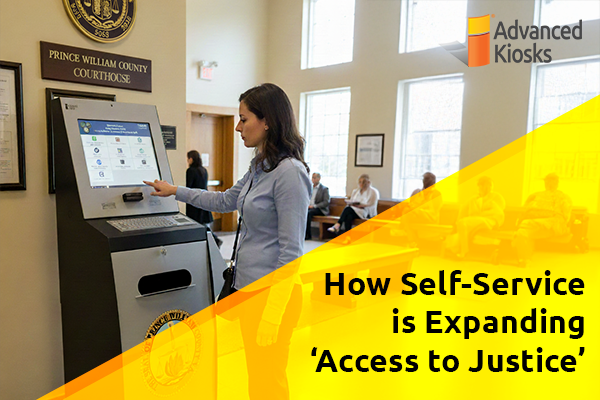
How Self-Service is Expanding ‘Access to Justice’
What is \'Access to Justice\'? Access to Justice is the…

Outdoor Kiosks: Answers to the 10 Most Common Questions
As organizations look to bring services outside the traditional lobby,…
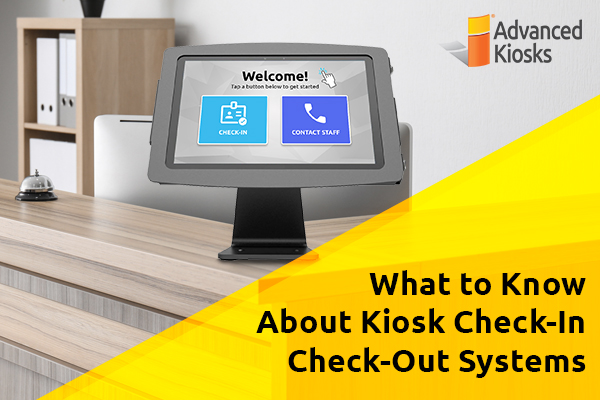
What to Know About Kiosk Check-In/Check-Out Systems
If you\'ve visited a modern government building, healthcare facility or…
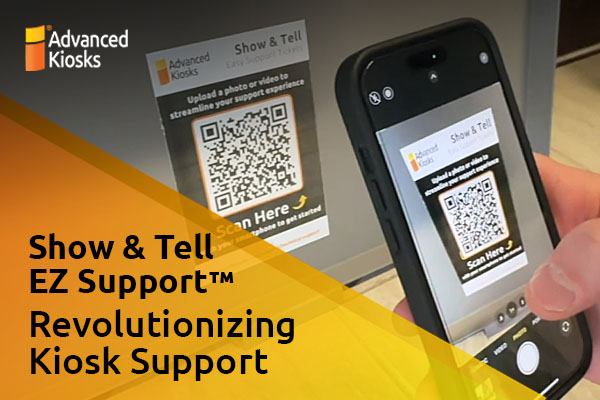
Revolutionizing Kiosk Support with Show & Tell EZ Support
At Advanced Kiosks, innovation is at the heart of everything…
Nine Must-Have Features of a Great Visitor Management System
Your lobby is often the first point of contact for…