

Touchscreen kiosk that mounts to the wall and stays out of the way
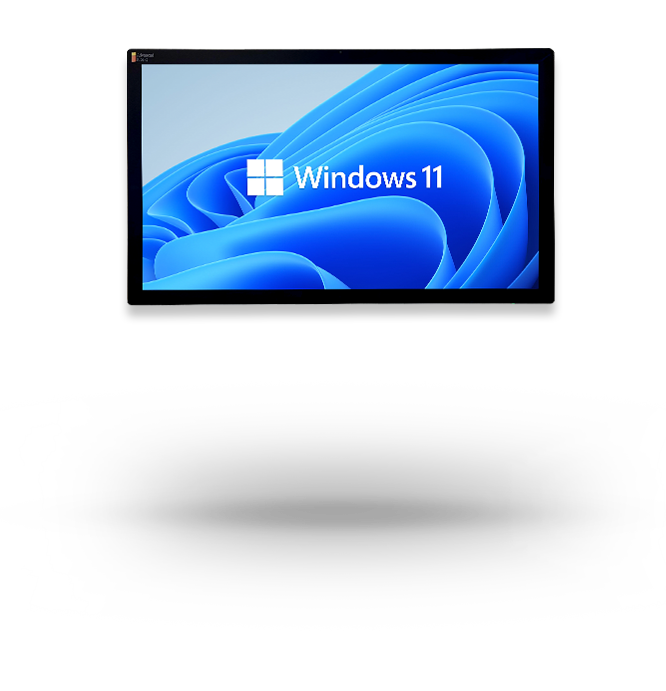
A durable, attractive wall-mounted touchscreen for digital marketing and self-service kiosk functions, from visitor check-in and nametags to wayfinding and secured web access, with no floor space required.
 GSA Contract Holder
 Made in USA
P/N: H32-850-1xx
The Wall-Mounted Touchscreen is the display hardware. Zamok locks it to your chosen application, and software like the Greeter Visitor Management System turns it into a working check-in point, directory, or self-service station without taking up floor space.
What people can accomplish at the kiosk
The Wall-Mounted Touchscreen adapts to whatever software you run on it, so its uses depend on your deployment. These are the most common.

Check in on arrival

Print a visitor name tag
Capture a photo and print a badge or nametag directly at the kiosk.

Find their way
Use wayfinding and directories to locate rooms, people, or services on site.

Access secured web content
Reach approved internal sites through Zamok’s locked-down managed browser.

Engage with information
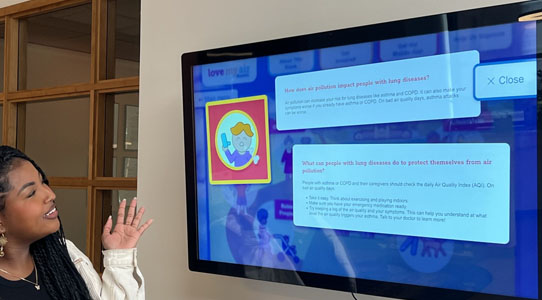
Browse digital marketing, announcements, or interactive content on a clear touchscreen.
Self-serve where space is tight
Complete tasks in lobbies and hallways where a floor kiosk won’t fit.
Built for the spaces that need to save the floor
See how the Wall-Mounted Touchscreen delivers self-service in the environments that use it most.
Law Enforcement
Agencies
Lobby visitor check-in and self-service for police stations, as deployed with the Greeter system at Decatur, TX Police.

Education
Campus directories, visitor check-in, event information, student resources, and interactive wayfinding for schools, colleges, and universities.
Government &
County Offices
Check-in, wayfinding, voter information, public records, forms, and guided access to government services without adding front-desk workload.

Health & Human
Services
Help visitors find community resources, access online services, check in, complete forms, and navigate public assistance programs from convenient locations.

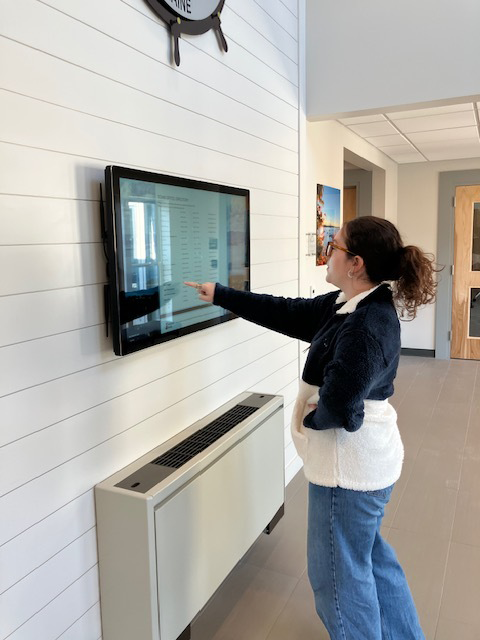
Town of Eliot wall-mounted kiosk.
The Wall-Mounted Touchscreen in the field
See the kiosk across municipal, law enforcement, and visitor-management deployments.


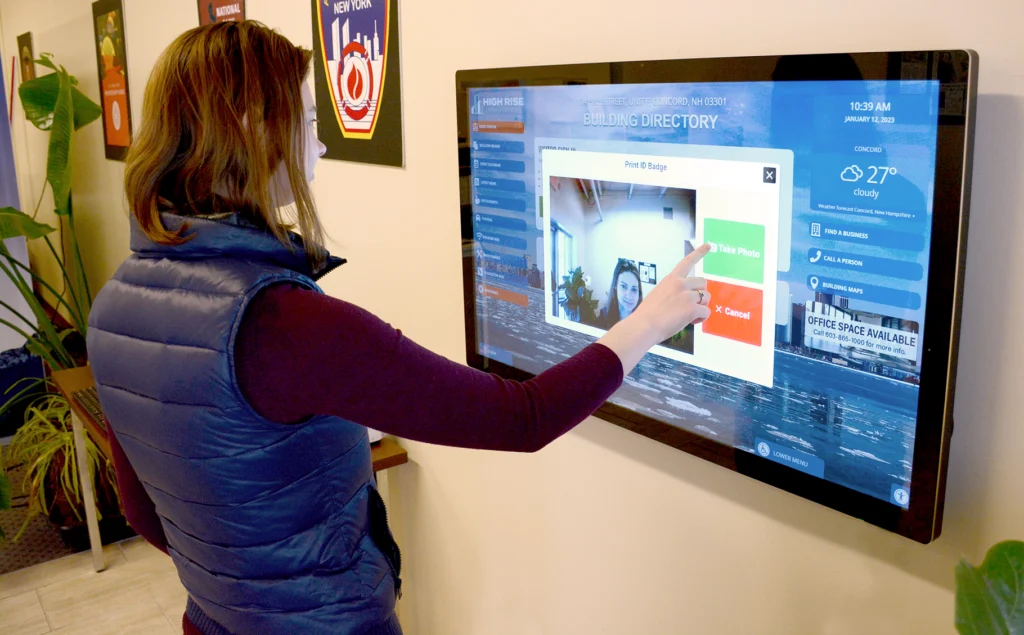


The hardware is only the beginning.
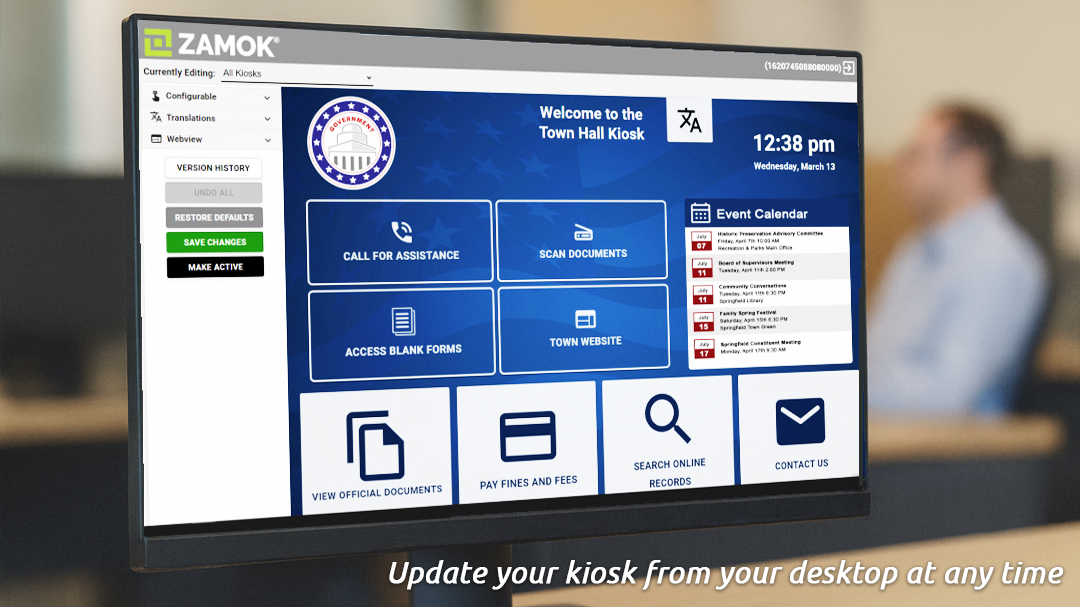
The software makes it work...
complete forms and applications.
Includes 30 days of Zamok at no charge.

Standard Features
- 22″, 32″, 43” (most popular) and 55″ Touchscreen Monitor
- PCAP Touch Technology
- 4k (3840 x 2160 pixel) resolution on 43” and larger kiosks
- 1080p (1920 x 1080 pixel) resolution on 22 and 32” model
- OPS (open pluggable specification) computer system: The computer attaches directly into display and is removeable allowing repairs and upgrades without the need to remove the display from the wall.
- 8th Gen (or newer) Intel® i-Series
- 8 GB RAM
- 120 GB SSD (upgradeable to 250 GB)
- All Mounting Hardware
- Removable Computer: The computer housed within the enclosure can be easily detached or removed.
- 5 megapixel user facing webcam
- Lockable wall mount that prevents the kiosk from being removed or tampered with Amplified stereo speakers
- Set of 2 keys
- WiFi & Ethernet Connectivity
- Windows 11 Professional
Upgrade Options
- Computer Upgrades
Add processing power for demanding applications.
- Visitor Management System Software
Turns the kiosk into a check-in station that signs guests in, prints badges, and alerts the host, so your front desk isn’t the bottleneck.
- AK Support Service
Get ongoing support, troubleshooting, and updates after launch.
- Zamok Kiosk Software
Lock the kiosk to approved tasks and manage it remotely.
Why choose the Wall-Mounted Touchscreen?

Space-Saving Design
Mounts to the wall, freeing floor space in lobbies, hallways, and tight entries.

Durable and Attractive
A clean, commercial-grade display built to look good and hold up to public use.

Fully Configurable
Runs whatever software your use case needs, from check-in to wayfinding to marketing.

Visitor Management Ready
Pairs with the Greeter system for check-in, nametags, and notifications.

Secured by Zamok
Locks to a single application and runs under a managed, remotely controlled browser.

Request Demo
Reach out to see this kiosk in action.
Download Brochure


Case Studies
Read practical examples and industry insights that show how self-service kiosks support real public-service workflows.
100's of Videos
Watch product walkthroughs, demos, tutorials, and customer examples to see kiosk solutions in action.
Complete Knowledgebase
Find answers, setup guidance, support articles, and technical resources for kiosk hardware and software.
Newsletter Archives
Explore past updates, product news, customer stories, and self-service technology insights from Advanced Kiosks.
Kiosk Gallery
Browse photos of kiosk models, installations, configurations, and real-world deployment environments.
Customer Stories
See how organizations use Advanced Kiosks to reduce workload, improve access, and modernize service delivery.
FROM OUR BLOG
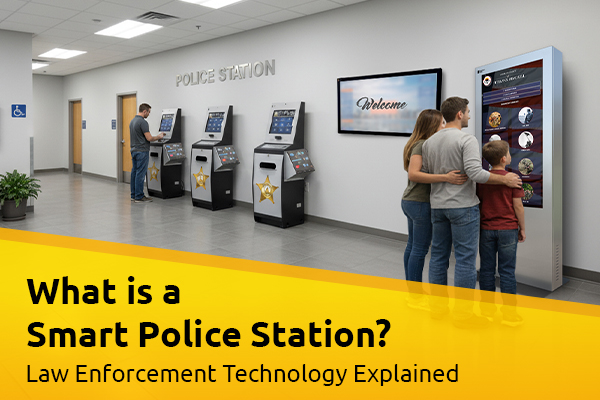
What Is A Smart Police Station? Law Enforcement Technology Explained
Walk-in traffic at police departments hasn’t slowed down. If anything,…
Outdoor Kiosks: Answers to the 10 Most Common Questions
As organizations look to bring services outside the traditional lobby,…
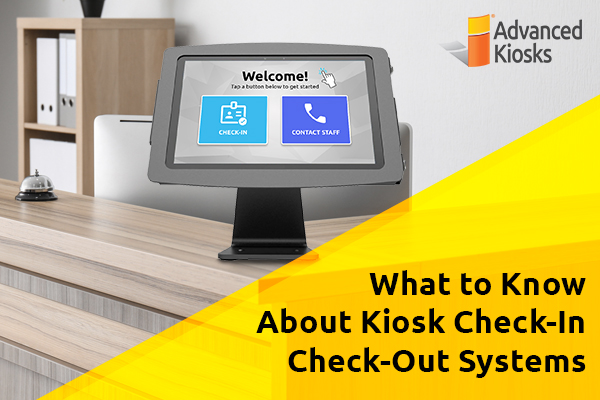
What to Know About Kiosk Check-In/Check-Out Systems
If you\'ve visited a modern government building, healthcare facility or…

Nine Must-Have Features of a Great Visitor Management System
Your lobby is often the first point of contact for…

6 Top Uses for Healthcare Kiosks
Back in 2015, healthcare consultancy IHS Technology predicted the number…