

Everything your document counter does, delivered as one working system
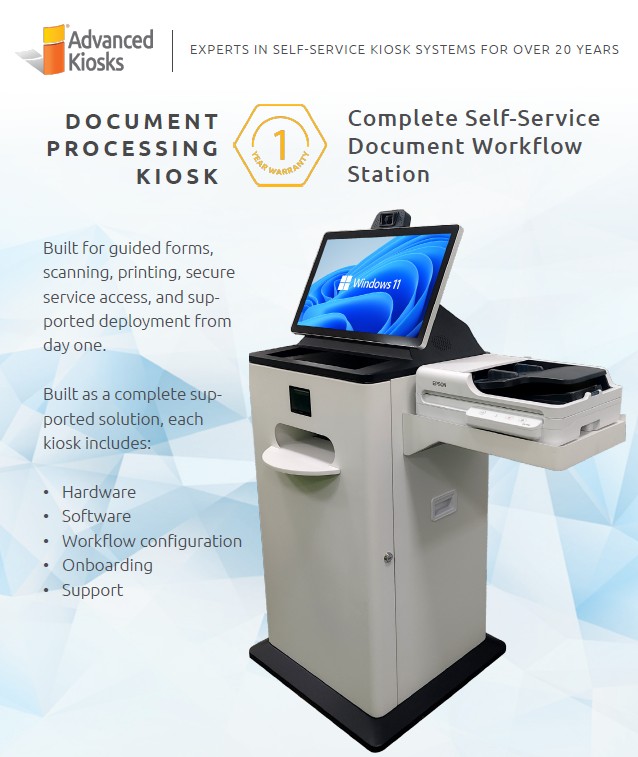
A freestanding steel kiosk with full-size printing, guided forms, and secure service access, shipped with the workflow already built and your staff onboarded.
 GSA Contract Holder
 Made in USA
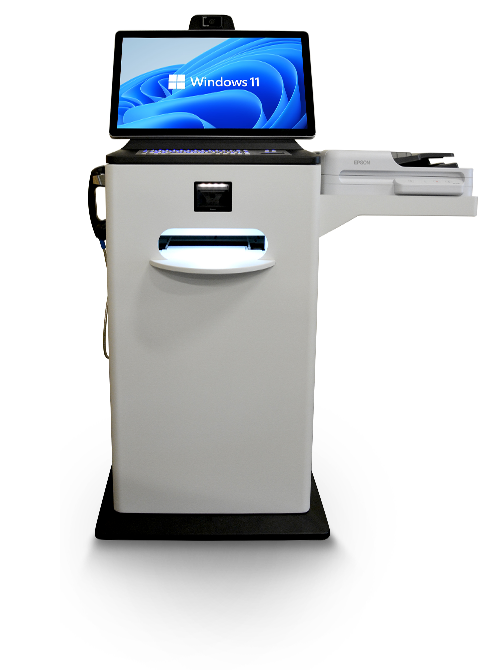
P/N: H32-30-1100
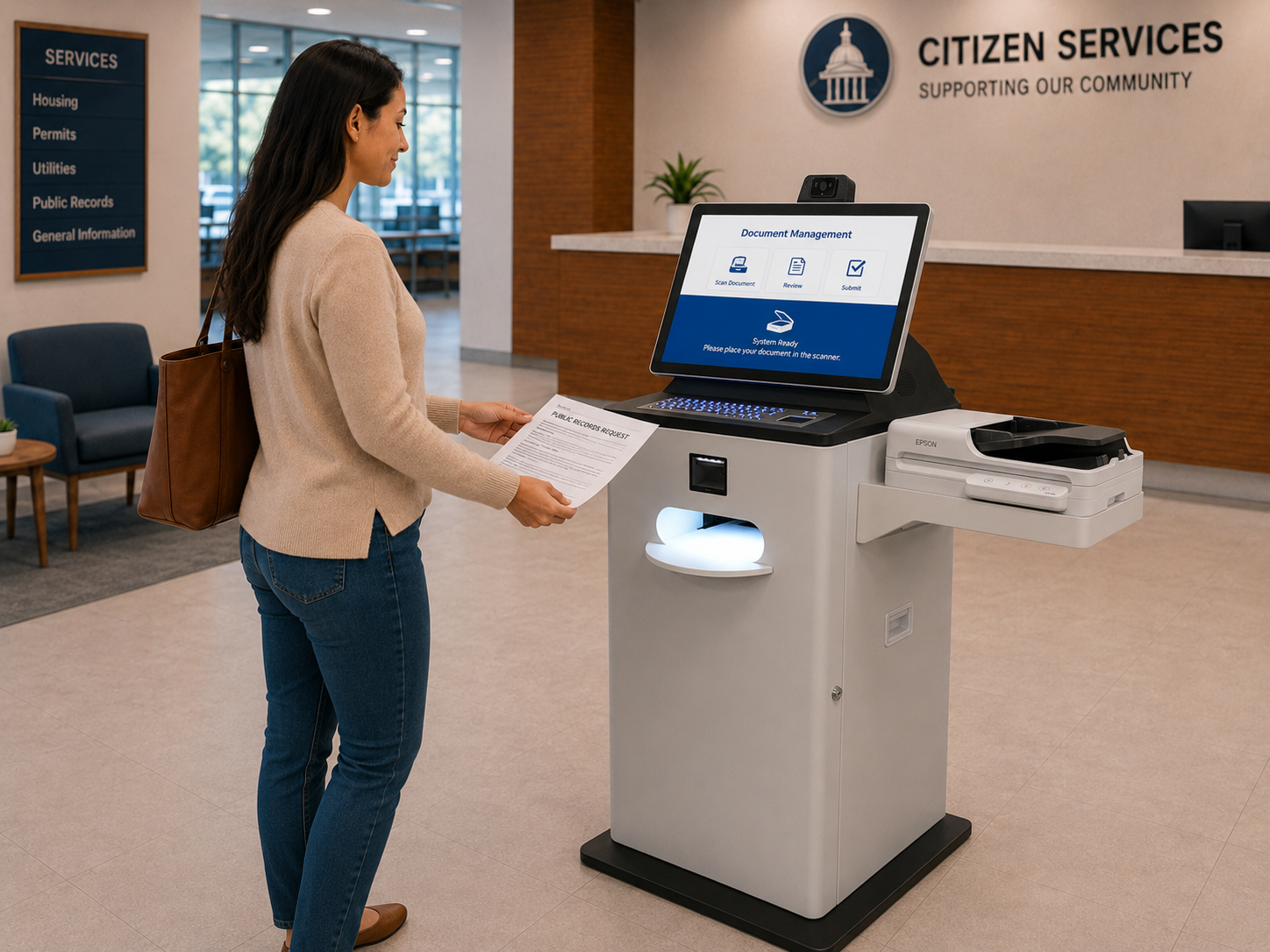
Shown with optional document scanner, VOIP handset, barcode scanner, and keyboard.
This kiosk is the physical hardware platform. Zamok Kiosk Management Software provides the workflows and management tools that turn it into a complete self-service solution.
What people can accomplish at the kiosk
The Document Processing Kiosk ships with its workflows already configured, so visitors can finish routine document tasks on their own while staff stay involved only where review or approval is needed.
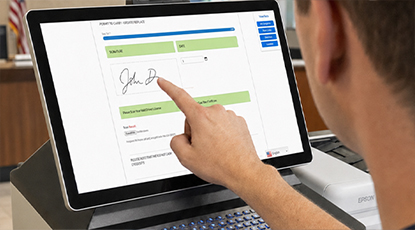
Complete guided forms
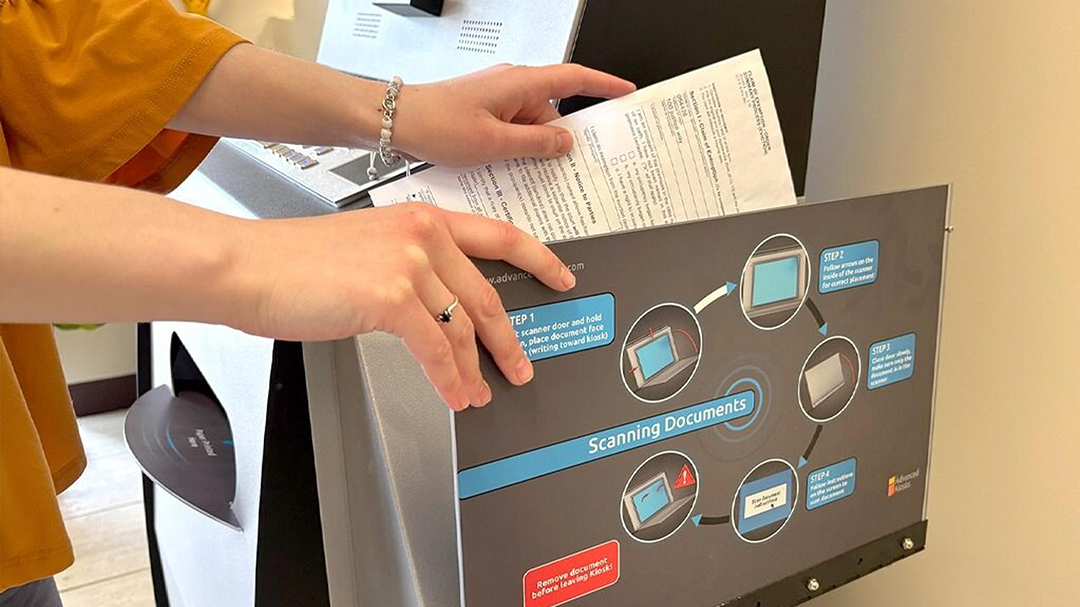
Scan and submit documents
Send identification, proof documents, and supporting paperwork straight into the workflow for staff review.
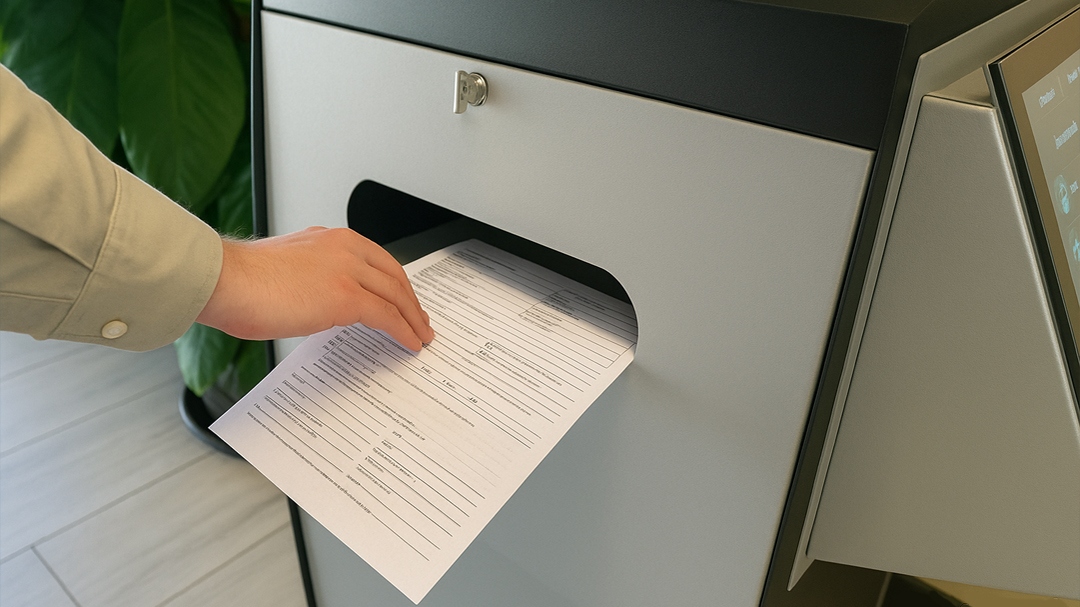
Print full-size records
Produce letter-size forms, notices, receipts, and approved records on the built-in full-size document printer.

Reach secure online services
Open approved portals and department systems inside a locked session that clears when the visitor leaves.
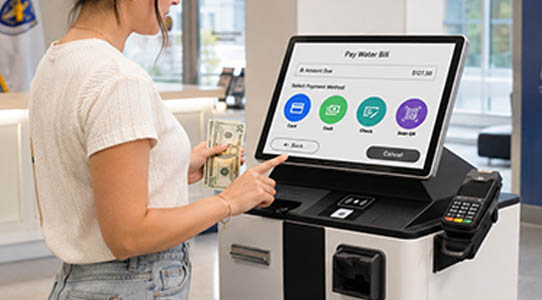
Get help without leaving the kiosk
Reach a staff member through the kiosk when a task needs a person rather than a form.
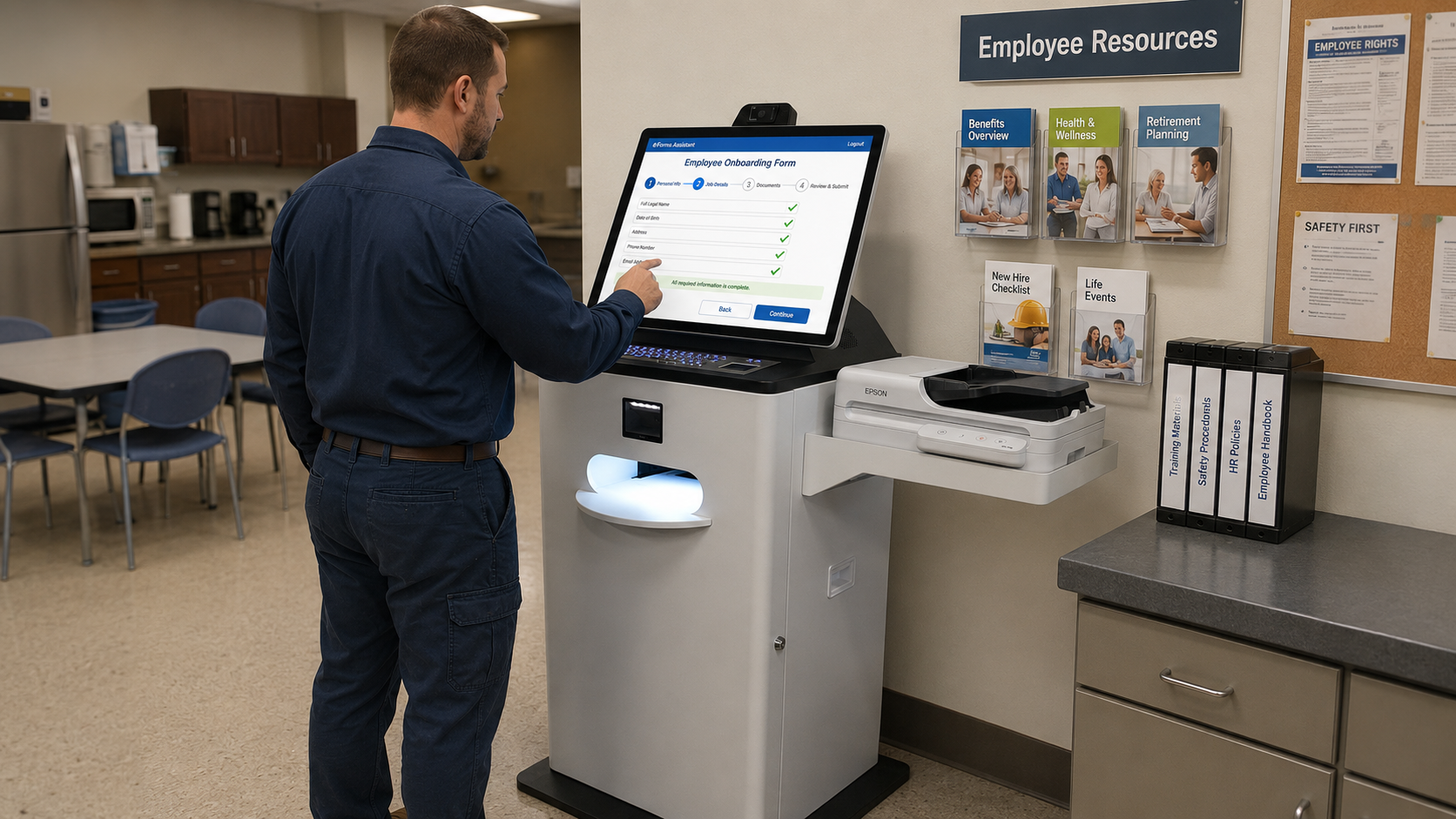
Follow a configured workflow
Work through steps built for your department during setup, not a generic menu you configure later.
Built for how document-heavy offices actually run
See how the Document Processing Kiosk handles form, filing, and printing volume across public-facing service counters.

Government &
County Offices
Permit applications, records requests, and routine filings completed at the kiosk, with the forms and print output configured for your departments before it arrives.

Courts & Clerk
Offices
Self-represented filers complete forms, submit supporting documents, and print their own notices without holding the clerk window.

Housing
Authorities
Recertifications and resident paperwork submitted on site, with guided prompts that reduce the number of incomplete applications coming back.
Human Resources
Staff without a company computer complete onboarding paperwork, print pay documents, and reach HR systems from one shared station.
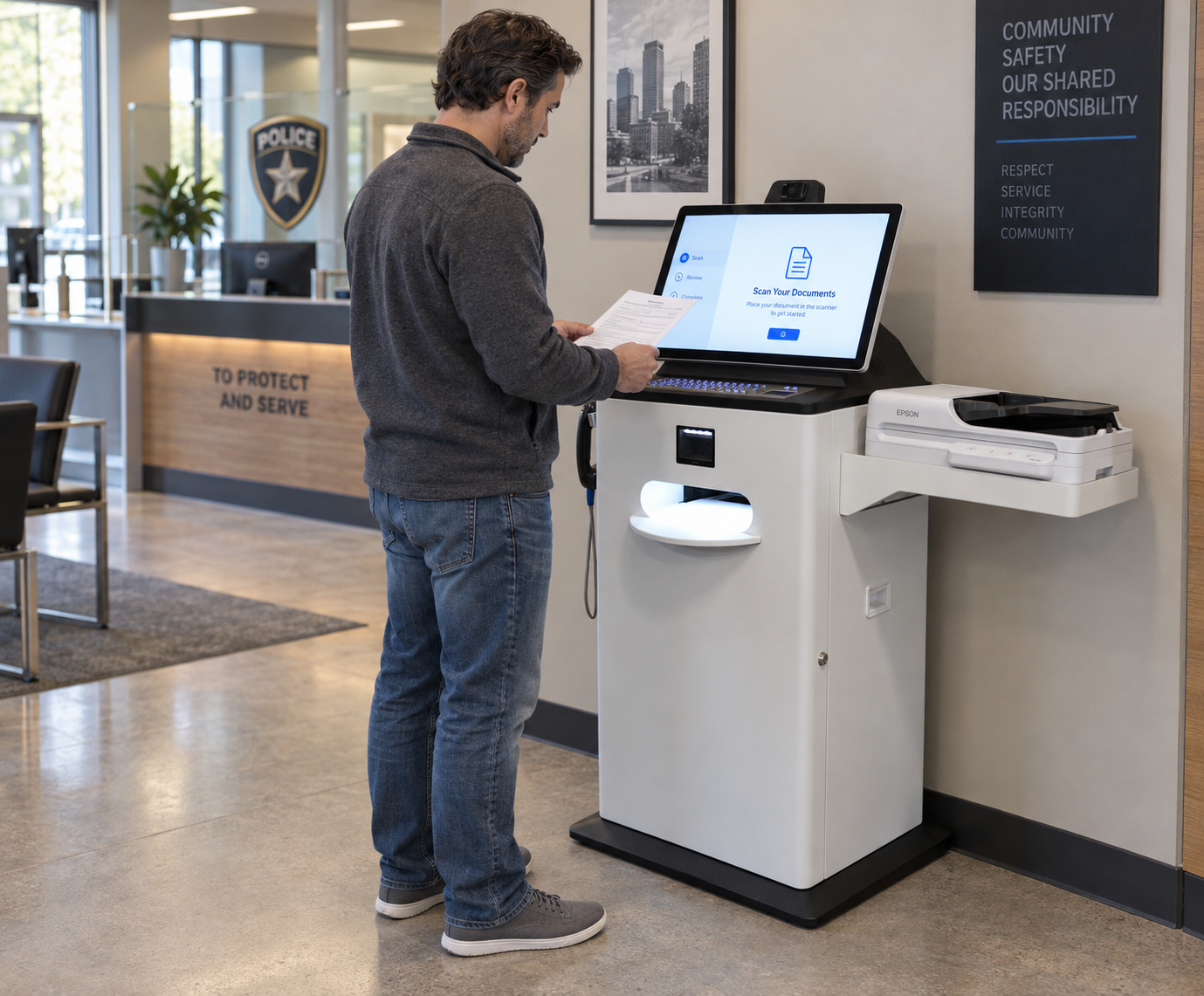
Form and document intake on Document Processing Kiosk.
Kiosk Office Suite
The workflows that turn the hardware into a document office
The kiosk supplies the touchscreen, the full-size printer, and the secure enclosure. Kiosk Office Suite supplies the guided experience that lets people finish real paperwork without routing every routine request through the front desk. On this model, that configuration is part of the purchase rather than something set up afterwards.The kiosk provides the durable touchscreen, printer, scanner, and communications hardware. Kiosk Office Suite provides the guided experience that lets people complete real work without routing every routine interaction through the front desk.
- Find the correct service, form, or department
- Complete applications and service requests
- Submit supporting documents into the workflow
- Print forms, records, and receipts
- Reach staff when assistance is needed
- Work through a secure session that clears on exit
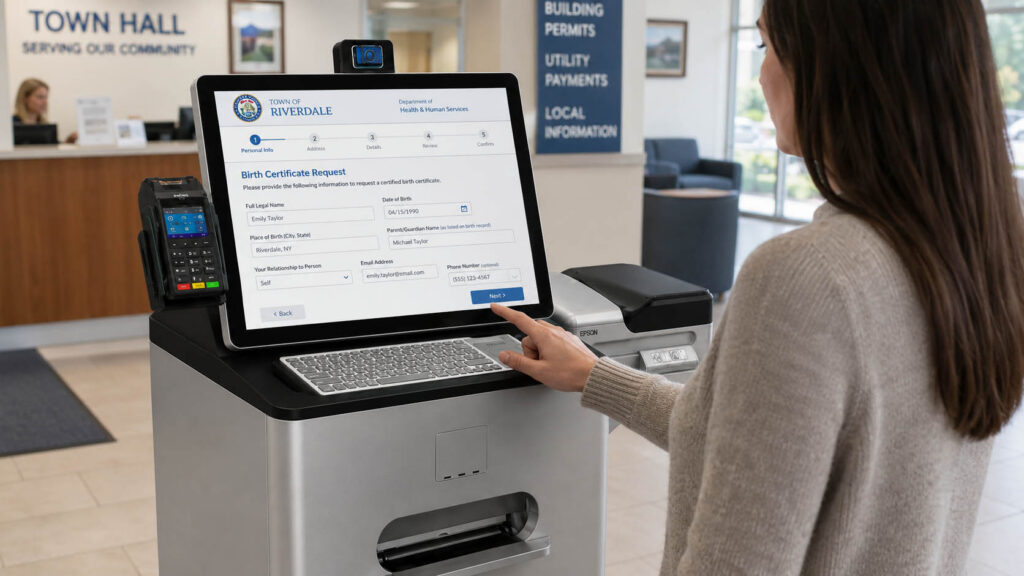
The Document Processing Kiosk in the field
See how the kiosk handles form fill, document intake, and printing across public-service environments.


Zamok Kiosk Management Software
Run the kiosk as a managed public-service system
A document kiosk handles identification, applications, and printed records, so the environment around it matters as much as the workflow inside it. Zamok is the secure operating layer that keeps each session contained, keeps the Windows environment out of reach, and gives your team remote control of a machine sitting in a public lobby.
- Lock the kiosk to approved websites and applications
- Protect the Windows environment and clear each public session
- Manage content and configuration remotely
- Monitor status and receive operational notifications
- Review usage and performance reports
- Support printers, scanners, cameras, handsets, and peripherals
- Add communications, forms, and AI assistance as the project grows

Standard Features
- Zamok Kiosk Management Software
- Windows 11 Professional
- Freestanding kiosk enclosure
- Integrated touchscreen display
- Industrial computer
- Kiosk Office Suite configuration
- Full-size document printer
- Webcam
- Speakers
- Onboarding service
- Remote support and configuration
Upgrade Options
- Document Scanner
Scan and submit supporting documents without staff assistance. - VoIP Handset
Connect visitors with staff for live help without leaving the kiosk. - Barcode or QR scanner
Scan IDs, tickets, and documents for fast check-in and lookup. - ID scanner
Read and verify IDs to streamline check-in and applications.
- EMV payment terminal
Take secure chip-card payments right at the kiosk. - Credit Card / magnetic stripe reader
Accept swiped card payments for fees and services. - Privacy screen
Keep information visible only to the person using the kiosk. - Vinyl graphics, logo or wrap
Brand the kiosk to match your organization’s look.
- Cellular connectivity
Keep the kiosk online without relying on the building network. - Battery backup
Keep the kiosk running through short power interruptions. - Computer upgrades
Add processing power for demanding applications.
Why choose the Document Processing Kiosk?

Complete System, Not Hardware
Kiosk, software, workflow configuration, onboarding, and support in one purchase.

Full-Size Document Printing
Letter-size output for records, notices, and receipts, not receipt-width paper.
Configured Before Delivery
Workflows are built for your departments and tested before the kiosk ships.

Onboarding Included
Your team is trained on the system as part of the purchase, not as a separate engagement.

Remote Management
Configuration changes, monitoring, and support handled remotely through Zamok.

Request Demo
Reach out to see this kiosk in action.
Download Brochure & Manuals
Case Studies
Read practical examples and industry insights that show how self-service kiosks support real public-service workflows.
100's of Videos
Watch product walkthroughs, demos, tutorials, and customer examples to see kiosk solutions in action.
Complete Knowledgebase
Find answers, setup guidance, support articles, and technical resources for kiosk hardware and software.
Newsletter Archives
Explore past updates, product news, customer stories, and self-service technology insights from Advanced Kiosks.
Kiosk Gallery
Browse photos of kiosk models, installations, configurations, and real-world deployment environments.
Customer Stories
See how organizations use Advanced Kiosks to reduce workload, improve access, and modernize service delivery.
FROM OUR BLOG

What Every Organization Should Know Before Implementing AI
Artificial intelligence is rapidly moving from experimentation to implementation across…

Read Our Latest 2026 Newsletter!
Our latest newsletter is packed with updates from the field,…
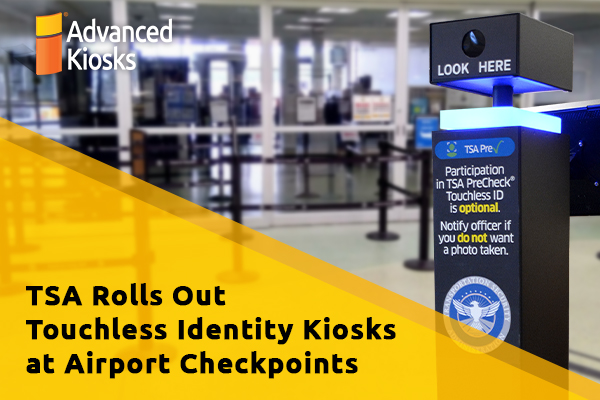
TSA Rolls Out Touchless Identity Kiosks at Airport Checkpoints
Moving millions of passengers safely through airport security requires more…

Outdoor Kiosks: Answers to the 10 Most Common Questions
As organizations look to bring services outside the traditional lobby,…
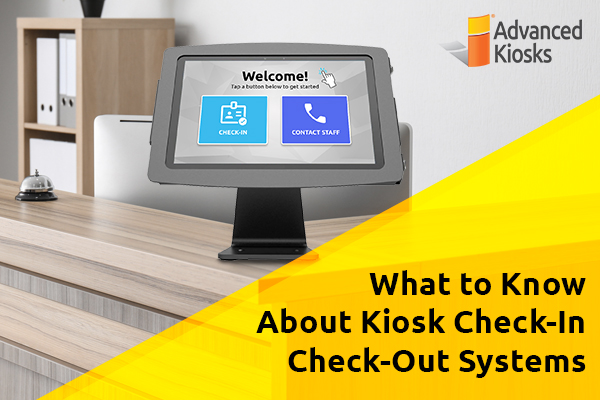
What to Know About Kiosk Check-In/Check-Out Systems
If you\'ve visited a modern government building, healthcare facility or…