

A multi-user hub that looks like furniture, not hardware
A furniture-style interactive platform with up to four 19-inch touchscreens on a single island, built for lobbies, visitor centers, galleries, and campus spaces where several people serve themselves at once.
 GSA Contract Holder
 Made in USA

P/N: H32-500-C
Shown with optional center island mast.
The Island is the multi-user hardware platform, with an independent computer per terminal. Zamok secures and manages every terminal, and your chosen software turns the island into a shared self-service, printing, or engagement hub.
What people can accomplish at the kiosk
The Island lets several people work at once on independent terminals, so its uses depend on the software each deployment runs. These are the most common.

Work at the same time
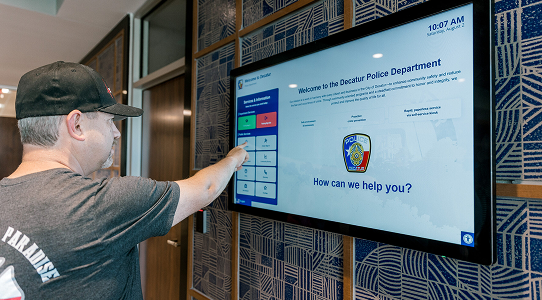
Search and browse
Look up directories, records, catalogs, or campus information on a shared hub.
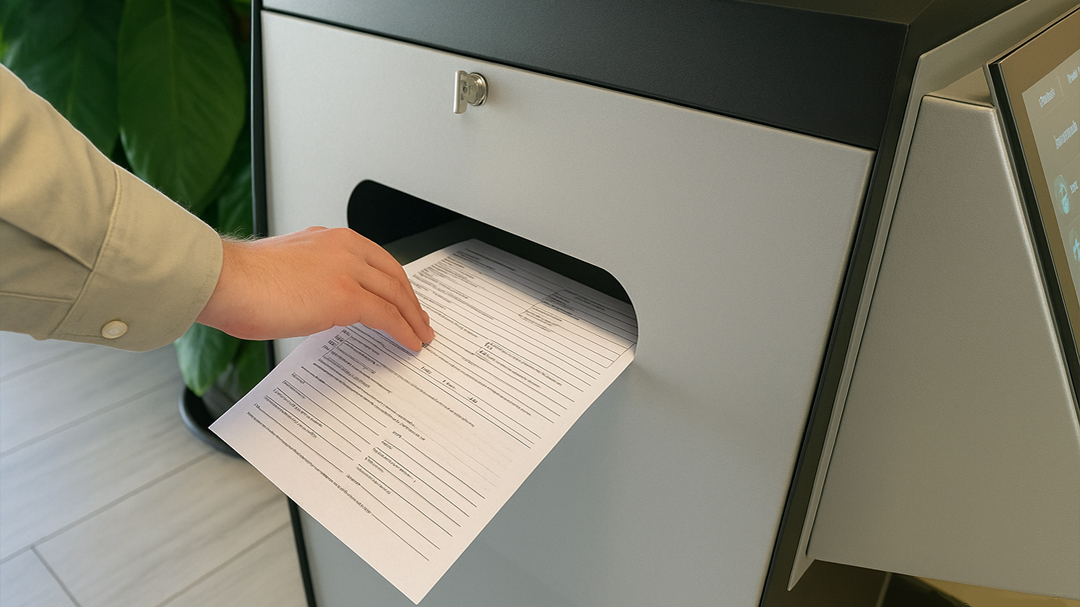
Print documents
Add a laser printer for self-service document and record printing.
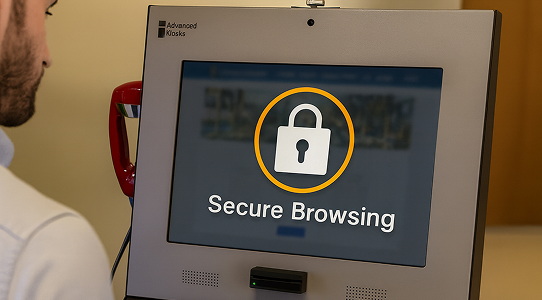
Access online services
Reach approved portals and applications through a locked-down managed session.

Engage with content
Explore interactive exhibits, information, or wayfinding in a lobby or gallery.
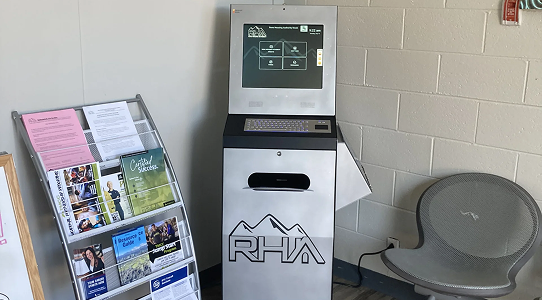
Gather in a shared space
Give a lobby or student area a central, collaborative self-service point.
The Island kiosk in the field
See the Island across visitor, campus, and printing deployments.


Zamok Kiosk Management Software
Manage every terminal on the island from one place
An island with up to four independent terminals in a public lobby needs each one locked down and managed centrally. Zamok is the secure operating layer that runs every terminal, protecting the Windows environment, containing each session, and letting your team manage content and monitor the whole island remotely.Lock the kiosk to approved websites and applications
- Lock each terminal to approved websites and applications
- Protect the Windows environment and clear each session
- Manage content across all terminals remotely
- Monitor status and receive operational notifications
- Review usage and engagement reporting per terminal
- Support printers, card readers, and peripherals
- Add video conferencing, payments, and AI assistance as the project grows

Standard Features
- Dual 19” Horizontal LCD Touchscreens (up to 4)
- Brushed Stainless Steel Finish
- Marine Lacquered Wood Top
- Independent Integrated Computer System Per Terminal
- Intel 0.8 GHz Quad Core
- 4GB DDR3
- 60GB Solid State Drive
- Windows 11 Professional (Per Terminal)
- WiFi and LAN Ethernet Connectivity
- Integrated Surge and Overload Protection
- Internal Amplified Stereo Speakers
- Keyed Access Panel
Upgrade Options
- Laser or Thermal Printers
Print receipts and tickets instantly. - Vinyl Graphics or Logo
Brand the kiosk to match your organization’s look. - Credit Card / Mag Strip Reader
Accept swiped card payments for fees and services.
- Barcode Scanner
Scan IDs, tickets, and documents for fast check-in and lookup. - 4G Cellular Modem
Keep the kiosk online without relying on the building network. - USB Ports
Let visitors connect devices for charging or data.
- VoIP Handsets
Connect visitors with staff for live help without leaving the kiosk. - Center Island Mast
- Computer Upgrades
Add processing power for demanding applications.
- AK Support Service
Get ongoing support, troubleshooting, and updates after launch. - Zamok Kiosk Software
Lock the kiosk to approved tasks and manage it remotely.
Why choose the Island Kiosk?

Ultimate Multi-User Hub
Up to four terminals for high-traffic lobbies, corporate spaces, and student areas.

Furniture-Grade Design
Brushed stainless steel and solid wood that fits an elegant lobby, not an equipment closet.

Independent Terminals
Each terminal has its own computer, so one user never slows down another.

Fully Customizable
Add printers, card readers, or a center mast to build the self-service station you need.

Secured by Zamok
Every terminal locks to its application and is managed remotely.

Request Demo
Reach out to see this kiosk in action.
Download Brochure & Manuals


Download Owner’s Manual

Download Dimensional Drawing
Case Studies
Read practical examples and industry insights that show how self-service kiosks support real public-service workflows.
100's of Videos
Watch product walkthroughs, demos, tutorials, and customer examples to see kiosk solutions in action.
Complete Knowledgebase
Find answers, setup guidance, support articles, and technical resources for kiosk hardware and software.
Newsletter Archives
Explore past updates, product news, customer stories, and self-service technology insights from Advanced Kiosks.
Kiosk Gallery
Browse photos of kiosk models, installations, configurations, and real-world deployment environments.
Customer Stories
See how organizations use Advanced Kiosks to reduce workload, improve access, and modernize service delivery.
Get Expert Guidance for Your Perfect Kiosk Solution!

FROM OUR BLOG

What Every Organization Should Know Before Implementing AI
Artificial intelligence is rapidly moving from experimentation to implementation across…

Read Our Latest 2026 Newsletter!
Our latest newsletter is packed with updates from the field,…
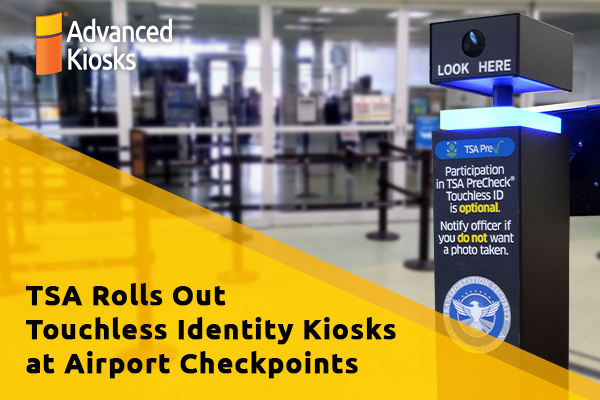
TSA Rolls Out Touchless Identity Kiosks at Airport Checkpoints
Moving millions of passengers safely through airport security requires more…

Outdoor Kiosks: Answers to the 10 Most Common Questions
As organizations look to bring services outside the traditional lobby,…
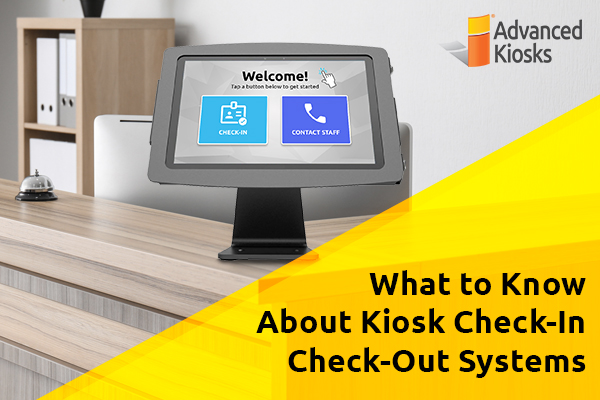
What to Know About Kiosk Check-In/Check-Out Systems
If you\'ve visited a modern government building, healthcare facility or…