

A big outdoor touchscreen that brings your city to street level
A weather-resistant 55-inch outdoor kiosk built as the hardware companion to CityGuide, delivering high-visibility public information, wayfinding, and tourism to parks, downtowns, and transit hubs around the clock.
 GSA Contract Holder
 Made in USA
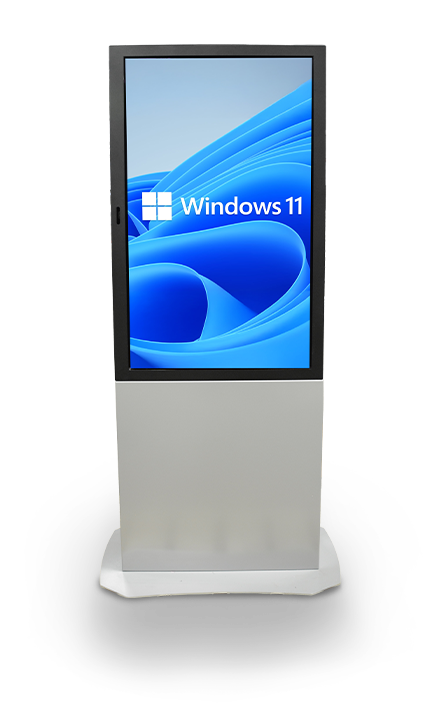
P/N: H32-530-1120
The Monolith is the weather-resistant display hardware. Zamok secures and manages it remotely, and CityGuide or Greeter Visitor Management System turns it into a complete solution.
What people can accomplish at the kiosk
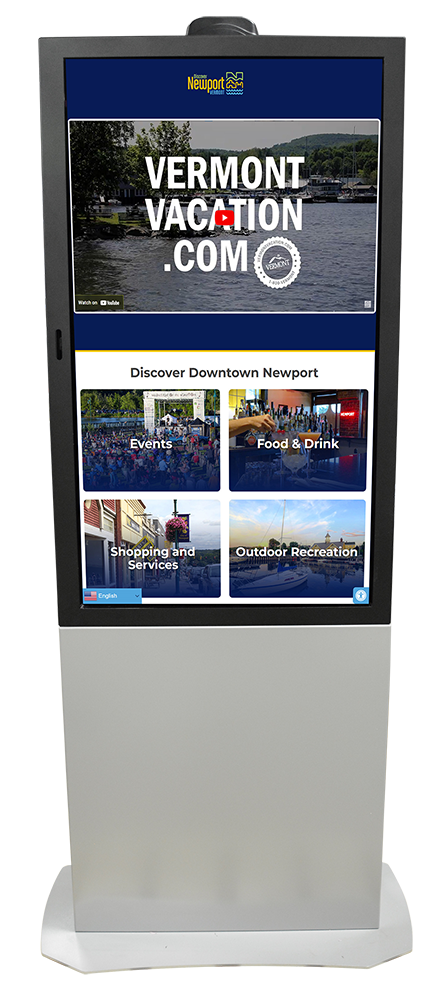
The Monolith brings self-service outdoors on a large, bright screen, most often as a public information and wayfinding point running CityGuide.

Find their way around town
Explore interactive maps and directories for downtowns, parks, and municipal campuses.
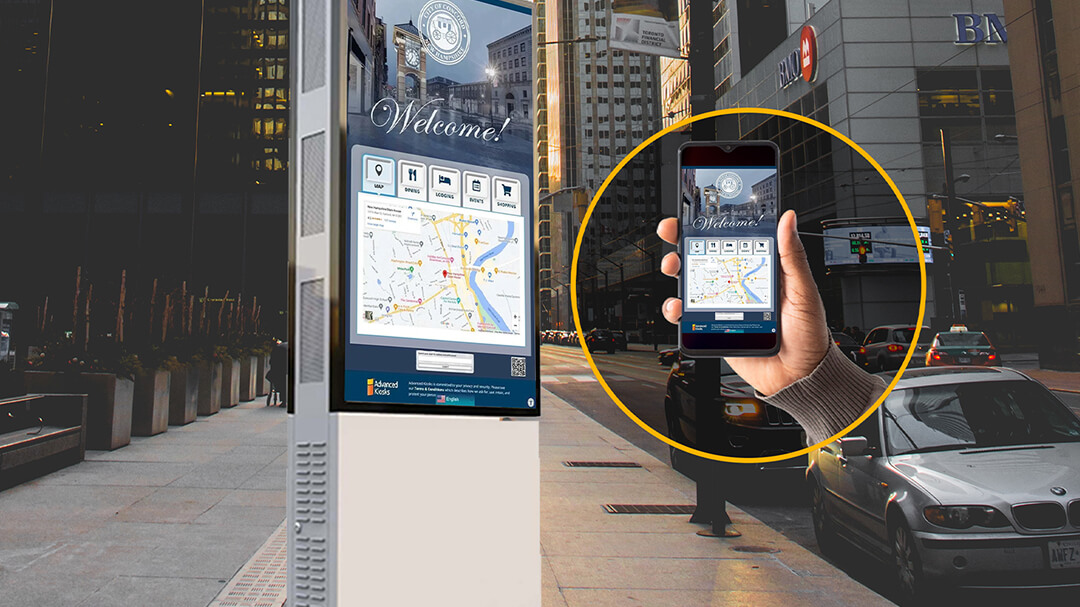
Discover local attractions
Browse points of interest, events, and tourism information through CityGuide.
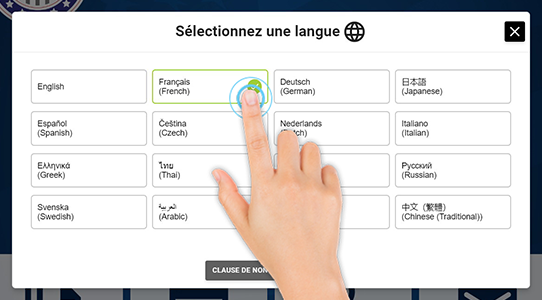
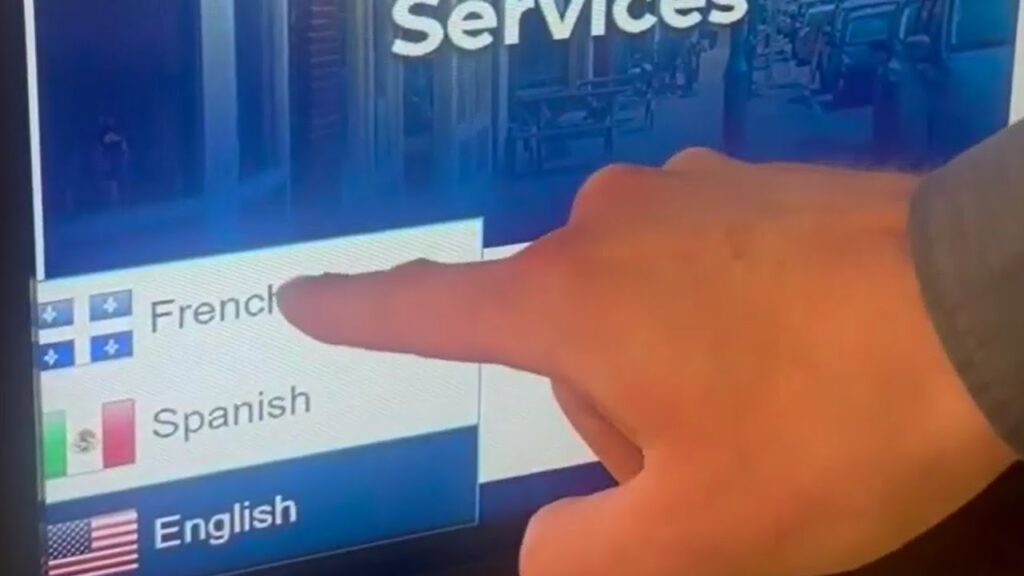
Get information in any language
Use instant on-screen translation to reach residents and visitors alike.
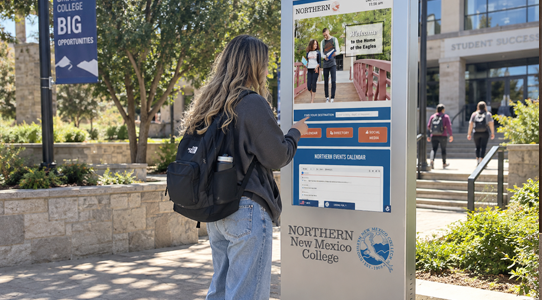
View promotions and announcements
See public notices, events, and promotions on a large, attention-grabbing display.
Use it in any weather
Interact with a sunlight-readable screen that stays reliable through heat, cold, and rain.

Access services after hours
Reach public information around the clock, without waiting for an office to open.
Built for how cities and towns actually run
See how the Outdoor Monolith delivers high-visibility public information where people gather outdoors.

Colleges &
Campuses
The Outdoor Monolith Kiosk is an ideal self-service solution for colleges, universities, and educational campuses. Its durable, weather-resistant design provides users with convenient access to interactive campus maps, building directories, event schedules, wayfinding, and important announcements.

Government &
County Offices
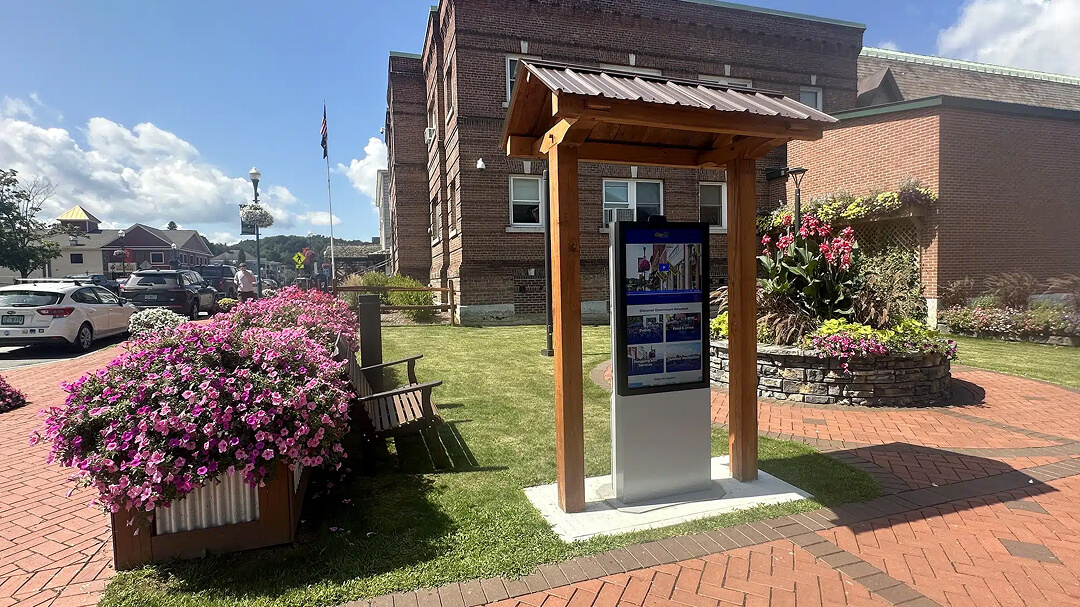
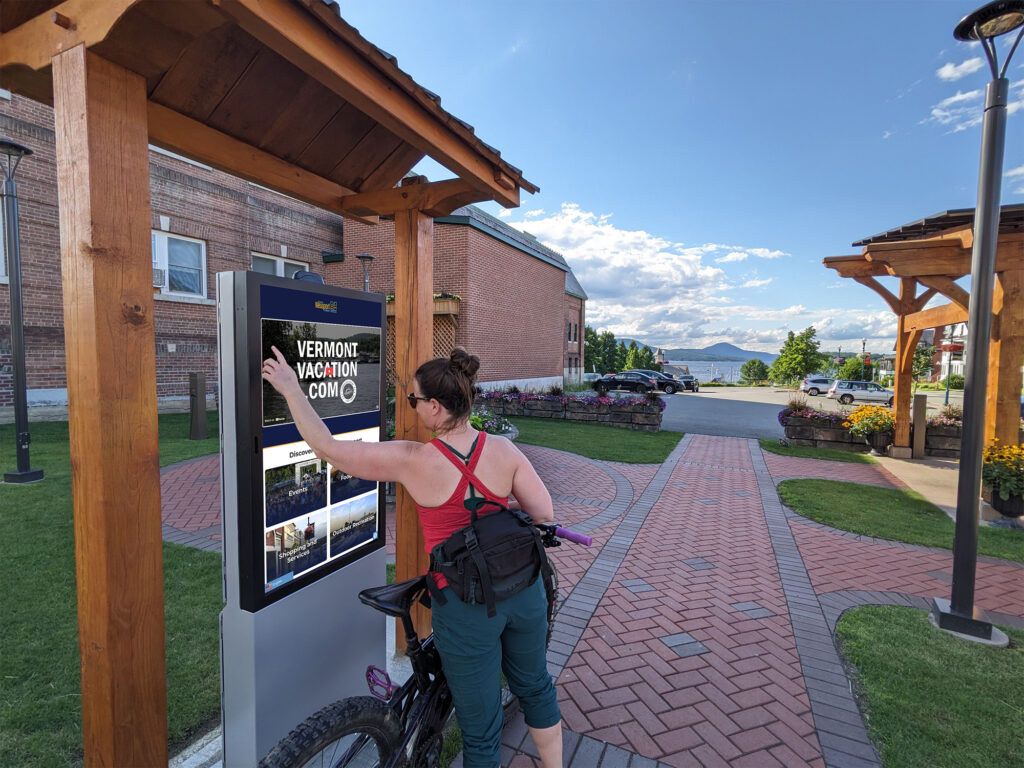
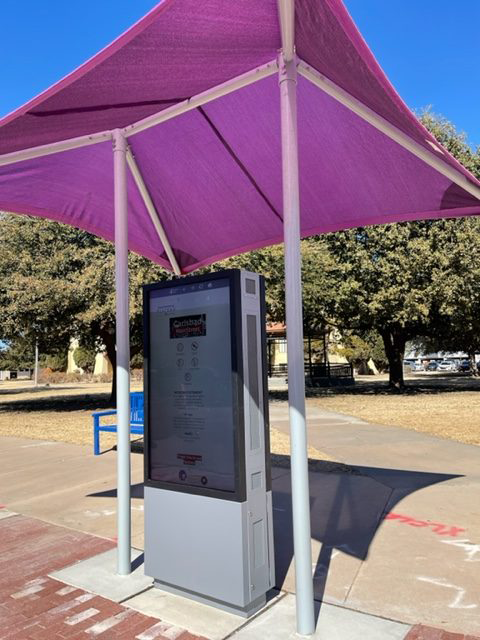
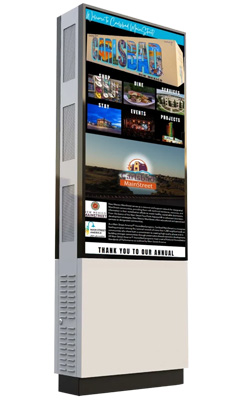
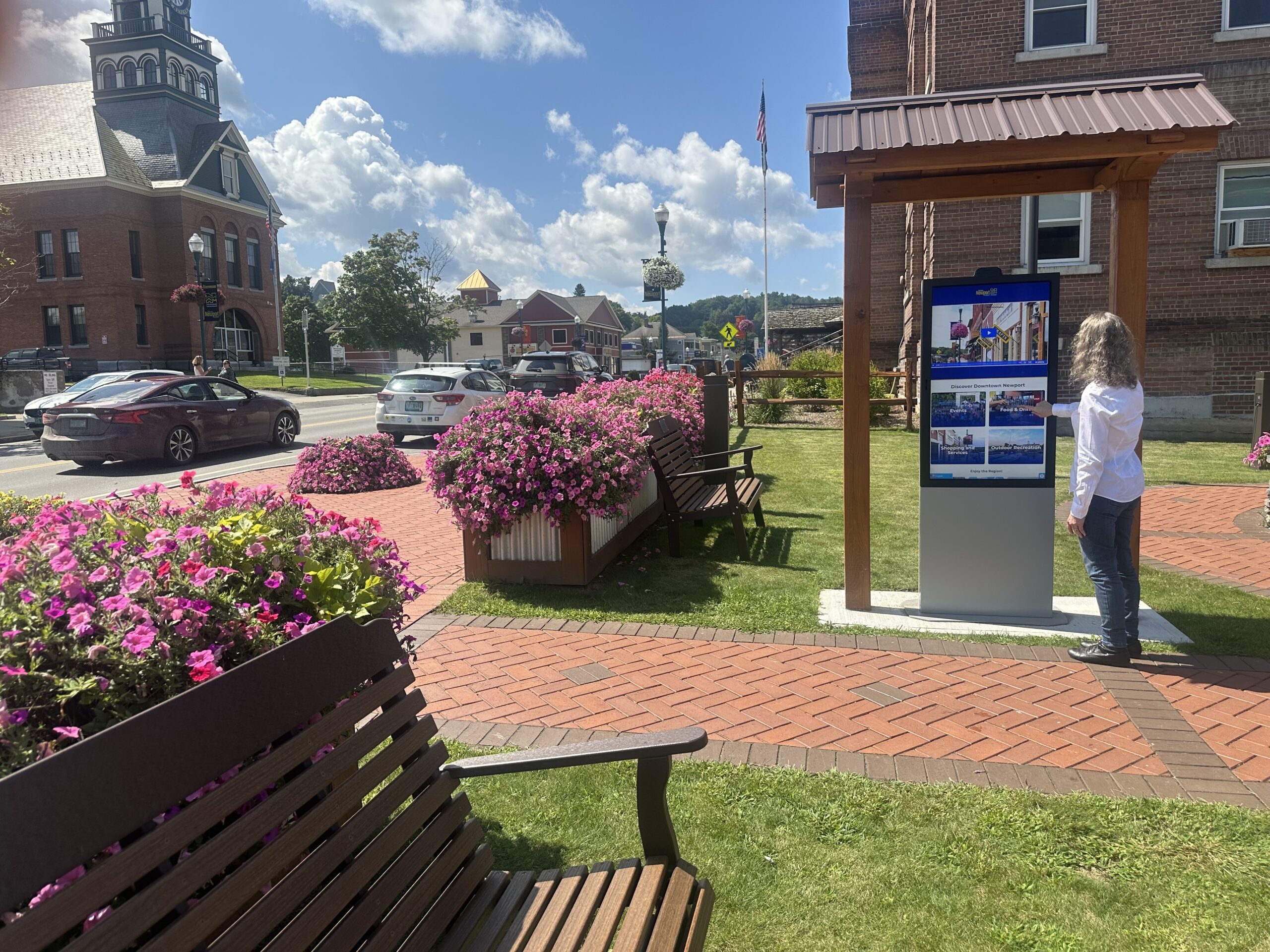
Cities and municipalities use the Outdoor Monolith with CityGuide to give residents and visitors 24/7 outdoor access to maps, directories, events, and tourism information, as deployed in downtown Newport, VT.
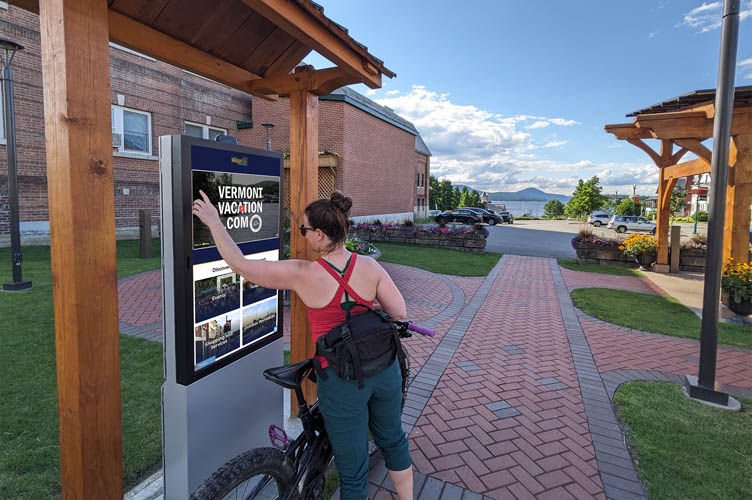
The Outdoor Monolith running CityGuide in downtown Newport, VT.
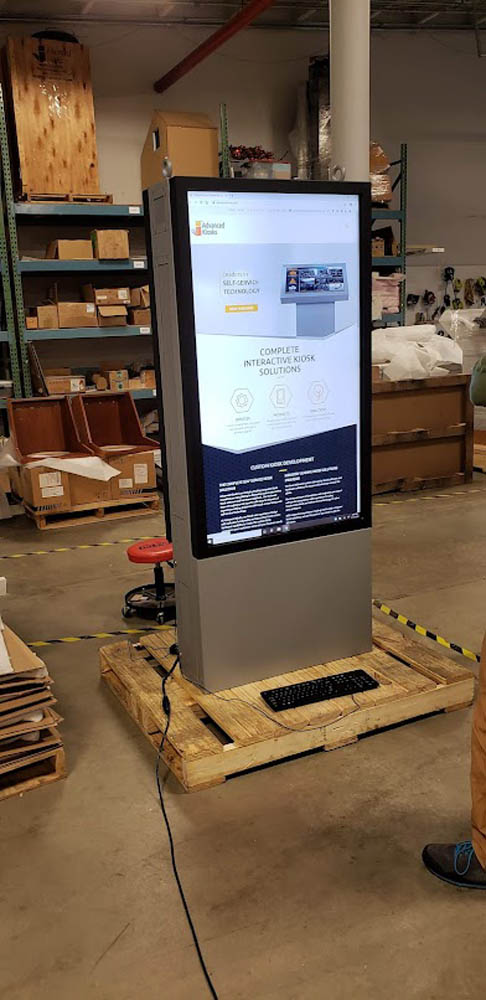
The Outdoor Monolith in the field
See the Monolith across city, tourism, and downtown deployments.

Zamok Kiosk Management Software
Run an outdoor kiosk across town without leaving your desk
A large kiosk out in a downtown or a park runs unattended and has to stay locked down and current. Zamok is the secure operating layer that runs the Monolith, containing each session, protecting the Windows environment, and letting your team update content, push events, and monitor the kiosk remotely from anywhere.
- Lock the kiosk to CityGuide or your approved application
- Protect the Windows environment and clear each public session
- Update maps, events, and content remotely
- Monitor status and receive weather and hardware alerts
- Review usage and engagement reports
- Support the touchscreen, camera, and outdoor peripherals
- Add translation, communications, and AI assistance as the project grows

Standard Features
- 55″ Touchscreen
- Thermal Control Cooling System
- Quad Core CPU
- 8 GB RAM
- 120 GB SSD Hard Drive
- 14 Gauge All Steel Enclosure
- Lock and Key Access Panel
- All Mounting Hardware
- Surge Protection
- Ethernet Connectivity
- Windows 11 Professional
- Easy Set Up Manuals
Upgrade Options
- Dual 55″ Touchscreen
Puts a second 55-inch screen back-to-back, so people on both sides can use the kiosk at once. - Battery Back-up
Keep the kiosk running through short power interruptions. - Vinyl Graphics or Logo
Brand the kiosk to match your organization’s look. - Credit Card / EMV Reader
Accept swiped card payments for fees and services.
- Barcode Reader
Scan codes to pull up records, tickets, or check-ins instantly. - 4G Cellular Modem
Keep the kiosk online without relying on the building network. - WiFi Connectivity
Puts the kiosk online without running a network cable to it, so you can place it where wiring won’t reach. - VoIP Handset
Connect visitors with staff for live help without leaving the kiosk.
- Amplified Stereo Speakers
Clear, loud audio for video calls, voice prompts, and accessibility, so people can hear the kiosk in a noisy lobby. - Computer Upgrades
Add processing power for demanding applications. - AK Support Service
Get ongoing support, troubleshooting, and updates after launch. - Zamok Kiosk Software
Lock the kiosk to approved tasks and manage it remotely.
- Solar Power
Run the kiosk off-grid in outdoor or remote locations.
Why choose the Outdoor Monolith Kiosk?

Weather-Resistant Design
Engineered to withstand harsh outdoor conditions year-round.

High-Visibility Display
Sunlight-readable screen ensures clear visibility in any environment.

Durable Construction
14-gauge all-steel enclosure with thermal cooling for long-lasting outdoor performance.

CityGuide Ready
Purpose-built as the hardware companion to CityGuide for tourism and wayfinding.

Solar Capable
Available with solar power for remote locations without wired electricity.

Request Demo
Reach out to see this kiosk in action.
Download Brochure & Manuals


Download Owner’s Manual
Case Studies
Read practical examples and industry insights that show how self-service kiosks support real public-service workflows.
100's of Videos
Watch product walkthroughs, demos, tutorials, and customer examples to see kiosk solutions in action.
Complete Knowledgebase
Find answers, setup guidance, support articles, and technical resources for kiosk hardware and software.
Newsletter Archives
Explore past updates, product news, customer stories, and self-service technology insights from Advanced Kiosks.
Kiosk Gallery
Browse photos of kiosk models, installations, configurations, and real-world deployment environments.
Customer Stories
See how organizations use Advanced Kiosks to reduce workload, improve access, and modernize service delivery.
FROM OUR BLOG

What Every Organization Should Know Before Implementing AI
Artificial intelligence is rapidly moving from experimentation to implementation across…

Read Our Latest 2026 Newsletter!
Our latest newsletter is packed with updates from the field,…
TSA Rolls Out Touchless Identity Kiosks at Airport Checkpoints
Moving millions of passengers safely through airport security requires more…
Outdoor Kiosks: Answers to the 10 Most Common Questions
As organizations look to bring services outside the traditional lobby,…
What to Know About Kiosk Check-In/Check-Out Systems
If you\'ve visited a modern government building, healthcare facility or…