


One ethernet cable is all it needs
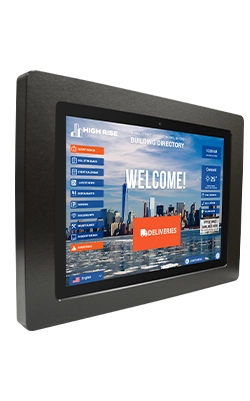
A 12.5-inch wall-mounted or countertop tablet kiosk powered entirely over ethernet (PoE), so it goes where outlets don’t: tight spaces, temporary events, and pop-up installations.
 GSA Contract Holder
 Made in USA
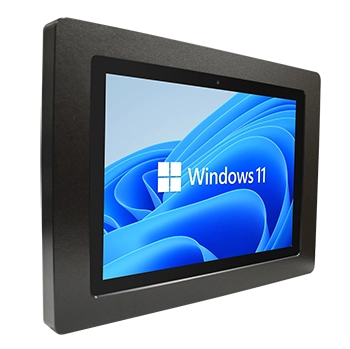
P/N: H32-800-120
The No-Power Kiosk is the compact PoE hardware. Zamok secures and manages it, and software like the Greeter Visitor Management System turns a single-cable tablet into a cable-free check-in or information point.
What people can accomplish at the kiosk
The No-Power Kiosk brings self-service to places an ordinary kiosk can’t reach, running on one ethernet cable. These are its most common uses.
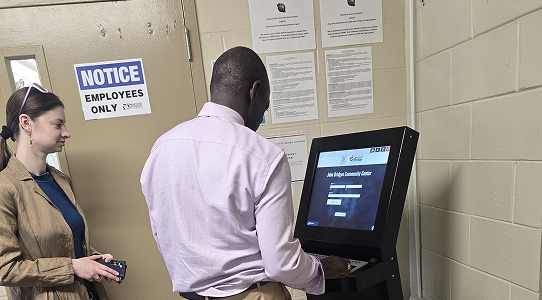
Check in on arrival

Get information on the spot
Access directories, wayfinding, or event details on a compact touchscreen.

Serve pop-ups and events
Bring self-service to temporary stations, trade shows, and conferences with no outlet.
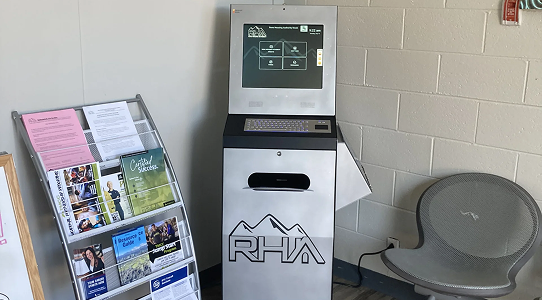
Fit tight spaces
Mount on a wall or set on a counter where a full kiosk would not fit.

Relocate as needs change
Move the kiosk to follow visitor flow, with only a network drop to reconnect.

Run securely and low-maintenance
Operate in a locked-down session managed remotely through Zamok.
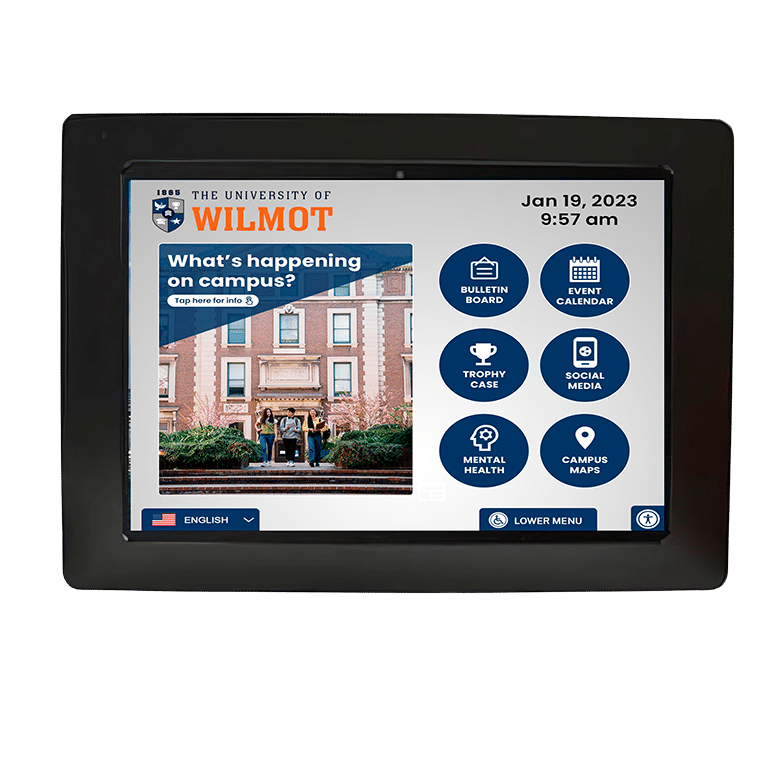
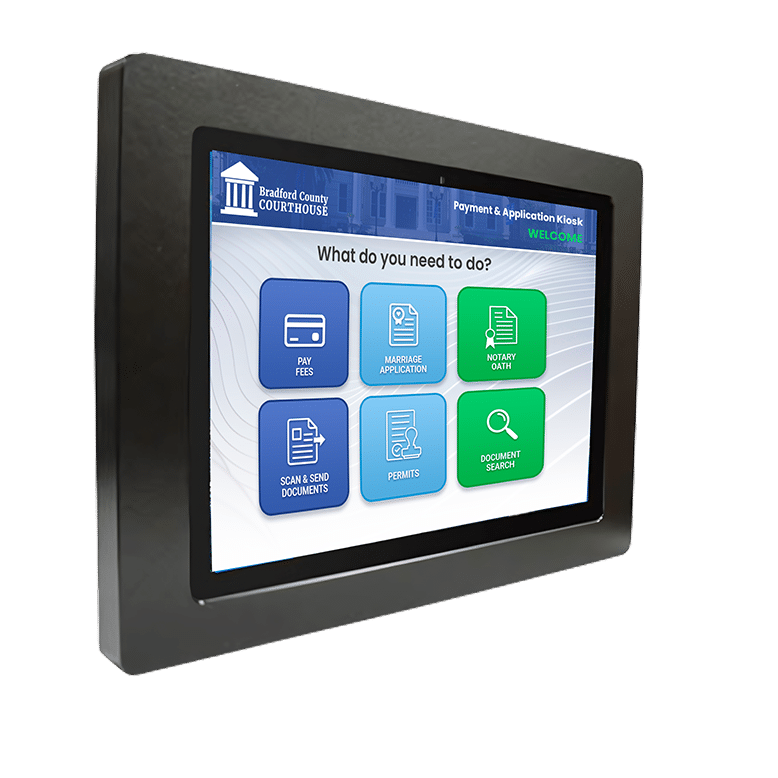
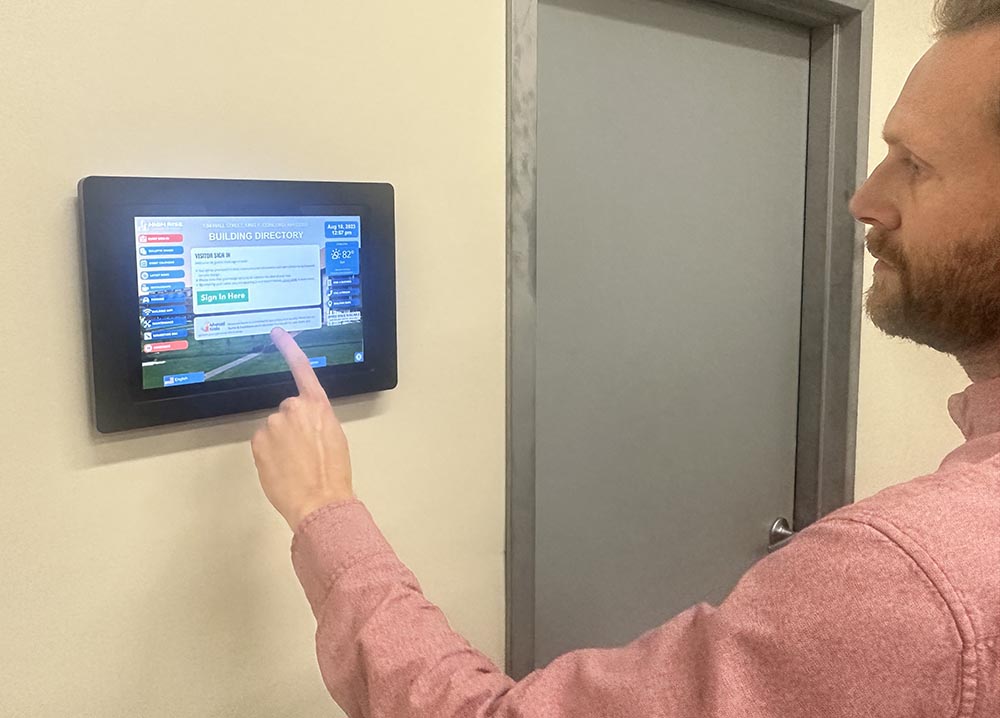
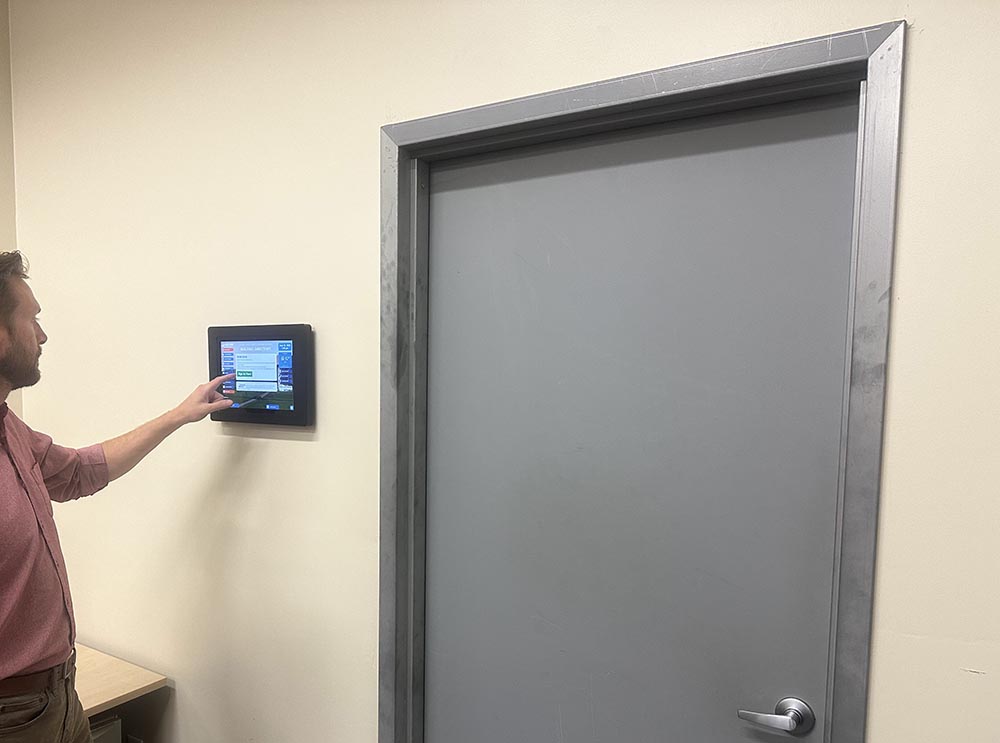
The No-Power Kiosk up close
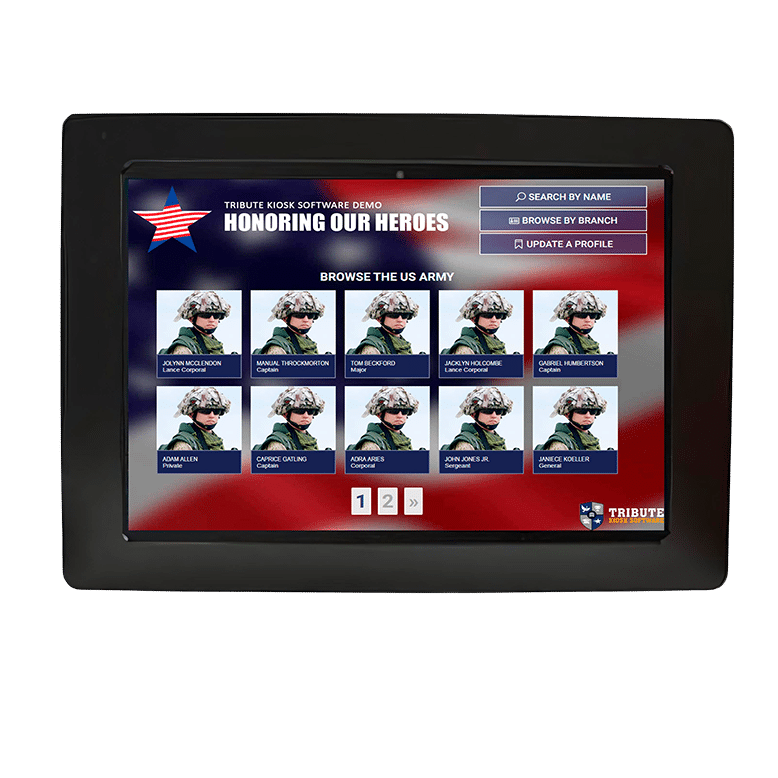
See the No-Power Kiosk in wall-mounted and counter configurations.
Zamok Kiosk Management Software
Secure a portable tablet and run it remotely
A tablet moved between lobbies and events still needs to stay locked to its job and secure between users. Zamok is the secure operating layer that locks the No-Power Kiosk to your chosen application, protects the Windows environment, and lets your team manage content and monitor it remotely wherever it’s placed.
- Lock the tablet to one approved application or website
- Protect the Windows environment and clear each session
- Manage content and configuration remotely
- Monitor status and receive operational notifications
- Review usage and engagement reporting
- Support the touchscreen and light peripherals
- Add communications and AI assistance as the project grows

Standard Features
- Commercial-Grade Touchscreen Tablet Display
- Secure Locking Wall-Mount Enclosure
- Integrated Touch Interface
- Windows Operating System (Compatible with Zamok™ Software, if specified)
- WiFi Connectivity
- Low-Voltage / PoE Power Configuration (As Specified)
- Integrated Speakers
- Setup Instructions and User Manual
- Electrical components tested and compliant with applicable UL and FCC standards
Why choose the No-Power Kiosk?

No Outlet Needed
Powered entirely over ethernet, so it goes where standard kiosks can’t.

Compact and Flexible
Wall-mounted or countertop, sized for tight spaces.

Easy to Relocate
Move it to follow visitor flow with only a network drop.

Event-Ready
Ideal for trade shows, conferences, and pop-up installations.

Secured by Zamok
Locks to a single application and runs under managed, remote control.

Request Demo
Reach out to see this kiosk in action.
Case Studies
Read practical examples and industry insights that show how self-service kiosks support real public-service workflows.
100's of Videos
Watch product walkthroughs, demos, tutorials, and customer examples to see kiosk solutions in action.
Complete Knowledgebase
Find answers, setup guidance, support articles, and technical resources for kiosk hardware and software.
Newsletter Archives
Explore past updates, product news, customer stories, and self-service technology insights from Advanced Kiosks.
Kiosk Gallery
Browse photos of kiosk models, installations, configurations, and real-world deployment environments.
Customer Stories
See how organizations use Advanced Kiosks to reduce workload, improve access, and modernize service delivery.
FROM OUR BLOG

What Every Organization Should Know Before Implementing AI
Artificial intelligence is rapidly moving from experimentation to implementation across…

Read Our Latest 2026 Newsletter!
Our latest newsletter is packed with updates from the field,…
TSA Rolls Out Touchless Identity Kiosks at Airport Checkpoints
Moving millions of passengers safely through airport security requires more…
Outdoor Kiosks: Answers to the 10 Most Common Questions
As organizations look to bring services outside the traditional lobby,…
What to Know About Kiosk Check-In/Check-Out Systems
If you\'ve visited a modern government building, healthcare facility or…