

Modernize your courthouse with self-service kiosks.
Self-service solutions are transforming courthouses, law enforcement agencies, and government offices by improving efficiency, enhancing public access, and streamlining essential services. From check-in and wayfinding to document processing and payments, digital courthouses nationwide are embracing automation to better serve their communities.
Implementations are enhancing operations in:
– Clerk of Courts Offices
– Jury Check-In Areas
– Payment Processing Centers
– Self-Representation Stations
– Legal Aid Offices
– Courtroom Lobbies

What a Courthouse Kiosk System Can Support
A courthouse kiosk can help visitors complete common tasks independently, from checking in and finding the right office to submitting forms and paying fees. Staff can receive submissions and notifications through workflows configured for the court.

Translation & Accessibility
Offer guided on-screen steps and language support to help more people use courthouse services.

Queues & Appointments
Support check-in and visitor flow for scheduled hearings, jury services, and clerk offices.

Court Forms & Document Processing
Guide visitors through court forms, collect required information, and support document scanning and submission.

Court Fines, Fees & Payments
Let visitors make eligible payments and receive a printed or electronic receipt.

Court Records & Public Information
Provide access to approved court information, records resources, and instructions for common requests.

Visitor Management & Check-In
Help visitors check in, notify staff of arrivals, and support jury, appointment, and visitor workflows.

Courtroom Wayfinding & Directories
Help visitors locate courtrooms, clerk offices, service counters, and other courthouse destinations.
AI-Guided Assistance
Advanced Kiosks AI Chat Agent helps visitors find courthouse services, understand instructions, and get connected with staff when needed.
See How a Self-Service Courthouse Works
Bring self-service kiosks, digital forms, visitor management, payments, and guided assistance together in one coordinated solution. Explore how courthouses can reduce front-desk workload, improve citizen service, and keep routine requests moving without tying up administrative staff.

Courthouse Solutions in the Field
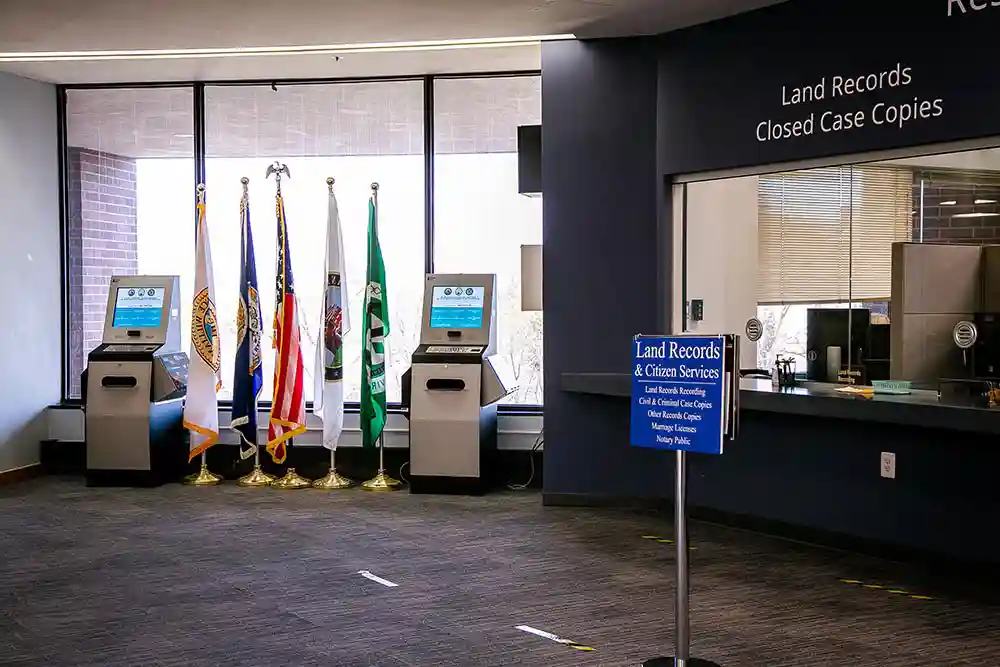
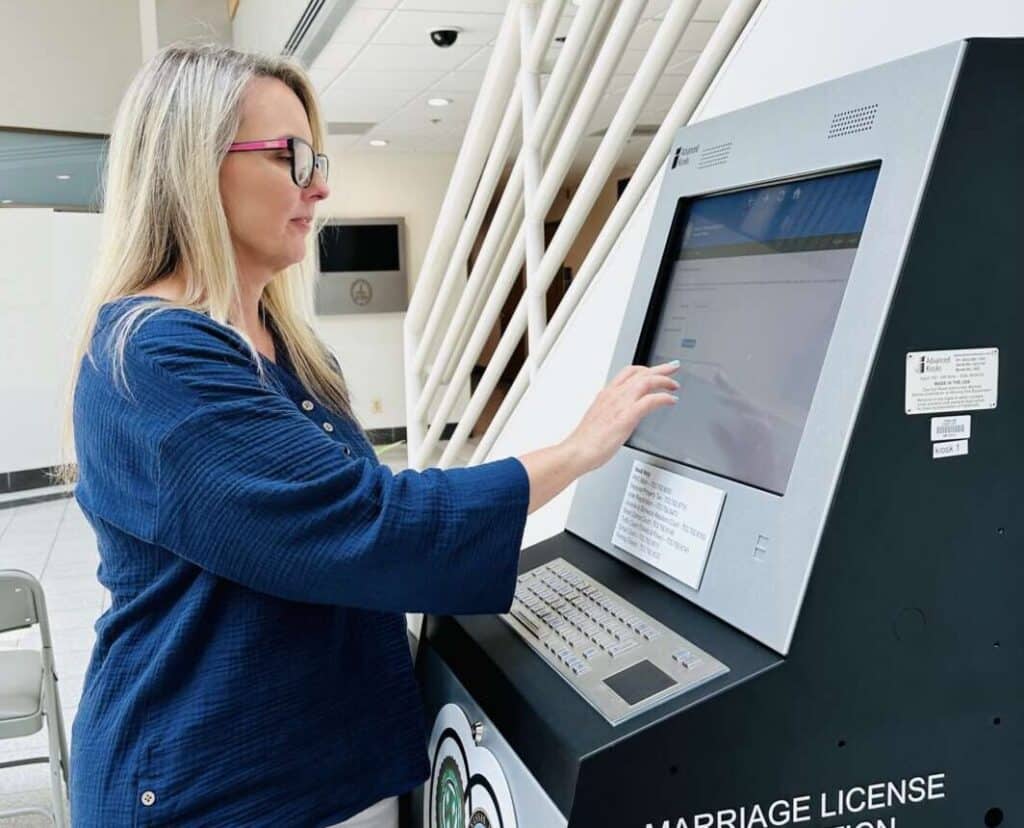
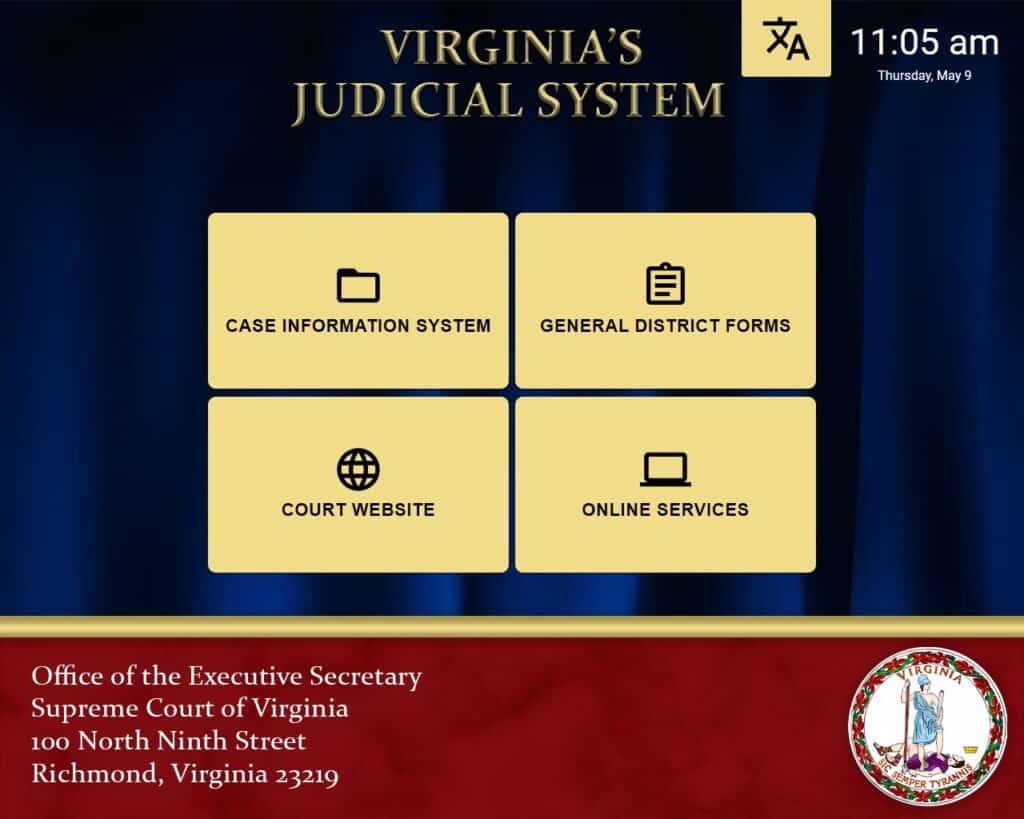
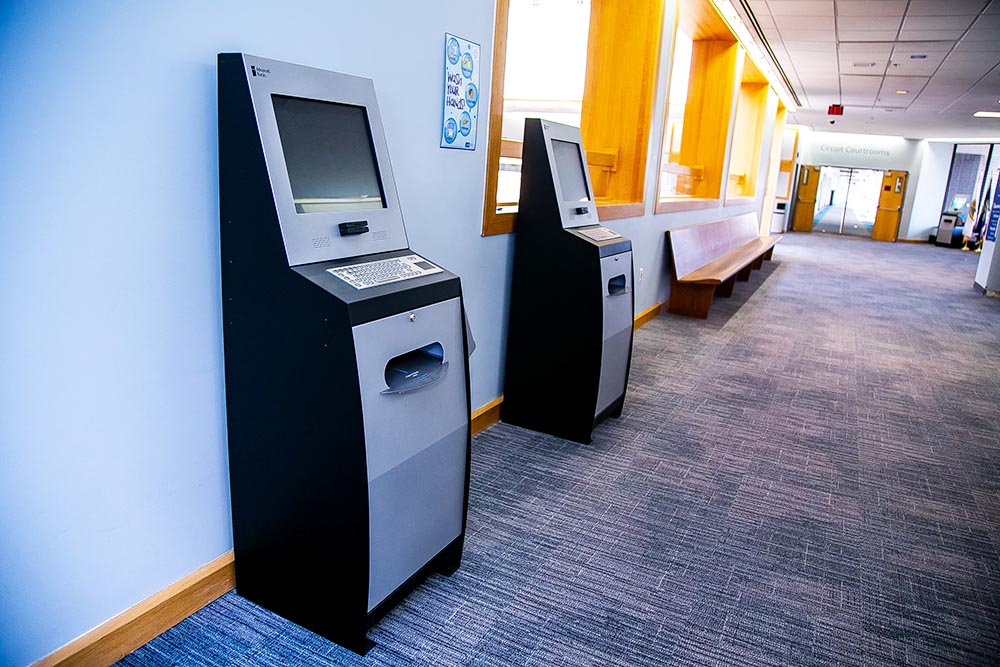
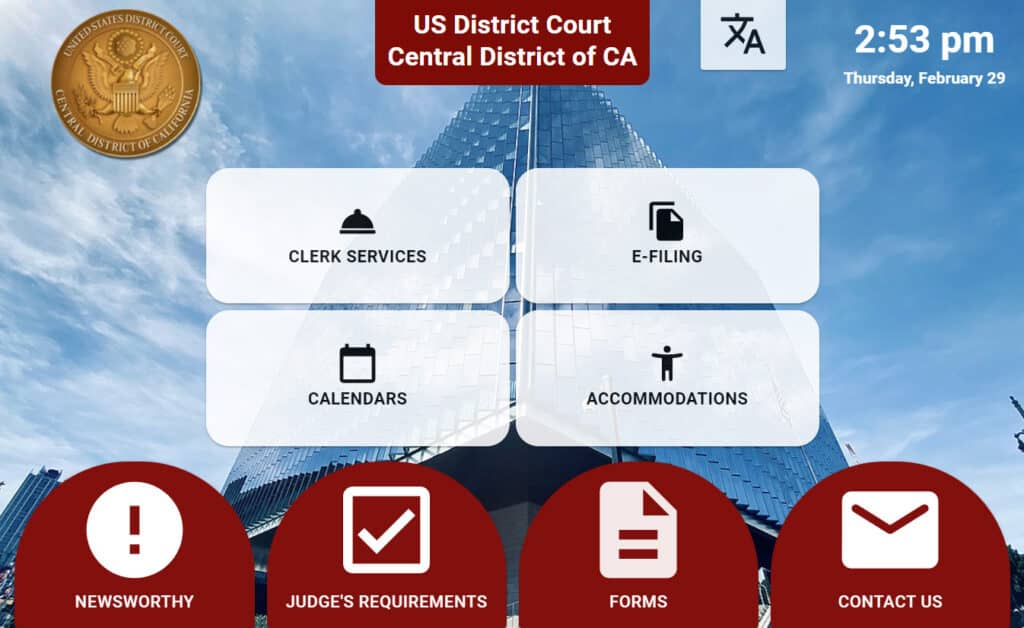
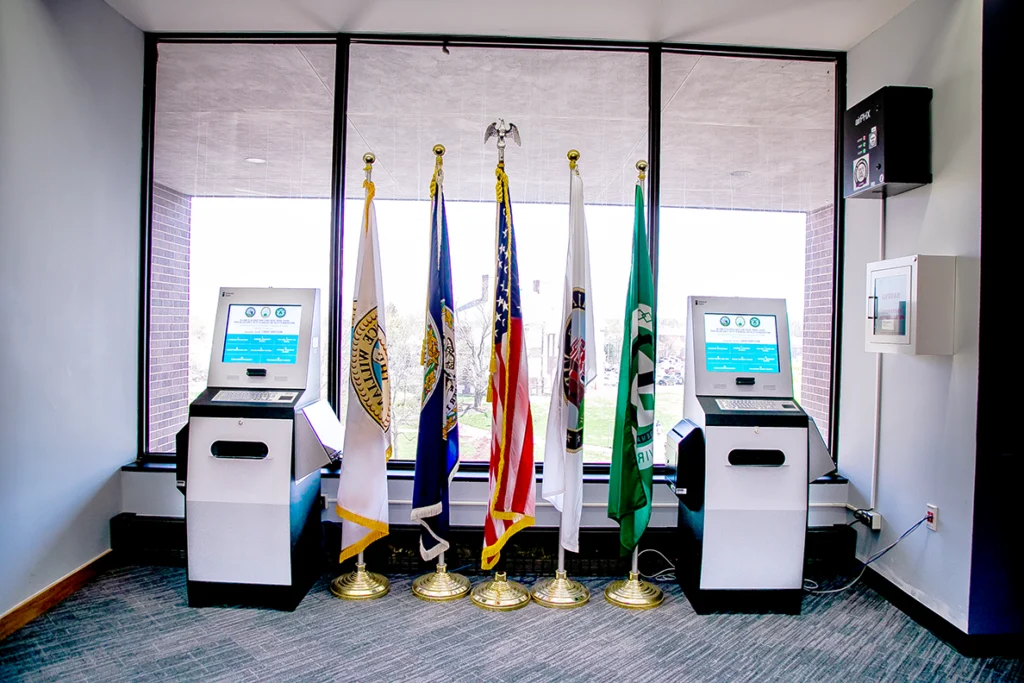
See how self-service kiosks can support public-service workflows in courthouses and municipal service environments.

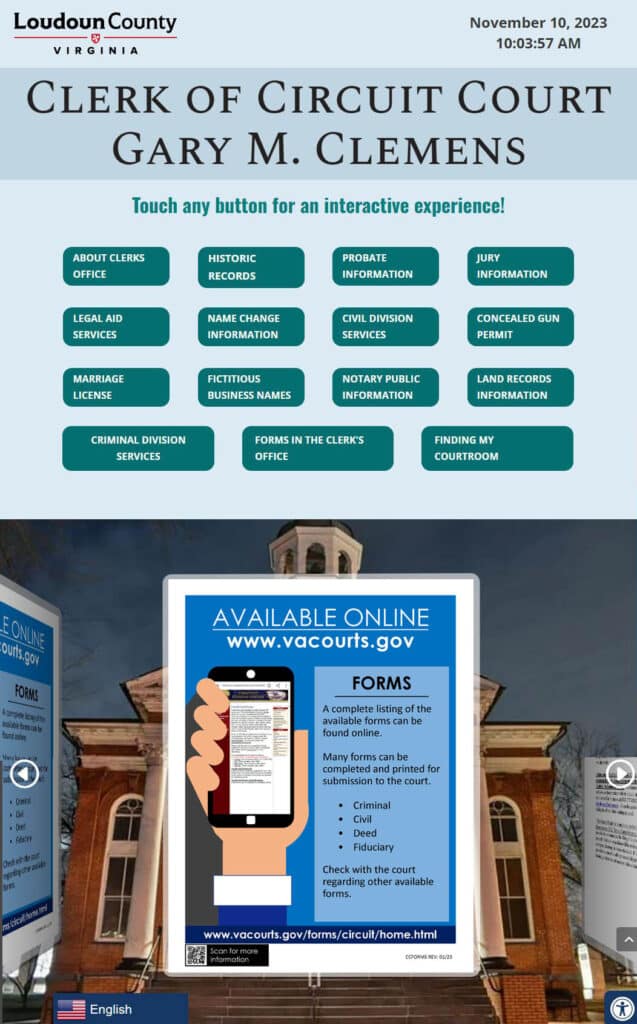
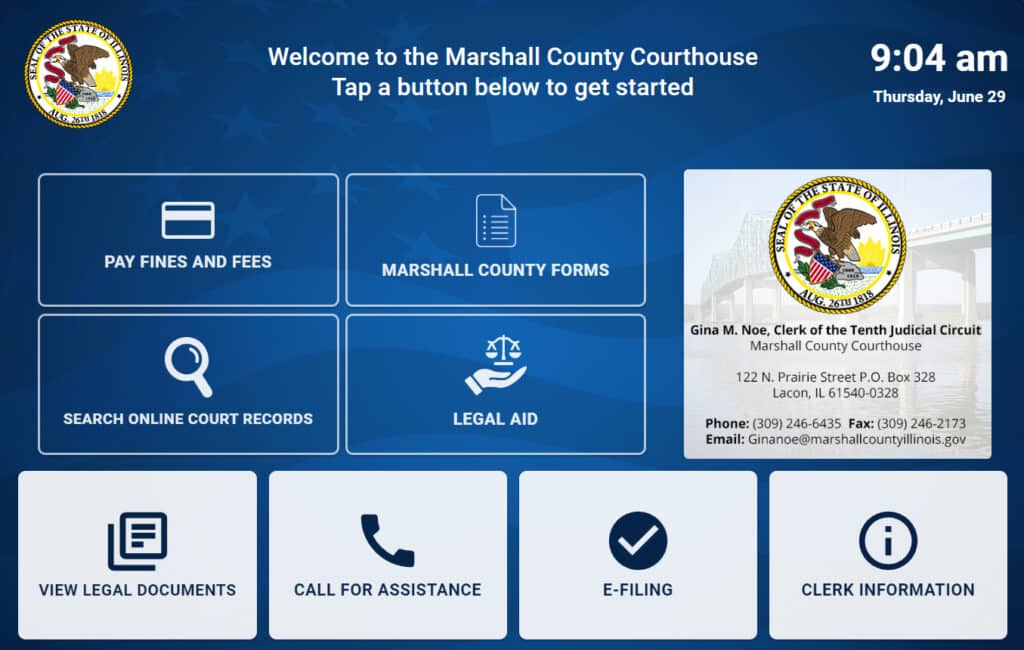
Products & Features Designed for Courthouses
Advanced Kiosks offers a suite of turnkey self-service solutions designed specifically to support the unique needs of judicial facilities. From check-in and wayfinding to secure document submission and fine payments, our courthouse kiosks streamline daily operations, reduce staff workload, and enhance the citizen experience.
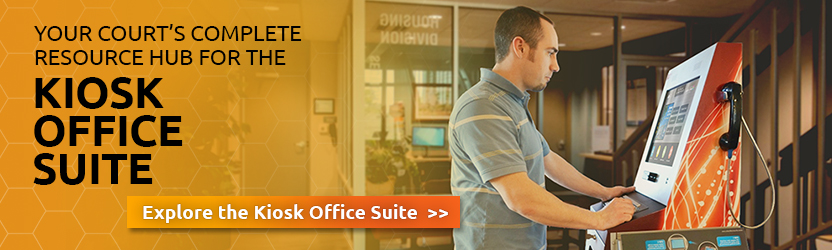
Kiosk Office Suite™ – Complete Courthouse Solution
Watch Kiosk Office Suite™ for Courts Product Demonstration
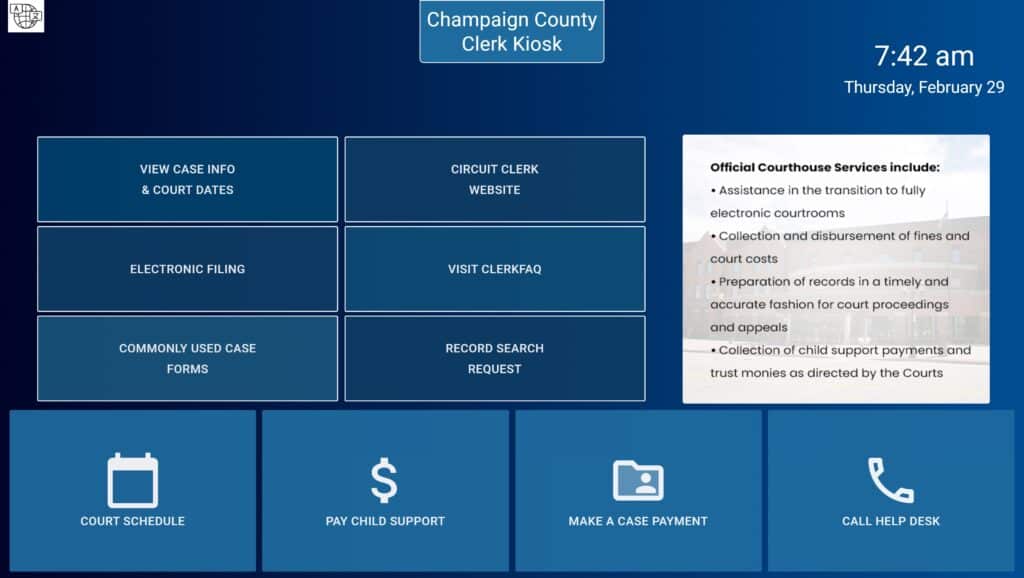
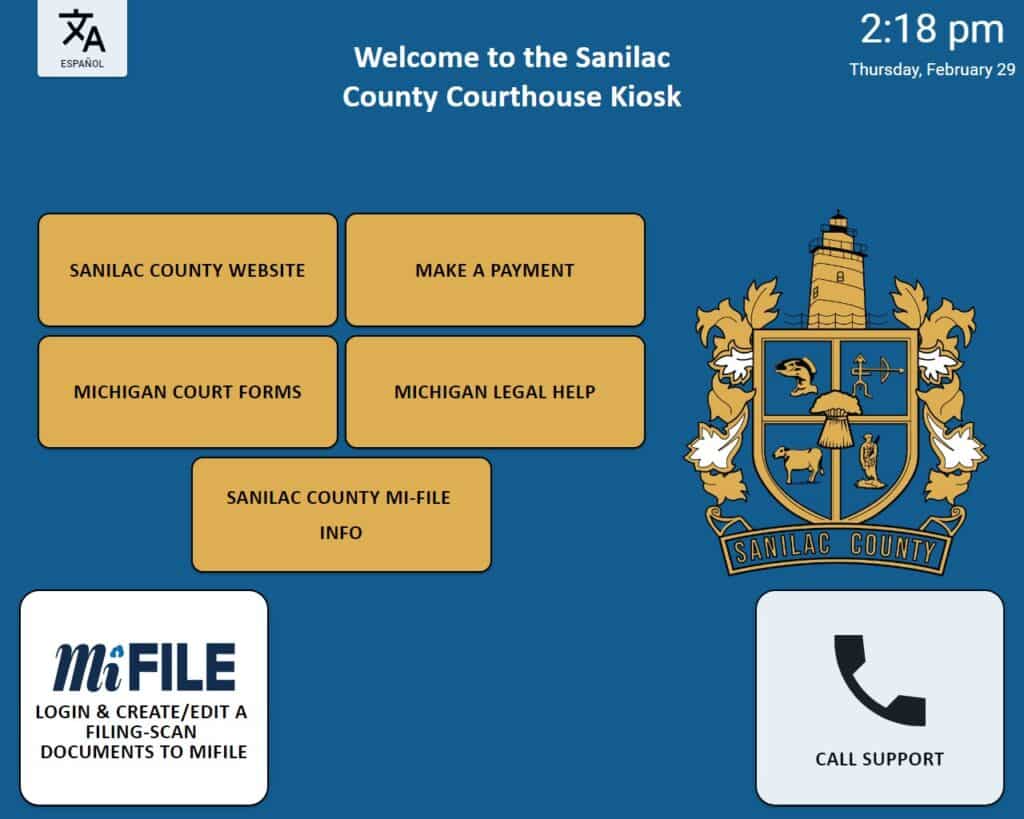
The Kiosk Office Suite™ transforms courthouse kiosks into powerful self-service stations, allowing visitors to independently complete essential tasks. With an intuitive interface, users can pay fees, fill out forms, access case records, and scan and submit legal documents—reducing staff workload and improving efficiency.
The system keeps courthouse staff informed with real-time notifications, weekly reports, and email updates on user submissions.
Now, with Version 3.0, ZAMOK™ offers even more functionality, including multilingual translation, QR and barcode recognition, and enhanced interface customization, ensuring a seamless and accessible experience for all users.

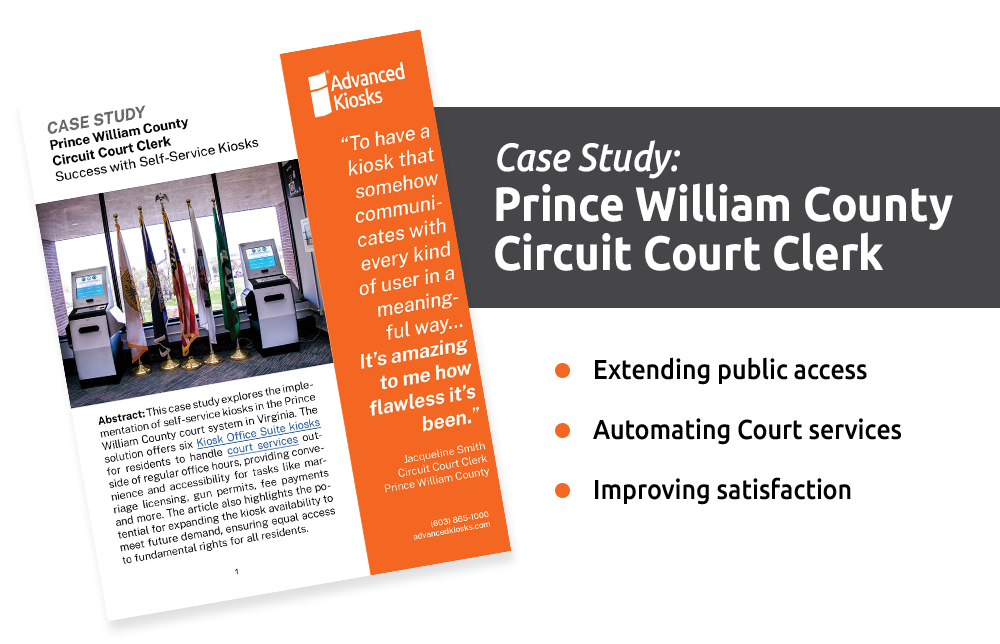
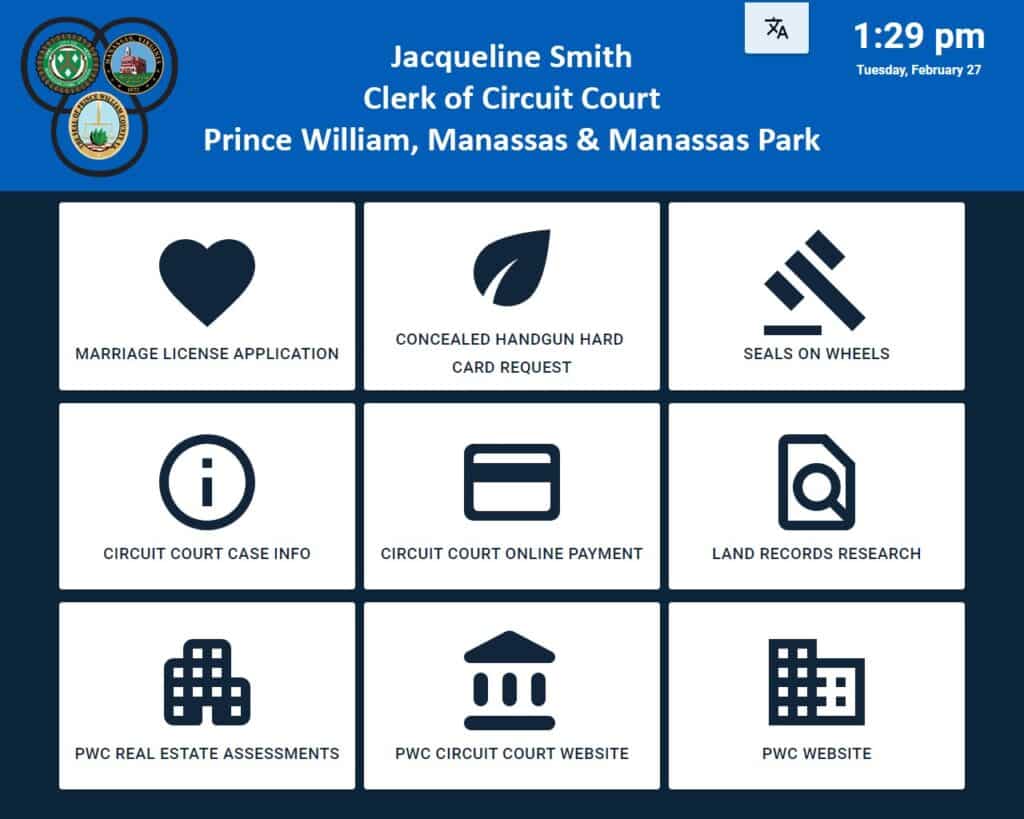
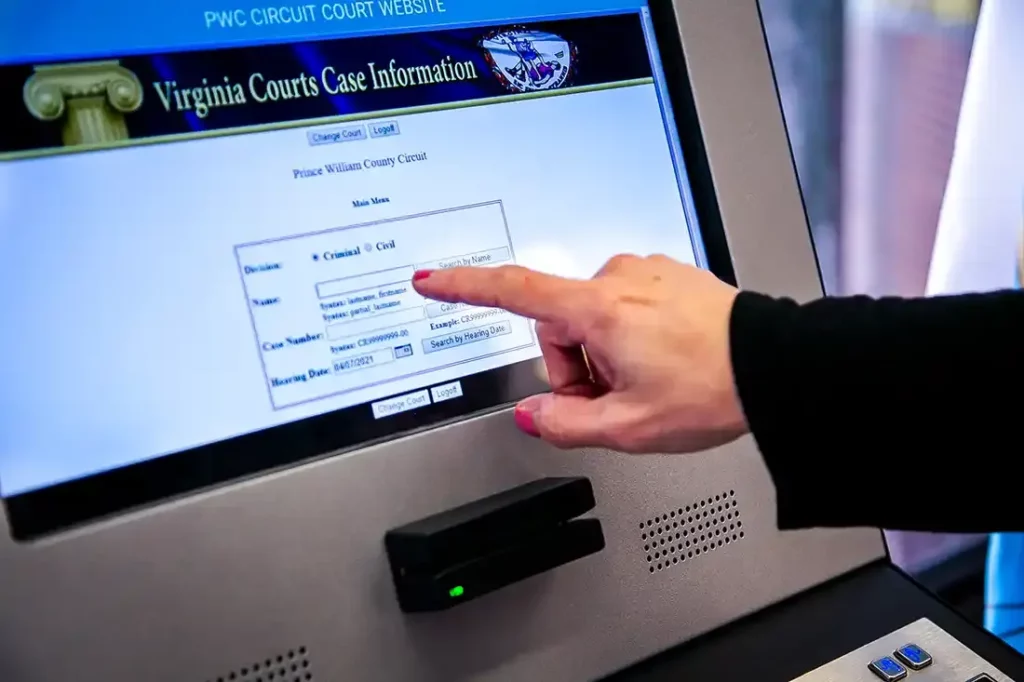
Prince William County, VA, serves over 470,000 residents. Many relied on the single courthouse and public transit, spending up to 3½ hours traveling for routine services. To improve service accessibility, Clerk Jacqueline Smith sought out Advanced Kiosks to deploy self-service kiosks both in the courthouse and at public libraries.
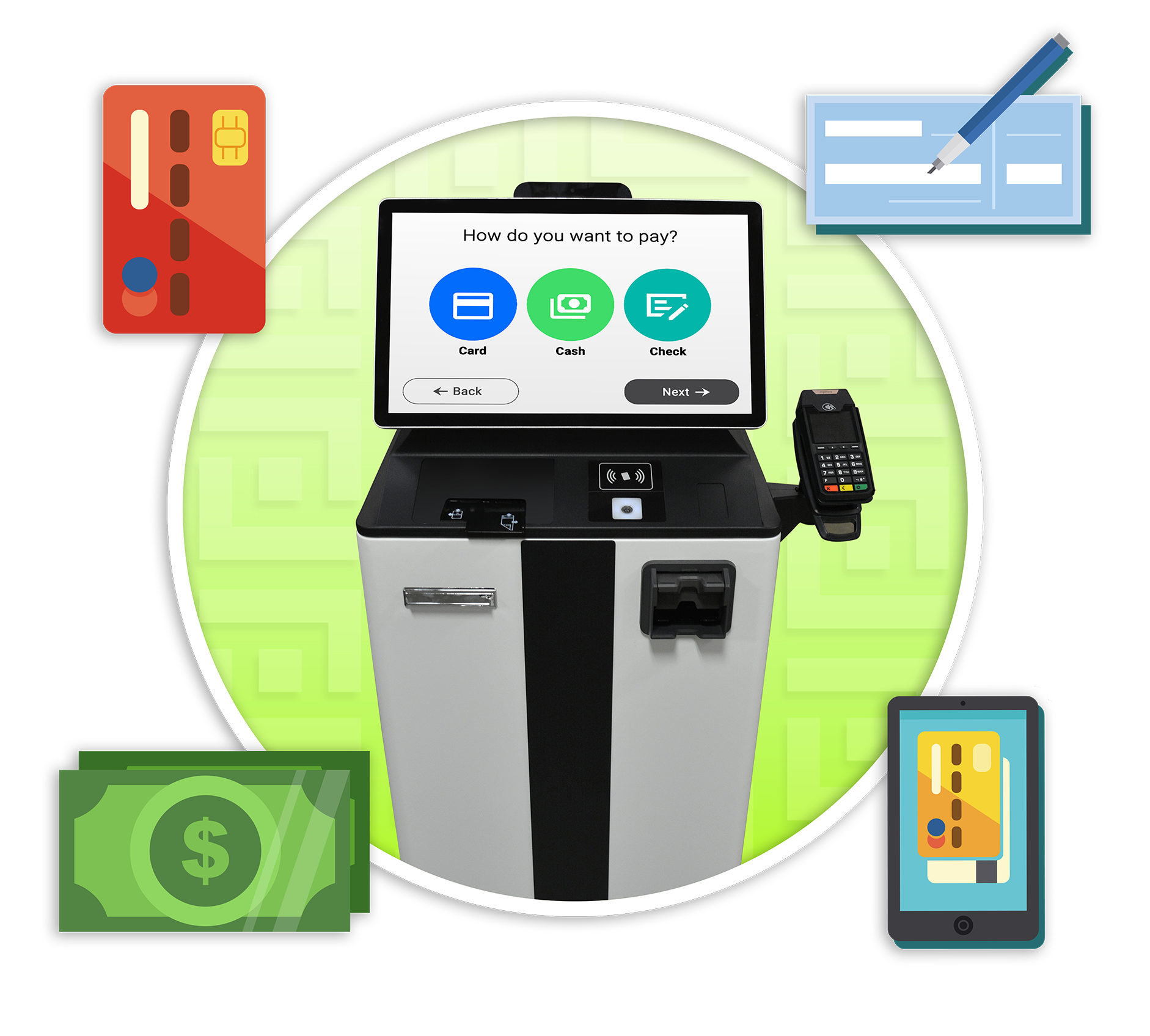
Self-Service Payment Collection
Courthouses process a constant flow of financial transactions, from fines and filing fees to bail and restitution. Self-service kiosks streamline this workload by allowing individuals to complete payments quickly and securely using cash, credit/debit cards, or checks.
Transactions are recorded instantly, with receipts delivered on the spot through print, text message, or email. By offering 24/7 access, these systems make it easier for individuals to meet their obligations without being limited by office hours—especially for those balancing work schedules or financial challenges.

eForms Assistant
Watch video demonstration of eForms Assistant
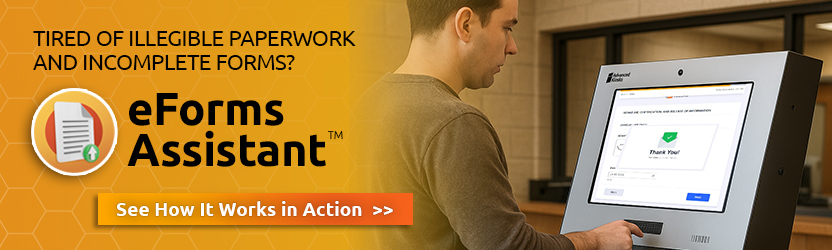
Integrating eForms Assistant on your courthouse touchscreen kiosks streamlines the process of completing complex legal forms. This innovative solution ensures that all required information is collected accurately and seamlessly transferred into official court documents.
Unlike basic data collection tools, eForms Assistant generates completed legal forms ready for processing, reducing errors and manual paperwork. Users can navigate forms effortlessly, tapping on fields to enter information and using intuitive touch gestures to scroll or paginate as needed.
With eForms Assistant, courthouses can enhance efficiency, minimize administrative workload, and provide a user-friendly experience for all visitors.
Related Resources
Video Demonstration:
Courthouse-Specific Features
- Pre-loaded legal forms for common court filings
- Integration with court case management systems
- Secure document transmission to clerk offices
- Multi-language support for diverse communities
- ADA-compliant accessibility features
- Digital signature capture for legal documents
- Real-time form validation to prevent errors
- Automated routing to appropriate court departments
Zamok AI Chat Agent
AI-Powered Assistance for Courthouse Self-Service
AI-powered courthouse kiosks help visitors locate courtrooms, check in for hearings or jury duty, access court forms, find filing instructions, and navigate fine and fee payments. With the Zamok Chat Agent, visitors can ask questions in everyday language and receive clear, multilingual guidance.
For courthouses, this means fewer repetitive questions at clerk counters, shorter lines for routine services, fewer visitors directed to the wrong department, and more staff time for complex cases. AI assistance improves visitor flow and access to court services without providing legal advice or replacing court personnel.
Related Resources
AI Chat Agent Capabilities
- Natural Language Interaction: Visitors ask questions by speaking or typing.
- Court Service Navigation: Direct visitors to forms, payments, and courthouse services.
- Multilingual Assistance: Automatically detect languages and provide translated guidance.
- Court-Specific Knowledge: Provide answers based on approved courthouse information.
- Staff Escalation: Direct visitors to courthouse personnel when additional assistance is needed.
- Conversation Reporting: Review interactions to identify common questions and improve services.
Greeter Visitor Management System™
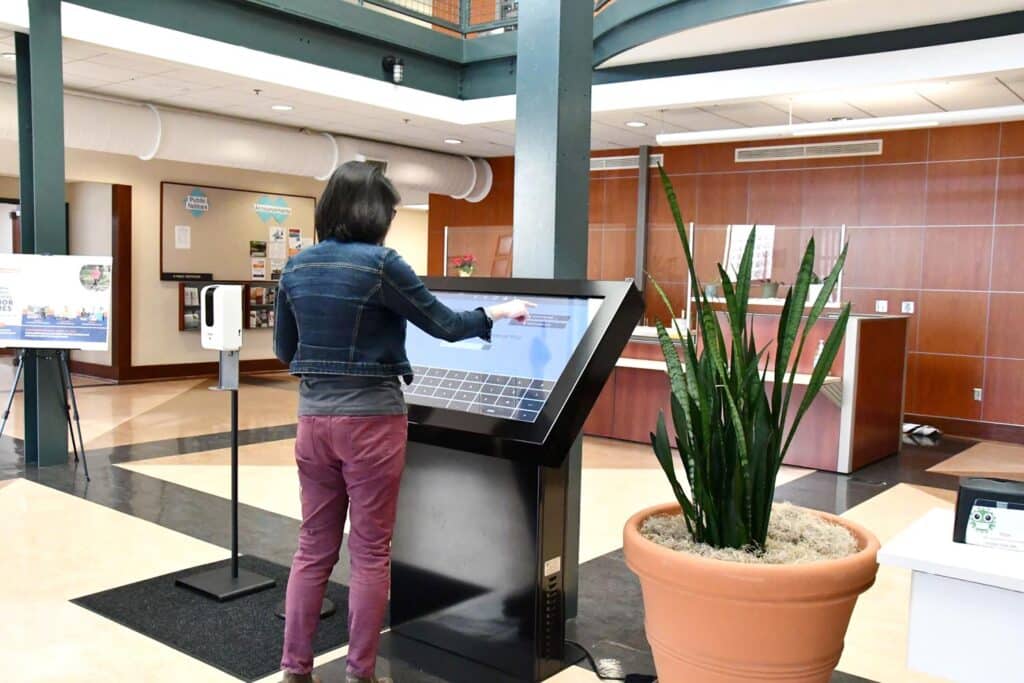
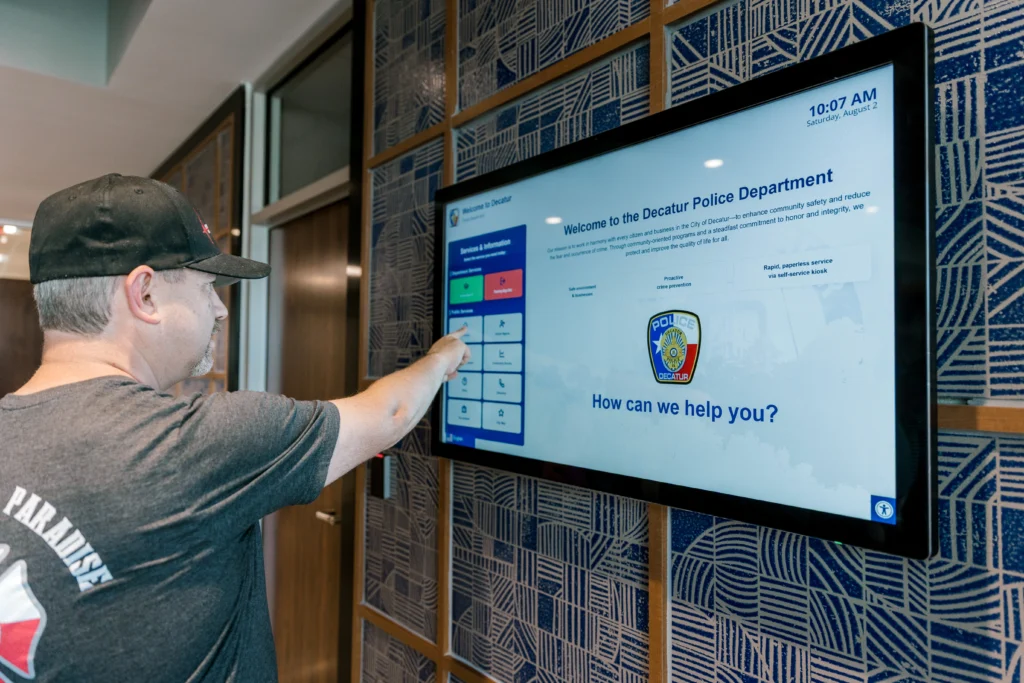
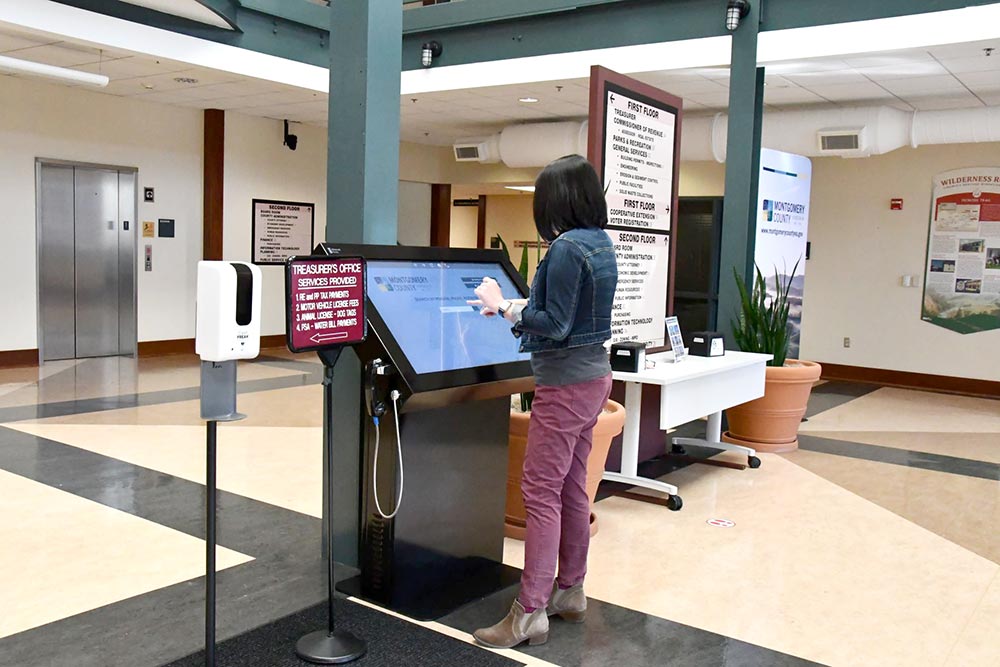
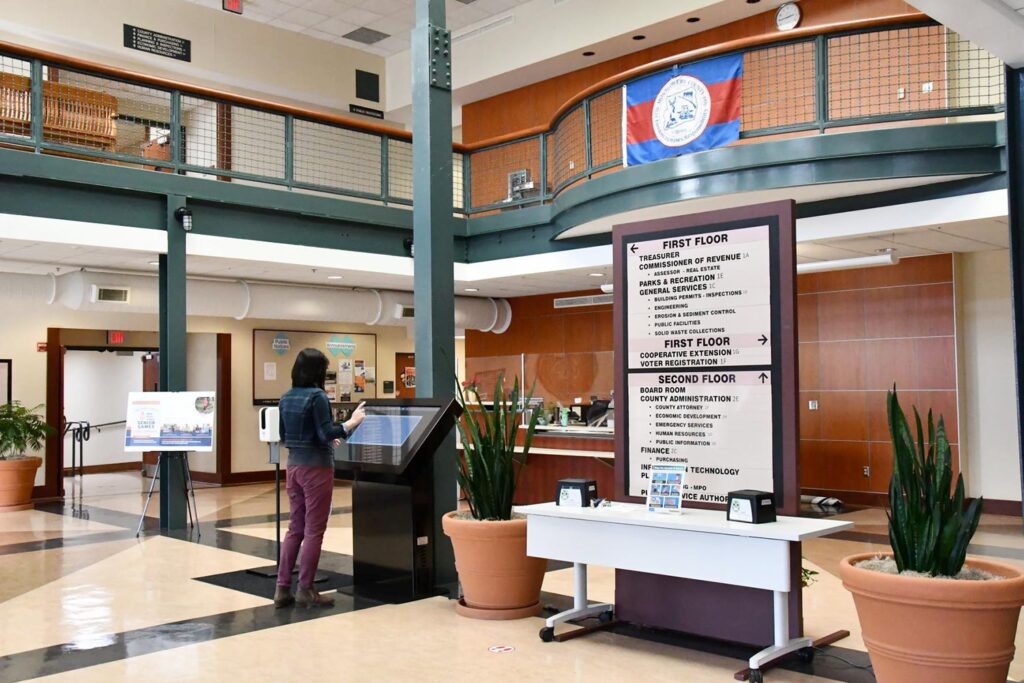
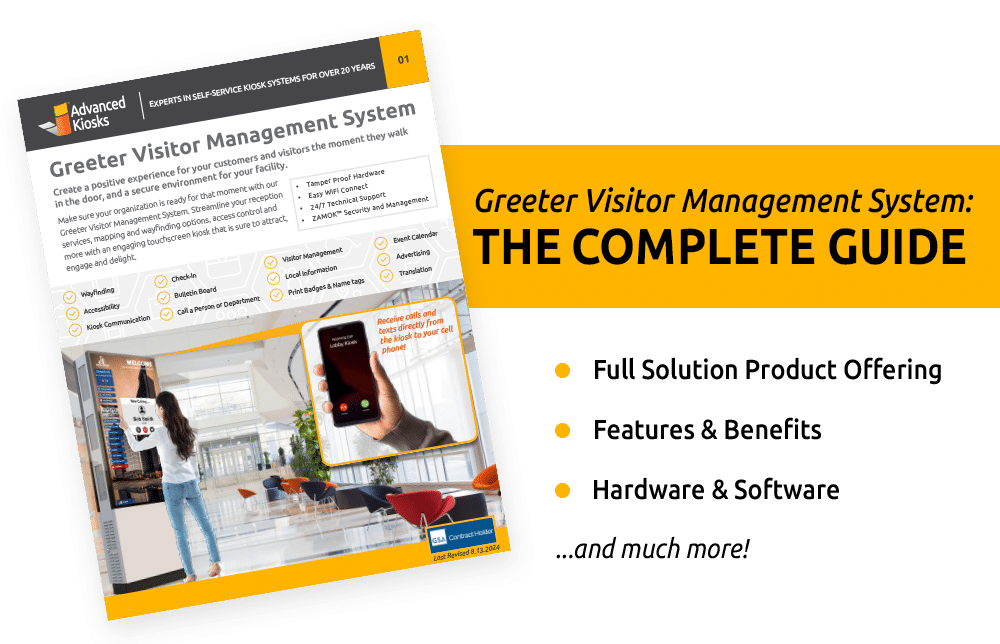
Our cutting-edge greeter solution ensures courthouse visitors are welcomed professionally while maintaining security and compliance. Visitors can easily check-in, find their destination, and connect with court staff—all through one intuitive interface.
- Secure Check-In: Real-time visitor tracking with photo ID badges and digital logs for enhanced courthouse security
- Smart Wayfinding: Interactive courthouse maps and directories guide visitors to courtrooms, clerk offices, and services
- Instant Communication: Direct calling and messaging to cour staff with automated notifications for appointments
- ADA Compliant: Multilingual support and accessibility features ensure all visitors can use the system
Courthouse-Specific Features:
- Integration with court scheduling systems
- Jury duty check-in and management
- Attorney and client meeting coordination
- Public access terminal for court information
- Emergency alert and evacuation messaging
Main Problems Courthouse Kiosks Can Solve



Translation & Accessibility
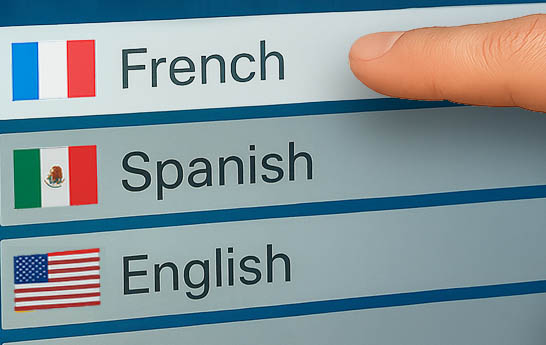
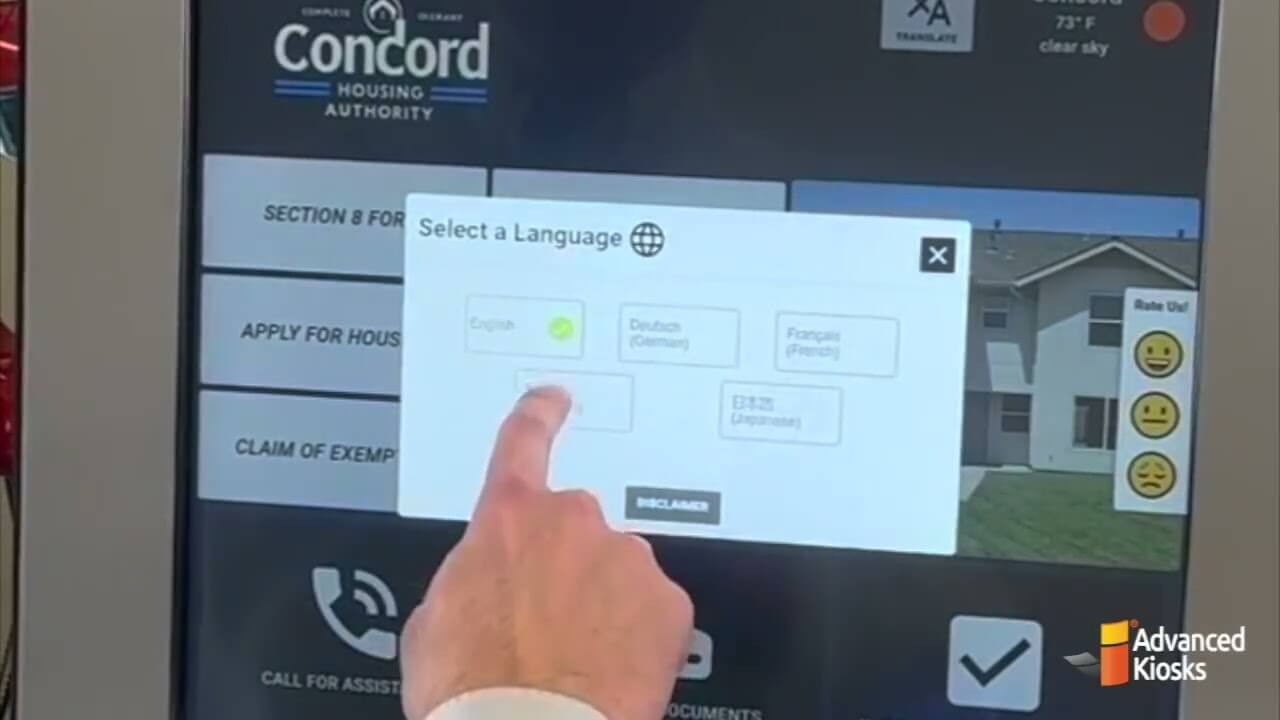
Courthouses serve diverse communities, including visitors who speak different languages, have limited technology experience, or require additional assistance accessing public services. Language barriers and complicated court procedures can make completing forms, locating services, and understanding instructions difficult. Self-service courthouse kiosks provide guided touchscreen interfaces, multilingual support, and clearly organized instructions that make essential court services easier to navigate.
Accessible kiosk solutions help visitors complete routine tasks at their own pace while reducing dependence on courthouse staff for basic assistance. From translated form instructions and guided applications to accessible navigation and connections with courthouse personnel, these systems help courts provide a more consistent and inclusive experience. Kiosks can also be configured with accessibility-oriented hardware and interface features based on the needs of the facility and its visitors.
Best Solution:
Kiosk Office Suite™
Provides guided self-service workflows with configurable multilingual options, helping courthouse visitors complete forms, access documents, and use essential services with less staff intervention.
Zamok eForms Assistant™
Transforms complicated court forms into guided, step-by-step experiences, helping visitors understand questions, enter required information, and generate completed documents.
Aegis Remote Service Platform
Connects visitors with courthouse personnel through live video assistance when questions or accessibility needs require additional support.


Queues & Appointments
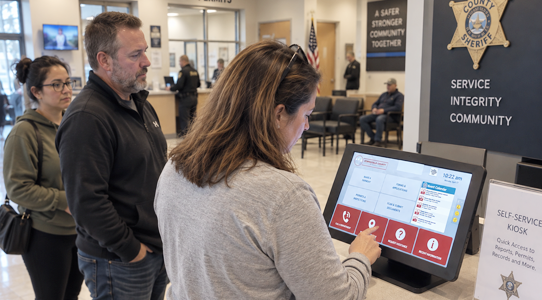
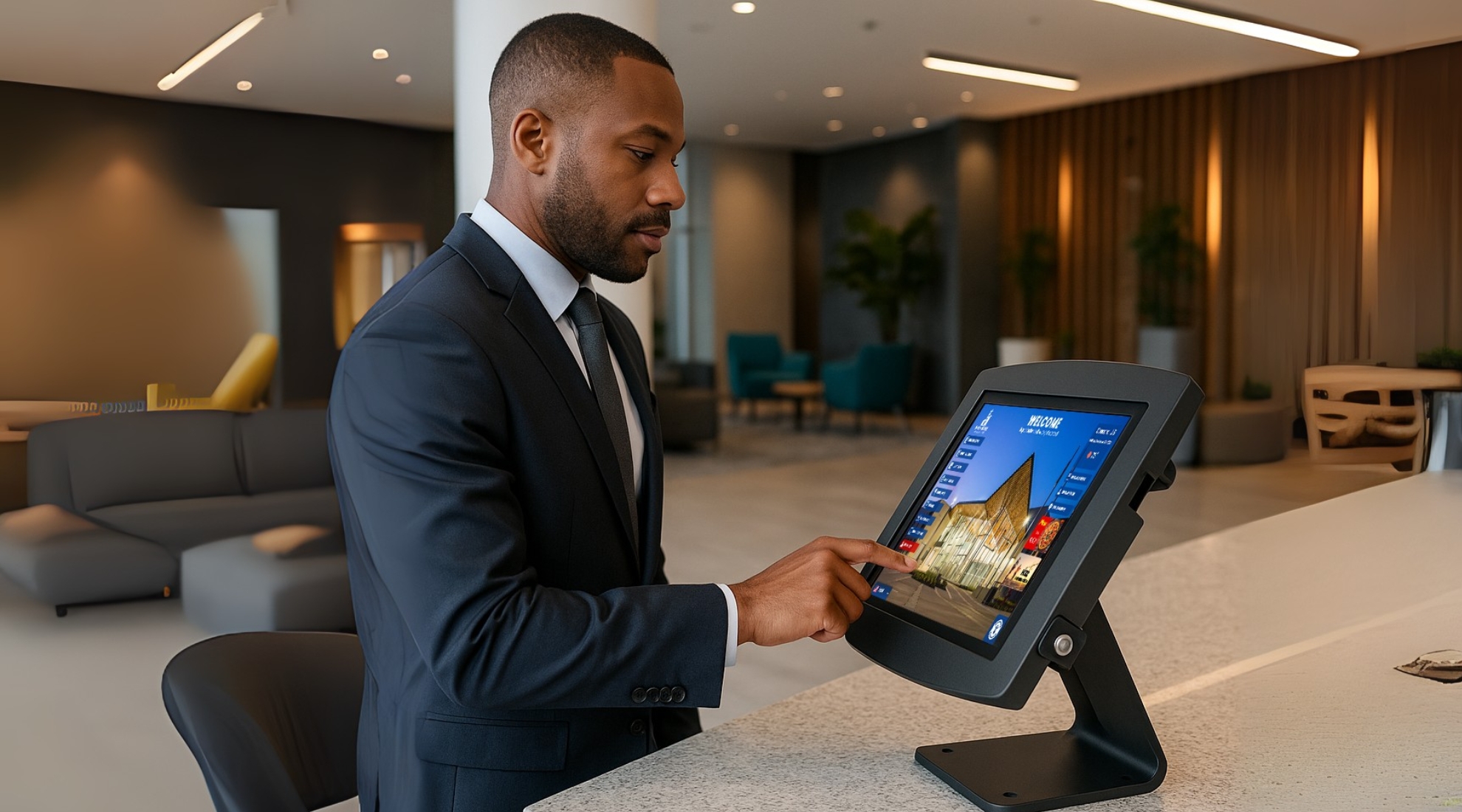
Busy courthouses frequently experience long lines at clerk counters, security checkpoints, jury assembly areas, and public service offices. Visitors arriving for scheduled hearings or appointments may be unsure where to report, while staff spend valuable time answering questions, managing waiting areas, and directing people to the appropriate department. Courthouse queue management kiosks help organize visitor flow by providing convenient self-service check-in and appointment information.
Visitors can check in for scheduled services, identify the purpose of their visit, and receive instructions about where to go next. When connected to compatible scheduling or queue management systems, kiosks can support service ticketing, appointment verification, waiting-list management, and notifications. These capabilities help reduce counter congestion, improve communication, and allow courthouse employees to focus on visitors who require direct assistance.
Best Solution:
Greeter Visitor Management System™
Supports courthouse visitor registration, scheduled appointment check-in, staff arrival notifications, and directions to the appropriate courtroom or department.
Kiosk Office Suite™
Provides self-service access to court-related applications, appointment information, and administrative workflows, with integration options for existing scheduling systems.
QLine Queue Management
Provides dedicated queue management functionality for organizing service lines and coordinating visitor flow where supported by the deployment.

Court Forms & Document Processing
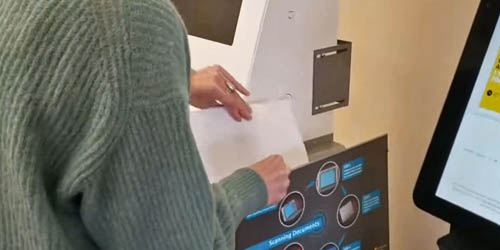
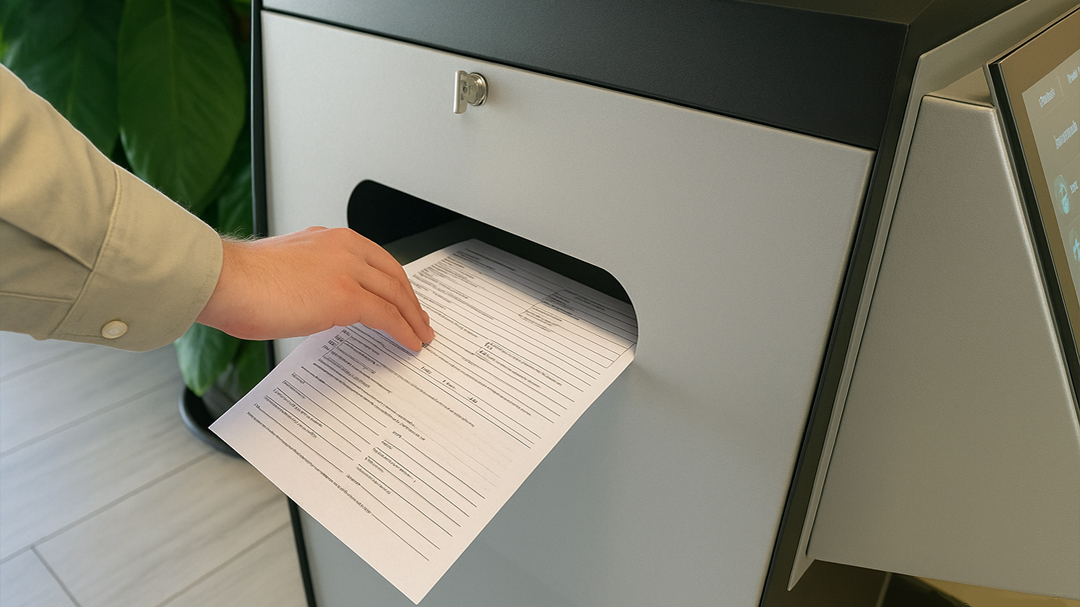
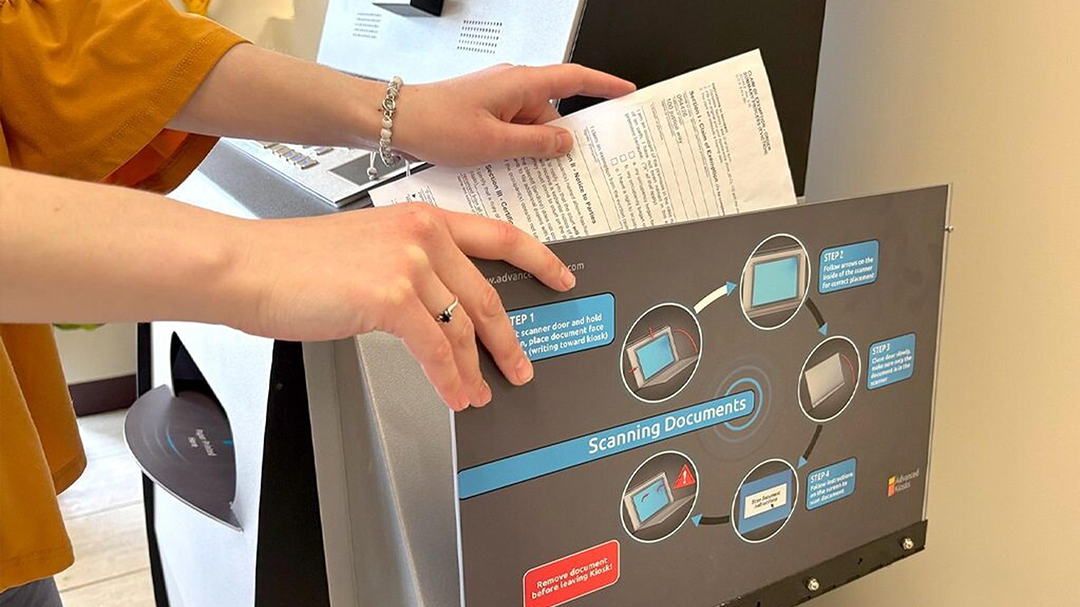
Courthouses process a substantial volume of paperwork, including civil filings, applications, records requests, petitions, and other legal documents. Traditional paper-based procedures often require visitors to wait for assistance, manually complete complicated forms, and return to the clerk's office when information is missing. Court document processing kiosks simplify these tasks by allowing visitors to complete forms, scan supporting documents, and submit information through a guided touchscreen interface.
With digital forms and integrated document scanning, courthouse kiosks can help reduce incomplete submissions, minimize repetitive data entry, and improve administrative efficiency. Guided workflows walk visitors through required information, while electronic document generation creates completed PDFs for printing or submission through configured channels. Where supported by the court's systems, submissions can be routed to designated departments for review and processing. These capabilities are especially valuable for self-represented litigants and visitors unfamiliar with court procedures.
Best Solution:
Kiosk Office Suite™
Combines digital forms, document scanning, printing, and submission workflows in one self-service platform, helping visitors complete routine courthouse transactions.
Zamok eForms Assistant™
Converts traditional PDF forms into guided digital experiences with field validation, step-by-step instructions, and automated PDF generation to simplify court paperwork.
Court Fines, Fees & Payments
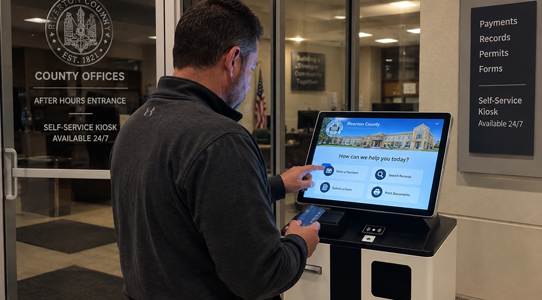
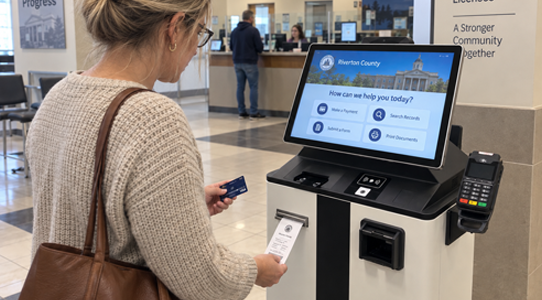
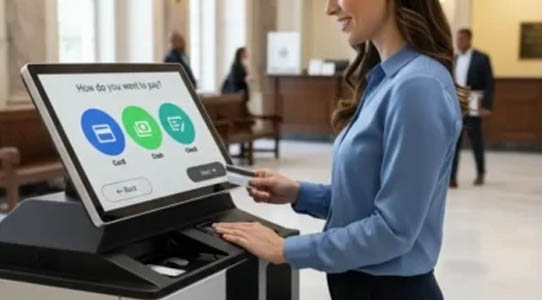
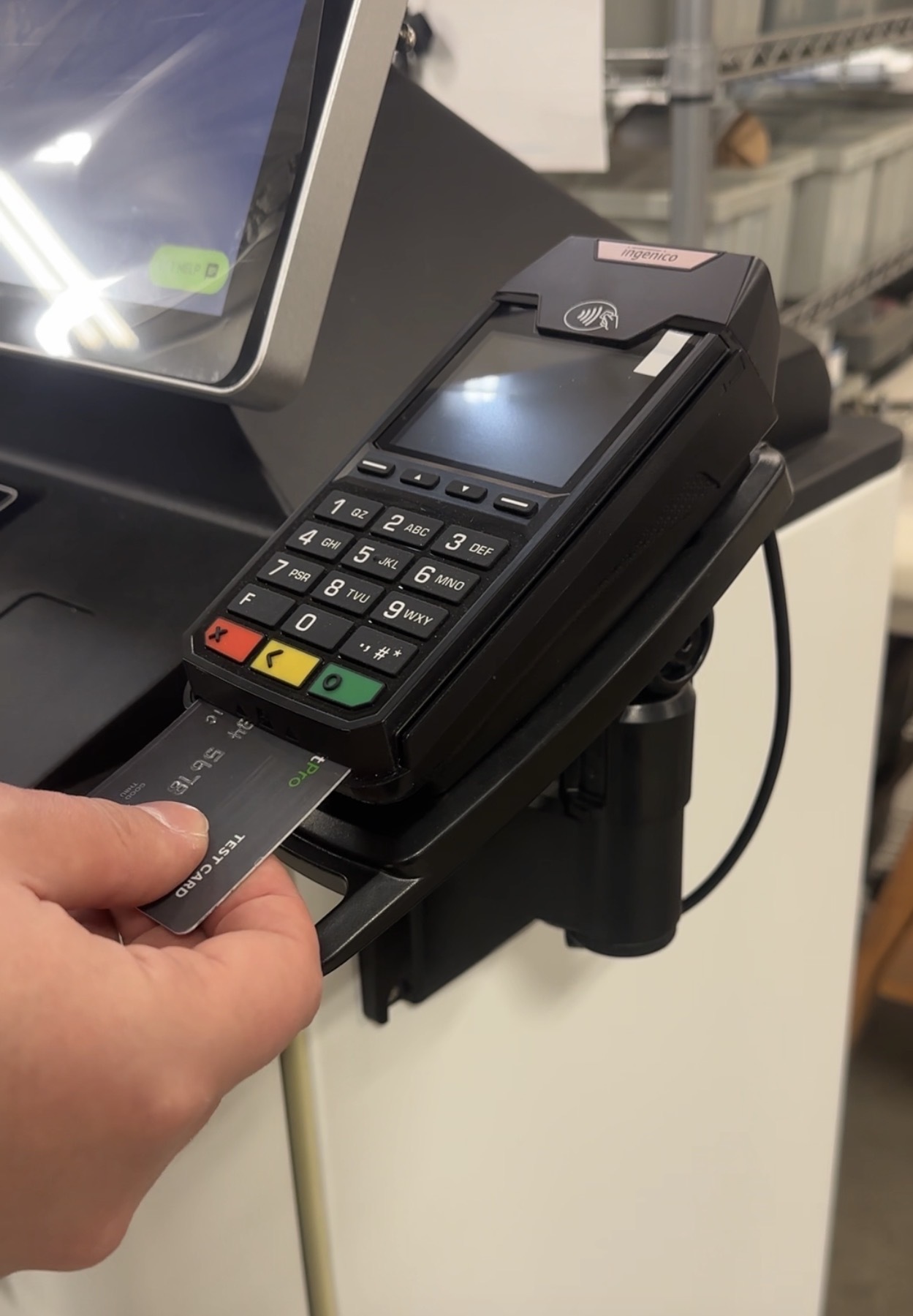
Collecting court fines, filing fees, citations, and other approved payments can create significant administrative demands for courthouse personnel. Visitors may need to wait at a payment counter during limited business hours, while employees spend time accepting transactions, issuing receipts, and maintaining payment records. Self-service court payment kiosks provide a convenient alternative by allowing individuals to complete eligible financial transactions without requiring direct assistance from courthouse staff.
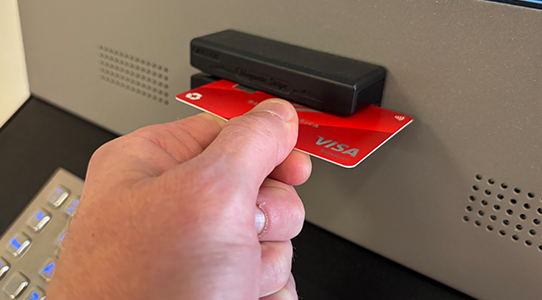
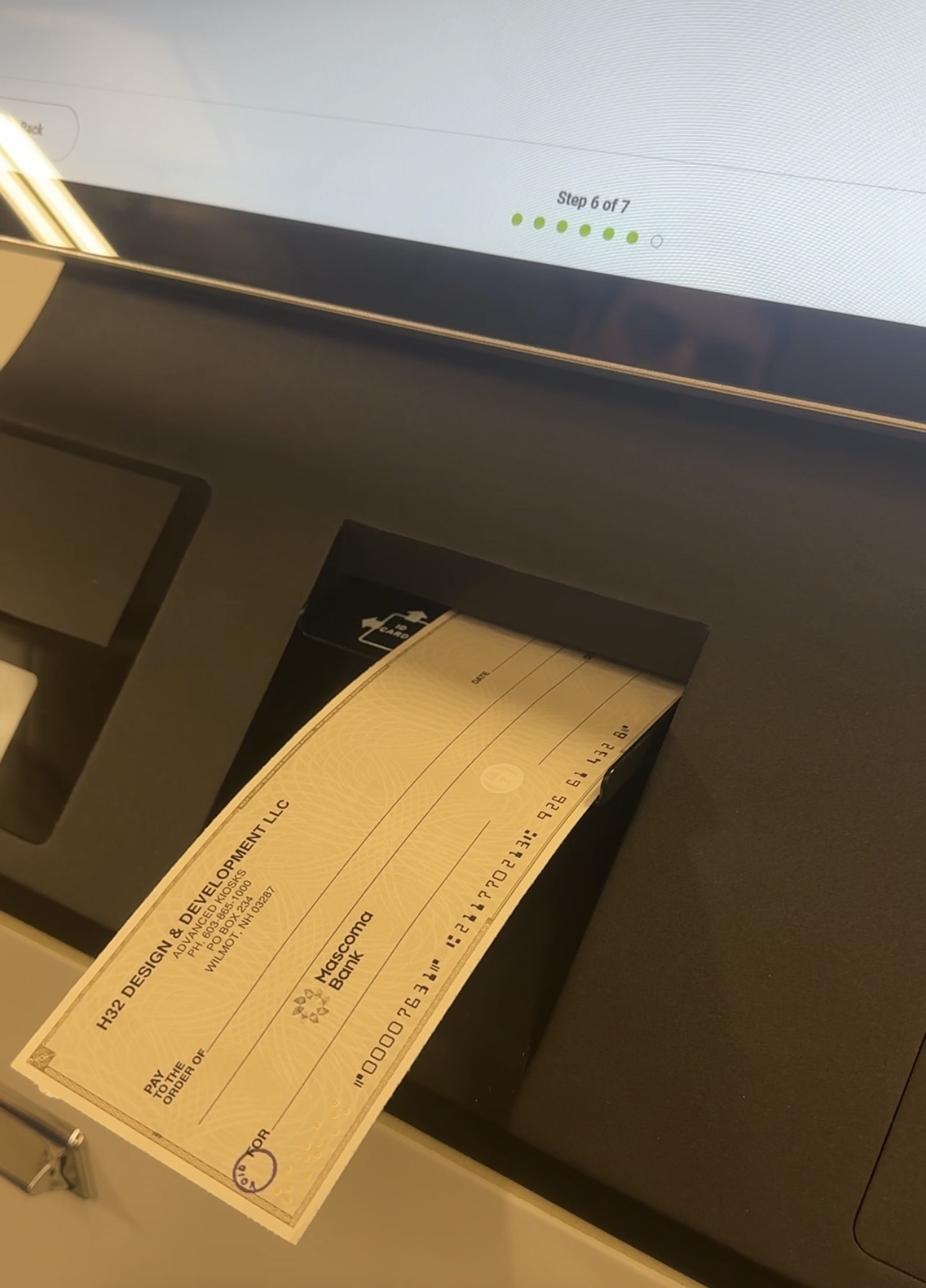
Depending on the payment system and kiosk configuration, visitors can use approved methods such as credit cards, debit cards, cash, or checks to complete transactions. Payment kiosks can provide receipts and support integration with court financial systems for transaction reporting and reconciliation. When installed in an appropriate publicly accessible location, these solutions may also extend payment availability beyond normal clerk office hours, improving convenience while reducing counter traffic and routine administrative work.
Best Solution:
Vault Government-Grade Payment Collection System™
Designed for government payment collection, with configurable cash, card, and check acceptance, transaction records, and receipt options for court-related payments.
Kiosk Office Suite™
Supports self-service payment workflows alongside court forms, document services, and other administrative functions, making it suitable for multifunction courthouse kiosks.



Court Records & Public Information
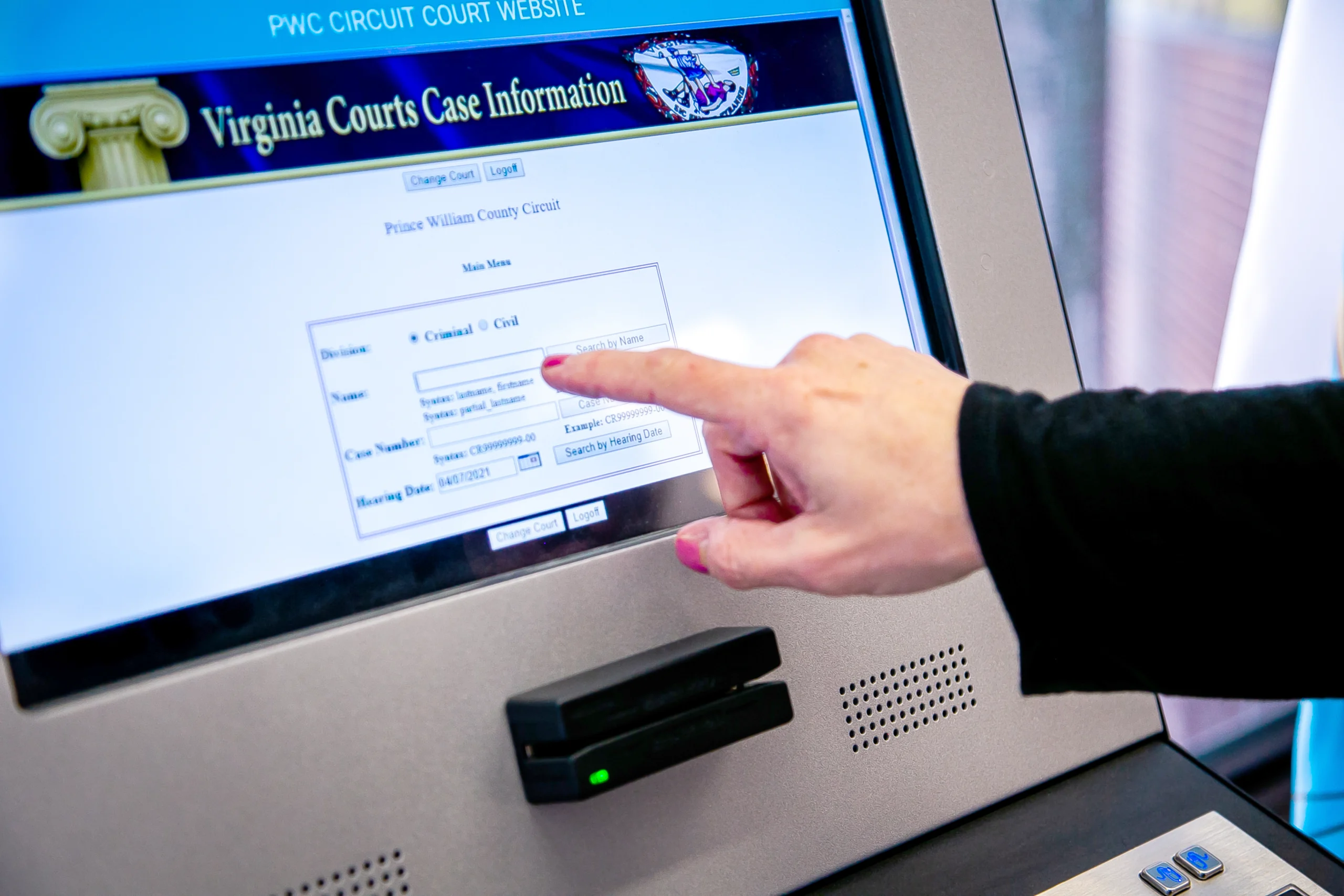
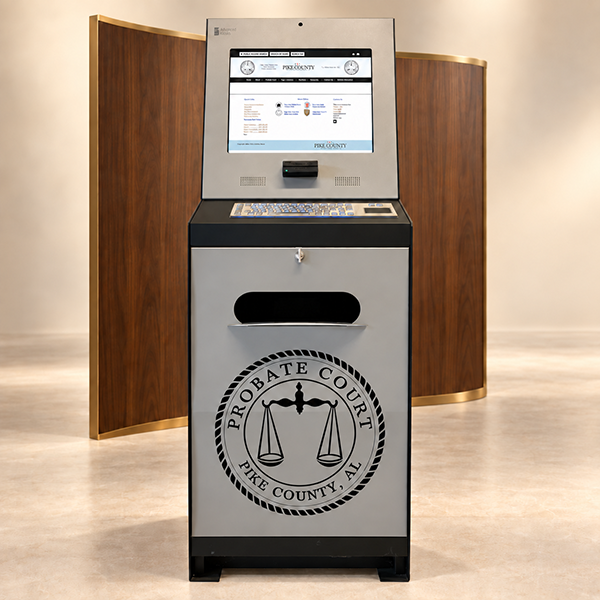
Courthouses receive frequent requests for case information, public records, court schedules, filing instructions, and other judicial resources. Visitors often rely on clerk office personnel to locate information that may already be publicly available, creating unnecessary lines and interrupting administrative work. Court information kiosks provide convenient self-service access to approved public records, courthouse directories, court procedures, and frequently requested information through an easy-to-use touchscreen interface.
By connecting visitors with authorized court websites, searchable records systems, downloadable forms, and public information resources, kiosks help people find answers without waiting for counter assistance. Visitors can review filing requirements, locate appropriate forms, access publicly available case information, and obtain instructions for common court services. Access to records can be restricted to approved public information, helping courts maintain appropriate privacy and security controls while improving public access to judicial resources.
Best Solution:
Kiosk Office Suite™
Provides a secure self-service interface for accessing approved court information, public records websites, downloadable documents, and electronic forms.
Zamok Kiosk Management Software™
Supports controlled access to approved websites and applications, helping courts provide public information while restricting unauthorized browsing and system access.
Visitor Management & Check-In
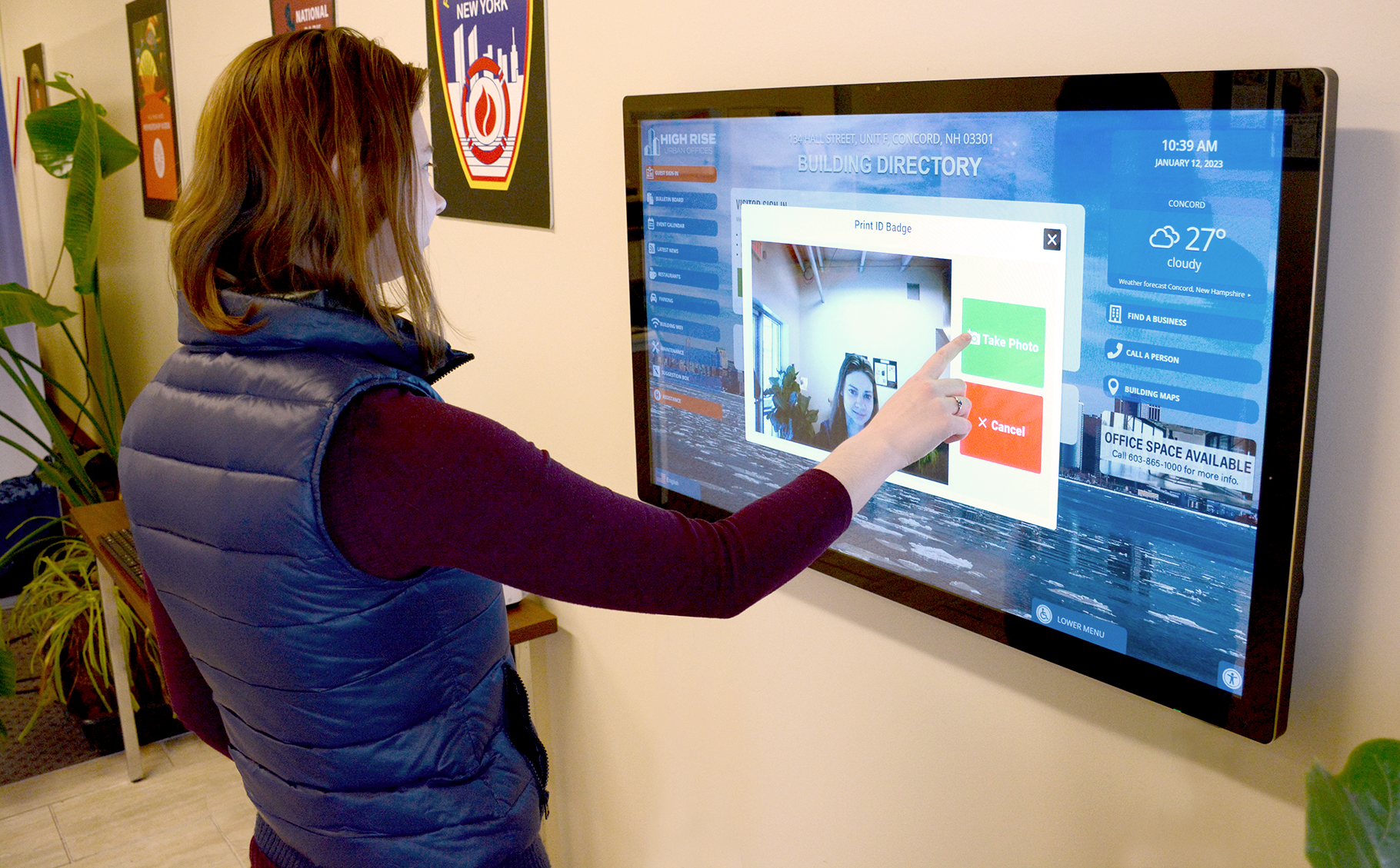
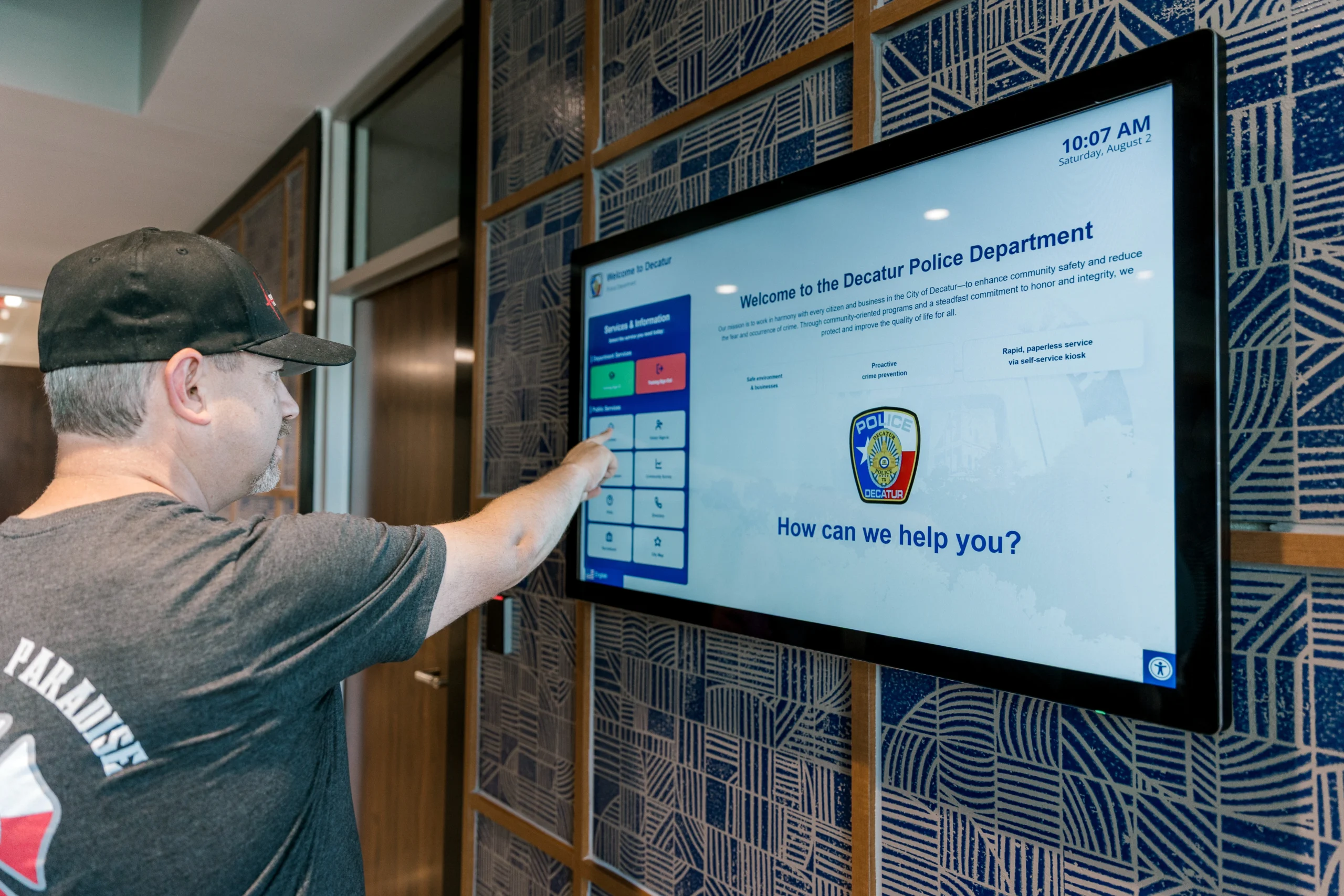
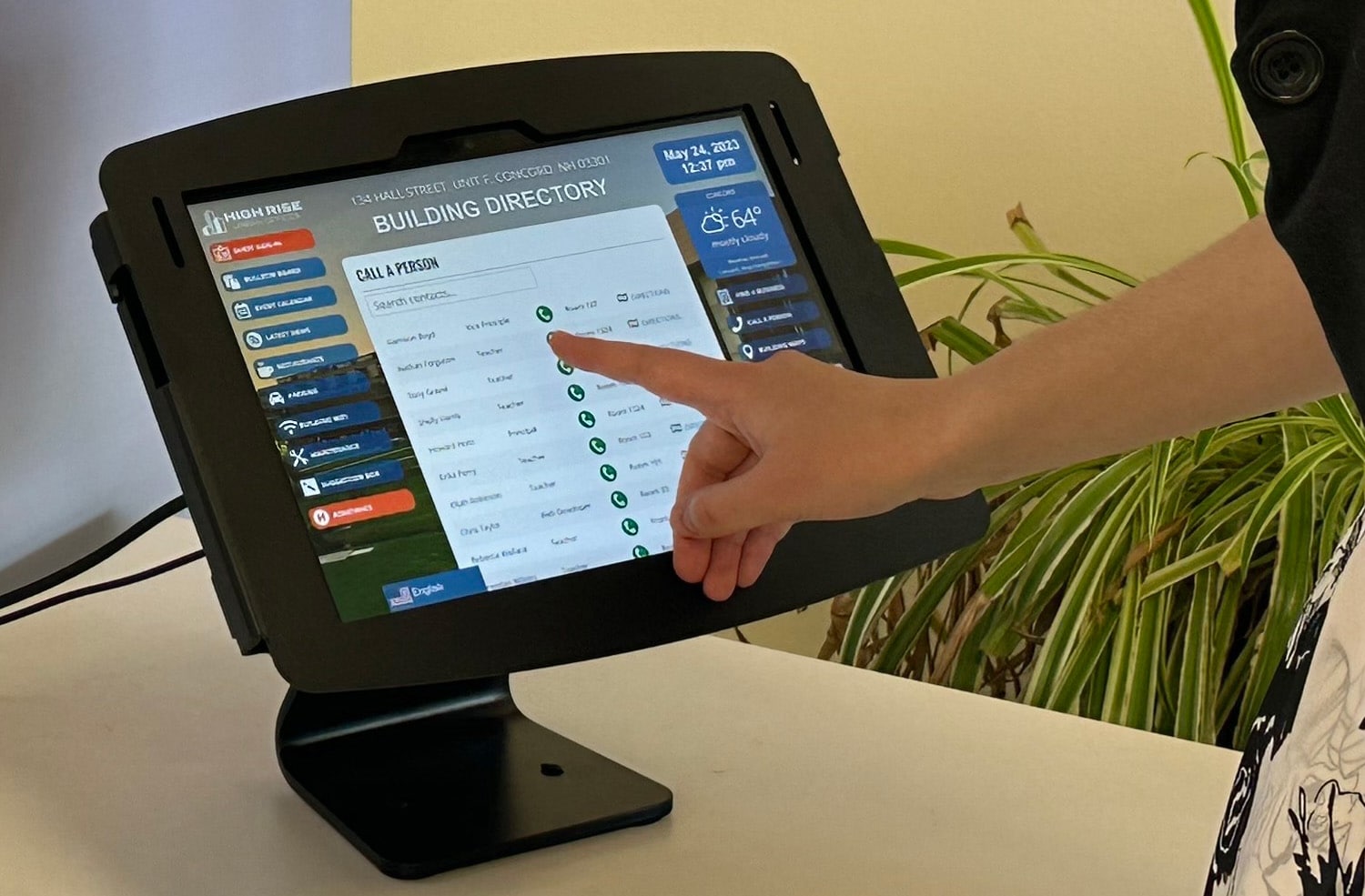
Courthouses welcome a constant flow of jurors, attorneys, witnesses, defendants, contractors, and members of the public, each arriving for different services or appointments. Managing these arrivals manually can create congestion at entrances and information desks, increase staff workload, and make it difficult to maintain accurate visitor records. Courthouse visitor management kiosks streamline the arrival process by allowing visitors to register, identify the purpose of their visit, and receive appropriate instructions before proceeding.
Self-service check-in systems can collect visitor information, issue identification badges, notify courthouse personnel of arrivals, and maintain digital registration records. Depending on the configured workflow, visitors can be directed to a scheduled appointment, jury assembly area, clerk office, or other designated location. Integration with existing appointment and visitor management processes helps improve organization and facility awareness while reducing repetitive front-desk tasks. Security screening and access authorization remain subject to courthouse policies and personnel.
Best Solution:
Greeter Visitor Management System™
Provides visitor registration, badge printing, digital visitor records, staff notifications, and wayfinding features for courthouse lobbies and public service areas.
Kiosk Office Suite™
Supports additional administrative functions such as form completion, document submission, and access to courthouse information, complementing visitor check-in workflows.



Courtroom Wayfinding & Directories
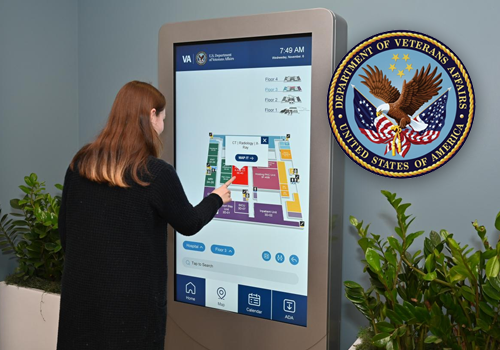
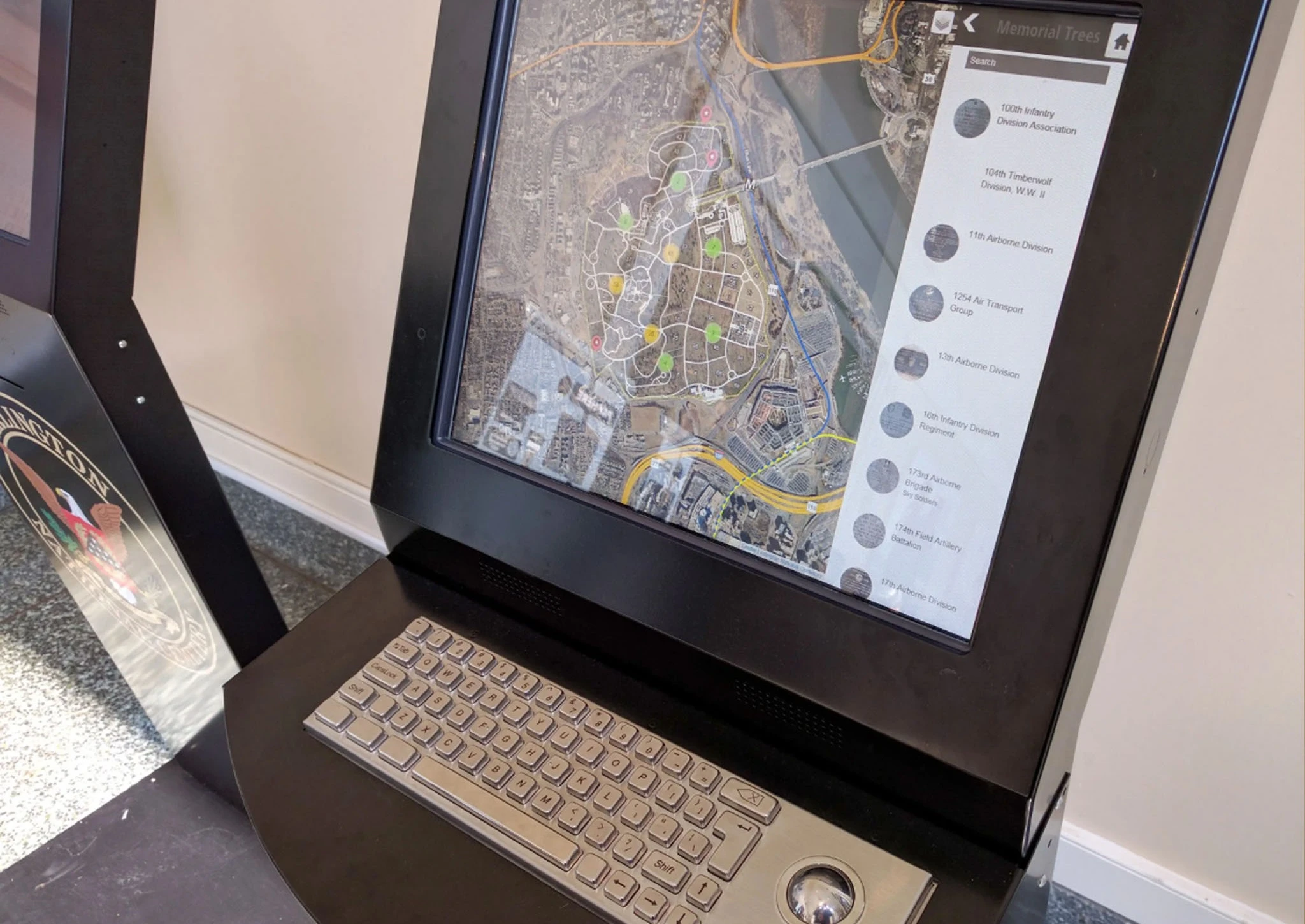
Finding the correct courtroom, clerk's office, jury assembly area, or service counter can be challenging, especially in large courthouses with multiple floors, departments, and public entrances. Visitors unfamiliar with the building may arrive late to scheduled proceedings or repeatedly interrupt courthouse employees to ask for directions. Interactive courthouse wayfinding kiosks help eliminate this confusion by providing searchable directories, digital maps, and clear instructions for reaching important destinations.
Placed near courthouse entrances, elevator banks, and high-traffic areas, touchscreen directories allow visitors to locate courtrooms, offices, public services, and other approved destinations. Interactive maps and step-by-step directions can help people navigate complex facilities, while configurable multilingual interfaces improve access for diverse communities. Digital directory information can also be updated as offices relocate, services change, or building layouts are modified, reducing reliance on printed signs and outdated information boards.
Best Solution:
Greeter Visitor Management System™
Combines courthouse wayfinding and directories with visitor registration, appointment information, and staff notifications, making it well suited for public entrances and reception areas.
AK CityGuide™
Provides an interactive information and directory platform that can be configured to help visitors find destinations, review facility information, and navigate courthouse locations.
AI-Guided Assistance
Courthouse visitors often have questions about filing procedures, required documents, payment options, courtroom locations, and where to obtain assistance. For people unfamiliar with the judicial system, even routine administrative tasks can feel complicated. Courthouse employees must repeatedly answer many of the same questions while managing demanding workloads. AI-guided courthouse kiosks can provide interactive, conversational assistance that helps visitors locate approved information, understand procedural instructions, and determine the next steps for routine court services.
An AI-powered assistant can be configured around courthouse-approved resources to answer common questions, guide visitors toward the appropriate forms or departments, and explain administrative processes in more accessible language. When a request requires personal attention or falls outside the assistant's approved knowledge, the kiosk can direct visitors to courthouse personnel or connect them through a configured live-support option. By combining AI assistance with document processing, multilingual interfaces, and self-service applications, courthouses can improve access to information without replacing the judgment or responsibilities of court staff. AI guidance should remain informational and should not be presented as legal advice.
Best Solution:
Advanced Kiosks AI Chat Agent
Provides conversational assistance for frequently asked questions, courthouse service information, and guided navigation using approved knowledge and configured response controls.
Zamok eForms Assistant™
Helps visitors work through complex court forms using guided questions, field validation, and digital document generation.
Aegis Remote Service Platform
Provides a live video connection to courthouse personnel when visitors need individualized assistance beyond automated guidance.
Courthouses Overview
Advanced Kiosks is a leader in courthouse modernization, providing self-service solutions that improve efficiency, accessibility, and public service.
Our kiosks streamline essential courthouse functions, from visitor check-in and wayfinding to document processing and secure payment handling. By automating routine tasks, our solutions help reduce wait times, enhance staff productivity, and expand service availability beyond regular business hours.
Our customizable kiosks are designed to meet the unique needs of courthouses, offering secure access to court-related applications, translation services, and support for self-representation. Whether placed in lobbies, clerk’s offices, or jury check-in areas, our solutions enhance the overall courthouse experience.
Not sure how you want to customize your solution? Our Onboarding service will guide the whole process, asking all the right questions and delivering a fully configured solution. All you have to do is plug it in.
Our kiosks are improving operations in:
Clerk of Courts Offices, Jury Check-In Processes, Payment Centers, Legal Aid Offices, Court Lobbies & more
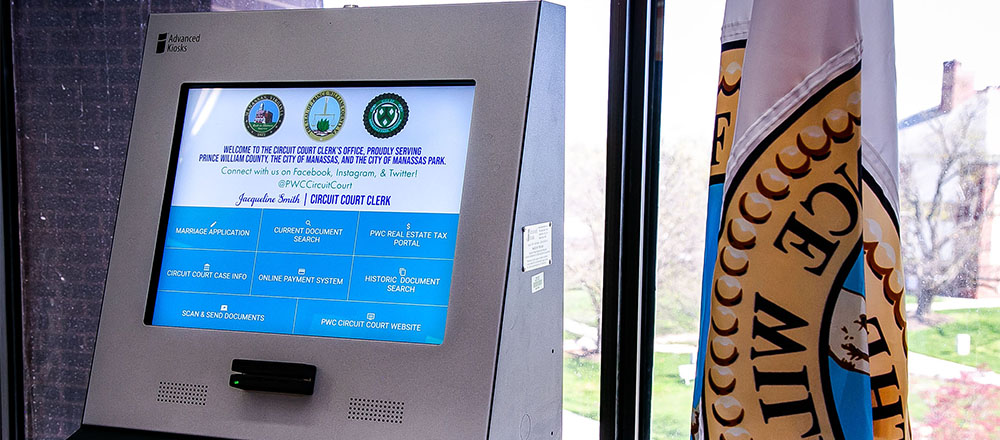
Court Industry Kiosk


“We employ a lot of technology in the office, and there’s always hiccups and glitches, says Smith. We’ve had none of that with Advanced Kiosks. They have thought through everything; While it was not quite plug and play, it’s about as close to plug and play as a kiosk could be. I’ve been so impressed!”
Jacqueline Smith
Clerk of Court, Prince William County

Our Latest Contractor Performance Assessment Reporting System (CPARS) Evaluation:
- QUALITY: Exceptional
- SCHEDULE: Very Good
- COST CONTROL: Very Good
- MANAGEMENT: Exceptional
- SMALL BUSINESS SUBCONTRACTING: Exceptional






Frequently Asked Questions (FAQ)
Translation
Q: Do you offer translation functionality?
A: Our translation capabilities will be powered by the Google Translate engine for custom translation of unlimited languages.
Scanning
Q: Do you support multi-page scanning?
A: Yes, we can support multi-page scanning. Be advised that multi-page scanners are not recommended for scanning important documents that a multipage scanner could damage. Also documents such as drivers’ licenses, passports, are not scannable on a multi-page scanner.
Q: Can the single-page scanner scan both sides?
A: No. The standard model is a flatbed one-side scan.
Q: Can scans be submitted directly to specific directories and web apps?
A: Yes, contact sales to discuss details. There are several options on how to best do this.
Printing
Q: Can the kiosk print fillable PDFs and other documents straight from a website?
A: Yes.
Q: Can we print a document, fill out by hand, rescan filled form and submit to the web app or folder?
A: Yes.
Q: What is the paper capacity on your standard printer?
A: 300 sheets per tray. You can upgrade to include an extra printer paper tray for an additional 500 sheets per tray.
Q: Is a thermal printer an option?
A: Yes. See price sheet for details.
Q: What type of printer is standard?
A: Black & white laser printer comes standard.
Software Compatibility
Q: Compatible Courts Software apps: Which have we worked with previously? Which can we interface with?
A: We can work with any web-based application. Let us know which software you use, and we can check compatibility.
Check-In
Q: Do we offer any solutions for check-in?
A: Yes. This is part of the Greeter Visitor Management System.
Maintenance
Q: What level of maintenance is required?
A: Very little. Our kiosks are quite durable. If there are any problems at a kiosk our Zamok Kiosk Management Software will send you a real time notification.
Portability
Q: Are the kiosks moveable?
A: Yes, unless they are mounted to the ground or wall. If mounts are removed, kiosks can be relocated. Wheels are an optional feature on some models.
For more information, speak to one of our helpful representatives.
Get Expert Guidance for Your Perfect Courthouse Kiosk Solution!


From Our Blog
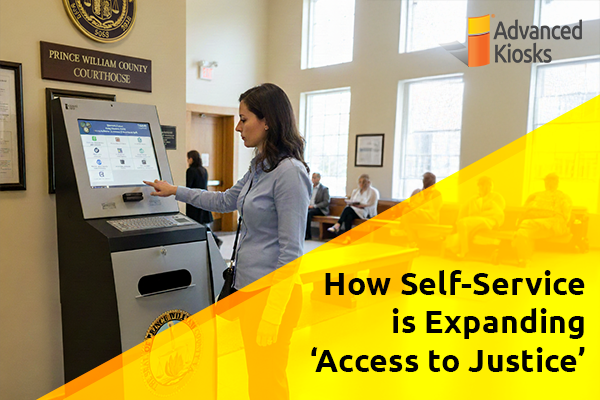
How Self-Service is Expanding ‘Access to Justice’
What is \'Access to Justice\'? Access to Justice is the…

Outdoor Kiosks: Answers to the 10 Most Common Questions
As organizations look to bring services outside the traditional lobby,…
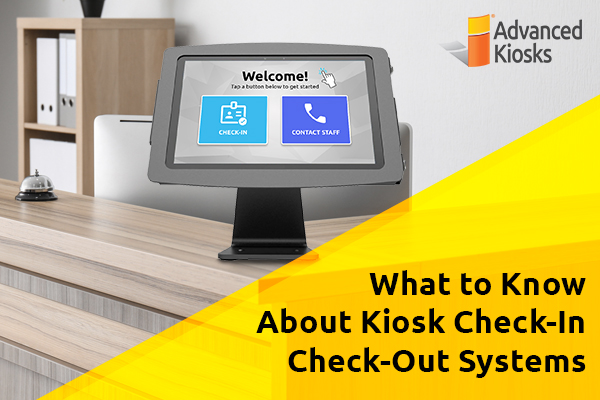
What to Know About Kiosk Check-In/Check-Out Systems
If you\'ve visited a modern government building, healthcare facility or…
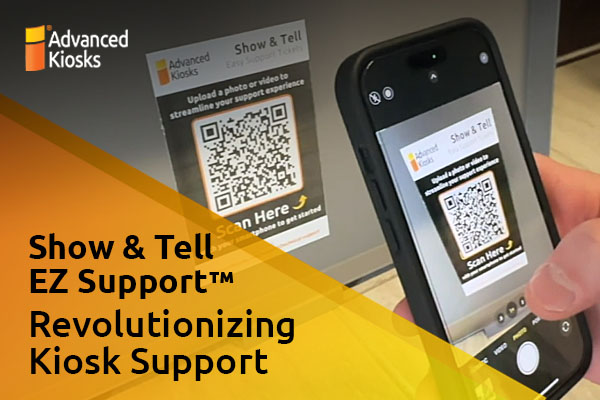
Revolutionizing Kiosk Support with Show & Tell EZ Support
At Advanced Kiosks, innovation is at the heart of everything…

Nine Must-Have Features of a Great Visitor Management System
Your lobby is often the first point of contact for…