Select Page

How do I exit Zamok when there is no toolbar?

  1. Home
  2. How do I exit Zamok when there is no toolbar?

Peripherals Required:

  • USB Keyboard

Steps:

  • With Zamok 1, if you have disabled the navigation bar through kiosk settings, you will need a USB keyboard to exit.
  • Press the Escape key to show the password entry screen.
  • Enter your password, and then you will be able to exit the application.
Prince William County Self Service Kiosk Case StudyGovernment and Courthouse kiosk self serviceCourthouse modernization Part 1Courthouse modernization eFilingCourthouse modernization Legal form submissionCourthouse modernization Interpretation ServiceCourthouse modernization Assisted Self Service

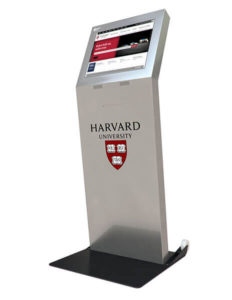
Kiosk Machine Freestanding

Kiosk Machine Freestanding

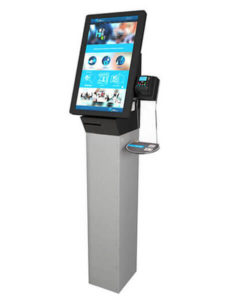
Kiosk Machine Ticketing

Kiosk Machine TIcketing
Speak with a Specialist