


SJI recommends submitting applications at least three days (72 hours) before the deadline to allow time to receive an application acceptance message and resolve submission issues, including missing or incomplete information.
Grant Application Support Package
Kiosk Office Suite helps court visitors access forms, complete paperwork, scan supporting documents, submit information, and print what they need.
Advanced Kiosks brings together the hardware,
software, onboarding, and ongoing support
around your court's services.
Considering an SJI project application?
We can help prepare the supporting information
for your proposed solution.
Exploring improvements without a grant?
We would welcome that conversation, too.

What Could Your Court Improve?
Make routine court services easier for visitors to complete while giving staff more time to help those who need assistance.
More Complete and Accurate Information
Help visitors complete forms with clear instructions, required fields, and supporting-document prompts appropriate to the selected forms and configuration.
More Convenient Access to Court Services
Provide access in the courthouse, at community locations, or beyond counter hours. Locations accessible around the clock can support 24/7 service.
Less Repetitive Work at the Counter
Give visitors a way to find information, print forms, scan supporting documents, and submit paperwork while staff focus on people who need assistance.
Clearer Arrivals and Visitor Directions
Help people check in, find the right department, and notify staff when they arrive.
Explore the broader approach to public service, or see the solutions available for your court:
Grant at a Glance
SJI Project Grants support innovative projects that improve the administration of justice in state courts. The application must explain the court's need, the proposed approach, and how the project's results will be evaluated. Purchasing hardware, software, or services for routine court operations does not by itself establish eligibility. Equipment must be essential to the proposed project. Advanced Kiosks can help prepare supporting materials for projects involving our solutions; SJI determines eligibility and funding.
Local Courts
Maximum grant request
State Courts & Eligible National Nonprofits
Maximum grant request
Cash Match Required
Applicants provide at least a dollar for every dollar awarded by SJI.
Improvement Focus
Proposals must support an eligible court improvement project.
How the Cash Match Works
For a fully eligible $60,000 project, a court could request $30,000 from SJI and provide $30,000 in matching cash.
Equipment must be essential to the proposed court improvement project. An equipment-only purchase does not qualify. All proposed costs remain subject to SJI eligibility rules.
We share information about SJI grant opportunities and offer assistance preparing application materials for court projects involving our self-service solutions. Courts remain responsible for reviewing and submitting their applications. SJI independently determines eligibility and makes funding decisions. Assistance from Advanced Kiosks does not guarantee project eligibility or a grant award.
Less work assembling the technical side of your application
Tell us what your court wants to improve. We help organize the information about the Advanced Kiosks solution so your team can use it in its grant application.
Project Description
The court service you want to improve, the proposed self-service approach, and the people it would serve.
Itemized Costs
Hardware, software, configuration, onboarding, and support for the proposed solution.
Technical Information
Product specifications, available functions, and information for your court's technology review.
Implementation Outline
Configuration, deployment, staff training, and ongoing support, plus suggested results to measure.
Build the Right Solution for Your Court
Start with the court service you want to improve. Advanced Kiosks provides the hardware, software, onboarding, and support to help courts implement practical self-service solutions. Grant eligibility depends on the proposed project and SJI review.
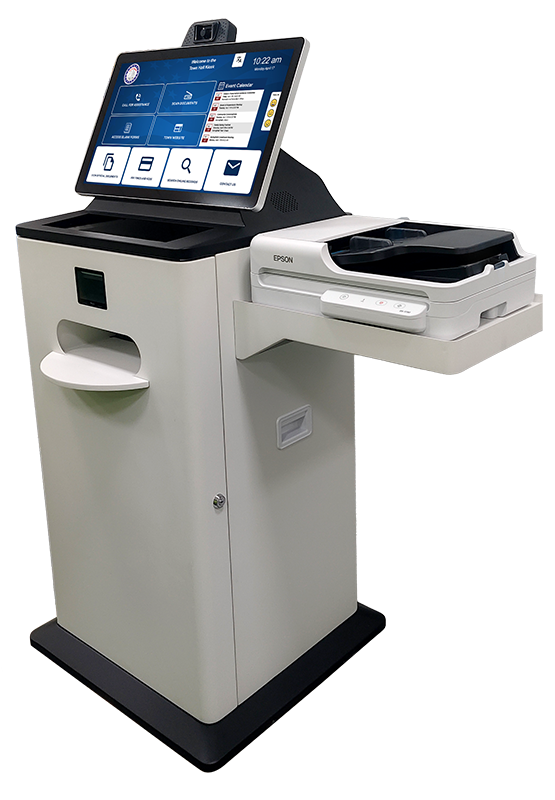
Kiosk Office Suite
Help court visitors complete paperwork and routine services with less assistance at the counter.
Kiosk Office Suite gives visitors a guided way to access approved court forms, enter information, scan supporting documents, submit paperwork, and print what they need.
Instead of asking staff to provide forms, explain every step, or handle routine document transactions, visitors can complete many of these tasks at a self-service kiosk.
How a Visitor Completes a Court Application
A visitor can complete routine paperwork through a guided self-service experience. Here's an example of what that process could look like.

Find the Application
The visitor selects an approved court application or service from the touchscreen menu.
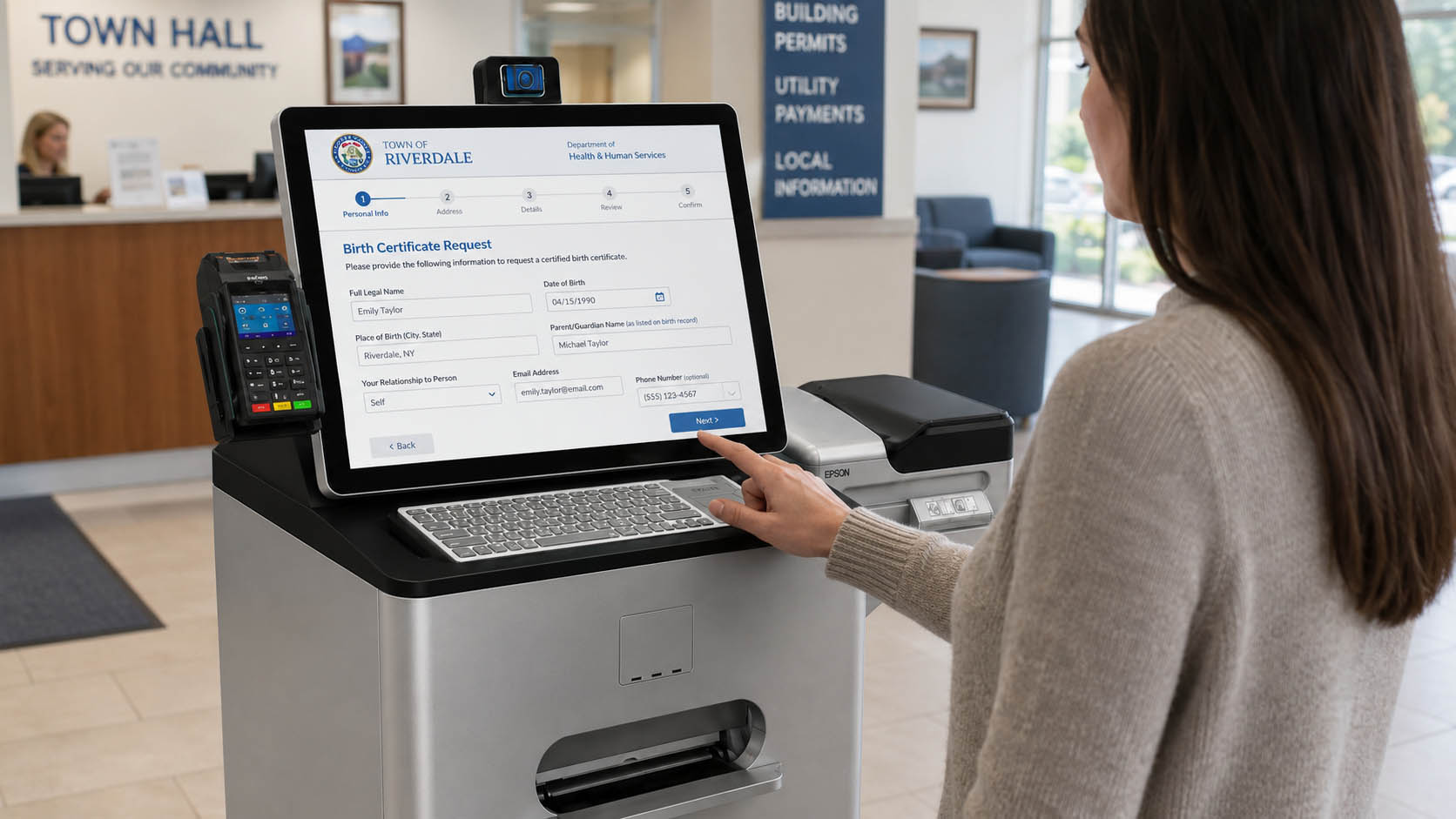
Complete the Information
The visitor enters required information using guided fields and clear on-screen instructions.
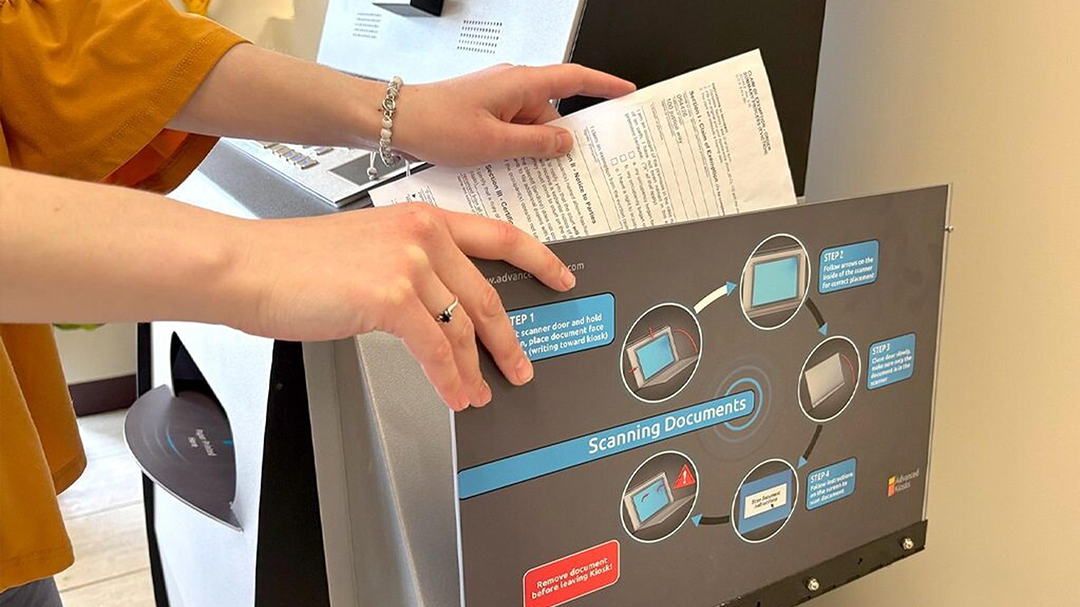
Scan Supporting Paperwork
If the application requires additional documents, the visitor scans them using the connected document scanner.
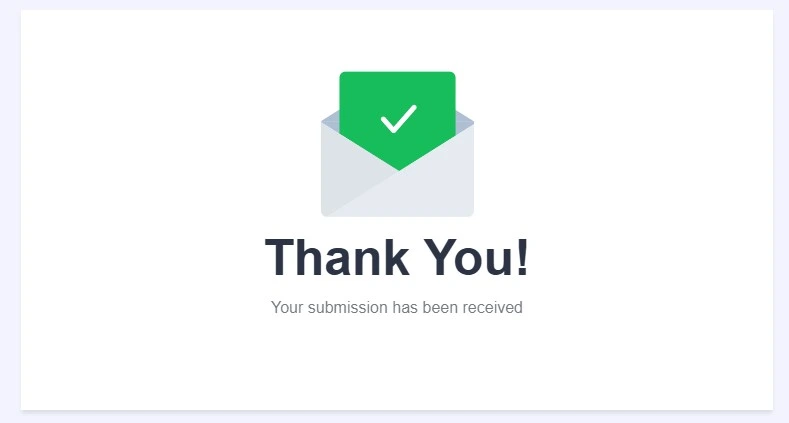
Submit and Receive Confirmation
The information is submitted through the configured service, and the visitor receives confirmation when supported by that workflow.
Illustrative workflow: Images represent examples of self-service interfaces and document-processing capabilities from different applications. Available court services, submission methods, integrations, and confirmations depend on each court's configuration.
A Complete Solution, Not Just a Kiosk
Advanced Kiosks works with your court to plan, configure, test, and launch the services visitors need. We bring together compatible hardware, software, training, and ongoing support.
Identify the court applications, forms, and routine services visitors need to access.
Set up the hardware, software, document tools, and approved workflows for your court.
Review each configured workflow and test the system before the public launch.
Prepare court personnel to help visitors and handle routine system operations.
Help keep the system operating through available technical support and management services.
Prince William County Circuit Court
Advanced Kiosks worked with the Prince William County Circuit Court Clerk's Office to extend self-service court access into government buildings and public libraries.
See how court services can be brought closer to the people who need them.
See the Prince William County Court Project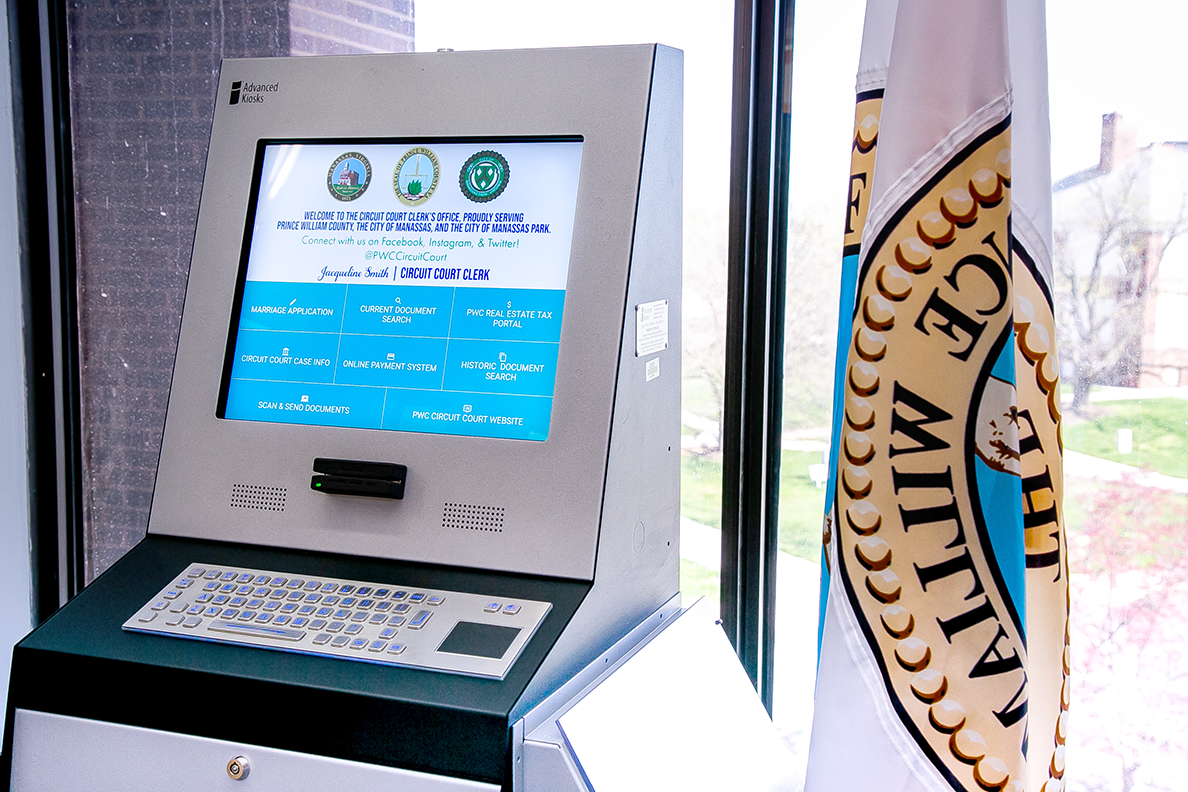
More Ways to Serve Court Visitors
Explore additional solutions for assisted self-service, visitor management, and court payment needs.

Aegis Desk
Give visitors a seated place to complete longer forms and manage supporting documents. Available configurations can connect visitors with staff by video for procedural assistance.
Explore Aegis Desk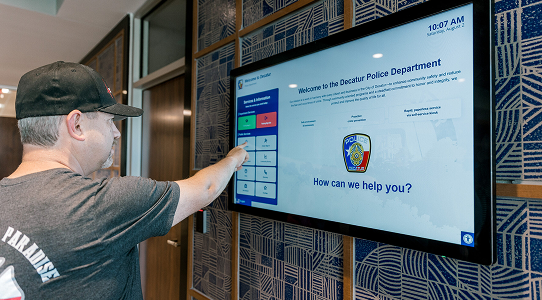
Greeter Visitor Management System
Help visitors check in, find the right department, and notify staff when they arrive. Visitor records, directions, and badge printing can be configured for court needs.
Explore Greeter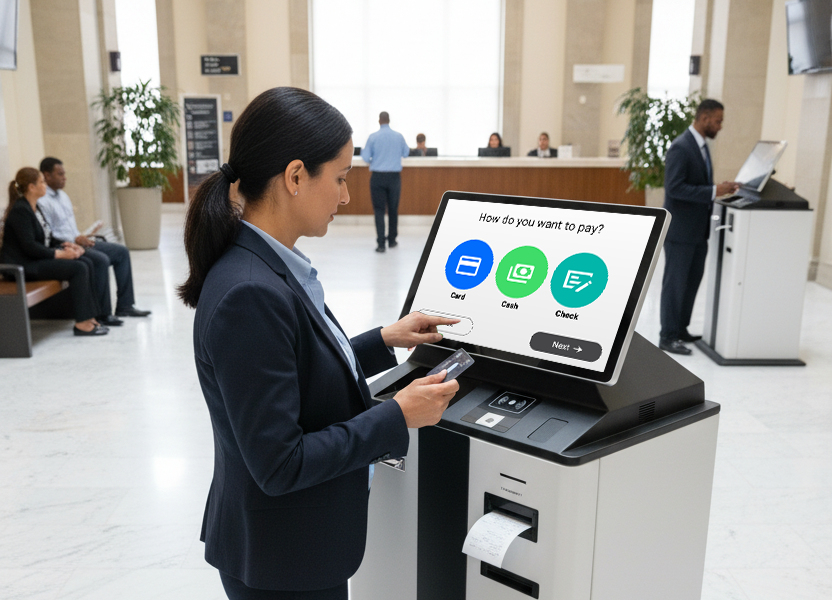
Vault Payment System
For projects that include payment access, explore self-service collection of court fines and fees. Cash, card, and check options depend on hardware and payment integration.
Explore VaultCommon Questions
Answers to common questions about State Justice Institute Project Grants and the support Advanced Kiosks provides.
Does SJI pay the entire project cost?
Project Grants require a cash match at least equal to the SJI award. For example, a $30,000 grant requires at least $30,000 in matching cash. Review the official guidelines for eligible costs and matching sources.
Can the grant pay for kiosks?
Equipment may be included when it is essential to an eligible court improvement project. SJI does not fund proposals solely to purchase equipment. We help describe how the proposed solution supports the court's service goals.
What does Advanced Kiosks provide?
We help prepare the project description, itemized costs, product specifications, and implementation outline for our proposed solution. Your court supplies its local need, approvals, matching funds, and application submission.
Let's Discuss Your Court's Project
Tell us what your court wants to improve. We'll help you explore the right self-service solution.
Whether you're researching grant opportunities, evaluating kiosk technology, or planning new court services, our team can help you identify practical next steps.
How We Can Help
- Explore court self-service options
- Identify suitable hardware and software
- Review workflows and implementation needs
- Prepare product and project information
- Support SJI grant application planning
Complete the form below and our team will follow up about your court’s self-service project.
FROM OUR BLOG
What Every Organization Should Know Before Implementing AI
Artificial intelligence is rapidly moving from experimentation to implementation across…

Read Our Latest 2026 Newsletter!
Our latest newsletter is packed with updates from the field,…
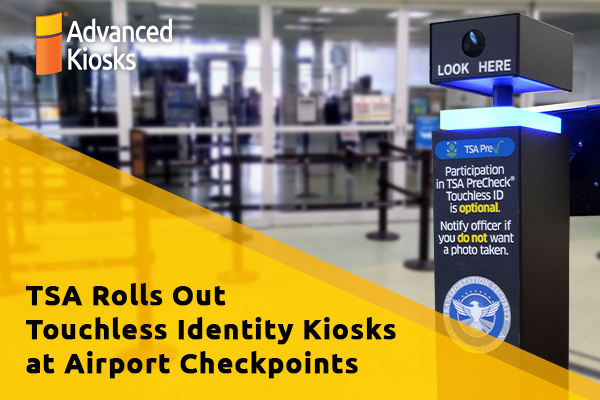
TSA Rolls Out Touchless Identity Kiosks at Airport Checkpoints
Moving millions of passengers safely through airport security requires more…

Outdoor Kiosks: Answers to the 10 Most Common Questions
As organizations look to bring services outside the traditional lobby,…
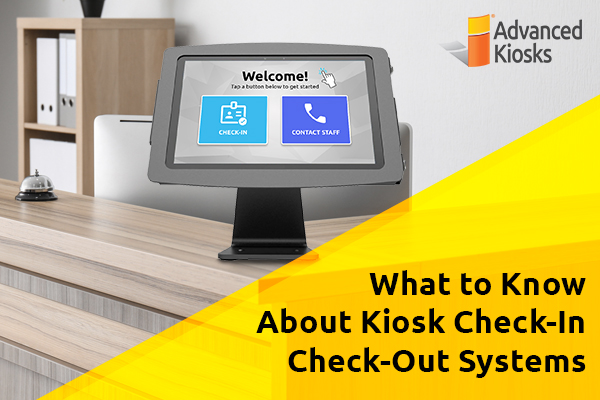
What to Know About Kiosk Check-In/Check-Out Systems
If you\'ve visited a modern government building, healthcare facility or…