Select Page

Cannot modify moderator settings in QLine

  1. Home
  2. Cannot modify moderator settings in QLine
Description:
When modifying moderator settings in QLine, the changes made to a moderator are not being saved.
Solution:

When adding or editing a moderator, be sure to press the gray “DONE” button on the left hand side of the row being edited. After you press DONE, press the SAVE button in the bottom right-hand side of the screen.
Prince William County Self Service Kiosk Case StudyGovernment and Courthouse kiosk self serviceCourthouse modernization Part 1Courthouse modernization eFilingCourthouse modernization Legal form submissionCourthouse modernization Interpretation ServiceCourthouse modernization Assisted Self Service

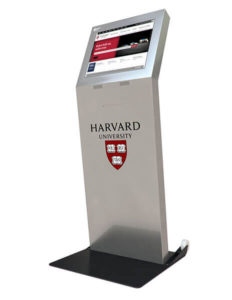
Kiosk Machine Freestanding

Kiosk Machine Freestanding

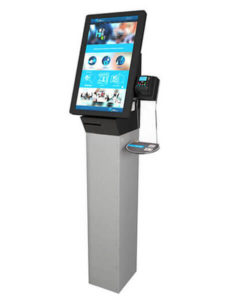
Kiosk Machine Ticketing

Kiosk Machine TIcketing
Speak with a Specialist