

Kiosk Machines
Explore Our Range of Interactive Kiosk Machines
Advanced Kiosks designs and manufactures rugged, ADA-compliant kiosk machines. From self check-in to bill payment stations, our hardware is built for reliability in all public service environments.
Looking for more than kiosk hardware? Explore self-service kiosk solutions for software, workflow automation, and complete turnkey systems.








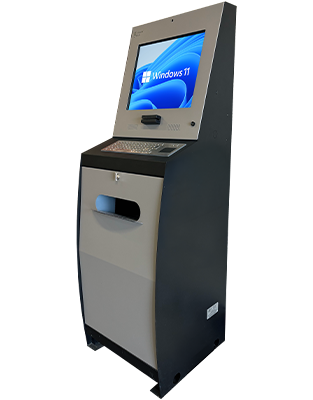
DOCUMENT
The Document Kiosk is an interactive self-service HR kiosk ideal for municipal buildings and employee self-service, fully optimized when paired with Kiosk Office Suite.
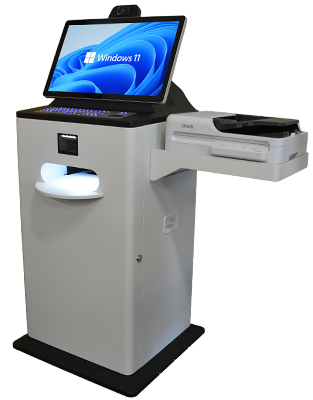
DOCUMENT PROCESSING KIOSK
The Document Processing Kiosk is sold as a complete self-service document workflow system. It is not intended to be sold as hardware only.

AEGIS DESK
The Aegis Desk is a secure, tamper-proof self-service kiosk designed for longer user interactions with advanced comfort, technology, and privacy.
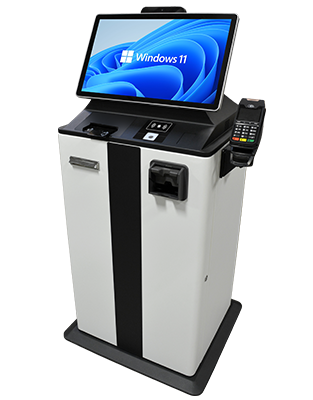
VAULT KIOSK
The Vault Kiosk is a high-security, self-service payment terminal built for organizations that handle significant cash transactions and require uncompromising reliability.
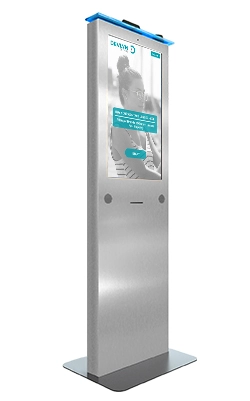
MERCHANT MAX
The Merchant Max Interactive Kiosk, featuring a striking LED lightbar, is designed for high-traffic point-of-sale settings to maximize customer satisfaction in food service, retail, and theaters.
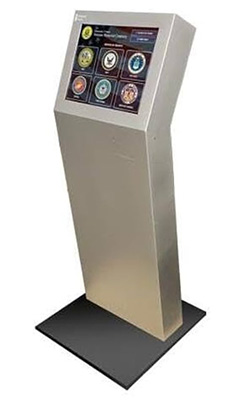
OUTDOOR ENVIRO
The Outdoor Enviro Kiosk is a weather-resistant touch screen kiosk designed for extreme climates, perfect for wayfinding and visitor information when combined with ZAMOK™ Kiosk Software.
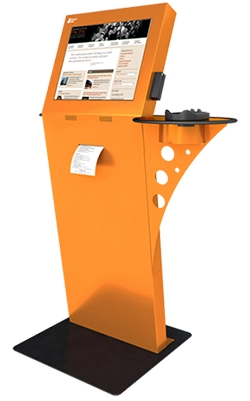
FREESTANDING
The Freestanding Touch Screen Kiosk offers an elegant and ergonomic design with versatile options, making it the most functional and adaptable kiosk for modern businesses.
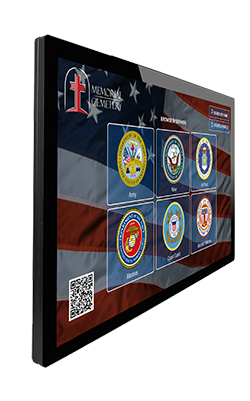
WALL-MOUNTED TOUCH SCREEN KIOSK
The Wall-Mounted Touchscreen Kiosk offers a sleek, space-saving design suitable for both simple self-service applications and immersive customer experiences.
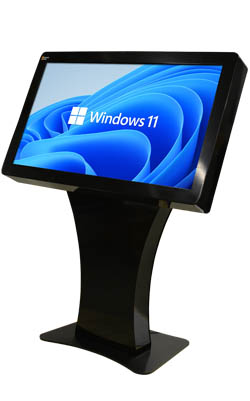
PINNACLE SERVICE
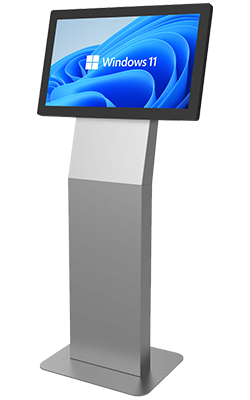
The Pinnacle Service Kiosk, with its impressive 43″ or 55″ horizontal touchscreen, enhances lobbies and exhibits by providing interactive visitor information.
VERTEX SERVICE
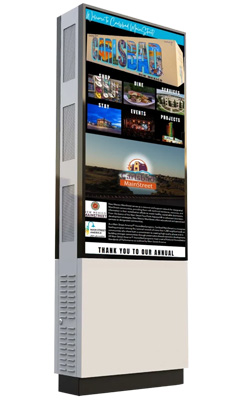
The Vertex Service Kiosk has a 27″ horizontal touchscreen, enhancing lobbies and exhibits by providing interactive visitor information and presentations.
OUTDOOR MONOLITH
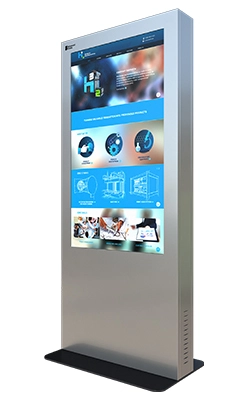
The Outdoor Monolith Kiosk, available in 46″ and 55″ displays, is a weatherproof interactive display that attracts attention and enhances brand visibility in outdoor spaces.
INDOOR MONOLITH
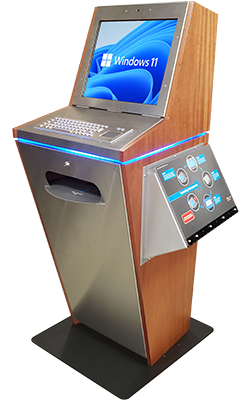
The Indoor Monolith Kiosk, with its impressive 55″ touchscreen, captures attention while enhancing brand visibility through wayfinding, online catalogs, and product ordering features.
LOBBY
The Lobby Kiosk offers a sleek design with a 19” touchscreen, metal keyboard, and a range of customization options powered by ZAMOK™ Kiosk Software.
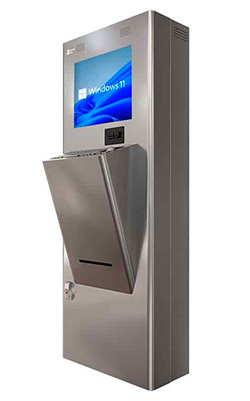
OUTDOOR TRANSIT
The Transit Kiosk is a vandal-resistant, high-performance kiosk designed for high-risk locations like subway stations and corrections facilities, available for indoor or outdoor use.
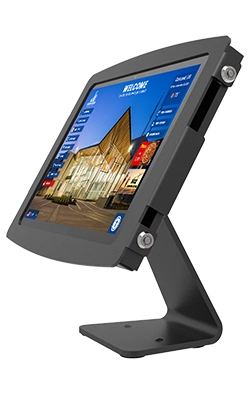
COUNTERTOP TABLET
The Countertop Kiosk is a compact, multi-touch digital kiosk with an adjustable rotating monitor, ideal for businesses, hospitals, and churches needing a space-saving solution.
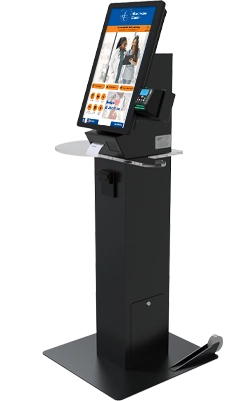
TICKETING
The Ticketing Kiosk is a user-friendly touch screen system for purchasing and printing tickets for entertainment, events, and food services.

RETAIL POS KIOSK
Innovation is key for retailers in traditional brick-and -mortar stores to maximize foot traffic. The Retail Kiosk is a functional, sleek, self-service solution with a wall-mounted design to save valuable floor space.
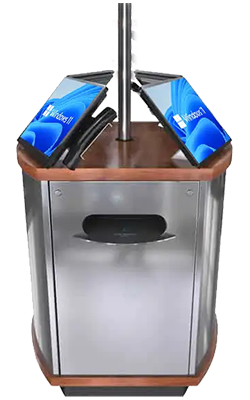
ISLAND
The Island Kiosk is a multi-user workstation combining up to four kiosks and two printers, ideal for self-service in colleges, libraries, hotels, and government spaces.
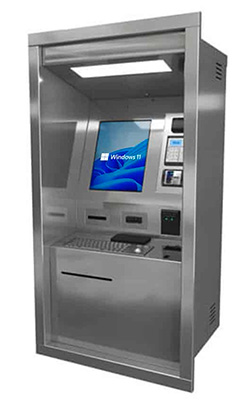
OUTDOOR THRU WALL
The Outdoor Thru Wall Kiosk is a durable, built-in self-service kiosk designed for 24-hour operation with customizable features for authorized access control.
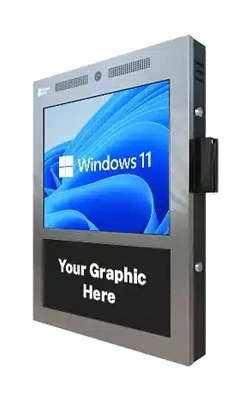
COMPACT POWER TOUCH SCREEN KIOSK
The Compact Power Digital Kiosk is a wall-mounted, ADA-compliant touch screen kiosk with a 17” LCD screen, amplified speakers, and a durable steel enclosure.
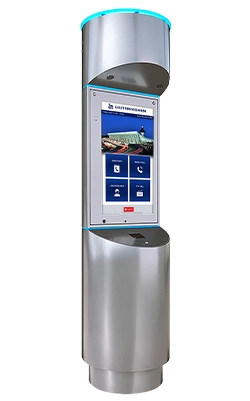
AIRPORT TOWER MACHINE
The Airport Tower Kiosk is a 7-foot-tall stainless steel kiosk with LED accents, designed to make a statement in high-traffic areas with its futuristic design.
What Are Kiosk Machines?
Interactive digital kiosks, also known as kiosk machines, have emerged as a powerful tool for enhancing customer experience, streamlining operations, and driving business growth.
These self-service touch screen devices provide a dynamic platform for delivering information, facilitating transactions, collecting valuable data, and boosting brand engagement.
From retail and hospitality to healthcare and transportation, digital kiosks are revolutionizing how businesses interact with their target audience.
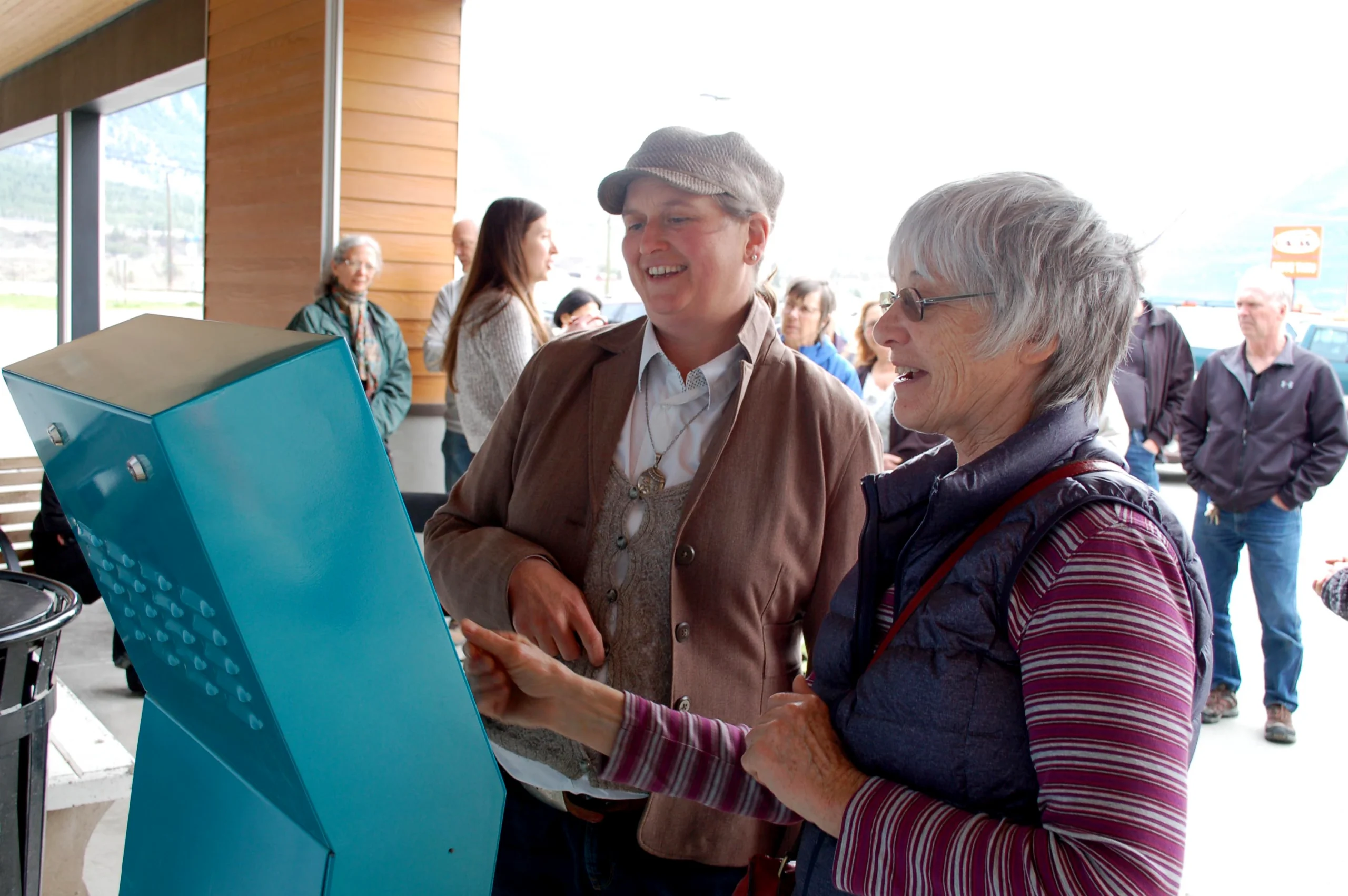
Two people interact with a self-service kiosk machine
Choosing the Right Interactive Digital Kiosk: Expert Guidance Every Step of the Way
Selecting the right kiosk machine for your needs is crucial for maximizing its impact.
We offer diverse digital kiosks, each designed with unique features and functionalities to cater to different industries and applications.
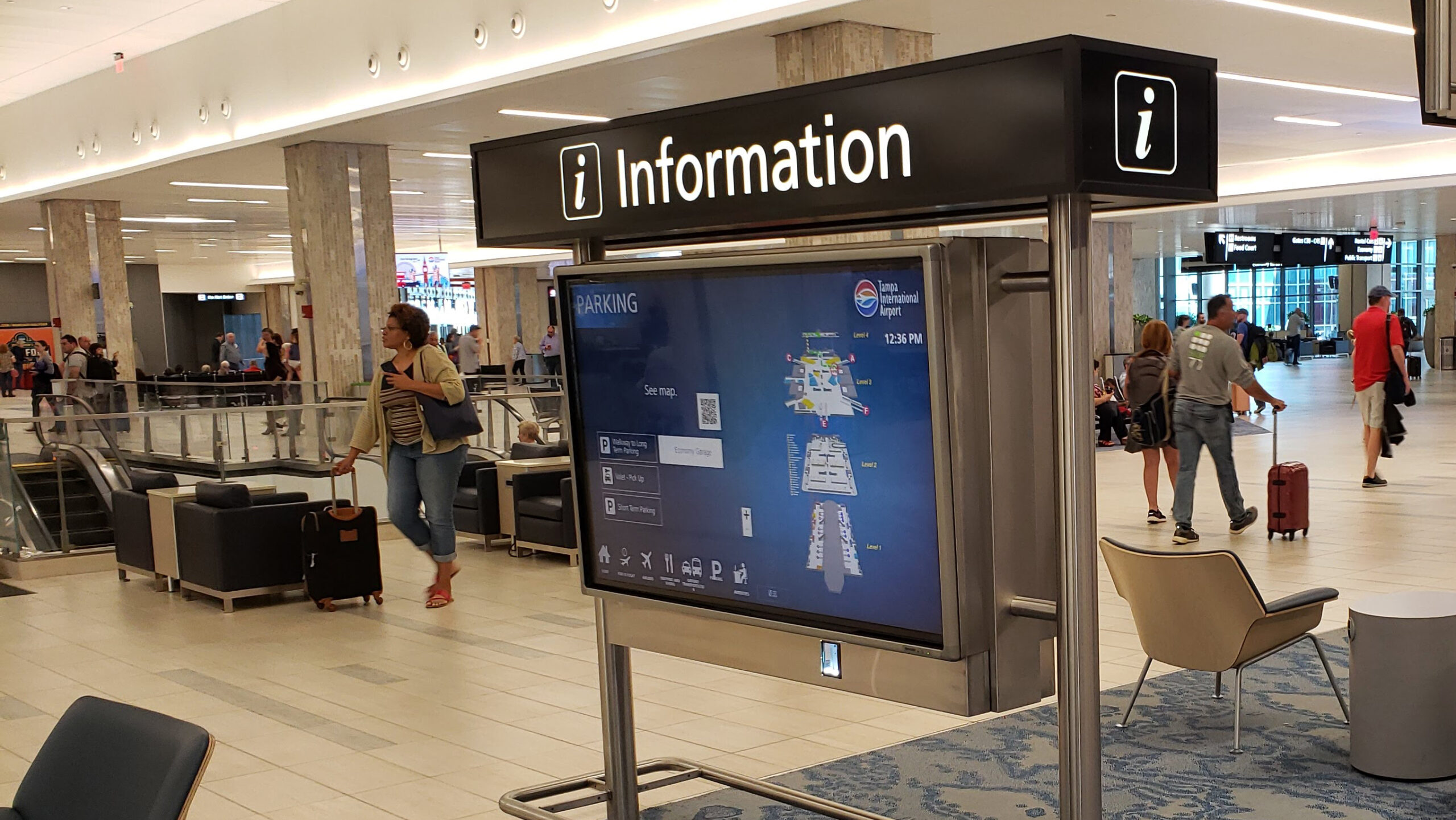
A self-service kiosk machine at Tampa International Airport
Understanding Your Needs
Before diving into specific models, it’s essential to define your objectives:
- What is the primary purpose of the kiosk? (Information dissemination, wayfinding, transactions, advertising, etc.)
- Where will the kiosk be located? (Indoor, outdoor, high-traffic area, etc.)
- Who is your target audience? (Consider demographics, technical proficiency, and accessibility needs.)
- What features are essential? (Touchscreen size, peripheral integration, tablet kiosk features, security features, etc.)
- What is your budget?
Benefits of Interactive Digital Kiosks: Transforming Businesses Across Industries
Digital kiosks offer a wide range of benefits for businesses across various sectors:
- Enhanced Customer Experience: Provide self-service options, reduce wait times, and offer personalized experiences.
- Increased Sales & Revenue: Drive sales through targeted promotions, upselling opportunities, and streamlined transactions.
- Improved Operational Efficiency: Automate tasks, reduce staff workload, and optimize workflows.
- Reduced Costs: Minimize printing expenses, reduce staffing needs, and improve resource allocation.
- Valuable Data Insights: Collect customer data to improve marketing strategies, personalize services, and understand customer behavior.
- Brand Recognition & Visibility: Enhance brand image with modern and engaging kiosk designs.
- 24/7 Availability: Provide continuous service and information access outside regular business hours.
- Improved Accessibility: Offer multilingual support and accessibility features to cater to a wider audience.
Digital Kiosks for Retail, Healthcare, and More
Retail
Point-of-sale, product information, loyalty programs, wayfinding.
Healthcare
Patient check-in, wayfinding, health information, appointment scheduling.
Transportation
Ticketing, wayfinding, real-time information updates.
Hospitality
Check-in/check-out, concierge services, event information.
Government
Public information, self-service access to government services.
Education
Campus wayfinding, student services, event registration.
Why Choose Advanced Kiosk Machines for Your Business
At Advanced Kiosks, we’re dedicated to providing high-quality, reliable, and customizable digital kiosks that meet the unique needs of our clients. We offer:
- Custom Design & Development: Tailor your kiosk to your specific branding and functional requirements.
- Hardware & Software Integration: Seamlessly integrate with existing systems and peripherals.
- Installation & Support: Professional installation and ongoing support to ensure smooth operation.
- Competitive Pricing & Flexible Financing Options: Make your digital kiosk investment affordable and accessible.
Frequently Asked Questions (FAQ)
- Digital kiosks provide a seamless and convenient self-service experience, allowing users to access information quickly, place orders, or complete transactions at their own pace. They are designed with intuitive touch-screen interfaces and can be configured to include accessibility features such as large text options or wheelchair-accessible hardware, ensuring that customers with diverse needs can easily navigate and use the kiosk.
What are the benefits of using kiosk machines for my business?
- Installing kiosk machines can streamline operations, reduce labor costs, and enhance customer satisfaction by delivering immediate, on-demand service. Kiosks also help increase brand visibility, improve data collection, and provide targeted marketing opportunities—enabling businesses to capture valuable customer insights and deliver personalized user experiences.
What types of businesses can benefit from digital kiosks?
- Virtually any industry that relies on customer interactions or informational displays can benefit from kiosk solutions. Common examples include retail (for self-checkout and product lookup), hospitality (check-in/out), healthcare (patient registration and wayfinding), government services (license renewals and bill payments), education (student registration and event information), and corporate environments (employee self-service and visitor check-in).
- Absolutely. We offer a range of customization options to meet your brand and operational requirements. This includes tailored enclosures, color schemes, logos, and hardware configurations such as printers, card readers, and payment devices. Our kiosk software can also be configured to align with your desired workflow, user interface design, and security settings.
What kind of support do you offer for your digital kiosks?
- Our support services include comprehensive installation assistance, routine maintenance plans, and ongoing technical support to ensure your kiosks remain running. We provide remote diagnostics, software updates, and troubleshooting services, and if needed, our team can guide you through on-site repairs or coordinate repairs through our authorized service partners. We’re committed to helping you maximize the uptime and efficiency of your digital kiosks.

FROM OUR BLOG
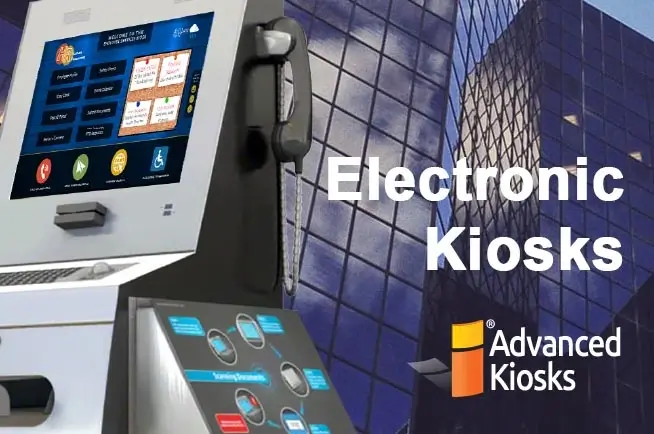
Electronic Kiosks Help Businesses Adapt
As the economy recovers from the COVID-19 pandemic and unemployment…
Kiosk Machine Price: How To Get The Best Deal!
Kiosk Machine Price, Getting the Best Deal Comparing Kiosk Cost…
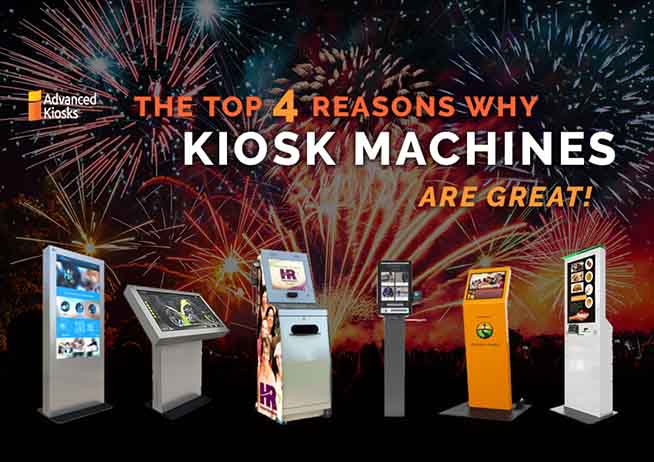
Kiosk Machines are Great for Many Different Applications
Why kiosk machines are awesome! Kiosk machines are increasing in…